Social media visuals determine whether your content gets seen, shared, or scrolled past. The consistent pressure to produce fresh, engaging images every single day drains creative resources and stretches production budgets. What if you could generate professional-quality visuals in minutes instead of hours, maintaining consistent aesthetic quality across every platform?
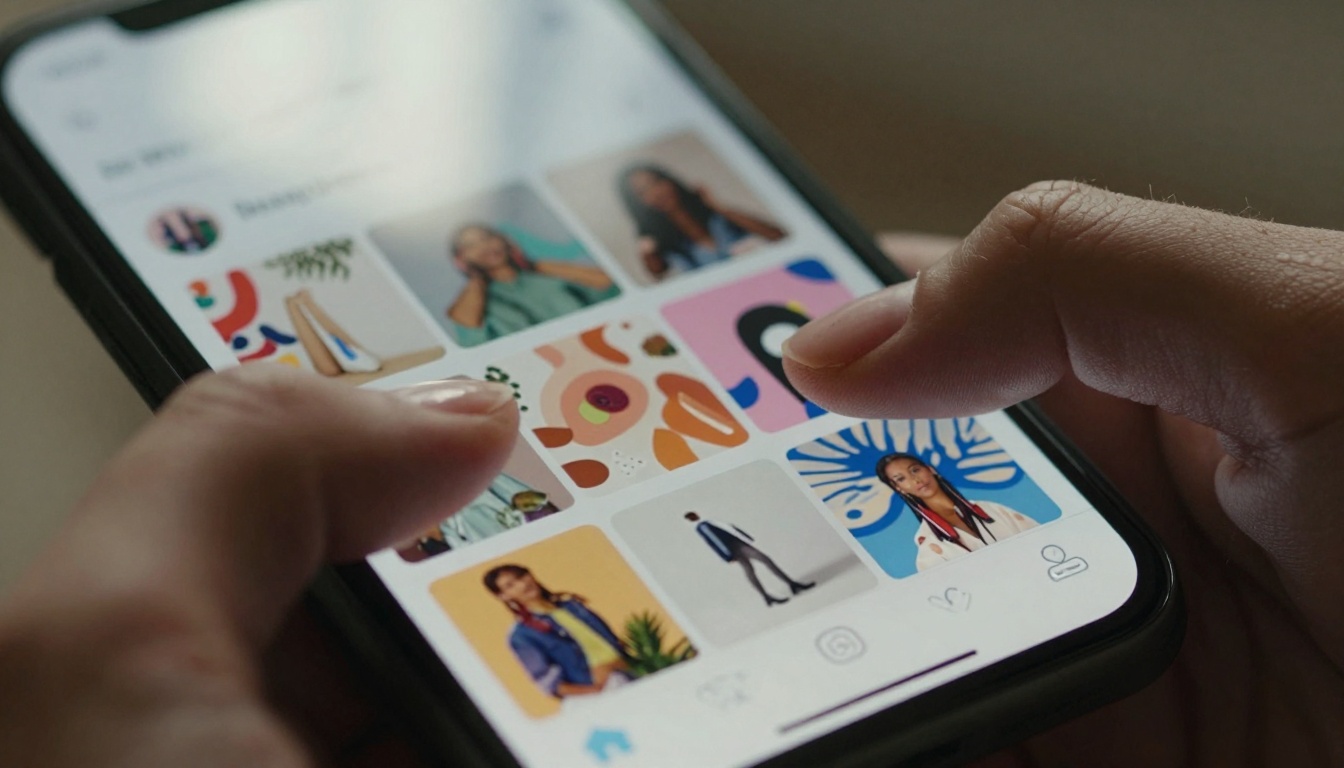
Close-up view of AI-generated Instagram feed visuals showing the detail possible with proper prompt engineering
Nano Banana Pro on PicassoIA changes how content creators approach visual production. This isn't about replacing photography—it's about augmenting it with AI-generated assets that fill gaps in your content calendar, maintain brand consistency, and respond instantly to trending topics.
💡 Key Insight: Social media platforms reward consistency. Nano Banana Pro delivers that through parameter-controlled generation.
Most AI image generators produce random results. You get different styles, colors, and compositions with each prompt. For social media, this creates visual chaos that confuses audiences and dilutes brand identity.
Nano Banana Pro solves this with controlled parameters:
| Parameter | Social Media Application | Recommended Setting |
|---|
| Aspect Ratio | Platform-specific dimensions | Instagram: 1:1 (square) or 4:5 (portrait)
TikTok: 9:16 (vertical)
Facebook: 16:9 (landscape) |
| Resolution | Image quality for each platform | 2K (optimal balance of quality and speed) |
| Reference Images | Brand consistency | Upload 3-5 brand style images |
| Safety Filter | Content moderation | block_only_high (most permissive) |
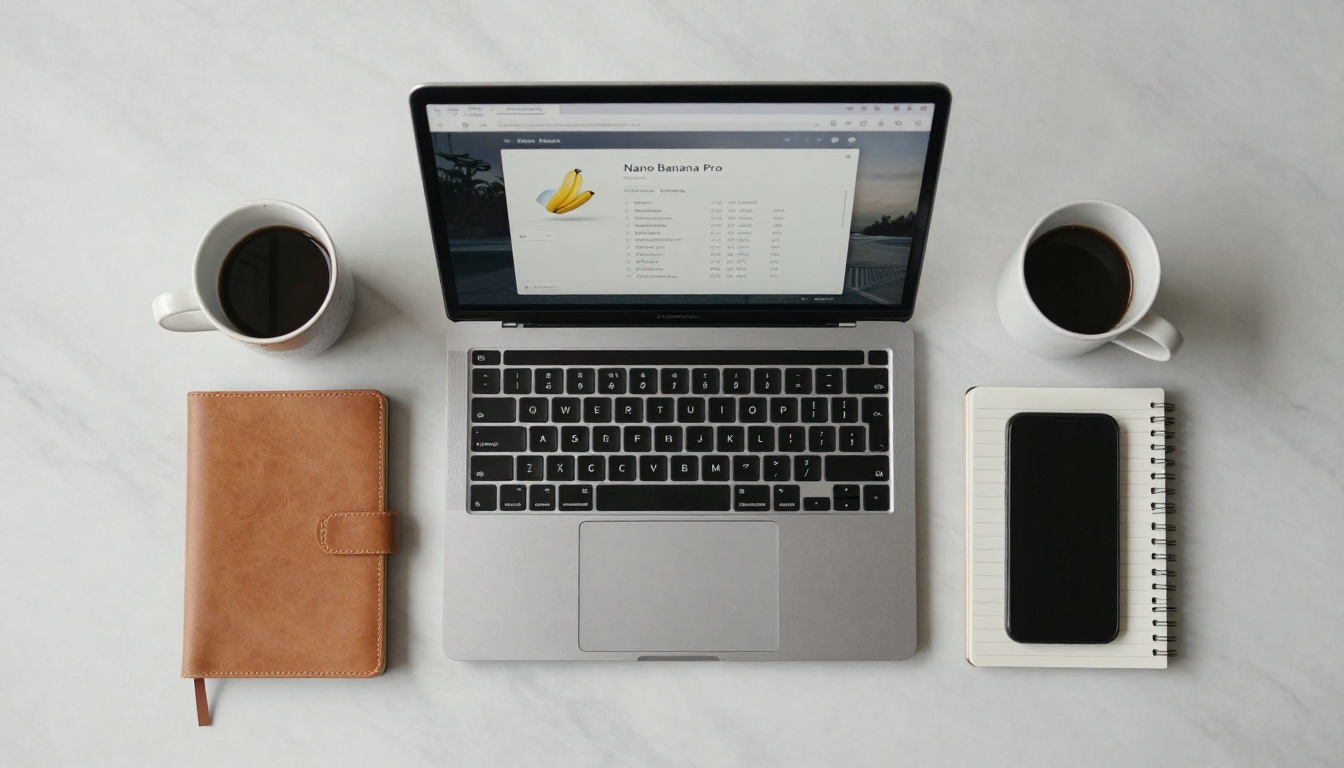
Aerial view of a content creator's workspace showing the PicassoIA interface with Nano Banana Pro parameters
The model's ability to accept up to 14 reference images makes it uniquely suited for social media work. Upload your best-performing Instagram posts, brand style guides, or mood boards, and Nano Banana Pro will generate new content that matches your established aesthetic.
Different social platforms have different visual requirements. Here's how to configure Nano Banana Pro for each:
Instagram Grid Strategy
Instagram's grid view rewards consistency. Use these settings:
- Aspect Ratio:
1:1 for main feed, 4:5 for better reach
- Resolution:
2K (optimal for mobile viewing)
- Prompt Structure: Include color palette keywords from your brand guide
- Reference Images: 3-5 of your top-performing posts
Example Prompt for Instagram:
"Minimalist flat lay photography of skincare products on marble surface, morning sunlight, pastel color palette with blush pink and cream accents, shallow depth of field, clean aesthetic for beauty brand Instagram"
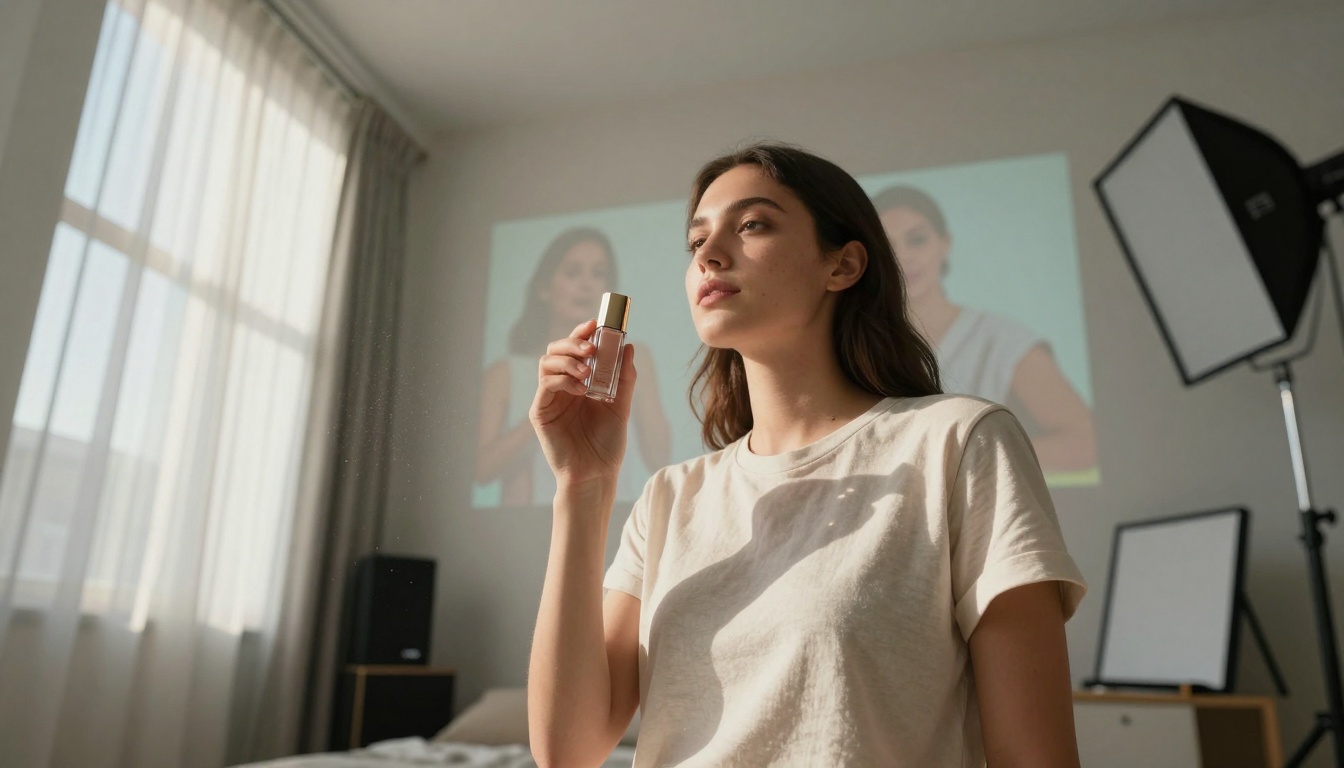
Traditional photography setup augmented with AI-generated background visuals
TikTok Vertical Content
TikTok's full-screen vertical format demands different composition:
- Aspect Ratio:
9:16 (true vertical)
- Resolution:
2K (TikTok compresses heavily anyway)
- Prompt Focus: Central subject with negative space above/below for text overlays
- Movement Hints: Even static images should suggest motion
Example Prompt for TikTok:
"Dynamic shot of dancer mid-movement against gradient sunset sky, vertical composition with space for text overlay, energetic motion blur, vibrant colors that pop on mobile screens"
Facebook & LinkedIn Professional Content
Business platforms need cleaner, more professional visuals:
- Aspect Ratio:
16:9 or 4:3 for article featured images
- Resolution:
2K (Facebook's compression is aggressive)
- Style Keywords: "professional photography," "corporate aesthetic," "clean composition"
- Color Palette: Muted, brand-appropriate tones
Advanced Prompt Engineering Techniques
Basic prompts get basic results. For social media that stands out, you need strategic prompt construction.
The 5-Layer Prompt Structure
- Subject & Action: What's happening in the image?
- Environment & Context: Where is it happening?
- Style & Aesthetic: What does it look like?
- Technical Specifications: Camera, lighting, composition
- Platform Optimization: Format for specific social media
Before: "coffee cup on table"
After: "Overhead shot of artisan latte in handmade ceramic mug on natural oak wood table, morning light through cafe window creating soft shadows, minimalist composition for Instagram food content, shot on 50mm lens at f/2.8"
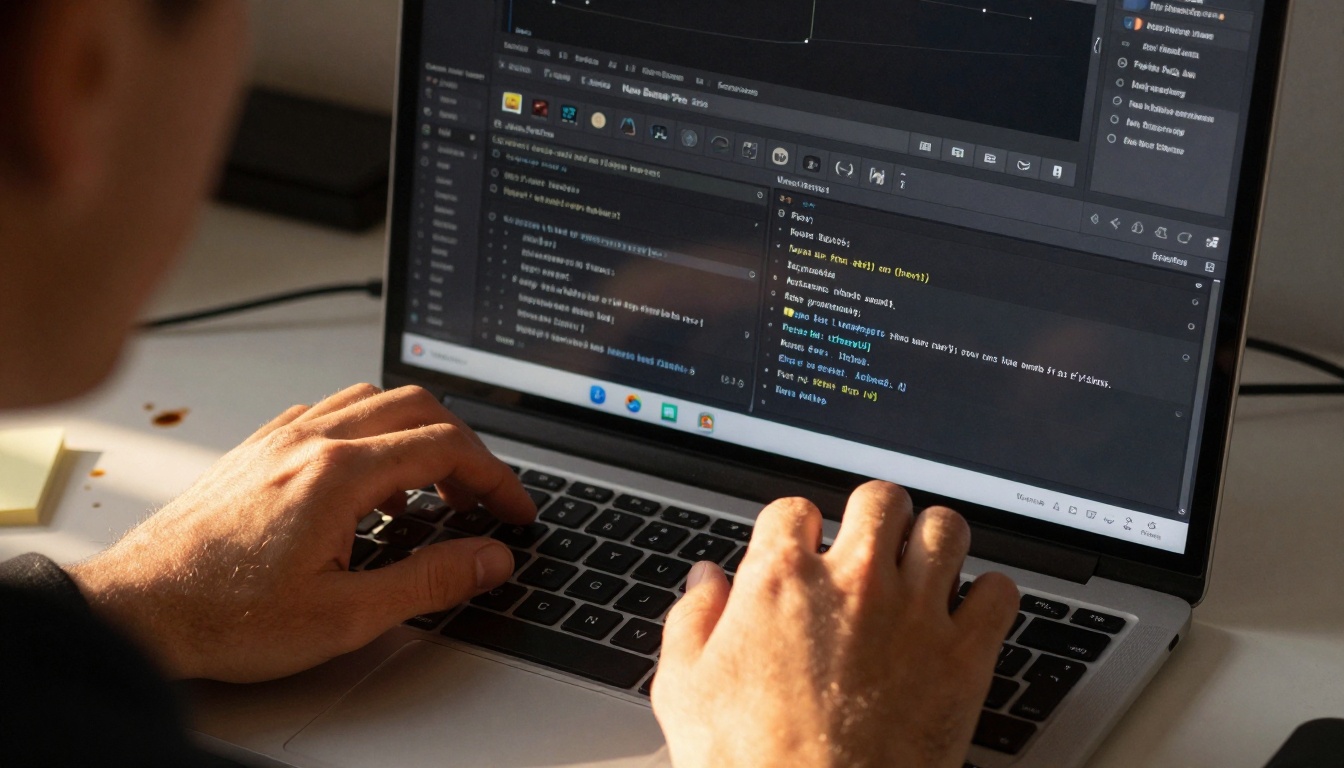
Detailed view of parameter adjustments showing the precision available in Nano Banana Pro
Color Consistency Across Campaigns
Use specific color names from your brand guide:
- Instead of "blue," use "brand primary blue #2A5C8A"
- Instead of "warm tones," use "terracotta #E2725B with cream #F5F5DC accents"
- Reference Pantone codes if available in your brand materials
Seasonal & Trending Adaptations
Nano Banana Pro can instantly adapt to trends:
- Add "golden hour lighting" for summer content
- Use "cozy indoor ambiance" for fall/winter
- Incorporate trending color palettes (check Pinterest trends)
- Reference current meme or cultural visual styles
Workflow Integration: From Generation to Publication
Generating images is only half the battle. You need a system that moves from AI generation to social media scheduling seamlessly.
The 4-Step Nano Banana Pro Workflow
-
Batch Generation Session
- Generate 7-10 images in one sitting
- Use consistent parameters across batch
- Create variations of winning concepts
-
Editing & Optimization
- Light editing in Canva or Photoshop
- Add platform-specific text overlays
- Optimize file sizes for each platform
-
Scheduling & Planning
- Use social media management tools
- Plan grid layout for Instagram
- Schedule based on platform analytics
-
Performance Analysis
- Track which AI-generated images perform best
- Refine prompts based on engagement data
- Build a library of proven prompt formulas
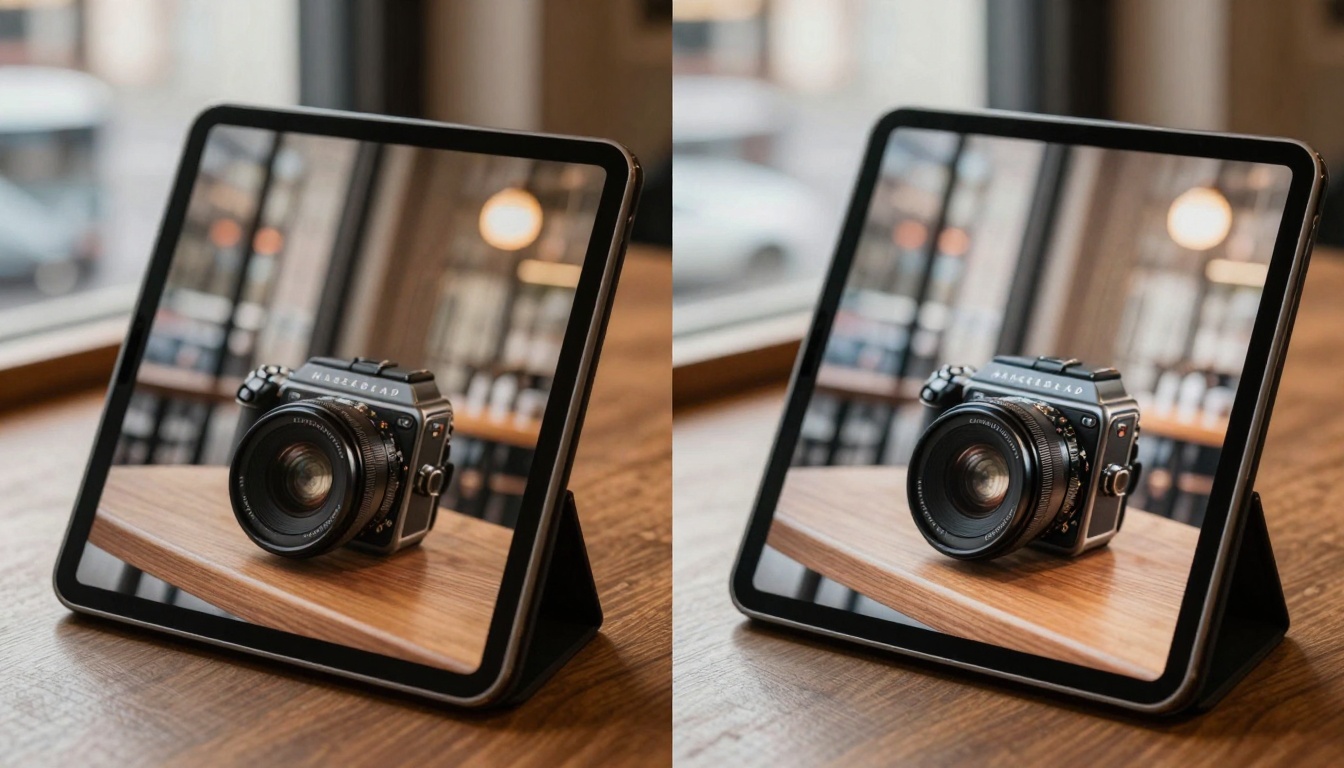
Side-by-side comparison showing the enhancement possible with AI generation
Content Calendar Integration
| Day | Content Type | Nano Banana Pro Parameters |
|---|
| Monday | Educational | aspect_ratio: 1:1, resolution: 2K, prompt includes "infographic style" |
| Tuesday | Behind Scenes | aspect_ratio: 4:5, resolution: 2K, reference office photos |
| Wednesday | Product Focus | aspect_ratio: 16:9, resolution: 2K, product shots with lifestyle context |
| Thursday | User Generated | aspect_ratio: 9:16, resolution: 2K, authentic mobile photography style |
| Friday | Weekend Vibes | aspect_ratio: 1:1, resolution: 2K, relaxed, casual aesthetic |
How to Use Nano Banana Pro on PicassoIA: Step-by-Step Tutorial
Now let's walk through the actual process on the PicassoIA platform.
Step 1: Access the Model
- Navigate to Nano Banana Pro on PicassoIA
- Click "Try this model"
- You'll see the generation interface with all parameters
Step 2: Configure Basic Parameters
Start with these baseline settings for social media:
- Aspect Ratio: Select based on platform (see table above)
- Resolution:
2K (optimal for social media)
- Output Format:
jpg (smaller file size)
- Safety Filter:
block_only_high
Step 3: Upload Reference Images (Critical Step)
This is where Nano Banana Pro shines for brand consistency:
- Click "Add Image" in the Image Input section
- Upload 3-5 of your best-performing social media images
- Include variety: close-ups, wide shots, different compositions
- The AI will analyze style patterns across these references
💡 Pro Tip: Create a "brand style" folder with your top 10 performing images. Use this same set for all generations to maintain consistency.
Step 4: Craft Your Prompt
Use the 5-layer structure mentioned earlier. Be specific about:
- Platform: Mention "Instagram grid" or "TikTok vertical"
- Brand Elements: Include your color names, style keywords
- Technical Details: Camera, lighting, composition preferences
Step 5: Generate & Refine
- Click "Generate"
- First result may need refinement
- Adjust prompt based on what you like/dislike about output
- Generate 3-4 variations of successful concepts
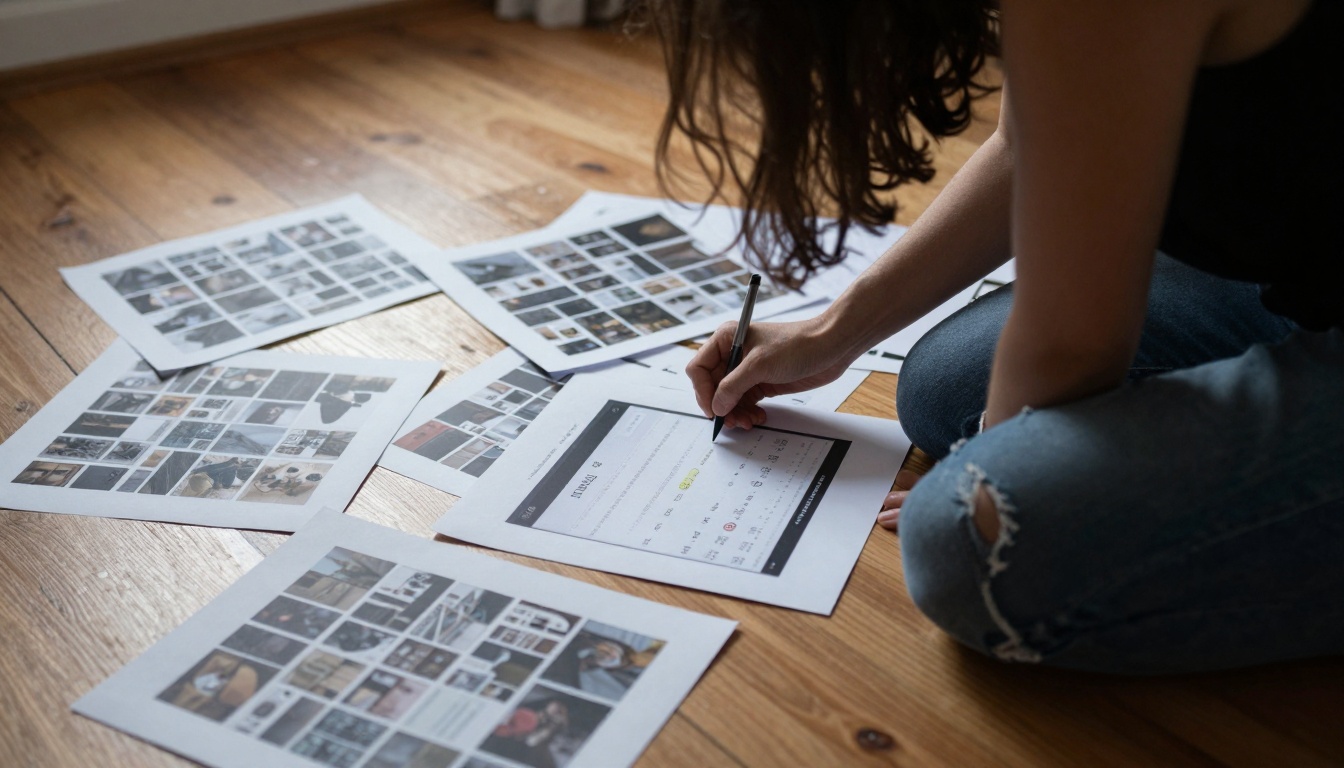
Strategic planning session with printed AI-generated mockups for grid planning
Common Challenges & Solutions
Problem: Inconsistent Colors Across Generations
Solution: Use specific hex codes in prompts and maintain the same reference image set. Create a "color guide" image with your brand colors and include it in every generation.
Problem: Wrong Composition for Platform
Solution: Save parameter presets for each platform. Instagram preset: 1:1, 2K. TikTok preset: 9:16, 2K. Switch between them based on content destination.
Problem: Too Much Variation Between Images
Solution: The reference image system is designed for this. Use more reference images (up to 14) showing the consistency you want. Include images with similar lighting, composition, and color treatment.
Problem: Slow Generation Times
Solution: 2K resolution provides the best speed/quality balance for social media. Only use 4K for hero images or cover photos. Batch generate during off-peak hours.
What gets measured gets improved. Track these metrics for your AI-generated content:
| Metric | Benchmark | Optimization Strategy |
|---|
| Engagement Rate | Compare to photo content | Test different prompt styles |
| Reach | Track virality potential | Analyze which visuals get shared |
| Click-Through | For link posts | Test different compositions |
| Saves | Content value indicator | Educational/informative visuals |
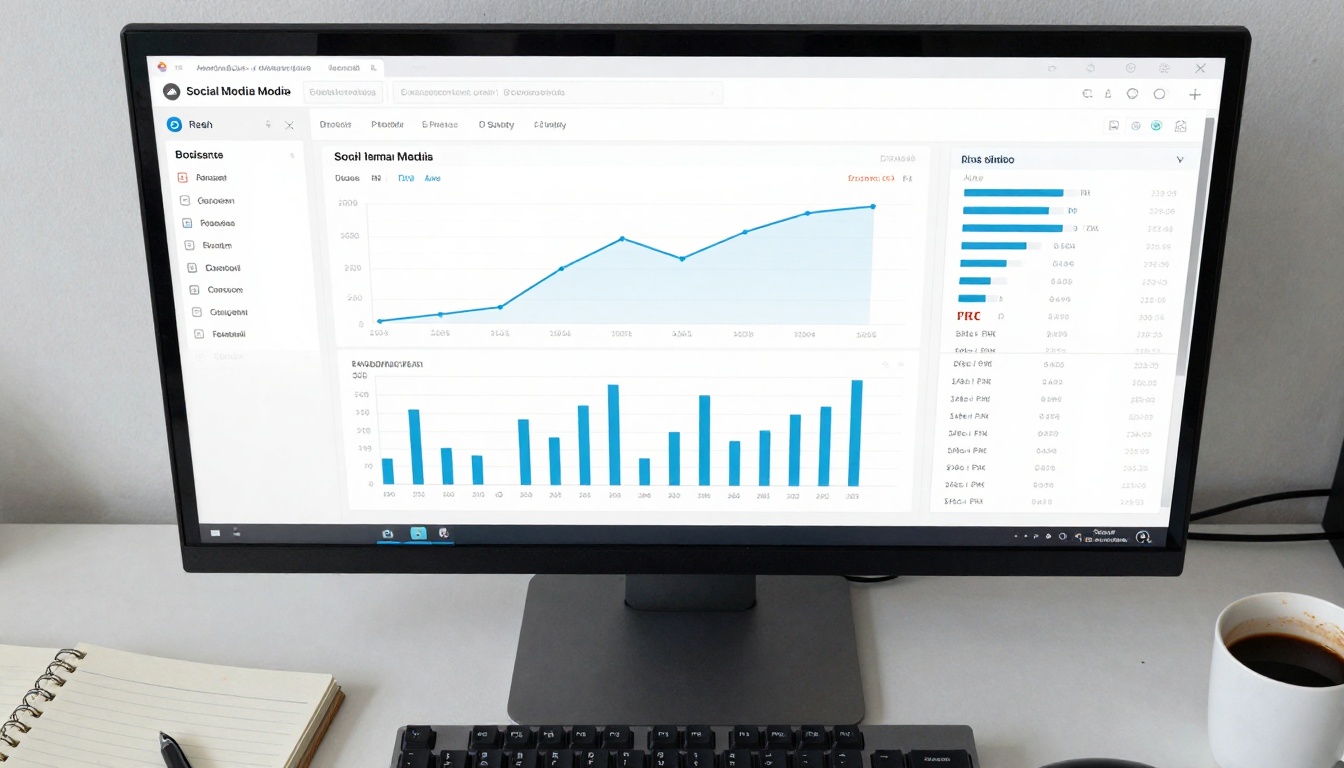
Data-driven approach to content creation using performance analytics
A/B Testing Prompts
Create two versions of the same concept:
- Version A: Detailed, descriptive prompt
- Version B: Concise, emotional prompt
- Post at similar times to similar audiences
- Track which performs better
- Apply learnings to future prompts
Seasonal Performance Patterns
Track how different visual styles perform throughout the year:
- Bright, high-contrast images in summer
- Warm, cozy visuals in fall/winter
- Pastel colors during spring
- Holiday-themed content during festive seasons
Cost & Time Savings Analysis
Let's compare traditional photography vs. Nano Banana Pro for social media content:
| Aspect | Traditional Photography | Nano Banana Pro |
|---|
| Time per image | 2-4 hours (setup, shoot, edit) | 2-5 minutes |
| Cost per image | $50-$500+ | < $0.50 |
| Consistency | Varies by photographer/day | Parameter-controlled |
| Revisions | Reshoot required | Regenerate instantly |
| Batch production | Limited by schedule | Unlimited simultaneous |
| Trend response | Days to weeks | Minutes |
Monthly Savings Estimate:
- 20 social media images per month
- Traditional: 60 hours, $1,000+ cost
- Nano Banana Pro: 1-2 hours, < $10 cost
- Time saved: 58 hours monthly
- Cost saved: $990+ monthly
Advanced Use Cases
Product Launches
Generate the entire visual campaign before products exist:
- Create product mockups from descriptions
- Generate lifestyle context images
- Produce variations for A/B testing
- Create supplemental content (how-tos, tutorials)
Event Promotion
Visuals for events that haven't happened yet:
- Venue previews
- Crowd/atmosphere visuals
- Speaker portraits
- Action shots from similar past events
User-Generated Content Simulation
Create "authentic" looking content:
- Mobile photography style prompts
- "Real person" aesthetic
- Imperfect compositions
- Natural lighting references
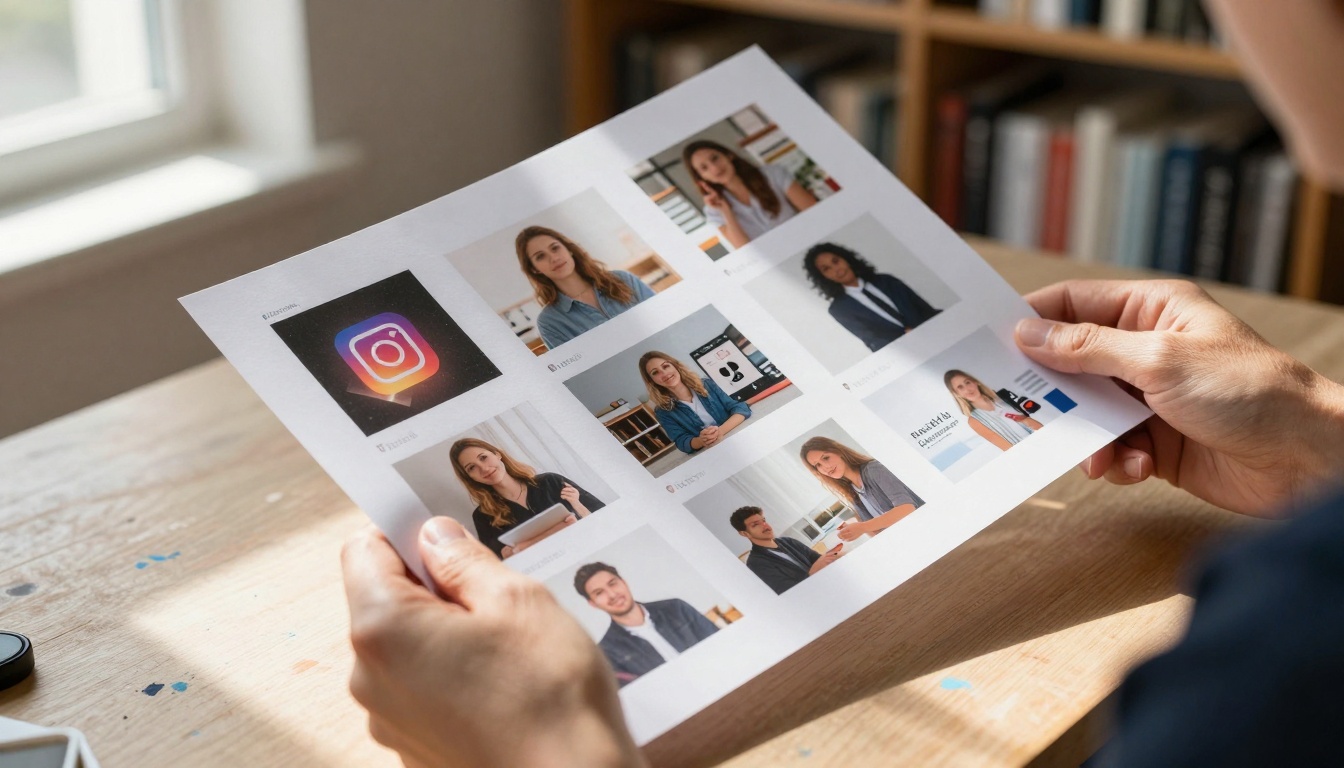
Tangible results of AI content creation workflow showing consistent aesthetic across platforms
Integration with Other PicassoIA Models
Nano Banana Pro works well with other models on the platform:
For Video Content
Use WAN-2.6-I2V to turn Nano Banana Pro images into social media videos.
For Image Enhancement
Use Upscaler when you need higher resolution for print or large displays.
For Background Removal
Use Remove Background to isolate subjects for graphic design work.
Getting Started Today
- Set up your PicassoIA account if you haven't already
- Create a brand style folder with 5-10 reference images
- Define your parameter presets for each platform
- Start with simple prompts and gradually add complexity
- Track performance from day one
- Refine based on data not guesswork
The most successful content creators aren't necessarily the most talented photographers—they're the most consistent publishers. Nano Banana Pro gives you that consistency at scale.
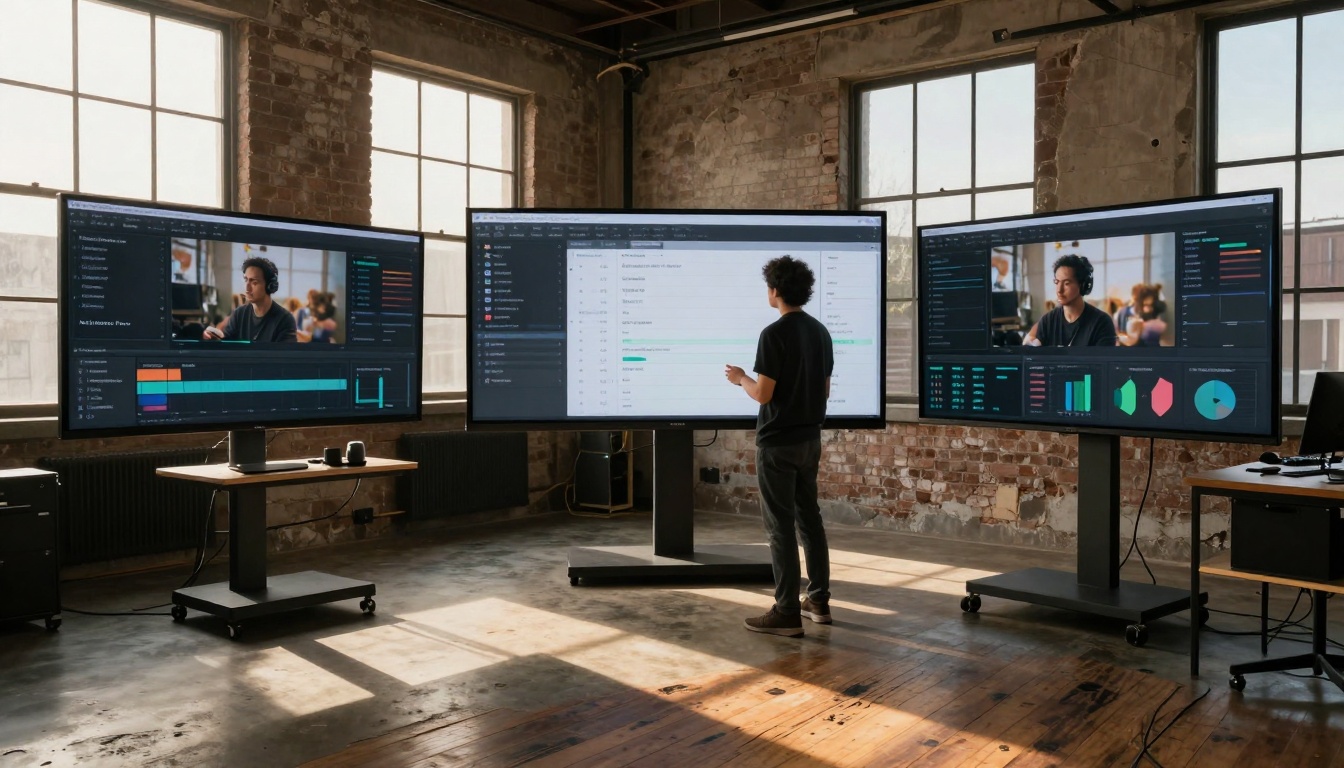
Comprehensive view of the AI-powered content creation ecosystem showing integration across tools
Your social media visuals should work for you, not the other way around. With controlled parameters, reference image guidance, and platform-specific optimization, Nano Banana Pro transforms AI image generation from a novelty into a reliable production tool.
The best time to start was yesterday. The second-best time is right now. Head to PicassoIA, upload your reference images, and generate your first batch of platform-optimized visuals. Track the performance, refine your approach, and build a content machine that runs whether you're at your desk or on vacation.


