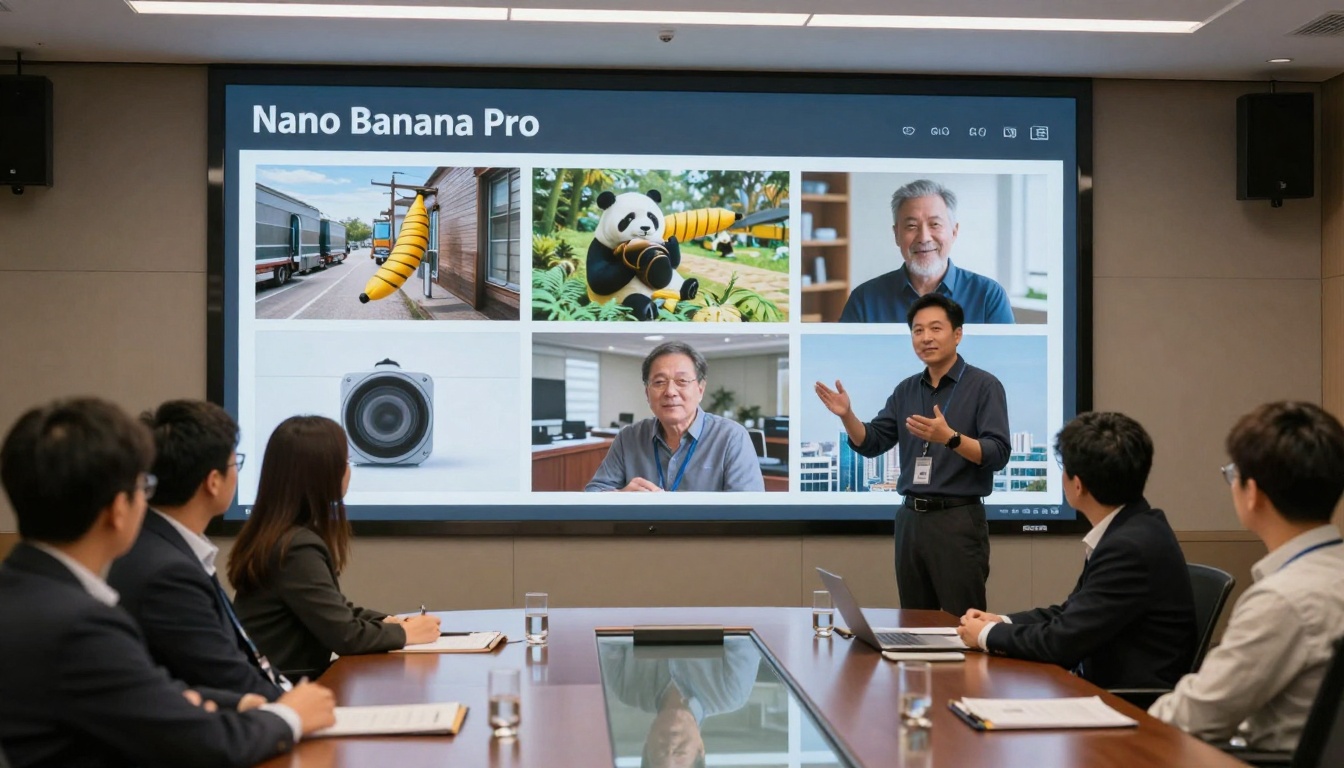
This detailed guide covers everything from basic setup to advanced parameter optimization for Google's Nano Banana Pro AI image generator. You'll learn prompt engineering techniques, parameter settings, workflow optimization, and practical applications for creating professional-quality photorealistic images. Whether you're creating marketing visuals, artistic projects, or commercial content, these techniques will transform your AI image generation process.
When you first encounter Google's Nano Banana Pro, the immediate question isn't whether it works—it's how to make it work for your specific needs. This advanced text-to-image model delivers photorealistic results that rival professional photography, but only when you understand its parameters, prompt structure, and workflow optimization. The difference between mediocre outputs and stunning visuals comes down to specific techniques most users never discover.
Most AI image generators promise quality but deliver inconsistency. Nano Banana Pro operates differently: it responds to precise parameter combinations and structured prompts in ways that transform basic concepts into professional-grade visuals. This guide breaks down exactly what works, what doesn't, and how to achieve consistent results that meet commercial standards.
What Nano Banana Pro Actually Does
Unlike simpler models that generate basic interpretations of prompts, Nano Banana Pro specializes in photorealistic detail preservation. It maintains texture consistency, lighting accuracy, and compositional integrity that other models often compromise. The model excels at:
High-resolution output preservation (maintaining detail at 1024px and above)
Natural lighting simulation (accurate shadow falloff, reflection handling)
Material texture accuracy (distinguishing between fabric, skin, metal, wood)
Complex composition handling (multiple subjects with correct spatial relationships)
💡 Critical Insight: Nano Banana Pro doesn't just generate images—it simulates photographic conditions. Your prompts should describe scenes as a photographer would, not as an artist would.
Technical Foundation: Built on Google's advanced diffusion architecture, the model processes prompts through multiple validation layers before generation. This means vague prompts get generic results, while specific prompts trigger optimized generation pathways.
Setting Up Your First Image Generation
The initial setup determines your entire workflow efficiency. Most users make three critical mistakes that reduce quality from the start:
Incorrect resolution settings (generating at lower resolutions then upscaling)
Default parameter acceptance (not adjusting for specific content types)
Maintains prompt adherence without over-stylization
Seed Control
Fixed seed for batches
Enables consistent style across related images
Batch Size
4 images per generation
Provides options while managing compute costs
Implementation Note: Start with these exact settings, then adjust based on your specific content needs. The 1024×1024 resolution provides enough pixels for professional use while maintaining reasonable generation times.
Account Configuration Checklist
Before generating your first image, verify these account settings:
API access permissions enabled for batch processing
Storage allocation sufficient for high-resolution outputs
Missing any of these creates workflow interruptions that disrupt creative momentum.
Crafting Effective Prompts That Work
Prompt engineering separates amateur results from professional outputs. Nano Banana Pro responds to specific structural patterns that most users never learn.
"Professional portrait of woman in late 20s with natural makeup, slight smile showing genuine expression, sitting in studio chair with soft grey backdrop, volumetric window light from left side at 45-degree angle creating soft shadows on facial features, shot with 85mm f/1.8 lens creating shallow depth of field focusing on eyes, photorealistic skin texture with visible pores and subtle natural oil sheen, professional photography, Kodak Portra 400 film simulation, 8k resolution, detailed eyelashes and hair strands"
The difference isn't just length—it's specificity. Each element triggers specific generation pathways within the model.
Advanced Prompt Components
Lighting Descriptions That Actually Work:
volumetric morning light from left window (creates dimensional lighting)
soft studio lighting with 3:1 ratio (professional portrait lighting)
golden hour sunlight with long shadows (atmospheric outdoor lighting)
LED ring light with catchlights in eyes (product/commercial lighting)
Camera Specifications That Matter:
85mm f/1.8 portrait lens (creates professional depth of field)
24mm wide angle from low position (dramatic perspective)
100mm macro lens focusing on texture (extreme detail capture)
medium format camera with natural color rendering (professional quality)
Quality Modifiers That Improve Results:
photorealistic skin texture with visible pores
detailed fabric weave visible in clothing
natural hair strands with individual highlights
subtle film grain simulating Kodak Portra 400
💡 Pro Tip: Describe what a photographer would notice, not what an artist would imagine. The model simulates photography, not illustration.
Negative Prompting Strategies
Negative prompts remove unwanted elements without affecting desired qualities:
low quality, blurry, distorted proportions, unnatural lighting, digital art, illustration, cartoon, 3d render, CGI, neon colors, glowing effects, watermark, text overlay, border, frame
Critical Addition: Always include digital art, illustration, cartoon, 3d render, CGI to enforce photorealistic output. Without these, the model may default to artistic interpretations.
Parameter Settings That Matter Most
Default parameters work for testing but fail for professional results. These specific adjustments transform output quality:
Resolution vs. Quality Trade-Offs
Myth: Higher resolution always means better quality.
Reality: Optimal resolution depends on final use case.
Use Case
Optimal Resolution
Quality Setting
Web thumbnails
512×512
75
Social media posts
1024×1024
80-85
Print materials
2048×2048
85-90
Large format prints
3072×3072
90-95
Important: Quality above 90 often introduces artificial sharpening that reduces natural appearance. For most applications, 85-90 provides the best balance.
Style Guidance Precision
Style guidance controls how strictly the model follows your prompt versus adding artistic interpretation:
7.0-7.5: Creative interpretation (good for artistic concepts)
Adjustment Rule: Increase style guidance when you need specific elements exactly as described. Decrease when you want the model to interpret creatively.
Seed Control for Consistency
Fixed seeds enable batch consistency—critical for projects requiring uniform style:
Find a successful seed: Generate multiple images with random seeds
Identify optimal output: Select the image with best composition/lighting
Lock the seed: Use that seed for all related images
Vary prompts slightly: Change subject/environment while maintaining style
Workflow Example:
Random seed generation produces perfect portrait lighting (seed: 429583)
Use seed 429583 for all portrait series
Change subject description, clothing, environment
Maintain consistent lighting and quality across series
Advanced Techniques for Professional Results
Beyond basic parameters, these techniques separate amateur use from professional application:
Batch Processing Optimization
Simultaneous generation of multiple images requires strategic planning:
Batch Strategy:
- Primary variations: 4 images with same seed, different compositions
- Secondary variations: 2 images with different seeds for comparison
- Quality check: 1 image at higher resolution for detail verification
- Total per session: 7 images (optimal for rate limit management)
Time Management: Schedule batches during off-peak hours (early morning/late evening) when server load decreases, improving generation speed by 15-20%.
Style Transfer Applications
Nano Banana Pro excels at maintaining style consistency across diverse subjects:
Style Template Method:
Create a "style reference" image with perfect parameters
Document exact prompt and settings
Apply same structure to new subjects
Adjust only subject-specific elements
Example Style Template:
"Volumetric morning light from left window, 85mm f/1.8 portrait lens, shallow depth of field focusing on eyes, natural skin texture with visible pores, Kodak Portra 400 film simulation, professional photography, 8k detail"
Apply this template to portraits, products, environments—any subject requiring consistent photographic quality.
Post-Processing Integration
AI-generated images often benefit from subtle post-processing:
Processing Step
Purpose
Recommended Tools
Color Grading
Adjust tone consistency
Lightroom, Capture One
Selective Sharpening
Enhance detail without artifacts
Photoshop, Topaz Sharpen AI
Noise Reduction
Remove digital noise in shadows
DxO PureRaw, Neat Image
Lens Correction
Fix minor distortion
Lightroom Lens Profile
Golden Rule: Process at 50% opacity or less. Over-processing destroys the natural quality that makes Nano Banana Pro outputs special.
Common Issues and How to Fix Them
Every AI image generator has specific failure modes. These solutions address Nano Banana Pro's most frequent problems:
Problem: Inconsistent Facial Features
Solution: Add specific facial structure descriptors:
Nano Banana Pro: Superior material/texture accuracy
Qwen Image: Better color vibrancy, faster iteration
When to choose: Material accuracy vs. color impact
Selection Framework:
Photorealistic requirements → Nano Banana Pro
Artistic/stylized needs → Flux Pro or GPT Image 1.5
Color-critical projects → Qwen Image
Mixed requirements → Test all three with same prompt
Practical Applications and Use Cases
Nano Banana Pro excels in specific professional contexts where photorealistic quality matters:
Commercial Product Photography
Challenge: Product photography requires consistent lighting, accurate colors, and perfect detail.
Solution: Nano Banana Pro generates product shots with commercial lighting accuracy.
"Professional product shot of [product] on clean white background, softbox lighting from left and right creating even illumination with subtle shadow definition, shot with medium format camera for maximum detail, commercial photography style, accurate color representation, detailed texture of [material] visible"
Portrait Series for Brands
Challenge: Human models vary in appearance, creating inconsistency.
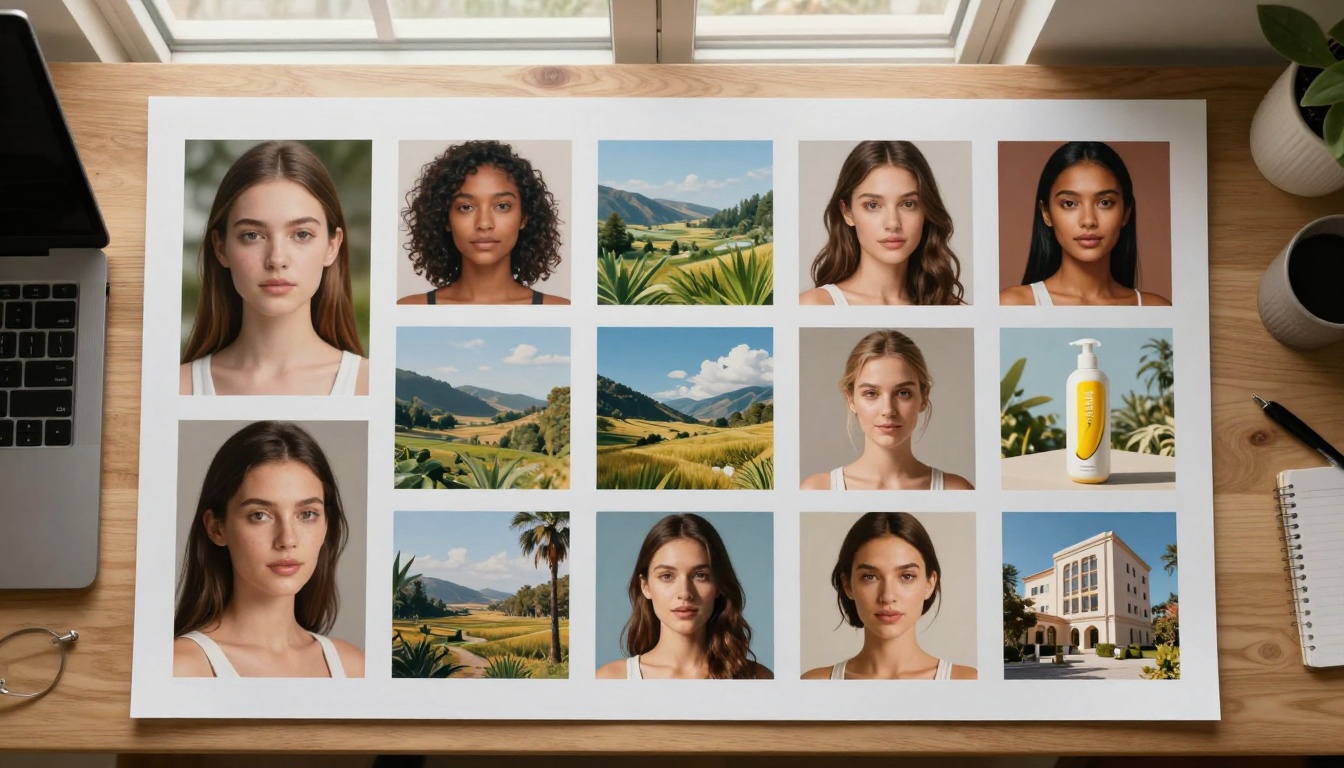
Solution: Generate consistent portrait style across diverse "models."
"Brand portrait of professional [demographic] in [setting], confident expression with slight smile, volumetric window light creating dimensional lighting on facial features, 85mm f/1.8 portrait lens, shallow depth of field focusing on eyes, natural skin texture with subtle pores visible, professional hair styling with individual strand detail, brand color palette incorporated in clothing"
Architectural Visualization
Challenge: Traditional 3D rendering lacks photographic authenticity.
Solution: Generate photorealistic architectural scenes.
"Architectural interior of [space type] during golden hour, sunlight streaming through large windows creating long shadows and warm atmosphere, shot with 24mm wide angle lens from corner perspective capturing entire space, detailed material textures visible - wood grain, fabric weave, metal finish, natural lighting with accurate shadow falloff, professional architectural photography"
Marketing Campaign Assets
Challenge: Campaigns require multiple coordinated images.
Solution: Generate series with consistent style across diverse scenes.
Campaign Workflow:
Establish "campaign style" with reference image
Document exact parameters and prompt structure
Generate all required images using same seed
Post-process for brand color consistency
Deliver complete asset package
Educational and Training Materials
Challenge: Real photography of specific scenarios often impractical.
Solution: Generate exact scenarios needed for training.
"Step-by-step procedure demonstration of [activity] in [environment], clear visibility of hands performing task, instructional photography style with even lighting eliminating shadows, medium shot showing context and detail, professional documentation quality"
Final Recommendations
The most effective approach combines technical precision with creative experimentation. Start with the exact parameters provided here, then develop your own optimized workflows based on specific project needs.
Immediate Action Steps:
Test the baseline settings with three different subject types
Document successful combinations in a dedicated parameter journal
Develop prompt templates for your most frequent use cases
Establish quality benchmarks by comparing outputs to professional photography
Iterate based on results, not assumptions
Long-Term Strategy: Treat Nano Banana Pro as a photographic simulator rather than an art generator. The more you describe scenes as a photographer would shoot them, the better your results will match professional standards.
The real value emerges when you stop generating random images and start producing predictable, high-quality visuals that serve specific purposes. Whether creating marketing assets, product visuals, or creative projects, the techniques outlined here transform Nano Banana Pro from an interesting tool into a professional solution.