Article Title: How to Use Nano Banana Pro Without Any Design Skills
Meta Title: Create Professional Images Without Design Experience Using Nano Banana Pro
Meta Description: Generate stunning visual content instantly using Nano Banana Pro AI image generator. No design skills required—transform text descriptions into professional images with simple prompts.
Article Description: This guide shows exactly how anyone can create professional-quality images using the Nano Banana Pro AI model on PicassoIA. You'll learn practical prompt techniques, parameter settings, and workflow strategies that bypass traditional design skills. Whether for social media, business presentations, or personal projects, discover how to transform simple text descriptions into visually compelling content with minimal effort and maximum results. The process requires only basic language skills and access to the platform—no Photoshop expertise, illustration talent, or graphic design training necessary.
The traditional barrier between idea and execution has collapsed. For decades, creating professional visual content required specialized software, years of training, and inherent artistic talent. Today, that barrier no longer exists. With tools like Nano Banana Pro on PicassoIA, anyone can transform simple text descriptions into stunning images.
This isn't about replacing designers—it's about empowering everyone. The person who can't draw a straight line with a ruler now creates portfolio-worthy artwork. The business owner without a marketing budget generates social media graphics that stop scrolling fingers. The educator visualizes complex concepts for students without hiring illustrators.
Why This Matters Right Now
Visual content drives engagement across every digital platform. Social media algorithms prioritize images and videos. Presentations with strong visuals convert more effectively. Websites with professional imagery retain visitors longer. Yet most people lack the technical skills or financial resources to create this content.
💡 The reality: You don't need design skills anymore. You need language skills and access to the right tool.
Nano Banana Pro represents the latest evolution in text-to-image AI technology. Built by Google and available through PicassoIA, it transforms detailed descriptions into photorealistic images with remarkable consistency. The interface requires no technical expertise—just words describing what you want to see.
The Core Concept: From Words to Images
Every image generation starts with a prompt. This is simply a text description of what you want the AI to create. The quality of your output depends almost entirely on the clarity and detail of this description.
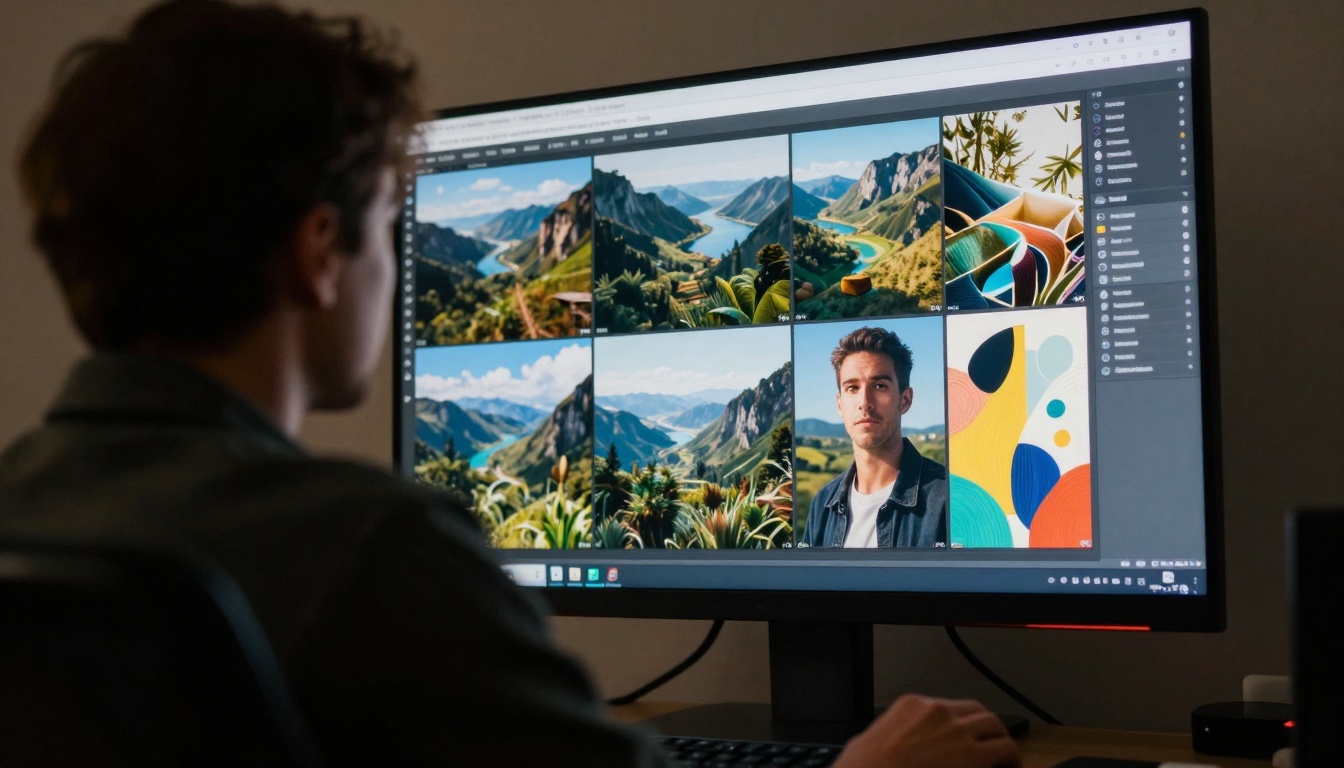
Think of prompts as recipes, not magic spells. A vague prompt like "a beautiful landscape" produces generic results. A detailed prompt like "sunset over Scottish Highlands with heather-covered hills, mist in valleys, golden hour lighting, 85mm lens, photorealistic" creates specific, compelling imagery.
Prompt Structure That Works
Effective prompts follow a consistent structure:
- Primary Subject: What's the main focus? (Person, object, scene)
- Action/State: What's happening? (Standing, running, glowing)
- Environment: Where is this occurring? (Forest, office, abstract space)
- Visual Details: Specific characteristics (Colors, textures, materials)
- Style/Camera: Artistic direction (Photorealistic, cinematic, specific lens)
- Quality Modifiers: Resolution and detail level (8K, high detail, professional)
Example progression:
- Basic: "A cat"
- Better: "A ginger cat sleeping"
- Good: "A ginger cat sleeping on a velvet cushion"
- Excellent: "A ginger cat sleeping peacefully on a deep red velvet cushion in morning sunlight, soft fur texture visible, 85mm portrait lens, shallow depth of field, Kodak Portra 400 film grain, photorealistic"
Getting Started with Nano Banana Pro
Accessing the tool requires only a web browser and PicassoIA account. The Nano Banana Pro model page provides everything needed to start generating.
First Generation Steps
- Navigate to the model: Visit the Nano Banana Pro page on PicassoIA
- Enter your prompt: Type your description in the prompt field
- Adjust basic parameters: Set aspect ratio and resolution
- Click generate: Wait approximately 30-60 seconds
- Review and iterate: Adjust prompts based on results
The platform handles all technical complexity behind the scenes. No software installation, no driver updates, no compatibility checks. Everything runs in your browser.
Parameter Settings Demystified
Nano Banana Pro offers several adjustable parameters that influence output quality. Understanding these helps refine results without design knowledge.
Aspect Ratio Selection
| Aspect Ratio | Best For | Visual Characteristics |
|---|
| 1:1 | Social media squares, profile pictures | Balanced composition, Instagram-ready |
| 16:9 | Website headers, presentations, videos | Cinematic widescreen, modern feel |
| 9:16 | Instagram Stories, TikTok, mobile vertical | Full-screen mobile viewing |
| 4:3 | Traditional photography, blog images | Classic proportions, versatile |
| 3:2 | Print photography, magazine layouts | Professional print standards |
| 21:9 | Ultra-widescreen, cinematic trailers | Dramatic panoramic effect |
Pro tip: Start with 16:9 for most applications. It works well across websites, presentations, and social media platforms.
Resolution Choices
- 1K (1024px): Fast generation, suitable for web thumbnails
- 2K (2048px): Balanced speed/quality, ideal for most digital uses
- 4K (4096px): Maximum detail, perfect for print or large displays
💡 Practical advice: Use 2K resolution for 90% of needs. It provides excellent detail while maintaining reasonable generation times.
Safety Filter Settings
The model includes content moderation to prevent inappropriate outputs:
- Block only high: Most permissive, allows artistic nudity and suggestive content
- Block medium and above: Moderate restriction, blocks explicit content
- Block low and above: Strictest setting, conservative output only
For creative freedom: "Block only high" allows maximum artistic expression while maintaining basic safety standards.
Reference Image Utilization
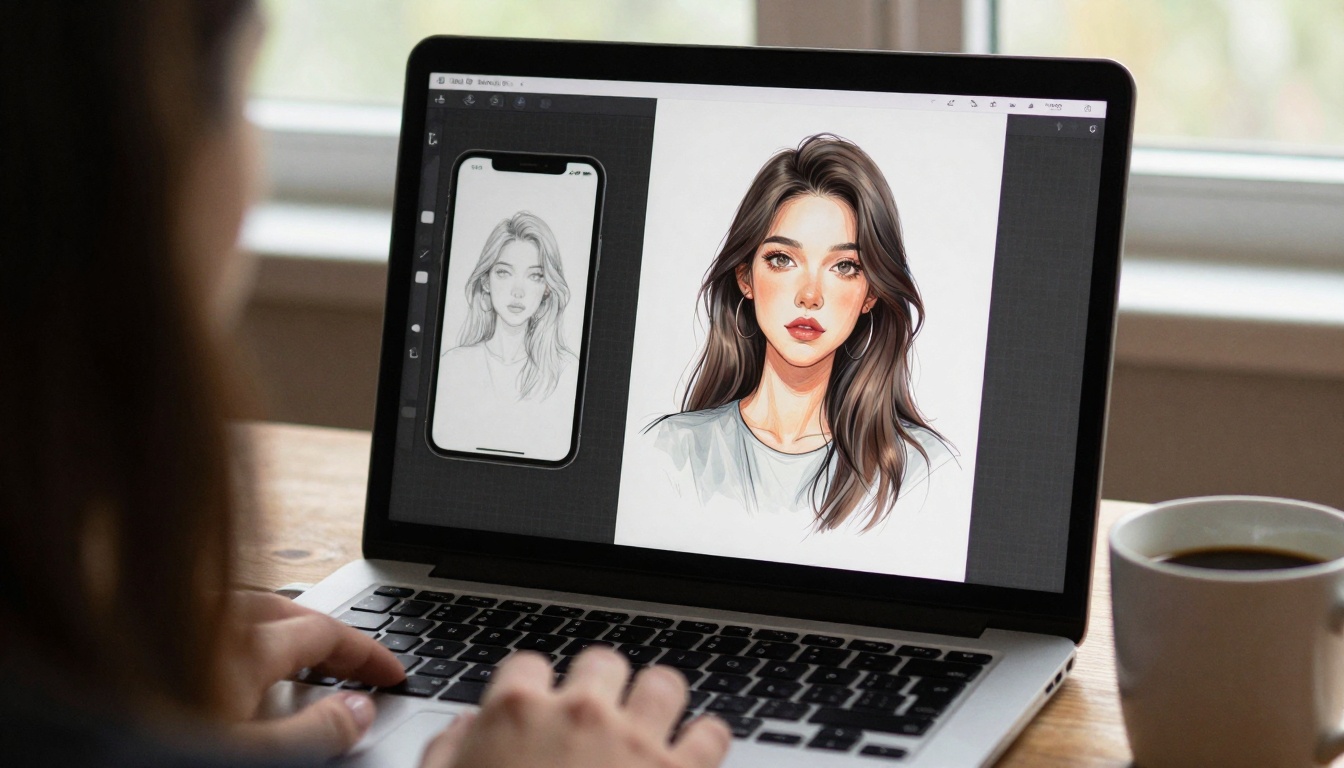
One of Nano Banana Pro's most powerful features is reference image support. You can upload up to 14 images to influence generation style, composition, or color palette.
When to Use Reference Images
- Style transfer: Upload artwork you admire to replicate its aesthetic
- Color palette: Provide images with colors you want to incorporate
- Composition guidance: Share photos with layouts you'd like to emulate
- Character consistency: Maintain similar appearance across multiple generations
- Brand alignment: Ensure colors match existing marketing materials
Reference doesn't mean copy. The AI interprets style elements rather than duplicating content. This allows creative inspiration without copyright concerns.
Practical Application Workflows
Different use cases require slightly different approaches. Here are optimized workflows for common scenarios.
Social Media Content Creation
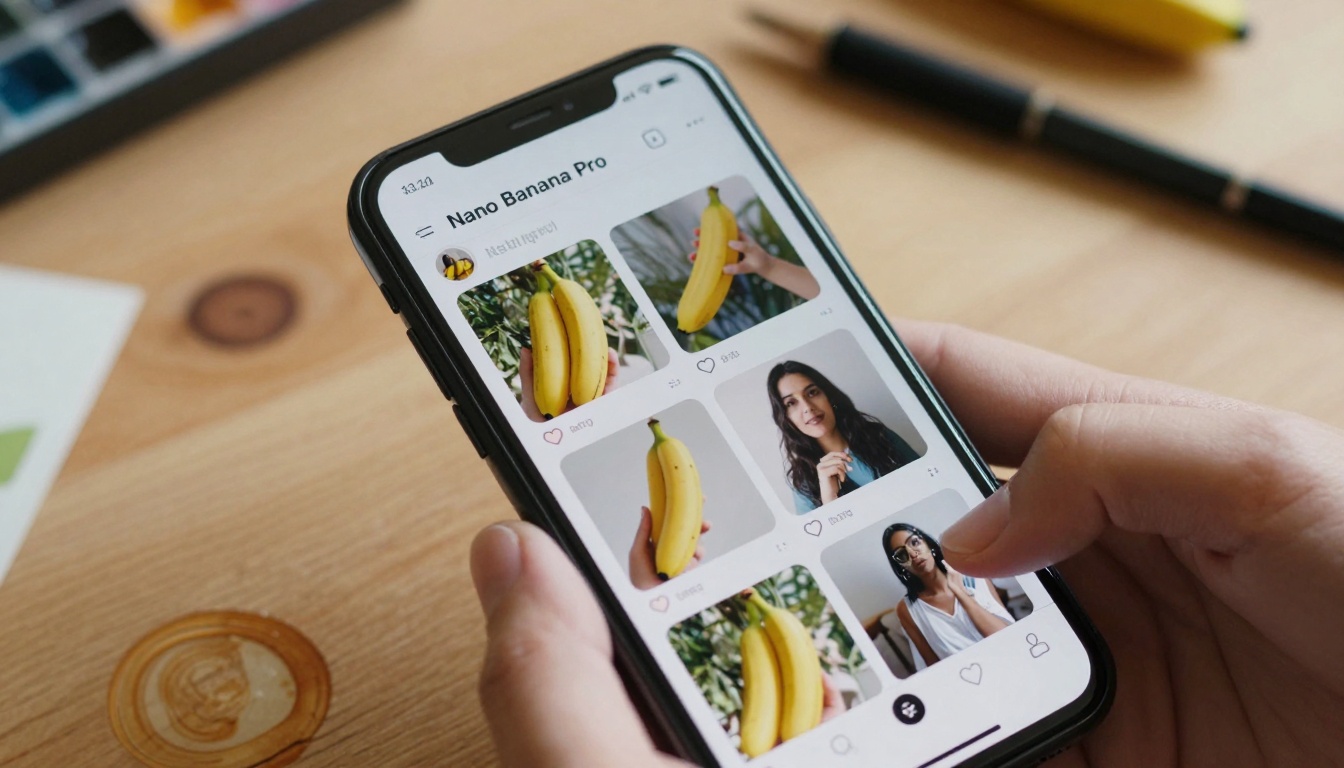
Social platforms demand consistent, engaging visuals. Nano Banana Pro streamlines this process:
- Theme planning: Decide on visual style for your content series
- Prompt templates: Create reusable prompt structures
- Batch generation: Produce multiple variations simultaneously
- Quick editing: Make minor adjustments between posts
- Schedule posting: Maintain consistent visual presence
Instagram example prompt: "Minimalist flat lay photography of skincare products on marble surface, morning light from left, soft shadows, product labels visible, clean aesthetic, 35mm lens, photorealistic product photography style --ar 1:1"
Business Presentation Graphics
Professional presentations benefit from custom visuals rather than stock photography:
- Concept visualization: Generate images representing abstract ideas
- Data illustration: Create visuals for statistics and trends
- Process diagrams: Show workflows and systems visually
- Team graphics: Represent departments or roles with imagery
- Brand consistency: Maintain color schemes and style across slides
Presentation prompt example: "Modern infographic showing data growth arrow rising through cloud of abstract particles, corporate blue and white color scheme, clean lines, professional business aesthetic, isometric perspective, vector art style made photorealistic --ar 16:9"
Website and Blog Imagery
Custom website images improve engagement and reduce bounce rates:
- Header graphics: Create compelling above-the-fold visuals
- Section dividers: Generate thematic images between content blocks
- Featured images: Produce unique thumbnails for blog posts
- Product mockups: Visualize items in realistic settings
- Team portraits: Generate consistent professional headshots
Website header prompt: "Abstract technology background with flowing data streams and circuit patterns, dark blue and cyan color scheme, futuristic but approachable, depth of field blur, professional web design aesthetic --ar 16:9"
Advanced Techniques Without Advanced Skills
Even without design training, you can employ sophisticated generation strategies.
Iterative Refinement Process
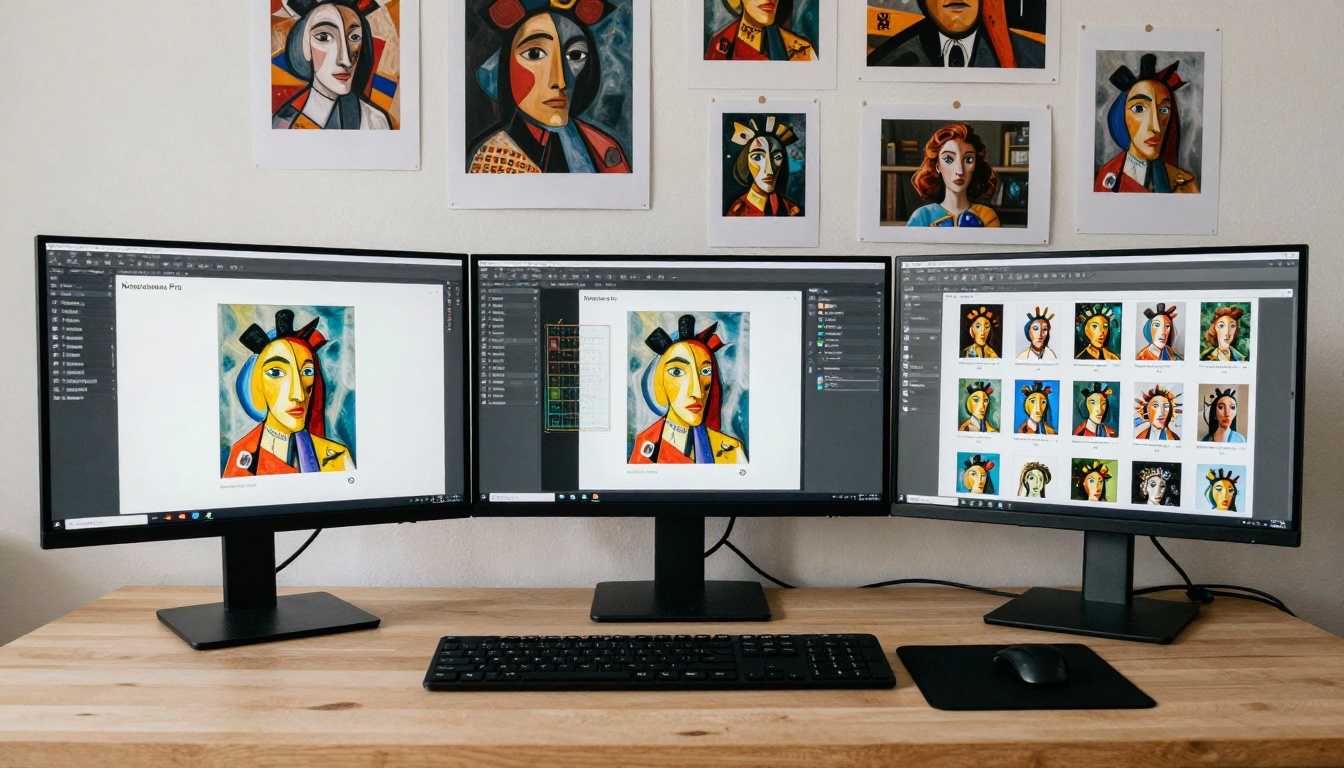
Don't expect perfect results from single attempts. The iterative approach yields better outcomes:
- Generate base image: Start with your initial prompt
- Analyze strengths: Identify what works in the output
- Identify weaknesses: Note what needs improvement
- Adjust prompt: Modify specific elements only
- Regenerate: Create new version focused on improvements
- Repeat: Continue until satisfied
Common refinement adjustments:
- Add more detail about lighting conditions
- Specify camera lens and settings
- Include texture descriptions
- Adjust color temperature mentions
- Modify composition instructions
Prompt Library Building
Save successful prompts for future use. Create categorized collections:
By style: Photography prompts, illustration prompts, abstract prompts
By subject: People prompts, landscape prompts, product prompts
By use case: Social media prompts, presentation prompts, website prompts
💡 Organization tip: Use spreadsheet or note-taking app to categorize prompts with example outputs and parameter settings.
Parameter Experimentation Matrix
Systematically test how different parameters affect outputs:
| Test Focus | Parameter Variation | Expected Impact |
|---|
| Detail level | 1K vs 2K vs 4K resolution | Sharpness and generation time |
| Composition | Different aspect ratios | Framing and visual balance |
| Style influence | With/without reference images | Aesthetic consistency |
| Safety filtering | Different filter levels | Content restrictions |
Document results to build personal knowledge of how each setting influences your specific use cases.
Common Challenges and Solutions
New users encounter predictable hurdles. Here's how to address them.
Output Doesn't Match Vision
Problem: Generated image differs significantly from mental picture.
Solution: Add more specific detail to prompt. Include camera specifications, lighting conditions, and texture descriptions. Use reference images to guide style.
Inconsistent Quality
Problem: Some generations excel while others disappoint.
Solution: Standardize prompt structure. Create templates with proven success rates. Maintain consistent parameter settings across similar projects.
Generation Time Concerns
Problem: 4K images take longer than expected.
Solution: Use 2K resolution for most needs. Batch generate during planning periods. Save 4K for final versions only.
Style Drift
Problem: Series of images lack visual consistency.
Solution: Use identical reference images across generations. Create style-defining prompt templates. Maintain consistent color palette mentions.

Cost and Access Considerations
Nano Banana Pro operates on PicassoIA's credit system. Understanding the economics helps planning:
Generation costs vary by:
- Resolution selected (1K cheapest, 4K most expensive)
- Reference image count (more images increase cost slightly)
- Platform demand (peak times may have different pricing)
Budgeting strategy: Allocate credits based on project importance. Use lower-cost settings for experimentation, higher-quality settings for final outputs.
Free alternatives: PicassoIA often offers trial credits for new users. Monitor platform announcements for promotional periods.
Integration with Other PicassoIA Models
Nano Banana Pro works well with other models on the platform:
Complementary tools:
Workflow integration: Generate base images with Nano Banana Pro, then refine with editing tools or regenerate with different models for comparison.
Ethical Use and Copyright Considerations
AI image generation operates in evolving legal and ethical landscapes:
Originality: Generated images are typically considered original works rather than derivatives of training data.
Commercial use: Most platforms permit commercial use of generated content.
Attribution: Generally not required but good practice to acknowledge AI assistance.
Human modification: Adding personal creative input strengthens copyright position.
Best practices:
- Disclose AI generation when relevant
- Add unique creative elements beyond generation
- Respect platform terms of service
- Consider ethical implications of generated content
Measuring Success and Improvement
Track effectiveness to refine your approach:
Quantitative metrics:
- Generation success rate (acceptable outputs ÷ total attempts)
- Average generation time per project
- Cost per usable image
- Client or audience satisfaction scores
Qualitative assessment:
- Visual appeal relative to objectives
- Consistency across image series
- Appropriateness for intended use
- Technical quality (resolution, artifacts, etc.)
Improvement cycle: Measure → Analyze → Adjust → Generate → Repeat
Future Development and Skill Maintenance
AI image generation evolves rapidly. Staying current ensures continued effectiveness:
Platform updates: Monitor PicassoIA announcements for new features.
Model improvements: Note when Nano Banana Pro receives enhancements.
Community knowledge: Participate in user forums and discussion groups.
Practice regularly: Maintain proficiency through consistent use.
Skill development focus:
- Prompt engineering techniques
- Parameter optimization
- Workflow efficiency
- Integration with other tools
- Ethical considerations
The Bottom Line: What Changes Today
The accessibility of professional image creation has fundamentally shifted. Individuals and organizations no longer need extensive design resources to produce compelling visuals.
Before Nano Banana Pro: Visual content creation required specialized skills, expensive software, and significant time investment.
After Nano Banana Pro: Anyone with language skills and internet access creates professional images in minutes.
This isn't hypothetical—it's operational today. The Nano Banana Pro interface waits for your first prompt. The learning curve measures in hours, not years. The cost remains accessible to individuals and small businesses.
The most significant barrier today isn't technical skill or financial resource—it's awareness that this capability exists. Now you know.
Next immediate action: Visit PicassoIA, locate Nano Banana Pro, and generate your first image. Start with something simple—a favorite object described in detail, a memory you'd like visualized, a concept for your next project. The process itself teaches more than any guide can convey.
The difference between imagination and realization now measures in seconds rather than skill years. That changes everything about how we create, communicate, and connect visually.


