Generate imagesLarge Language ModelsVisual Effects
How to Use Seed Numbers for Consistent AI Faces
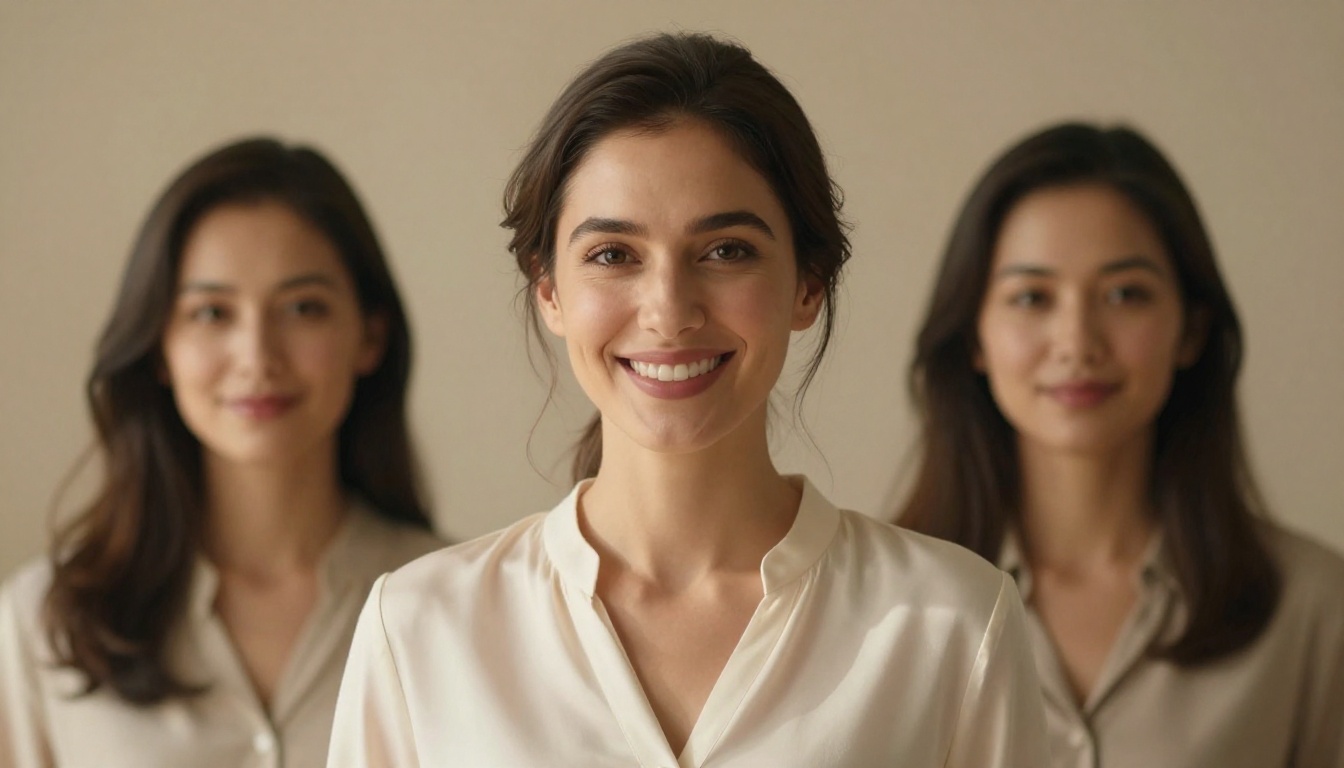
Seed numbers give you full control over AI face generation, letting you reproduce the exact same character across multiple prompts, models, and sessions. This article breaks down how seeds work, which models support them best, and the exact steps to lock in a consistent AI face on PicassoIA.
Seed numbers are the single most overlooked parameter in AI image generation, and they are the only reliable way to get the exact same face twice. If you have ever hit "Generate" a dozen times and gotten twelve completely different people, this is why, and this is how to fix it.
What a Seed Number Actually Does
Every AI image generator runs on a process that involves randomness. When you type a prompt, the model samples from a probability distribution to decide which pixels become which colors, which shapes form which features, and which combination of traits defines the face that appears. Without a fixed starting point, every generation draws from a different spot in that probability space.
A seed number is the starting point. It initializes the random number generator so that every subsequent sampling decision flows from the exact same root. Change nothing else, run the same prompt with the same seed, and you get the same output. Every time.
The Random Number Behind Every Image
Modern diffusion models like Flux Dev, SDXL, and Seedream 4.5 use a process called denoising. The model starts from pure noise, a grid of random pixel values, and progressively refines it into a coherent image guided by your text prompt. The seed number determines what that initial noise looks like.
Same seed, same noise, same starting condition, same result. The math is fully deterministic once the starting point is fixed.
Fixed Seeds vs. Random Seeds
💡 Pro tip: Most generators default to a random seed on every run. You need to manually set a fixed seed to lock a face.
Mode
Behavior
Use Case
Random seed
New face every generation
Exploring looks, ideation
Fixed seed
Identical face every generation
Consistent characters, series
Fixed seed with prompt change
Same base face, altered expression/style
Character variations
The critical distinction: a fixed seed locks the face, but it does not lock every detail. Changing the prompt meaningfully will shift some features while preserving the underlying facial structure that the seed initialized.
Why Faces Break Without a Seed
This is the frustration most creators hit. You generate a great face, write down the prompt, come back an hour later, run it again with what looks like the same settings, and get a stranger. Here is what causes that.
Prompt Drift Kills Consistency
Small prompt changes have outsized effects on faces. Adding a single word like "outdoors" or "studio lighting" shifts the noise denoising path enough to produce a different person. Without a fixed seed, even rerunning the same exact prompt on some platforms triggers a new random seed by default, producing a completely different result every time.
The rule is simple: if you do not record the seed, you cannot reproduce the face.
Model Version Changes Break Seeds
Seeds are not portable across model versions. A seed that produced your perfect face in Flux Pro will not produce the same face in Flux 1.1 Pro. The underlying weight distribution changed, so the same starting noise travels a different denoising path. This is true for every model family.
💡 Always note the exact model version alongside your seed. "Seed 482930, Flux Dev v1.0" is a complete reference. "Seed 482930" alone is useless after an update.
Which Models Give You the Best Seed Control
Not all AI image models respond to seeds with the same fidelity. Some respect seeds very tightly, producing near-pixel-identical outputs on repeat runs. Others treat seeds loosely, showing similar but not identical results. Here is how the main platforms compare.
Flux Dev and Flux Pro on PicassoIA
The Flux model family from Black Forest Labs is among the most seed-stable available today. Flux Dev and Flux Pro both expose a seed parameter directly, and at the same resolution and guidance scale, they reproduce faces with extremely high fidelity across multiple runs.
Flux Schnell is slightly less deterministic due to its faster inference pipeline, but still shows strong seed stability for broad facial structure. For the tightest face locking, Flux Dev is the recommended starting point.
Seedream 4.5 and Seedream 5 Pro
ByteDance's Seedream models take a different approach. Seedream 4.5 and Seedream 5 Pro both support seed parameters and produce beautiful 4K-quality portraits. Their seed stability is strong at the facial structure level: bone structure, eye shape, and skin tone remain consistent, while micro-details like hair strands and lighting hotspots may shift slightly between identical runs due to their higher-resolution generation pipeline.
SDXL and Stable Diffusion
SDXL and Stable Diffusion have the most mature seed implementations because they have been around the longest. Seeds in these models are extremely well-documented, and the community has built extensive seed libraries around them. The tradeoff is that they require more prompt engineering to reach photorealistic results compared to newer models like Flux.
Dreamshaper XL Turbo and RealVisXL v3.0 Turbo are SDXL-based models that offer excellent seed stability with more out-of-the-box realism, making them strong choices for consistent face workflows.
The process is straightforward once you know where to look. These steps apply across almost every major AI image platform.
Step 1: Generate Your Base Face
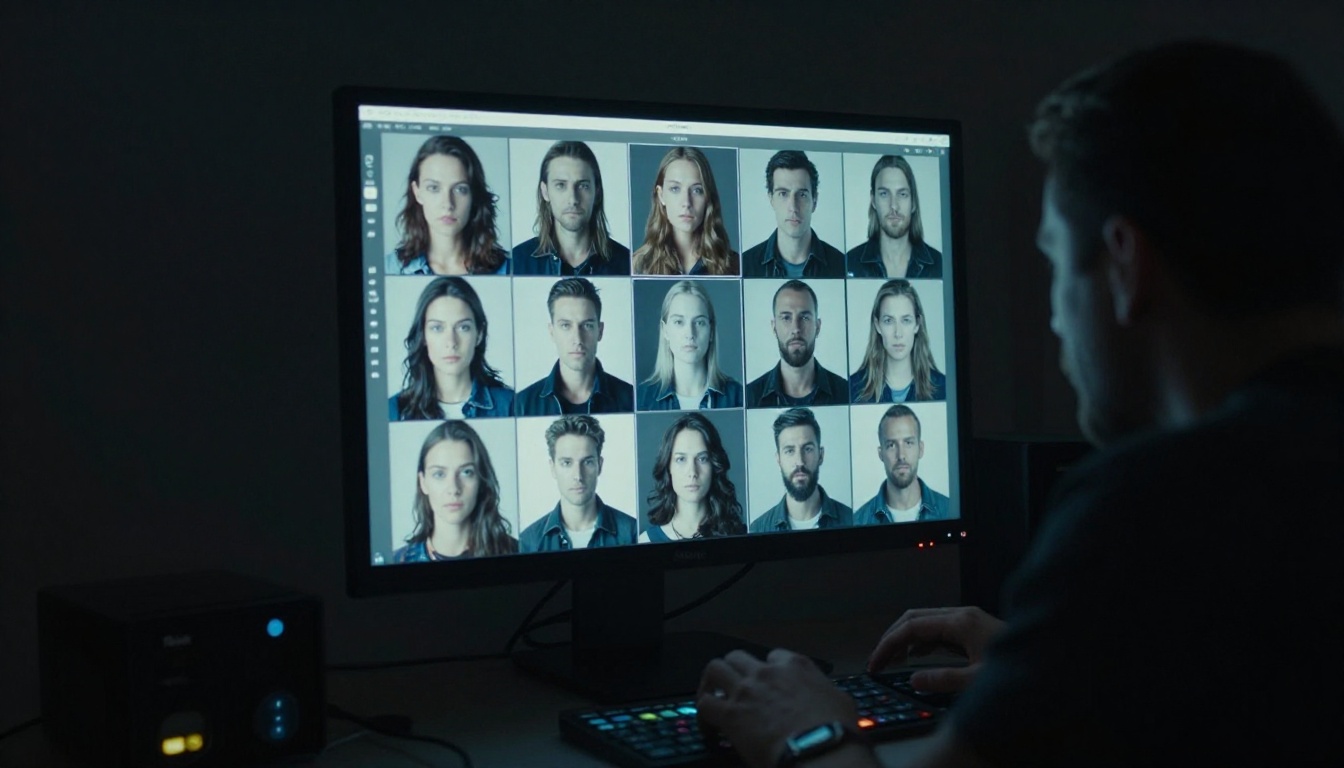
Run your portrait prompt with a random seed first. Do not obsess over the first result. Generate 5 to 10 variations, each with a different random seed, until you find a face that has the structural characteristics you want: the right bone structure, eye placement, and general look. This is your "character audition" phase.
💡 Do not try to find the "perfect" face in step one. Find the right structure. You will refine details later using prompt additions while keeping the seed fixed.
Step 2: Record the Exact Seed
Once you find a face you want to reproduce, immediately copy and save the seed number. Most platforms display it in the generation metadata, the settings panel, or directly below the output image.
Write it down in a dedicated file. The format that works best:
Character: [Name]
Seed: 3847291
Model: Flux Dev (version as of [date])
Base prompt: [your exact prompt]
Resolution: 1024x576
This is your character lock file. Lose this, and you lose the face.
Step 3: Reuse the Seed Across Prompts
Now you can vary the prompt while keeping the seed fixed. The underlying facial structure follows the seed, so you can add:
Different expressions: "smiling", "serious expression", "looking away"
Different lighting: "golden hour", "studio lighting", "overcast outdoor"
Different attire: "business casual", "winter coat", "white t-shirt"
Different settings: "urban background", "café interior", "minimalist studio"
The face stays consistent because the seed is locked. The scene changes because the prompt changes.
How to Use Portrait Series on PicassoIA
PicassoIA offers a dedicated tool for exactly this workflow. The Portrait Series model is purpose-built for generating multiple portrait variations of the same character, and it integrates seed control natively.
The interface shows the prompt field, style options, and in the advanced settings panel, the Seed input field.
Setting the Seed in PicassoIA
To lock a seed: type your seed number directly into the Seed field. Any integer works.
To generate a new random face: leave the field at "0" or blank, which triggers a random seed.
After generating: the seed used is displayed in the result panel. Copy it before navigating away.
The Flux Kontext Pro and Flux Kontext Max models on PicassoIA take this further. They allow you to use an existing image as a reference frame so the model maintains the face even when the prompt changes dramatically.
Pro Tips for Stability
Match resolution: always run at the same width and height. Changing resolution slightly adjusts the face even with the same seed.
Match guidance scale: the CFG value affects how strictly the model follows the prompt. Keep it consistent across all runs for a character.
Batch from the same seed: generate 4 to 6 images from the same seed with slightly different prompts. You get a natural character sheet in minutes.
When Seeds Alone Are Not Enough
Seeds are a strong foundation, but they are not the complete solution. There are situations where a fixed seed still produces inconsistent faces, and knowing what causes it helps you work around it.
Prompt Changes That Break Consistency
Large semantic shifts in the prompt can override seed influence. If you change from "woman with dark hair" to "woman with platinum blonde hair", the model may adjust facial structure enough that the character looks different despite the same seed. This happens because the model is reconciling the seed-initialized noise with a significantly different text signal.
The fix: keep core facial descriptors stable in your prompt across all variations. Lock in specifics like hair color, eye color, and facial structure in a "character anchor" block that you always include:
Add this block to every prompt regardless of what scene or expression you are generating.
Combining Seeds with Flux Kontext
The Flux Kontext Dev and Flux Redux Dev models allow you to feed an existing face image as a reference and generate variations from it. This is the next level beyond seed locking.
With Flux Kontext, you are not just starting from the same noise point. You are giving the model an actual pixel reference of the face you want. The seed still helps stabilize the variation process, but the image reference provides a structural anchor that seeds alone cannot match.
💡 The most robust workflow: seed plus image reference plus character anchor block in prompt. These three together produce the most consistent character results currently possible with diffusion models.
Seeds Plus LoRA for Character Locking
For production-level consistency, such as building a fictional character for a comic, brand campaign, or content series, seeds and reference images eventually hit their limits. Fine-tuned models via LoRA training are the professional solution.
Flux Dev LoRA on PicassoIA allows you to train the model on 15 to 20 images of your character so that the face becomes baked into the model weights themselves. At that point, the seed becomes a secondary tool for variation, not the primary consistency mechanism.
Real Workflows for Consistent AI Characters
Putting this all together, here are two practical workflows that content creators use daily.
Building a Recurring AI Character
This workflow is used by bloggers, brand accounts, and comics creators who need a character to appear in many different images with visual continuity.
Phase 1: Character selection
Generate 20 to 30 random faces using Flux Dev with broad portrait prompts
Shortlist 3 to 5 that have the right structural characteristics
Record seeds, prompts, and settings for each
Phase 2: Character refinement
For each shortlisted face, generate 5 variations with the same seed but altered lighting and expression prompts
Pick the seed that produces the most stable, photorealistic results across variations
Write the character anchor block
Phase 3: Scene production
Lock in the seed and anchor block
Generate all scenes you need, varying only environment, attire, and expression
For editorial and storytelling content, this workflow generates a single character across varied visual contexts.
Character sheet first: generate a neutral front-facing portrait, a three-quarter view, and a profile view, all with the same seed. These three shots establish the face from multiple angles and serve as your reference library.
Scene generation: with the anchor block in every prompt and the seed locked, generate scenes freely. The face that appears in a coffee shop prompt will read as the same person in a forest prompt and in a business office prompt.
Verification step: after every 5 to 10 new scene generations, run the neutral portrait prompt again with the same seed. If the face has drifted (which can happen if you changed model settings accidentally), you catch it immediately rather than discovering inconsistency after building 50 images.
💡 Seed drift warning: some platforms reset the seed field automatically when you close a tab or session. Always re-enter your seed before generating, even if you think it is still set from the last run.
3 Mistakes That Kill Seed Consistency
Most creators who struggle with seed-based face consistency are making one of these three errors:
Not recording the full generation context: seed number alone is not enough. You need the model version, resolution, guidance scale, and sampler settings to reproduce a face.
Changing the negative prompt between runs: negative prompts affect the denoising path significantly. If your negative prompt changes, the face changes, even with the same seed.
Running on different hardware: some cloud platforms route jobs to different GPU configurations across sessions. This can produce slight variation even with identical settings. Use a platform that guarantees reproducibility like PicassoIA, which runs on consistent infrastructure.
Stop Guessing Faces, Start Controlling Them on PicassoIA
The difference between a creator who produces random AI faces and one who builds real AI characters comes down to seed discipline. Recording seeds, anchoring prompts, and understanding which models respect seeds most tightly are what separate chaotic outputs from production-ready visual assets.
PicassoIA puts every tool you need in one place. From the seed-stable Flux Dev and Flux 1.1 Pro Ultra for maximum quality portrait generation, to the Portrait Series and Face to Many Kontext apps for fast character variation workflows, to the Flux Kontext Pro reference-based editing system for next-level consistency.
Start now at picassoia.com. Pick any portrait model, generate your first face, record the seed, and run it again. The moment you see the same face appear twice, the concept clicks. From there, building a full cast of consistent AI characters is simply a matter of method.
💡 Over 91 text-to-image models are available on PicassoIA right now, covering everything from photorealistic portraits to ControlNet pose-controlled compositions. Browse the full library at picassoia.com/en/all-models to find the one that fits your workflow best.