If you've been relying on Seedance 2.0 for your creative work, you've probably hit the wall. Tight content policies, output inconsistencies, and limited model options push serious creators toward better tools. The good news: there's a whole ecosystem of AI image models right now that outperform Seedance 2.0 in every category that matters for NSFW and suggestive creations, from anatomical accuracy to lighting realism and prompt precision. This breakdown will show you exactly which models to use, how to use them, and what separates a mediocre result from something that looks genuinely photographic.
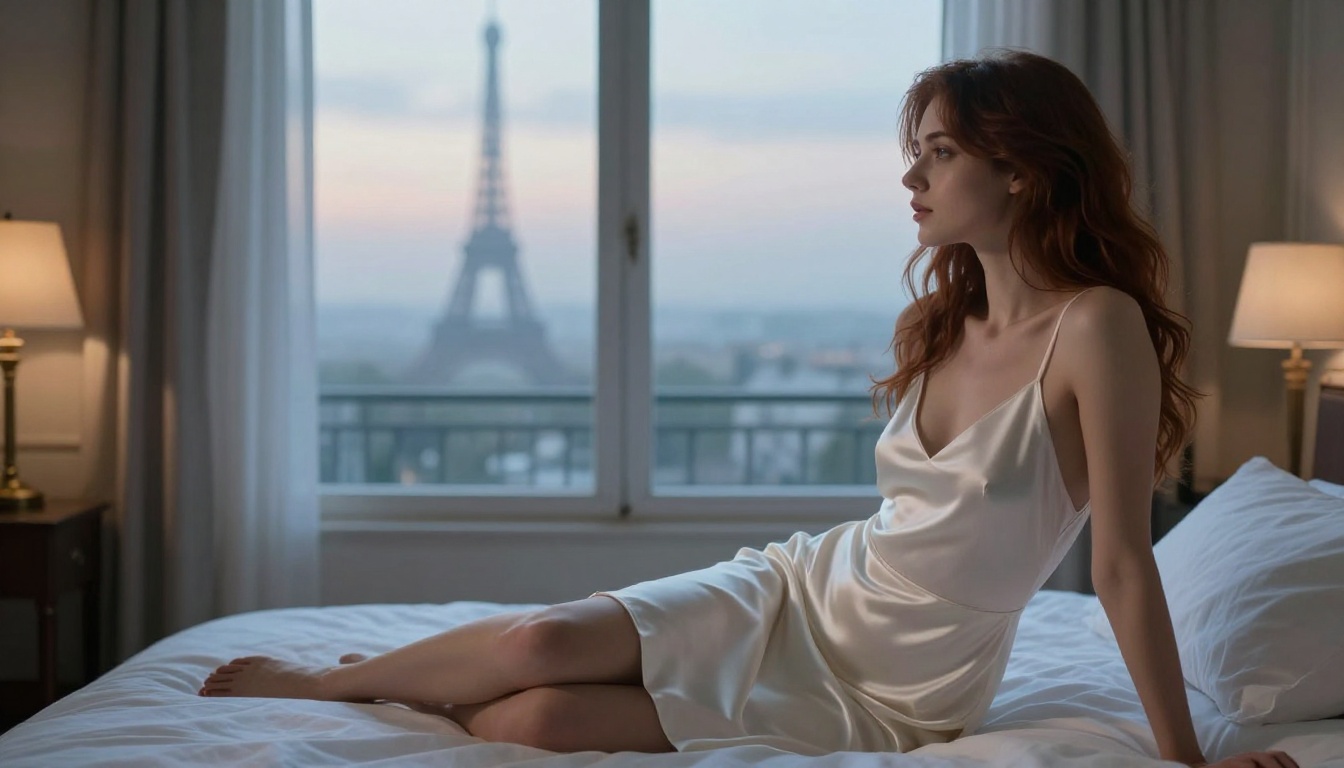
What Seedance 2.0 Actually Does
Seedance 2.0 is ByteDance's AI video generation model, part of their broader Seed series. It focuses on text-to-video and image-to-video workflows, producing short clips from prompts or reference images. For still image creation, its capabilities are limited compared to dedicated text-to-image models that have been fine-tuned on high-resolution photographic data. Understanding this distinction is important because most creators shopping for a Seedance 2.0 alternative are actually looking for something in a completely different product category.
The Core Workflow
Seedance 2.0 takes a text prompt or input image and generates a short video clip, typically 5 to 10 seconds. The model excels at motion coherence and consistency across frames but was never designed primarily for high-fidelity still portraiture or suggestive content creation. Its training reflects ByteDance's conservative content guidelines, which translates directly into limited output options for adult-adjacent creative work.
Where It Falls Short
- Content filtering is aggressive by default, blocking even standard glamour photography prompts
- Still image quality lags significantly behind dedicated image generation models
- Prompt sensitivity makes subtle adjustments frustrating to execute
- Skin texture realism is noticeably inferior to specialized portrait-trained models
- No fine-tuning support means you can't adapt it to a personal aesthetic style
- Cost per output is higher than most comparable alternatives
Why Creators Look for Alternatives
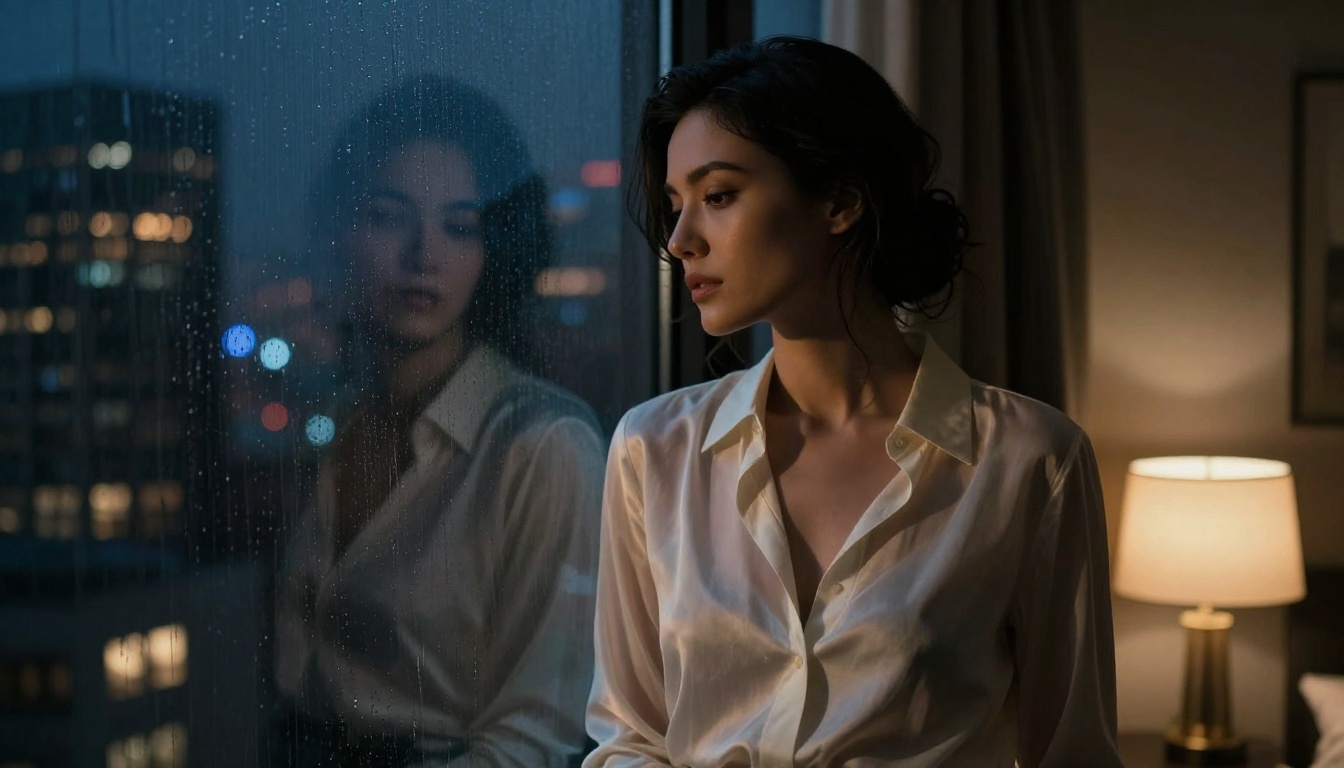
The pattern is predictable. Creators start with Seedance 2.0 because of the hype around ByteDance's technology, then quickly discover that the model's safety filters block most content that falls into the suggestive or artistic nudity category. Even tasteful bikini photography prompts get flagged. This isn't a bug — it's an intentional design choice from a company operating in a heavily regulated environment with a social media platform at the center of its business.
Content Policy Walls
ByteDance built Seedance 2.0 with enterprise and social media use cases in mind. The result is a model that refuses requests any professional photographer would consider completely standard. Low-cut necklines, beach scenes with minimal swimwear, intimate portrait lighting, boudoir aesthetics: all of these regularly trigger refusals or heavily censored outputs. The policy architecture is built to protect ByteDance legally, not to serve creative professionals.
Output Quality Gaps
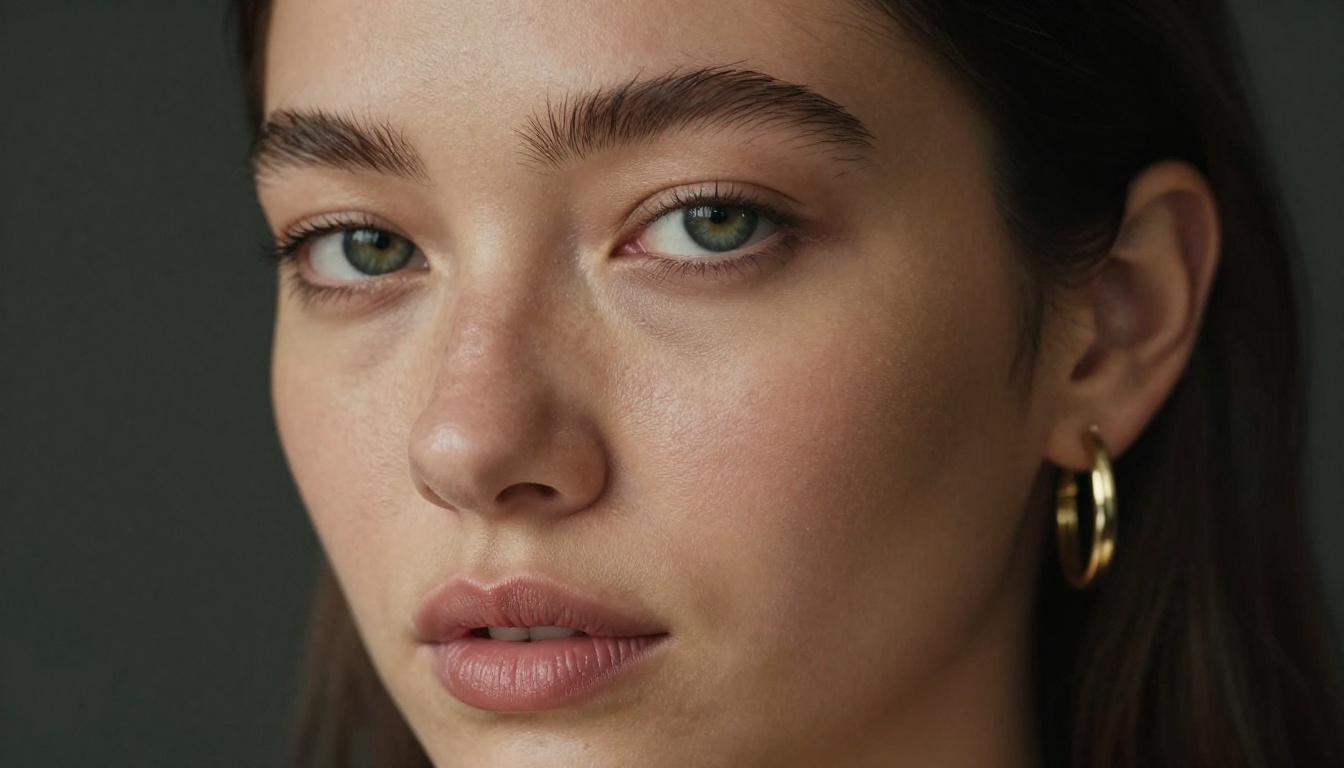
Even when Seedance 2.0 does produce output, skin texture, hair detail, and fabric rendering often look digital. The uncanny valley effect appears frequently in close-up portraits. Models specifically trained on high-resolution photographic data handle these scenarios far better because their training data includes the kind of authentic detail that makes an image feel real rather than generated.
Speed and Cost Considerations
Seedance 2.0's pricing sits at the higher end of the market for what you actually get in return. Alternatives like Flux 2 Pro and Realistic Vision v5.1 generate comparable or superior quality with significantly more creative freedom, at better price-to-quality ratios. When you're iterating through 20 or 30 prompt variations to get the perfect output, cost efficiency matters.
The Best Models for Realistic NSFW Art
Not every AI model is built the same. Some are optimized for speed, some for visual fidelity, and a select few are specifically trained on photorealistic portrait data that makes them exceptional for suggestive and NSFW-adjacent content creation.
Flux 2 Pro: The Current Benchmark
Flux 2 Pro from Black Forest Labs is the current standard for photorealistic portrait generation. It handles skin texture, natural lighting, and fabric rendering better than almost any other publicly available model. When you write a prompt describing volumetric window light on bare shoulders, Flux 2 Pro delivers exactly that, with believable skin pore detail, authentic shadow behavior, and natural hair rendering that holds up to close inspection.
Pro Tip: Flux 2 Pro responds exceptionally well to camera-specific language. Adding "85mm f/1.8, shallow depth of field, natural window light from the left" to your prompt dramatically improves output realism compared to vague style descriptors.
For maximum resolution and detail, Flux 1.1 Pro Ultra pushes this further with ultra-high resolution output, critical for content that needs to hold up at large display sizes or in print.
Realistic Vision v5.1: Portrait Specialist
Realistic Vision v5.1 was specifically fine-tuned for photorealistic human portraiture. It consistently produces natural skin tones, realistic eye detail, and authentic body proportions that feel photographed rather than generated. For close-up glamour work and beauty portraiture, it often outperforms even newer flagship models because of its specialized training focus.
RealVisXL v3.0 Turbo: Speed Without Sacrifice
When you need rapid iteration, RealVisXL v3.0 Turbo delivers near-instant generation without the quality sacrifice you'd normally expect from a speed-optimized model. Built on the SDXL architecture but fine-tuned aggressively for photorealism, it's ideal for testing prompt variations before committing to a full-quality render with a slower, more expensive model.
Stable Diffusion 3.5 Large for Artistic Work
Stable Diffusion 3.5 Large brings a more cinematic, artistically interpreted quality to outputs that works well for editorial and conceptual NSFW content. Where Flux 2 Pro leans documentary-photographic, SD 3.5 Large leans toward considered artistic composition. The right choice depends on what you're making.

Model Comparison: Seedance 2.0 vs. the Field
Here's how the top alternatives compare against Seedance 2.0 for NSFW-adjacent creative work:
The verdict is clear. Seedance 2.0 is a video model trying to compete in a still image space where it was never designed to perform. The models above consistently deliver better photorealism with far fewer creative restrictions.
How to Create NSFW Art on PicassoIA
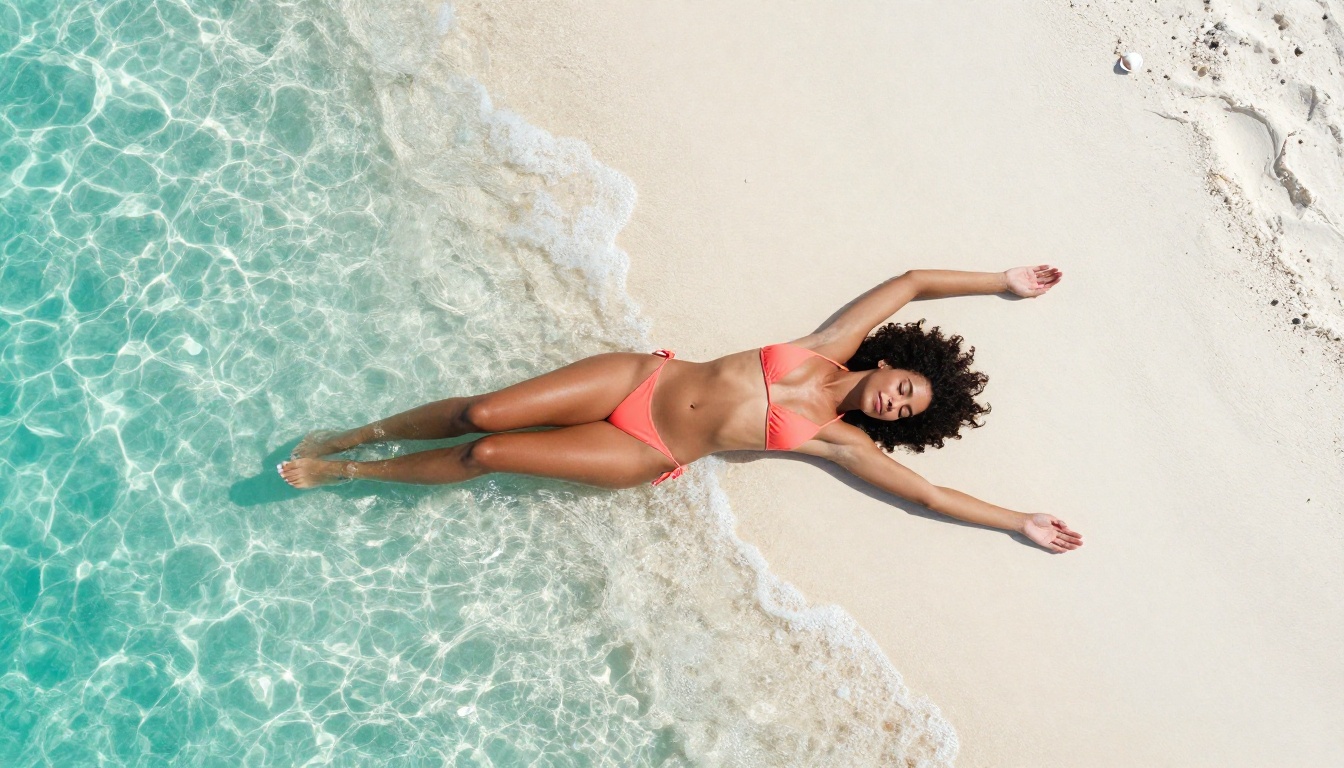
PicassoIA gives you direct access to all of the models in the comparison table above, plus over 90 text-to-image options total, through a single interface. Here's the exact workflow for creating high-quality suggestive content.
Step 1: Choose the Right Model
Navigate to the text-to-image collection and select based on what you're creating:
Step 2: Write a Photorealistic Prompt
The structure that consistently produces the best results follows this pattern:
[Subject] + [Clothing/Pose] + [Environment] + [Lighting conditions] + [Camera specs] + [Film/Texture details]
A weak prompt: "Beautiful woman in lingerie"
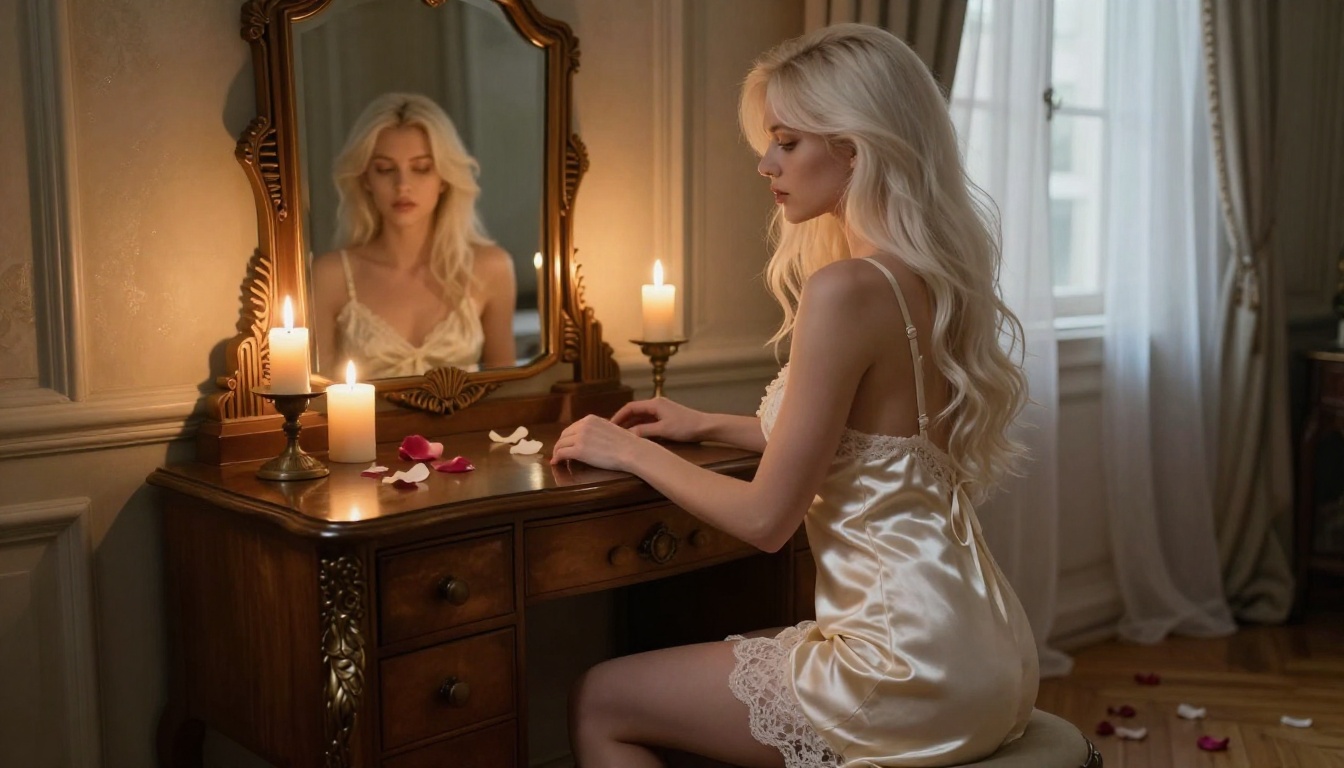
A strong prompt: "Beautiful woman in her late twenties with natural olive skin and long brunette hair, wearing a delicate ivory silk chemise with thin lace trim, sitting on the edge of a white linen bed with one knee drawn up. Warm morning light from a south-facing window enters at 45 degrees illuminating her left profile. Shot with an 85mm f/1.4 lens at shallow depth of field, Kodak Portra 400 film grain, natural skin pore texture visible, micro-imperfections confirming authentic photography"
The difference in output quality between these two prompts is dramatic. Every additional photographic detail gives the model more specific information to render authentically rather than generically.
Step 3: Set Your Parameters
Once your prompt is ready, configure the generation parameters:
- Aspect ratio: 16:9 for cinematic wide shots, 9:16 for vertical portrait formats, 4:3 for classic photography proportions
- Seed: Lock a seed number when you find a composition worth keeping so you can refine it without randomizing again
- Resolution: Match your output to your intended use. Generating at maximum resolution costs more but gives you material to work with at print scale
Step 4: Refine and Iterate
The first generation is rarely the final output. Use it as a starting point, then adjust:
- If skin looks too smooth: Add "natural skin texture, visible pores, authentic skin imperfections, film grain"
- If lighting feels flat: Specify direction explicitly: "dramatic side lighting from left at 30 degrees, deep shadows on right side of face"
- If composition is wrong: Add camera angle descriptors: "low angle looking slightly upward," "aerial high angle at 45 degrees," "3/4 profile from the right"
- If the mood is off: Change your film simulation reference: switch from "Kodak Portra 400" to "Fuji Pro 400H" for cooler, more editorial tones
Prompt Writing That Actually Works
Most people write AI prompts like search queries. The creators getting the best results write them like cinematography briefs or photography shot lists. The mental shift is significant.
Lighting Is Everything
Real photography is largely about lighting. Your prompts should reflect that. Instead of "soft light," specify what soft light actually looks like in a real scene:
- "Volumetric late afternoon sunlight entering from the upper left at 35 degrees, creating long shadows across the floor"
- "Single large beauty dish positioned at 45 degrees, creating Rembrandt shadow triangle on the right cheek"
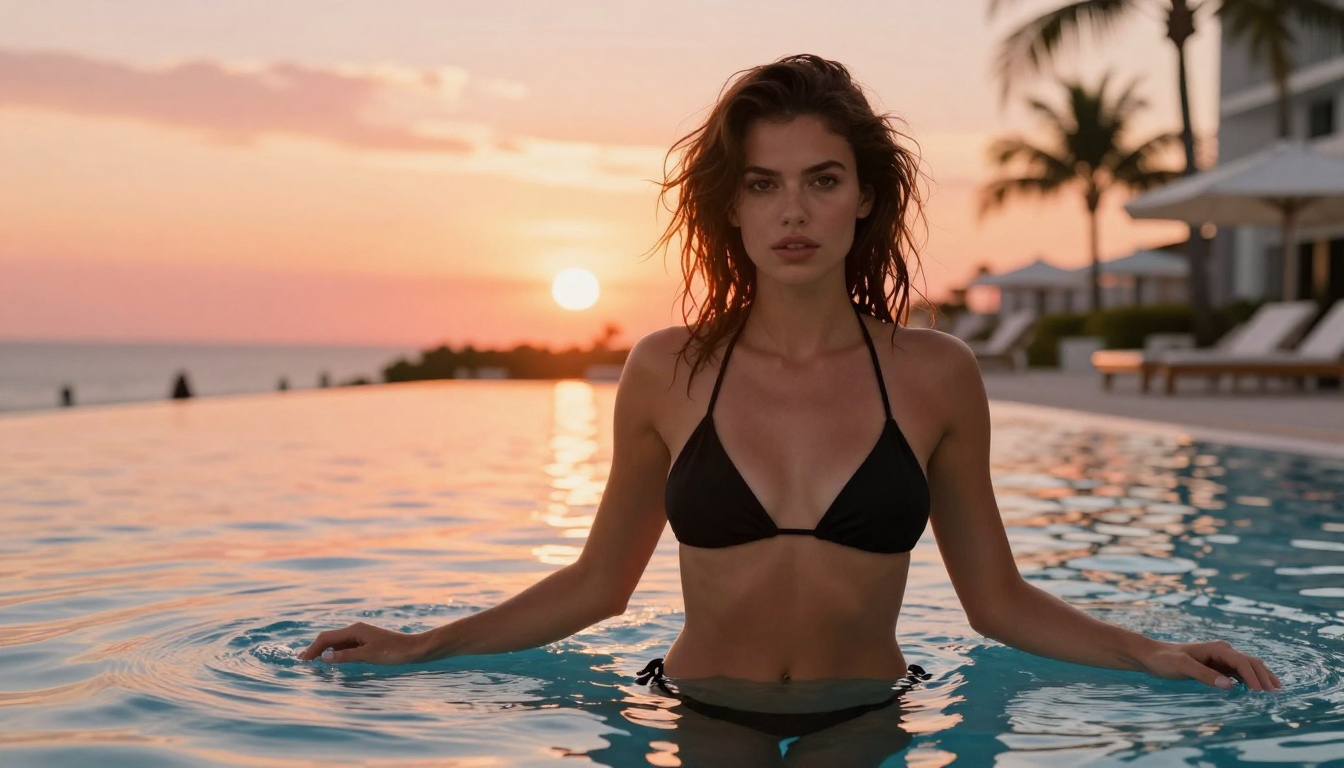
- "Golden hour backlighting creating a hair corona effect, with diffused fill light from a white reflector to camera-left"
- "Overcast natural diffused light through floor-to-ceiling windows, no hard shadows, even and flattering skin rendering"
Each of these tells the model something specific about where light is coming from, what it's doing, and how it's affecting the subject. Vague lighting descriptors produce vague results.
Camera Language That Works
Models trained on photographic data respond strongly to real camera and film terminology because that language appears frequently in their training captions:
- Lens focal length: "85mm f/1.8," "135mm f/2.0 telephoto compression," "24mm wide angle"
- Depth of field: "shallow depth of field," "f/1.4 bokeh background separation," "sharp foreground with blurred background"
- Film stocks: "Kodak Portra 400," "Fuji Pro 400H," "Kodak Ektar 100," "Fuji Velvia 50"
- Camera systems: "Canon EOS R5 quality," "medium format rendering," "Phase One-quality micro-contrast"
What Kills Photorealism
These prompt elements consistently degrade output quality toward the artificial and away from the photographic:
- Style words that imply non-photography: "digital art," "3D render," "CGI," "illustrated," "painted"
- Lighting words that imply non-natural sources: "glowing skin," "luminous aura," "magical light"
- Perfection descriptors that remove texture: "perfect skin," "flawless," "poreless" (the model removes authentic texture in pursuit of perfection)
- Overloading with too many competing style descriptors that confuse the model's generation direction
Reminder: For NSFW suggestive content, the goal is to look photographed, not generated. Fewer style modifiers, more specific photographic details.
Expanding Your Creative Range
Once you've got still image generation working at a high level, the broader PicassoIA toolkit opens up additional possibilities.
Super Resolution for Print-Ready Output
After generating your base image, run it through a super resolution model to scale it up 2x or 4x without losing detail. This is essential for any content that needs to be used in print, large-format digital displays, or marketing materials. The upscaling process also often sharpens skin detail and fabric texture in ways that improve the overall realism.
Inpainting for Targeted Corrections
The inpainting capability lets you fix specific areas without regenerating the entire image. A hand that looks anatomically wrong, fabric that didn't render correctly, a background element that's distracting: select just that area and regenerate it with a targeted prompt while keeping everything else intact. This is the professional workflow for getting images from "good" to "publication ready."
Face Swap for Consistency Across Shots
When you need a consistent character across multiple images, the face swap tools let you maintain facial identity while generating entirely new scenes and compositions. Generate your ideal face once, then apply it across as many variations as you need.
Common Mistakes to Avoid
Creators switching from Seedance 2.0 to image-focused models make predictable mistakes in the first week.
Relying on Model Defaults
Every model has a default aesthetic that shows up when your prompt doesn't push in a specific direction. Flux 2 Pro leans toward cooler, slightly editorial tones. Realistic Vision v5.1 defaults to warmer skin tones with a more commercial feel. Stable Diffusion 3.5 Large leans cinematic. Know the default and use your prompt to push past it toward your actual vision.
Skipping Negative Prompts
Most models support negative prompts where you specify what to avoid. For realistic portraiture, standard negative prompts include: "cartoon, anime, illustration, 3D render, CGI, digital painting, plastic skin, over-smoothed, airbrushed, painting." These alone can significantly shift output quality toward photorealism.
Not Trying Seedream for Stylized Work
Seedream 4.5, the still-image model from ByteDance's Seed family, handles stylized and editorial portrait work in ways that Seedance 2.0 never could. Worth experimenting with for fashion-forward aesthetics that push beyond pure documentary photorealism.
Using the Wrong Aspect Ratio
Generating at the wrong aspect ratio and then cropping destroys composition. Decide on your final output format before generating, not after. A portrait composed for 16:9 looks completely different from one composed for 9:16, and the model accounts for this during generation.
Not Locking Seeds
When you get a generation that's close to what you want but not perfect, immediately lock the seed number before making any prompt changes. Without a locked seed, your next generation starts from scratch. With a locked seed, prompt adjustments produce incremental improvements on the same compositional base.
Now It's Your Turn
Seedance 2.0 was never the right tool for this kind of creative work. It's a video model with strict content policies trying to operate in a category where still-image specialists like Flux 2 Pro, Realistic Vision v5.1, RealVisXL v3.0 Turbo, and Stable Diffusion 3.5 Large consistently deliver better results with significantly fewer creative restrictions.
The workflow is straightforward: pick the right model for your specific content type, write a detailed photographic prompt that includes precise lighting direction, camera specifications, and film simulation references, then iterate on your seed until the composition lands exactly where you want it. The difference between a prompt written like a search query and one written like a photography brief is the difference between a generated image and one that actually looks photographed.
PicassoIA brings over 90 text-to-image models together in one place, from Flux Dev for experimental work to GPT Image 1.5 for prompt-faithful precision to Ideogram V3 Quality for typographic and compositionally precise work. Pick any of them, run your first prompt today, and see what a properly matched model produces when you give it a well-written photographic brief.
The results will make you forget Seedance 2.0 ever existed.


