This practical guide covers everything from basic Sora 2 Pro setup to advanced prompting techniques for creating compelling short-form video content. Discover how to leverage OpenAI's latest text-to-video model for social media clips, product demonstrations, and creative storytelling with synced audio generation. Learn parameter optimization, platform-specific strategies, and workflow integration that transforms text descriptions into professional video outputs in minutes.
The landscape of video creation has shifted dramatically in the last year. What used to require expensive equipment, technical expertise, and days of production time can now be accomplished in minutes with AI. Sora 2 Pro represents the cutting edge of this transformation—OpenAI's most advanced text-to-video model that generates professional-quality short videos with synced audio directly from text descriptions.
For content creators, marketers, educators, and storytellers, this tool changes everything. Imagine describing a scene in words and watching it come to life as a fully animated video with matching audio. That's exactly what Sora 2 Pro on PicassoIA delivers—a streamlined workflow that turns creative concepts into engaging video content without the traditional production barriers.
What Sora 2 Pro Actually Does
Unlike earlier AI video generators that produced short, often choppy clips, Sora 2 Pro generates coherent 4-12 second videos with synchronized audio that feels professional and polished. The model understands complex scene descriptions, character interactions, and cinematic concepts, translating them into visually consistent sequences.
The technical capabilities are impressive:
Duration control: 4, 8, or 12-second outputs
Resolution options: Standard 720p or high 1024p quality
Aspect ratios: Portrait (720x1280) or landscape (1280x720)
Image reference: Optional first-frame image input for consistency
What makes Sora 2 Pro particularly valuable for short-form content is its understanding of timing and pacing. The model doesn't just animate—it creates videos with proper shot composition, camera movement, and editing rhythm that work perfectly for platforms like TikTok, Instagram Reels, YouTube Shorts, and LinkedIn video posts.
Setting Up Your First Sora 2 Pro Video
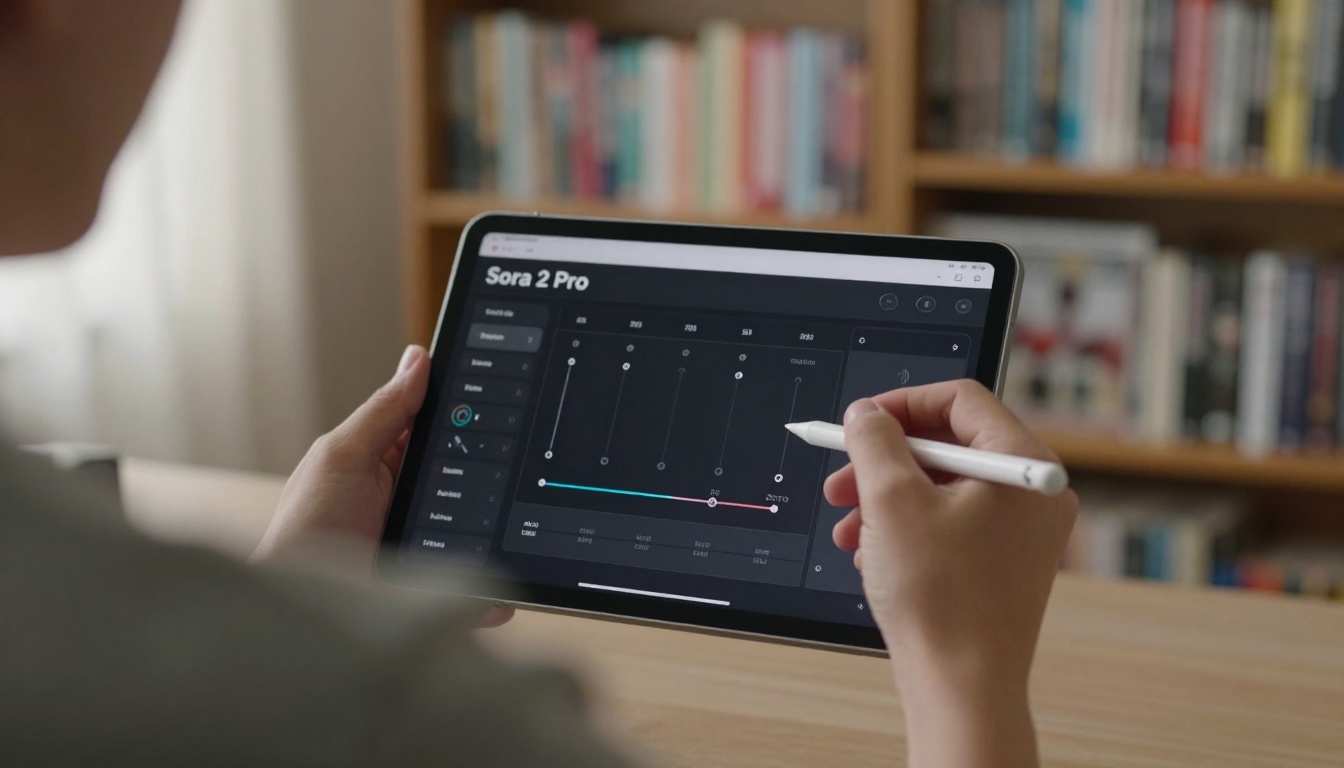
Getting started with Sora 2 Pro on PicassoIA requires minimal setup. The platform handles the infrastructure, so you can focus entirely on creativity rather than technical configuration.
💡 Quick Tip: Start with the default settings (4 seconds, standard resolution, portrait aspect) for your first few generations. This gives you a baseline understanding of the model's capabilities before exploring more complex parameters.
The basic workflow looks like this:
Access the model through PicassoIA's interface
Write your prompt describing the video scene
Select parameters for duration, resolution, and aspect ratio
Generate and review the output
Iterate based on results
For those who prefer using their own API keys, Sora 2 Pro supports direct OpenAI API integration. This gives advanced users more control over billing and usage patterns, though the PicassoIA interface provides a more accessible starting point for most creators.
Crafting Effective Video Prompts
The single most important factor in Sora 2 Pro's output quality is the prompt. Unlike image generation where you describe a static scene, video prompts need to convey movement, timing, and sequence. Here's what works:
Too vague: "A person doing something interesting" (what person? what action?)
Overcomplicated: Trying to describe multiple scenes in one prompt
Missing timing: Not specifying the pace or rhythm of the action
Ignoring audio: Forgetting that Sora 2 Pro generates matching sound
Effective prompt examples:
For social media content:
"Close-up of artisan hands shaping clay on pottery wheel, gradual zoom out to reveal finished vase, warm studio lighting, pottery wheel hum and gentle shaping sounds"
For product demonstrations:
"Smartphone rotating on black velvet surface, screen displaying app animations, cinematic lighting with subtle lens flares, electronic chime sounds with smooth rotation whoosh"
For educational content:
"Molecular structure animation with atoms connecting and separating, explanatory arrows appearing, clean laboratory aesthetic, subtle scientific instrumentation sounds"
Parameter Selection Strategies
Each parameter in Sora 2 Pro serves a specific purpose for different content types:
Parameter
Best For
Trade-offs
4 seconds
Social media hooks, quick demonstrations
Limited scene development
8 seconds
Storytelling, product features
More generation time
12 seconds
Mini-narratives, educational segments
Highest resource usage
Standard (720p)
Mobile viewing, quick iterations
Less detail in large displays
High (1024p)
Professional presentations, large screens
Longer processing time
Portrait
Mobile-first platforms (TikTok, Instagram)
Limited horizontal scene space
Landscape
YouTube, presentations, desktop viewing
Less optimal for mobile
Duration selection guidelines:
4 seconds: Perfect for attention-grabbing hooks, before/after comparisons, or quick visual punches
8 seconds: Ideal for demonstrating a single feature, telling a micro-story, or showing cause-effect relationships
12 seconds: Best for educational explanations, product walkthroughs, or emotional narrative arcs
Resolution considerations:
The difference between standard and high resolution becomes most apparent when:
Viewing on large monitors or projecting
Needing to crop or zoom into sections
Creating content for professional presentations
Building assets for further editing or compositing
Using Image References for Consistency
One of Sora 2 Pro's most powerful features is the optional image input for the first video frame. This allows for:
Brand consistency: Start with your logo or branded imagery
Character continuity: Maintain the same subject appearance
Scene establishment: Set the exact visual tone from frame one
Sequential storytelling: Create video series with cohesive visuals
Image reference requirements:
Must match the selected aspect ratio (portrait or landscape)
Character consistency:
When creating multiple videos with the same character, include specific descriptors that remain constant across generations. For example: "young woman with curly red hair wearing denim jacket" will maintain visual consistency better than generic descriptions.
Camera language:
Sora 2 Pro understands cinematic terminology:
"Tracking shot following subject"
"Dutch angle for dramatic effect"
"Slow motion for emphasis"
"Zoom reveal for surprise elements"
Temporal markers:
Indicate timing within the video:
"Begin with establishing shot"
"Mid-point reveals key information"
"Final seconds show resolution"
"Gradual transition throughout"
Integrating Sora 2 Pro into Existing Workflows
The real power of AI video generation comes from integration rather than replacement. Here's how professionals are incorporating Sora 2 Pro:
Content agencies:
Rapid client concept presentations
Mood board development
Style testing before full production
Social media content supplementation
Independent creators:
Filling content gaps between major projects
Testing audience response to concepts
Building visual libraries for future use
Creating consistency across platforms
Educational institutions:
Visual aids for complex topics
Student project demonstrations
Historical recreation without expensive sets
Accessibility content creation
Marketing teams:
A/B testing visual approaches
Rapid response to trends
Personalized campaign elements
Cost-effective concept validation
Cost and Time Considerations
Understanding the practical economics of Sora 2 Pro usage helps with planning:
Generation time estimates:
4-second videos: ~2-3 minutes
8-second videos: ~4-6 minutes
12-second videos: ~6-9 minutes
These times can vary based on server load and complexity, but represent typical experience through PicassoIA's infrastructure.
Cost-effectiveness analysis:
Compared to traditional video production, Sora 2 Pro offers significant advantages:
No equipment costs (cameras, lighting, audio gear)
No location expenses (studio rental, travel)
No talent fees (actors, presenters, crew)
No post-production (editing, color grading, sound mixing)
Start with a simple 4-second test using basic prompt
Observe how the model interprets your description
Iterate based on the initial results
Scale as you gain confidence with the tool
The most successful creators don't wait for perfect conditions—they start generating, learn from each output, and gradually develop their prompting skills. Every generated video, whether kept or discarded, provides valuable insights into how the model interprets language and visual concepts.
Your Next Steps with AI Video
The evolution from text to video represents one of the most significant creative breakthroughs in recent memory. What began as experimental technology has matured into practical tool that content creators across industries are adopting daily.
The question isn't whether AI video generation will become standard practice—it's how quickly you'll integrate it into your workflow. Those who master tools like Sora 2 Pro gain competitive advantages in content speed, variety, and cost-effectiveness that traditional methods simply cannot match.
Start with a single prompt today. Generate one short video that addresses a current content need. Observe the process, refine your approach, and build from there. The learning curve is surprisingly gentle, and the creative possibilities expand with each generation.
Ready to transform your text ideas into engaging video content? The interface is waiting, the model is trained, and your first AI-generated video is just a prompt away.