Generate musicLarge Language ModelsGenerate speech
How to Use Stable Audio 2.5 for Free Right Now
Everything you need to start creating professional-quality music and sound effects with Stable Audio 2.5 at zero cost. From free access methods to prompt strategies and platform comparisons, this article walks through the full workflow for musicians, creators, and producers.
Generating AI music used to require expensive subscriptions, API tokens, or a degree in audio engineering. Stable Audio 2.5 changed that equation. Stability AI's flagship audio generation model produces high-fidelity, 44.1kHz stereo output from plain text prompts, and right now you can run it for free through platforms that give you direct access without a billing page in sight.
This covers exactly how to do that: where to go, how to write prompts that actually work, which settings matter, and which types of creators are getting the most out of this model today.
What Stable Audio 2.5 Actually Does
From Text to Audio in Seconds
Stable Audio 2.5 is a latent diffusion model trained specifically for audio generation. You type a description of what you want, and it generates a stereo audio file with instruments, rhythm, atmosphere, and texture baked in. The model outputs at 44.1kHz stereo, which is CD-quality audio ready for production without additional processing.
A prompt like "upbeat acoustic guitar with light percussion, summer afternoon feel, 120 BPM" produces something genuinely usable, not a rough sketch. The model handles genre, mood, tempo, and instrumentation separately, so you can mix and match with precision. The training corpus is entirely licensed audio, which matters for anyone creating content for commercial use.
Why It Stands Out
Most AI music generators treat generation as a black box: give it a genre, get a loop. Stable Audio 2.5 handles the full production range:
Precise duration control: set the output from a few seconds up to 190 seconds
Structural audio: it generates music with beginnings, middles, and ends rather than looping fragments
High-fidelity output: the 44.1kHz stereo output is ready for production use, not just demos
Sound design: non-musical audio, ambient textures, foley-style sounds, and sound effects all work well
Stereo field awareness: the model generates with genuine stereo positioning, not mono audio duplicated to two channels
Many competing models only handle music in short clips or require separate stem-generation workflows. With Stable Audio 2.5, a 60-second cinematic trailer piece is one prompt. A 90-second podcast intro with fade-in and fade-out is one generation. That difference in capability per generation is what makes it worth using seriously.
Audio Specs Worth Knowing
Spec
Value
Sample Rate
44.1kHz
Channels
Stereo
Max Duration
190 seconds
Output Format
WAV
Training Data
Licensed audio
The licensing detail deserves emphasis. Stability AI trained this model on licensed audio content, which positions it more favorably for commercial use compared to models trained on scraped content. If you plan to use generated audio in client work, monetized video, or products you sell, this matters.
Free Access Methods That Work
The Official Stability AI Route
Stability AI offers limited free access directly through their platform. New accounts receive a credit allocation that covers a handful of generations. The catch: credits exhaust quickly, and sustained use requires a paid plan.
This works fine for a single test session, but it is not a viable long-term option. The initial free allocation covers roughly 10 to 20 generations depending on audio length, then you hit the paywall. For creators who need to iterate on prompts and produce multiple assets in a session, this runs out fast.
Using PicassoIA for Free Runs
PicassoIA gives you access to Stable Audio 2.5 without requiring a subscription for basic use. The platform runs the model directly on its infrastructure, so output quality is identical to what you would get from the official API.
Set duration in seconds to match your project need
Click generate and wait 10 to 30 seconds
Preview in-browser or download the WAV file directly
No configuration, no API keys, no payment method required for basic runs.
What the Free Tier Covers
Content Type
Available Free
Short music clips under 30 seconds
Yes
Full-length tracks up to 190 seconds
Yes
Sound effects and ambient audio
Yes
High-fidelity WAV download
Yes
Prompt-based generation without limits
Yes
💡 Tip: Start with 30 to 45 second durations when testing a new prompt formula. Once you find a combination that works, run the full 190-second version. This saves generation time and lets you iterate faster before committing to a long render.
How to Use Stable Audio 2.5 on PicassoIA
Setting Up Your First Generation
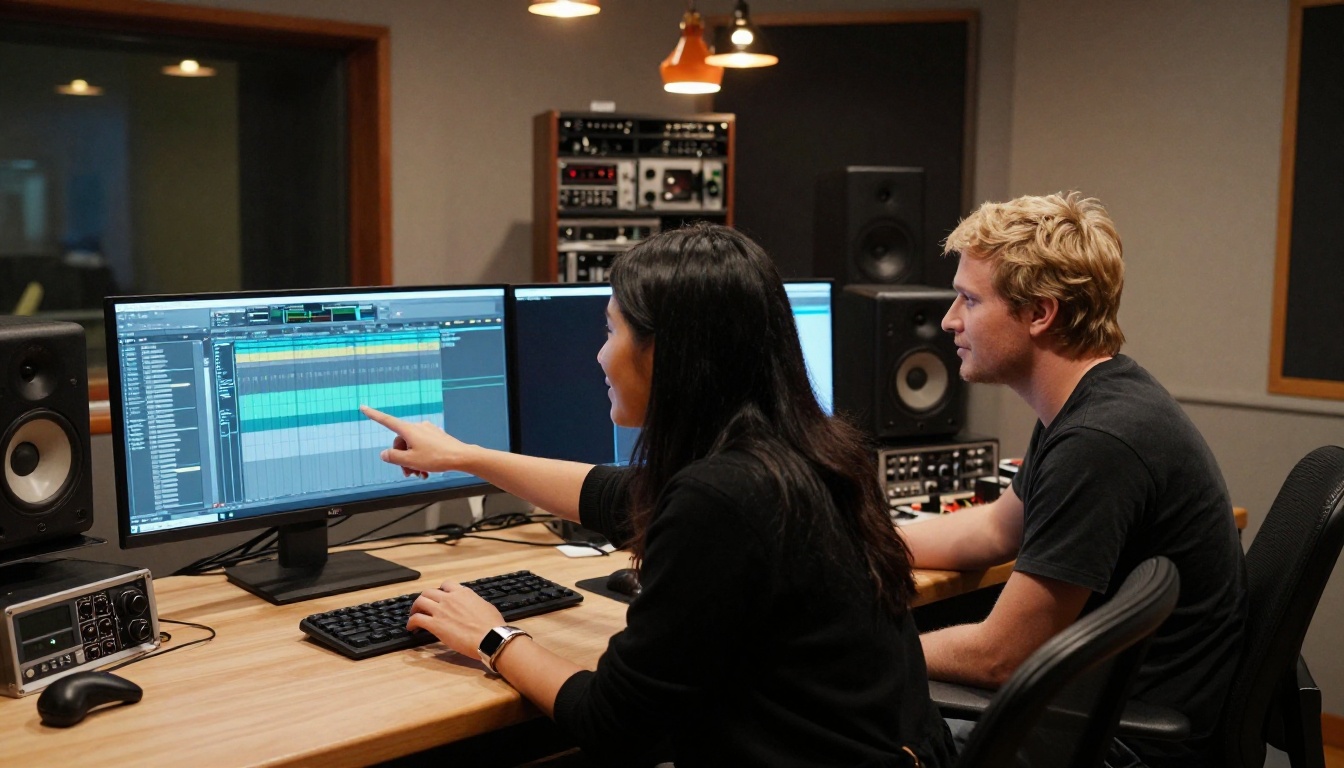
Head to the Stable Audio 2.5 model on PicassoIA. The interface is minimal: a text field, a duration setting, and a generate button. There are no presets to scroll through or modes to configure. That simplicity is intentional, and the model does more with a well-written prompt than most UI controls could add.
Specific beats vague every time. "Cinematic" alone produces generic output. "Rising orchestral strings with brass hits at 120 BPM, builds over 45 seconds to a dramatic peak, resolves quietly" gives the model something real to work with. The quality difference between a vague and a specific prompt is immediately audible.
Set your duration in seconds. If you need background music for a 60-second video, set it to 65 seconds so you have buffer on each end for crossfades or cuts. If you need a podcast intro, 20 seconds is usually enough.
Click generate. Output arrives in 10 to 30 seconds. Preview in the browser, then download the WAV if it works. If it does not, adjust one element of the prompt and try again.
How the Model Reads Your Prompt
The model parses prompt elements in roughly this order of reliability:
Instrumentation (most reliable): specify exact instruments first
Genre and mood: "lo-fi," "melancholic," "triumphant," "tense"
Tempo: explicit BPM values work better than descriptors like "fast"
Texture and space: "reverb-heavy," "dry and intimate," "cinematic room"
Structure: "builds gradually," "starts sparse," "fades at the end"
Combining elements from multiple layers gives the model enough information to make confident decisions. A prompt covering only genre produces flat, generic output. A prompt covering instrumentation, mood, tempo, texture, and structure produces audio that sounds intentional.
Duration Ranges by Use Case
Longer pieces benefit from structural prompting. A 90-second generation with no structural hints tends to be a loop or a flat texture. Adding structural language shapes the generation significantly.
Use Case
Recommended Duration
Social media clip music
30 to 45 seconds
YouTube video background
60 to 120 seconds
Podcast intro or outro
15 to 25 seconds
Film or trailer music
90 to 190 seconds
Sound effect, single event
5 to 15 seconds
Ambient soundscape
120 to 190 seconds
Writing Prompts That Actually Work
The Formula Behind Good Results
The most reliable prompt structure for Stable Audio 2.5:
"Acoustic guitar fingerpicking, folk, 75 BPM, warm and intimate with gentle room reverb, builds quietly from a solo guitar intro into full band arrangement with light drums and bass at the halfway point, resolves softly at the end"
Compare that to "folk music" and the difference in output quality is immediate. The model rewards specificity at every layer.
Genre-Specific Prompt Examples
Genre
Prompt That Works
Lo-fi hip hop
"Rhodes piano, soft boom-bap drums, 85 BPM, vinyl crackle texture, warm low-pass filter, late night nostalgic feel"
Cinematic trailer
"Orchestral strings and brass stabs, 120 BPM, dramatic rising structure, no vocals, epic and tense atmosphere"
Ambient chill
"Soft synth pads, long reverb tails, 60 BPM, introspective mood, sparse piano notes, no percussion"
Corporate background
"Clean acoustic guitar, light shaker percussion, upbeat, 100 BPM, professional and non-distracting"
Podcast intro
"Upbeat electronic with punchy drums, 110 BPM, 20 seconds, energetic opener, clean and crisp"
Horror ambience
"Low strings, dissonant tones, creaking sounds, slow and unsettling, no rhythm, deep reverb space"
What to Avoid in Your Prompts
Several patterns consistently produce weaker results:
Specific artist names: the model does not replicate specific artists and produces off-target results when names appear in prompts
Vocal descriptions on long tracks: Stable Audio 2.5 handles vocals inconsistently; instrumentals are far more reliable
Contradictory instructions: "fast and slow simultaneously" or "heavy bass but very quiet" creates conflict the model resolves unpredictably
Opinion words: "amazing," "perfect," and "high quality" add zero information to the generation. Describe the sound itself.
Negative phrasing: the model responds better to describing what you want than what you do not want
💡 Tip: If a generation misses the mark, change only one element of the prompt before regenerating. Changing everything at once makes it impossible to know which part drove the wrong result. Isolate variables the same way you would debug code.
Best Use Cases for Real Creators
Background Music for Video
Video creators face a constant demand for music that fits specific moods, lengths, and tones. Licensing stock library tracks means paying per use, and popular tracks become immediately recognizable after appearing in thousands of other videos. Generated music avoids both problems.
The workflow that produces the best results:
Cut your video first and note the exact duration of each scene needing music
Write a prompt describing the mood and energy of that specific scene
Set the generator to match that scene's length exactly
Adjust one prompt element at a time based on the first result
For YouTube specifically, generated audio through licensed-data models like Stable Audio 2.5 avoids the copyright claims that stock music sometimes triggers even when properly licensed.
Podcast Intros, Outros, and Beds
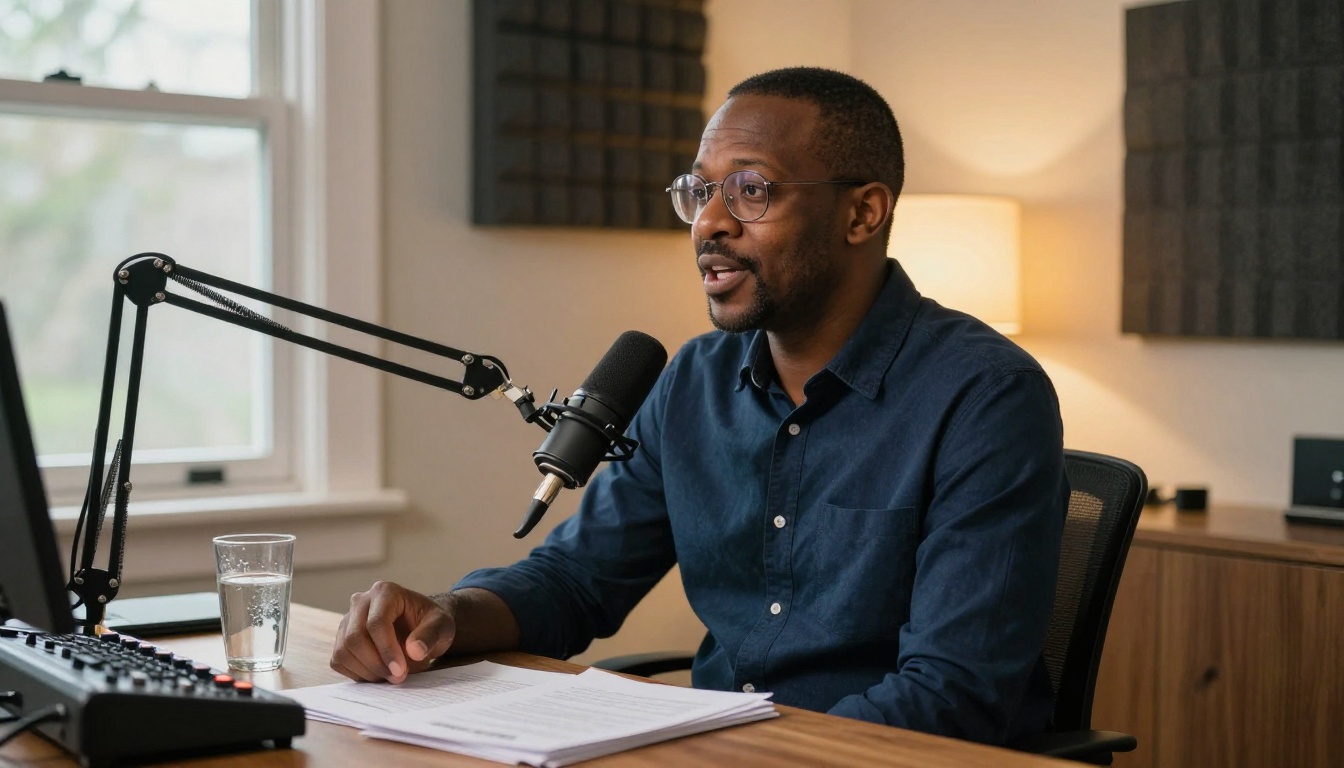
Podcasters need distinctive audio they own without ongoing fees. Stable Audio 2.5 handles this well. A 15-second intro and 10-second outro rarely take more than two or three iterations to get right.
For a full audio production workflow, combine music generation with a text-to-speech model. PicassoIA offers strong options: Speech 2.8 HD for studio-quality narration, ElevenLabs V3 for natural dialogue with emotional range, and Qwen3 TTS for voice cloning and custom AI voices. Build the music bed with Stable Audio 2.5, then layer in the narration from one of these models.
Sound Design and Atmosphere
The model handles non-musical audio well with the same text-prompt approach. Describe exactly what you hear:
"Heavy rain on corrugated metal roof, thunder in the distance, no music, 60 seconds"
"Mechanical typewriter keys clicking rapidly, quiet office background, no music"
"City street sounds, distant traffic, pedestrians, light wind, overcast day, no music"
For game developers and film sound designers, this is a fast way to generate atmospheric backgrounds that would otherwise require on-location recording or expensive library licenses.
Other AI Audio Models Worth Trying
Stable Audio 2.5 excels at instrumentals and sound design. For different audio needs, PicassoIA has a full suite of options covering everything from full vocal songs to real-time speech synthesis.
For Full Songs with Vocals
MiniMax Music 2.6 generates full songs with vocals from a text prompt or lyrics you supply. MiniMax Music 2.5 is the previous version with strong vocal performance quality.
For longer, more polished compositions, Google Lyria 3 Pro produces full-length songs with professional arrangement quality. Google Lyria 3 is the accessible version of the same architecture. ElevenLabs Music is strong for shorter compositions and precise style control. To restyle an existing track into a different genre, MiniMax Music Cover handles genre transfer without a full re-generation from scratch.
For AI-assisted lyric writing, script generation, or creative writing that feeds into your music workflow, PicassoIA's LLM collection includes Claude Sonnet 4.6, GPT 5, and Gemini 3.5 Flash, all accessible from the same platform. Write lyrics with an LLM, pass them to a music generation model, generate the narration with a TTS model, and download everything in one session.
Start Generating Your First Track
The gap between "I want to make music" and "I have a usable audio file" used to be expensive and slow. Stable Audio 2.5 on PicassoIA closes that gap. No production software, no sample libraries, no subscription required to start.
Pick a concrete use case you actually have right now: a YouTube intro that needs something original, a podcast that needs its own sound identity, a short film that needs ambient texture, a game prototype that needs background music. Write a prompt describing exactly that audio. Set the duration to match. Generate.
The first result may not be perfect. It rarely is. But it will be close enough to tell you exactly which element of the prompt to adjust, and the next generation will be closer. Most creators land on a usable result within three iterations.
PicassoIA gives you access to Stable Audio 2.5 alongside every other audio model on one platform, so as your projects grow in ambition, your toolkit grows with them. Music generation, voice synthesis, song creation, and audio effects are all at picassoia.com/en/all-models.