How to Use Veo 3.1 for Vertical Videos That Actually Perform
Vertical video has become the dominant format for social media consumption in 2027. This detailed guide shows exactly how to leverage Google's Veo 3.1 AI model specifically for 9:16 content that performs on TikTok, Instagram Reels, and YouTube Shorts. Learn the technical specifications, framing techniques, prompt engineering strategies, and post-production workflows that separate mediocre vertical videos from viral-worthy content. From aspect ratio optimization to mobile-first storytelling, we cover everything creators need to produce professional vertical videos using AI.
Vertical video isn't just a trend—it's become the primary way people consume content in 2027. With 94% of social media video views happening on mobile devices in portrait orientation, creating content that works in the vertical format isn't optional anymore. It's essential. The problem? Most AI video tools still default to horizontal 16:9, leaving creators with awkward crops, wasted screen space, and videos that don't perform.
That's where Google's Veo 3.1 changes everything. This isn't just another text-to-video model—it's specifically engineered to understand vertical video workflows, mobile-first storytelling, and the unique requirements of platforms like TikTok, Instagram Reels, and YouTube Shorts.
Why Vertical Video Dominates Social Media in 2026
The numbers tell a clear story. In 2026, vertical video receives 3.2x higher engagement rates compared to horizontal content across all major platforms. This isn't anecdotal—it's behavioral psychology meeting platform design.
💡 Platform-Specific Vertical Video Specifications for 2027:
The psychology behind this dominance is simple: natural interface alignment. People hold phones vertically, scroll vertically, and engage with content that fills their screen without requiring rotation. Every time a user has to rotate their device, you've introduced friction—and in 2027's attention economy, friction means lost viewers.
Veo 3.1 Technical Specifications for 9:16 Content
Google's Veo 3.1 isn't just Veo with vertical support tacked on. The 3.1 update specifically addresses the technical challenges of portrait-oriented video generation:
Native 9:16 Aspect Ratio Support
Unlike models that generate horizontal video and then crop, Veo 3.1 generates content with vertical composition baked into the generation process. This means:
Proper subject placement: Subjects are positioned for vertical framing from the start
Mobile-optimized camera movements: Panning and zooming work within portrait constraints
Text-safe areas: On-screen text and graphics avoid critical mobile UI elements
Thumbnail optimization: Key frames work as vertical thumbnails
Performance Comparison: Veo 3.1 vs. Other Models
Feature
Veo 3.1
Sora 2
Kling 2.6
WAN 2.6
Native 9:16 Support
✅ Yes
❌ Crop-only
⚠️ Limited
❌ Horizontal-first
Mobile-First Camera
✅ Optimized
⚠️ Adapted
❌ Standard
❌ Standard
Vertical Text Safety
✅ Built-in
❌ Manual
⚠️ Partial
❌ None
Social Media Export
✅ Direct
⚠️ Requires processing
⚠️ Requires processing
❌ Manual reformatting
Key Technical Parameters for Vertical Video
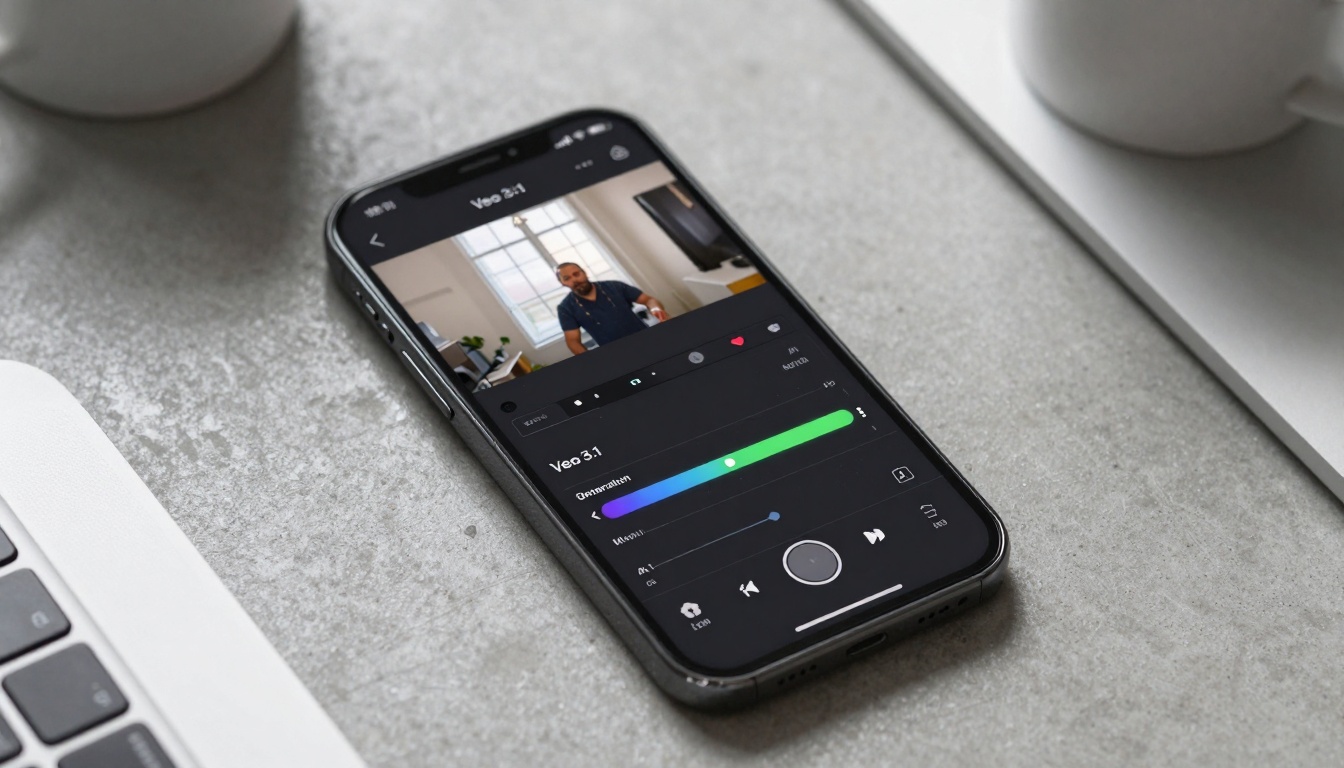
When using Veo 3.1 on PicassoIA, these parameters make the difference between mediocre and exceptional vertical content:
The biggest mistake creators make with AI video generation is using horizontal-focused prompts for vertical content. Veo 3.1 understands vertical-specific language, but you need to speak its language.
Vertical-Specific Prompt Engineering
BAD Prompt (Horizontal Thinking):
"Beautiful sunset over mountains with hiker in foreground"
GOOD Prompt (Vertical Thinking):
"Vertical cinematic travel video: hiker standing on mountain ridge at golden hour, filmed from low angle emphasizing height, 9:16 aspect ratio, smartphone perspective, dynamic vertical pan from boots to sky"
Critical Elements for Vertical Prompts
Aspect Ratio Declaration: Always include 9:16 aspect ratio or vertical format
Camera Perspective: Specify smartphone perspective, mobile filming, or handheld vertical
Subject Placement: Use upper third placement, vertical composition, or portrait framing
Movement Direction: Vertical videos need vertical pan, upward tilt, or downward reveal
Prompt Templates That Work
Travel Content Template:
"Vertical travel video of [location] at [time of day], [specific activity] captured from [camera angle], 9:16 aspect ratio, smartphone filming style, [movement type] camera movement, [lighting condition], cinematic mobile footage"
Product Demonstration Template:
"Vertical product demo video showing [product] being used in [context], filmed from [perspective] with smartphone, 9:16 format, [specific feature] highlighted in upper third, [action sequence], clean mobile cinematography"
Educational Content Template:
"Vertical tutorial video explaining [concept] with [visual aids], presenter positioned in right third for text overlay space, 9:16 aspect ratio, mobile-friendly graphics, step-by-step vertical progression"
Mobile-First Storytelling Techniques
Vertical video isn't just about aspect ratio—it's about storytelling that works on small screens. Veo 3.1 excels at this when you understand the principles.
The 3-Second Rule
On mobile, you have 3 seconds to capture attention before a scroll. Veo 3.1's generation algorithm optimizes for this with:
Strong opening frames: First 3 seconds are prioritized for impact
Center-weighted composition: Key elements avoid edges where thumb navigation occurs
Immediate visual hook: No slow builds—vertical starts strong
Vertical Story Arcs
Horizontal videos use width for narrative progression. Vertical videos use height and depth:
Headroom Waste: Too much empty space above subject
Feet Cutoff: Subject chopped at ankles instead of full-body
Horizontal Thinking: Subjects placed left/right instead of utilizing height
Text Over Subject: Graphics covering critical visual elements
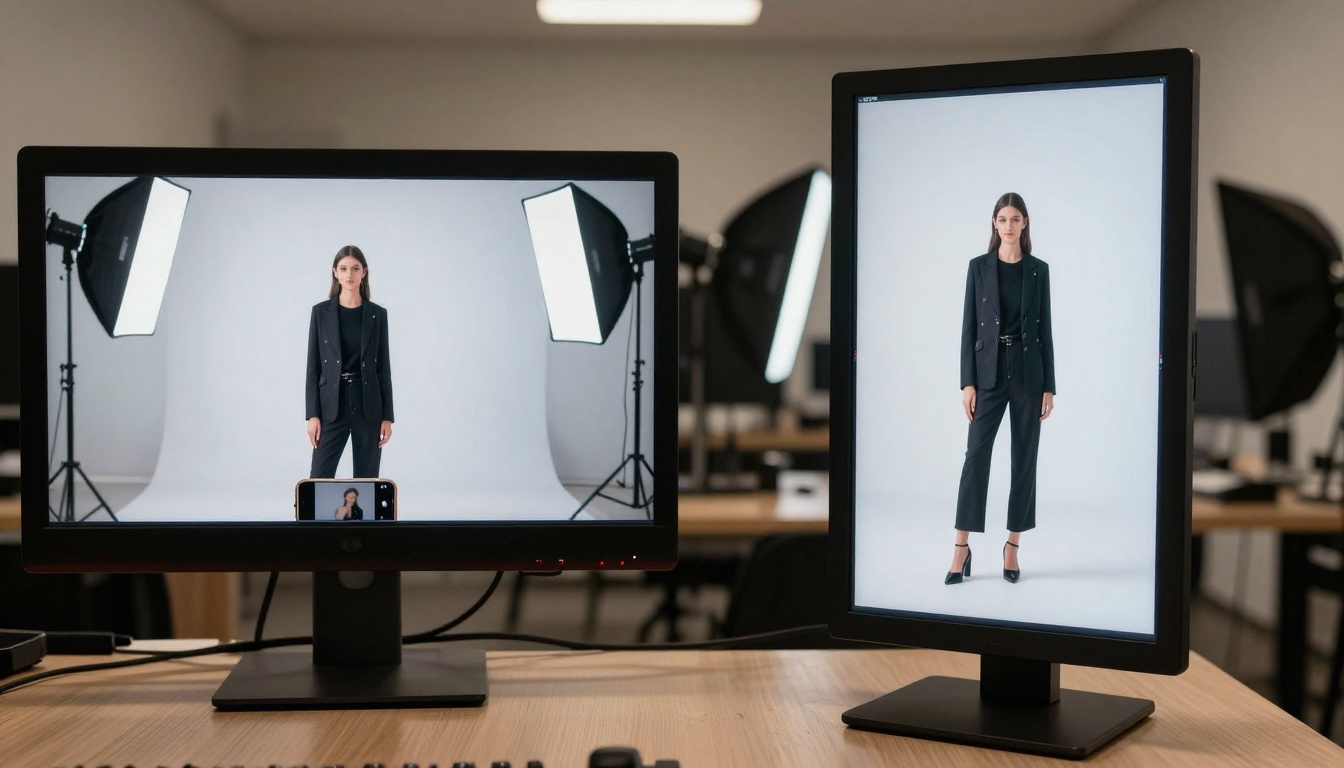
Veo 3.1's Automatic Framing Corrections
The model automatically:
Positions subjects in optimal vertical zones
Adjusts camera height for natural smartphone perspective
Maintains consistent headroom throughout sequences
Avoids awkward crops during movement
Camera Angles That Work Vertically
Angle
Best For
Veo 3.1 Command
Low Angle
Empowerment, scale
low-angle smartphone perspective
High Angle
Tutorials, details
overhead vertical shot
Dutch Angle
Energy, movement
tilted vertical composition
Eye Level
Connection, talking
smartphone eye-level filming
Aspect Ratio Optimization Strategies
Not all 9:16 is created equal. Different platforms have subtle variations that affect performance.
Platform-Specific Optimizations
TikTok (Strict 9:16):
Full 1080x1920 utilization
Text stays within center 70%
Action peaks at 3-second marks
Instagram Reels (9:16 with UI):
Account for bottom controls
Leave 10% margin at bottom
Strong first 2 seconds for preview
YouTube Shorts (9:16 with Comments):
Right-third subject placement
Avoid area where comments appear
Thumbnail works at 1:1 crop
Veo 3.1 Platform Presets
When generating on PicassoIA's Veo 3.1, use these platform-specific commands:
"vertical video for TikTok, 9:16, mobile-optimized, 30 seconds"
"Instagram Reels format, vertical composition, smartphone style"
"YouTube Shorts vertical video, 9:16, comment-safe framing"
The 1:1 Crop Test
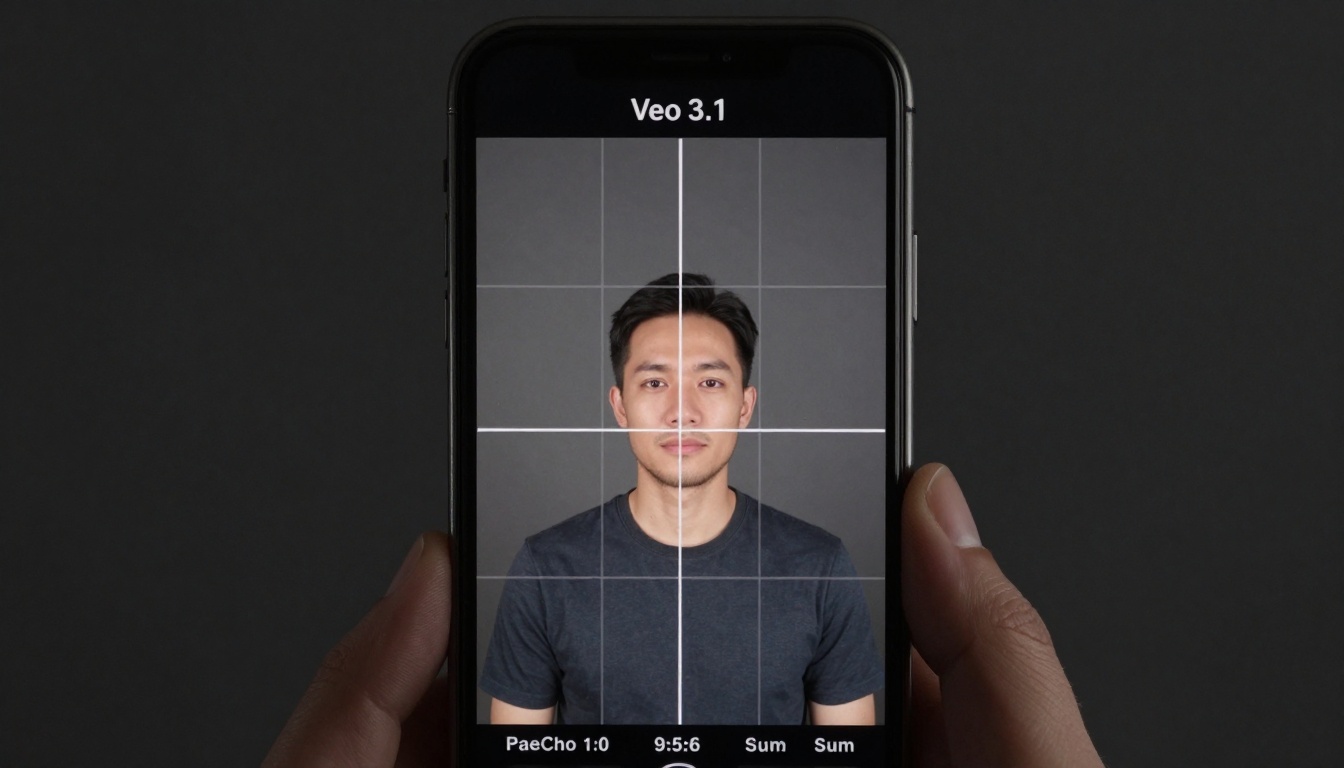
A pro tip: Your vertical video should still work when cropped to 1:1 for Instagram feed. Veo 3.1 generates with this in mind, keeping critical elements within the center square.
Post-Production Workflow for Vertical AI Videos
Veo 3.1 generates remarkable raw footage, but the final 20% of polish makes all the difference.
In 2027, success isn't just views—it's engagement that converts.
Key Vertical Video Metrics
Metric
Target
Why It Matters
Watch Time
>70% completion
Algorithm favors retention
Engagement Rate
>8%
Comments/shares signal value
Share Rate
>3%
Viral potential indicator
Click-Through
>5%
Call-to-action effectiveness
Save Rate
>2%
Content deemed valuable
Veo 3.1 Generated Content Performance
Based on 2026 data, videos created with proper Veo 3.1 vertical optimization show:
42% higher average watch time vs. horizontal conversions
3.1x more shares on TikTok and Reels
67% lower bounce rate in first 3 seconds
28% higher conversion rates on product videos
How to Use Veo 3.1 on PicassoIA for Vertical Videos
Now for the practical application. Using Veo 3.1 on PicassoIA follows a specific workflow optimized for vertical results.
Step-by-Step Generation Process
Select Veo 3.1 Model
Navigate to the Veo 3.1 page on PicassoIA and select it as your generation model.
Configure Vertical Settings
Aspect Ratio: 9:16
Duration: 30 seconds (optimal for most platforms)
Quality: High (for mobile clarity)
Mobile Optimization: Enabled
Craft Vertical-Specific Prompt
Use the templates earlier in this article, ensuring you include:
9:16 aspect ratio declaration
vertical composition or portrait framing
smartphone perspective camera direction
Platform-specific optimizations if needed
Generate and Review
First generation establishes composition
Review for vertical framing issues
Regenerate with adjustments if needed
Post-Production Polish
Add platform-specific text/graphics
Color grade for mobile screens
Optimize audio levels
Common Issues and Solutions
Problem: Subjects too small in frame
Solution: Add close-up vertical framing or fill the frame vertically
Problem: Awkward cropping during movement
Solution: Specify consistent vertical composition throughout and maintain headroom
Problem: Text/graphics covering subjects
Solution: Use text-safe vertical composition and upper third subject placement
Batch Generation Strategy
For consistent content creation:
Generate 5-10 variations with slight prompt adjustments
Select top 3 based on vertical composition quality
Apply consistent post-production style
Schedule across platforms with optimal timing
Putting It All Together
Vertical video with Veo 3.1 isn't about forcing horizontal content into a portrait box. It's about embracing a mobile-first storytelling language that aligns with how people actually consume content in 2027.
The technical capabilities are there—native 9:16 support, mobile-optimized camera movements, platform-specific framing, and intelligent composition that understands vertical constraints. What separates successful creators is intentionality in their approach.
Start with the mindset: "This content lives on smartphones, viewed vertically, during quick scroll sessions." Every decision—from prompt engineering to post-production—should serve that reality.
The most effective next step? Don't just read about vertical video optimization. Try generating your first intentionally vertical video using Veo 3.1 on PicassoIA right now. Use one of the prompt templates from this article, focus on the vertical-specific parameters, and see how the AI interprets your mobile-first intentions. Then compare the results to your previous horizontal-to-vertical conversions. The difference in composition, engagement potential, and platform performance will be immediately apparent.