Most people type a single sentence into the prompt field and wonder why the output looks generic. That is the entire problem with how beginners approach AI image generation, and it happens with even the best models available. Nano Banana Pro is a 4K image generator by Google that consistently outperforms expectations, but only when you give it the right input. The quality of your prompt is, without question, the single biggest variable in your final image.
This is not about memorizing magic words. It is about how the model reads your text and building a prompt structure that gives it everything it needs to produce exactly what you are visualizing. Once you see the pattern, every generation becomes more deliberate and the results follow.

What Makes Nano Banana Pro Different
Nano Banana Pro sits in a category of its own among the text-to-image models available today. It is Google's high-resolution image generation model built specifically for 4K output with natural photorealism, and it reads prompts differently from older generation models.
It thinks in scene descriptions
Most earlier models like SDXL were trained to respond well to keyword stacks. You could list five adjectives separated by commas and get decent results. Nano Banana Pro works differently. It parses natural language with much higher fidelity, which means complete sentences with contextual detail give you more consistent and coherent outputs than fragmented keyword lists.
This is a meaningful shift. Writing "a woman sitting in a sunlit café in Paris, wearing a navy blazer, looking out the window at the rain" will outperform "woman, café, Paris, navy blazer, window, rain, realistic" almost every single time. The model builds a scene from the sentence, not just a collection of objects from the keywords.
4K resolution that rewards detail
The resolution ceiling on Nano Banana Pro is genuinely high. While models like Flux Dev and Imagen 4 also produce detailed images, Nano Banana Pro manages fine texture rendering at 4K without generation times becoming painful. Skin pores, fabric weaves, surface imperfections, and environmental micro-details all render with the kind of realism that separates an AI image from one people study twice.
The implication for your prompts: you can and should describe detail at a granular level. The model will render it.
The Anatomy of a Strong Prompt
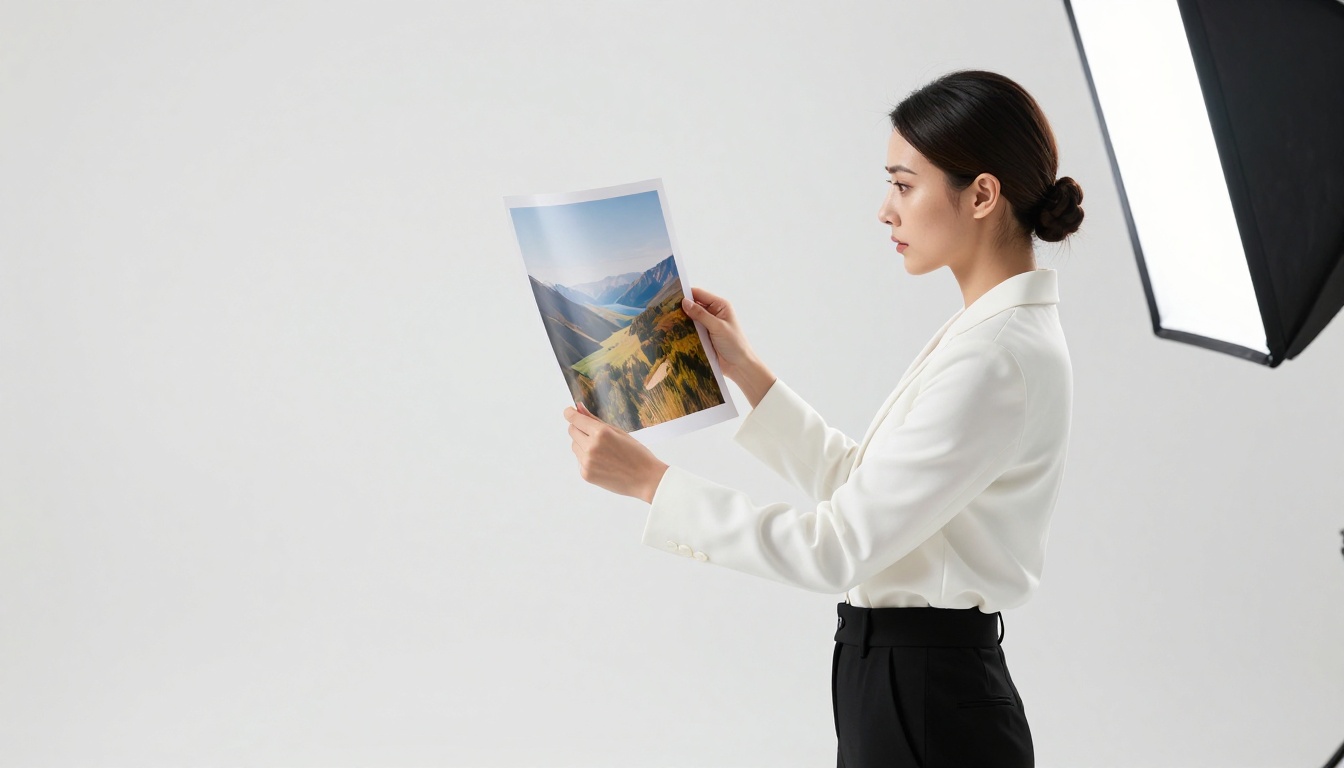
Every strong prompt for Nano Banana Pro follows a logical order. Think of it like constructing a scene before describing how to photograph it. The model needs to know what it is looking at before it can decide how to render it.
Subject first, details after
Start with the subject. Be specific about age range, appearance, clothing, pose, and action. "A woman" is weak. "A woman in her early 30s sitting cross-legged on a cream linen sofa, eyes closed, head tilted slightly upward toward natural light" is strong.
The subject should always be the first element you write. When you bury your subject halfway through a long paragraph of style descriptors, the model loses track of the focal point and distributes attention unevenly across the scene.
Strong subject opening examples:
- "A woman in her late 20s standing at a marble kitchen counter, both hands wrapped around a ceramic mug..."
- "Two friends in their early 20s laughing on the stone steps of a brownstone, backpacks at their feet..."
- "A professional woman in a tailored charcoal suit walking through a glass-walled office corridor..."
After the subject, add the environment. Where is this scene set? What are the surfaces, the furniture, the architectural details in the background? Then add lighting. Then camera specifics. Then style anchors.
Lighting is not optional
Lighting is the single most underused element in beginner prompts, and also the element that most dramatically separates good outputs from exceptional ones. Nano Banana Pro responds to lighting description with a fidelity that rewards specificity.
Vague: "good lighting"
Specific: "volumetric afternoon sunlight streaming from the upper left, casting long soft shadows across the subject's face and the wooden floor"
The difference in output is significant. Specify the direction of light, the quality (soft, harsh, diffused, dappled), the time of day (golden hour, overcast midday, blue hour), and whether there are secondary light sources like lamps, screens, candles, or reflections.
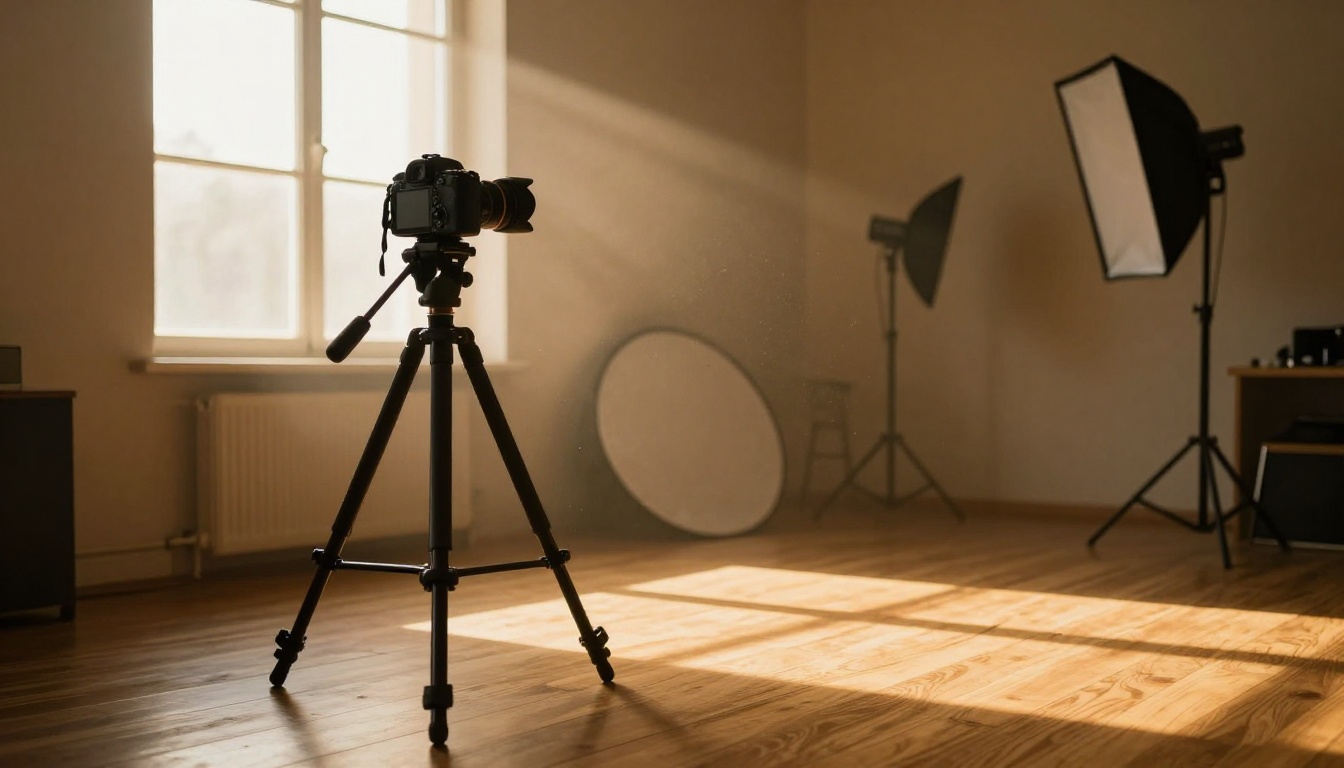
Lighting phrases that work:
- "diffused natural window light from the left, creating soft even illumination with no harsh shadows"
- "warm golden hour backlight creating rim lighting around the subject's hair"
- "overhead studio softbox, even and flattering, minimal shadow depth"
- "blue hour ambient light mixed with warm interior lamplight from a desk lamp to the right"
- "dappled forest light through tree canopy, moving shadows across skin and clothing"
Style, mood, and camera lens
After subject, environment, and lighting, add the photographic style. For Nano Banana Pro, the most reliable style anchor is "RAW 8K photography, photorealistic" combined with a film emulation reference. "Kodak Portra 400" produces warm, flattering skin tones. "Fuji Velvia" pushes saturation in outdoor and landscape images.
Camera lens specification directly controls depth of field and perspective compression. An 85mm f/1.4 gives beautiful subject separation with soft background blur. A 24mm f/2.8 gives a wide environmental shot with everything in relative focus. A 50mm f/2.0 delivers a natural, documentary feel that reads as candid.
💡 Tip: Always include both focal length and aperture. "Shot with an 85mm f/1.4 lens" tells the model exactly how to render background separation and focus falloff across the scene.
What to skip in your prompts
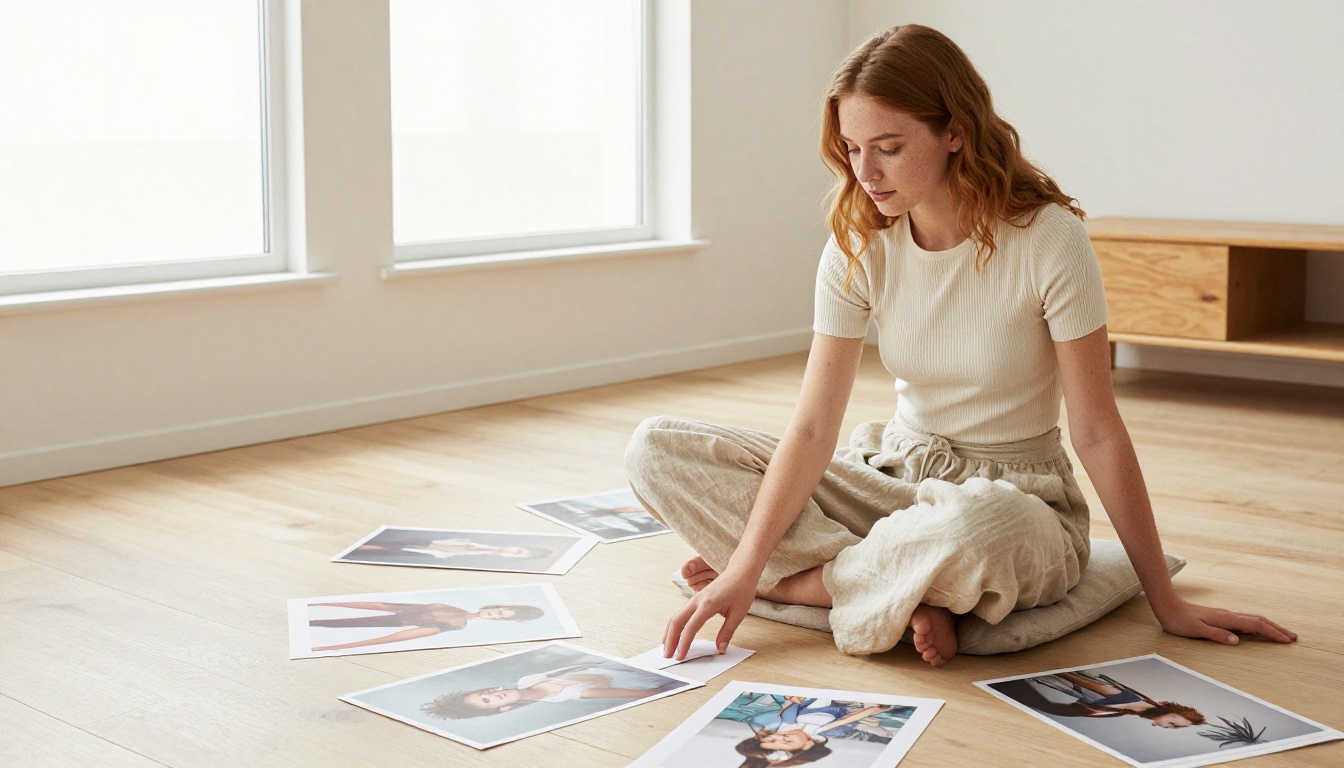
Knowing what to leave out is as important as knowing what to include. These are the prompt habits that consistently hurt output quality.
Remove these from your prompts:
- Contradictory style anchors: Do not write "photorealistic" and "watercolor painting" in the same prompt. The model splits the difference and produces neither convincingly.
- Generic quality words: "Beautiful", "amazing", "stunning", "incredible" carry no visual information. Replace them with specific descriptors that the model can actually render.
- Excessive comma stacking: Long keyword lists are a legacy approach. Write complete descriptive sentences instead.
- Abstract emotions without visual anchors: "A feeling of nostalgia" gives the model nothing to render. "Faded warm tones, a woman holding an old photograph, afternoon light through dusty curtains, soft grain" renders nostalgia visually.
How to Use Nano Banana Pro on PicassoIA

Since Nano Banana Pro is available on PicassoIA, here is exactly how to put everything above into practice step by step.
Step 1: Open the model page
Go to the Nano Banana Pro model page on PicassoIA. The interface loads a generation panel with the prompt field front and center. You do not need an account to generate, though saving and downloading outputs requires one.
Step 2: Draft your prompt in sections
Do not type directly into the prompt field right away. Build your prompt in order:
- Subject: Who or what is the central focus? Age, clothing, pose, expression.
- Environment: Where is the scene? Surfaces, furniture, architectural details, depth of field layers.
- Lighting: Direction, quality, time of day, secondary light sources.
- Camera: Lens focal length, aperture, shooting angle, distance from subject.
- Style anchors: "RAW 8K photography, photorealistic, Kodak Portra 400 film emulation"
Then paste it as a single flowing paragraph. No headers, no bullet points inside the prompt itself.
Step 3: Use aspect ratio intentionally
Nano Banana Pro supports multiple aspect ratios. For editorial and lifestyle images, 16:9 is standard. For portrait or mobile content, 9:16 gives a vertical frame. For product shots or balanced compositions, 1:1 works well.
Match the aspect ratio to the scene. A wide outdoor landscape does not belong in a 9:16 frame. A tight portrait does not need to be stretched into 16:9.
Step 4: Iterate one variable at a time
Your first generation is rarely your final image. After seeing the output, identify specifically what worked and what did not. Was the lighting off? Rewrite only the lighting section. Was the subject's pose not what you intended? Add more specificity to the pose description. Isolating variables is the fastest path to the image you are visualizing.
💡 Tip: Save prompts that produce good results. A strong prompt structure becomes a reusable template. Swap out the subject and environment while keeping your lighting and camera language intact.
These three formulas work for the majority of use cases and can be adapted for almost any scene type.
The portrait formula
[Subject with age, clothing, one physical feature] + [Action or pose] + [Environment with 2-3 specific details] + [Lighting direction and quality] + [Camera lens and angle] + [Film emulation] + RAW 8K photography, photorealistic
Example in practice:
"A woman in her late 20s with loose auburn hair wearing a white linen shirt, sitting on a wooden bench in a botanical garden, slightly turned from the camera, resting her chin in her hand. Dappled morning sunlight through overhead tree canopy creating soft moving shadow patterns on her skin. Shot from medium close-up angle with an 85mm f/1.8 lens. Kodak Portra 400 film emulation. RAW 8K photography, photorealistic."
The landscape formula
[Scene type and location] + [Time of day and weather] + [Foreground detail] + [Midground subject or element] + [Background elements] + [Lighting] + [Camera lens and angle] + RAW 8K photography, photorealistic
Example in practice:
"Rolling vineyard in Tuscany at golden hour, rows of grapevines receding toward a stone farmhouse in the middle distance, wild red poppies in soft-focus foreground. Warm amber evening light from the horizon casting long shadows along the vine rows, thin clouds lit from below in pink and orange. Wide shot with a 24mm lens from a low angle close to the ground. RAW 8K photography, photorealistic."
The product and environment formula
[Product with material and finish detail] + [Surface it rests on with texture] + [Background] + [Lighting quality and direction] + [Camera angle] + RAW 8K photography, photorealistic
Example in practice:
"A minimalist ceramic coffee mug in matte white finish resting on a light oak wood table with visible natural grain, small droplets of condensation on the mug exterior. Clean white kitchen background slightly out of focus. Soft natural window light from the left, no harsh shadows, warm subtle reflections on the table surface. Overhead 45-degree angle shot with a 50mm lens. RAW 8K photography, photorealistic."
Prompt Comparison: Before and After
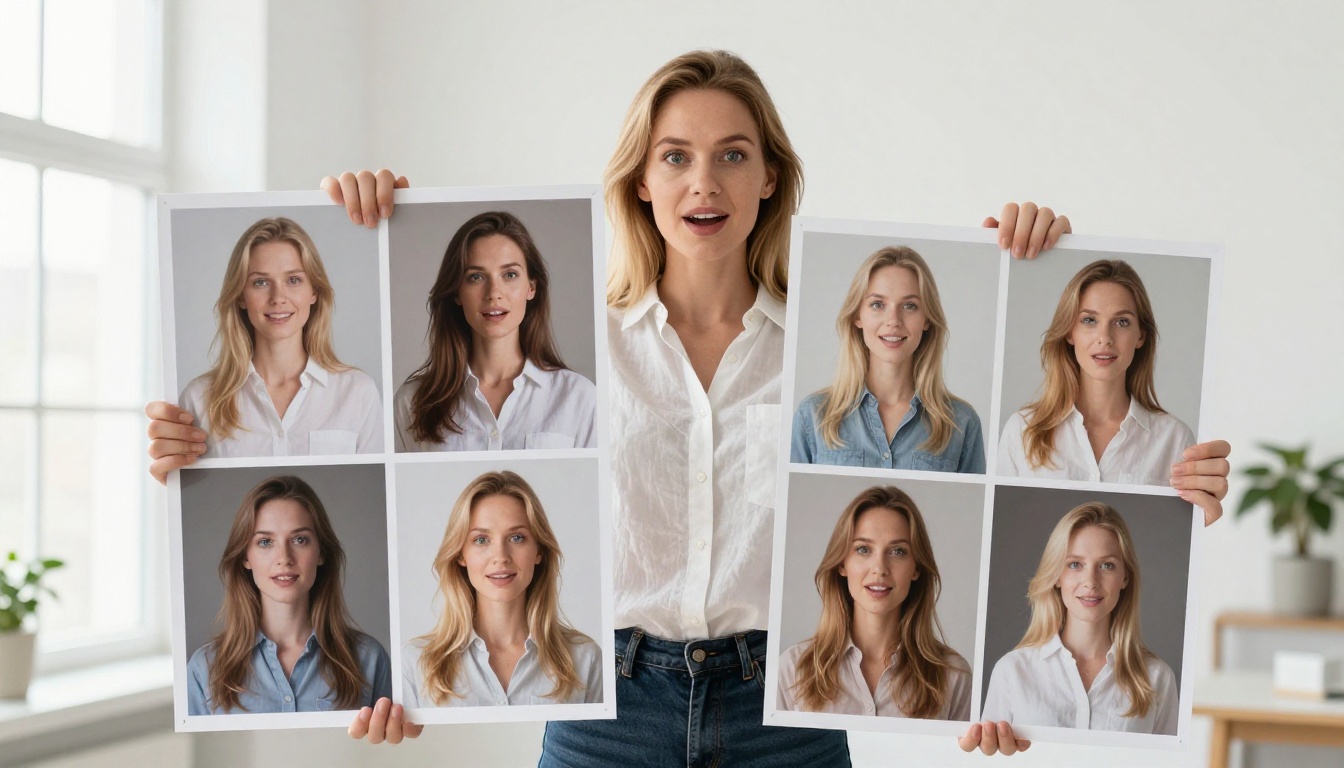
The table below shows how the same core idea shifts in output quality depending on prompt depth.
| Prompt Version | What It Contains | What to Expect |
|---|
| Weak | "woman in coffee shop, warm lighting" | Generic composition, flat lighting, low surface detail |
| Moderate | "a young woman sitting in a café, warm afternoon light, photorealistic" | Better composition, some depth, inconsistent detail rendering |
| Strong | Full subject, environment, directional lighting, specific lens, film emulation, style anchors | High detail, cinematic depth of field, natural light rendering, film grain texture |
The jump from weak to strong is not about using more words for the sake of length. Every added detail in a strong prompt corresponds to a specific rendered element. Subject, environment, lighting, lens, and style all earn their place and produce a measurable improvement.
Common Mistakes That Hurt Results
Overloading with disconnected adjectives
Piling "cinematic, dramatic, epic, moody, dark, mysterious, beautiful, sharp" into a prompt without attaching these words to specific visual elements creates noise. The model averages them together. "Moody" attached to nothing renders differently than "moody warm-toned interior with low lamp lighting and long shadows across the walls." Attach every adjective to something specific and concrete.
Being vague about the subject
"A person" gives the model too much latitude. Models like Nano Banana Pro, Flux Pro, and Imagen 4 Ultra all produce more consistent results when you describe the subject with at least an age range, one clothing item, and one physical feature. You do not need to describe every detail, but you need enough to anchor the generation around a clear focal point.
Skipping the negative prompt field
Nano Banana Pro supports negative prompts. Use them. Standard entries that improve output quality:
blurry, low quality, deformed, watermark, text overlay, logoextra limbs, bad anatomy, distorted face, unnatural proportionsoversaturated, neon colors, CGI render, cartoon, illustration, digital art
Negative prompts are a precision tool for removing the model's default tendencies when they do not match your vision. They are especially useful when the model defaults to a style or color palette you are not aiming for.
Other Models Worth Comparing
Nano Banana Pro is exceptional for photorealistic 4K work, but the same prompt principles apply across the full text-to-image library on PicassoIA. If you want to compare outputs from the same prompt, try it on Nano Banana 2 for image fusion and editing capabilities, or Imagen 4 for another Google model with a slightly different rendering style.
For portraits with consistent facial detail, Qwen Image 2 Pro performs very well. Seedream 4 and Seedream 4.5 both produce 4K images with a distinct aesthetic flavor worth testing against your Nano Banana Pro outputs. Flux Pro remains a strong alternative for detail-heavy generations across a wide range of scene types.
Once you have generated an image, PicassoIA's Super Resolution models can upscale it 2x to 4x, and the platform's image restoration tools can reduce noise or sharpen soft areas in any output you produce.
Start Creating Now
The fastest way to get better at writing prompts for Nano Banana Pro is to run the same scene through three versions: weak, moderate, and strong. Do it in a single session and compare the outputs side by side. The difference will be immediate and obvious, and you will not go back to one-sentence prompts after seeing it.
PicassoIA gives you access to over 91 text-to-image models, which means you can take any prompt that works on Nano Banana Pro and run it through Nano Banana, Imagen 4 Ultra, or Flux Dev to see how different architectures interpret the same description. That comparison process, more than anything else, builds real intuition for what works and why.
Pick a scene you have been wanting to create. Write the subject, the environment, the lighting, the camera details, and the style anchors. Paste it into Nano Banana Pro and generate. Iterate once. The model is ready when you are.


