Large Language ModelsGenerate imagesGenerate videos
How to Write NSFW Prompts That Actually Work
Most adult AI prompts fail before the model even runs. Bad subject descriptions, wrong model selection, and missing lighting cues produce muddy or blocked results. This article breaks down exactly how to build NSFW prompts that get realistic, detailed output every time, with the right models on PicassoIA.
Most platforms will block you. Most prompts will disappoint you. And most creators waste dozens of credits figuring out what actually works through pure trial and error. If you are writing NSFW prompts and getting blurry, vague, or blocked outputs, the problem is almost never the platform. It is the prompt itself.
This article breaks down exactly how to write NSFW prompts that produce detailed, photorealistic output on the first try, which models to use, and what to avoid if you want consistent results every time.
Why Most NSFW Prompts Fail
Before fixing prompts, you need to understand what breaks them. The failure patterns are predictable, and once you see them, they are easy to correct.
Vague Descriptions Get Vague Results
The single biggest mistake adult content creators make is writing prompts like:
"A sexy woman, beautiful, NSFW, realistic"
That tells the AI almost nothing. What does she look like? Where is she? What is she wearing or not wearing? What is the lighting? What angle is the camera? A prompt that vague forces the model to invent everything, and the result is almost always generic, muddy, and unconvincing.
AI image models work by predicting what pixels should exist based on the statistical patterns in their training data. The more specific and concrete your description, the closer the output aligns with what you actually want. Think of it less like giving instructions to a human artist and more like building a scene in a 3D renderer. Every parameter matters.
The Model Mismatch Problem
Not all models accept NSFW content. Some will silently sanitize your prompt. Others return a blank output or a fully clothed result. Worse, some platforms detect adult content keywords and block the generation entirely before it even starts.
Choosing a model that explicitly supports adult content is not optional. It is the foundation everything else builds on. We will cover the right models in detail below.
What Good NSFW Prompts Actually Look Like
A high-quality NSFW prompt reads like a photography brief combined with a director's shot list. It describes the subject, the setting, the lighting, the camera position, and the desired mood in specific, concrete terms.
Start with the Subject
Your subject description should include:
Age range: "woman in her late twenties" or "man in his early thirties"
Specific clothing or lack thereof: "wearing a sheer silk robe that slides off the left shoulder" rather than "partially dressed"
Body position: "seated on the edge of the bed, weight shifted to the right, one leg extended"
Expression and mood: "relaxed, half-smile, eyes slightly downcast"
The more specific you are about the subject, the less the model has to guess. Guessing creates inconsistency, anatomical errors, and the kind of plastic-looking skin that immediately signals AI generation to any viewer.
Lighting Is Everything
Photography professionals will tell you that lighting is the most important variable in any image. For NSFW AI generation, this is especially true because poor lighting flattens skin texture, kills depth, and makes the result look like CGI.
Good lighting descriptions include:
Direction: "soft diffused light from a window on the left"
Quality: "warm, golden, afternoon light" vs. "cold, flat studio light"
Effect on skin: "creating gentle shadows across the collarbone and sternum"
Secondary light source: "subtle rim light catching the edge of the shoulder from behind"
💡 Tip: Natural window light descriptions almost always outperform generic "beautiful lighting" in terms of realism. Be specific about direction and temperature.
Pose and Body Language
Explicit body language descriptions produce far better results than vague mood words. Instead of "sensual pose," write "seated with knees drawn up to chest, arms resting across knees, chin tilted slightly upward." Instead of "seductive look," write "eyes directly at camera, slight parted lip, eyebrow raised."
Body language descriptions also help models avoid anatomical errors, which are among the most common failure modes in NSFW generation. The more precisely you define the pose, the fewer degrees of freedom the model has to make mistakes.
The 5-Part Prompt Formula
Every high-performing NSFW prompt follows a repeatable structure. Once you internalize this formula, your output quality improves immediately and consistently.
Part
What It Covers
Example
1. Subject
Who, what they look like, what they are wearing
"Woman in her late twenties, ivory satin slip"
2. Action / Pose
What they are doing, how they are positioned
"Seated on bed edge, one leg extended, weight on left arm"
3. Environment
Where they are, what surrounds them
"Sunlit minimalist bedroom, white linen sheets, oak floor"
4. Lighting
Direction, temperature, quality of light
"Morning window light from left, warm golden, soft shadows"
5. Technical
Camera lens, angle, style, grain
"85mm f/1.8, eye level, Kodak Portra 400, RAW 8K"
Apply all five parts every time. Skipping even one consistently degrades results.
💡 Pro tip: Write the five parts in order, then read the whole prompt back. If you can clearly picture the image from the description alone, the model probably can too.
Best Models for NSFW on PicassoIA
Choosing the right model is as important as writing a great prompt. PicassoIA hosts multiple models that explicitly support adult content without content filters, and the ranking below is ordered by performance, flexibility, and value.
1. Seedream 4.5: The Top Pick
Seedream 4.5 is the best all-around model for NSFW content generation. It accepts adult content directly, supports image editing alongside text-to-image generation, and produces results in under 3 seconds. The realism output is consistently high, handling skin texture, lighting, and anatomical detail better than most comparable models.
One critical note: the newer Seedream 5 Lite does not support NSFW content. Stick with Seedream 4.5 for adult generation work.
PicassoIA Image Editor Pro is an image-to-image model and the best choice if you need to run high volumes. With an Elite or Infinite plan, generations are completely unlimited. That means 1,000 images costs exactly the same as 10. On models like Nano Banana 2, that same volume would run around $100. Results arrive in under 1 second, NSFW content is accepted, and there is a 3-generation free trial with no credit card required.
3. Qwen Image 2: Open Source Realism
Qwen Image 2 is an open-source model that handles both text-to-image creation and image editing. It produces highly detailed, realistic results and accepts NSFW prompts without filtering. A solid choice when you need creative control with very detailed realism.
4. Grok Imagine Image: Realistic Conversions
Grok Imagine Image excels at converting existing images into bikini or swimwear format with very realistic output. If you are working from reference images and want NSFW variations, this model handles that workflow particularly well.
5. Recraft V4: Clean Text-to-Image
Recraft V4 is text-to-image only, but produces very realistic results with solid NSFW acceptance. A reliable starting point for initial concept generation before editing in Image Editor Pro.
6. P-Image: Speed First
P-Image generates results in under 1 second. For rapid iteration cycles where you want to test multiple prompt variations quickly before committing to a final render, this is the fastest option available on the platform.
💡 The full catalog of NSFW-compatible models is available at picassoia.com/en/all-models. Worth bookmarking if you create adult content regularly.
Negative Prompts: Stop Getting Garbage Output
Negative prompts tell the model what to exclude from the generation. They are just as important as the positive prompt, especially for NSFW content where anatomical errors, unrealistic skin, and unwanted clothing additions are common failure modes.
What to Always Exclude
For every NSFW generation, include these negatives:
worst quality, low quality, blurry, jpeg artifacts, cartoon, anime, illustration, 3D render, CGI, plastic skin, oversaturated, unrealistic proportions, extra limbs, extra fingers, mutation, deformed anatomy, bad hands, watermark, text
The "cartoon, anime, illustration" exclusions are especially important. Without them, many models default to stylized outputs that look nothing like photorealistic photography.
Style-Specific Negatives
Depending on your subject, add targeted negatives:
For skin realism: add plastic, waxy, smooth synthetic, airbrushed
For natural lighting: add studio backdrop, green screen, harsh flash
For realistic body: add unrealistic body proportions, idealized anatomy
Running NSFW generations without any negatives is the fastest way to get anatomical errors, cartoon-style outputs, and results that look nothing like your prompt described. Treat negative prompts as a required field, not an optional one.
Real Prompt Examples That Work
Here are complete, proven prompt templates you can adapt directly.
Glamour and Fashion Style
Positive prompt:
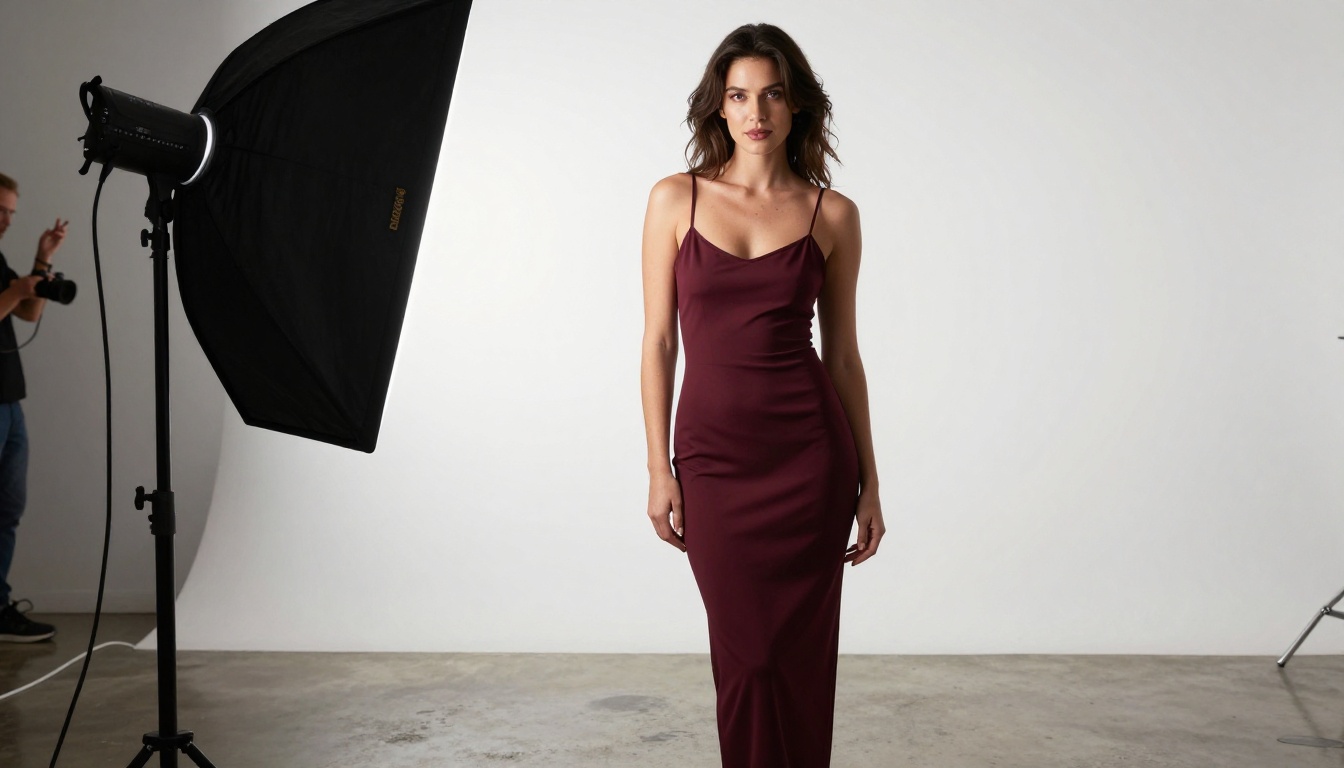
Woman in her late twenties, wearing a fitted deep crimson slip dress with thin straps,
standing in a professional photography studio against seamless white backdrop,
large softbox at 45 degrees from camera left creating soft directional light,
skin texture visible on bare arms and chest, 50mm f/2.0 lens full body shot,
subtle rim light in hair, Kodak Portra 400 film grain, RAW 8K photorealistic
Negative prompt:
cartoon, anime, CGI, 3D render, plastic skin, watermark, extra fingers, bad anatomy, blur
Artistic and Implied
Positive prompt:
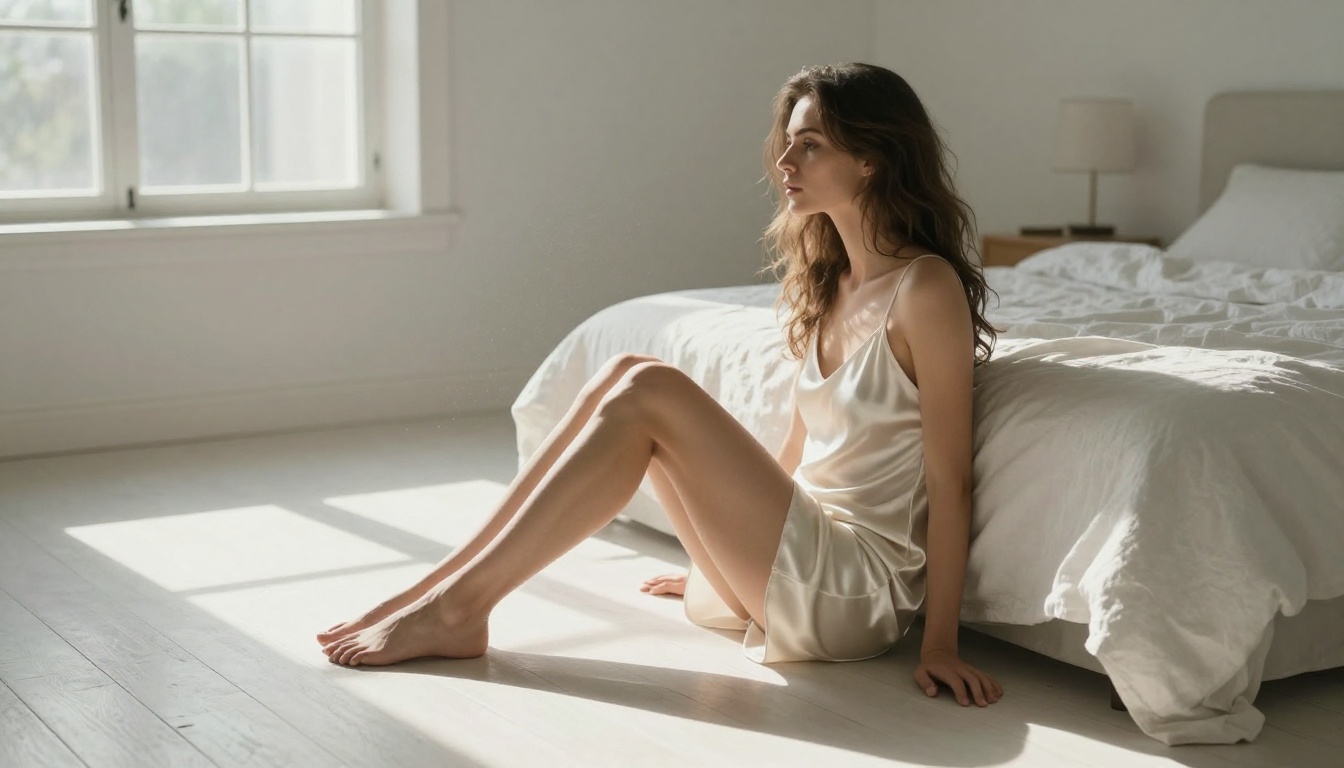
Woman in her thirties sitting on edge of unmade white linen bed, morning bedroom,
ivory satin slip falling to mid-thigh, morning window light from left casting
geometric shadows on wooden floor, 85mm f/1.8 side profile, dust motes in light beam,
bare feet on cold floor, loose morning hair, relaxed expression,
Kodak Portra 800 film grain, RAW 8K photorealistic
💡 Notice the pattern: Both prompts include all 5 formula parts: subject, pose, environment, lighting, and technical specs. Neither uses vague adjectives like "sexy" or "beautiful" alone. The quality comes from specificity, not from emotional descriptors.
Common Mistakes That Kill Results
These are the patterns that consistently produce failed outputs, regardless of which model you use.
Overloading with adjectives without substance:
Using "incredibly beautiful, stunning, gorgeous, perfect" adds no visual information. The model cannot render "gorgeous" as pixels. Replace every abstract adjective with a concrete visual detail.
Missing negative prompts entirely:
Running NSFW generations without negatives is the fastest path to anatomical errors and cartoon-style outputs. Always include them.
Stacking conflicting styles:
"Photorealistic, digital art, oil painting, anime style, 8K photo" is contradictory. Pick one style direction and commit to it. For NSFW realism, that means RAW photography keywords only.
Not specifying camera information:
Missing lens, focal length, and aperture information lets the model default to a generic framing that often looks flat. Even a simple "85mm f/1.8, eye level" vastly improves dimensional quality.
Using filtered models for NSFW:
Seedream 5 Lite does not support adult content. Using a filtered model with NSFW prompts results in sanitized output where clothing appears, scenes shift to non-explicit versions, or the generation simply fails silently.
Beauty in the Details
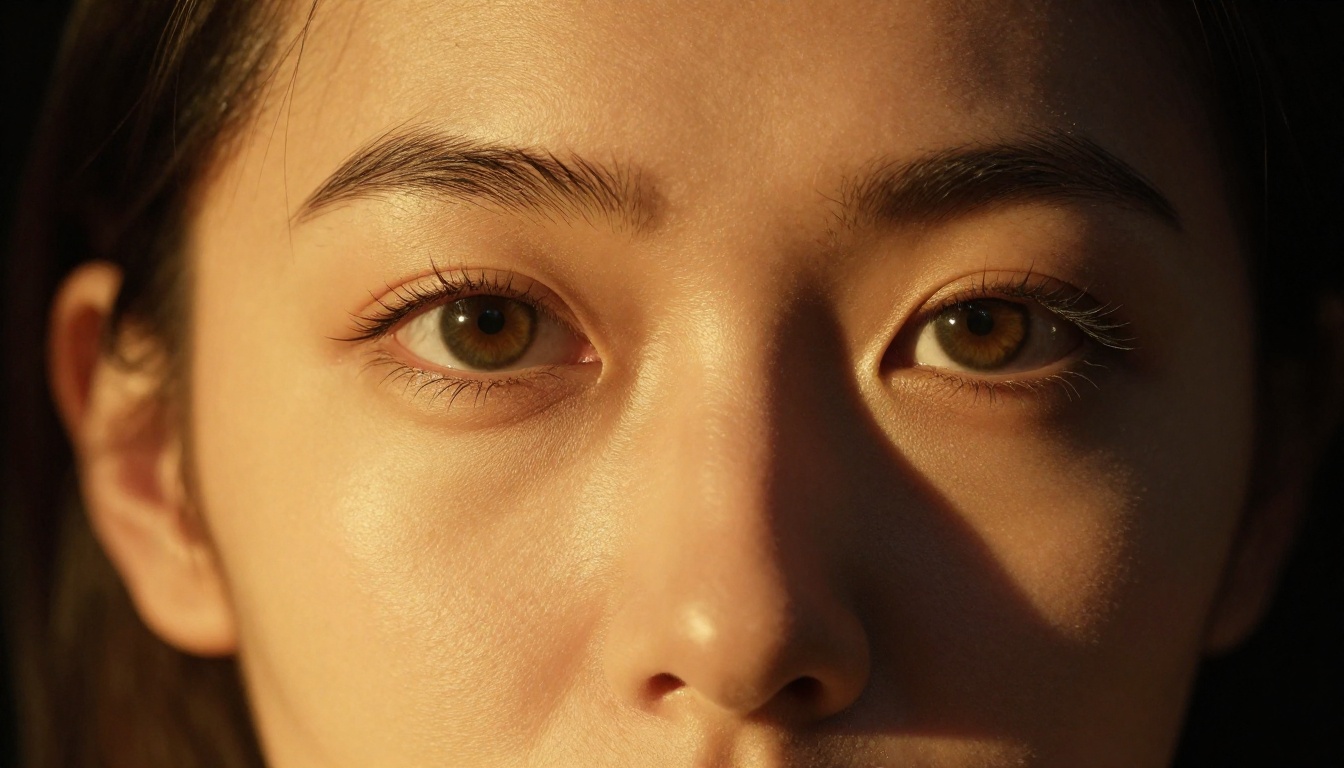
The difference between a mediocre NSFW image and a genuinely convincing one is almost always found at the micro-detail level. Individual pore texture on skin. The way soft light wraps around a shoulder. A single stray hair catching backlight. These details are what separate AI-generated images that look manufactured from ones that genuinely fool the eye.
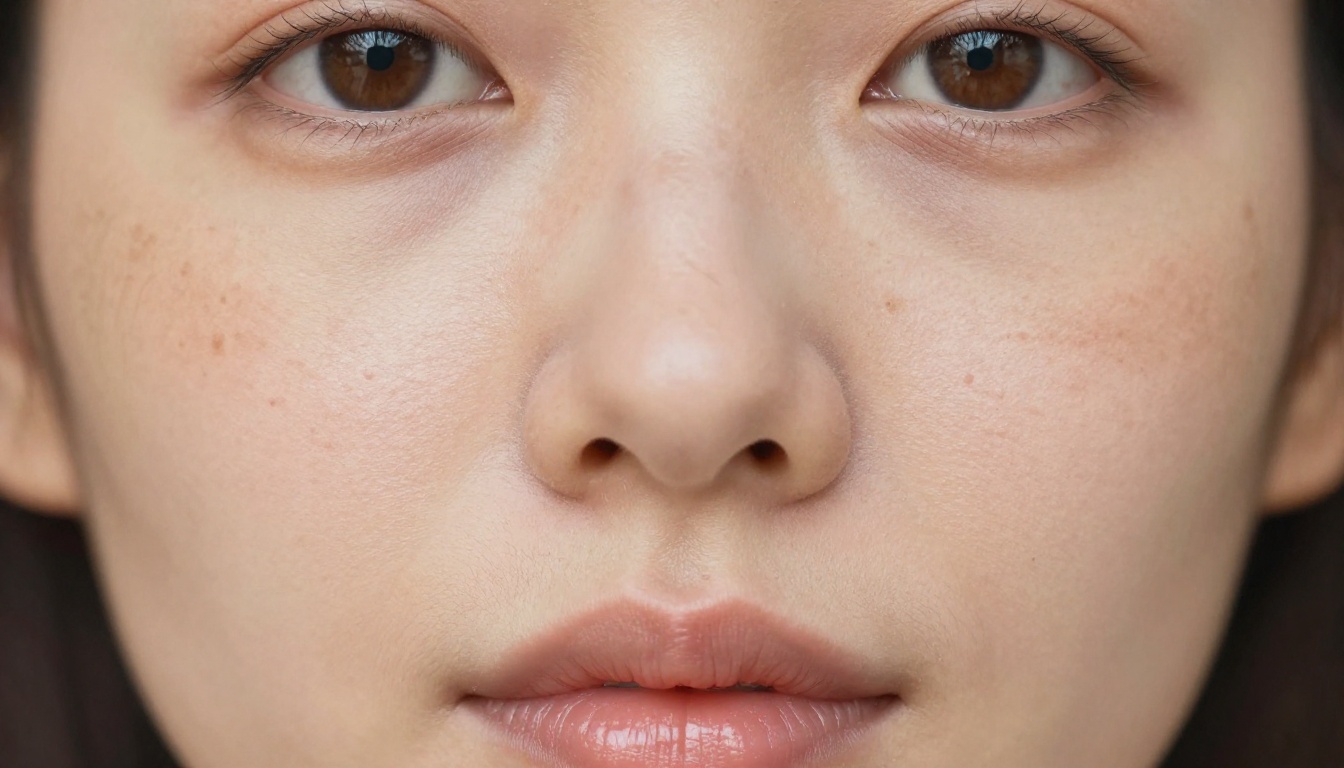
To get them, you have to describe them. "Individual pores visible across cheekbones, fine hair along jawline, natural skin tone variation with subtle warmth on cheeks" tells the model exactly where to spend its detail budget. Without that instruction, it renders average skin.
Here is a breakdown of micro-details worth including by category:
Individual strands, flyaways, natural sheen direction
Light on body
Specular highlights on collarbones, shoulder blades, lips
Environment
Fabric grain, floor material, light bounce from walls
Eyes
Iris color detail, corneal reflection of light source
This is the core discipline of NSFW prompt writing: spend more words on the details that matter, fewer words on vague emotional descriptors, and always anchor everything with technical photography parameters that enforce realism.
Start Creating on PicassoIA
The formula is straightforward. Pick a supported model, write all five prompt parts, add negatives, and generate. The results speak for themselves.
Seedream 4.5 is the best place to start for new NSFW prompts because it is fast, accepts adult content, and handles both text-to-image and editing workflows. Once you have a solid base image, PicassoIA Image Editor Pro lets you iterate on it indefinitely without extra cost on Elite or Infinite plans.
Every model listed in this article is available on the platform right now. Take the prompt templates above, adapt the subject and environment to your creative direction, and start generating. The only way to develop instinct for what works is through actual practice, and with models that return results in under 3 seconds and unlimited generation options available, there is no reason to hold back.