Generate imagesLarge Language ModelsVisual Effects
How to Write Prompts for Uncensored AI Art That Actually Work
Most people write AI art prompts the wrong way and end up with blurry, censored, or wildly off-target images. This article breaks down exactly how to structure prompts for uncensored AI image generation, which models produce the best results, how negative prompts change everything, and where to run these models without restrictions.
Most people write their first uncensored AI art prompt the same way: a vague two-sentence description, maybe a style word or two, then confusion when the result is flat, blurry, or completely off-topic. Writing prompts for uncensored AI art is a craft. There are specific structures, ordering rules, and model choices that separate sharp, photorealistic results from the generic output that floods AI art communities. This article breaks down exactly how to build those prompts, which models handle uncensored content without flinching, and where the biggest mistakes happen.
Why Most Prompts Produce Garbage
Uncensored AI image generation has a reputation problem, and most of it is self-inflicted. The models themselves are capable of stunning work. The prompts are not.
The Token Ordering Problem
Every text-to-image model reads your prompt from left to right and weighs the first tokens more heavily than the ones at the end. When you write something like "a beautiful landscape with a woman in a bikini, photorealistic, 8K," the model prioritizes "beautiful landscape" and treats the woman as secondary. Flip the order. Put your subject first, your setting second, and your quality modifiers last.
Wrong order:
Warm sunny beach, tropical vibes, with a woman, wearing a white bikini, photorealistic, cinematic lighting
Right order:
Woman in a white string bikini standing at a tropical shoreline, wet sand and palm trees in background, warm amber sunlight from right horizon, 85mm f/2.0 lens, Kodak Portra 400 grain, photorealistic 8K RAW
The difference in output quality between these two prompts is significant, even on identical models.
Vague Adjectives Kill Results
"Beautiful," "sexy," and "attractive" mean nothing to a neural network. These models were trained on images, not on human aesthetic preferences. What they respond to is specific, concrete visual information:
Not "beautiful lighting" but "volumetric morning light from the upper left casting a triangular shadow across the right cheek"
Not "sexy pose" but "leaning against a marble column, weight shifted to right hip, left hand resting at collarbone"
Not "realistic" but "shot on a Hasselblad medium-format camera, 85mm f/1.4, Kodak Portra 400 film grain"
Specificity is the single biggest lever you have. The more precisely you describe the visual reality you want, the less room the model has to hallucinate something generic in its place.
The Anatomy of a Winning Prompt
A well-structured prompt for uncensored AI art follows a consistent four-part architecture. Once you internalize this, writing strong prompts becomes fast and repeatable.
Subject and Action First
Open with who is in the image and what they are doing or wearing. Be exact about physical appearance, clothing, and body position. Do not use euphemisms if you want a specific type of image. Models trained on explicit content respond to direct language. Models with content filtering respond better to descriptive, context-rich framing.
Examples:
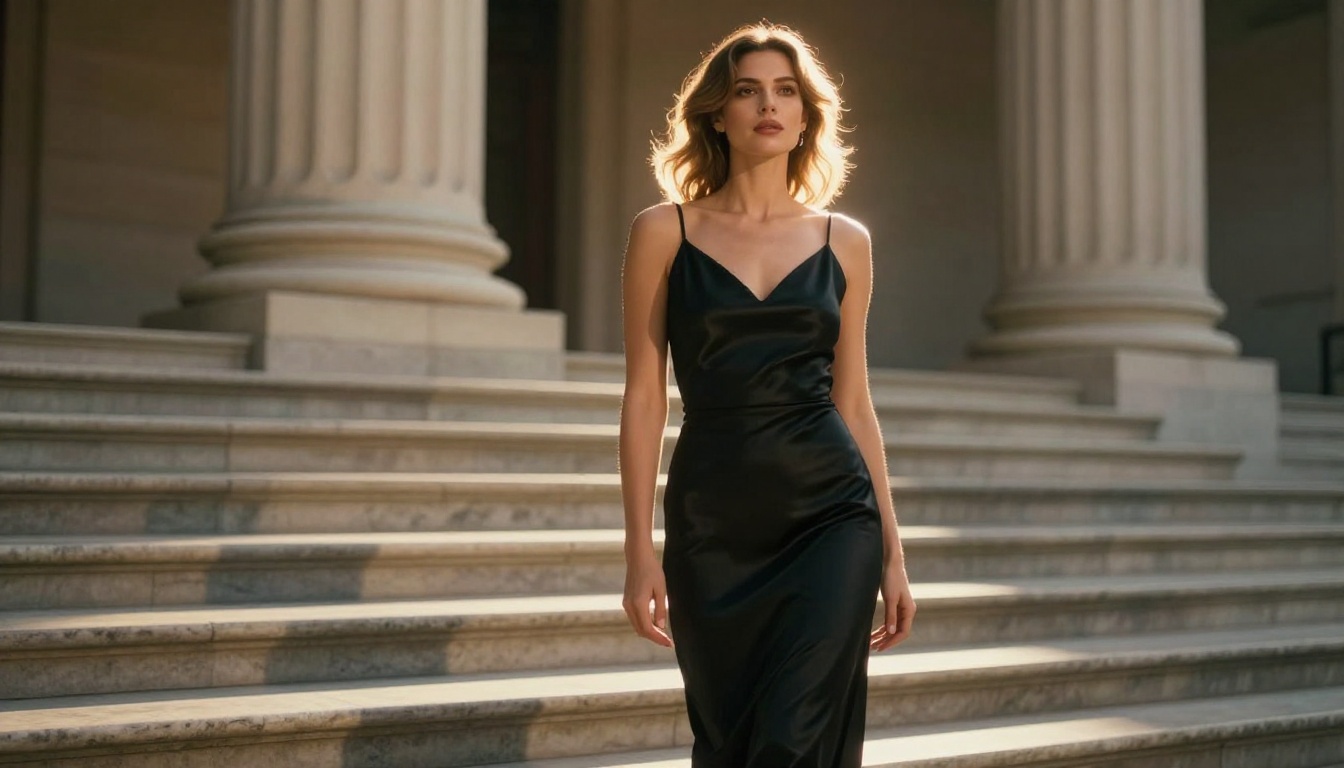
Woman with long auburn hair wearing a strappy black satin slip dress, seated on a velvet chaise lounge
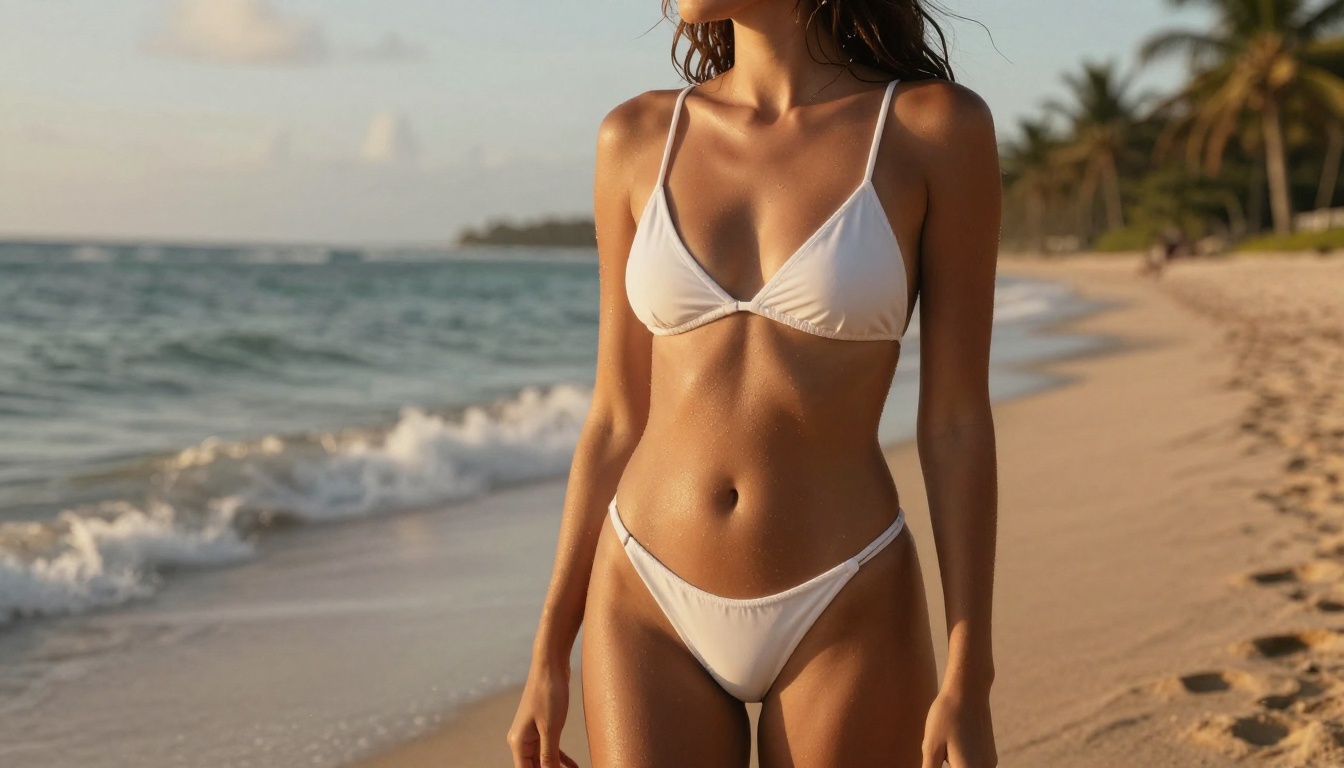
Woman with bronzed skin in a minimalist white string bikini standing at a tropical shoreline
Woman with bare shoulders looking over right shoulder toward camera, hair loosely pinned
Environment and Background
After the subject, set the scene. Describe the physical space, what is visible in the background, and how close or far it appears. Specify depth of field behavior here so the model knows what to blur and what to keep sharp.
Bedroom setting with rumpled white linen sheets and a large window in background rendered in soft bokeh, 85mm f/1.8 lens
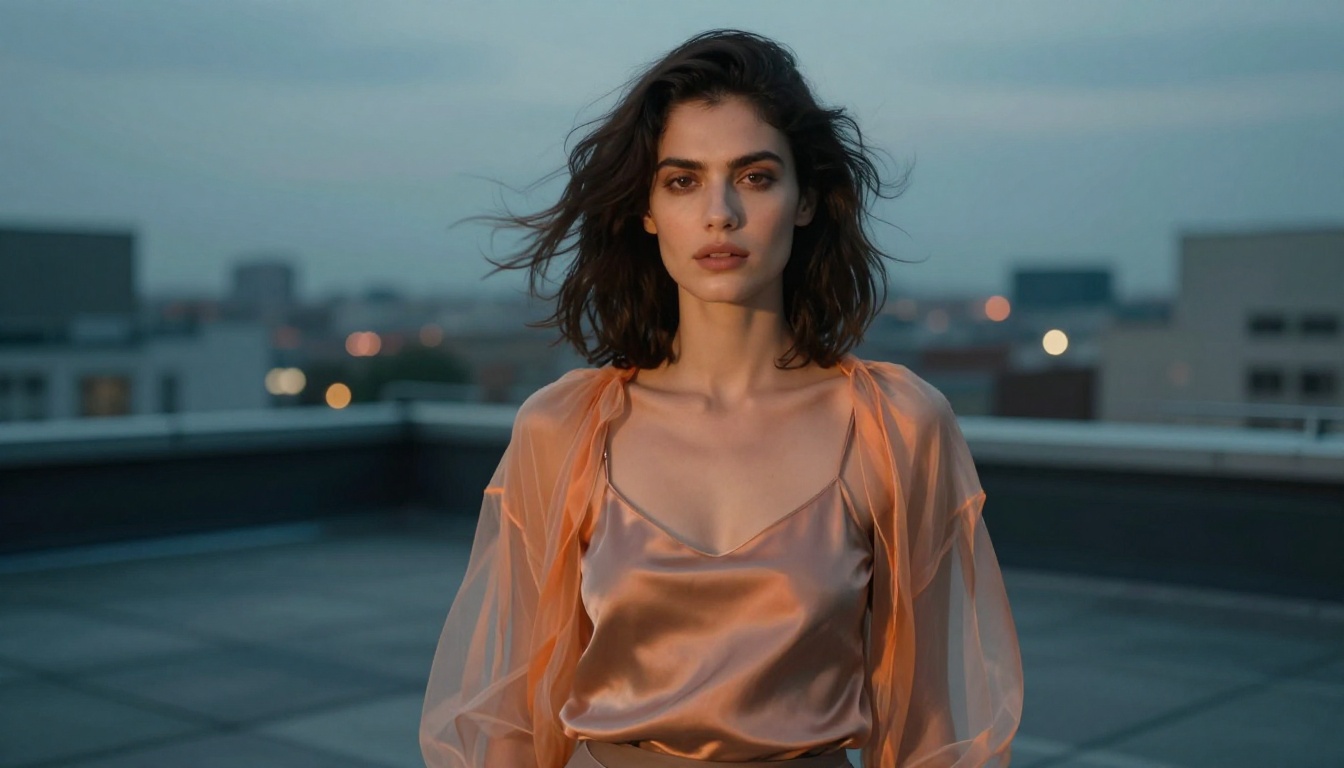
Urban rooftop at dusk with city lights blurring softly behind, raw concrete and steel surfaces in background
Lighting Direction
Lighting is where most amateur AI art prompts fall apart. "Good lighting" is useless. These descriptors are not:
Lighting Type
Prompt Phrasing
Rembrandt
"single light from upper left, triangular shadow on right cheek"
Rim / backlight
"strong backlight creating halo effect around silhouette"
Golden hour
"warm amber sunlight from low right horizon, long shadows"
Soft diffused
"large left-side window with overcast daylight, even skin-flattering illumination"
Split lighting
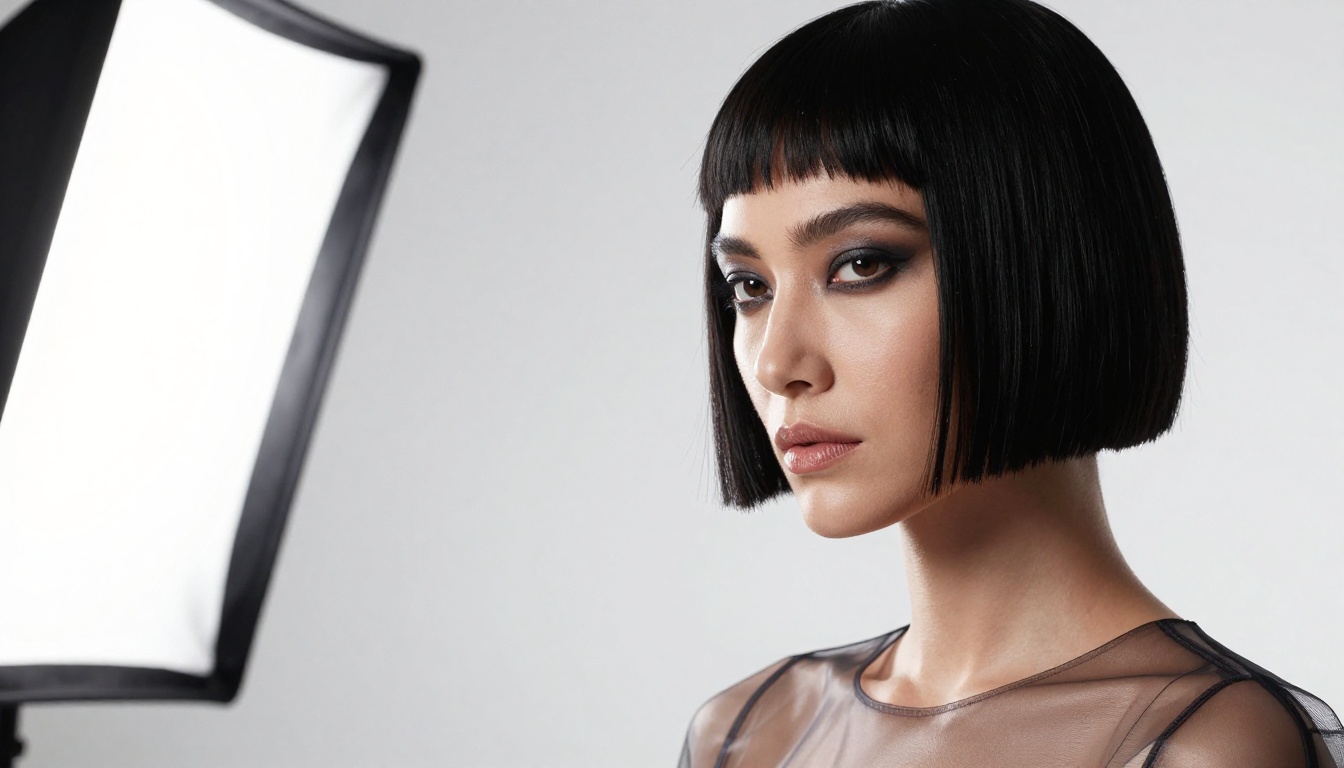
"one large soft-box from left, one accent light from right"
Always state the direction (left/right/above/behind), the quality (hard/soft/diffused), and the color temperature (warm amber/cool blue/neutral).
Camera and Lens Details
End your prompt with technical camera specifications. These act as style signals that dramatically improve photorealism:
Hasselblad medium format: Signals luxury editorial quality
Kodak Portra 400 film grain: Adds organic texture, prevents the plastic AI look
Always add --ar 16:9 --style raw at the end for consistent photorealistic results.
Seedream 4.5 Is Your First Stop
When it comes to uncensored AI image generation, Seedream 4.5 is the model to start with. It delivers genuinely photorealistic outputs at high resolution without the aggressive content filtering that blocks legitimate glamour, beauty, and artistic NSFW work on many competing platforms.
What Makes It Different
Seedream 4.5 was built specifically for high-fidelity image generation with minimal restrictions. It handles:
Skin and body rendering: Accurate anatomical proportions, natural skin texture, realistic lighting response on skin surfaces
Fabric and material rendering: Silk, satin, sheer fabrics, wet textures all respond realistically to the described lighting
Compositional accuracy: Placing subjects in specific poses, environments, and lighting setups with high fidelity to the prompt
Seedream 5 Pro is also worth using for higher-resolution outputs when you need maximum detail in prints or large-format images.
💡 Note: Avoid Seedream 5 Lite for adult or mature content. It applies stricter content moderation and will block or heavily filter explicit requests.
How to Use It on PicassoIA
PicassoIA gives you direct access to Seedream 4.5 without rate-limiting or watermarks. Here is the exact workflow:
Write your prompt following the four-part structure above (subject, environment, lighting, camera)
Set aspect ratio to 16:9 for landscape compositions or 9:16 for portrait-oriented work
Write a negative prompt to exclude what you do not want (detailed in the next section)
Generate and iterate, the model is fast, so run 3-5 variations and pick the best
The platform offers unlimited generations on the Image Editor Pro tier, which matters when you are iterating heavily on prompt wording.
Other Models Worth Using
Seedream 4.5 is the starting point, but it is not the only option worth knowing.
Flux 1.1 Pro Ultra
Flux 1.1 Pro Ultra from Black Forest Labs delivers some of the highest prompt adherence of any current model. It follows complex, multi-part prompts accurately and produces sharp, detailed outputs. It is better at handling unusual compositions and non-standard lighting setups than most alternatives.
Use Flux 1.1 Pro Ultra when you have a very specific vision and need the model to follow it precisely rather than interpret freely.
Flux Dev is a good middle ground: faster iteration speed, still solid prompt following, good for testing prompt variations before committing to a Pro run.
SDXL Lightning 4-Step
SDXL Lightning 4-Step is the fastest generation option available on the platform. It generates a full image in four inference steps, making it ideal for rapid prompt testing. The output quality is lower than Flux 1.1 Pro or Seedream, but the speed makes it valuable for iteration.
Stable Diffusion 3.5 Large offers strong artistic flexibility and responds well to stylistic modifiers. If you want to push into more painterly or editorial aesthetics while keeping photorealistic roots, SD 3.5 Large handles that zone well.
Negative Prompts Done Right
Negative prompts tell the model what to avoid generating. Most beginners ignore them entirely. Most intermediate users write them wrong. A strong negative prompt is as important as a strong positive one.
What to Always Exclude
These terms belong in virtually every negative prompt for photorealistic AI art:
cartoon, anime, illustration, painting, drawing, digital art, 3D render, CGI, unrealistic proportions, deformed hands, extra fingers, mutated limbs, blurry, low resolution, artifacts, watermark, logo, text, signature, frame, border, overexposed, underexposed
Style Killers to Block
When you are specifically working in photorealistic or glamour photography territory, also add:
💡 Pro tip: "smooth skin" and "plastic skin" in your negative prompt forces the model away from the over-processed AI look and toward genuine skin texture variation.
Real Prompt Examples That Work
These are proven, ready-to-use prompts built on the architecture described above. Copy, adapt, and iterate from them.
Bikini and Swimwear
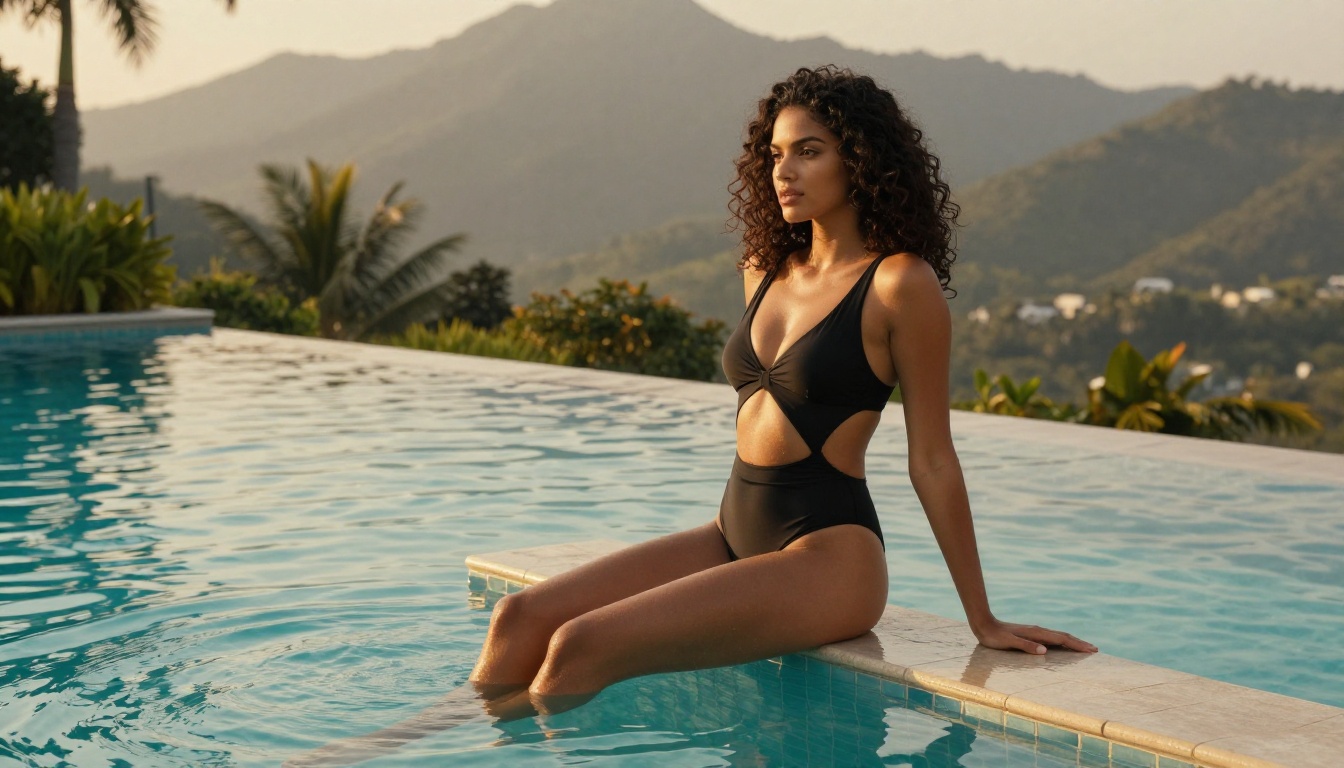
Woman with bronzed skin wearing a minimalist white string bikini, standing at the shoreline of a tropical beach at golden hour, wet sand and blurred palm silhouettes in background, warm amber sunlight from low right horizon casting long shadows, water droplets on skin catching golden light, 85mm f/2.0 portrait lens, Kodak Portra 400 grain, photojournalism quality --ar 16:9 --style raw

Negative: cartoon, illustration, 3D render, deformed, blurry, plastic skin, neon, airbrushed, watermark
Implied Artistic Nudity
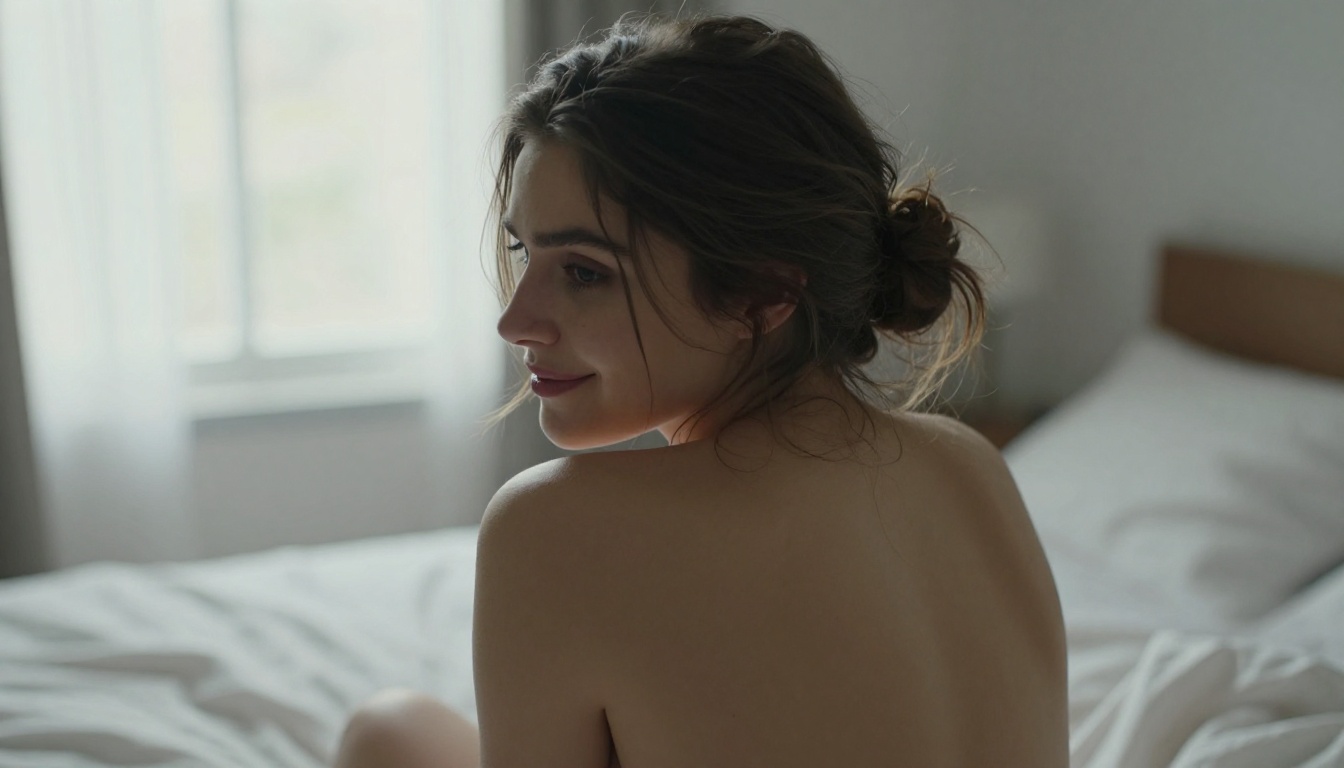
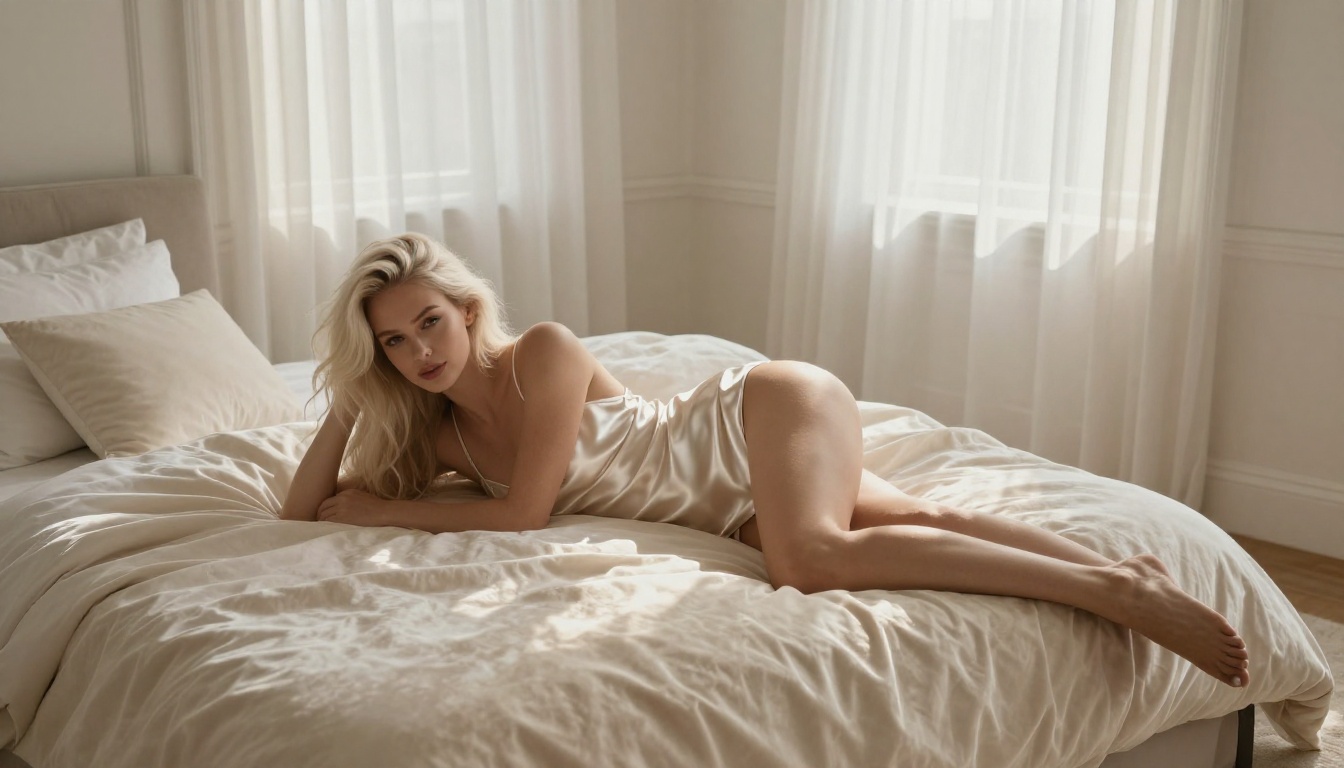
Woman with bare shoulders looking over right shoulder toward camera with a subtle expression, morning light from a large left window casting soft daylight across her back and shoulder blades, hair loosely pinned with escaping strands catching the light, bedroom background with white linen sheets and window rendered in soft bokeh, 85mm f/1.8, Kodak Portra 400 film simulation, intimate editorial feel --ar 16:9 --style raw

Negative: explicit content, deformed, cartoon, blurry, plastic skin, airbrushed, watermark, frame
Cinematic Beauty Portraits
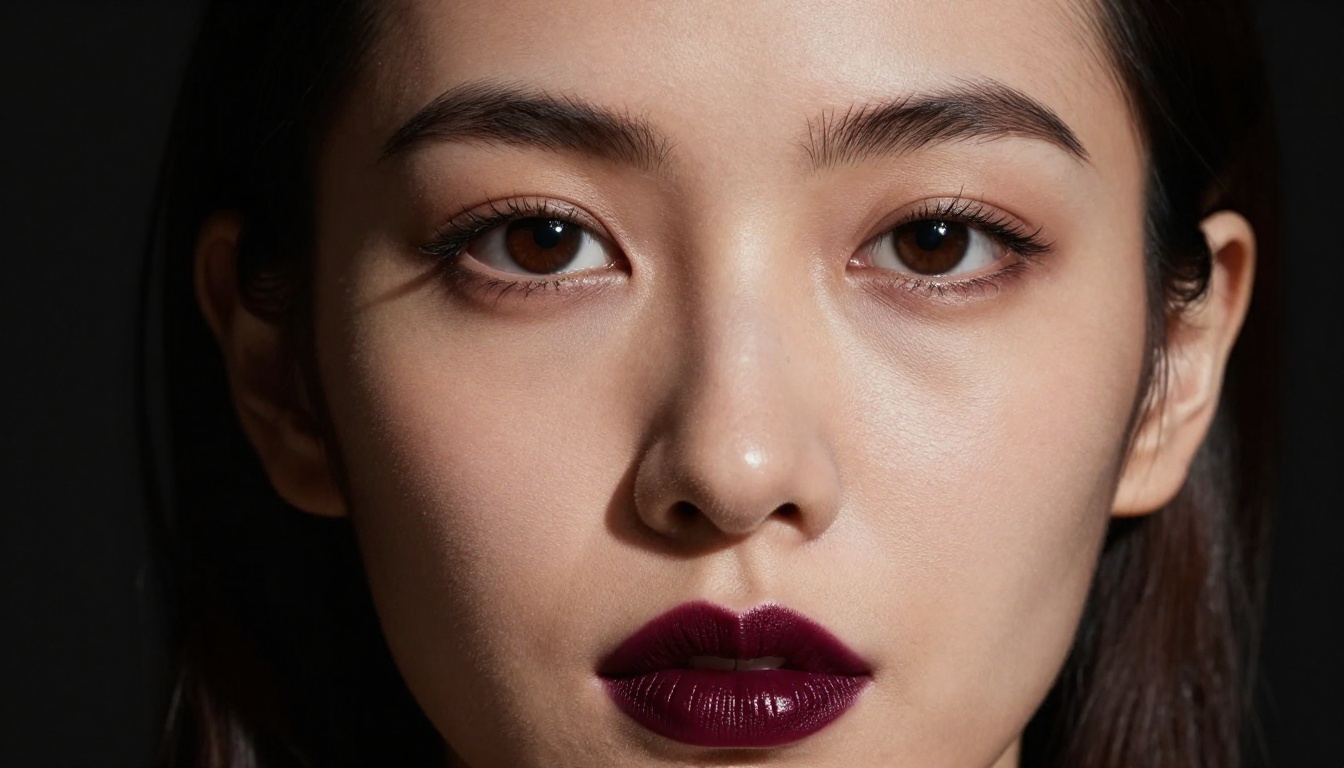
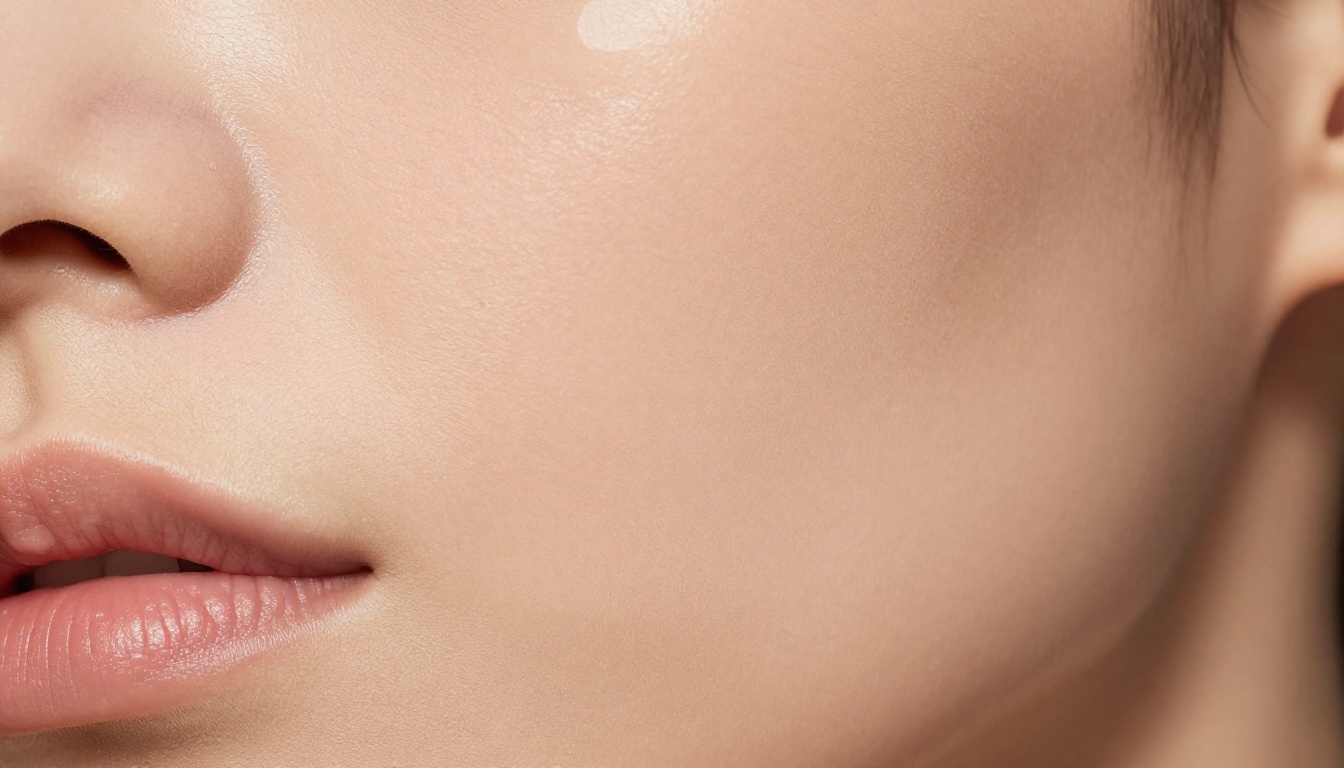
Extreme close-up portrait of a woman with sharp facial features, single Rembrandt lighting from upper left casting triangular shadow on right cheek, pure black background, 105mm f/2.8 macro framing from collarbone to crown, natural skin pores visible, glossy dark burgundy lips, fine hair strands catching light against dark background, Kodak Portra 400 grain, no retouching --ar 16:9 --style raw

Negative: cartoon, illustration, smooth skin, plastic, 3D render, soft focus, glow, overexposed, watermark
3 Mistakes That Ruin Everything
Most failed AI art prompts make the same three errors repeatedly.
Mistake 1: Wrong subject-to-modifier ratio
Writing "realistic, ultra-detailed, 8K, HDR, award-winning, masterpiece, best quality" without describing what you actually want produces nothing useful. Quality modifiers amplify what is in the prompt. With no substance to amplify, they produce generic noise. Spend 80% of your prompt on subject, environment, and lighting. Spend 20% on quality signals.
Mistake 2: Ignoring aspect ratio
Most models default to 1:1 square outputs. For fashion and glamour photography, 16:9 (landscape) and 9:16 (portrait orientation) produce dramatically different compositions. A standing full-body shot needs 9:16. A cinematic landscape portrait needs 16:9. Always specify.
Mistake 3: Stacking too many conflicting styles
"Photorealistic, cinematic, impressionist, watercolor, RAW photography" is incoherent. Pick a lane. The model cannot reconcile mutually exclusive style signals. One clear aesthetic direction produces better results than five competing ones.
Prompt Iteration Strategy
Prompt writing is not a one-shot process. Even experienced practitioners iterate. Here is an efficient approach:
Draft with speed: Write a rough prompt and run it on SDXL Lightning 4-Step to check basic composition and subject accuracy
Fix composition first: Adjust subject placement, camera angle, and crop before touching lighting or quality
Lock lighting: Once the composition works, nail the lighting description
Upscale if needed: Use Clarity Pro Upscaler on the final result to add micro-detail and increase resolution for print or large-format use
💡 Seed control: Most models support a seed number. When you find a good result, save the seed. Changing one prompt element with the same seed lets you compare the effect of that change directly without other variables shifting.
When you need help refining your prompt language, PicassoIA's Claude Sonnet 4.6 LLM is available directly on the platform for prompt drafting, rewording, and iteration planning.
A Full Editorial Workflow
Here is the full workflow for producing editorial-quality images, from blank canvas to final output:
The prompts above work. The model recommendations above are accurate. What they cannot do is replace the iteration process. Every person writing AI art prompts develops a personal vocabulary over time, a set of descriptors, lighting rigs, and camera specs that consistently produce results they like.
Pick one prompt structure from this article. Run it on Seedream 4.5. Change one variable. Run it again. That is how strong prompt writing develops, not from reading about it, but from generating.