The moment a text prompt becomes a photorealistic image, billions of mathematical operations run in sequence, turning pure random noise into coherent visual information that matches exactly what you described. Uncensored diffusion models do the same thing, but without the guardrails that most commercial platforms install by default. The result is AI image generation that responds to the full range of human creative intent, from the mundane to the provocative. Knowing how this works is not just technical curiosity; it reveals the fundamental architecture of modern AI image generation itself, and why certain models produce results that others simply cannot.
What "Uncensored" Actually Means in AI
Most people assume that removing safety filters from a diffusion model is a simple on/off toggle buried in a configuration file. The reality is considerably more complicated, and more interesting.
The Default Safety Checker
Standard Stable Diffusion releases ship with a safety checker, a secondary classification model that inspects every generated image before it reaches you. When it detects content it classifies as inappropriate, it replaces the output with a black image. The safety checker is not part of the diffusion model itself; it operates as a post-processing filter applied after generation already completes.
Removing it is as simple as setting safety_checker=None in the pipeline configuration. But this alone does not make a model "uncensored." A model trained exclusively on clean datasets will still struggle to generate explicit or provocative content convincingly, because the training data itself shapes what the model knows how to render. The filter is the least interesting part of the restriction.
Training Data Is the Real Filter
The more significant layer of restriction lies in the training data. Models like the original Stable Diffusion were trained on LAION-5B, a massive web-scraped dataset filtered to remove explicitly NSFW content before training began. The model never saw that material, so it has limited capacity to generate it with any consistency or quality.
True uncensored models are fine-tuned on datasets that include adult content, artistic nudity, and provocative imagery alongside their descriptive captions. This fine-tuning process adjusts the weights in the U-Net architecture so that the model builds a rich internal representation of the human form, intimate lighting conditions, and provocative compositions that filtered models simply lack. The difference in output quality between a filtered base model with the safety checker removed and a properly fine-tuned uncensored model is night and day.
The Diffusion Process From Noise to Image
To see why uncensored training data matters so profoundly, you need to see exactly how diffusion models generate images, step by step.
Forward and Reverse Diffusion
Diffusion models are trained using a two-phase process. In the forward process, the model is shown millions of real images and observes as Gaussian noise is added to each one in incremental steps, until the original image is completely obscured by static. The model watches this destruction happen at various noise levels and stages, building an internal map of what different amounts of noise do to different visual concepts.
In the reverse process, the model is trained to predict and subtract that noise, step by step, until a clean image re-emerges. This is not a memorization task; the model is building a statistical understanding of what visual information is most likely to exist beneath any given noisy state, conditioned on the text prompt provided.
During inference, meaning when you actually generate an image, the model starts from pure random noise and applies the reverse process repeatedly. Each denoising step moves the latent representation slightly closer to a coherent image that matches your text prompt. This is the denoising loop, and it runs for however many sampling steps you configure, typically between 20 and 50 for most models.
The Latent Space
Modern diffusion models do not operate directly on pixel data. They work in a compressed representation called latent space, encoded and decoded by a Variational Autoencoder (VAE). A standard 512x512 image in pixel space becomes a much smaller 64x64 latent representation. This compression makes generation dramatically faster and allows the denoising process to capture high-level semantic structure, composition, lighting, and subject identity, rather than pixel-level noise patterns.
The VAE decoder then translates the final denoised latent back into a full-resolution image. The quality of this decoder matters enormously for photorealistic output, which is why fine-tuned models often include custom VAE weights alongside the U-Net. A VAE trained on a broader range of human anatomy and skin tones will produce more accurate and detailed outputs than a generic one, which is another reason that uncensored fine-tuning extends beyond just the U-Net weights.

How CLIP Turns Words Into Images
The diffusion process explains how noise becomes an image. But how does your text prompt actually influence what image gets generated?
The CLIP Text Encoder
Stable Diffusion and its derivatives use CLIP (Contrastive Language-Image Pretraining) as the text encoder. CLIP was trained on hundreds of millions of image-text pairs to create a shared embedding space where similar concepts, whether expressed as words or as visual content, cluster together numerically. The model learned that a photograph of a woman at a beach and the text phrase "woman on a beach" should sit close together in this mathematical space.
When you type a prompt, CLIP converts it into a vector of numbers called a text embedding, which encodes the semantic meaning of your description. This embedding is fed into the U-Net's cross-attention layers at each denoising step, guiding the model toward visual concepts that match your words. The richer and more specific your text, the more precisely CLIP can encode your intent, and the more accurately the U-Net can generate it.
Uncensored fine-tuning often includes updates to the text encoder as well, not just the U-Net. When a model has been exposed to explicit imagery paired with specific descriptive vocabulary, CLIP's internal embedding space shifts to place those concepts in more useful positions relative to the visual representations the U-Net generates. This alignment is what allows uncensored models to respond reliably to explicit prompts rather than producing vague or anatomically inconsistent results.
Classifier-Free Guidance
One of the most important parameters in any diffusion model is the CFG scale, also called classifier-free guidance scale. Higher CFG values push the model to adhere more strictly to the prompt at each denoising step, at the cost of some image naturalness and variety. Lower values allow more creative deviation from the text, which can produce more organic results but may miss specific details you requested.
Classifier-free guidance works by running the denoising process twice at each step: once with your text embedding (conditioned generation) and once without any text (unconditioned generation). The model then amplifies the difference between these two outputs by the CFG scale factor, pushing the result further in the direction your text is pointing.
For uncensored generation, CFG scale matters because the model needs enough guidance to produce the specific content you describe, without being so rigidly constrained that it defaults to the "safe" visual patterns most heavily represented in its base weights. A CFG scale between 5 and 9 typically produces the best balance for NSFW content, depending on the specific model and sampler.
Prompt tip: Negative prompts are just as important as positive ones. Use them to suppress blurriness, extra limbs, and anatomical distortions, which become more common in models pushed toward content at the edges of their training distribution.
Popular Models and Their Architecture
Different model architectures handle uncensored generation differently. Here is how the most prominent ones compare.
SDXL and Its Derivatives
SDXL introduced a two-stage architecture: a base model that generates a low-resolution latent, followed by a refiner model that adds high-frequency detail in a second pass. The larger parameter count (3.5 billion versus Stable Diffusion 1.5's 860 million) gives SDXL dramatically better anatomy, lighting coherence, and compositional control. This larger capacity is also what makes SDXL fine-tuning so effective for uncensored content; there is simply more room in the model for nuanced representations.
SDXL Lightning is a distilled version that achieves comparable quality in just 4 sampling steps, making it practical for rapid iteration when you are testing compositions and poses. The trade-off is slightly less adherence to fine-grained prompt details, but for most use cases the speed gain outweighs the precision loss.
Community fine-tunes like Dreamshaper XL Turbo layer additional training on top of the SDXL base, producing models that are both fast and capable of photorealistic human figure generation across a wide range of styles.
| Model | Architecture | Sampling Steps | Best For |
|---|
| SDXL | Dual-stage UNet | 20-30 | High detail, complex scenes |
| SDXL Lightning | Distilled SDXL | 4-8 | Speed, rapid iteration |
| Dreamshaper XL | Fine-tuned SDXL | 10-20 | Stylized realism |
| Realistic Vision v5.1 | SD 1.5 fine-tune | 20-30 | Photorealistic portraits |
Realistic Vision and Photon
Realistic Vision v5.1 remains one of the most consistently capable models for photorealistic human photography. It was fine-tuned extensively on high-quality photography datasets and produces skin texture, hair strand detail, and natural lighting behavior that many newer and larger models still struggle to match. Its relatively smaller size (SD 1.5 based) also means faster generation times on most hardware.
Luma Photon takes a different approach, prioritizing prompt adherence and compositional accuracy over stylistic consistency. It excels at complex multi-subject scenes and unusual camera angles, demonstrating how CLIP improvements alongside U-Net fine-tuning can dramatically shift what a model prioritizes during generation.
Flux and the DiT Architecture
Flux Schnell LoRA and Flux Pro Finetuned represent a fundamental departure from the classic U-Net diffusion architecture. Flux uses a Diffusion Transformer (DiT), replacing the convolutional layers of the U-Net with self-attention and cross-attention mechanisms throughout. The result is significantly better text adherence, more coherent anatomy across complex poses, and improved handling of spatial relationships between multiple subjects.
The LoRA variants are particularly useful for uncensored applications. LoRA (Low-Rank Adaptation) allows targeted weight adjustments without retraining the full model, meaning the base Flux architecture stays intact while separate, lightweight LoRA weights inject new generation capabilities. Multiple LoRAs can be combined and weighted at inference time, allowing highly customized generation profiles that blend different styles and content types.
How Fine-Tuning Creates Uncensored Models
Fine-tuning is the process that actually transforms a censored base model into an uncensored one. It is more nuanced than simply exposing the model to explicit images.
What Happens During Fine-Tuning
When a developer fine-tunes an existing model on NSFW content, they run additional training passes using a curated dataset of explicit or provocative images, each paired with descriptive text captions. The gradient updates during this process adjust the U-Net weights, particularly in the cross-attention layers where text embeddings interact with visual feature maps, building stronger associations between descriptive vocabulary and the visual representations the model should generate.
Fine-tuning does not erase the model's existing capabilities. It layers new associations on top of existing ones, which is why a well-executed uncensored fine-tune retains the same compositional intelligence, lighting sensitivity, and stylistic range of its base model. Poorly executed fine-tuning, on the other hand, can introduce artifacts, degrade anatomical accuracy, or cause the model to ignore parts of prompts that conflict with the narrow distribution of its fine-tuning data.
LoRA vs. Full Fine-Tuning
There are two dominant approaches to creating uncensored models, and each involves distinct trade-offs:
- Full fine-tuning: All model weights are updated across every training pass. Produces the most deeply integrated results with the best anatomical consistency, but requires significant GPU compute, days of training time, and risks "catastrophic forgetting" of base model capabilities if not managed carefully.
- LoRA fine-tuning: Small rank-decomposition matrices are inserted into specific weight layers and only those matrices are updated during training. Much cheaper to train, easy to share as small files, compatible with combination at inference time, and carries minimal risk of degrading base model quality.
Most publicly available uncensored models are either full fine-tunes of SD 1.5 or SDXL bases, or LoRA weights designed to be applied on top of Flux Schnell LoRA or SDXL base models.

Sampling Methods and Why They Matter
Not all diffusion models use the same sampling algorithm, and the choice has a measurable impact on output quality, particularly for fine anatomical detail.
Common Samplers Compared
The sampler determines how the model moves from noisy latent to clean image at each denoising step. Different samplers use different mathematical approaches to estimate the optimal noise removal trajectory.
| Sampler | Speed | Quality | Best Use |
|---|
| Euler Ancestral | Fast | Good | Quick drafts, stylized outputs |
| DPM++ 2M Karras | Medium | Excellent | Portrait quality, skin detail |
| DDIM | Fast | Moderate | Consistent, reproducible outputs |
| UniPC | Fast | Very good | General use, balanced results |
DPM++ 2M Karras consistently produces the sharpest skin texture and most natural hair rendering for photorealistic human subjects. It is the sampler of choice for NSFW generation on models like Stable Diffusion 3.5 Large, where the larger model capacity benefits from a more precise sampling trajectory.
Sampling Steps and Their Effect
More steps produce more refined results, but with diminishing returns past a certain threshold. For most uncensored models, the practical breakdown looks like this:
- 10-15 steps: Fast preview quality, suitable for testing compositions and poses before committing to a full generation
- 20-30 steps: Standard quality for final outputs, sufficient for most use cases
- 40-50 steps: Maximum detail extraction, worth the extra time for hero images or content that will be upscaled
The optimal step count depends heavily on the sampler. Lightning and Turbo variants use consistency distillation during training to produce high-quality results in 4-8 steps, a step count that would produce blurry, incoherent results from a standard sampler on a non-distilled model.
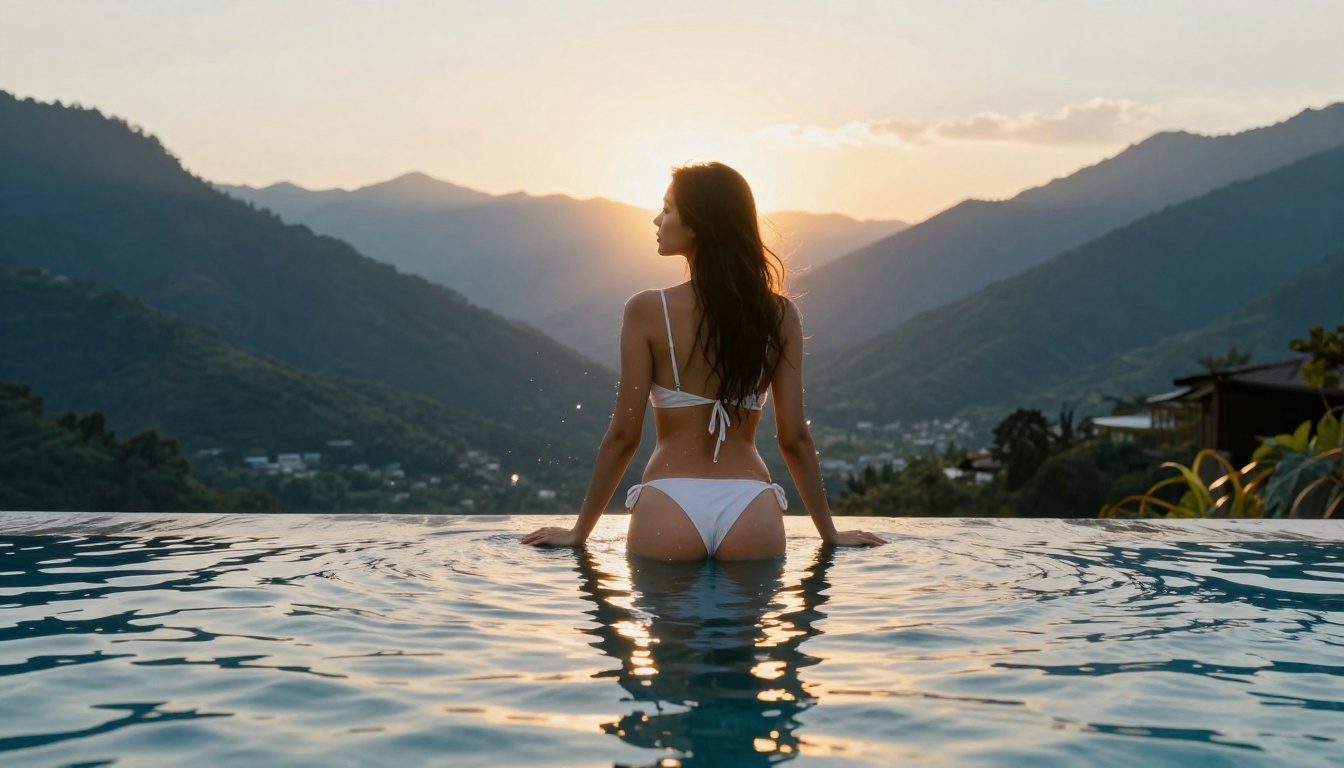
Getting Quality Results From Uncensored Models
Knowing the architecture is one thing. Using it to generate high-quality images consistently requires a systematic approach to prompting.
Prompt Structure That Works
The most effective prompts for uncensored models follow a consistent structure that mirrors how a photography brief would describe a shoot:
- Subject description with specific physical attributes (hair color, build, skin tone)
- Pose and action with directional clarity ("sitting cross-legged, facing left")
- Clothing or lack thereof with specific fabric and color details
- Environment and background with lighting source specifications
- Camera and lens details to anchor the photographic aesthetic (85mm f/1.4, eye level)
- Quality modifiers at the end (8K photorealistic, Kodak Portra 400 film grain)
Specificity is everything. "A beautiful woman on a beach" will produce mediocre results because the model has too much freedom to fill in details with whatever is statistically average in its training data. "A woman with auburn hair and light freckles in a white bikini sitting cross-legged on white sand at golden hour, shot with 85mm f/1.4 lens, warm right-side sidelighting, fine sand texture in foreground, Kodak Portra 400 film grain, 8K photorealistic" produces dramatically more consistent and detailed output.
Think of the prompt as a set of constraints that progressively narrows the model's sample space. Each specific detail you add eliminates a class of possible outputs and pushes the generation toward exactly what you are describing.
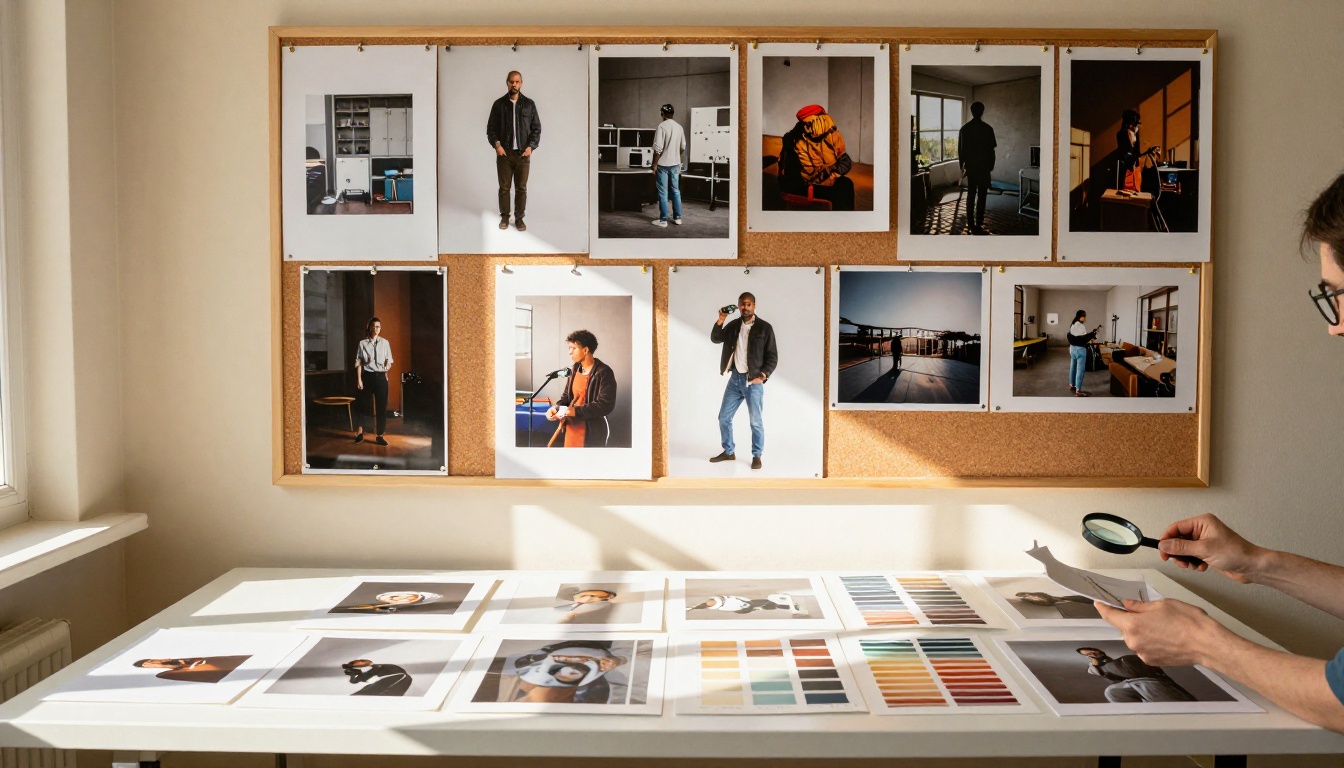
Negative Prompts That Actually Help
For photorealistic NSFW content, negative prompts are not optional. They are the primary tool for eliminating the most common generation artifacts:
deformed, ugly, bad anatomy, disfigured — prevents structural errors in human figuresblurry, low resolution, jpeg artifacts, pixelated — maintains image sharpnesscartoon, illustration, painting, drawing, sketch — anchors the photorealistic styleextra limbs, missing fingers, fused fingers, malformed hands — targets the most common anatomical failure modeswatermark, logo, text, signature — removes unwanted overlays that frequently appear
When using Realistic Vision v5.1 or Dreamshaper XL Turbo, adding oversaturated, plastic skin, waxy, airbrushed to the negative prompt further improves skin realism by pushing the model away from the over-processed look that appears when fine-tuning data skews toward heavily edited photography.
Seeding is also worth attention. When you find a generation you like, note the seed value and reuse it with small prompt variations to iterate systematically rather than regenerating from scratch each time. This is the single fastest way to move from a good result toward a great one.
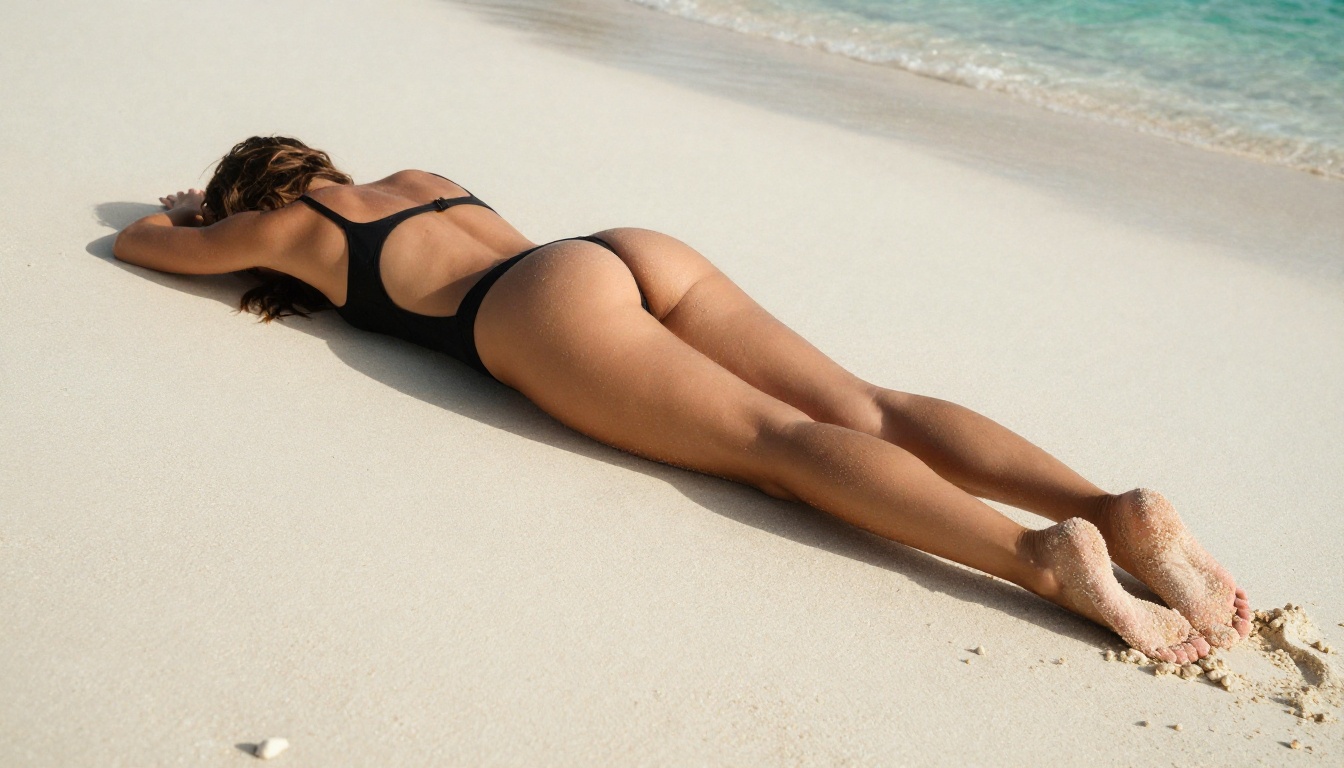
Start Creating on PicassoIA
Diffusion models, censored or otherwise, are only as powerful as the platform putting them in your hands. PicassoIA gives you direct access to the full spectrum of text-to-image models, from the photorealistic outputs of Realistic Vision v5.1 to the architectural precision of Flux Pro Finetuned and the stylistic range of Dreamshaper XL Turbo. You control the sampling steps, CFG scale, seed, and negative prompts directly, which means you can replicate successful results and iterate systematically rather than hoping for a lucky generation.
The platform also provides Luma Photon for complex compositional work and SDXL Lightning for speed-first workflows where you want to test many ideas in a short time. Every model described in this article is accessible without setup, without local hardware requirements, and without the hours of configuration that self-hosted pipelines demand.
Everything described in this article, from the latent space compression to the CLIP text embeddings to the denoising loop, is happening every time you click generate. The physics of the diffusion process are not theoretical; they are running in real time on each image you create. Pick a model that matches what you want to produce, write a specific and structured prompt, set your CFG scale between 6 and 8, add your negative prompts, and see what comes out. The first result is rarely the final one, but the second and third iterations, informed by what the model shows you, move quickly toward exactly what you had in mind.