Sound has always been the forgotten half of video. You could build a perfect scene with stunning visuals, but the moment you played it back in silence, something felt wrong. That gap, the absence of sound where sound should exist, was the defining limitation of AI video generation for years. Veo 3.1 closes that gap in a way that feels less like a feature update and more like a fundamental shift in what AI video generation actually is.
What Changed Between Veo 3 and 3.1
Sound Was Always the Weak Link
The original Veo 3 introduced native audio generation to Google's video AI lineup, and it was genuinely impressive for its time. But early users noticed inconsistencies. A scene with crashing waves might sound too clean, too uniform, lacking the chaotic layering of real surf. A person laughing in a video often had audio that didn't quite match the timing of their mouth movements. These weren't catastrophic failures, but they were noticeable enough to require post-production fixes.
Veo 3.1 doesn't just patch those issues. It rethinks the relationship between visual generation and audio generation from the ground up. The model treats sound as a co-equal output, not an afterthought layered on top of completed video frames.
Three Audio Layers Veo 3.1 Can Handle
What makes Veo 3.1's audio meaningful in practice is that it works across three distinct audio categories simultaneously:
- Ambient soundscapes: Background environmental audio such as wind, rain, traffic, crowds, and nature
- Dialogue and speech: Spoken words, reactions, laughter, and non-verbal human sounds
- Diegetic music: Music that originates from within the scene itself, like a radio playing or a musician performing on screen
These aren't separate modes you switch between. Veo 3.1 blends all three in real time based on what it understands about the visual context. A single scene showing a street musician playing near a cafe on a rainy afternoon will layer rain ambience, crowd murmur, and live musical performance at the same time, with each element at an appropriate relative volume.

How the Audio Generation Actually Works
It Starts with Context, Not a Database
Most early AI audio tools worked by matching visual content to a database of pre-recorded sounds. You'd get a "rain" clip or a "crowd" clip that sounded reasonable, but never quite right because it was generic by nature. Veo 3.1 takes a fundamentally different approach.
The model generates audio the same way it generates video: by predicting what should come next given everything it understands about the scene. It doesn't look up "rain sound." It infers what rain should sound like given the density of the clouds, the surface the rain is hitting, whether it's a light drizzle or a downpour, and how close the virtual camera is positioned relative to the action.
💡 This is why Veo 3.1 audio often sounds more accurate than hand-crafted Foley on low-budget productions. The model has absorbed patterns from enormous amounts of real-world video with synchronized sound, learning not just what things sound like but why they sound the way they do.
Physics-Based Sound Reasoning
One of the more technically impressive aspects of Veo 3.1's audio pipeline is what researchers describe as implicit physics modeling. The model has learned deep correlations between physical properties and their sonic signatures.
Water hitting different surfaces produces different sounds. Footsteps on gravel, carpet, and hardwood have distinct textures. A door closing in a small tiled bathroom reverberates differently than one closing in a carpeted bedroom. Veo 3.1 picks up on visual cues in the generated scene, including wall materials, room proportions, and object surface properties, and uses them to shape the acoustic output accordingly.
This produces a kind of acoustic realism that was previously only achievable through dedicated professional sound design work.
The Role of Temporal Alignment
Getting the audio to match visuals precisely in time is arguably harder than making it sound correct in the first place. A clap that arrives half a second late, or a word that doesn't sync with moving lips, immediately breaks the illusion of reality.
Veo 3.1 addresses this through a joint training approach where visual tokens and audio tokens are generated in tight coordination. Rather than producing video frames first and assigning audio afterward, the model builds both representations simultaneously during inference. The result is frame-accurate audio synchronization that holds up even in fast-motion or high-action sequences.
Real-World Audio That Sounds Right
Ambient Soundscapes
This is where Veo 3.1 consistently impresses most. Environmental audio is the hardest to fake because humans are subconsciously familiar with how places sound. A forest at dawn sounds different from the same forest at noon. A beach in summer sounds different from that same beach under overcast skies in autumn.
The model handles these distinctions with a level of nuance that previous AI video tools couldn't match. A prompt describing "a quiet street in a European city just after rain" will produce audio that includes the specific acoustic character of wet stone, distant traffic filtering through gaps between buildings, and the occasional sound of water dripping from a canvas awning, not just a generic "outdoor ambience" clip.
That specificity is what separates Veo 3.1's output from anything that came before it in AI video generation.

Human Voice and Dialogue
When a scene contains characters who appear to be speaking, Veo 3.1 generates audio that matches their mouth movements and emotional register. For scenes where specific spoken content isn't part of the prompt, the model produces phoneme-level audio that creates a convincing impression of conversation without generating identifiable language.
For scenes where spoken words or emotional delivery are specified in the prompt, the model attempts to match the visual performance of the speaker to the rhythm and cadence of the audio. The accuracy here depends heavily on prompt specificity. Vague prompts produce approximate results. Detailed prompts describing tone, pace, and emotional state produce noticeably better synchronization.
💡 Prompt tip: When writing prompts for scenes with dialogue, specify emotional subtext rather than literal words. "A woman speaking quietly and urgently to someone across a cafe table" will produce better-synchronized results than simply "two people talking."
Music That Fits the Mood
Diegetic music, meaning music that originates from within the scene itself, is handled with particular elegance in Veo 3.1. A scene showing someone playing guitar on a porch will generate audio that matches the apparent playing style, whether fingerpicked or strummed, slow or upbeat. A scene with a visible record player will produce audio appropriate to the apparent genre and approximate era suggested by the visual context.
Non-diegetic background scoring is currently outside Veo 3.1's core scope. For content where music needs to come from within the frame, though, the synchronization quality is genuinely remarkable, and represents one of the clearest improvements over Veo 3.
How to Use Veo 3.1 on PicassoIA
Veo 3.1 is available directly on PicassoIA alongside its faster variant, Veo 3.1 Fast, which trades a small amount of audio fidelity for significantly reduced generation time. Here's how to get strong results from both.
Setting Up Your First Prompt
Step 1: Open the Veo 3.1 model page on PicassoIA.
Step 2: Write your text prompt with explicit audio cues built in. Don't assume the model will infer sound from visuals alone. Mention sonic elements directly as part of the scene description.
Example prompt: "A woman in her 30s walking through a rain-soaked Paris street at dusk. The sound of her heels on wet cobblestones, distant traffic filtered between buildings, and a busker playing accordion from a doorway fifty meters away."
Step 3: Select your preferred duration and resolution. For audio consistency, clips of 8 seconds or longer give the model more temporal context to maintain coherent sound design throughout.
Step 4: Review your output. Check that visual events align with their corresponding sounds. Veo 3.1's synchronization is strong, but unusual or highly complex prompts can occasionally produce minor timing drift.
Step 5: If audio synchronization isn't quite right, refine your prompt to be more specific about the timing and physical cause of sounds within the scene.
Tips for Better Audio Results
| Technique | Why It Works |
|---|
| Name specific materials in the scene | The model uses surface properties to calculate acoustic response |
| Describe the room or outdoor space in detail | Reverb and echo patterns depend heavily on spatial context |
| Specify time of day and weather conditions | Ambient sound profiles shift significantly by environmental state |
| Include human behavior and body language | Posture, gesture, and mouth movement all inform speech and sound output |
| Avoid overly crowded soundscapes in a single prompt | Multiple competing audio sources reduce the clarity of individual elements |
| Use Veo 3.1 Fast for rapid iteration | Test prompt variations quickly, then switch to full Veo 3.1 for final output |
Veo 3.1 vs. Other AI Video Models with Audio
Several other models now offer native audio or are actively adding it. Here's how they compare in practical use across the categories that matter most.
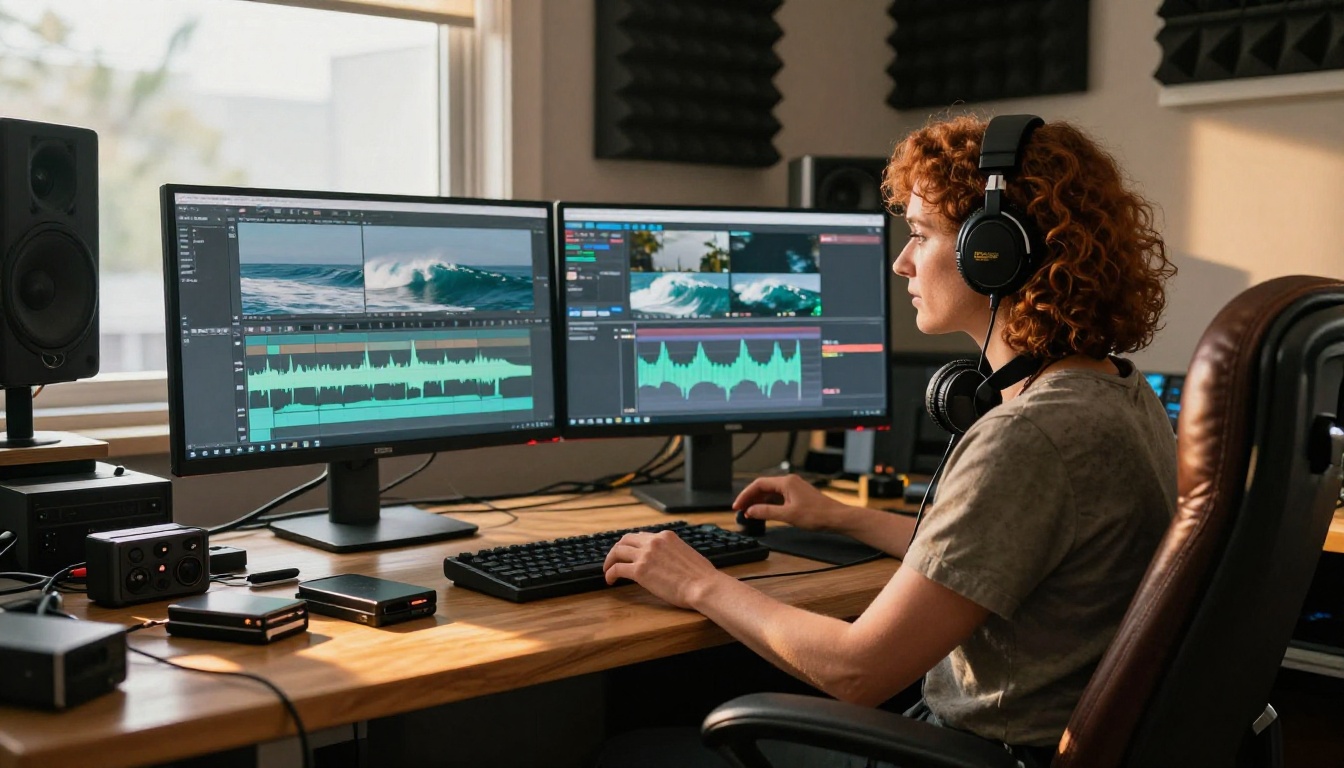
The gap between Veo 3.1 and the broader field is significant, particularly in ambient sound and diegetic audio. Most current-generation AI video models still produce silent output or offer only basic sound matching. The jump from Veo 3 to 3.1 is meaningful but incremental. The bigger story is how far ahead both Veo models are from alternatives that haven't yet committed to audio-first video generation.

When Audio Generation Still Struggles
Veo 3.1 is impressive across most use cases, but knowing its current limits helps you plan around them effectively.
Crowded Soundscapes
When a scene contains many simultaneous sound sources, like a busy marketplace, a festival crowd, or a chaotic action sequence with multiple collision events, the model tends to produce a plausible sonic impression of the environment rather than layering each distinct audio event authentically. You get a convincing overall feel for a crowded place, but not the true complexity of many overlapping individual sounds each rendered with full fidelity.
Working around this: Use consecutive shorter clips to establish individual sound elements separately. A establishing wide shot of a market, then a close-up of a specific stall, will produce more detailed audio than trying to capture everything in a single generation.
Precise Musical Timing
When a scene involves synchronized musical performance, such as a drummer hitting a specific beat pattern or a pianist playing a recognizable melody, the model handles the overall impression of musicality well but can struggle with exact note timing, particularly in clips longer than ten seconds.
This is worth factoring in before using Veo 3.1 for music video content that requires tight beat synchronization. For those specific cases, generating the visual track separately and syncing audio manually in post still produces more reliable results.
💡 For dedicated AI music generation without video, PicassoIA also offers specialized AI Music Generation models that create full soundtracks from text prompts, which you can then pair with your Veo 3.1 video outputs for complete creative control.
Start Creating on PicassoIA
The most significant thing about Veo 3.1's audio capability isn't the technology itself. It's what it means for who can create high-quality video content. Sound design used to require dedicated tools, specialized expertise, and often a separate professional. Veo 3.1 folds that entire process into a single text prompt.
That changes the economics of video production in a real and practical way. A social media creator, a small business owner, or an independent filmmaker can now produce video content with professional-quality ambient audio without a sound studio, Foley artist, or audio editing software. What previously required a post-production pipeline can now happen in the same generation step as the visuals.
PicassoIA gives you access to both Veo 3.1 and Veo 3.1 Fast alongside 87+ other video generation models including Kling v3 Video, Wan 2.6 T2V, and Hailuo 02. You can compare outputs across models, test different prompt approaches, and find the right combination for your specific creative needs.
If you haven't tried AI video generation with native audio yet, now is the right moment to start. Write a detailed scene description, include explicit audio cues in your prompt, and see what Veo 3.1 produces. The results often surprise even experienced video creators who are used to the limitations of earlier AI tools.
The gap between what a text prompt can produce and what requires a full professional production setup is narrowing fast. Veo 3.1 is a significant reason why.