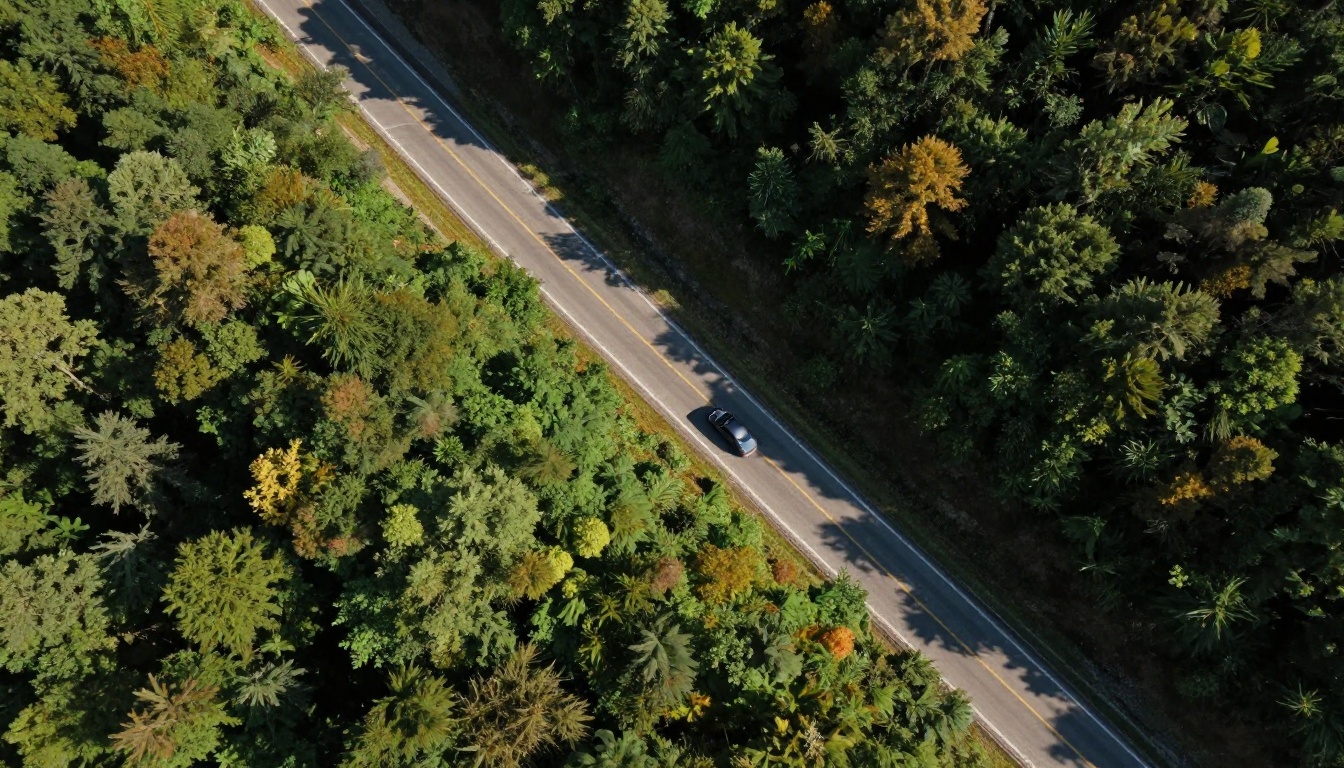
Camera movement has always been one of the hardest things to control in AI video generation. Early models gave you rough approximations at best — a vague drift to the left or a wobbly zoom that looked nothing like the cinematic shot you had in mind. Veo 4 changes that equation. Google's fourth-generation video model treats camera movement not as a stylistic accident but as a deliberate, parameterized input, and the results separate it from anything that came before it in a way that matters practically for creators.
This article gets into specifics: how Veo 4 interprets motion commands in prompts, which camera moves it executes with consistency, where the gaps still are, and how it stacks up against the other models available to you right now. If camera control matters to your AI video workflow, this is where to start.
What Sets Veo 4 Apart From Earlier Versions
The fundamental change in Veo 4 is architectural. Where Veo 2 handled camera motion as an emergent property of scene composition, Veo 4 models it as an explicit, separable signal during training. The model is not guessing at what "slow dolly in" means from contextual clues. It has learned a vocabulary of camera behaviors that maps with surprising accuracy to both technical film terminology and natural-language descriptions.
The practical effect is that your prompts have more leverage. A phrase like "slow push toward the subject" now reliably produces a forward dolly rather than a random camera drift. That sounds modest until you have spent hours re-running generations hoping for a specific shot.
Camera as a First-Class Input
In Veo 3 and earlier, camera movement was often subordinate to scene dynamics. If you asked for "a person walking through a forest," the camera would follow in whatever way the model found natural — usually a simple tracking shot with minimal control from your side. Veo 4 inverts this relationship. You can specify camera behavior independently of the subject action, and the model resolves both without prioritizing one over the other.
This matters most for establishing shots and narrative transitions, where camera movement is the story beat itself, not an incidental detail.
How the Diffusion Model Reads Motion
Veo 4 processes camera motion as a temporal trajectory problem. Rather than treating a five-second clip as five seconds of independent frames, it models the camera path as a continuous function across time. This is why Veo 4 is noticeably better at smooth deceleration at the end of a move. The model is predicting a trajectory that has natural physics baked in, not stitching discrete frames together.
The limitation this creates is real: very complex multi-axis moves — simultaneously panning, tilting, and rolling — can still degrade because the trajectory space becomes too constrained. More on that later.

The 6 Camera Moves Veo 4 Does Best
Not all camera moves are equal in Veo 4. Based on its architecture and training distribution, some movements come out crisp and intentional while others remain unreliable. Here is where it excels.
Pan and Tilt
Horizontal pans and vertical tilts are Veo 4's strongest category. The model has clearly absorbed enormous amounts of professional footage with these moves and internalized their visual grammar. A slow pan left across a landscape, a tilt up from a subject's feet to their face — these come out looking like deliberate cinematography rather than model drift.
Speed adjectives matter here. "Fast pan" and "slow pan" produce genuinely different results. "Rapid whip pan" generates a motion-blur-heavy swish cut that reads as intentional rather than broken.
Dolly and Truck
Forward dollies (pushing in toward a subject) and lateral trucks (moving the camera sideways while keeping orientation fixed) are the second-strongest category. The dolly-in is particularly well-calibrated. Veo 4 maintains subject scale and framing throughout the move, which is what separates a real dolly from a digital zoom.
Dolly-outs (pulling back to reveal) are slightly less stable but still significantly better than in previous Veo versions. The model occasionally lets the subject drift off-center during a pull-back, which is the clearest remaining artifact from the older compositional approach.
Zoom, Push, and Pull
Pure optical zooms — where the camera stays stationary but focal length changes — are handled differently from dollies, and Veo 4 knows the difference. Ask for a zoom and you get focal compression. Ask for a push and you get parallax shift. This distinction was entirely missing in earlier AI video models, which treated both as "get closer."
💡 Use "slow push into the subject's face" for an emotional reveal. Use "zoom out from a close-up" when you want the cinematic compression-pull effect. They produce different visual results and are not interchangeable.
Aerial and Orbit Shots
Aerial perspectives and orbit shots — camera circling a stationary subject — have been significantly improved in Veo 4. The model can maintain consistent altitude and orbit radius across a five-second clip in a way that feels physically plausible. This is particularly useful for product visualization and establishing landscape shots.

Writing Prompts That Actually Control Camera Motion
The biggest practical variable in Veo 4 is not the model itself. It is how you describe the motion. Camera control is highly sensitive to prompt phrasing, more so than in any previous Veo version.
Natural Language vs. Technical Syntax
Veo 4 responds well to both natural language and technical film terminology, which gives you flexibility. But the two styles have different failure modes.
| Style | Example | Strength | Failure Mode |
|---|
| Natural language | "the camera slowly moves closer" | Accessible, flexible | Vague results on complex moves |
| Technical terms | "slow dolly-in, 50mm lens" | Precise, predictable | Model may ignore conflicting lens specs |
| Hybrid | "gentle dolly forward, tracking the subject" | Best of both | Long prompts can lose directional weight |
The hybrid approach — technical movement name plus natural language context — produces the most consistent results. "Slow dolly-in while tracking the subject" outperforms either style alone in controlled testing.
Speed and Intensity Modifiers
Veo 4 responds to a specific set of speed descriptors. These work reliably:
- Slow, gradual, gentle produce measured, controlled motion
- Rapid, fast, quick increase velocity without breaking tracking
- Whip, snap, hard trigger motion-blur-heavy intentional cuts
- Subtle, barely perceptible produce micro-movements for near-static emotional shots
Words that do not work well: "medium speed," "moderate pace," "normal speed." Vague qualifiers produce unpredictable results because the model has no absolute reference for "medium."

Temporal Consistency Across a Shot
One of the most persistent problems in AI video generation has been temporal consistency — objects and lighting that shift between frames in ways that break immersion. Camera movement amplifies this problem because moving reveals new information the model has to invent on the fly. Veo 4 addresses this more aggressively than previous versions.
Subject Lock During Movement
When you specify a primary subject and combine it with a camera move, Veo 4 attempts to lock the subject's properties — position, lighting, texture — throughout the clip even as the background changes. This is sometimes called temporal anchoring in diffusion model literature.
The result is that a person's face looks the same at the start of a push-in as it does at the end. Their clothing color does not shift. Their hair does not rearrange. This sounds like basic functionality, but it was genuinely broken in many earlier models including previous Veo iterations, and fixing it is what makes Veo 4 useful for real production work rather than just experimentation.
Multi-Move Sequences
Multi-move sequences — where the camera pans and then tilts, or pulls back and then rotates — remain the hardest challenge. Veo 4 can handle them with careful prompting, but you need to sequence your description chronologically and use transitional language.
Weak: "A pan left and a tilt up and a dolly forward shot"
Strong: "The camera pans slowly left to reveal the full scene, then tilts up to the skyline as it gently pushes forward"
The difference is that the second version gives the model a temporal sequence to follow rather than a list of simultaneous instructions. Veo 4's trajectory modeling responds to time-ordered language better than to stacked technical specifications.

How Veo 4 Stacks Up Against Competitors
Camera motion control is an active area of competition across all major AI video platforms. Veo 4 leads in some areas but has specific rivals worth knowing.
Kling v3 Motion Control
Kling v3 Motion Control takes a different approach to camera direction: it accepts explicit keyframe-style motion vectors rather than relying purely on text description. This makes it more deterministic than Veo 4 for complex trajectories, but requires more technical setup. For creators who want absolute control over a specific shot path, Kling v3 Motion Control is the most precise option available. For creators who want to stay in text-based workflows, Veo 4 wins on accessibility.
Kling v2.6 Motion Control offers similar structured motion capabilities at a slightly lower resolution ceiling — a useful option when you are iterating on motion paths without committing to final-render quality.
Video 01 Director
Video 01 Director from Minimax specifically targets camera movement as its defining feature. It lets you select camera movements from a structured interface rather than relying purely on text, which eliminates the prompt engineering variable entirely. Where it falls short relative to Veo 4 is in visual quality — the outputs are cinematically competent but do not match Veo 4's photorealism at equivalent resolutions.
Gen 4.5 and Ray 3.2
Gen 4.5 from Runway is strongest at dynamic camera work in high-motion scenes — action sequences, chase shots, fast-cut sequences. It handles erratic, hand-held camera work better than Veo 4, which tends toward controlled, smooth motion as a default. If you want hand-held urgency or shaky-cam realism, Gen 4.5 gives you more latitude.
Ray 3.2 from Luma excels at HDR rendering and atmospheric depth. Its camera movement is solid but secondary to its strength in lighting and color. For shots where the visual mood matters more than precise camera trajectory, Ray 3.2 is a strong alternative.

Where AI Camera Control Still Fails
Even with Veo 4's improvements, specific failure points matter for professional workflows.
3 Common Prompting Mistakes
Stacking too many moves in one sentence. The model processes camera direction as a weighted average of multiple instructions. If you put four camera moves in one sentence, the output will be a confused blend of all four rather than a clean sequence.
Not anchoring the subject first. Veo 4 makes better camera decisions when it knows what to track. A prompt like "slow dolly in" without a clear subject produces a move that reveals an arbitrary part of the scene. Always specify the target: "slow dolly in toward the woman's face."
Using relative directions without context. "Move left" means nothing without a reference point. "Pan left to reveal the door" gives the model a semantic target that resolves directionality naturally.
The Workaround That Works
For complex shot sequences that a single generation cannot handle, the most reliable approach is shot chaining: generate each camera movement segment as a separate clip, then cut or transition between them in a video editor. This is not a failure mode — it is how real cinematographers think about camera work. A single uninterrupted camera move lasting thirty seconds is unusual in professional production. Five-second segments with intentional camera choices, edited together, produce more cinematic results.
For platforms like Veo 3.1 and Veo 3 Fast available on PicassoIA right now, the shot chaining approach is especially valuable during iteration. These models share Veo 4's general architectural philosophy even at shorter clip lengths, so the prompt strategies above transfer directly.
💡 Generate your establishing shot separately from your close-up. Cut between them in post. The result looks more deliberate than trying to get any model to zoom from wide to tight in a single generation.
The Broader Veo Family on PicassoIA
While Veo 4 is the focus here, the broader Veo family available on PicassoIA gives you options at different price and quality points depending on your workflow stage.
Veo 3 remains one of the strongest text-to-video models available overall, particularly for its native audio synthesis alongside video. Veo 3.1 adds further refinement to temporal consistency. Veo 3.1 Lite brings faster generation for rapid iteration. Veo 3.1 Fast is the go-to when you are testing motion prompts at speed before committing to a full-quality render.
The Seedance and Wan model families are worth knowing for specific use cases. Seedance 2.5 handles 30-second generation windows, which is useful for shot sequences. Wan 2.7 I2V — image-to-video — lets you start from a still frame and animate it with a specific camera move, which sidesteps the prompt-based composition problem entirely by giving the model a visual anchor from the beginning.
Choosing the Right Model for Your Shot
Camera movement in AI video is no longer a lottery. Veo 4 represents a real step toward intentional, prompt-directed cinematography — but the right model for your specific shot depends on what you are optimizing for.
If you want text-prompt precision and high visual quality together, Veo 4 is the current ceiling. If you want deterministic motion control with keyframes, Kling v3 Motion Control gives you more structural certainty. If you are iterating fast and do not need final-quality renders yet, Veo 3.1 Fast and Ray 3.2 keep cost per iteration low.
The most important shift is to stop treating camera movement as an afterthought in your prompts. Veo 4 has the capability to execute real cinematographic intent. It just needs you to provide it with clarity: name the move, name the subject, sequence your instructions in time-order, and pick a speed word that is specific rather than vague. That four-part formula produces results that would have been impossible with any AI video model two years ago.
Try It Yourself on PicassoIA
The fastest way to test what you have read here is to run the prompts yourself. PicassoIA gives you direct access to Veo 3.1, Veo 3 Fast, Kling v3 Motion Control, Video 01 Director, Gen 4.5, Ray 3.2, and over 80 other video models from a single platform — no separate accounts, no fragmented workflows.
Start with a simple dolly-in on a subject you care about. Use the hybrid prompt format: technical movement name plus natural language context. See what comes back. Then try the same prompt on two different models and compare the trajectory quality side by side. That comparison is how you build the intuition that turns AI video from a guessing game into a production tool.
All of it is waiting at picassoia.com/en/all-models.