There is a moment, usually three or four conversations in, when an AI companion stops feeling like software. It is not the words. It is the voice. The specific warmth in a vocal timbre, the slight pause before a reply, the way certain syllables carry more weight than others. That moment is what voice cloning technology was built for.
This article breaks down exactly how voice cloning shapes the AI girlfriend experience, which neural models make it possible, and how you can build a custom AI voice that feels genuinely personal, whether you want to create a companion from scratch or replicate an existing vocal identity.
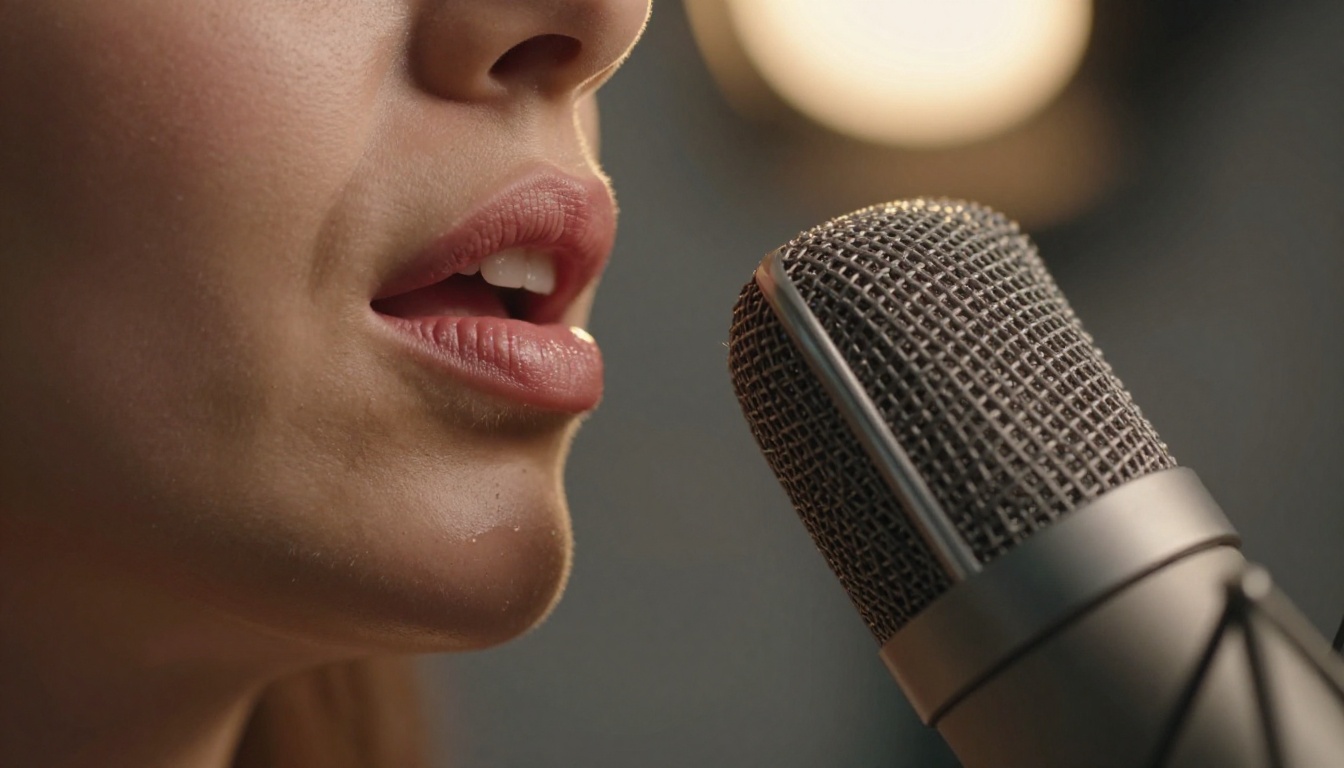
The Sound of Someone Who Knows You
What your brain actually hears
Human beings are extraordinarily sensitive to voice. Before a person finishes their first sentence, you have already processed their age, emotional state, regional background, and whether they are being sincere. This happens unconsciously and at speed, because the auditory cortex has spent a lifetime building voice-recognition patterns.
When an AI companion speaks, those same circuits activate. A voice that sounds hesitant feels uncertain. A voice with warmth in the mid-range frequencies feels affectionate. A slightly lower pitch in certain phrases signals seriousness. None of this requires conscious thought. Your brain is doing it regardless.
This is why AI girlfriends built on text-only systems hit a ceiling. You can write the most emotionally intelligent response in the world, and a robotic monotone will undo it in one second.
Why text alone never felt real
Early AI companion apps were text-forward because text was tractable. Language models got good fast. Voice synthesis lagged behind. The gap was obvious: you could have a conversation that sounded intelligent on the screen but felt hollow when spoken aloud by default TTS engines.
Those default engines had no acoustic personality. Same pitch, same cadence, same inflection on every sentence, whether the reply was "I missed talking to you" or "Here are your calendar events." The emotional content was entirely in the words. And words alone are not enough.
What people actually wanted was what they get from a phone call with someone they care about: the sound of a specific person, with a specific voice, in a specific mood.

How Neural Voice Cloning Actually Works
Acoustic fingerprinting explained
Every voice has what researchers call an acoustic fingerprint: a combination of formant frequencies, prosodic patterns, breathiness, vocal tract resonance, and speaking rhythm that is as distinctive as a face. Voice cloning starts by extracting this fingerprint from a reference audio sample.
Modern systems use neural encoder models to compress a voice sample into a high-dimensional embedding, a compact numerical representation of everything acoustically specific about that speaker. Once you have the embedding, you can use it to condition a text-to-speech decoder so that any text it generates will sound like that speaker.
The process, simplified:
- Input: a reference audio clip (as short as 3-10 seconds with newer models, or several minutes for higher fidelity)
- Encoder: extracts the speaker embedding from the clip
- Language model: converts input text into acoustic tokens
- Decoder/vocoder: synthesizes raw audio conditioned on both the text tokens and the speaker embedding
The result is speech that carries the source voice's identity across entirely new sentences it never actually spoke.
From sample audio to synthetic voice
The quality of the clone depends on two factors: the quality of your reference sample and the architecture of the synthesis model.
A clean recording in a quiet environment with consistent volume will produce a much more accurate clone than a phone recording with background noise. Most platforms apply preprocessing to normalize levels and reduce noise, but they cannot invent acoustic information that was not captured.
On the model side, the critical difference is naturalness of prosody, meaning how naturally the synthetic voice varies pitch, pace, and emphasis across a sentence. Older TTS systems used fixed prosodic rules. Current neural models learn prosody from massive speech datasets and produce variation that sounds organic rather than programmatic.
The models doing the heavy lifting
The voice cloning and synthesis landscape on PicassoIA includes several models optimized for different use cases:
| Model | Strength | Best For |
|---|
| Voice Cloning by MiniMax | Fast clone from short sample | AI companion voices |
| Chatterbox by Resemble AI | Emotion control layer | Expressive AI speech |
| Qwen3 TTS | Clone any voice or design custom | Flexible vocal identities |
| ElevenLabs v3 | Naturalness and breath detail | Long-form conversations |
| Speech 2.8 HD | Studio-quality output | High-fidelity audio |
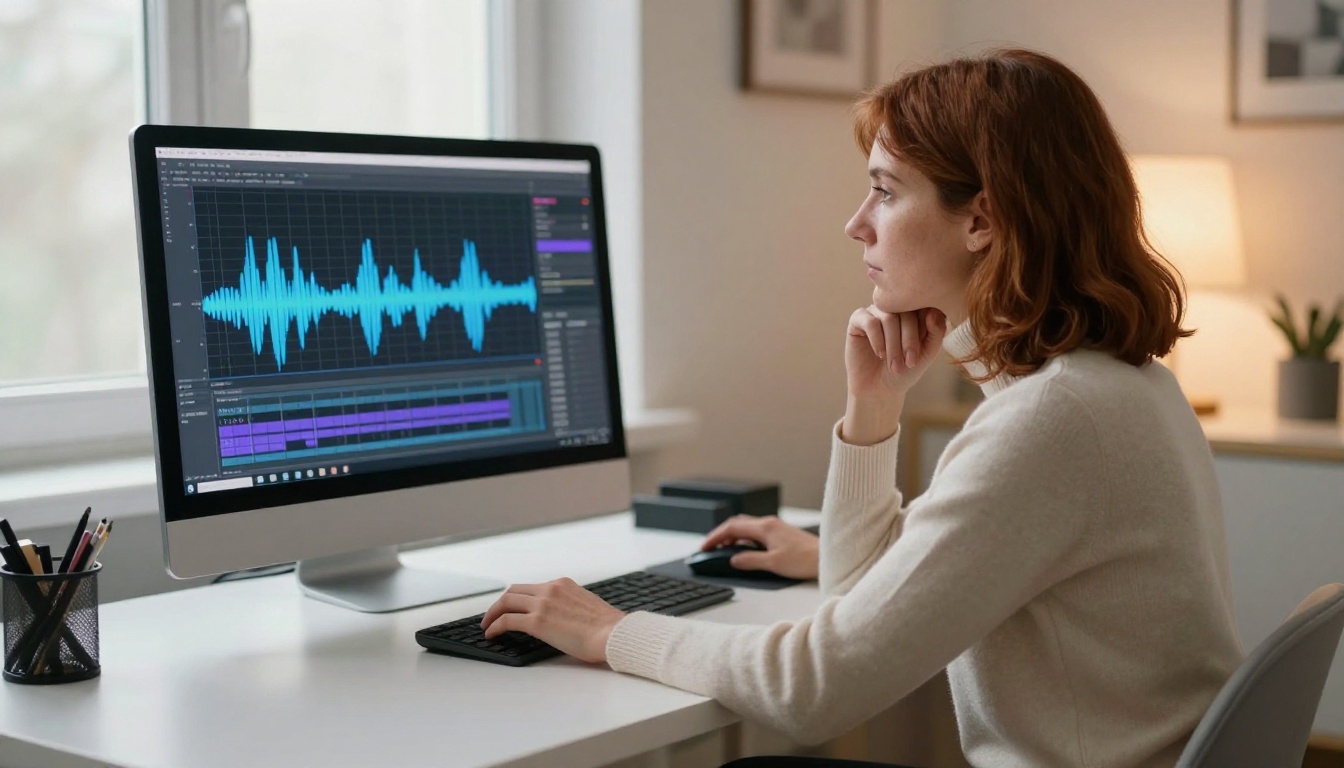
Voice Cloning on PicassoIA
How to use Minimax Voice Cloning
The Voice Cloning model by MiniMax is the most direct entry point for creating a custom AI girlfriend voice. Here is the full workflow:
Step 1: Record your reference audio
Record 10-30 seconds of clear speech in a quiet room. Speak naturally, at the pace and tone you want the AI to replicate. Avoid music in the background and excessive reverb.
Step 2: Upload the reference clip
In the model interface, upload your audio file. The model accepts WAV, MP3, and M4A formats. Higher sample rates (44.1kHz or above) produce better results.
Step 3: Enter your text
Type the text you want the cloned voice to speak. The model synthesizes it in the voice of your reference recording.
Step 4: Adjust settings
Use the speed and emotion parameters to dial in the right conversational tone. Slower speeds feel more intimate and considered; faster speeds feel more spontaneous.
Step 5: Export and integrate
Download the output audio and integrate it into your AI companion workflow, or use it to test how the voice sounds before committing to a full configuration.
💡 For maximum realism, record your reference audio with the same emotional tone you want the AI girlfriend to use. A warm, slightly hushed recording will clone into a warm, intimate AI voice.
Other TTS models worth testing
Beyond voice cloning, several models on PicassoIA produce outstanding AI companion voices without needing a reference sample at all:
- Speech 2.8 HD: studio-quality output with natural prosody, ideal for longer replies
- Realtime TTS 2 by Inworld: sub-200ms latency, built for real-time conversation
- Flash v2.5 by ElevenLabs: fast synthesis across 32 languages
- Chatterbox Pro: fine-grained emotion control for nuanced vocal expression

The Voice Traits That Change Everything
Pitch, pace, and personality
The three acoustic dimensions that most affect perceived personality are fundamental frequency (pitch), speech rate (pace), and spectral envelope (timbre or vocal texture).
A slightly lower average pitch is consistently perceived as more authoritative and calm. A slightly higher pitch reads as more energetic and approachable. Speech rate affects the sense of urgency: faster feels spontaneous, slower feels more deliberate and intimate.
For AI girlfriend applications, the ideal profile tends toward:
- Pitch: natural female range, not artificially elevated
- Rate: 130-160 words per minute for casual conversation, slower for emotional moments
- Timbre: warm and full in the mid-frequencies, minimal harshness in the upper range
💡 Most voice cloning models let you adjust a speed multiplier. For intimate conversation, try 0.85x to 0.9x of the base rate. It makes the voice feel more present and attentive.
Emotional range in AI speech
A cloned voice that can only produce neutral speech is only half of what you need. The second layer is emotional prosody: the ability to vary delivery based on the emotional content of the text.
Chatterbox by Resemble AI includes an emotion control layer that allows you to set the emotional register: warm, excited, calm, gentle, sad. The model then modulates prosody accordingly.
What changes across emotional registers in speech:
| Emotion | Pitch | Rate | Energy |
|---|
| Warmth | Rising phrase ends | Slightly slower | Soft consonants |
| Excitement | Higher overall | Faster | Strong consonants |
| Calm | Lower, steady | Slowest | Minimal variation |
| Sadness | Falling contours | Slowest | Reduced volume |
When your AI companion shifts between these registers in response to the conversation, the interaction stops feeling automated and starts feeling responsive.
Language and accent support
Modern voice synthesis models support voice cloning across multiple languages and accents. Flash v2.5 by ElevenLabs supports 32 languages. Gemini 3.1 Flash TTS covers 70+ languages with 30 voice options.
This matters for AI girlfriend personalization because accent carries enormous emotional identity. A cloned voice that preserves the original speaker's accent feels far more specific and real than a neutralized "standard" pronunciation.
LLMs: The Brain Behind the Voice
Voice cloning handles how the AI girlfriend sounds. A large language model handles what she says. The two systems work together, and a mismatch between an excellent voice and a weak conversational model is immediately obvious.
Why the conversation model matters
The LLM generates the text that the TTS engine then speaks. If the text is awkward, repetitive, or emotionally flat, no voice quality will save it. The reply needs to be contextually aware, emotionally appropriate, and varied enough to feel like a real person thinking in real time.
For AI companion applications, you need a model with:
- Long context window to remember the full conversation history
- Strong emotional intelligence in phrasing
- Natural variation in sentence structure and word choice
- The ability to be warm without being generic
Which LLMs power the best AI companions
PicassoIA's LLM catalog includes the models most commonly used in companion applications:
Claude Sonnet 5 by Anthropic is widely regarded as the strongest model for nuanced, emotionally resonant conversation. Its training emphasizes naturalness in a way that reads as warm rather than clinical.
GPT 5 by OpenAI brings the strongest general reasoning and widest knowledge base, which shows up in conversations that touch on real-world topics, storytelling, and role-play scenarios.
Deepseek R1 is notable for its step-by-step reasoning capability, which produces replies that feel considered and deliberate rather than reactive.
Kimi K2 Instruct handles both text and image inputs and is particularly strong in agentic contexts where the companion needs to carry out multi-step interactions.
💡 Pair Claude Sonnet 5 with Speech 2.8 HD for a combination that delivers both conversational warmth and audio fidelity. The two systems complement each other closely in output quality.

Building Your AI Girlfriend's Voice
Recording your voice sample
The reference recording is the single most important input in the cloning process. Quality issues in the source material propagate directly into the output.
What makes a good reference recording:
- Quiet room with minimal echo (closets and small carpeted rooms work well)
- A smartphone or USB microphone at 30-40cm distance from your mouth
- Natural, conversational delivery at the pace and tone you want replicated
- Consistent volume throughout, no sudden loud or soft moments
- 20-60 seconds minimum, more is better for higher-fidelity models
Problems to avoid:
- Background music or TV noise bleeding into the recording
- Inconsistent distance from the microphone mid-sentence
- Clipping: distortion that happens when volume peaks too high
- An overly slow or formal delivery that does not match the intended conversational register
Selecting the right model
The choice between voice cloning models depends on what you are optimizing for:
Fine-tuning with emotion settings
Once you have a base clone, the next step is calibrating the emotional expression layer. Models like Chatterbox allow you to set an emotion preset per message. Run test generations with the same text across different emotion settings to find the baseline that feels most natural for the persona you are creating.
Keep a record of the settings that work best. Small adjustments to pace (0.05x increments) and pitch shift (1-2 semitones) can dramatically change how the voice lands in context.
3 Mistakes People Make with AI Voice Cloning
1. Using a low-quality reference sample
The most common mistake. A voice recorded through a speakerphone on a phone call will produce a thin, tinny clone that no amount of post-processing will fix. Record in a quiet space, close to the microphone, on the best hardware available.
2. Mismatching the LLM and TTS pipeline
A high-fidelity voice delivering flat, generic text reads as uncanny. The voice is doing emotional work the words are not. Both components need to be tuned to the same emotional register and conversation style to feel coherent.
3. Skipping emotion calibration
Default emotion settings are neutral by design. For an AI companion, neutral reads as cold and impersonal. Spend 15-20 minutes running test generations across different emotion parameters before going live. The difference between a generic clone and a voice that feels alive is almost always in those settings.
What Real Users Say Changes First
Across user reports from AI companion platforms, the consistently cited shift when voice cloning is added is not that the AI sounds "human." It is that the experience of talking to it changes. People sit somewhere more comfortable. They speak more slowly and personally. They stop thinking of it as typing into a chat box.
The voice creates physical presence. Not metaphorically. The auditory system processes voice as a signal of someone nearby. That signal activates social engagement patterns regardless of whether the listener consciously knows it is synthetic.
It is the same reason a podcast host feels familiar after a few hours even though you have never met. Regular exposure to a specific voice builds an association, and that association attaches to what the voice says.
For AI companion design, this is not a trick. It is the core of the medium. When you choose the right voice, the right pace, and the right emotional register, the conversation becomes the relationship.

Your Voice, Your Companion
You have seen how voice cloning works at the model level, how to set up a high-quality reference recording, which models on PicassoIA are best suited for different companion voice applications, and why the LLM you pair with your TTS system matters as much as the voice itself.
The piece that turns all of this from technical capability into something that actually feels personal is the same piece that makes any relationship feel real: specificity. Not "an AI girlfriend," but this voice, with this way of pacing sentences, with this warmth in the mid-range, saying your name in that tone.
PicassoIA gives you access to all of the voice synthesis and language model infrastructure to build exactly that. From Voice Cloning for replicating a source voice with high fidelity, to Chatterbox for layering emotional expression, to Claude Sonnet 5 and GPT 5 powering the conversation itself, everything is accessible in one place.
Start by recording a clean 30-second reference clip. Upload it. Run a test generation. Listen with headphones. That is the moment you stop reading about AI voice synthesis and start actually hearing what it can do.
Browse all available voice synthesis and language models at picassoia.com/en/all-models.