Most AI video generators quietly block prompts the moment they detect anything remotely mature. You type a scene, hit generate, and get an error message or a watered-down clip that looks nothing like what you asked for. Wan 2.7 works differently. On PicassoIA, this model processes uncensored prompts without running them through a safety filter that strips out your intent before generation even starts.
This article breaks down exactly how Wan 2.7 handles uncensored prompts, what the three model variants do, how to use each one step by step, and which other tools to pair with it for the best results.
What Wan 2.7 Actually Is
Wan 2.7 is the latest major release of the Wan video model series developed by wan-video. It is a diffusion-based video generation architecture trained on a broad and largely unrestricted dataset, which is why it handles mature prompts without the hard stops that plague most commercial video generators. The model outputs video at up to 1080p resolution with strong motion quality and realistic physics, making it one of the most capable open-weight video models available today.
On PicassoIA, Wan 2.7 comes in three distinct modes, each designed for a different input scenario.
Three Variants, One Goal
| Variant | Input | Output | Best For |
|---|
| Wan 2.7 T2V | Text prompt | 1080p video | Full scene creation from scratch |
| Wan 2.7 I2V | Image + prompt | Video animation | Animating a specific still image |
| Wan 2.7 R2V | Reference image + prompt | Video | Reference-based subject animation |
All three variants run without content pre-filtering. The prompt you type is what the model receives, not a sanitized version of it.
What "Uncensored" Means Here
There is a specific meaning to "uncensored" in the context of Wan 2.7. It does not mean the model generates anything without limits. It means the model does not have a safety classifier sitting in the prompt pipeline blocking keywords before generation. Many competitors filter at the text level, which means certain words or phrases trigger automatic rejections before the model ever processes your input. Wan 2.7 does not do this. The model reads your full prompt and generates accordingly.
For creators working with mature themes, artistic nudity, glamour content, or adult-oriented scenarios, this matters enormously. You write the scene exactly as you want it, and the model attempts to render it faithfully.
How the Prompt Pipeline Works
When you submit a prompt through PicassoIA to Wan 2.7 T2V, the platform sends it directly to the model without a keyword-blocking layer in between. This is architecturally different from what you experience with services like Sora or Veo, where multiple safety classifiers evaluate the text before it reaches the diffusion model.
No Safety Filter in the Path
PicassoIA operates as a permissive platform for adult content, which means the infrastructure does not append restriction rules to your prompt or strip out mature descriptors before they reach Wan 2.7. The model's training data gives it the ability to interpret and render complex, mature scenarios with realistic output at full resolution.
💡 Practical impact: A prompt like "a woman in lingerie on a penthouse balcony, cinematic lighting" will be processed in full. You will not get a cropped waist-up shot or a generation error because of a blocked phrase.
How Wan 2.7 Reads Complex Prompts
Wan 2.7 was trained with a strong emphasis on temporal coherence and prompt adherence. This means it holds the composition and subject attributes you describe across all frames of the video, not just the first one. For adult content, this translates to scene consistency: if your prompt specifies a subject, setting, lighting, and clothing, all of those attributes remain stable throughout the clip duration.
The model also handles multi-clause prompts well. You can describe a subject, a motion, a camera angle, and a lighting condition in a single prompt and get a video that respects each element simultaneously. This level of prompt fidelity is what separates Wan 2.7 from older open-weight models that would often lose clothing details or scene context midway through a clip.
Using Wan 2.7 T2V on PicassoIA
Wan 2.7 T2V is the text-to-video variant. You type a prompt, and the model generates a fully synthesized video clip from scratch. This is the most direct path to uncensored video if you do not have a source image to start from.
Step-by-Step Walkthrough
- Go to the Wan 2.7 T2V page on PicassoIA
- Type your prompt in the prompt field. Be specific about subject, setting, motion, camera angle, and lighting
- Select your target resolution. Wan 2.7 T2V supports up to 1080p for high-fidelity output
- Click generate and wait for processing. Typical generation time ranges from 30 to 90 seconds depending on resolution and server queue
- Preview and download your video directly from the platform interface
Prompts That Get the Best Results
The best prompts for Wan 2.7 follow this structure:
[Subject + Clothing or Appearance] + [Setting] + [Action or Motion] + [Camera Angle] + [Lighting]
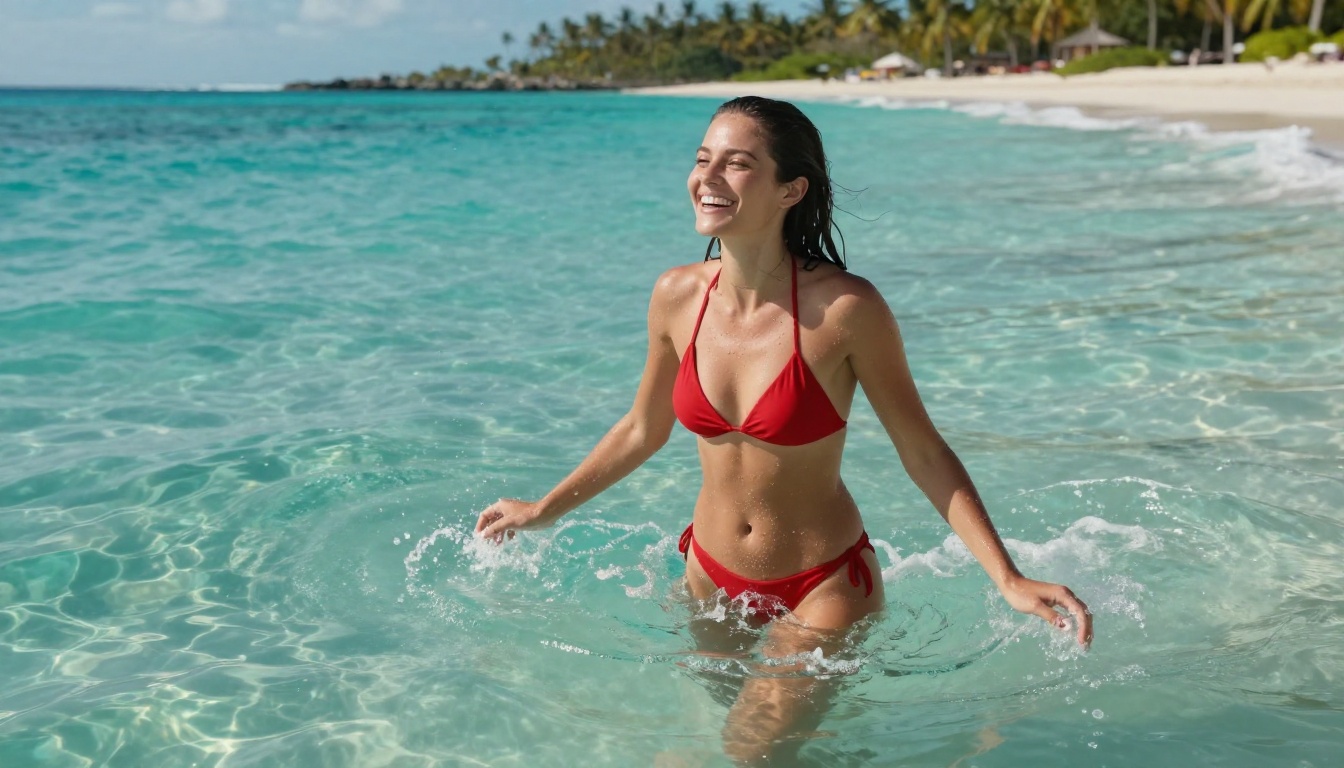
Example: "A woman with long dark hair in a red string bikini, standing waist-deep in calm turquoise water, slowly raising her arms as she tilts her head back, shot from a low angle at water level with a wide 35mm lens, midday sun creating caustics on the water surface and sparkling droplets on her skin"
Some specific tips for mature content with Wan 2.7:
- Be explicit about motion: Wan 2.7 responds well to clear motion cues. "Standing still" versus "slowly turning toward the camera" produce very different clips.
- Specify the camera: "close-up", "aerial", "wide shot", "dolly in" all have distinct effects on composition and how the subject is framed.
- Lighting matters more than you think: "soft diffused light", "hard side lighting", "volumetric morning light" each change the visual quality dramatically.
- Avoid vague descriptors: Words like "sensual" or "beautiful" without physical specifics produce vaguer results than "shoulders visible, soft window light from the left, natural hair falling forward".
Wan 2.7 I2V for Animated Adult Content
Wan 2.7 I2V takes a still image as its first frame and animates it based on your motion prompt. This is the preferred workflow for most adult content creators because it gives you precise control over the subject's appearance before animation begins.
Why I2V Changes the Workflow
When you use text-to-video, the model synthesizes the subject from scratch. The result is realistic but not tied to a specific face, body type, or outfit you might have already created elsewhere. With I2V, you start with an image you generated, and the model animates it while preserving the visual identity of that first frame throughout the entire clip.
This means you can:
- Generate a specific character or scene with an image model first
- Animate that exact character with Wan 2.7 I2V, maintaining their appearance
- Create consistency across multiple clips by reusing the same source image
- Control the outcome more precisely than pure text-to-video allows
For adult content, this workflow is significantly more controlled. You are not relying on the model to synthesize a subject from text alone, which reduces the chance of anatomical inconsistencies or unwanted style shifts.
Best Source Images for I2V
The best source images for Wan 2.7 I2V share these qualities:
- Sharp and high-resolution: The model uses the first frame as its anchor, so starting with a clear image gives you cleaner video output
- Correctly lit for the scene: If you want warm evening lighting in the video, your source image should already have that lighting established
- Subject centered in the frame: Wan 2.7 I2V handles centered subjects more reliably than edge-cropped or off-center compositions
- Uncluttered backgrounds: Complex backgrounds can introduce temporal inconsistencies as the model tries to maintain them across frames
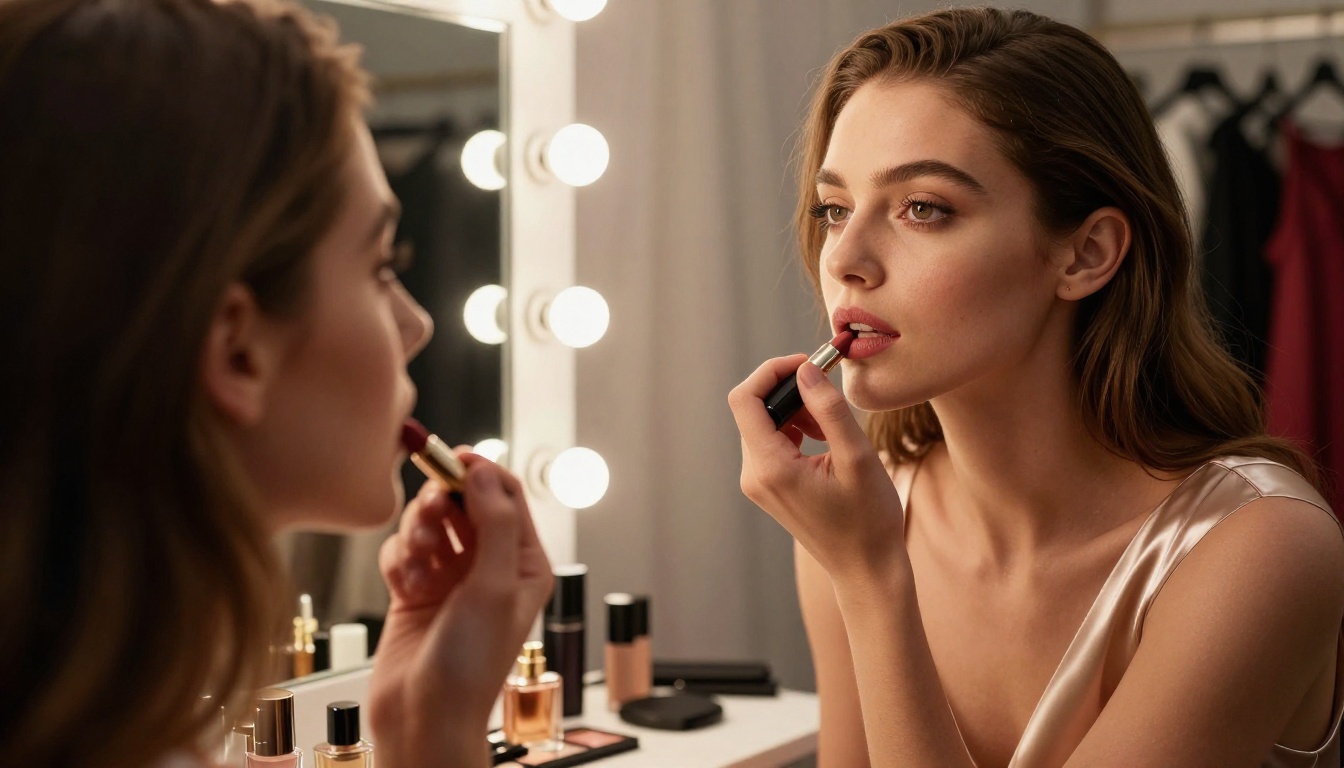
💡 Best pairing for NSFW I2V: Use Seedream 4.5 to generate the source image. It is the top-recommended NSFW image model on PicassoIA, generates in under 3 seconds, and produces highly realistic results that animate well with Wan 2.7 I2V.
Wan 2.7 R2V: Reference-Based Video
Wan 2.7 R2V is the third variant and the least widely known. R2V stands for Reference-to-Video. Instead of animating the source image as a literal first frame, it uses the image as a visual reference for the subject's appearance, then generates a video scene that may differ significantly from the original composition.
When to Use R2V Over I2V
The distinction matters in practice:
- I2V is best when you want the video to start exactly where the image is. The source image becomes frame one of the output clip.
- R2V is best when you want the model to generate a new scene featuring the same subject, but with different camera angles, positions, or environments than your source image shows.
For adult content creators, R2V is useful when you have a reference for how a subject should look but want the model to place them in a different setting or motion without being locked to the source composition.
Practical R2V Scenarios
- You have an image of a subject in a studio setting. Use R2V to generate a beach scene with that same subject without re-creating the character from scratch.
- You have a portrait shot. Use R2V to generate a walking sequence at full body scale.
- You want multiple clips of the same subject in different scenarios without re-running your image model for each one.
This is a workflow accelerator for anyone building multi-clip adult content projects where character consistency across scenes matters.
Comparison With Other Models
Wan 2.7 is the most capable version of the Wan series for uncensored prompts, but it is worth knowing what earlier versions offer and how it compares to other video models on PicassoIA.
Wan 2.7 vs Earlier Wan Versions
The jump from 2.6 to 2.7 brought notable improvements in anatomical realism, motion fluidity, and prompt adherence for complex scenes. If you were using Wan 2.6 for adult content previously, 2.7 is a meaningful upgrade in output quality.
Other Uncensored Video Models to Know
Beyond the Wan series, these models on PicassoIA also handle adult content without hard content blocks:
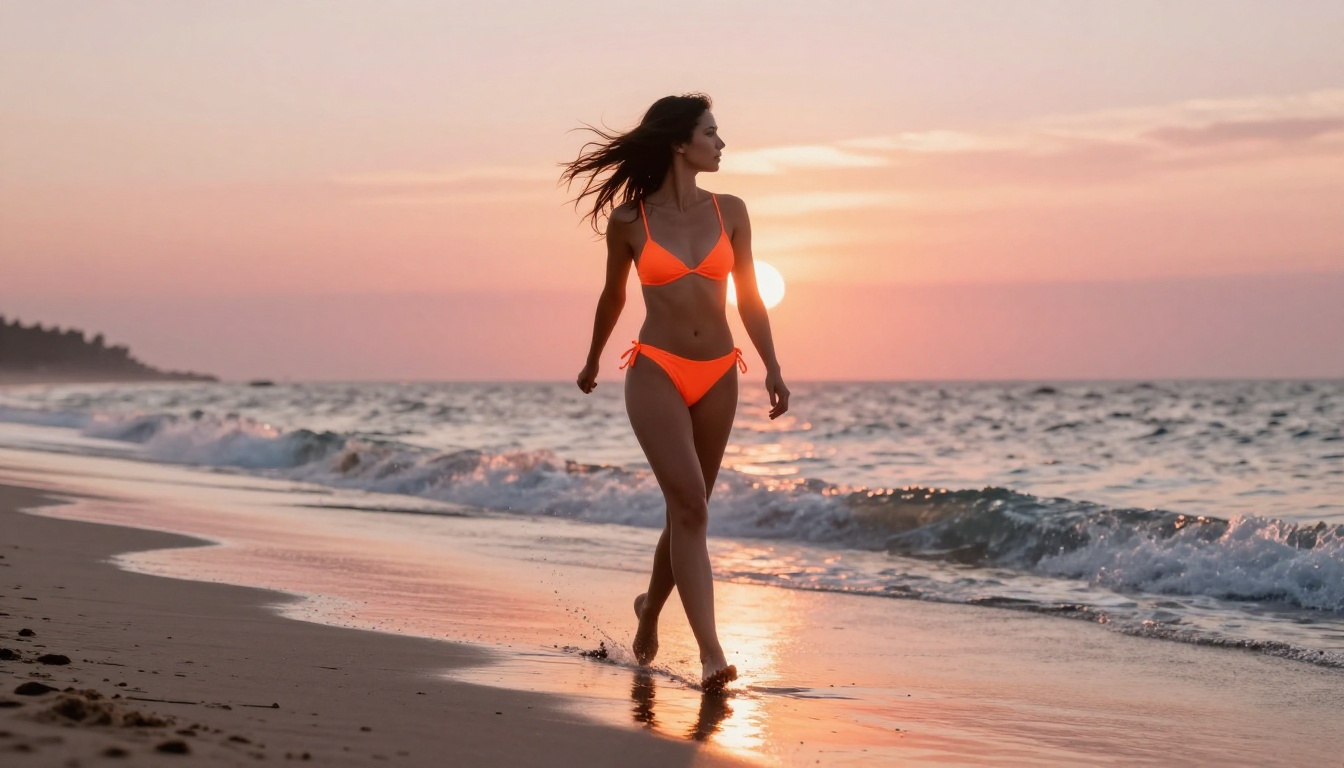
- PicassoIA Video: Unlimited video generation at up to 720p and 5 seconds per clip. The unlimited generations feature makes it the most practical option for rapid experimentation without worrying about costs.
- P-Video: Safety filter is off by default. Accepts text, image, or audio input and outputs up to 1080p at 24 or 48 fps with adjustable duration from 1 to 10 seconds.
- Grok Imagine Video: Clips up to 15 seconds from text or image input, no watermarks, outputs at 720p without sign-off delays.
- Wan 2.2 I2V Fast: Faster image-to-video with lower compute demand, good for testing compositions quickly before committing to a full Wan 2.7 generation.
- LTX 2.3 Pro: The highest fidelity option on the platform at up to 4K/50fps, with retake and extend editing modes for precise clip-by-clip control.
Best NSFW Image Models to Pair With Wan 2.7
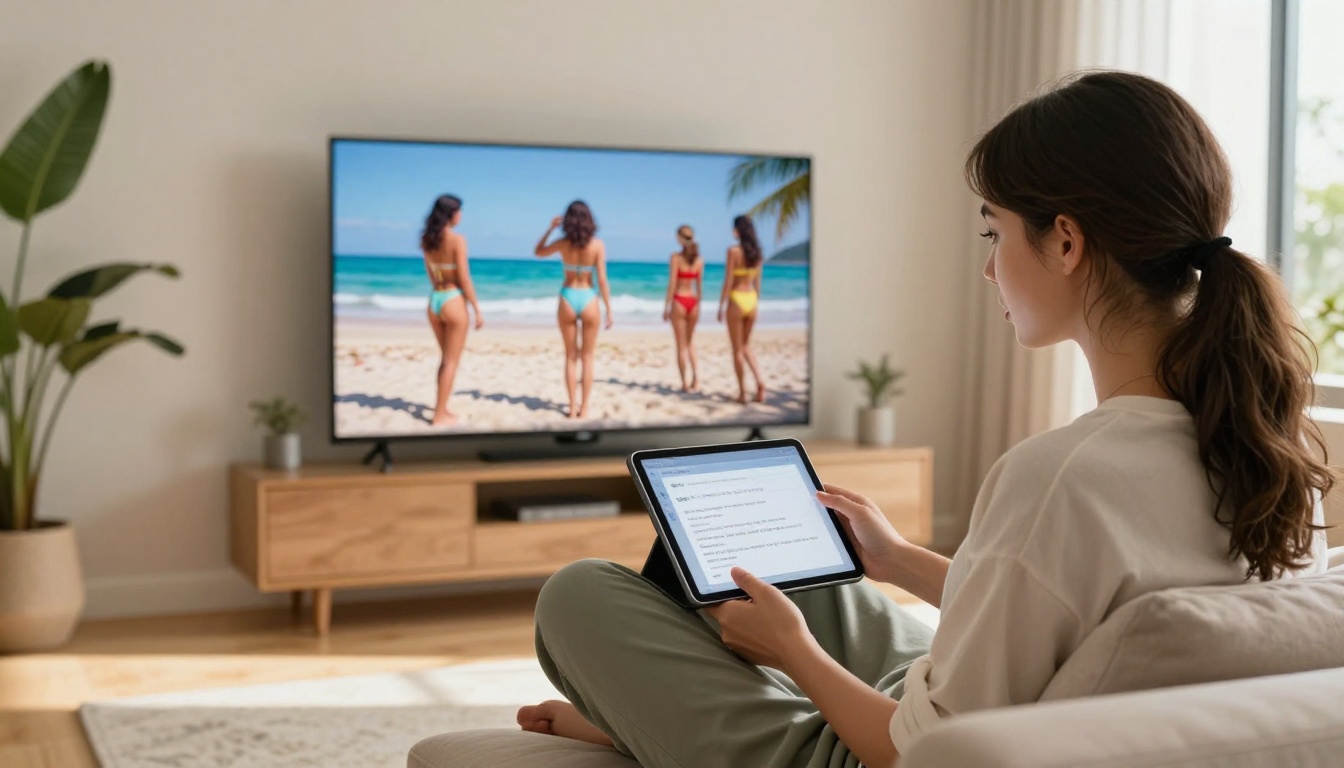
If you are using Wan 2.7 I2V or Wan 2.7 R2V, the quality of your source image directly determines the quality of the animation. These are the top image models on PicassoIA for generating realistic NSFW source images:
-
Seedream 4.5 ⭐ The best all-around option for NSFW image generation. Accepts adult content, includes image editing capabilities, and generates ultra-realistic results in under 3 seconds. Its successor Seedream 5 Lite does not support NSFW content, so stick with 4.5 for mature content workflows.
-
PicassoIA Image Editor Pro The img2img model with unlimited generations on Elite and Infinite plans. If you need hundreds of variations of a source image to find the perfect frame for Wan 2.7 I2V, this is how you do it without paying per generation. Results arrive in under 1 second. There is a free trial of 3 generations with no credit card required.
-
Qwen Image 2 Open-source model that edits or creates images in seconds with high realism. Strong for photorealistic figure generation when you want detailed control over appearance attributes.
-
Grok Imagine Image Converts any existing image to a bikini format realistically. Useful for style-shifting a clothed reference photo before animating it with Wan 2.7 I2V.
-
Recraft V4 Text-to-image only, but produces very realistic results for mature content with strong anatomical consistency.
-
P-Image NSFW text-to-image generation in under 1 second. The fastest option for rapid iteration when you need many source image candidates.
Write Better Prompts for Mature Content
The technical capability of Wan 2.7 only matters as much as your prompts allow. Poorly structured prompts produce vague or inconsistent results even when the model has no content restrictions.
Structure That Works
A strong mature content prompt for Wan 2.7 typically follows this pattern:
Subject description (physical attributes, clothing, body position) followed by Setting (location, time of day, weather), then Action (specific motion or pose change over the clip duration), then Camera (angle, movement, lens feel), and finally Lighting (direction, quality, color temperature).
Weak prompt: "Beautiful woman at the beach"
Strong prompt: "A woman with long dark hair in a red string bikini, standing waist-deep in calm turquoise water, slowly raising her arms as she tilts her head back, shot from a low angle at water level with a 35mm wide lens, midday sun creating caustics on the water surface and sparkling droplets on her tanned skin"
The difference in output quality between these two prompts is dramatic. Wan 2.7 responds directly to specificity, and mature content in particular benefits from detailed physical descriptions over abstract mood words.
What to Avoid
- Stacking too many subjects: Wan 2.7 handles single-subject scenes more reliably than multi-person compositions. If you need multiple people in a clip, test with one subject first.
- Contradictory motion cues: "Standing still while walking toward the camera" produces unstable output with flickering motion artifacts.
- Over-relying on style keywords alone: Descriptors like "cinematic" or "photorealistic" help, but they do not replace physical specificity in the prompt.
- Ignoring aspect ratio: Wan 2.7 renders different compositions depending on the ratio. For T2V, specifying whether you want landscape, portrait, or square framing in the prompt improves composition accuracy.
💡 Iteration tip: If a generation does not match your intent, isolate the variable that is off. Change one element of the prompt at a time rather than rewriting the whole thing. This gives you cleaner feedback on what the model is actually responding to.
💡 For I2V specifically: Write the motion prompt as a description of what happens over 5 seconds, not what the scene looks like. "Her hair blows gently in the breeze as she slowly turns her head toward the camera" outperforms "woman on beach, natural hair, wind".
Start Creating With Wan 2.7 on PicassoIA
Wan 2.7 is available right now on PicassoIA across all three variants. If you have never used it before, the fastest way to see what it can do is to start with Wan 2.7 T2V, type a scene using the prompt structure from the section above, and run a test generation at 720p to verify how the model interprets your prompt. Once you are satisfied with the composition, move to 1080p for the final output.
If you already have a reference image from Seedream 4.5 or another image model, Wan 2.7 I2V is your next step. Drop the image into the tool, write the motion prompt, and let the model animate it at full 1080p resolution.
For creators wanting to iterate fast across multiple scenarios while keeping the same subject consistent, Wan 2.7 R2V gives you that flexibility without re-generating your reference from scratch each time.
PicassoIA also offers a full lineup of over 80 text-to-video models and 200 text-to-image models, all in one place without platform-switching or account juggling. Browse the full catalog and find what fits your workflow at picassoia.com/en/all-models.


