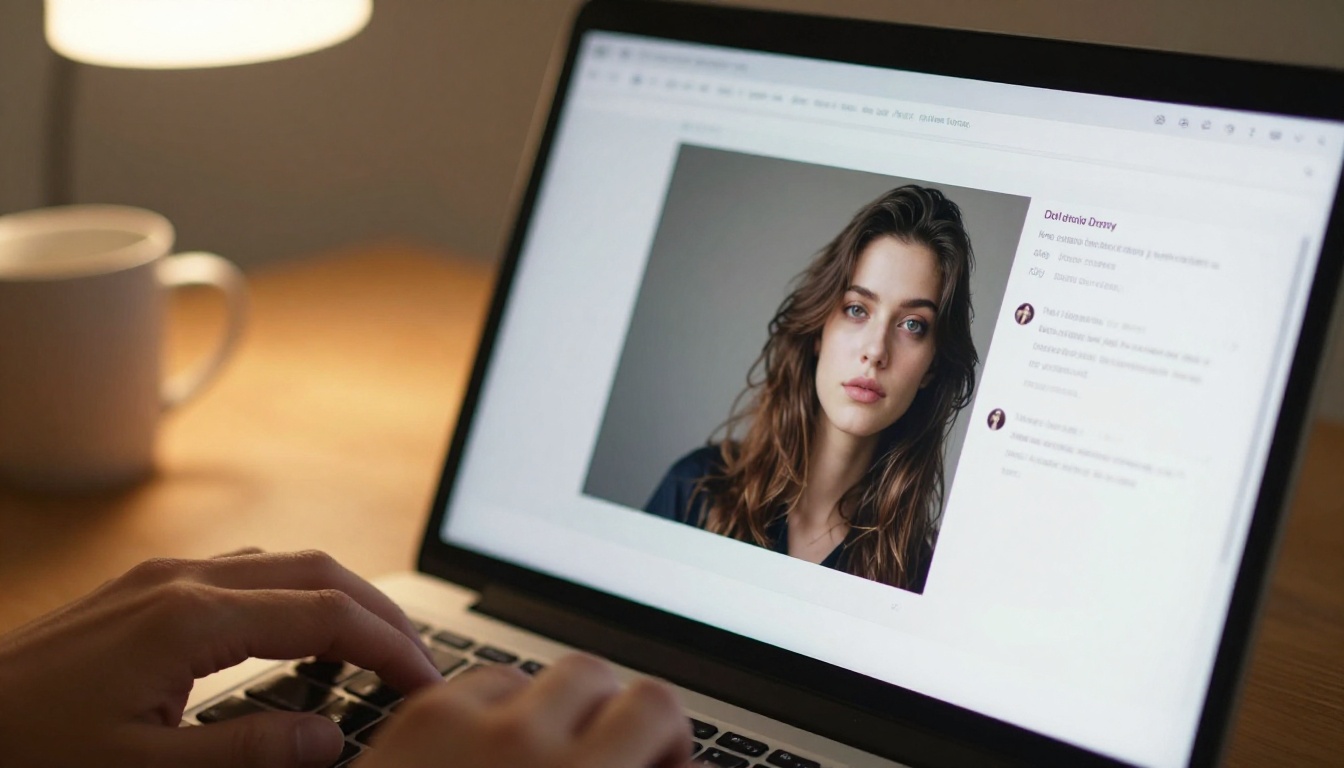
Tencent has been building AI infrastructure at a scale most companies can only imagine, and their Hunyuan Image model is one of the clearest signs of what that investment looks like in practice. Released publicly and available as open-source, Hunyuan Image is a text-to-image model designed to generate photorealistic imagery at resolutions up to 2K, with particular strength in Chinese-language prompts and a flexible architecture that allows fine-tuning and deployment by developers worldwide.
This is not a marketing product. It is a serious, research-backed image generation system trained on billions of parameters, built on a Diffusion Transformer (DiT) backbone, and released as part of a broader Tencent AI initiative that spans language models, video generation, and 3D synthesis.
What Hunyuan Image Actually Is
Tencent's bet on image generation
Tencent launched the Hunyuan family of AI models as part of a broader strategy to compete with both Western and domestic Chinese AI labs. The Hunyuan name spans a range of modalities: there is Hunyuan for language, Hunyuan for video, Hunyuan for 3D object generation, and Hunyuan Image for photorealistic text-to-image synthesis.
The image model specifically targets the high-quality creative market: graphic designers, marketing professionals, game developers, and researchers who need outputs that look genuinely real rather than AI-processed. The model's training involved curating a massive proprietary dataset, applying multi-stage quality filtering, and iterating on alignment techniques to ensure the generated images match human intent with high fidelity.
The Hunyuan product family
Understanding Hunyuan Image means seeing where it sits within a larger ecosystem. Tencent has released or announced the following Hunyuan models:
| Model | Type | Notable Feature |
|---|
| Hunyuan Image 2.1 | Text-to-image | 2K resolution, DiT backbone |
| Hunyuan Video | Text-to-video | High-coherence video synthesis |
| Hunyuan 3D 3.1 | Image-to-3D | Rapid 3D asset generation |
| Hunyuan Large | Large language model | Multilingual reasoning |
This coordinated release strategy makes Hunyuan one of the more cohesive multimodal AI stacks to come out of China's tech industry, comparable in breadth to what Google has done with the Gemini family or Meta with its Llama and related models.
How It Generates Images
DiT architecture at its core
Hunyuan Image is built on a Diffusion Transformer (DiT) architecture rather than the older UNet approach used by early Stable Diffusion models. This distinction matters.
UNet-based models use convolutional layers organized in an encoder-decoder structure. They work well but hit efficiency limits at very high resolutions. DiT models replace those convolutional blocks with transformer attention mechanisms, which scale more efficiently with parameter count and handle long-range spatial dependencies more effectively. The result is sharper detail at high resolutions, better compositional coherence across large image areas, and improved text-image alignment.
Hunyuan Image uses a multi-stage denoising process with a flow-matching objective, meaning it learns to move from noise toward a target image distribution in a more direct and stable trajectory than earlier DDPM-based models.
💡 Flow matching produces smoother, more predictable outputs during inference and allows fewer denoising steps without sacrificing quality, making Hunyuan Image notably fast for its output resolution.

Training data and scale
Tencent trained Hunyuan Image on a dataset spanning billions of image-text pairs, with a strong emphasis on:
- Aesthetic quality filtering: Low-quality images were excluded through automated CLIP-based scoring and human review
- Resolution diversity: Training samples spanned multiple aspect ratios and resolutions to give the model flexibility
- Chinese-language alignment: A significant portion of the dataset contains Chinese text descriptions, making it one of the few large image models with genuine native Chinese prompt support
- Safety filtering: NSFW and harmful content was removed through multi-stage automated and manual review
The model weights for Hunyuan Image 2.1 were published on Hugging Face and are available for research and commercial use under Tencent's model license.

What Makes It Stand Out
2K resolution output
Most mainstream text-to-image models default to 1024x1024 or 1024x576 output. Hunyuan Image 2.1 natively supports generation at resolutions up to 2048x2048 and various widescreen formats, producing images with noticeably higher perceived sharpness and detail density.
This is not simply upscaling. The model generates high-frequency texture detail from scratch at 2K, which means fine structures like hair, fabric weave, architectural ornaments, and skin pores appear genuinely rendered rather than algorithmically interpolated. The difference is visible even at standard display resolutions.
Chinese language support
This is where Hunyuan Image occupies a genuinely distinct position. Most Western image models use CLIP-based text encoders that were trained predominantly on English-language internet data. Their Chinese-language performance is functional but inconsistent.
Hunyuan Image uses a multilingual text encoder that was co-trained with Chinese corpus data from the start. When you write a prompt in Chinese, the model interprets cultural references, idiomatic expressions, and traditional visual concepts more accurately than any Western model currently available. This makes it practically valuable for teams building products for Chinese-language markets.
Open-source availability
Hunyuan Image 2.1 is fully open-source. The model weights are available on Hugging Face, the training code and architecture details are documented in a technical report, and the model supports standard ComfyUI and Diffusers integration. This means developers can:
- Run the model locally with appropriate GPU hardware
- Fine-tune it on custom datasets using standard LoRA methods
- Build it into commercial products (subject to the model license)
- Deploy it through platforms like PicassoIA for no-code access
💡 The open-source release is significant. Many comparable models from Chinese labs are closed API-only products. Tencent's decision to release weights gives the global developer community direct access to a top-tier model.
Hunyuan Image vs. The Competition
Against Flux models
Flux Redux Dev from Black Forest Labs is currently considered the benchmark for open-source photorealistic image generation in the Western market. Hunyuan Image 2.1 competes directly with it.
| Feature | Hunyuan Image 2.1 | Flux Dev |
|---|
| Architecture | DiT + flow matching | DiT + flow matching |
| Max resolution | 2K native | 1K native, 2K with upscaler |
| Chinese support | Native, strong | Limited |
| Open-source | Yes | Yes (non-commercial) |
| Fine-tuning | LoRA supported | LoRA supported |
| Inference speed | Fast at 2K | Fast at 1K |
Both models use DiT architectures with flow matching, which means the gap is in the details: training data, alignment techniques, and the specific aesthetic choices baked into each model's weights. Flux tends to produce images with a slightly cooler, more editorial look. Hunyuan Image leans warmer with stronger detail density, particularly in portrait and architectural subjects.
Flux Krea Dev is another strong competitor for photography-adjacent generation, and Flux Fill Pro adds inpainting capabilities that Hunyuan's base model lacks natively.
Against Stable Diffusion 3
Stable Diffusion 3 from Stability AI was a major step forward in text rendering and compositional accuracy, but Hunyuan Image 2.1 has a clear edge in:
- Portrait realism: Skin texture, lighting gradients, and anatomical accuracy are consistently stronger
- High-frequency detail: At 2K, Hunyuan produces more convincing fabric and surface textures
- Prompt adherence on complex scenes: Multi-object scenes with precise spatial relationships fare better
Where Stable Diffusion 3 still wins is in creative stylization: it has a broader community of fine-tuned models and LoRA weights covering artistic styles, whereas Hunyuan's community ecosystem is younger and still building momentum.
Real-World Output Quality
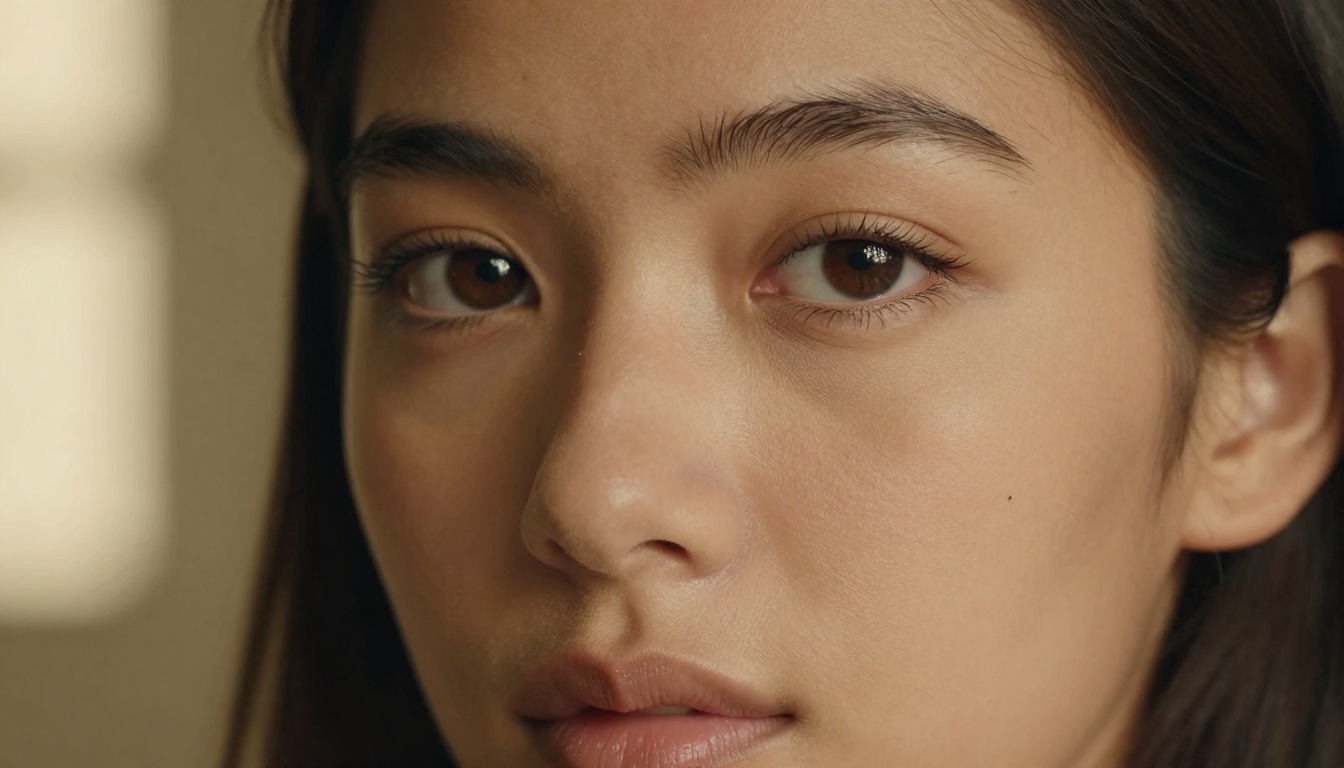
Portrait and face accuracy
Portrait generation is where Hunyuan Image draws the most attention. The model produces:
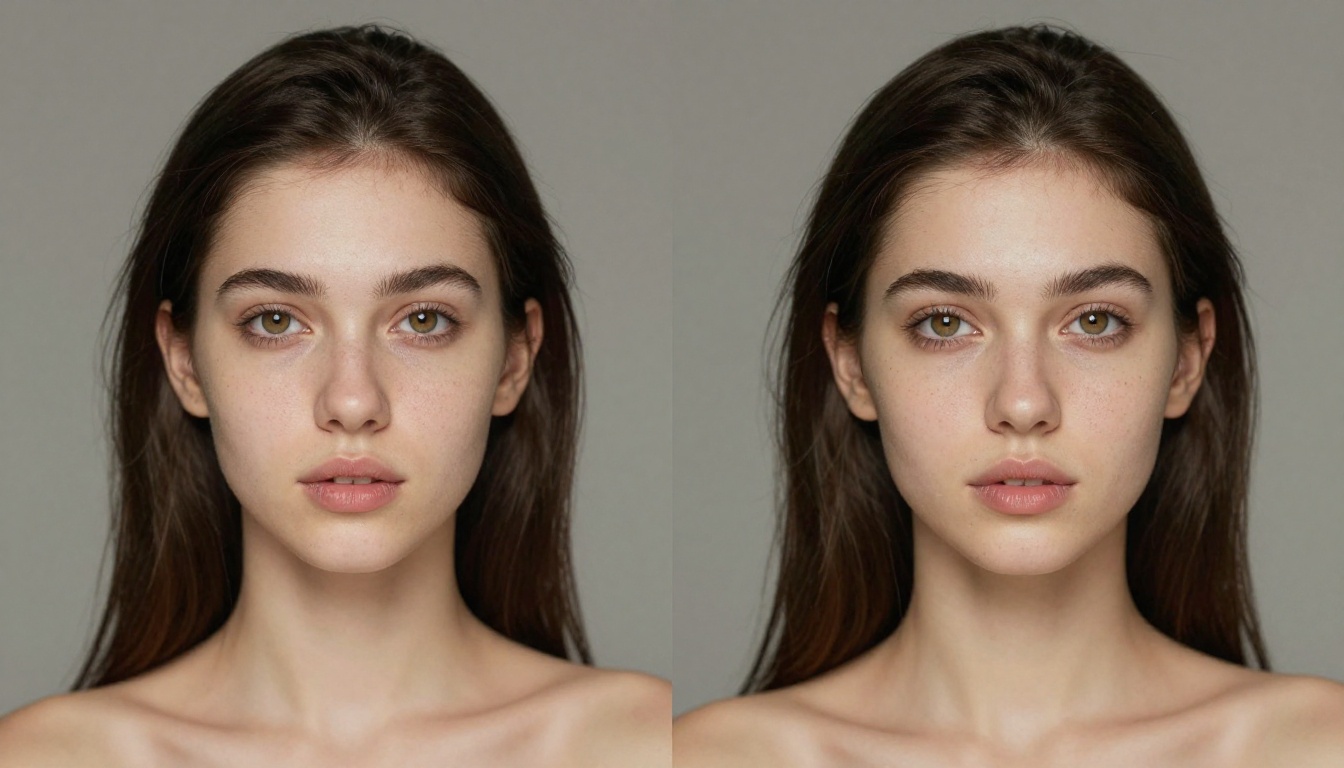
- Consistent facial geometry: Eyes, nose, and mouth proportions rarely suffer the spatial drift that affects many diffusion models
- Natural skin texture: Pores, subsurface scattering, and blemishes render with photographic believability
- Accurate lighting on skin: Specular highlights, shadow gradients, and catch-lights in eyes behave according to physically plausible light physics
This performance owes partly to the quality of the training data and partly to the alignment fine-tuning stage, which used human rater feedback to correct recurring anatomical artifacts.
Landscape and architectural scenes
Beyond portraits, Hunyuan Image handles architectural and environmental subjects with:
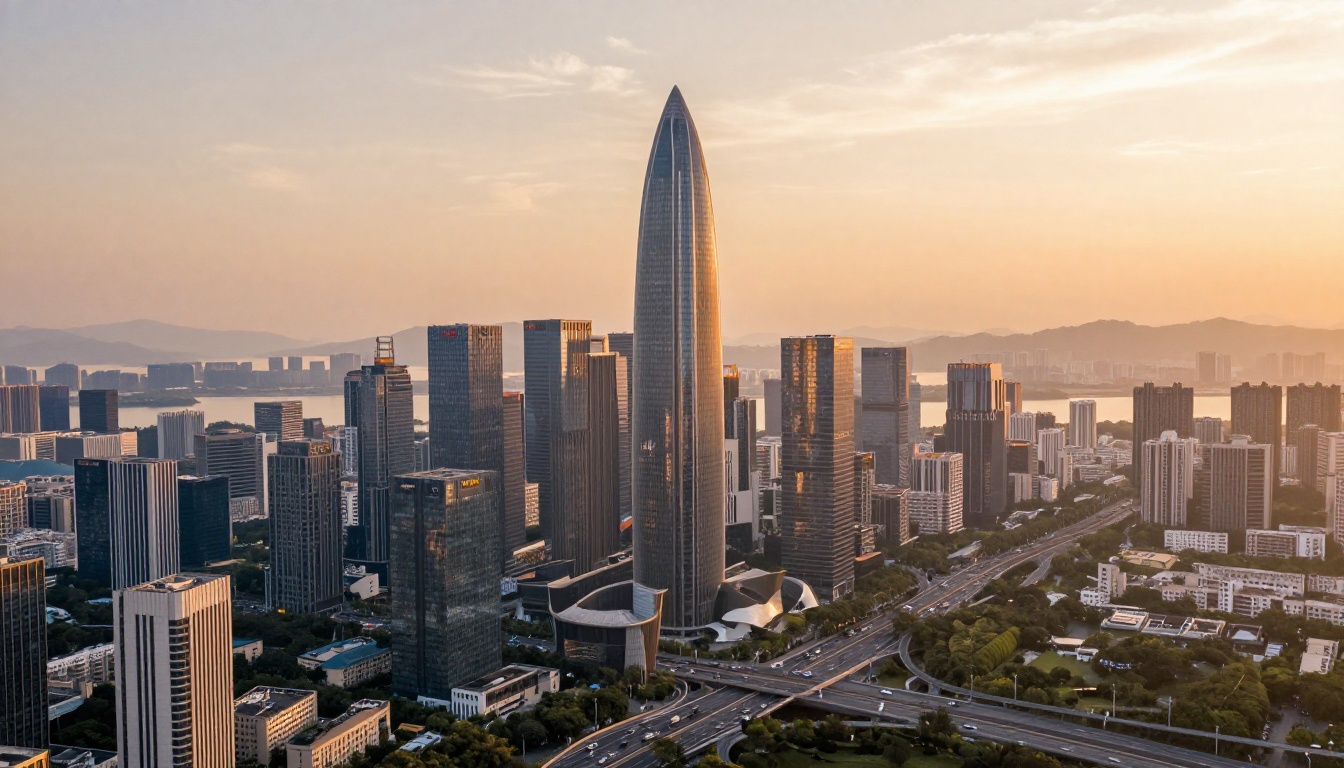
- Coherent perspective: Large buildings, city streets, and interiors maintain correct vanishing points across the full frame
- Atmospheric depth: Haze, aerial perspective, and distant detail falloff look natural
- Material differentiation: Glass, concrete, vegetation, and water render with distinct surface properties
This makes it well-suited for architecture visualization, travel content, and real-estate marketing imagery, where photographic plausibility is non-negotiable.
The limits to know about
No model is perfect. Hunyuan Image 2.1 shows occasional weaknesses in:
- Hand anatomy: Fingers and palms can drift in complex poses, though this is less frequent than in older models
- Very small text in images: Like all diffusion models, text embedded in generated images remains unreliable
- Extreme artistic styles: It was trained for photorealism; requests for cubism, abstract expressionism, or heavily painterly styles produce mediocre results compared to models specifically tuned for those outputs
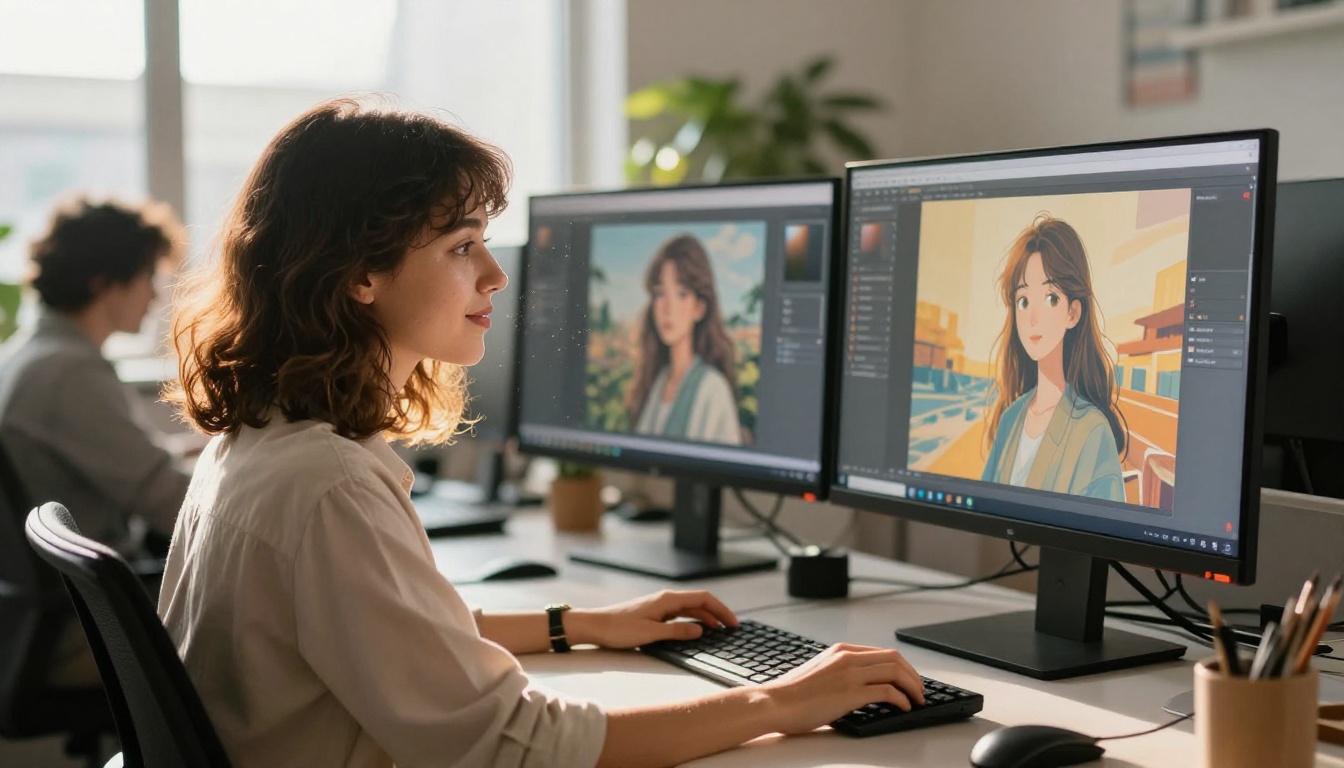
How to Use Hunyuan Image 2.1 on PicassoIA
Since PicassoIA hosts Hunyuan Image 2.1 directly, you can generate 2K photorealistic images without any local setup, GPU hardware, or model installation.
3 Steps to Your First Image
Step 1: Open the model page
Go to the Hunyuan Image 2.1 page on PicassoIA. You'll see the prompt input field and output resolution options immediately. No account setup required for your first generation.
Step 2: Write a specific, descriptive prompt
Hunyuan Image responds well to detailed prompts that include:
- Subject and action: "A woman in her 30s reading a book in a sunlit cafe"
- Lighting conditions: "soft morning light from the left, warm golden hour"
- Camera angle and lens: "85mm portrait lens, shallow depth of field"
- Style qualifier: "RAW photography, photorealistic, Kodak Portra 400"
Avoid vague one-word prompts. The model's strength is in interpreting complex scene descriptions, so use that capacity deliberately.
Step 3: Select your output resolution
For maximum quality, select the highest available resolution. The 2K output is particularly impressive for portrait and architectural subjects where fine detail matters most.
Tips for better results
- Specify lighting explicitly: Hunyuan Image's lighting quality improves dramatically when you describe the light source, direction, and quality (e.g., "overcast diffused light from above" vs. "sharp morning sun from the left")
- Include camera details: Lens focal length and aperture suggestions guide the model toward realistic depth-of-field rendering
- Use aspect ratios intentionally: For portraits, 3:4 gives more natural framing. For landscapes and architecture, 16:9 plays to the model's strengths
- Iterate on negative prompts: Adding negative guidance like "no plastic skin, no overexposed, no lens distortion" meaningfully improves consistency
💡 For the highest-quality portrait outputs, combine Hunyuan Image 2.1 with a super-resolution pass afterward. Clarity Pro Upscaler on PicassoIA can take a 2K Hunyuan output to 4K without introducing AI artifacts.

Who Should Actually Use It
Creative professionals
If your workflow involves generating photorealistic reference images, concept art for realistic productions, or marketing materials that require photographic quality, Hunyuan Image 2.1 is worth adding to your toolkit alongside Flux Redux Dev and GPT Image 2.
The model's Chinese-language strength makes it the default recommendation for teams producing content for East Asian markets, where cultural accuracy in visual references matters as much as technical resolution quality.
Developers and researchers
The open-source weights make Hunyuan Image valuable for:
- Fine-tuning experiments: Training custom LoRA adaptations for specific aesthetics, characters, or product categories
- Architecture research: Studying how a large-scale DiT system handles alignment and resolution scaling in practice
- Comparative benchmarking: Building evaluation datasets that test model behavior across Western and East Asian cultural references
Content creators at scale
Because Hunyuan Image is available via API on PicassoIA, high-volume users can generate consistent photorealistic imagery at scale. No queue management, no local GPU allocation, no model maintenance. The platform handles inference while you focus on prompting.
Start Creating With It
Hunyuan Image 2.1 is available right now through PicassoIA without any installation or configuration. Open the model page, write a prompt, and see what a 2K photorealistic output looks like when generated by one of the strongest open-source image models currently available.
If photorealism is your benchmark, this model belongs in your workflow. Try it alongside Flux Schnell LoRA for faster iteration, or pair it with Flux Fill Pro when you need inpainting to refine specific regions. The combination of native 2K output, Chinese-language fluency, and a fully open architecture makes Hunyuan Image 2.1 one of the more interesting models in the current landscape.