Tencent dropped something significant in late 2024, and it was not quiet about it. Hunyuan Video arrived as a fully open-source text-to-video model with 13 billion parameters, capable of producing cinematic, high-motion video clips that rivaled what most closed commercial APIs were charging premium prices to access. For the AI video generation space, it was a clear statement: the bar had been raised, and it was now available to everyone.
What Hunyuan Video Actually Is
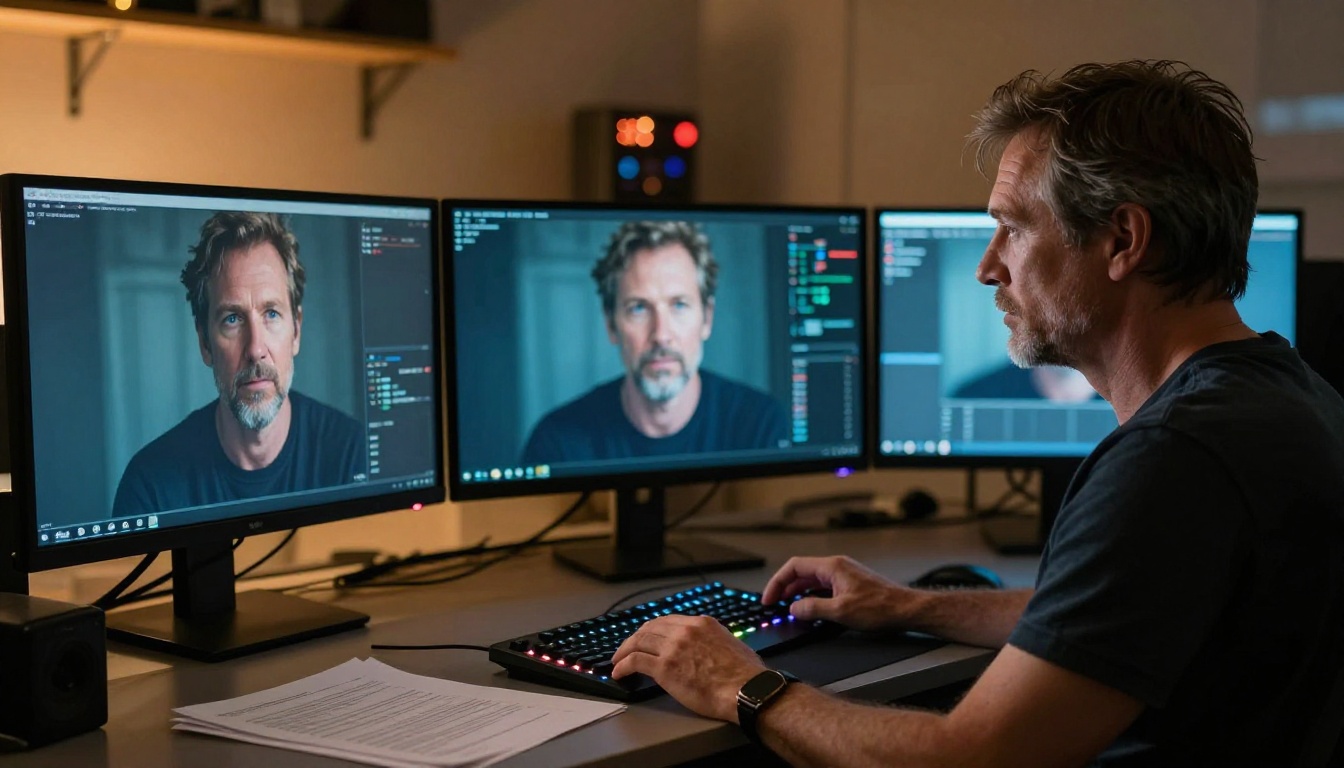
Hunyuan Video is a large-scale video generation model developed by Tencent's AI research division. At 13 billion parameters, it sits firmly at the top tier of open-source video models by raw scale. The model accepts a text prompt as input and produces video clips that are not just visually coherent, but physically plausible, with realistic motion, consistent lighting, and accurate object behavior across frames.
What separates it from many earlier open-source alternatives is the quality ceiling. Before Hunyuan Video, the gap between open-source video generation and commercial offerings like Sora or Runway was visible and significant. Hunyuan narrowed that gap in a meaningful way.
The Release That Caught Everyone Off Guard
Most major AI video releases in 2024 came from startups or research labs with significant public visibility. Tencent's release was different. The company published the model weights, the technical paper, and the inference code simultaneously, giving developers immediate, direct access. No waitlists, no API keys required to test it.
The timing was deliberate. Tencent's AI team had been building toward this for over two years, iterating on their image generation infrastructure before extending the architecture to video. The result was a model that felt mature rather than experimental.
Open-Source in a Closed World

The open-source release of Hunyuan Video carries real practical weight. Researchers can study the architecture without restriction. Developers can run it locally on sufficient hardware. Platform providers can integrate it directly. This openness has already spawned a wave of fine-tuned variants targeting specific visual styles, specific motion types, and specialized domains like product animation and portrait video.
For the broader ecosystem, it signals that Tencent intends to compete on quality and accessibility simultaneously, not just behind a paywall.
How the Architecture Works

The technical design of Hunyuan Video reflects deliberate choices that explain much of its quality advantage. Understanding the core components clarifies why certain types of prompts work better and how to get the most from the model.
The Diffusion Transformer at Its Core
Hunyuan Video uses a Diffusion Transformer (DiT) architecture rather than the older UNet-based design that dominated early video generation models. DiT models treat video generation as a sequence modeling problem, applying transformer attention mechanisms across both spatial and temporal dimensions simultaneously.
This matters in practice. UNet architectures process spatial information well but struggle to maintain consistent temporal relationships over longer clips. The attention-based DiT approach allows the model to consider the full sequence of frames together during the denoising process, producing much more coherent motion across the full clip duration.
💡 The transformer backbone processes patches of the video jointly across space and time, rather than treating each frame independently. This single architectural decision explains most of Hunyuan Video's motion quality advantage over older open-source models.
Flow Matching Instead of Noise Scheduling

Rather than the standard DDPM noise scheduling used in most diffusion models, Hunyuan Video uses rectified flow matching for its training objective. The practical effect is cleaner denoising trajectories during inference. Generation tends to be more efficient, with fewer steps needed for comparable quality, and the outputs show sharper fine detail throughout.
Flow matching has become the dominant training approach in next-generation video models. It is the same foundational choice made in newer models like Wan 2.7 T2V and LTX 2 Pro. When Tencent chose flow matching for Hunyuan Video, they were aligning with where the field was heading.
A 3D VAE That Understands Time
The model uses a 3D causal Variational Autoencoder (VAE) to encode and decode video. Standard image VAEs compress 2D spatial information. A 3D causal VAE extends this to also compress temporal information, meaning the latent representation captures motion and change over time, not just static appearance.
The "causal" property ensures that encoding each frame only uses information from current and previous frames, never future ones. This maintains temporal consistency by respecting the natural direction of time in the learned latent space, and it opens possibilities for streaming applications where future frames are not yet available at encoding time.
What It Can Actually Do

Specifications matter less than actual outputs, but they set expectations correctly. Here is what Hunyuan Video produces under standard settings:
Resolution and Duration Specs
| Parameter | Value |
|---|
| Default resolution | 720p (1280x720) |
| Max supported | 1080p with optimization |
| Clip duration | 5 seconds (default) |
| Aspect ratios | 16:9, 9:16, 1:1 |
| Frame rate | 24fps |
| Parameter count | 13 billion |
The 720p default is a practical balance. Running 13 billion parameters at 1080p requires significant VRAM. On a single 80GB A100, 720p generation at 5 seconds runs in roughly 4 to 8 minutes depending on inference steps and hardware configuration.
Motion Quality and Temporal Consistency
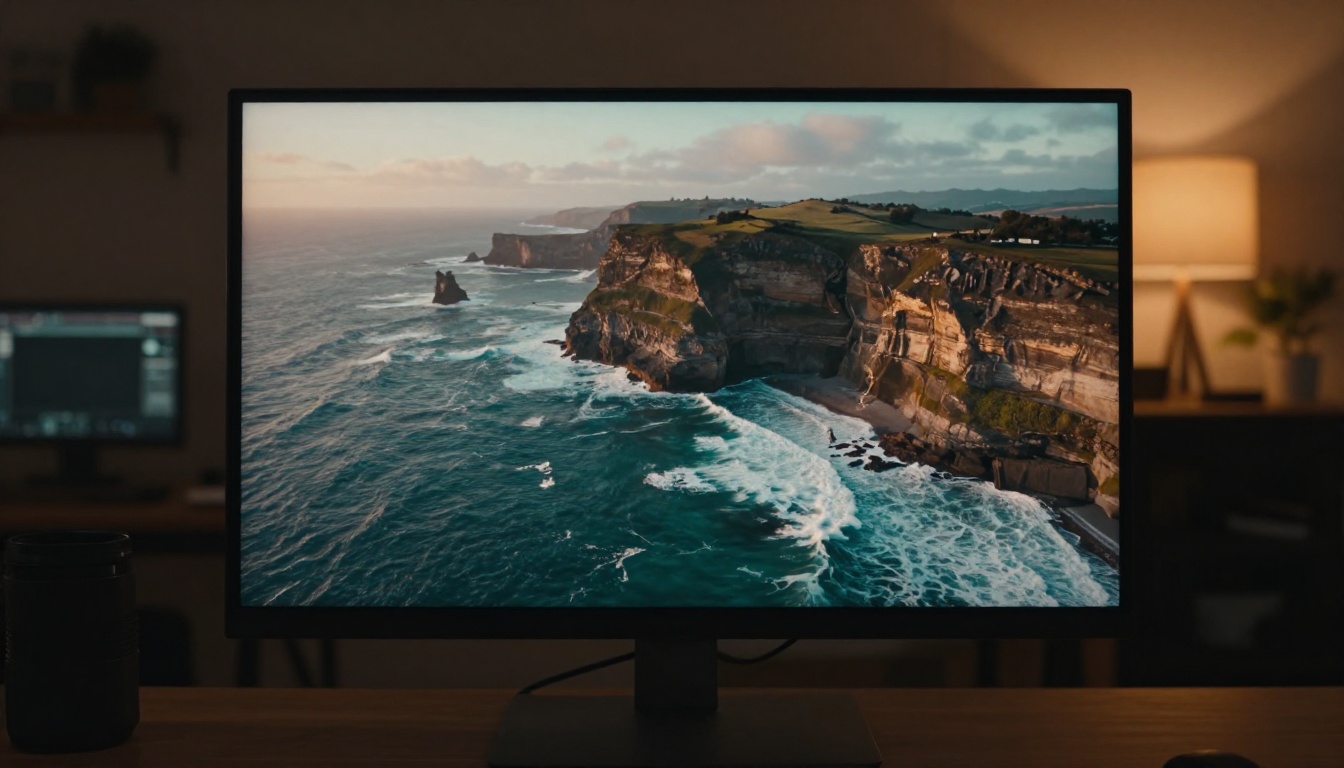
This is where Hunyuan Video genuinely separates itself. Temporal consistency refers to how well objects, lighting, and spatial relationships stay consistent across all frames of a clip. Many earlier open-source models produce clips where subjects subtly shift appearance between frames, where lighting jumps unnaturally, or where backgrounds drift frame to frame.
Hunyuan Video handles these failure modes significantly better than most open-source contemporaries. Faces stay consistent. Camera motion, when implied by the prompt, reads as deliberate and smooth. Complex motions like water, fabric, and hair behave according to physically plausible rules rather than flickering between states.
💡 For best temporal consistency results, describe camera motion explicitly in your prompt. Phrases like "slow dolly push," "static wide angle," or "gentle handheld follow" give the model strong motion priors to anchor the generation.
How It Stacks Up Against the Competition

The AI video generation landscape in 2027 is crowded. Hunyuan Video competes against Sora, Kling, Runway, Wan Video, and dozens of other options. Here is an honest comparison of where it stands:
Hunyuan Video vs. Other Text-to-Video Models
The primary trade-off for Hunyuan Video is accessibility versus quality. As a direct-weight release, running it locally demands serious hardware. But via platforms that have integrated it, the quality advantage becomes accessible without those hardware requirements.
Where Hunyuan Video leads is physical realism and prompt fidelity. It tends to interpret complex, nuanced prompts more literally than lighter models. If you write a detailed scene description with specific lighting conditions, camera angles, and subject behaviors, Hunyuan Video is more likely to attempt all of them rather than averaging toward a generic interpretation.
Where it trails commercial-only options is in generation speed and maximum resolution. Models like Kling v3 or Veo 3.1 generate results faster and support longer clips natively.
The bottom line: if open-source access, fine-tuning potential, and physical realism are priorities, Hunyuan Video is the strongest option in its class. If speed and ease of use matter more, the commercial alternatives are genuinely competitive.
How to Use Hunyuan Video on PicassoIA

The most accessible way to generate videos with Hunyuan Video without configuring local hardware is through the PicassoIA platform. The model is integrated directly, eliminating the GPU setup and dependency management that running local weights requires.
Step-by-Step on the Platform
Step 1. Open the Hunyuan Video model page on PicassoIA.
Step 2. Write your text prompt. Be specific about subject, environment, lighting, and motion. Vague prompts produce generic results.
Step 3. Select your aspect ratio. Use 16:9 for landscape scenes, 9:16 for portrait or social content, 1:1 for square formats.
Step 4. Set the number of inference steps. More steps (40 to 50) give higher quality at the cost of generation time. Fewer steps (20 to 25) are faster but lose fine detail.
Step 5. Submit and wait for your clip to render. Generation time varies based on queue load and your selected settings.
Step 6. Review the output. If motion feels stiff, add more specific motion language to your prompt. If the subject drifts, append "photorealistic, temporally consistent" to the end of your prompt.
Prompt Tips That Work
💡 A reliable prompt structure: [Subject] [Action] in [Environment], [Lighting description], [Camera angle and motion], cinematic, photorealistic, 8K.
A few specific patterns that consistently improve Hunyuan Video outputs:
- Describe lighting direction explicitly: "morning light from the left," "overhead golden sun," "soft diffused overcast light"
- Name the camera behavior: "slow push in," "static wide," "gentle handheld follow"
- Anchor the subject: Include the subject's position and orientation to reduce temporal drift across frames
- Use descriptive sentences: Hunyuan Video handles full scene descriptions better than bare keyword lists
- Specify material behavior: Mention whether fabrics should flow, water should ripple, or hair should move in wind
These details cost nothing to add to a prompt and they significantly raise the quality floor of what Hunyuan Video produces.
Which Use Cases Fit Best
Hunyuan Video is not equally suited to every video generation task. Some use cases play directly to its strengths.
Content Creators and Filmmakers
For creators who need physically realistic footage, Hunyuan Video is currently one of the best open-source options available. Lifestyle content, nature scenes, architectural visualization, and product context shots all benefit from its strong physical simulation of light, motion, and material behavior.
It performs particularly well on scenes requiring consistent subject presence. A product shot where the subject and its environment stay stable across the full clip duration is exactly where Hunyuan's temporal consistency advantage shows most clearly.
For social content creators, the 9:16 aspect ratio support makes it directly usable for short-form vertical video without cropping or reframing, a workflow that platforms like Seedance 2.0 and Pixverse v5.6 have also prioritized.
Researchers and Developers
The open weights make Hunyuan Video uniquely valuable for fine-tuning and domain adaptation. The research community has already produced fine-tuned variants targeting specific visual aesthetics, animation styles, and specialized content domains. Running the base model locally allows researchers to build on top of it in ways that closed APIs fundamentally cannot support.
Developers integrating AI video into applications benefit from self-hosting capability, avoiding per-generation API costs at scale and maintaining full control over the inference environment. This is a real practical advantage for production workloads.
Video Enhancement Workflows
Hunyuan Video also fits naturally into broader video production pipelines. Pair it with a super-resolution model after generation to upscale 720p output to 1080p or higher. Use it alongside AI video enhancement tools for stabilization or noise reduction. The open architecture makes pipeline integration straightforward in ways closed models cannot match.
Try It Yourself
The fastest way to see what Hunyuan Video actually produces is to run a prompt directly on PicassoIA. Write a detailed scene, specify your lighting and camera angle, and compare the result against what you get from Kling v3, Wan 2.7 T2V, or Veo 3.1. Running the same prompt across multiple models is the most direct way to build intuition for what each one does differently, and to find the right tool for the specific type of content you create.
Beyond video, PicassoIA gives you access to over 90 text-to-image models, super-resolution upscalers, background removal tools, and lipsync capabilities, making it a complete workspace for visual content generation at any scale.
Start with Hunyuan Video and see what 13 billion open-source parameters can do with your idea.


