AI video generation tools have evolved rapidly, with HunyuanVideo 1.5 and Sora 2 emerging as top contenders. Both platforms promise to transform text into stunning video content, but they take different approaches to pricing and features. Whether you're a content creator on a budget or a professional looking for premium capabilities, understanding the differences between free and paid tiers can save you time and money.

What Makes These Models Stand Out
The AI video generation space is crowded, but HunyuanVideo 1.5 and Sora 2 have carved out distinct positions. HunyuanVideo 1.5 comes from Tencent's research labs and focuses on realistic motion with extensive customization options. Sora 2, developed by OpenAI, brings simplicity and audio-synced outputs to the table.
Both models generate videos from text prompts, but their philosophies differ. HunyuanVideo gives you granular control over technical parameters like frame rate, resolution, and denoising steps. Sora 2 prioritizes ease of use with streamlined options and built-in audio generation.
HunyuanVideo 1.5 Capabilities
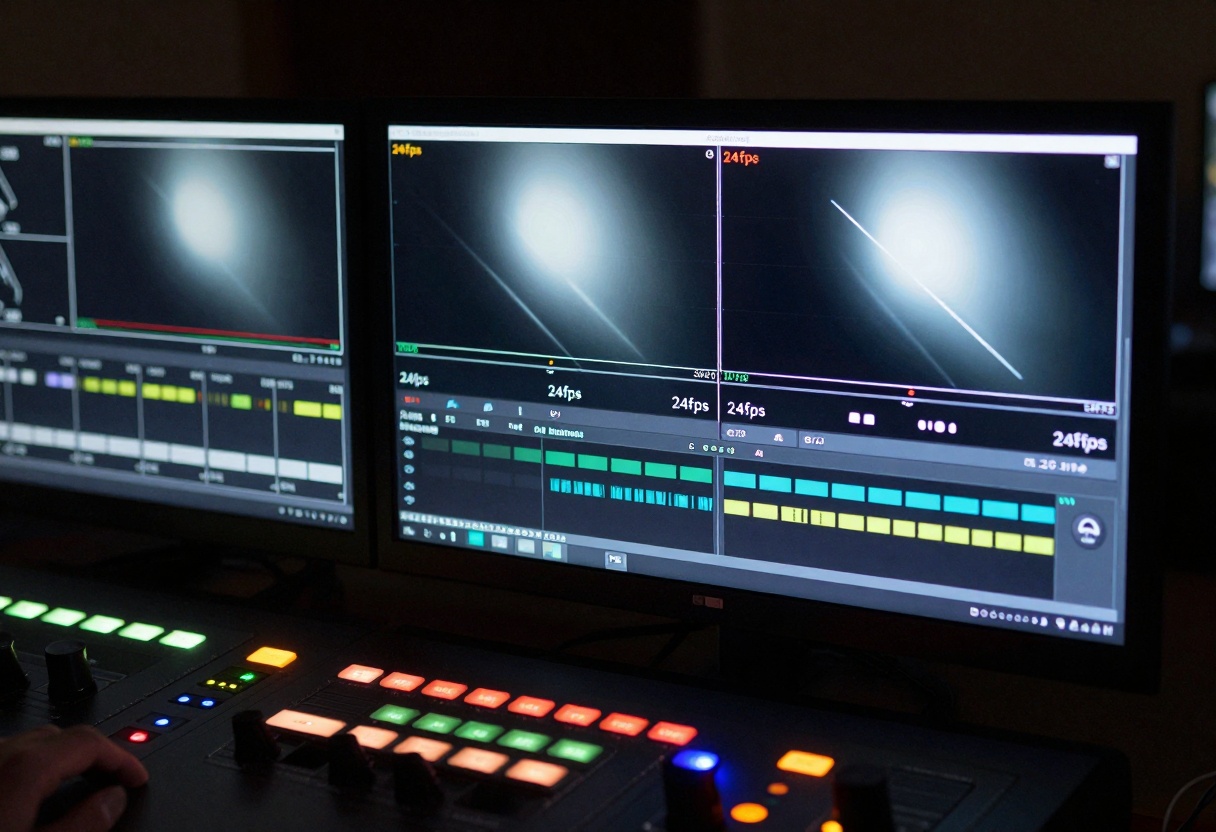
HunyuanVideo excels at producing videos with natural motion and vivid detail. You can adjust the frame rate from 24fps for cinematic looks to higher rates for smoother action. The model accepts resolutions up to custom dimensions as long as they're divisible by 16, giving you flexibility for different aspect ratios.
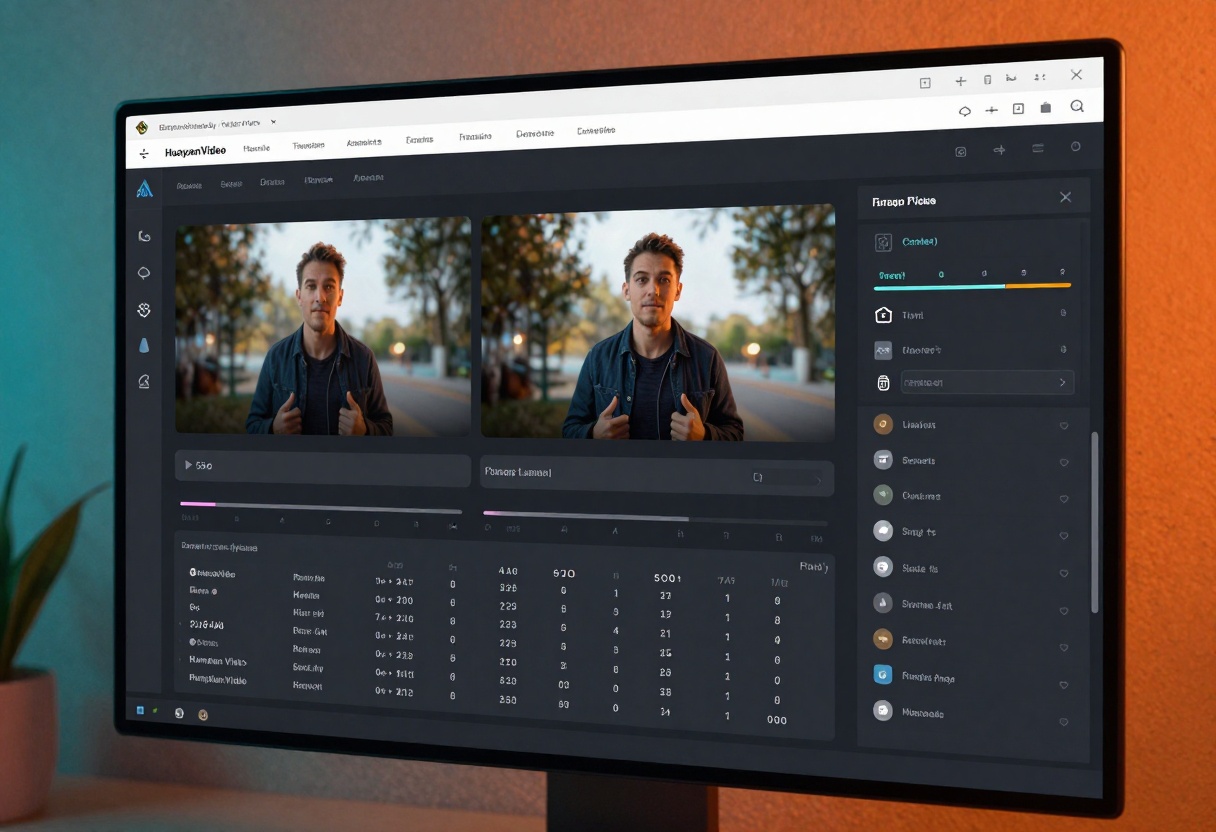
The guidance scale parameter lets you control how closely the output matches your prompt. Lower values produce more creative interpretations, while higher values stick closer to your description. This makes HunyuanVideo particularly useful when you need specific visual outcomes or want to experiment with different artistic directions.
Sora 2 Features
Sora 2 simplifies video creation with preset duration options of 4, 8, or 12 seconds. You choose between standard (720p) or high (1024p) resolution, and pick portrait or landscape orientation. The model automatically generates synchronized audio, which saves time in post-production.
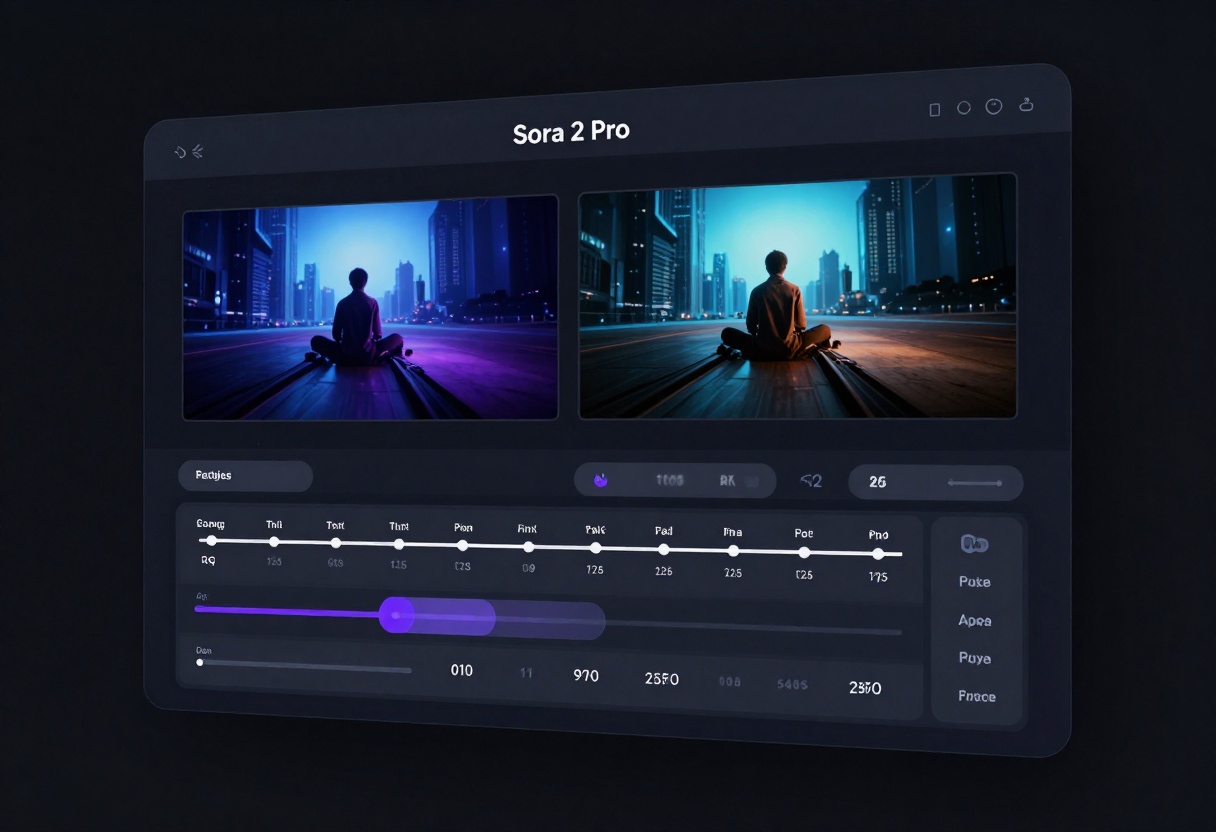
One standout feature is the input reference option. You can upload an image to serve as the first frame, giving you more control over the starting point of your video. This works well for product videos, tutorials, or any scenario where you need a specific opening shot.
Free vs Paid: Breaking Down the Tiers
The pricing structures differ dramatically between these platforms. Understanding what you get at each level helps you make informed decisions about where to invest your resources.
Free Tier Limitations
Most AI video platforms offer limited free access, and these models are no exception. Free tiers typically restrict video length, resolution, and the number of generations per day. You might also encounter watermarks or slower processing times.
HunyuanVideo's free implementation varies by platform, but generally allows shorter videos with standard resolution. Sora 2's free tier is more restricted, focusing on basic features to let users test the technology before committing.
The free options work fine for experimentation or personal projects that don't require professional quality. However, if you're creating content for clients or building a portfolio, the limitations become frustrating quickly.
Paid Benefits
Paid subscriptions unlock the full potential of these models. With HunyuanVideo, you gain access to higher resolution outputs, longer video durations, and faster processing. The paid tier also removes any usage caps, letting you generate as many videos as your projects demand.
Sora 2 Pro includes high-resolution output (1024p), extended video lengths, and priority processing. The audio synchronization remains a key advantage, and paid users can use their own OpenAI API keys for direct billing and potentially lower costs per generation.
Paid plans typically cost between $20-$200 per month depending on usage needs. For professionals producing multiple videos weekly, the investment pays off through time savings and output quality.
Quality Comparison
Video quality depends on several factors including resolution, motion smoothness, and how well the output matches your prompt. Both models excel in different areas.
Resolution and Detail
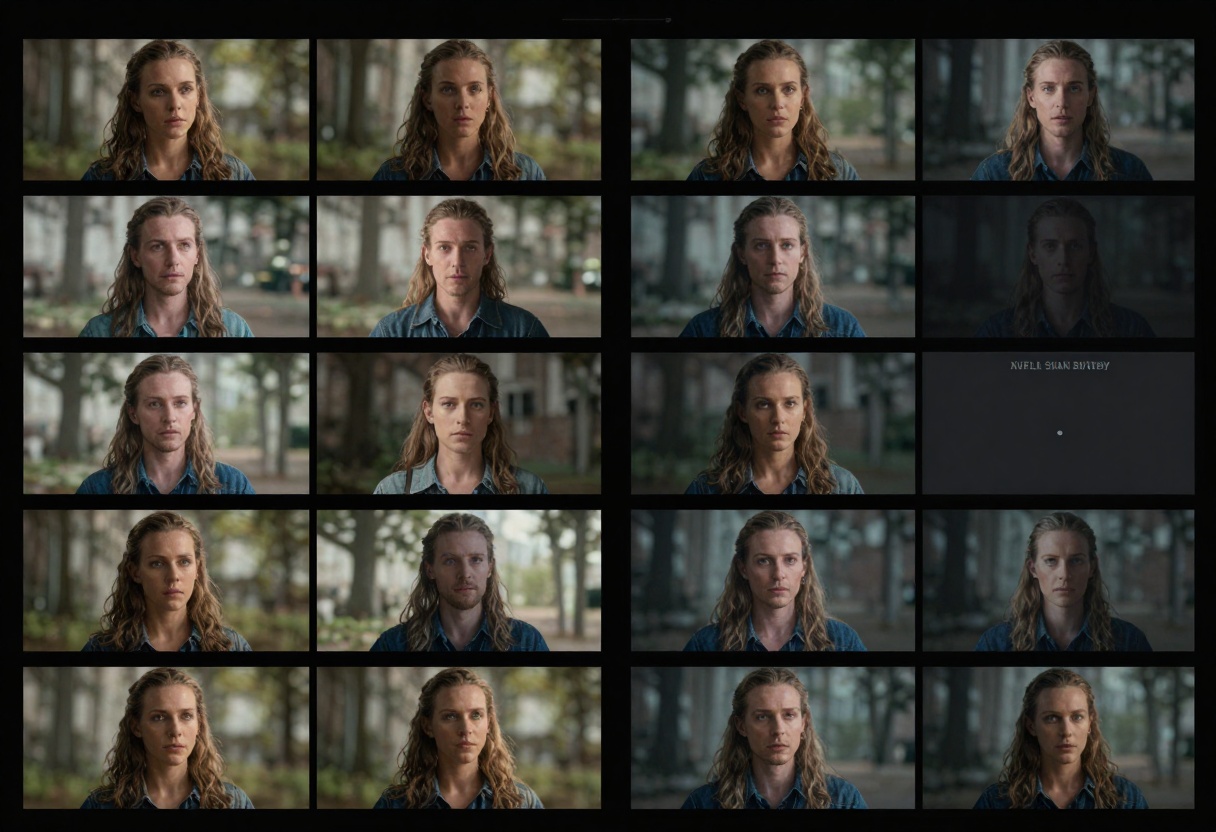
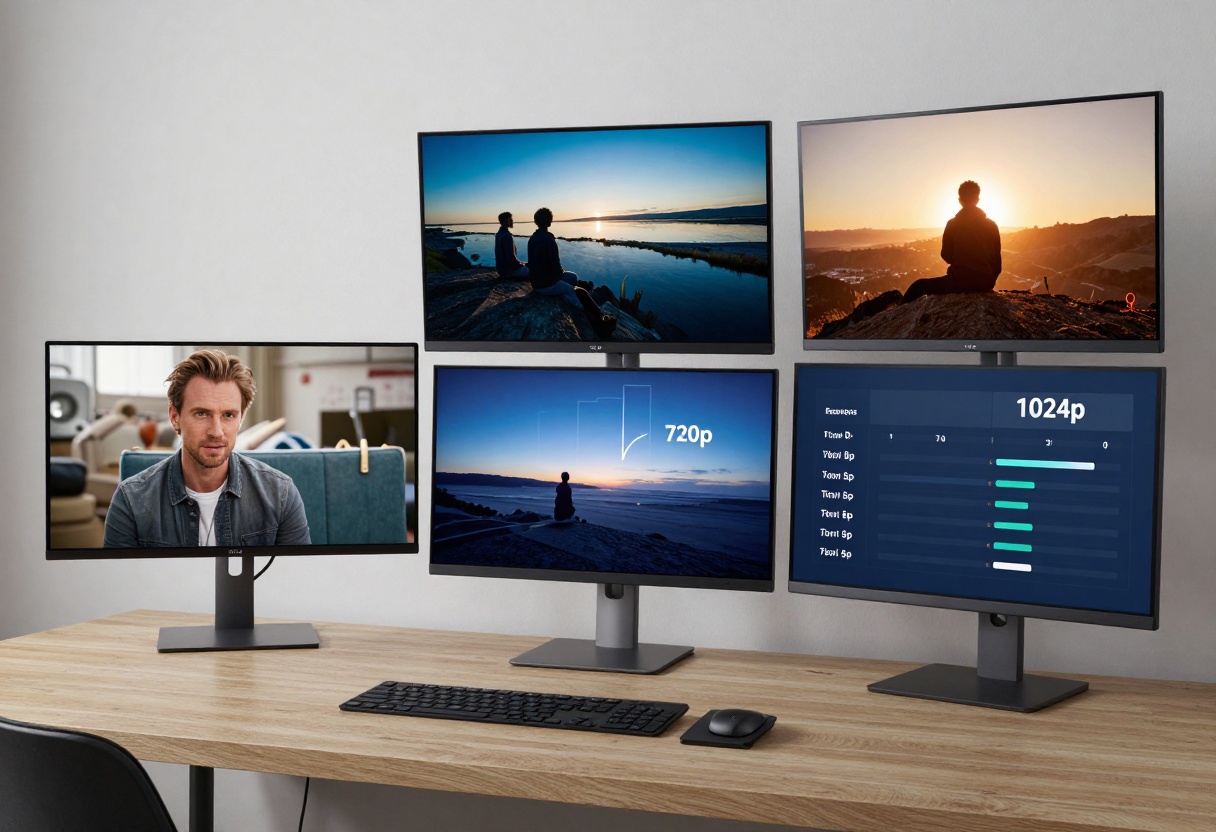
HunyuanVideo supports custom resolutions, giving you flexibility for different output formats. The model maintains detail well even at higher resolutions, though generation time increases with larger dimensions. The default 864x480 works well for social media content.
Sora 2's standard resolution of 720p handles most use cases adequately. The high resolution option (1024p) provides noticeably sharper output, particularly useful for YouTube content or professional presentations. The difference matters most when viewing on larger screens.
Motion and Realism
Motion quality separates good AI video from great AI video. HunyuanVideo produces natural movement, especially in scenarios with complex interactions or physics. The adjustable frame rate lets you match the feel of traditional film or go for smoother modern looks.
Sora 2 handles motion differently, focusing on consistency and coherence over long durations. The 12-second option maintains visual stability better than most competitors, reducing artifacts and unnatural transitions. However, fast-moving subjects can sometimes appear slightly blurred.
Practical Use Cases
Different projects demand different tools. Your choice between HunyuanVideo and Sora 2 should align with your specific needs and workflow.
Content Creation Scenarios
For social media content, Sora 2's built-in audio and preset formats make it the faster option. You can generate a 4-second clip with matching audio in one go, perfect for Instagram Reels or TikTok. The portrait orientation works natively for mobile-first platforms.
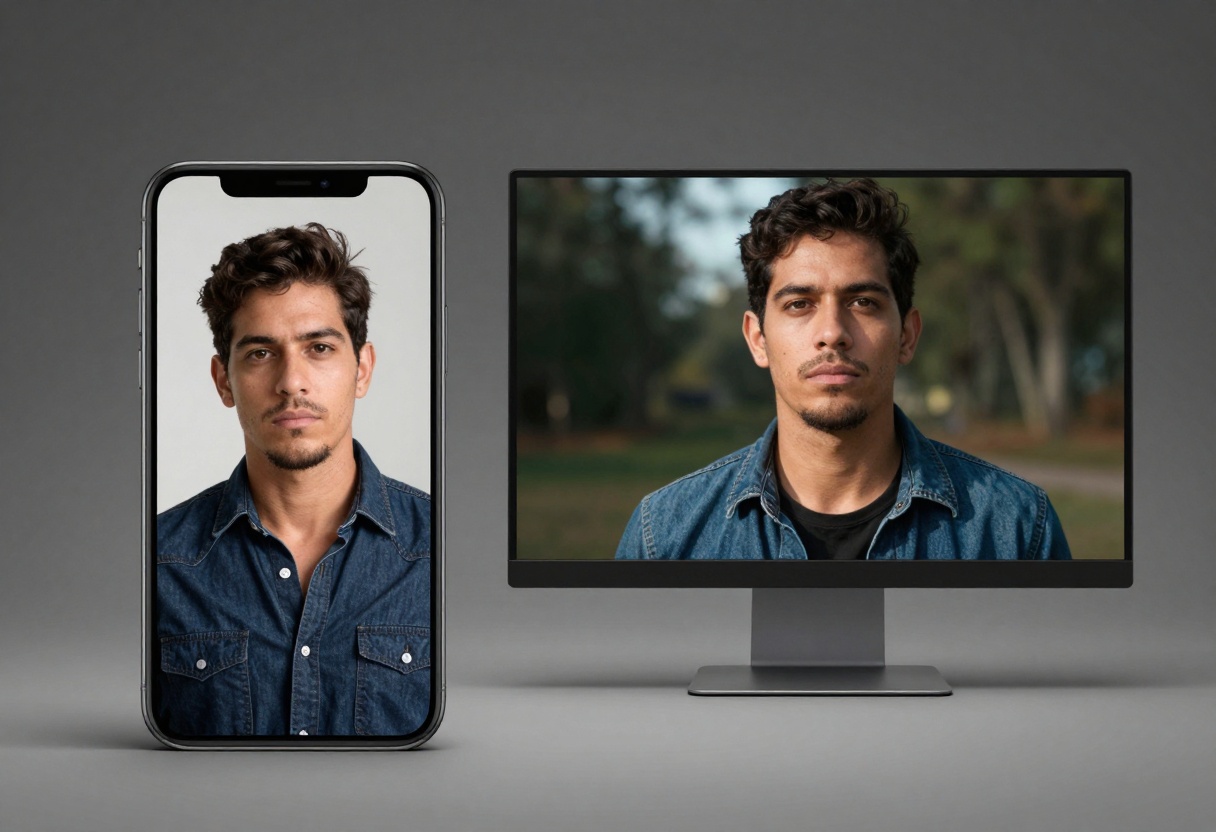
Marketing teams benefit from HunyuanVideo's customization. When brand guidelines require specific aspect ratios or frame rates, the flexibility proves valuable. You can match existing video assets or create variations for different platforms without compromising quality.
Professional Projects
Professional video production often requires precise control. HunyuanVideo's extensive parameters suit projects where output specifications matter. Film pre-visualization, concept art animation, and storyboarding all benefit from the granular adjustments available.
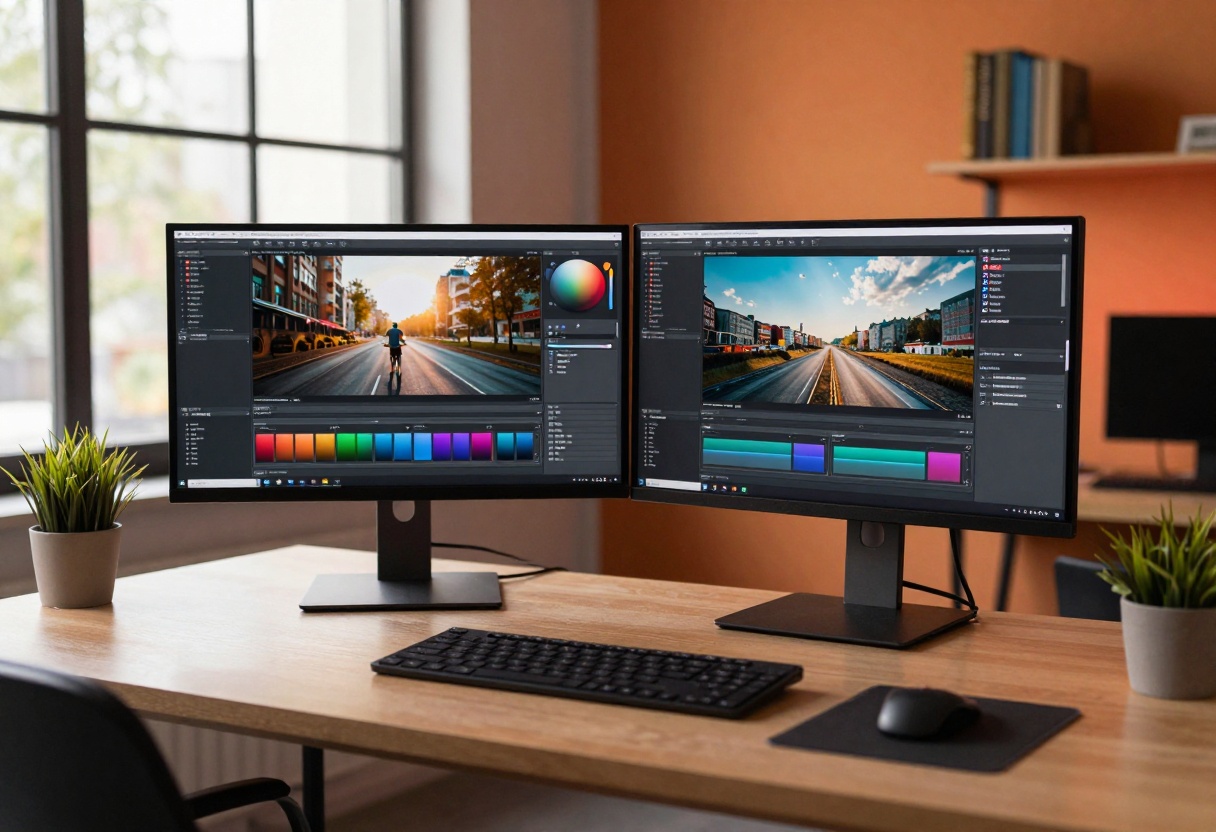
Sora 2 works well for rapid prototyping and client presentations. The shorter generation times and consistent quality mean you can produce multiple options quickly. The automatic audio also helps when presenting concepts that need immediate context.
Technical Considerations
Beyond basic features, technical aspects influence your workflow efficiency and final output quality.
Generation Speed
Generation time varies based on complexity, duration, and resolution. HunyuanVideo typically takes 2-5 minutes for a standard 5-second clip at default settings. Higher resolutions or longer videos push this to 10+ minutes.
Sora 2 processes faster for shorter videos, averaging 1-3 minutes for 4-second clips. The 12-second option takes proportionally longer but remains competitive. Paid tiers offer priority processing, cutting wait times by roughly half.
Parameter Control
HunyuanVideo exposes more parameters, which cuts both ways. Advanced users appreciate the control, but beginners face a steeper learning curve. The embedded guidance scale, denoising steps, and seed values require experimentation to master.
Sora 2's simplified interface helps newcomers start generating videos immediately. The tradeoff is less flexibility. You can't fine-tune technical aspects, so results depend heavily on prompt quality rather than parameter tweaking.
Cost Analysis
Understanding total costs involves more than subscription fees. Consider generation volume, time investment, and opportunity costs.
Per-Video Economics
If you generate 10 videos monthly, a $30 subscription costs $3 per video. For 100 videos, that drops to $0.30 each. Free tiers seem attractive until you factor in time spent waiting for generations or working around limitations.
Professional use often justifies paid plans quickly. A single client project might require 20+ video variations. Free tier restrictions make this impractical, while paid access enables rapid iteration.
Long-term Value
Paid subscriptions offer better value as your usage grows. The upfront cost feels significant, but the time savings and quality improvements compound over months. Free access works for occasional use but becomes limiting for regular content production.
Consider your growth trajectory. Starting free makes sense, but plan to upgrade once you're generating more than a few videos weekly. The productivity gains from unrestricted access typically offset the cost within the first month.
How to Use Sora 2 Pro on PicassoIA
Ready to create professional-quality AI videos? Sora 2 Pro delivers stunning results with synchronized audio directly on PicassoIA. This tutorial walks you through every step of the generation process.
Access the Model
Navigate to the Sora 2 Pro model page on PicassoIA. The interface loads with all available parameters clearly labeled. You'll see input fields for your prompt and optional settings below.
Write Your Prompt
The prompt field is where creativity begins. Describe your desired video in clear, specific terms. Include details about subjects, actions, setting, and mood. For example: "A golden retriever running through a sunlit meadow, slow motion, cinematic lighting."
Stronger prompts produce better results. Mention camera angles, time of day, and artistic style when relevant. "Wide shot of a city street at dusk, people walking past illuminated storefronts, warm color grading" gives the model clear direction.
Configure Duration and Resolution
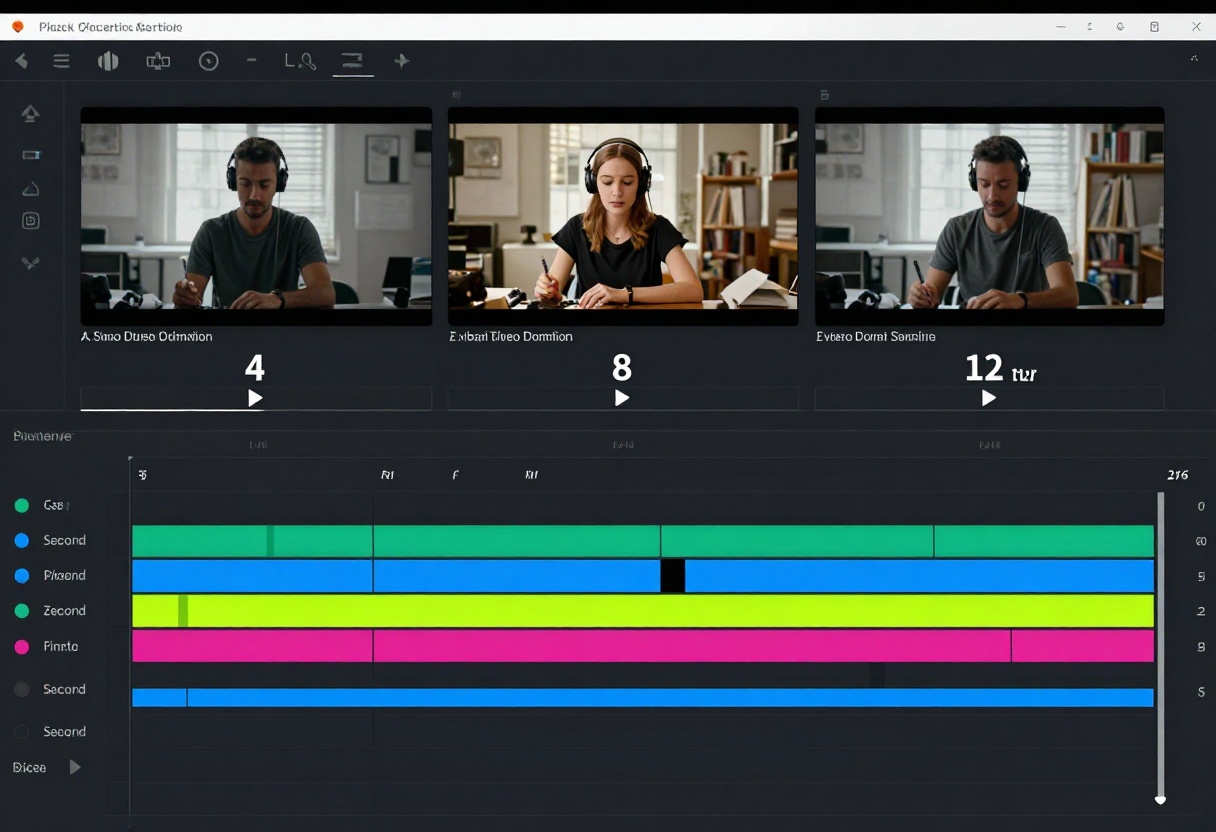
Choose your video length from 4, 8, or 12 seconds. Shorter durations generate faster and work well for quick clips. Longer videos tell more complete stories but take additional time to process.
Select your resolution next. Standard (720p) handles most social media and web use cases. High resolution (1024p) provides extra detail for presentations or YouTube content where viewers watch on larger screens.
Set Aspect Ratio
Pick portrait (720x1280) for vertical mobile content or landscape (1280x720) for traditional horizontal formats. Portrait suits Instagram Stories, TikTok, and mobile-first platforms. Landscape works better for YouTube, websites, and desktop viewing.
The aspect ratio choice impacts composition. Portrait videos focus attention on subjects while landscape provides more environmental context. Consider where your final video will be viewed before selecting.
Optional: Add Reference Image
If you need the video to start with a specific frame, upload an image in the input reference field. This image becomes the first frame of your video, with the AI generating motion from that starting point.
The reference image must match your chosen aspect ratio. Portrait videos need portrait images, landscape videos need landscape images. This feature excels for product showcases or maintaining brand consistency.
Generate Your Video
Click the generate button to start processing. The model begins creating your video based on all specified parameters. A progress indicator shows the current status.
Processing time varies by duration and resolution. Standard 4-second videos typically complete in 1-3 minutes. High-resolution 12-second videos may take 5-8 minutes. Paid users get priority processing for faster results.
Review and Download
Once generation completes, preview the video directly in your browser. Check that it matches your expectations. The automatically generated audio should sync naturally with the visuals.
Download the video file to your computer. The output format works with standard video editing software if you need additional post-production. You can now share your AI-generated video across platforms or incorporate it into larger projects.
Making Your Choice
Choosing between HunyuanVideo 1.5 and Sora 2 depends on your specific needs. Content creators producing high volumes of social media content benefit from Sora 2's speed and built-in audio. The simplified interface lets you focus on creative direction rather than technical settings.
Professional projects requiring specific technical specifications lean toward HunyuanVideo. The customization options support precise output requirements, making it easier to integrate AI-generated videos into existing workflows.
Budget considerations matter too. If you're testing AI video generation or producing content occasionally, start with free tiers. Once you're generating videos regularly, paid plans become cost-effective through time savings and quality improvements.
Both platforms available on PicassoIA offer excellent starting points for AI video creation. Try each model with similar prompts to see which aesthetic and workflow match your style. The right tool depends less on absolute capabilities and more on alignment with your specific creative process and output requirements.


