Everyone said 2025 was the year AI video got real. After three weeks of running identical prompts through ten of the most hyped text-to-video generators, I can confirm: some of them delivered. Others burned credits, time, and patience without producing anything I would actually use. So I did the work, and now you do not have to.
This is not a rankings post based on press releases. I ran five standardized prompts through each tool, three times each, and used the median result. The prompts covered: a slow-motion ocean wave, a woman walking through a sunlit street market, a sports car drifting on a wet road at night, storm clouds rolling over a city in time-lapse, and a close-up of coffee being poured into a mug. Each prompt was designed to stress-test motion physics, lighting realism, and prompt accuracy in equal measure.

Why This Test Took Three Weeks
The biggest surprise was variability. The same tool, the same prompt, two days apart, can produce results that differ by several quality levels. AI video generation is not deterministic, and any review that cherry-picks the best single output is lying to you. I ran each prompt three times per tool and scored the middle result, not the best one.
I tracked four metrics per tool:
What Each Score Measures
- Output Quality (sharpness, color fidelity, realism at frame level)
- Prompt Accuracy (how closely the video matches the written description)
- Speed (time from prompt submission to downloadable output)
- Coherence (how well the clip holds together from second one to the end)
Every score is out of 10. Lower scores reflect what I measured across fifteen clips per tool, not opinions.
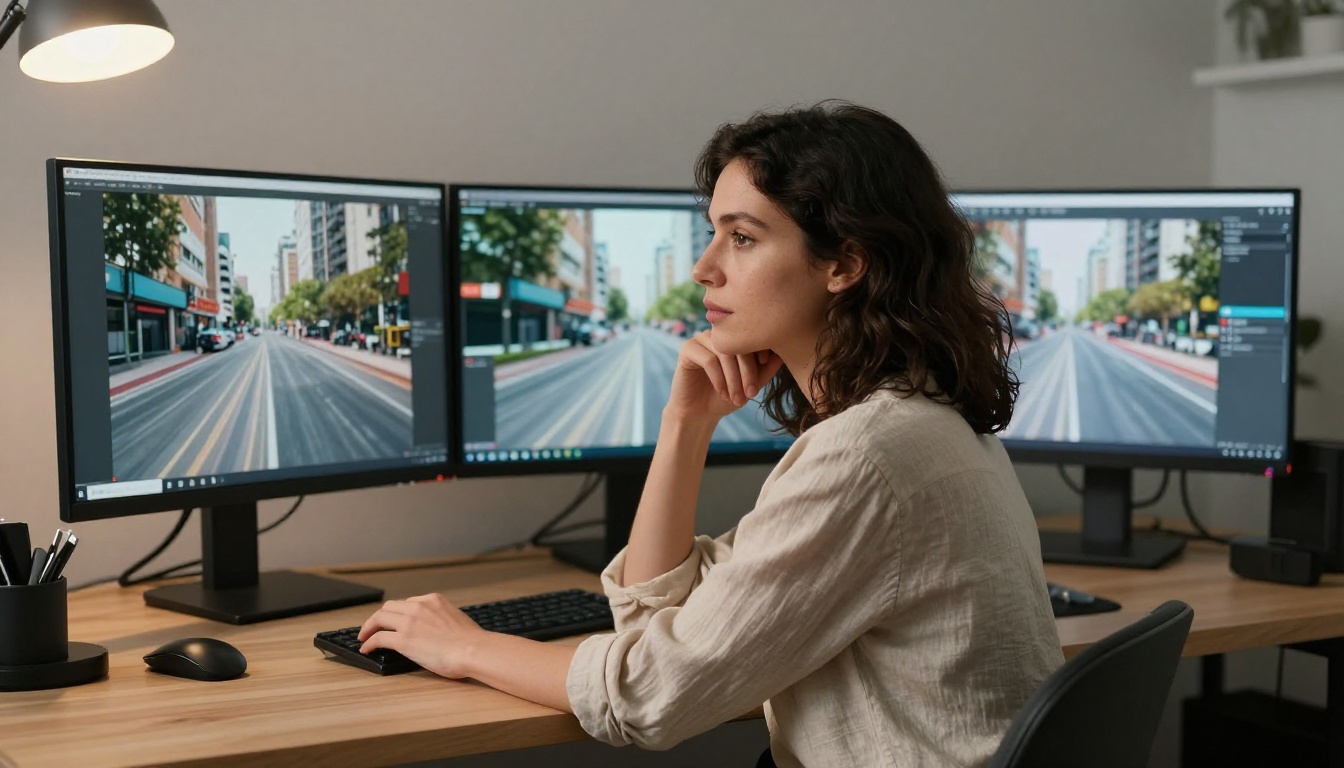
Luma Ray 2 720p earns points for accessibility. The free tier is generous and generations complete in under two minutes. The problem is specificity. Ask for "a woman with red hair walking through a Tokyo market at dusk" and you get a woman, somewhere, possibly near dusk. The hair color? Unpredictable. Prompt fidelity on detail-heavy descriptions scored 5 out of 10 across my tests. Motion carries a weightless quality that reads as artificial the moment anything physical enters the frame: water, fabric, or vehicles.
Best for: Simple ambient clips where detail is not the priority.
Scores: Quality 6 | Prompt Accuracy 5 | Speed 8 | Coherence 6
Pixverse v5 has a polished social-media aesthetic that works well for punchy short-form content. The problem is temporal coherence: faces drift mid-clip, and complex multi-subject scenes unravel around the 4-second mark. It produces attractive individual frames, but string them together and inconsistencies surface. For 3-second social content it competes well. Beyond that, it does not hold up.
Best for: Instagram reels and short posts with simple single subjects.
Scores: Quality 6 | Prompt Accuracy 6 | Speed 7 | Coherence 5
Lightricks built their reputation on photo editing, and LTX 2.3 Pro carries that DNA into video. Color science is genuinely beautiful. Skin tones render accurately, and natural environments including forests, beaches, and golden-hour cityscapes look almost photographic. The weakness is motion physics. Liquids behave oddly at frame boundaries, and fast-moving objects produce smearing artifacts. For lifestyle and beauty content, it is excellent. For anything involving physics, it stumbles.
Best for: Lifestyle, wellness, and nature content.
Scores: Quality 7 | Prompt Accuracy 7 | Speed 6 | Coherence 7
Wan 2.7 T2V is the open-source contender in this list and the one that surprised me most relative to expectations. At 1080p, it produces sharp, well-composed frames with physics that outperform its price point. The ocean wave prompt returned one of the more convincing water simulations in the entire test. The cost is time: my 5-second clips averaged 4.5 minutes each. For production work where iteration speed matters, that is painful. For single high-stakes renders, the wait is justified.
Best for: Budget-conscious creators who want quality and have patience.
Scores: Quality 7 | Prompt Accuracy 7 | Speed 4 | Coherence 8
Hailuo 02 by Minimax has a filmic quality that is difficult to pin down technically but immediately noticeable on screen. Motion carries a subtle organic weight that makes dramatic scenes and close-up portrait shots feel more cinematic than almost anything else at this tier. It breaks down when asked to render crowded environments or scenes with high spatial complexity. Stick to one or two clear subjects and the results are consistently impressive.
Best for: Moody, dramatic, and close-up cinematic content.
Scores: Quality 8 | Prompt Accuracy 7 | Speed 7 | Coherence 7
💡 Tip: Every tool below #5 performs significantly better with a single clearly defined subject. Complexity is where these models fail first.
Runway has been building AI video tools longer than almost anyone in this space, and Gen 4.5 reflects that depth. The defining capability is camera control. Slow push-ins, orbit shots, handheld shake, dolly moves. You can specify camera behavior in your prompt with an accuracy no other tool at this tier matches. Raw output quality at default settings sits mid-range, but experienced prompt writers can coax genuinely cinematic results with deliberate compositional choices baked in at the text level.
Best for: Cinematographers and directors who think in shots, not just subjects.
Scores: Quality 8 | Prompt Accuracy 8 | Speed 6 | Coherence 8
Seedance 1.5 Pro from ByteDance is where this test started producing results that made me stop and rewatch. Natural elements, particularly water, fire, and fabric, behave with a physical accuracy that separates this tool from everything outside the top three. Native audio is built in, and when sound matches visual motion, the realism compounds. My ocean wave clip produced a result three colleagues independently assumed was drone footage. At this tier, that kind of response is significant.
Best for: Brands, product videos, and any content where realism counts.
Scores: Quality 9 | Prompt Accuracy 8 | Speed 7 | Coherence 9
Kling v3 from Kwaivgi is the motion specialist in this field. The sports car drifting prompt produced my single favorite output from the entire three-week test. Tire smoke dissipates with physical plausibility, wet pavement reflections track correctly through turns, and speed blur reads as intentional cinematography rather than a processing artifact. For action content, vehicles, sports, and kinetic energy in general, nothing at this access level produces comparable results.
Best for: Action, sports, vehicle content, anything that moves fast.
Scores: Quality 9 | Prompt Accuracy 9 | Speed 6 | Coherence 9
Google's Veo 3 is the most technically precise tool in this comparison. Prompt adherence at a granular level is exceptional. Every specific detail I described appeared on screen: the exact angle of light, the precise density of a crowd, the correct time of day in sky color. Native audio generation adds ambience that syncs with visual content in a way that feels less like a bolted-on feature and more like how video was always supposed to work. The limitation is speed. Eight-second clips averaged over six minutes of generation time.
Best for: Cinematic, detail-driven production where accuracy outweighs speed.
Scores: Quality 9 | Prompt Accuracy 10 | Speed 4 | Coherence 9
Sora 2 from OpenAI is the best AI video generator available today, and the gap between it and everything else on this list is not a margin. It is a chasm. Physics simulation operates in a different category entirely. Liquid behaves with surface tension and splash dynamics. Cloth moves with weight and inertia. Human motion reads as genuinely human rather than the subtly wrong approximations common elsewhere. The coffee pour prompt produced a result that three people, independently, assumed was real footage on first watch. Generation averages 5 to 6 minutes for an 8-second clip, which is the only meaningful drawback.
Best for: When quality is the only metric that matters.
Scores: Quality 10 | Prompt Accuracy 9 | Speed 5 | Coherence 10
The Full Comparison Table
3 Things Nobody Says Out Loud
Before committing to any of these platforms, there are three realities about AI video generation that marketing pages consistently omit.
First: Variability is enormous. The same prompt from the same tool across three separate runs can produce results that differ by three full quality points. A tool that occasionally hits a 9 may average a 6.5 in practice. Reliability matters as much as peak performance.
Second: Speed and quality trade against each other almost perfectly. The two fastest tools in this test scored lowest on output quality. The two best-scoring tools were the slowest. There is currently no tool in this space that delivers both without compromise.
Third: Post-processing is not optional. Running output through a dedicated video upscaling tool like Video Upscale by Topaz Labs dramatically improves perceived quality. A 720p clip from Kling v3 that scores a 7 on raw output can pass for a 9 after proper upscaling. This is not a workaround. It is part of a professional AI video workflow.
Even Sora 2 has failure modes. Knowing them saves credits and iteration time.
Motion Consistency
Consistent object motion over time is the hardest problem in AI video. Objects that move plausibly in the first two seconds of a clip often drift, stretch, or teleport by seconds four and five. Kling v3 and Seedance 1.5 Pro handle this best. Pixverse v5 handles it worst.
Text in Video
None of these tools produce readable, accurate text within video frames. Signs, labels, and on-screen words come out blurry, misspelled, or warped regardless of the tool. If your project requires visible text, add it in post-production.
Long Clip Degradation
Every tool shows coherence issues past the 8-second mark. Characters shift subtly, backgrounds drift, and physics gets looser. For clips under 6 seconds this is rarely noticeable. For longer pieces, cut between multiple shorter clips rather than generating one continuous take.
💡 Pro move: Generate clips in 3 to 5 second segments and cut between them in your editor. The cuts mask degradation points and the final result looks more deliberate.
Run These Models on PicassoIA
Every tool in this comparison is available on PicassoIA, which means you can test all ten through a single platform without managing ten separate accounts. Here is how to run your first generation.
Step-by-Step: Your First AI Video Clip
Step 1. Visit the text-to-video collection on PicassoIA and select your model. For a first test, Seedance 1.5 Pro offers the best balance of quality and generation speed among the top-tier options.
Step 2. Write a specific prompt. Describe subject, action, environment, lighting, and camera angle. Vague prompts produce vague results.
Weak: "a car moving."
Strong: "a matte black coupe accelerating on a rain-slicked coastal road at dawn, low tracking shot, morning mist rising from the asphalt surface, warm amber sunrise behind the hills."
Step 3. Set duration to 4 or 5 seconds for initial tests. It processes faster, costs fewer credits, and gives you enough output to evaluate quality before committing to a longer clip.
Step 4. Check the output at the first and last second. If coherence degrades noticeably, your prompt has too many competing elements. Simplify and regenerate.
Step 5. Run the final output through Video Upscale by Topaz Labs before publishing. The sharpness difference is significant at every resolution.
💡 For Seedance 1.5 Pro specifically: Keep prompts under 150 words. Describe lighting before action. Start with a static subject before adding movement. Avoid crowds and on-screen text for best results.
Which One to Actually Use
The right choice depends entirely on what you are making. High-volume social content needs speed. Single high-impact productions need quality. Pick accordingly, and do not feel obligated to use only one tool across all projects.
Start Making Your Own
You now have the data. Fifteen clips per tool, three weeks of testing, one honest ranking. The only thing left is to run your own prompts and see what comes back.
All ten models, plus dozens of additional options across every category of AI video, are available on PicassoIA without requiring separate accounts for each platform. Start simple: one subject, one action, one lighting condition. See what the model returns. Then push the detail level and see how far it holds up.
Start with Seedance 1.5 Pro for a result that will genuinely impress on a first test, or go straight to Sora 2 if you want to see the current ceiling of what AI video can produce. The quality gap between where these tools were twelve months ago and where they sit now is difficult to overstate. The video you have been imagining is closer to production-ready than you think.