My cat has been sitting on my keyboard for three years. He has knocked over exactly fourteen cups of coffee, destroyed two houseplants, and contributed nothing to society. So I decided to give him a career.
I turned him into a movie character using AI, and what came out stopped me mid-scroll for a full thirty seconds.
This is not a tutorial about making cute memes. This is about using photorealistic AI image generation to create genuinely cinematic portraits of your pets as fully realized movie characters, with dramatic lighting, costume details, and emotional weight that makes them look like they belong on an actual film poster.
The trend has taken over TikTok, Reddit, and Instagram in 2027. People are turning their cats into noir detectives, space explorers, medieval knights, and Hollywood spies. Some of the results are so good they are framing them on their walls.
Here is everything I learned doing it myself.
Why This Trend Blew Up Right Now
AI quality crossed a threshold
The reason this trend exploded in 2025 and not in 2022 is simple: the models finally got good enough. Earlier AI image generators would produce cats with melting faces and clothes that looked painted on with a kindergarten brush. The fur texture alone used to give everything away as synthetic.
Modern text-to-image models like Flux Dev produce fur that catches light the way real fur does, with individual strands, natural oil sheen, and realistic depth. The gap between "obviously AI" and "wait, is that real?" has essentially closed for pet portraits.
That crossing point is what made the trend viral. When people started sharing results that looked like actual movie stills, everyone wanted to try it.
Cats are naturally dramatic
There is a reason cats dominate this trend over dogs. Cats already have a resting expression that looks like they are judging everyone in the room from a position of total authority. Their proportions, the high cheekbones, the intense eyes, the self-contained stillness, translate directly into cinematic gravitas without any additional prompting.
A golden retriever AI portrait looks adorable. A cat AI portrait looks like the protagonist of a prestige drama who has seen things they cannot unsee.
The AI does not need to do much to make a cat look like a movie star. It just needs to give them the right costume and the right lighting.
What You Actually Need
Just a description and a good prompt
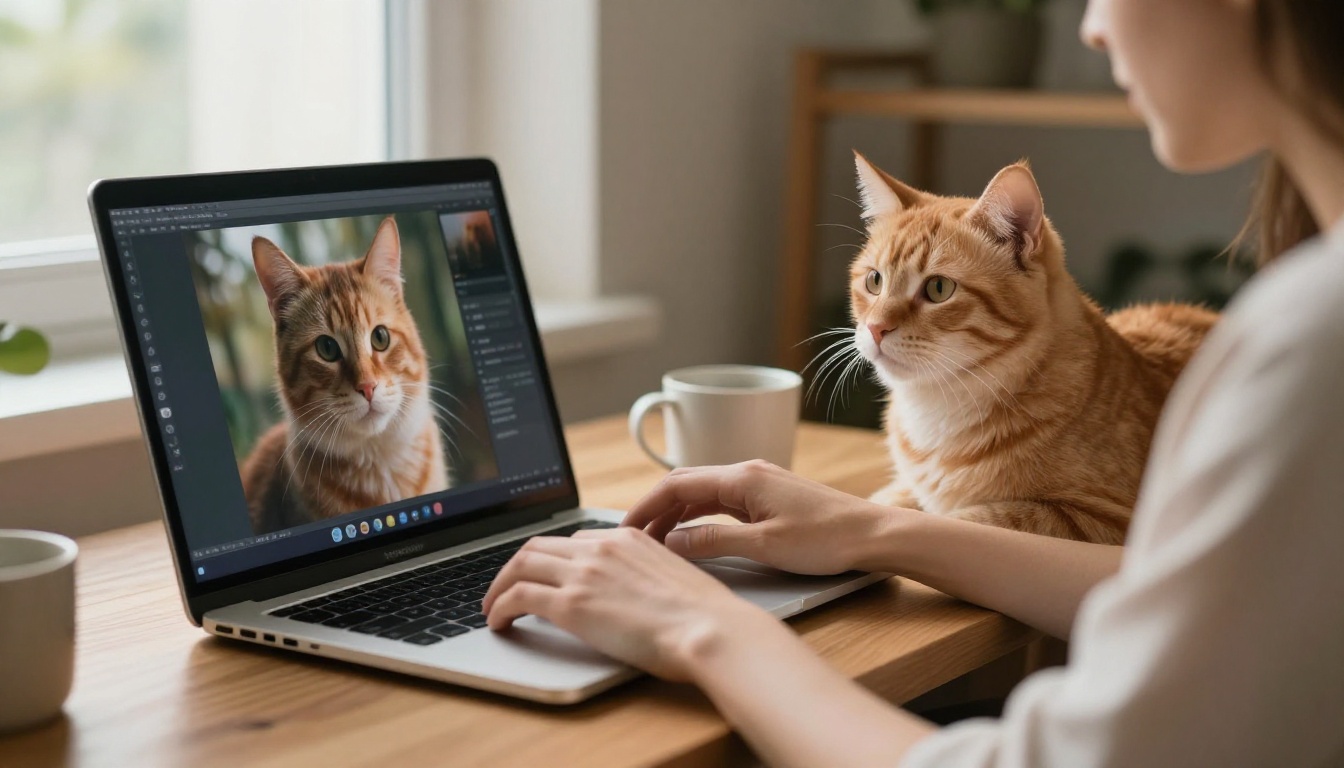
The barrier here is extremely low. You do not need design skills, Photoshop, or any technical background. You need a clear mental image of what movie character you want to create and a text prompt that tells the AI exactly what to generate.
You do not even need to upload your cat photo for the basic version. You can describe your cat's fur color, eye color, and general build in the prompt, and the model creates a character from scratch. The results are often better than working from a real photo, because the AI is not constrained by the exact angle or lighting of the original snapshot.
For more faithful transformations that preserve your specific cat's face and markings, Flux Dev supports img2img mode, where you upload your cat photo and use a prompt to redirect it into the movie character version. Set the prompt strength between 0.6 and 0.75 to preserve the original features while adding costume and environment.
Choosing the right model
Not all text-to-image models handle animal portraits with the same fidelity. For this use case, you want a model optimized for photorealistic output and fine texture rendering.
| Model | Best For | Speed |
|---|
| Flux Dev | High-fidelity portraits, img2img, detailed fur | Medium |
| Flux Schnell | Fast prompt iteration and concept testing | Very fast |
The practical workflow: start with Flux Schnell to test your prompt direction quickly, then move to Flux Dev once you have the description dialed in for your final high-quality render.
How to Build the Perfect Prompt
The formula that consistently works
The biggest mistake people make is writing a short prompt. Something like "my cat as a knight" produces a generic result with no atmosphere. The AI needs specifics to generate something that feels cinematic rather than decorative.
Here is the structure that works:
[Cat physical description] + [Character and costume] + [Specific environment] + [Lighting conditions] + [Camera angle and lens] + [Film style reference]
A weak prompt: "a cat wearing armor"
A strong prompt: "a regal tabby cat with amber eyes wearing intricate hand-forged silver armor with detailed engravings and a crimson velvet cape, seated on a stone throne in a torch-lit medieval hall, volumetric light from a stained glass window to the left illuminating the fur strands individually, low-angle 85mm f/1.4 lens, Kodak Portra 400 film grain, photorealistic fur texture, RAW 8K photography"
The second prompt produces something you would actually want to print and frame. The first produces a cat in a helmet.
Describe the fur specifically
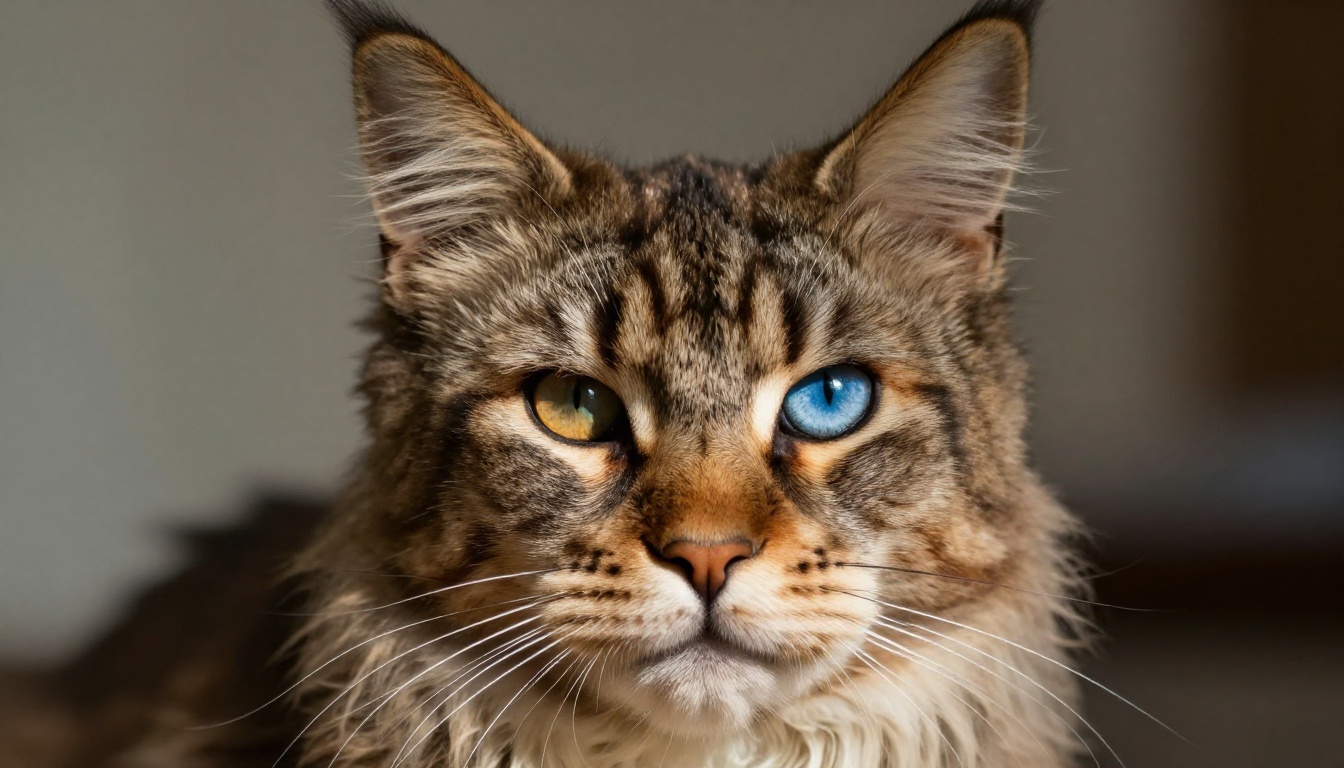
Specify your cat's actual physical characteristics. Grey tabby with green eyes and a white chest? Write exactly that. Orange and white with copper eyes? Include it. The more specific you are about coat color, pattern, and eye color, the more the resulting character resembles your actual cat rather than a generic movie cat.
Add phrases like "photorealistic fur texture," "individual hair strands visible in the light," and "natural Kodak Portra 400 film grain" to push the model toward photographic output rather than illustrated or stylized results.
Lighting is the real secret
The lighting specification in your prompt does more work than almost anything else. Vague lighting produces flat, lifeless results. Specific lighting produces cinema.
- "single harsh desk lamp casting chiaroscuro shadows" creates noir
- "volumetric golden hour light from upper left, rim lighting on fur" creates fantasy epic
- "cool blue ambient from holographic displays, warm amber accent from viewport" creates sci-fi
- "chandelier light from above, deep shadow below the chin" creates spy thriller
Matching your lighting to your movie genre is what separates a cat portrait that looks cinematic from one that just looks like a cat in a costume.
Tip: Always end your prompt with "RAW 8K photography, photorealistic, no digital effects, no CGI, no illustration style." This anchors the model in photographic realism and prevents it from drifting toward painterly or stylized output.
Movie Genres That Work Best
Fantasy and adventure
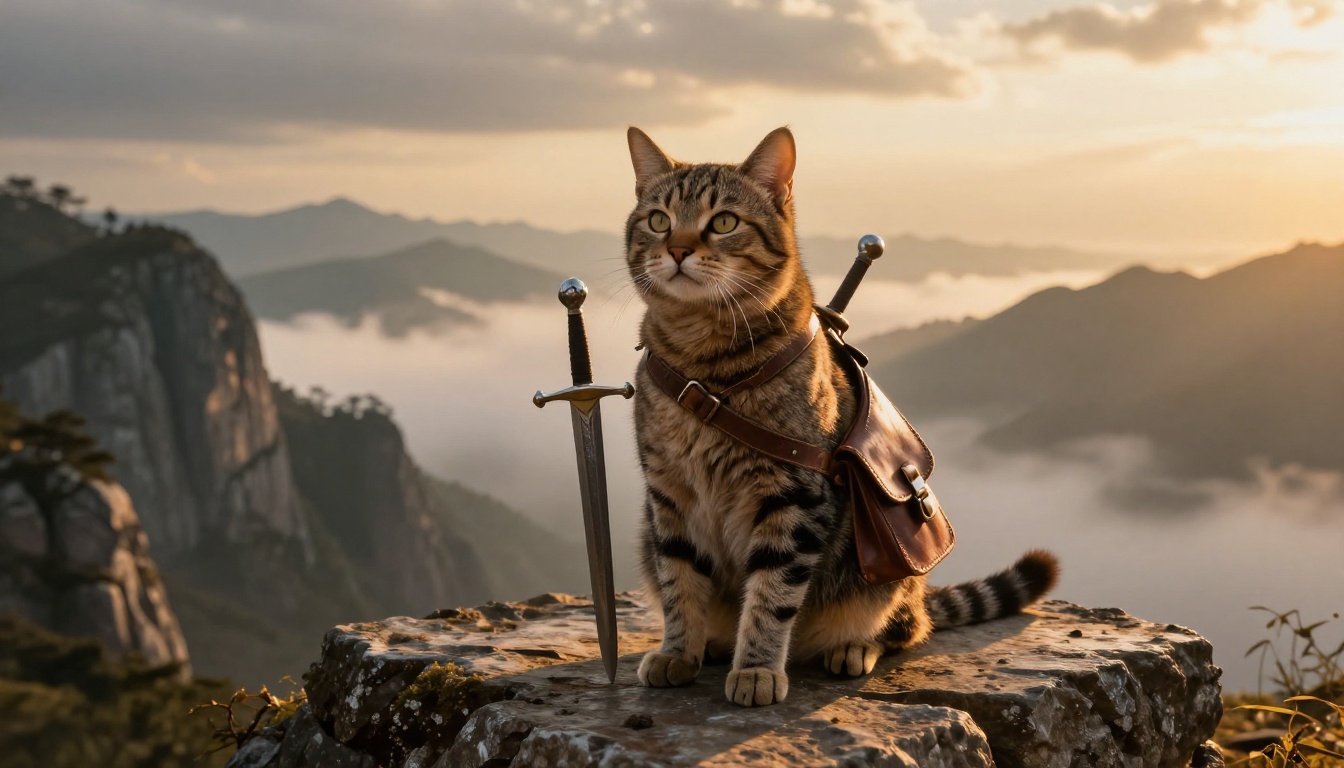
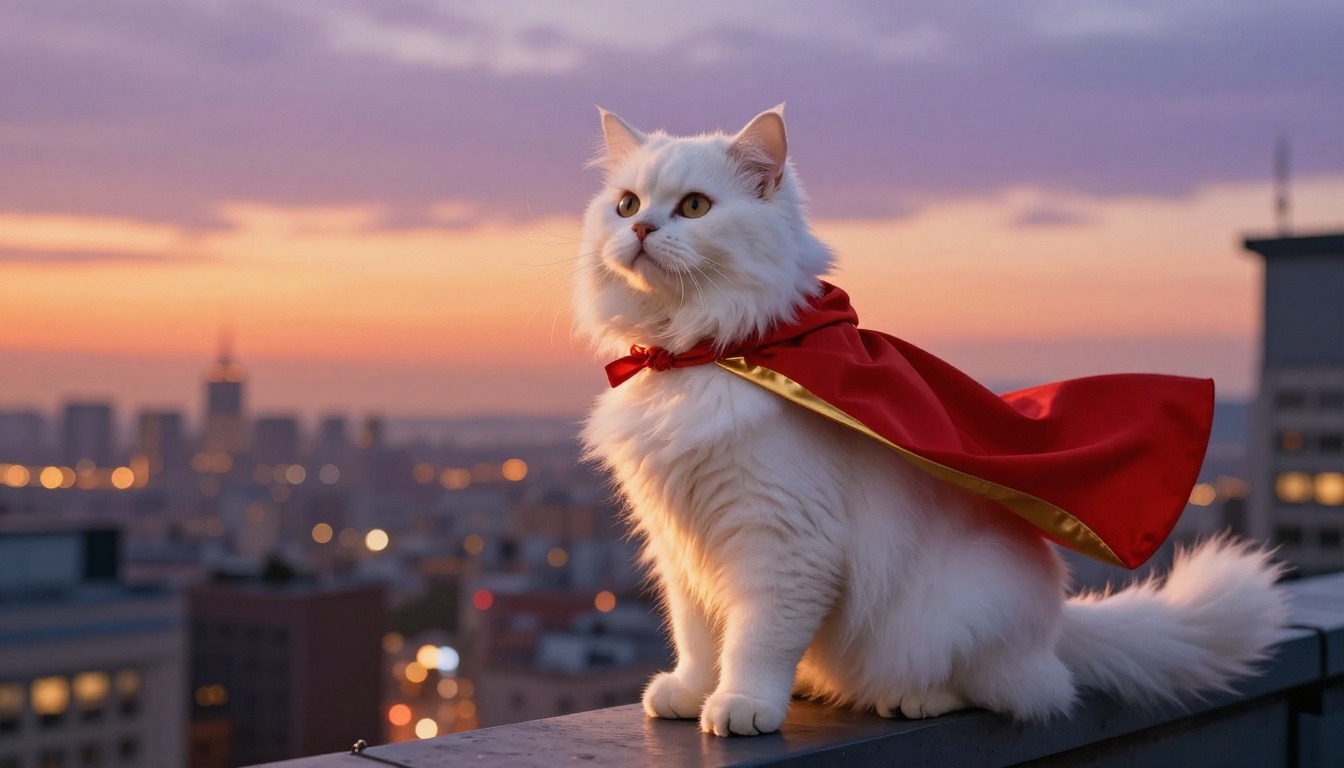
Fantasy is the most popular genre for this trend, and for good reason. The visual language of fantasy films, stone castles, rich fabrics, swords, dramatic mountain landscapes, gives the AI a clear reference pool to draw from. The contrast between a small domestic animal and an epic surrounding creates immediate visual impact.
For a fantasy warrior: place the cat at the edge of a stone cliff overlooking mountains, give it a sword or bow, specify warm golden hour light from the right creating rim lighting along the fur silhouette, and use a medium shot from knee height looking up slightly. This angle makes even a small cat look heroic.
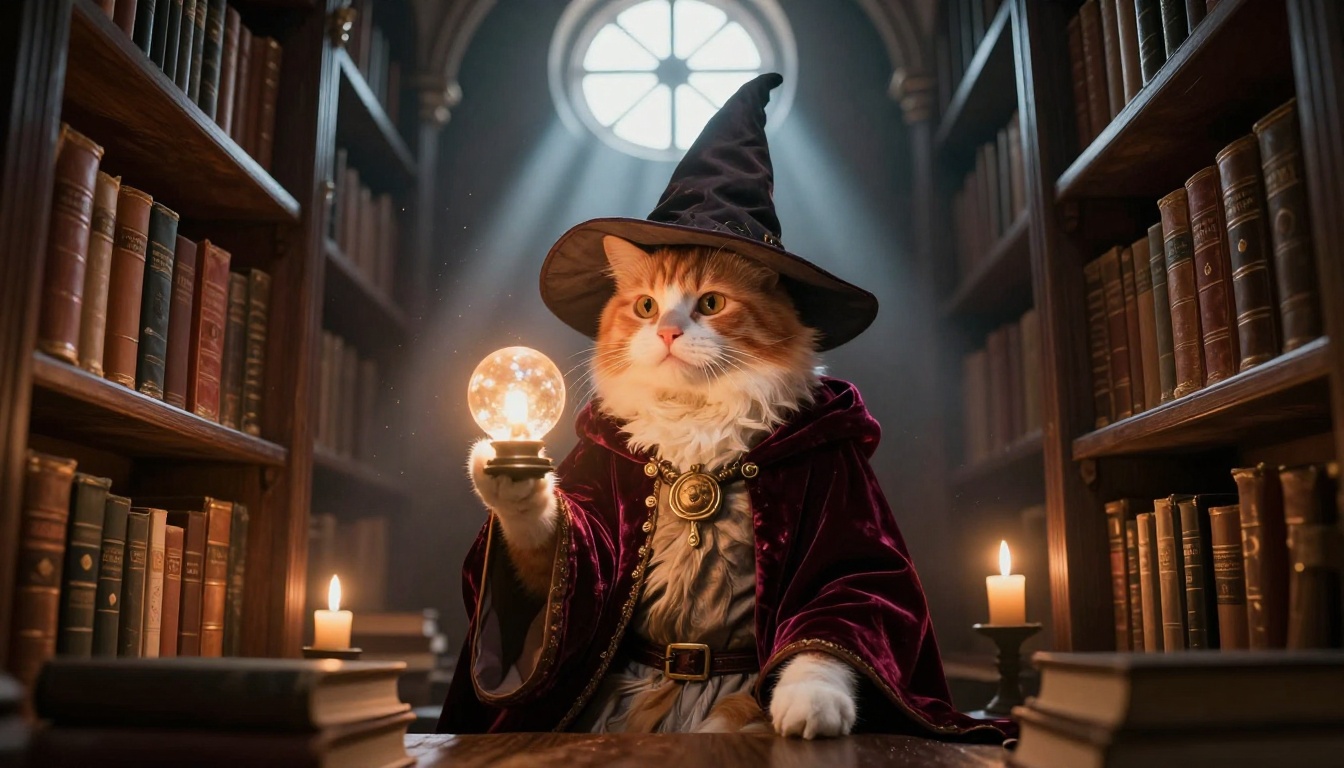
For a wizard or mage: put the cat in a candlelit library tower surrounded by leather-bound books, add a pointed hat and velvet robe, specify warm amber candlelight with visible dust motes in the air, and use a 50mm lens at the cat's eye level.
Sci-fi and space
Sci-fi works brilliantly for cats with striking eye colors, particularly odd-eyed cats or those with vivid green or gold irises. The cool blue and violet lighting palette of science fiction plays beautifully against warm fur tones, creating natural color contrast.
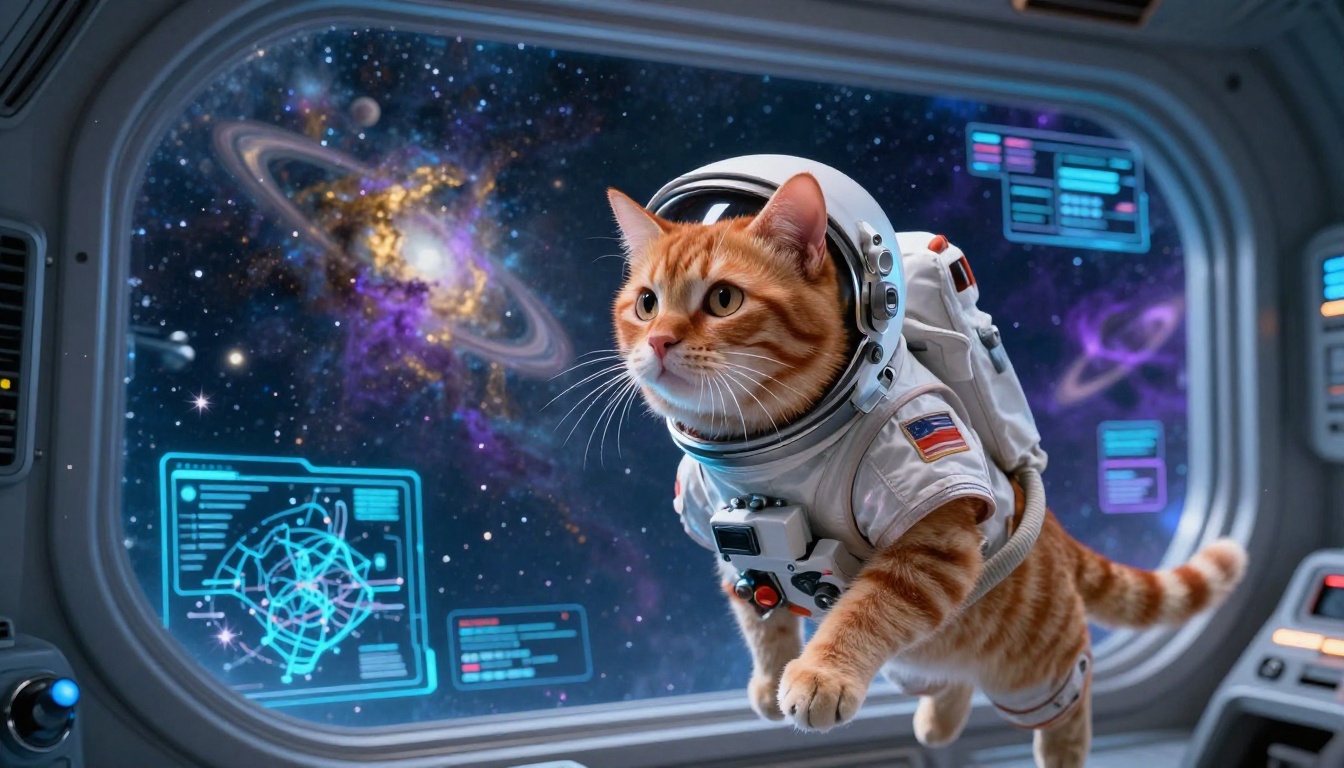
Astronaut cats in spacecraft cockpits are a consistent crowd favorite. The critical detail is specifying the light source precisely: reflections from holographic instrument panels, light from a distant nebula through a panoramic viewport, or the soft blue ambient glow of navigation displays. These specific sources give the image depth and physical believability.
Tip: For sci-fi portraits, include "cinematic color grade, cool blue and warm gold split toning" in your prompt. This pushes the color palette toward the visual language of modern sci-fi films without needing to specify individual film references.
Noir and crime thrillers
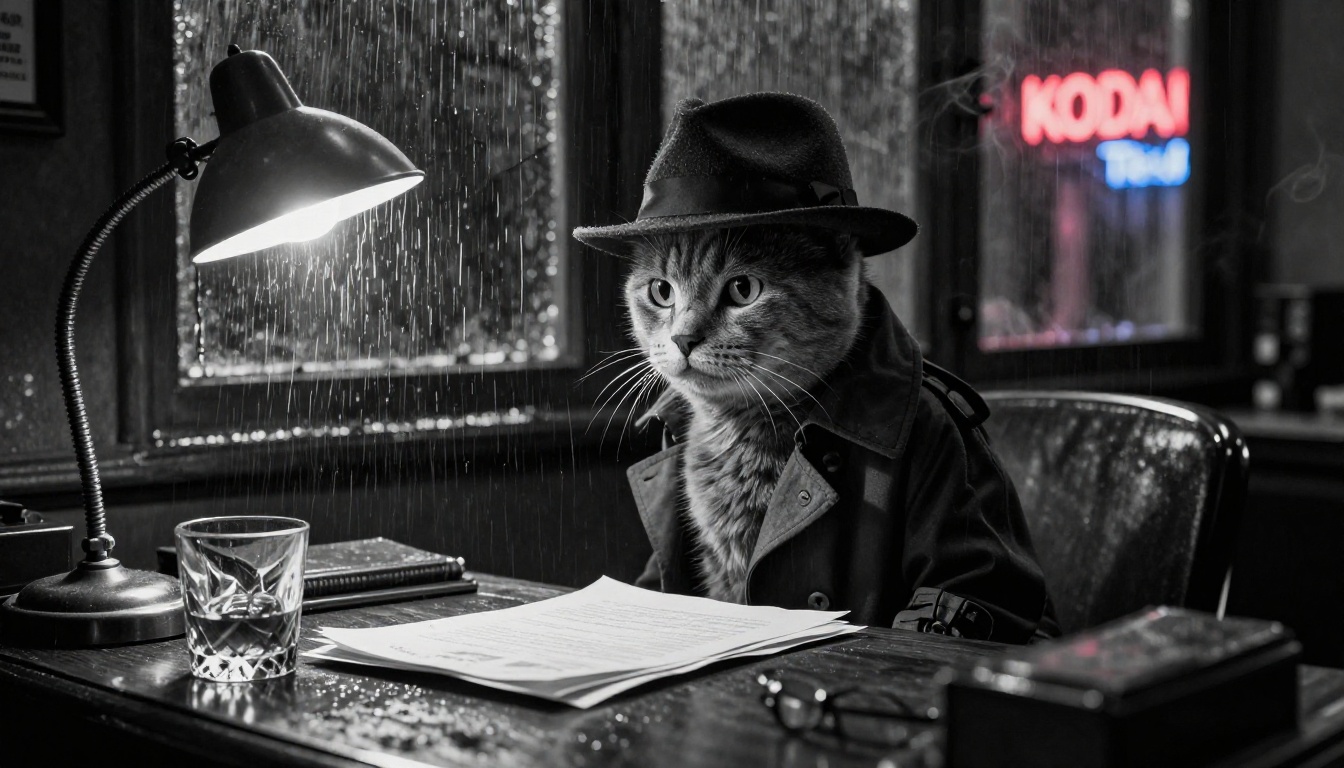
This is where cats really shine. The natural aloofness of a cat, its unreadable expression and slow blink, maps perfectly onto the seen-it-all affect of a noir protagonist. You do not need to prompt the cat to look jaded. It already does.
For a film noir detective: place the cat at a rain-soaked wooden desk in a 1940s office with a fedora and trench coat, specify a single harsh desk lamp casting hard shadows, use a close-up 85mm portrait framing, and add "Kodak Tri-X 400 film grain" for the authentic black-and-white texture. Rain streaking down a window behind the cat with neon sign reflections bleeding through the glass completes the atmosphere entirely.
Spy thriller
The tuxedo cat genre is practically its own category at this point. A black and white cat in a miniature tuxedo in an opulent casino setting is visually perfect and immediately readable as the spy genre without any explanation. The chandelier lighting overhead creating elegant highlights on a black coat reads as cinematic luxury instantly.
Using Flux Dev Step by Step
Step 1: Open the model
Go to Flux Dev on Picasso IA and open the generator. You will see a prompt input field, aspect ratio controls, inference step slider, and output format options.
Step 2: Set your aspect ratio
For movie poster style portraits, 3:2 or 4:3 gives a classic film frame proportion. For cinematic widescreen backgrounds and environmental shots, 16:9 works well. Avoid square format for this use case since it cuts into the environmental context that makes the character feel placed in a real scene.
Step 3: Write your full detailed prompt
Paste in your complete prompt using the formula above. On the first run, enable Go Fast mode for a speed-optimized output. You will get a result in a few seconds that shows you whether the direction is right before committing to a full render.
Step 4: Lock the seed for iteration
When you get a result that is mostly right but needs refinement, copy the seed number from the output and set it as a fixed seed on the next run. This holds the basic composition and character design stable while you adjust specific elements of the prompt, such as the lighting description, the background detail, or the costume description.
Step 5: Final high-quality render
Once your prompt is dialed in and you are happy with the direction, disable Go Fast for the full quality render. Set output quality to 100, use PNG format for maximum fidelity, and download your finished portrait.
Tip: Run your first tests through Flux Schnell before opening Flux Dev for the final render. Schnell produces results in under a second per image, letting you test five or six prompt directions in the time it would take Dev to process one.
Getting the Final Quality Right
When and how to upscale
The base output from Flux Dev at 1 megapixel is excellent for web, social media, and digital display. But if you want to print it, frame it, or produce a canvas print, you need to scale up the resolution while preserving every detail of the fur texture and costume.
Crystal Upscaler is specifically optimized for portrait subjects. It handles fine detail in fur, individual whiskers, and fabric textures exceptionally well. For cat character portraits specifically, it is the best starting point.
For images with a lot of complex environmental detail alongside the portrait, such as a castle interior, a spaceship cockpit, or a rain-soaked city street, Real ESRGAN handles architectural and environmental elements cleanly alongside the portrait subject.
If you need maximum resolution for large-format printing at canvas size, Topaz Image Upscale offers up to 6x magnification with artifact suppression that keeps fine detail from turning to mud at large sizes.
Removing the background for flexible use
If you want to use your cat character portrait in a poster layout, social media template, or custom wallpaper design, you need to isolate the cat from its generated background. Remove Background handles this with AI-powered edge detection precise enough to trace individual fur strands and whiskers without leaving a halo artifact. Upload the portrait, remove the background, and place the clean cutout into whatever layout you need.
The Results Worth Talking About
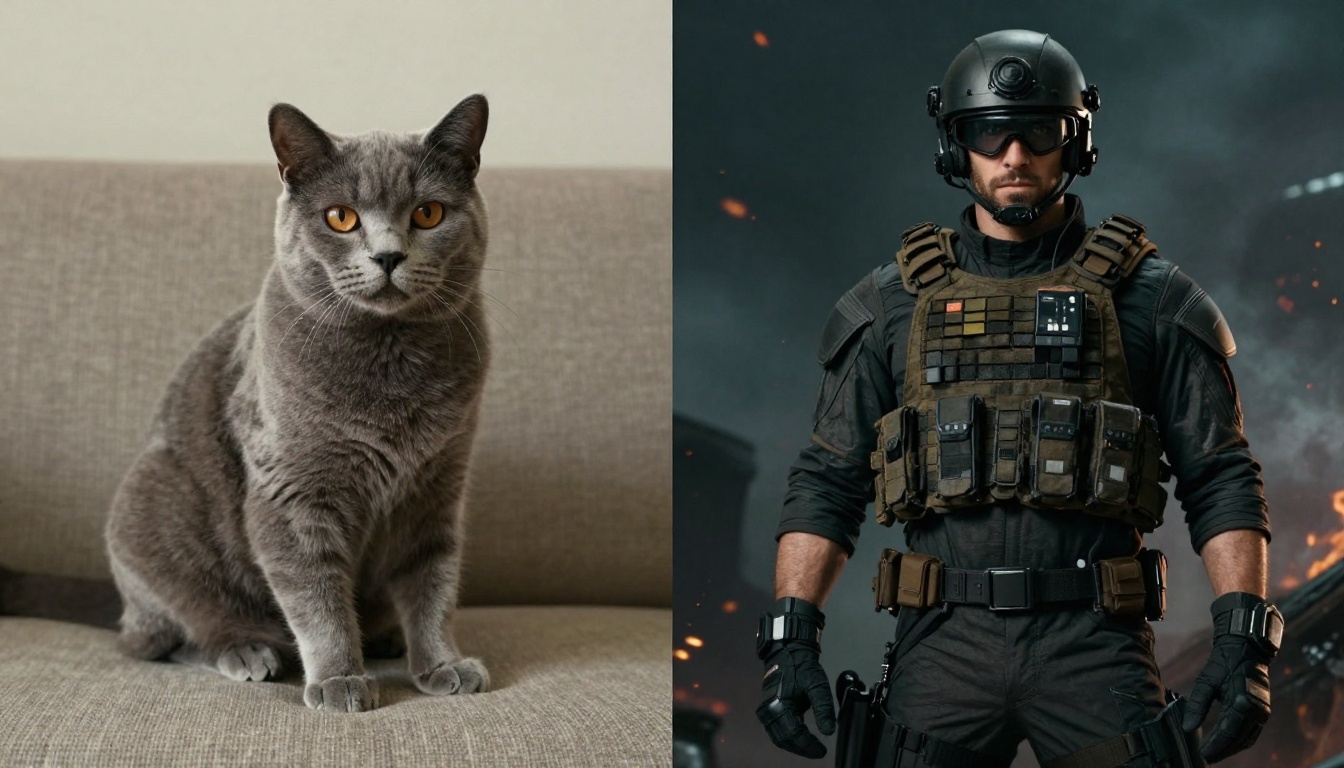
The before-and-after impact of this process is what drives the social sharing. People are not just proud of the output. They are genuinely surprised by it. The jump from "my cat sitting on the sofa" to "my cat as the brooding protagonist of a prestige crime series" is dramatic enough that it stops the scroll.
What makes this different from simple filters or style transfer apps is the complete scene generation. The cat is not just colorized or given a costume overlay. The model generates a fully new image in which the character exists as a real entity in a real environment, with consistent physics, lighting, and perspective throughout the entire frame. It looks like a photograph taken on a film set, not a cat photo with effects layered on top.
The noir detective remains the consistent favorite. Something about the combination of a cat's natural expression with the rain-soaked, lamp-lit atmosphere of a 1940s detective office produces results that look genuinely artistic. The tuxedo spy in a casino setting comes in a close second, because the visual joke is immediately readable but the execution at full photorealistic quality makes it feel like production stills from an actual film.
The fantasy warrior and wizard categories produce the most shareable results on visual platforms, because the epic environmental context gives the portrait a sense of scale that other genres lack. A cat standing at the edge of a cliff overlooking a mountain range reads as grand even at thumbnail size.
What Makes Your Cat the Right Subject
There is no wrong cat for this. Long-haired cats produce portraits with more dramatic fur texture and movement. Short-haired cats produce cleaner, sharper character reads where the facial features carry more of the image. Dark cats, especially black cats, work extraordinarily well for noir and spy genres because their fur holds dramatic shadow beautifully. Light-colored cats catch the rich golden and purple tones of fantasy and sci-fi lighting in ways that are immediately striking.
The only real factor is specificity in your prompt. The more accurately you describe what your cat actually looks like, the more the AI portrait resembles your specific animal rather than a generic cinematic cat.
Start With Your Own Cat
The barrier to doing this yourself is genuinely low. You need a clear idea of the genre you want, a detailed prompt using the formula above, and about five minutes.
Open Flux Schnell and run three quick tests with different genres to see which direction suits your cat naturally. Then move to Flux Dev for the final render. Upscale with Crystal Upscaler if you are planning to print it. Remove the background with Remove Background if you want to place it in a custom layout.
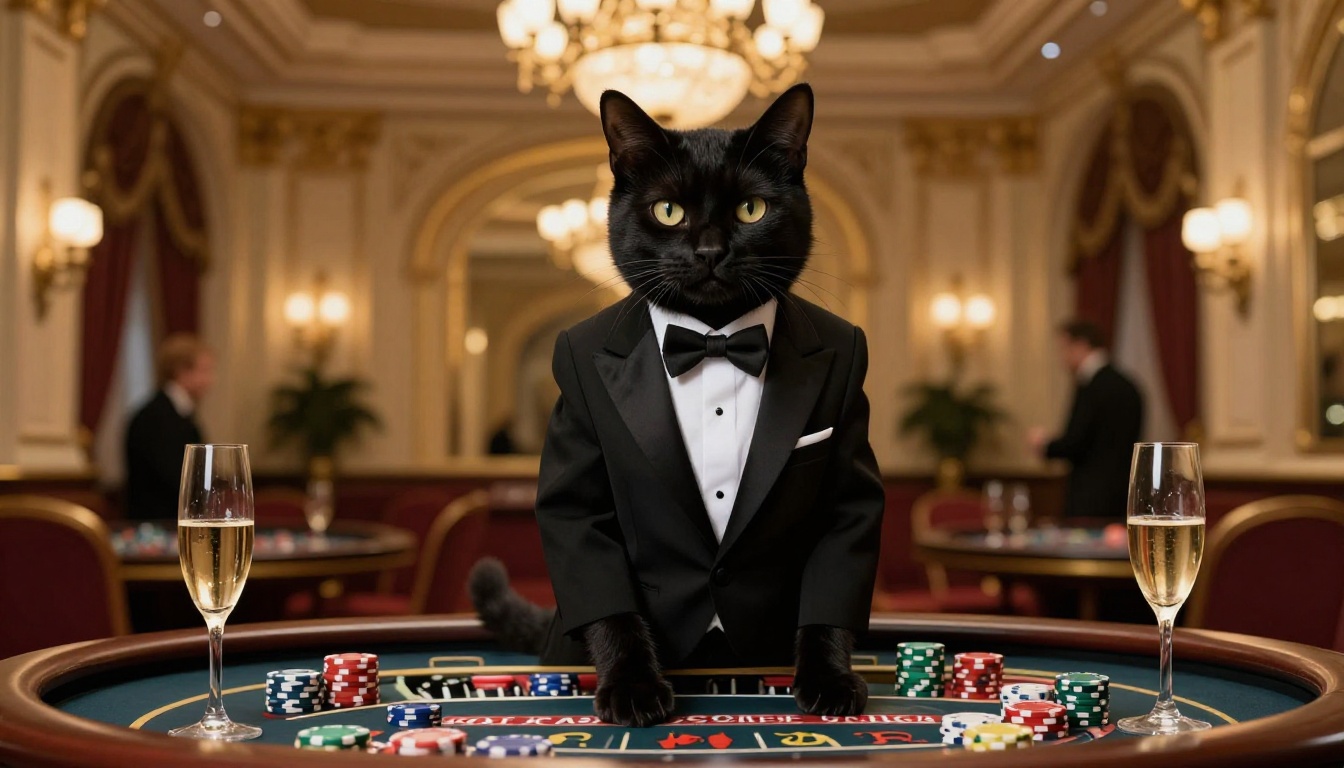
My cat is currently unaware that he has a second career as a medieval knight, a film noir detective, and a space explorer. He is asleep on my keyboard again, looking regal and completely indifferent to his own success. The AI portraits say otherwise. He is absolutely the star of three different blockbusters, and he deserves every frame.
Your cat probably does too. Go find out which genre fits them.


