Ideogram 4 arrived with a striking claim: an AI image generator with fewer restrictions than the competition. Creators noticed immediately. Forums filled up with prompt tests, workarounds, and side-by-side comparisons. But once the initial excitement settled, a more complicated picture came into focus. The word "uncensored" means something very specific here, and considerably narrower than most people expect.
What Ideogram 4 Actually Does Well
Before examining where restrictions appear, it is fair to acknowledge where Ideogram 4 genuinely delivers. Its standout feature is text rendering inside images: logos with legible typography, event posters, social graphics, and text-heavy compositions that previously required manual Photoshop cleanup. That is a real advance over earlier models.
Typography That Sticks
Most text-to-image models mangle letters. Ideogram 4 handles fonts, spacing, and alignment at a level its predecessors could not match. A prompt like "a café chalkboard sign with Daily Special in bold chalk lettering" returns readable, well-placed text most of the time. That alone made it worth testing for design-forward creators.
Photorealism at a Decent Level
The base photorealism is competitive for a general-purpose tool. Skin tones, ambient lighting, and fabric textures land well without aggressive prompt engineering. For everyday commercial work, product shots, lifestyle imagery, and marketing content, it performs reliably.

Where "Uncensored" Gets Complicated
This is where reality diverges from the branding. The term "uncensored" in AI image generation has no fixed standard definition. Ideogram 4 uses it to signal that it is more permissive than tools like Midjourney or DALL-E 3 on specific topics: fantasy violence, horror aesthetics, and darker artistic themes. But the platform still enforces a content policy that blocks most adult content directly.
What It Actually Blocks
Ideogram 4 filters at minimum the following categories:
- Explicit nudity at any level
- NSFW sexual content
- Certain celebrity and political imagery
- Graphic photorealistic violence
The "uncensored" label applies primarily to edgy artistic work, not to adult content in the way many creators reasonably assume when they read that term.
Prompt Workarounds Don't Last
Some users found stylized phrasings or abstract language that temporarily slipped past the filters. That window closed quickly. Ideogram 4's moderation layer updates regularly, and loopholes discovered in creator communities get patched within days or weeks. Chasing workarounds on a platform with an unchanged core policy is a time-consuming dead end.

Ideogram 4 vs. the NSFW Reality
💡 If your work involves mature content, including glamour photography, artistic nudity, or adult creative projects, Ideogram 4 is not designed for it. Its content limits are product decisions, not bugs or oversights.
That is not a criticism. It is a realistic product positioning note. Ideogram 4 targets designers, marketers, and general creatives who want more flexibility on tone and style, not creators who need full adult content support.
| Feature | Ideogram 4 | PicassoIA (Seedream 4.5) |
|---|
| Text rendering | Excellent | Good |
| Photorealism | Good | Excellent |
| NSFW support | No | Yes |
| Generation speed | Moderate | Under 3 seconds |
| Unlimited generations | No | Yes (Elite/Infinite plans) |
| Image-to-image editing | Limited | Full img2img support |
| Model variety | Single model | 90+ models |

Ideogram 4 Prompting: What Actually Works
For the creative work Ideogram 4 does permit, it responds well to specific prompt structures. Getting the most out of it means adapting your language to its strengths.
Be Explicit About Style
Vague prompts return vague results. Rather than "woman on a beach," try: "editorial photograph of a woman standing at a tropical shoreline at golden hour, shot at 35mm, warm backlight, natural hair, relaxed expression, sand at her feet." The more photographic your language, the more consistent the output.
Control Composition With Camera Directions
Ideogram 4 responds well to camera angle descriptors. Low angle, tight portrait framing, and aerial view all register in the output. Treat prompting like briefing a photographer: specify lens, distance, and light direction rather than describing a painting.
Leverage Typography
If legible text inside an image is what you need, Ideogram 4 leads the market here. Use quotes around the exact wording you want rendered: "a minimalist event poster with Summer Sessions in bold sans-serif lettering, white text on black background." The model handles this reliably across most visual styles.

Best Models for NSFW AI Generation on PicassoIA
For creators who need genuine creative freedom, PicassoIA offers a catalog of models that do not impose the same walls. These models are tested, fast, and built for realistic output without blanket content restrictions.
-
Seedream 4.5 ⭐: The top recommendation for NSFW work. Accepts adult content, supports image editing, and produces ultra-realistic results in under 3 seconds. Note that its successor, Seedream 5 Lite, does not support NSFW content. Seedream 4.5 handles everything from glamour photography to artistic nudity with photorealism that rivals professional shoots.
-
PicassoIA Image Editor Pro: An img2img model with one decisive advantage, unlimited generations for Elite and Infinite subscribers. Need 500 images for a creative project? That is 500 images at no additional cost. On models like Nano Banana 2, the same volume costs around $100. Results deliver in under a second, and a 3-generation free trial needs no credit card.
-
Qwen Image 2: Open source and fast, this model creates or edits any image with very detailed realism. Its open architecture means fewer restrictions at the foundation level.
-
Grok Imagine Image: Converts any image to a more revealing format in a photorealistic way. Particularly useful for clothing and style conversions that would fail on Ideogram 4.
-
Recraft V4: Text-to-image only, but delivers consistently realistic results with strong composition. A solid choice when speed and quality are both required.
-
P-Image: NSFW text-to-image generation in under 1 second. When volume and turnaround speed are priorities, this model delivers.
-
Wan 2.2 Image: Produces highly realistic images from text descriptions without content filters, with particular strength in anatomy and natural lighting conditions.

💡 Speed comparison: Seedream 4.5 generates in under 3 seconds. PicassoIA Image Editor Pro delivers results in under 1 second. Both significantly outpace Ideogram 4's average generation time.
Unlike mainstream AI platforms that impose broad content restrictions, PicassoIA gives creators full creative freedom with high-performance models built for adult content without filters.
How to Use Seedream 4.5 on PicassoIA
Seedream 4.5 is available directly on PicassoIA with no complex setup. Here is how to get the most out of it.
Step 1: Open the Model Page
Go to picassoia.com/en/collection/text-to-image/bytedance-seedream-45 and enter your prompt. No extra configuration is required before your first generation.
Step 2: Write a Detailed Prompt
Seedream 4.5 responds best to photographic, descriptive prompt language. Include all of the following:
- Subject: physical description, clothing or lack thereof, pose, expression
- Environment: location, time of day, background details
- Lighting: direction (left side, backlit, overhead), quality (soft, dramatic, diffused)
- Camera: focal length, aperture, shooting distance, angle
- Style: film grain type, color grading, texture preferences
Example prompt: "photorealistic portrait of a beautiful woman in a bikini standing at a tropical beach at golden hour, shot at 35mm f/2.8, warm honey-toned backlighting, natural skin texture, visible sand, Kodak Portra 400 grain"
Step 3: Use Image Editing
Seedream 4.5 supports image-to-image editing. Upload an existing image and describe the modifications you want. The model applies them while preserving the source composition. This is useful for adjusting outfits, environments, or lighting on an image that is already close to what you need.
Step 4: Scale With PicassoIA Image Editor Pro
When volume matters, switch to PicassoIA Image Editor Pro. Upload a base image, describe the modification, and generate. With an Elite or Infinite plan, there is no per-generation cost. Run 300 variations of the same scene without watching a credit counter drain.
The Real Cost of Restrictions
Content filters on AI platforms are not just creative inconveniences. They carry direct economic consequences for creators who rely on these tools professionally.
When Filters Kill Workflows
A fashion photographer testing swimwear concepts. A digital artist creating romance novel illustration artwork. A creative director producing lifestyle imagery for an adult brand. Each is a legitimate professional use case that Ideogram 4's filters will interrupt mid-project. The "uncensored" branding creates expectations that users reasonably act on, only to hit walls at critical moments.
The Subscription Problem
Most filtered platforms charge full subscription rates regardless of which features their policies restrict. You pay for access to the generation engine while the content policy operates separately. On PicassoIA, the model lineup is built around actually delivering what creators pay for.
If you are moving from Ideogram 4 to a platform with genuine uncensored support, avoid these friction points that slow most creators down.
1. Copying prompts verbatim
Each model has different sensitivities and strengths. A prompt optimized for Ideogram 4's text-rendering capabilities will not automatically produce the best results in Seedream 4.5. Rebuild your prompts around photographic language: lighting direction, lens type, subject description, and environmental detail.
2. Ignoring image-to-image options
Most creators default to text-to-image when image-to-image editing often produces stronger results. Have an existing image that is close to what you need? PicassoIA Image Editor Pro can refine it without a full restart.
3. Using only one model
PicassoIA has over 90 text-to-image models. Seedream 4.5 leads for NSFW realism, but different models perform differently across content types. Recraft V4 for stylized editorial work, Grok Imagine Image for image-to-image conversions, P-Image when speed is the top priority.

What Real Creative Freedom Looks Like
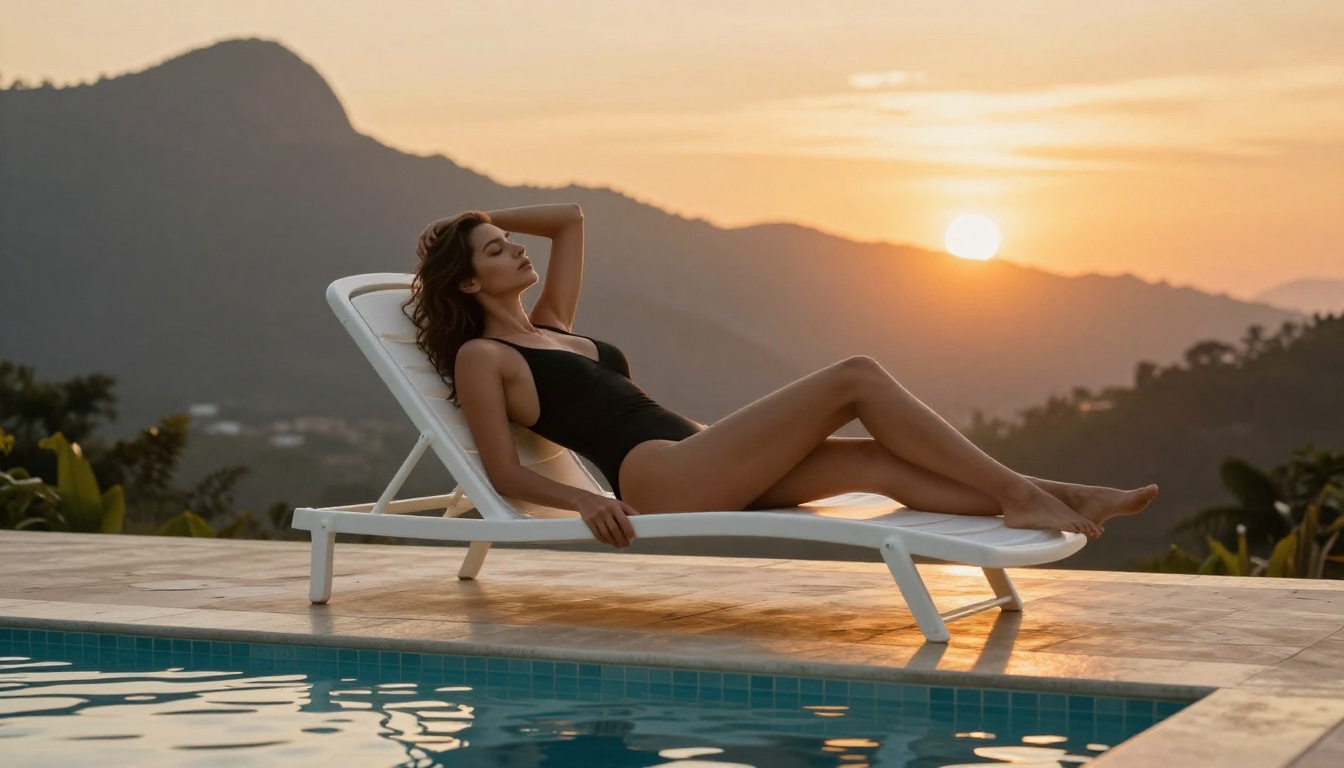
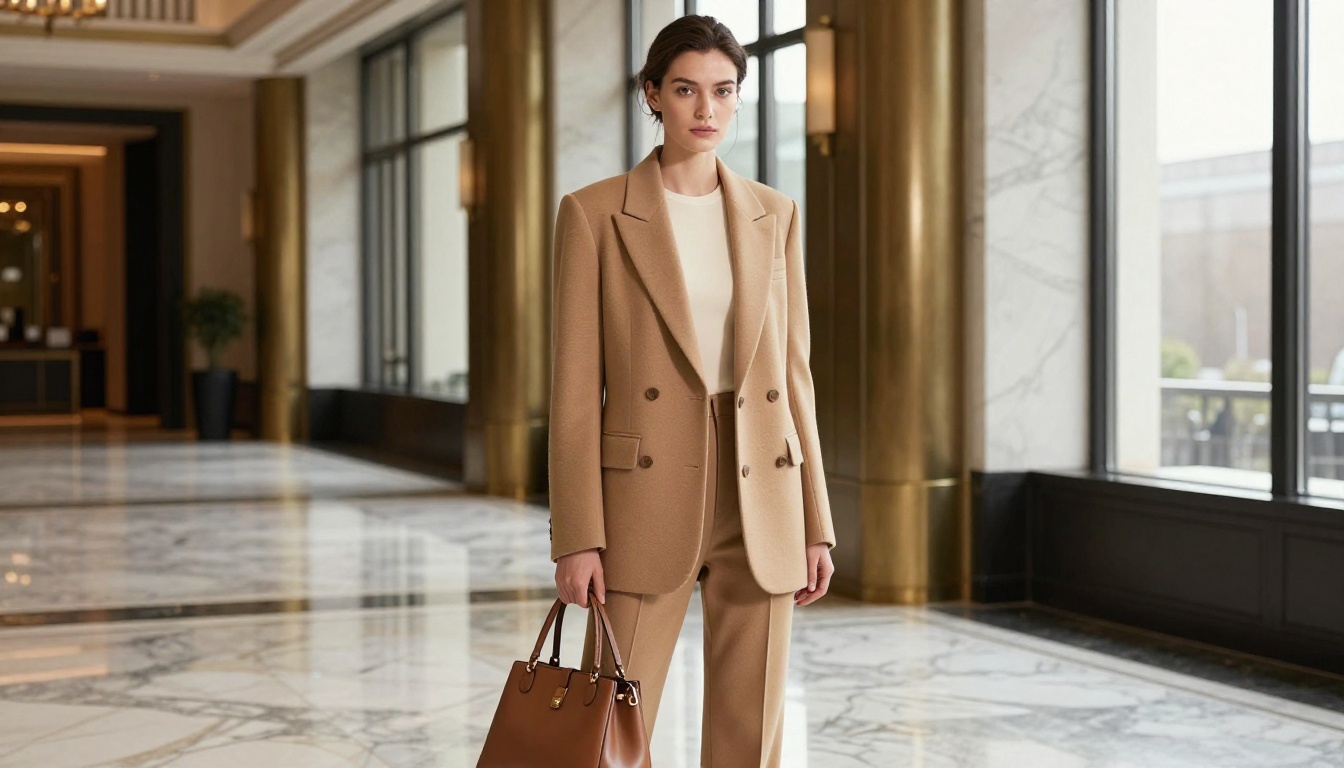
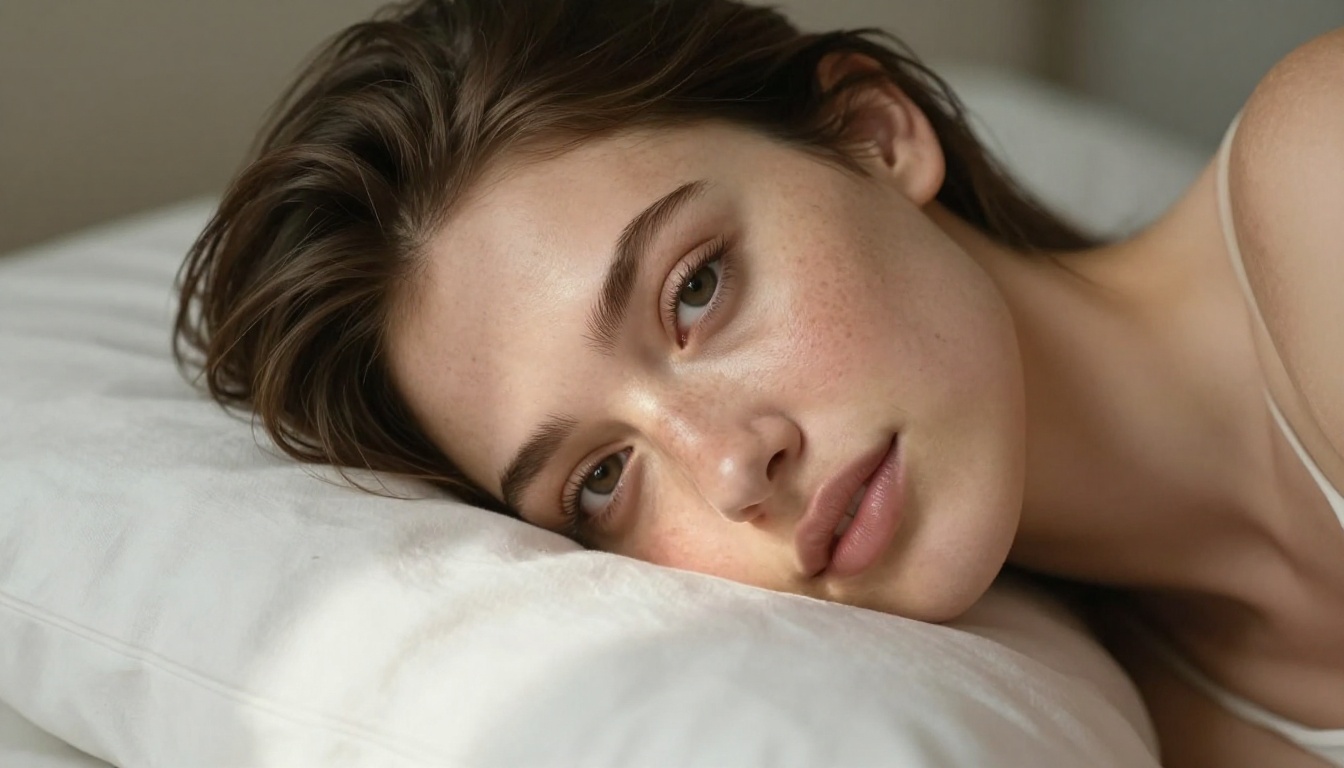
The images throughout this article were generated with models available on PicassoIA. The beach portrait, the window scene, the poolside shot: those are real outputs from real prompts run through models without the restrictions that define Ideogram 4's operational limits.
That is the practical test. Not benchmarks or marketing language, but what actually comes out when you type a prompt and hit generate.
Start Creating Without Walls
Ideogram 4 is a well-built tool for what it actually does: text-heavy design work, general commercial imagery, and creative projects that stay within mainstream content guidelines. If that fits your workflow, it belongs in your toolkit.
But if you have been chasing its "uncensored" promise and hitting walls, that is not a prompt problem. The walls are intentional.
PicassoIA gives you the actual thing: over 90 image models, several built specifically for unrestricted adult content, with speeds that make iteration fast and plans that make volume affordable. Seedream 4.5 is where to start. PicassoIA Image Editor Pro is where to scale.
The full model catalog, including every NSFW-capable option available, is at picassoia.com/en/all-models.


