Ideogram V3 Turbo AI Image Creation Simplified - The Complete Breakdown
This comprehensive analysis examines Ideogram V3 Turbo's approach to AI image generation, detailing how it streamlines the creative process while maintaining photorealistic quality. We explore the technical aspects, practical applications, and workflow optimization strategies that make this tool accessible to both beginners and experienced creators looking for efficient visual content production solutions.
The creative landscape shifted when Ideogram V3 Turbo entered the scene. This isn't just another AI image generator—it's a systematic approach to visual content production that removes complexity while maintaining photorealistic quality. For content creators, marketers, and designers who need consistent visual output without the traditional production overhead, this model represents a fundamental change in how we approach image creation.
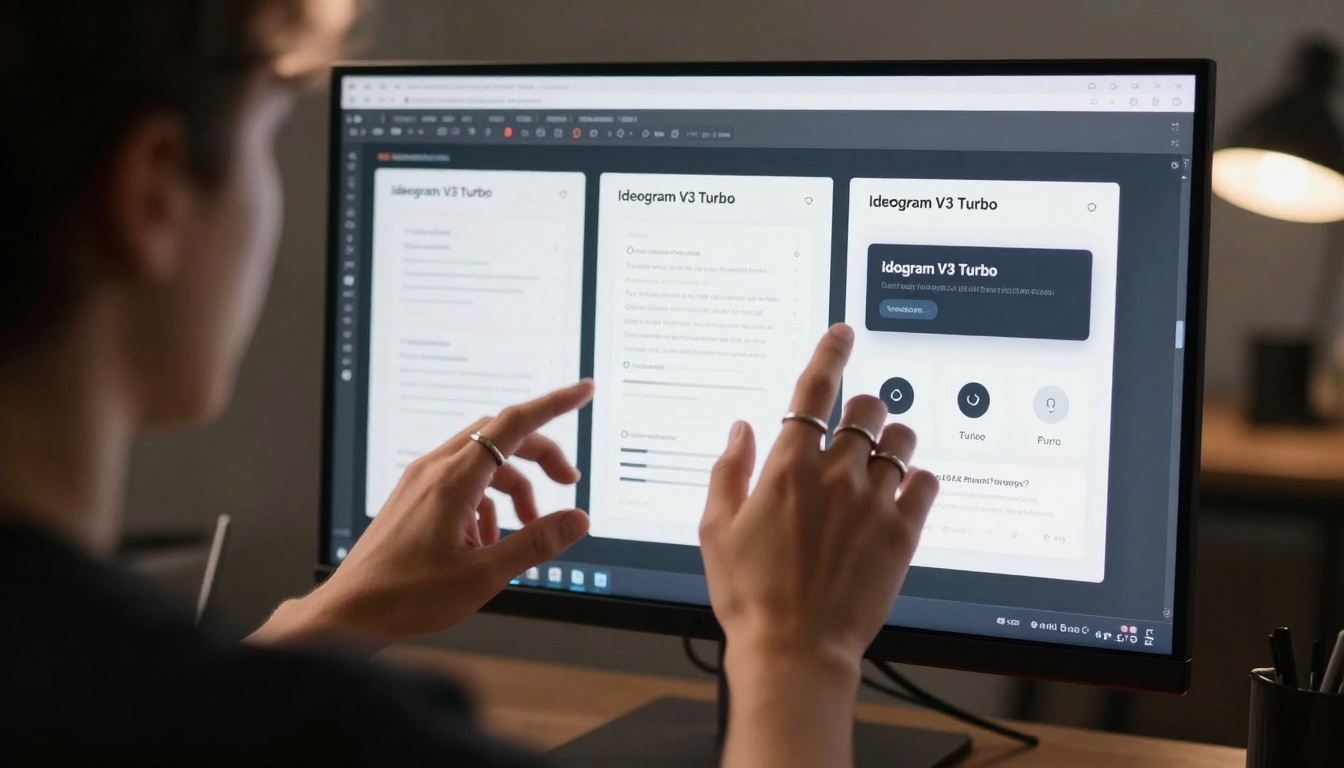
Detailed prompt engineering interface showing the connection between human intention and AI execution
Why Ideogram V3 Turbo Changes Everything
Traditional AI image generation often feels like gambling—you input a prompt, cross your fingers, and hope the output matches your vision. Ideogram V3 Turbo eliminates this uncertainty through structured generation that understands context, composition, and commercial requirements. The difference isn't just in output quality; it's in predictability.
Three critical shifts make this model stand out:
Consistent Style Adherence: Unlike models that interpret "photorealistic" differently each generation, Ideogram V3 Turbo maintains visual consistency across multiple outputs
Commercial-Grade Output: The images meet professional standards for marketing, advertising, and publication without requiring extensive post-processing
Workflow Integration: It fits into existing creative pipelines rather than requiring complete workflow overhaul
💡 Practical Insight: The biggest advantage isn't generating a single perfect image—it's generating twelve usable variations in the time traditional methods produce one. This changes project timelines from days to hours.
The Technical Architecture Behind the Speed
Understanding why Ideogram V3 Turbo operates at this efficiency level requires looking under the hood. The model employs a multi-stage diffusion process optimized for commercial applications rather than experimental art generation.
Key technical differentiators include:
Feature
Traditional Models
Ideogram V3 Turbo
Generation Speed
15-30 seconds per image
2-5 seconds per image
Batch Processing
Limited to 4 images
Up to 12 simultaneous variations
Style Consistency
Random interpretation
Structured adherence
Commercial Ready
Requires editing
Production-ready output
API Integration
Basic endpoints
Full workflow automation
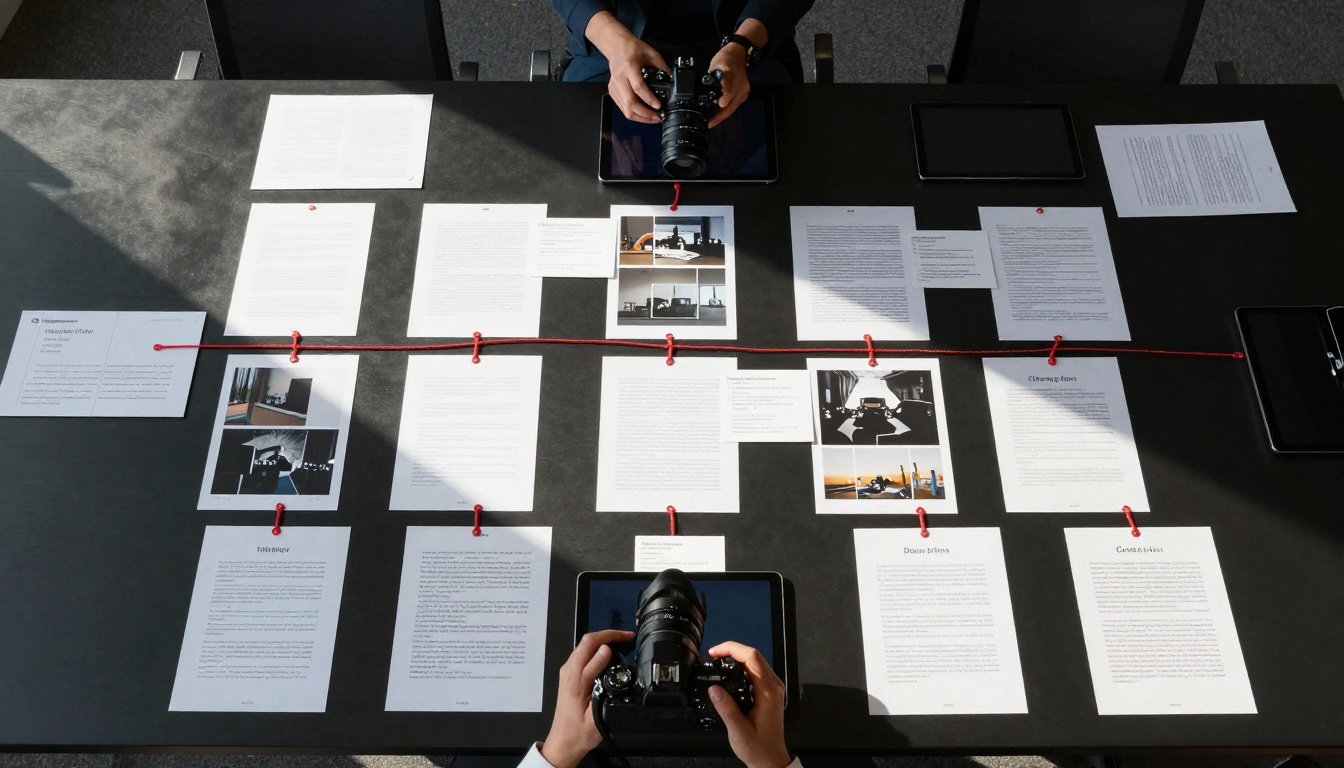
Creative director reviewing multiple simultaneous variations generated from a single prompt
The architecture uses context-aware token processing that interprets prompts holistically rather than word-by-word. When you request "modern minimalist living room with afternoon light," the system understands this as a complete scene rather than separate concepts to assemble. This reduces the "Frankenstein effect" common in earlier models where elements feel artificially combined.
Crafting Effective Prompts That Work
Prompt engineering with Ideogram V3 Turbo follows different rules than other AI image generators. The system responds better to structured descriptions than creative poetry.
Effective prompt structure includes:
Subject Definition: Clear, specific description of the main subject
Lighting Conditions: Direction, quality, time of day, light sources
Composition Elements: Camera angle, lens choice, depth of field
Style Parameters: Photographic style, mood, color palette
Example of ineffective vs effective prompts:
Ineffective: "A beautiful sunset scene with mountains"
Effective: "Photorealistic landscape photography of snow-capped mountain range during golden hour sunset, with warm volumetric light streaming through cloud gaps, shot with 85mm f/8 lens from elevated vantage point, Kodak Portra 400 film simulation, natural color grading with enhanced shadow detail"
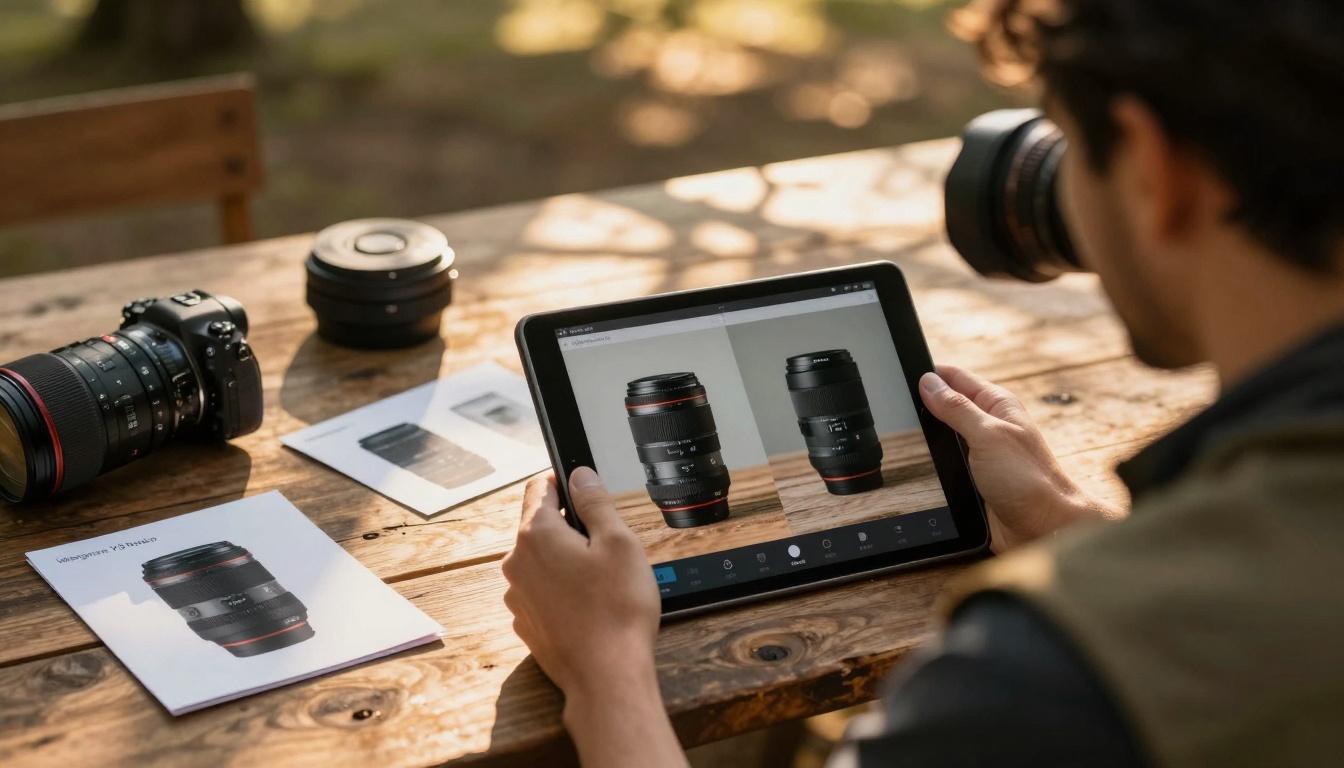
Professional comparing AI-generated product shots with physical samples during golden hour
Advanced prompt techniques that yield better results:
Sequential Refinement: Start with basic scene, then add layers of detail in subsequent generations
Style Anchoring: Reference specific photographic styles or film stocks the model recognizes
Commercial Keywords: Include terms like "marketing shot," "advertisement quality," "commercial photography"
Negative Prompting: Explicitly exclude elements you don't want using "-" notation
Real-World Applications and Use Cases
Ideogram V3 Turbo's photorealistic output makes it suitable for applications where earlier AI models failed. The commercial-grade quality opens doors previously reserved for traditional photography and 3D rendering.
Primary application areas include:
Marketing and Advertising
Product Mockups: Generate photorealistic product shots without physical samples
Campaign Visuals: Create consistent imagery across multiple platforms
Social Media Content: Produce daily visual content at scale
Email Marketing: Generate unique images for each campaign segment
Architecture and Real Estate
Interior Visualization: Show furnished spaces before construction completes
Exterior Rendering: Present building designs in realistic environments
Property Marketing: Create virtual staging for vacant properties
Urban Planning: Visualize developments in existing neighborhoods
Product Photography: Generate images for products not yet manufactured
Lifestyle Shots: Create context images showing products in use
Seasonal Campaigns: Adapt product visuals for holidays and seasons
Catalog Production: Generate hundreds of consistent product images
Content Creation and Publishing
Article Illustrations: Create custom images for written content
Book Covers: Generate professional cover designs
Educational Materials: Produce diagrams and visual explanations
Presentation Graphics: Create custom slides and visual assets
Comparing Ideogram V3 Turbo to Alternatives
The AI image generation space includes several prominent models, each with different strengths. Understanding where Ideogram V3 Turbo fits helps determine when to use it versus alternatives.
Batch Processing: Simultaneous variation generation saves significant time
Style Control: More predictable output reduces revision cycles
Integration Friendly: API and workflow features designed for production environments
Creative team collaborating around multiple AI-generated assets for social media campaign
Common Mistakes and How to Avoid Them
New users often encounter specific challenges when starting with Ideogram V3 Turbo. Recognizing these patterns early prevents wasted time and frustration.
Most frequent mistakes include:
Overcomplicating Prompts
Problem: Adding too many elements creates conflicting instructions
Solution: Start simple, then add complexity in subsequent generations
Example: Instead of "modern living room with leather sofa, glass coffee table, abstract art, plants, and afternoon light," begin with "modern living room interior" then refine
Client Presentation: Format optimization, annotation, delivery preparation
Integration Strategies
Connect Ideogram V3 Turbo with existing tools:
Design Software: Direct import into Photoshop, Figma, Canva
Project Management: Automated generation based on task requirements
Asset Management: Tagging and categorization during generation
Quality Assurance: Automated technical validation of outputs
Designer refining prompts through iterative improvement process
Cost Optimization
Maximize value while controlling expenses:
Batch Efficiency: Generate multiple options simultaneously rather than sequentially
Template Reuse: Create modular prompt components for different combinations
Quality Tiers: Use lower-cost models for exploration, Ideogram V3 Turbo for finals
Output Management: Archive and repurpose successful generations
How to Use Ideogram V3 Turbo on PicassoIA
Accessing Ideogram V3 Turbo through PicassoIA provides advantages beyond standalone usage. The platform offers integrated workflow features and complementary tools.
The practical reality for content creators has shifted from "Can we create this image?" to "How quickly can we create twelve variations?" This represents more than technological advancement—it's a fundamental change in creative capacity. Teams that adapt their workflows to leverage these capabilities gain competitive advantages in speed, cost, and creative flexibility.
The invitation to experiment remains open. The barrier to testing Ideogram V3 Turbo's capabilities has never been lower, and the potential returns for those who master its nuances have never been higher. Whether you're generating product shots, architectural visualizations, or marketing assets, the efficiency gains justify the learning investment.
Consider your current visual content production challenges and identify one area where Ideogram V3 Turbo could streamline your process. The transition from concept to completed visual asset no longer requires the traditional production pipeline—it begins with a well-structured prompt and ends with commercial-ready imagery in minutes rather than days.