Text in AI-generated images has been broken for years. You type a beautiful prompt, hit generate, and your sign reads "CAFFE LATTTE" or your poster headline turns into a jumble of mirrored letters that make no sense. If you have been using AI art tools for anything beyond abstract backgrounds, this problem has cost you time, redos, and headaches.
That is where the debate between Ideogram and ChatGPT gets real. Both tools claim to handle text in images better than the rest, but they take completely different paths to get there. One is a standalone image generator built specifically around typography. The other is the world's most popular AI assistant with a bolted-on image engine. This comparison breaks down what each actually delivers when readable text is your priority.
Why Text in AI Images Is Such a Problem
How Diffusion Models See Letters
Standard diffusion models, including Stable Diffusion, Midjourney, and most open-source text-to-image systems, were never designed to render typography. They were trained on billions of images where text appeared incidentally. As a result, they learned to approximate what text looks like visually without ever encoding the actual letter shapes and their rules.
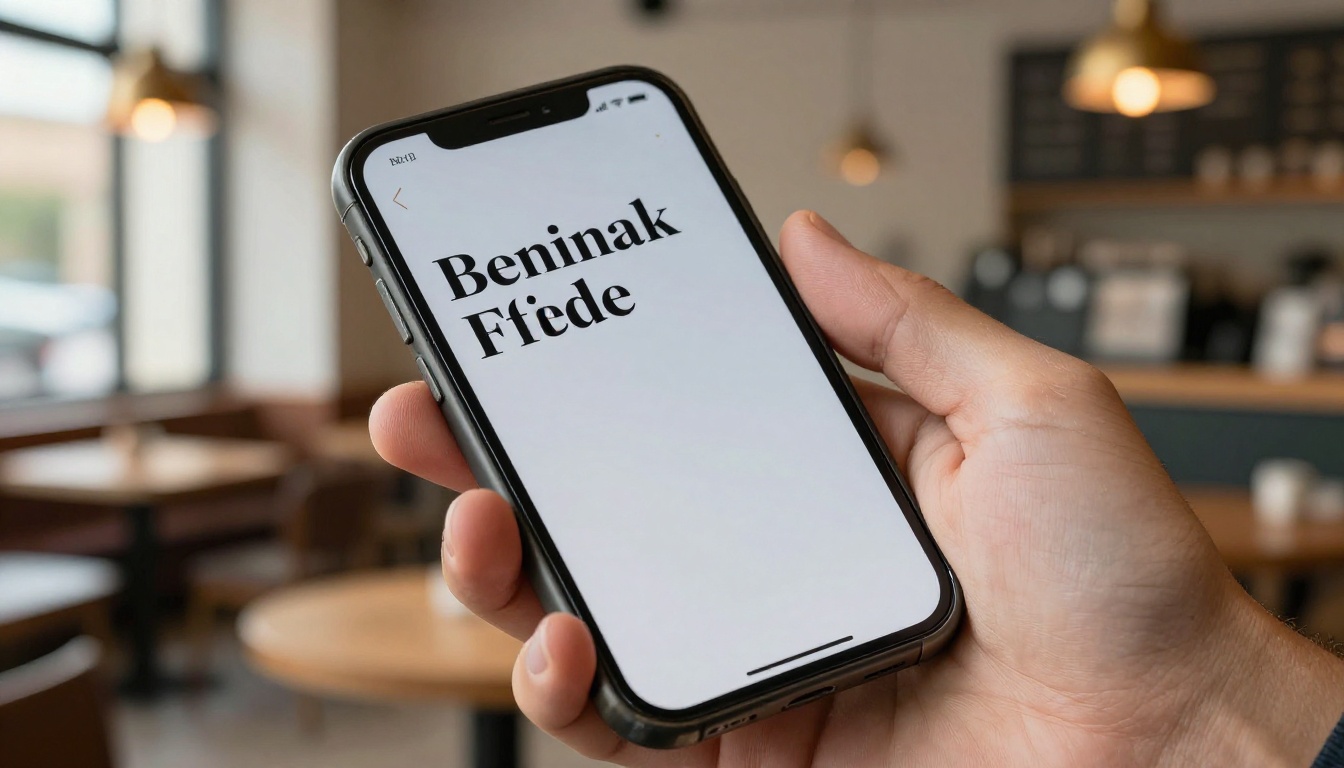
When you ask one of these models to produce a sign that says "OPEN," it generates pixels that look vaguely letter-like based on statistical patterns from training data. Occasionally it works. More often you get something that resembles letters from a distance but falls apart the moment you look at individual characters.
The Hallucination Problem with Words
The same hallucination tendency that causes language models to invent citations applies to visual models and text. A model that does not have a hard-coded comprehension of the alphabet treats letters as decorative shapes. It blends, mirrors, inverts, and mutates them to fit the aesthetic of the surrounding image. The result looks plausible at a glance but is effectively illegible when examined closely.
This is not a simple fix. Solving it requires training on datasets where text is explicitly labeled and where the model learns that letters have fixed shapes regardless of style variations.
What Ideogram Actually Does
Ideogram launched in 2023 with a single differentiating claim: it can put readable text inside generated images. That one feature made it immediately popular with designers, marketers, and social media creators who needed poster text, logo mockups, or branded visuals without switching to Photoshop.
Typography as a First-Class Feature
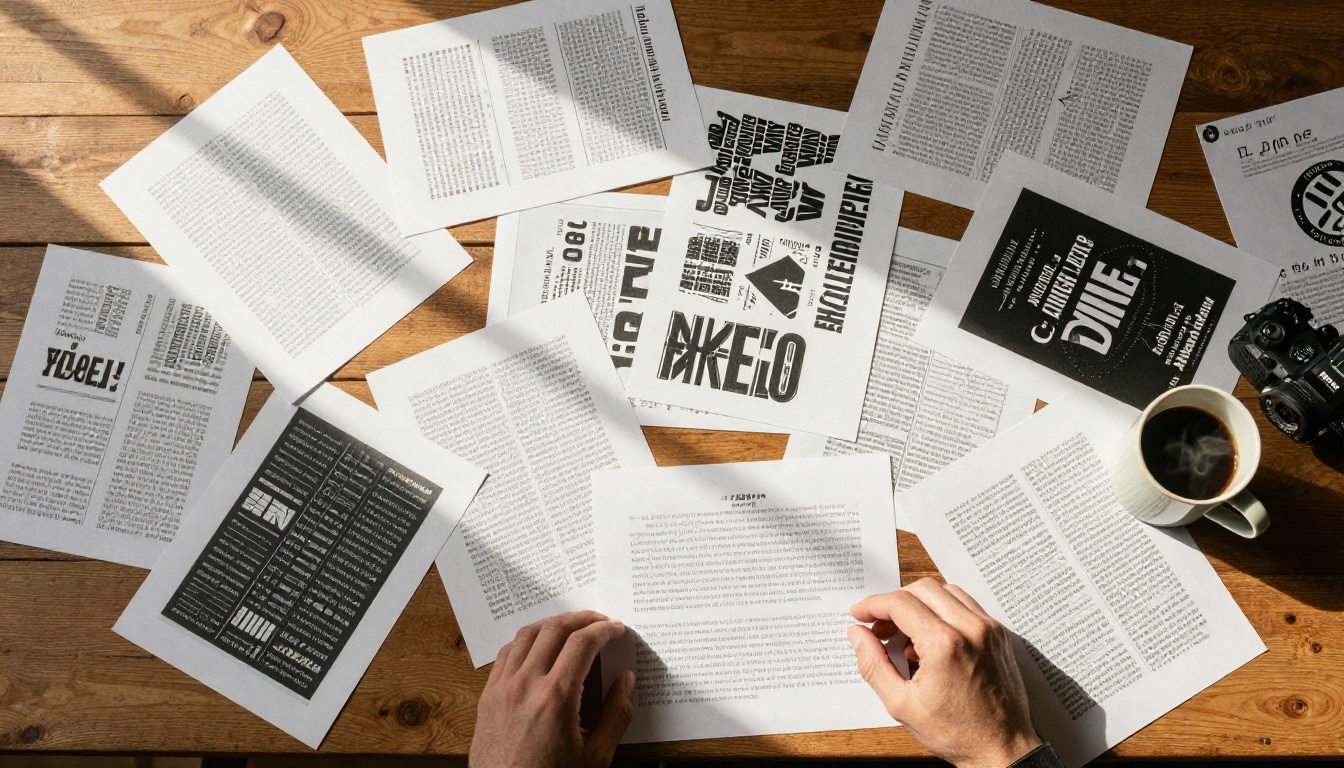
The core difference in Ideogram is architectural. The model was trained on image-text pairs where the typographic content was preserved and labeled as a distinct element. Rather than treating letters as arbitrary shapes, the model has learned that specific character sequences must be rendered accurately.
In practice, you can include quoted text inside your prompt and Ideogram will attempt to place those exact words into the image. The success rate on short phrases (two to five words) is remarkably high. Longer strings become less reliable, but even then the errors tend to be subtle misspellings rather than complete scrambling.
Ideogram's Text Control Options
Ideogram gives users several levers for controlling how text appears:
- Font style descriptions: You can specify "bold sans-serif," "elegant script," or "hand-painted letters" and the model applies those style characteristics to the rendered text.
- Color and contrast: Prompting for white text on dark backgrounds or colored letter fills produces consistent results.
- Text placement: While not pixel-precise, you can ask for text in the upper third, centered, or at the bottom of the composition and Ideogram generally respects that intent.
- Magic prompt: An optional prompt-enhancement layer that expands your brief description into a detailed text-aware prompt automatically.
The weakness is that Ideogram's overall image quality outside the typography sits slightly below the current top tier of photorealistic generators. For designs where the look of the non-text elements matters as much as the words, that tradeoff becomes a real consideration.
ChatGPT and Text in Images
ChatGPT's image generation runs on DALL-E 3, later updated with GPT-4o's native image generation and the GPT Image 2 model. OpenAI has invested significantly in text accuracy since DALL-E 2, which was famously terrible at rendering words.
GPT-4o Image Generation and Text
The generation pipeline in ChatGPT's newer image engine uses a fundamentally different approach than a pure diffusion model. GPT-4o processes your text prompt with full language comprehension before passing it to the image synthesis layer. This means when you specify exact text to include, the language model component can encode the precise character sequence, giving the image synthesis stage a clear target.
The result is noticeably better than Midjourney or base Stable Diffusion, particularly for:
- Short text labels (signs, buttons, name badges)
- Headline-style text on posters or ads
- Text integrated into product mockups
The ChatGPT interface also allows iterative refinement. You can generate an image, then say "the word in the sign should be blue and bold" and the model will revise just that element while preserving the scene.
How ChatGPT Handles Font Prompts
Where ChatGPT currently lags behind Ideogram is in fine-grained typographic control. When you ask for "Art Deco letterforms" or "distressed stamp typeface," ChatGPT makes a reasonable approximation but the styling is less precise. Ideogram's typography-specific training gives it a richer vocabulary for font character.
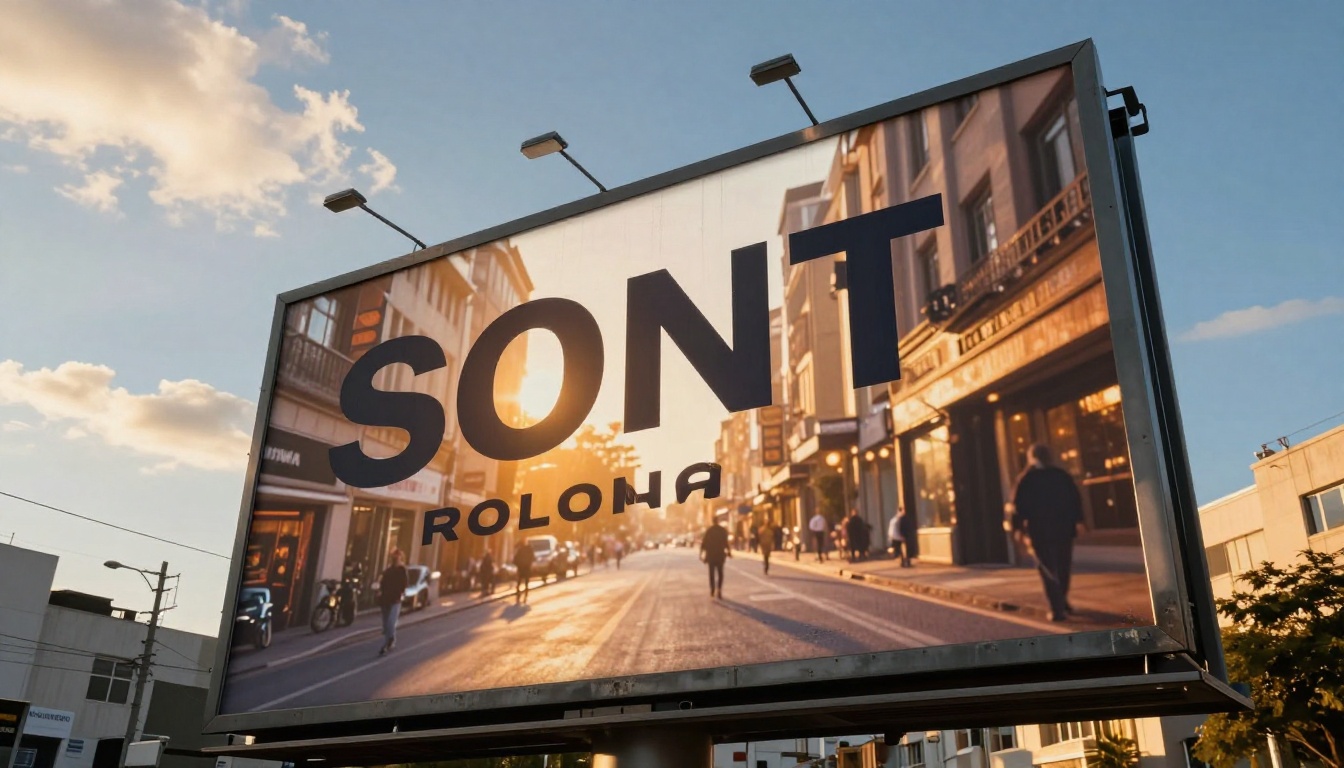
ChatGPT also occasionally introduces hallucinated text, particularly when the scene contains a background element where text would normally appear (like a book cover or street sign in the background). Even when you did not ask for text on those elements, the model may attempt to fill them with something plausible, and that something is frequently garbled.
💡 Quick tip: In ChatGPT, explicitly stating "no background text" or "blank signs in the background" significantly reduces unintended text hallucinations.
Direct Comparison: 6 Real Use Cases
| Use Case | Ideogram | ChatGPT (GPT-4o) | Winner |
|---|
| Poster headline (5 words) | High accuracy | Good accuracy | Ideogram |
| Single-word logo text | Excellent | Excellent | Tie |
| Paragraph body text | Fails beyond 2-3 lines | Fails beyond 2-3 lines | Tie |
| Font style matching | Strong, specific | Moderate, general | Ideogram |
| Iterative text editing | Limited | Conversational revisions | ChatGPT |
| Photorealistic scene quality | Good | Excellent | ChatGPT |
| Speed per generation | Fast | Moderate | Ideogram |
| Free tier availability | Yes (limited) | Yes (limited) | Tie |
Neither tool achieves 100% accuracy on multi-word text, but both are substantially ahead of the competition. The table above reflects patterns reported consistently by designers and content creators who use both tools in real production workflows.
Ideogram's Limitations
Ideogram's text accuracy comes with tradeoffs that matter depending on your workflow:
- Standalone tool: It is not connected to a broader assistant. You cannot have a conversation about the image or describe follow-up edits in natural language the way you can with ChatGPT.
- Photorealism ceiling: The model's overall realism, particularly for complex scenes with human subjects, is a notch below models like FLUX Dev or the best SDXL variants.
- Long text struggles: Anything beyond a short headline becomes unreliable. Body text, paragraphs, or multi-line content still produces errors.
- No native editing layer: Once you generate an image, revisions require full regenerations with adjusted prompts rather than targeted edits.
ChatGPT's Text Limitations
ChatGPT's primary text-in-image frustrations come from a different set of issues:
- Inconsistent typography style: Font rendering is somewhat random unless you prompt very specifically. The same prompt can produce different typefaces on consecutive generations.
- Background text contamination: Background scene elements often acquire unintended text that muddles the composition.
- Rate limits on free tier: ChatGPT restricts image generation on free accounts significantly, limiting how many iterations you can test.
- Loose text placement: You describe a position in words, and the model interprets that loosely. Zone-level or pixel-level positioning is not available.

How to Get Better Text in Your AI Images
Prompt Tricks That Actually Work
Regardless of which tool you use, these techniques consistently improve text accuracy:
- Quote your text explicitly: Always wrap the intended text in quotes inside your prompt. Write
a cafe sign reading "Daily Roast" rather than a cafe sign that says Daily Roast.
- Specify the font category: Adding "sans-serif," "serif," "handwritten," or "stencil" helps the model commit to a style and reduces character variation within the word.
- Reduce text volume: Limit yourself to five words or fewer per element. More text means more failure points.
- Use high-contrast backgrounds: Asking for text on plain, dark, or single-color backgrounds dramatically improves legibility.
- Generate multiple variants: Run four to six generations and select the best one rather than iterating a single output.
💡 Pro move: If you need truly accurate body copy inside an image, generate the image without text and add the text as a layer in Canva, Figma, or Photoshop afterward. Neither AI tool can reliably replace professional layout software for dense text.
Using GPT Image 2 on PicassoIA
If you want access to OpenAI's GPT Image 2 quality without a ChatGPT subscription, PicassoIA gives you direct access to that model alongside the full suite of text-to-image tools.
Here is how to use it effectively for text-in-image projects:
Step 1: Go to the GPT Image 2 model page
Navigate to the GPT Image 2 model on PicassoIA. You will see the prompt input, aspect ratio selector, and generation controls.
Step 2: Write a text-focused prompt
Use the quoting technique. For example: A rustic wooden storefront sign reading "The Linen House", late afternoon sunlight, photorealistic, warm shadows
Step 3: Set the aspect ratio
For social media posts, 1:1 or 4:5 works well. For banners and wide-format designs, 16:9 or 3:1 covers most needs.
Step 4: Generate and compare
Run three to four generations with slight prompt variations. Compare how the text renders in each. The best result typically needs minimal touch-up.
Step 5: Refine with inpainting
If the scene looks great but one word is slightly off, use an inpainting tool to mask just the text area and regenerate only that portion with a corrected prompt.

The Real Difference in Output Quality
The debate between Ideogram and ChatGPT for text in images is not about which one is smarter. It is about which one was trained to solve the specific problem you have.
Ideogram was purpose-built for typography. If your workflow involves creating posters, social cards, cover art, or branded imagery where the words are the centerpiece, Ideogram's specialized training gives it a genuine edge in text fidelity.
ChatGPT with GPT-4o images wins on everything else: richer scene composition, better photorealism, conversational iteration, and deep integration with a broader AI workflow. When text is one element among many in a complex scene, that broader capability often matters more.
For designers who need both: The practical answer is to use both tools for what they do best, or to use a platform like PicassoIA where multiple text-to-image models are available in one interface, including GPT Image 2 and FLUX Dev.
💡 Worth knowing: PicassoIA also offers super resolution tools that can upscale and sharpen generated images, which helps make text elements crisper when the initial output is slightly blurry at the character edges.
Which One Should You Pick
The choice comes down to your primary output type:
-
Pick Ideogram if: You generate content where text is the hero, such as posters, quotes, event flyers, social cards, and branded graphics. Its text accuracy on short phrases is hard to beat at this price point.
-
Pick ChatGPT if: You need rich, complex scenes with text as one supporting element. The image quality and iterative conversation workflow are better suited for editorial, advertising, and storytelling content.
-
Use both (or PicassoIA) if: Your projects vary. Having access to multiple models means you can choose the right tool per task rather than forcing every project through a single pipeline.
The AI image space is improving fast. Both Ideogram and OpenAI's image models have improved text accuracy significantly in the past 18 months, and neither is standing still. For now, the gap on short-phrase typography still favors Ideogram, while overall image quality and workflow flexibility lean toward ChatGPT.
Try It Yourself on PicassoIA
The fastest way to build an opinion on this debate is to run your own tests. Head to PicassoIA and generate the same prompt on multiple models. Try GPT Image 2 for a text-heavy poster prompt, then try FLUX Dev for the same scene and compare the results side by side.
You will see immediately which model handles your specific style of prompt better. That hands-on test is worth more than any written comparison because it reflects your actual use case, your prompt style, and the visual standards your work requires.
PicassoIA gives you access to over 90 text-to-image models, image editing tools, super resolution, and video generation in one place. No subscriptions to juggle, no switching tabs between tools. The full creative toolkit is right there, and text-in-image capabilities keep improving with every model update.


