Ideogram and Recraft have split the AI design community down the middle. One side swears by Ideogram's ability to render text inside images without it turning into scrambled nonsense. The other camp champions Recraft's vector export, its clean SVG output, and the kind of precision that makes brand designers actually comfortable using AI in production. Both tools are genuinely good. The question is which one fits what you are trying to build.
This breakdown covers the real differences: typography accuracy, vector support, image quality, pricing, brand identity use cases, and the specific workflows where each tool wins.
Both Ideogram and Recraft generate images from text prompts. That's where the similarity ends.
Ideogram at a glance
Ideogram launched with one specific claim to fame: it could render legible text inside generated images. That was a problem every other model struggled with, and Ideogram solved it early. Since then it has grown into a full creative platform with model variants covering realism, illustration, and cinematic styles. Its latest releases, Ideogram v3 Quality and Ideogram v3 Balanced, have pushed quality significantly higher, adding improved color coherence and better handling of complex scenes.
The tool also introduced Ideogram Character for consistent character generation across multiple images, something brand designers and content teams have found useful for creating cohesive visual identities around illustrated personas.
Recraft at a glance
Recraft took a different route. Instead of competing on photorealism or typography, it focused on what graphic designers actually need in production: scalable vector output. Recraft v4 can generate clean SVG files directly from prompts, which means the output is not a pixel image you have to manually trace in Illustrator; it is a real vector file ready to scale to a billboard.
Recraft v4 Pro adds fine-grained style control: brand colors, typography constraints, and output format selection. The Recraft Vectorize model takes any image and converts it to a clean vector, making it useful for bringing existing assets into a scalable format.
Text Rendering: Who Gets It Right
Typography inside AI-generated images has historically been a nightmare. Both tools address it, but in different ways.
Ideogram's typography strength
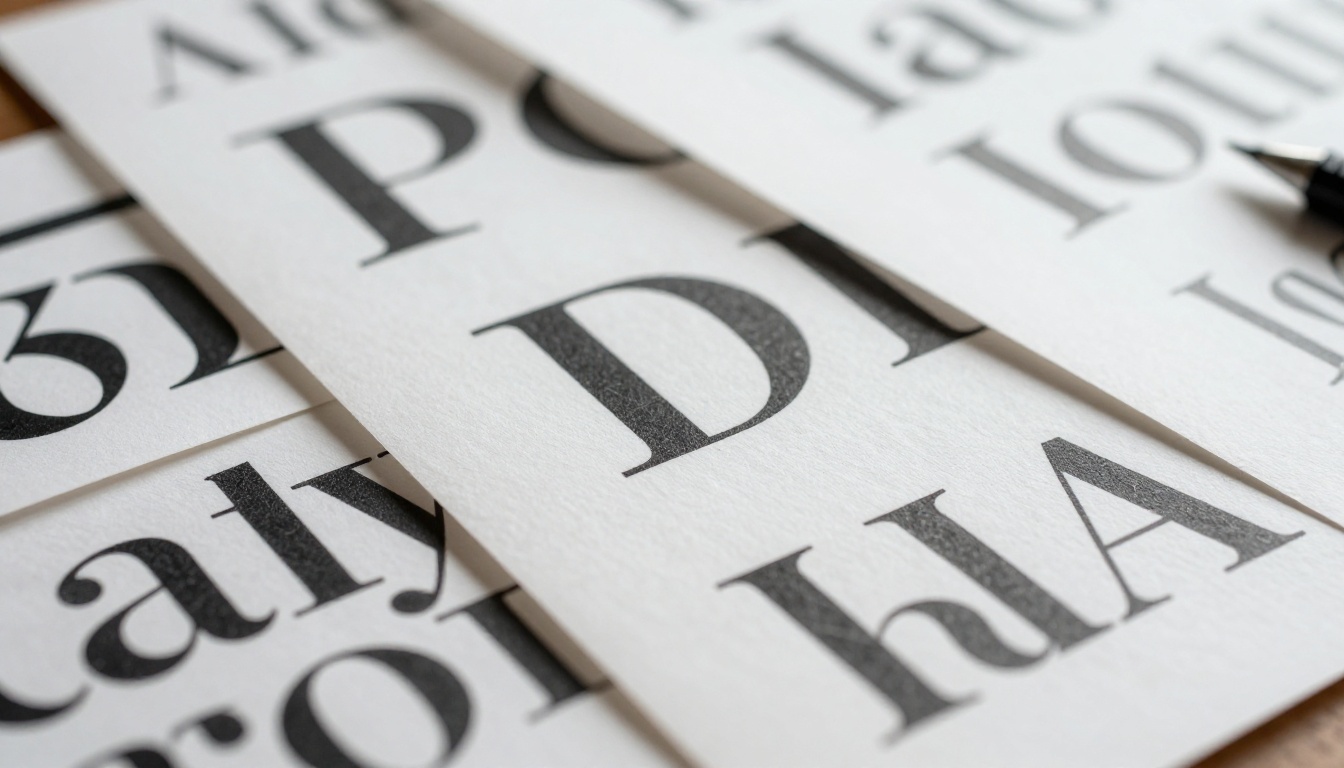
Ideogram was built with text rendering as a core priority. The result is that prompts like "a poster with the words 'Open Late' in bold serif font on a dark background" actually work. The text is spelled correctly, positioned intentionally, and styled to match the overall composition. Ideogram v3 Turbo handles this at faster generation speeds, useful when you are iterating on creative concepts and do not want to wait for quality-tier processing.
Where Ideogram still has room to grow: extremely complex multi-line text or very small font sizes at low prompt specificity can still produce errors. Tight prompt engineering eliminates most of these, but it is worth knowing.
Recraft's approach to type
Recraft's text handling is tied to its font engine, which lets you specify typefaces from a library rather than just describing them in natural language. This gives you precise, repeatable output. If you need the same font to appear across 20 generated assets, Recraft will actually do it consistently. That level of control is what separates a professional design tool from a creative experiment.
The tradeoff: Recraft's font system has a learning curve. You are working with a selection of available fonts rather than infinite stylistic freedom. For brand work where consistency beats creativity, that is a feature, not a limitation.
| Feature | Ideogram | Recraft |
|---|
| Text accuracy | Very high | High with font engine |
| Custom font selection | No | Yes |
| Multi-line text | Good | Excellent |
| Text positioning control | Prompt-based | Structured control |
| Consistency across outputs | Moderate | High |
Vector Output and SVG Files
This is where the two tools diverge most sharply, and where your specific workflow should drive your choice.
Where Recraft pulls ahead
Recraft's vector output is not an afterthought. Recraft v4 SVG and Recraft v4 Pro SVG generate SVG files with real, editable paths. Open one in Illustrator or Figma and you will find the structure is clean: shapes are separated into logical layers, paths are smooth rather than jagged, and color fills are consistent.
For a designer who needs to produce icons, logos, or brand illustrations, this matters enormously. Rasterized images cannot scale to print without quality loss. SVG files from Recraft v3 SVG or v4 can go straight from AI output to a billboard print run.
💡 Pro tip: Use Recraft Vectorize to convert any existing raster asset, photograph, or hand-drawn sketch into a clean SVG. It is one of the most practical tools in the platform for production workflows.
Ideogram's limits with vectors
Ideogram generates raster images. That is fine for social content, website visuals, and print at fixed sizes, but it is not a vector workflow. If you need SVG output from Ideogram, you will be taking the exported PNG into a separate vectorization tool. That is an extra step, and the results are never as clean as native SVG generation.
For designers whose workflow is anchored in Illustrator, Figma, or any production environment that demands scalable assets, Recraft is the more practical daily driver.
Image Quality and Style Range
Neither tool is a one-trick pony when it comes to visual output. Both produce high-quality images, but they target different aesthetics.
Photo-realism test
Ideogram v2 and its successors handle photorealistic scenes well, with natural color grading, realistic lighting behavior, and coherent spatial relationships between elements. The Ideogram v2a Turbo model hits a sweet spot between speed and quality for realistic imagery.
Recraft's Recraft v4 Pro also produces strong photorealistic output and has improved dramatically with each version. Recraft 20B runs a larger model with higher detail fidelity, particularly strong for product photography and flat-lay compositions.
Artistic and commercial styles
Ideogram tends to produce images with a warmer, more editorial feel. It is intuitive for content creators used to working with creative briefs and mood boards. Recraft leans toward clean, commercial aesthetics that work well in brand contexts, marketing materials, and UI design assets.
| Style Category | Ideogram | Recraft |
|---|
| Editorial photography | Excellent | Good |
| Flat illustration | Good | Excellent |
| Product visualization | Good | Very good |
| Icon design | Limited | Strong |
| Social media visuals | Excellent | Good |
| Print-ready assets | Moderate | Excellent |
Pricing and Speed
Both platforms offer free tiers. Neither is unlimited. Here is the actual breakdown.
Free tiers compared
Ideogram's free tier gives you a reasonable number of generations per day, enough to explore the tool and run small projects. Quality is capped below the top tier models. Recraft's free tier is similarly structured, with access to standard models and a daily generation limit.
The real difference: Recraft's free tier includes SVG generation, which is unusual and valuable. If you need vector output without paying, Recraft is the only option that delivers it natively.
Pro plan breakdown
Both pro plans open up higher generation limits, faster processing, and priority queue access. Ideogram's premium tier opens the Ideogram v3 Quality model, which represents a significant jump in output fidelity for complex creative prompts. Recraft's pro tier opens Recraft v4 Pro and Recraft v4 Pro SVG, adding font control, brand color locking, and higher-resolution outputs.
💡 For teams doing high-volume production, both platforms offer API access. Recraft's API supports SVG output natively, which means automated brand asset pipelines are possible without any post-processing step.
Brand Identity and Logo Work
This is where the choice gets practical for professional designers.
Best for logos
Logo design is almost entirely a vector workflow. For that reason, Recraft is the more natural fit. You can generate logo concepts as SVG files, iterate on them without quality degradation, and take the output directly into client presentations or production. Recraft v4 Pro SVG with brand color constraints is particularly powerful here: you input a palette, specify a style, and generate dozens of logo concept variations in minutes.
Ideogram contributes a different strength. For wordmarks and logotypes where stylized text is part of the design, Ideogram's text rendering accuracy makes it the better tool for initial concept generation. You might use Ideogram to nail the typographic feel of a brand, then rebuild it in Recraft for vector precision.
Long-term brand consistency
Recraft wins on consistency. Its structured style system means that once you have set parameters, every generated asset shares the same visual DNA. That is essential for a brand that needs 50 different images all feeling like they belong to the same identity system.
Ideogram's Layerize model takes a different approach: it extracts text layers from existing graphics, which is useful for modifying branded templates without rebuilding them from scratch.
How to Use Ideogram v3 on PicassoIA
Both Ideogram and Recraft models are available directly through PicassoIA, meaning you do not need separate accounts on each platform. Here is how to use Ideogram v3 through PicassoIA.
Pick your quality tier
PicassoIA gives you three Ideogram v3 variants. Use them based on your need:
- Ideogram v3 Turbo: Fast output for rapid iteration. Good for exploring concepts without burning through credits.
- Ideogram v3 Balanced: The sweet spot for most projects. Strong quality without long wait times.
- Ideogram v3 Quality: Highest fidelity. Use this for final outputs or client deliverables.
Craft the prompt
For typography-heavy work, be explicit in your prompt. Instead of "poster with text," write: "minimalist promotional poster, clean white background, bold black sans-serif letterforms in the center, soft drop shadow, print-ready composition." The more specific the visual language, the more accurate the output.
For character or illustration work, try Ideogram Character, which keeps visual consistency across multiple generations of the same character.
Refine and export
Once you have a strong output, use PicassoIA's inpainting tools to fix specific areas without regenerating the full image. This saves credits and preserves the parts that already work well.
How to Use Recraft v4 on PicassoIA
Recraft's models on PicassoIA give you the same SVG output capability without leaving the platform.
Choose your output format
Start by deciding whether you need raster or vector output:
- Recraft v4: High-quality raster images for web and social use.
- Recraft v4 Pro: Raster with brand color controls and style locking.
- Recraft v4 SVG: Vector output for scalable, editable files.
- Recraft v4 Pro SVG: Vector plus brand constraints. The top-tier choice for logo and identity work.
SVG and vector generation tips
When using SVG models, prompt for shapes and forms that vectorize cleanly: geometric compositions, bold silhouettes, and flat color areas without gradients. Complex photorealistic prompts work less well in vector format. Think icon libraries, illustration systems, and brand marks rather than landscapes or portraits.
💡 After generating an SVG, use Recraft Vectorize to convert any existing raster asset you want to match the vector style of your new output. This is the fastest path from old assets to a consistent, scalable design system.
For background removal on product shots or icons, Recraft's background removal model handles it cleanly within the same workflow.
Side-by-Side Verdict
| Use Case | Winner |
|---|
| Text and typography accuracy | Ideogram |
| SVG and vector output | Recraft |
| Logo and brand mark creation | Recraft |
| Social media content | Ideogram |
| Editorial and lifestyle imagery | Ideogram |
| Print production assets | Recraft |
| Consistent brand systems | Recraft |
| Character consistency | Ideogram |
| Speed for iteration | Both (Turbo tiers) |
| Free vector output | Recraft |
Neither tool beats the other across every category. A realistic production workflow uses both: Ideogram for creative ideation, typographic concepts, and editorial content; Recraft for the production-ready, scalable, brand-consistent assets that end up in client deliverables.
The practical advantage of PicassoIA is that you access all of these models in one place. Ideogram v3 Quality, Recraft v4 Pro SVG, Recraft Vectorize, and Ideogram Character are all available through a single account. You do not need to manage separate subscriptions, learn two different interfaces, or transfer files between platforms.
For designers who want to stop debating which tool is "better" and start building, PicassoIA removes the friction. Start with a concept in Ideogram, refine it, then take it to a production-ready vector in Recraft. That is a workflow that actually ships.

The creative tools are ready. Your next brand project, poster campaign, or design system can start today on PicassoIA, no platform-hopping required.