Three AI image generators have emerged as the real workhorses for professional designers in 2027. Ideogram, Recraft, and Midjourney each take a radically different approach to what "AI image generation" means, and the differences matter enormously depending on what you are actually trying to build. This breakdown cuts through the marketing to show you exactly where each tool wins, where it fails, and which one you should be opening on Monday morning.
Before you can pick the right tool, you need to understand what problem each one was built to solve. These are not interchangeable products sitting on the same shelf.
Ideogram's Specialty
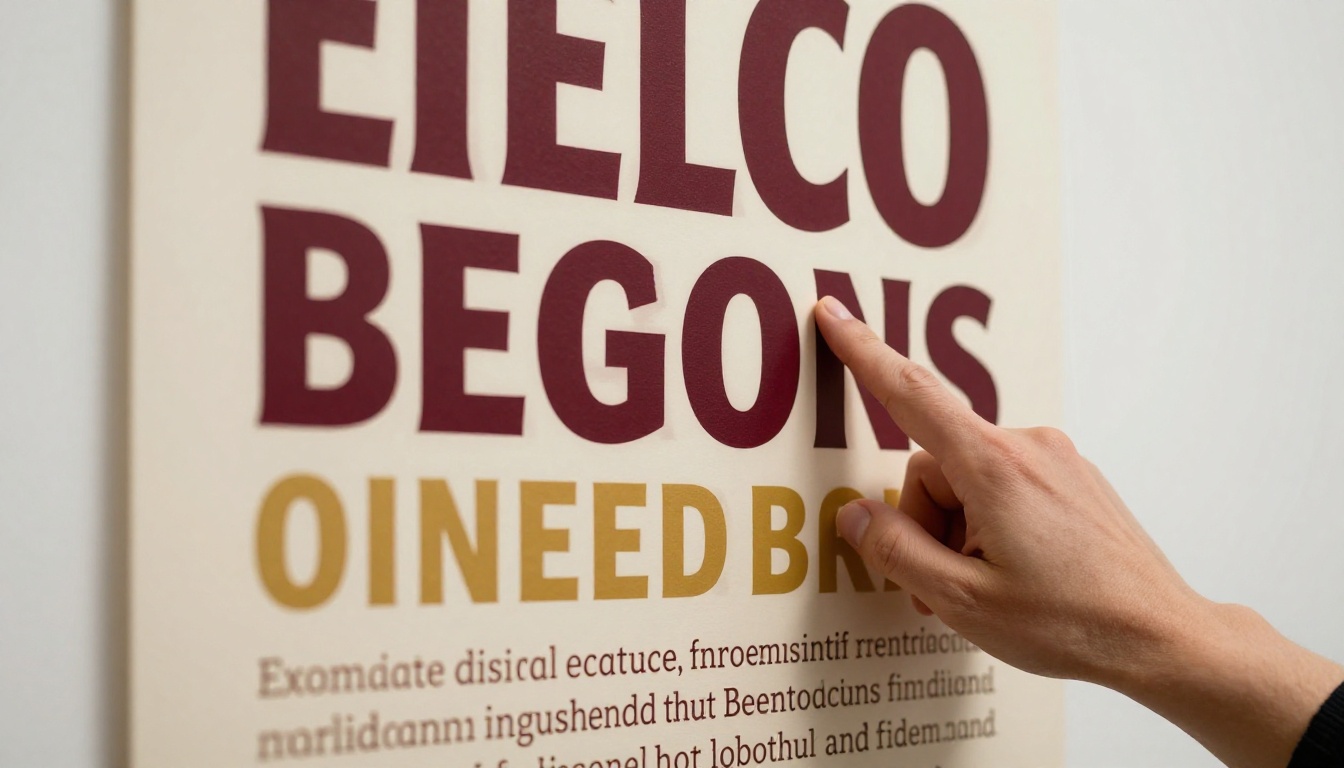
Ideogram was built with one obsessive focus: making AI-generated images that contain readable, accurate text. For years, misspelled words and garbled typography were the biggest tell that an image came from an AI generator. Ideogram changed that conversation. Its v2 and v3 models produce posters, book jackets, logos with text, and typographic compositions where the words are spelled correctly and the letterforms look coherent.
Its strengths go beyond typography. Ideogram produces clean, stylized illustrations that work well for editorial contexts, social media graphics, and anything where a bold graphic aesthetic matters more than photorealism. Its prompt adherence is precise, making it reliable for designers who write detailed prompts and need the output to match their specification.
Recraft's Core Strength
Recraft takes an entirely different lane. Where other tools produce raster images, Recraft added a capability that no serious competitor has matched: native SVG vector output directly from text prompts. Its Recraft 20B SVG model generates scalable vector graphics, which means logos, icons, and brand marks that scale to any size without pixelation.
This alone positions Recraft as a professional design tool rather than just an AI art novelty. Designers working in brand identity, print collateral, or product design immediately see the value: you can prompt your way to a vector asset, take it into Illustrator, and work with actual paths and anchor points.
Beyond SVG, its standard Recraft 20B model generates images with remarkable style consistency, allowing teams to maintain a coherent visual language across an entire campaign.
What Midjourney Does Best
Midjourney remains the gold standard for pure aesthetic quality. No other tool consistently produces images with such a strong sense of visual composition, mood, and artistic coherence. Its images often feel like they were shot by a photographer who also had a strong opinion about color grading. The bokeh, the light, the atmospheric depth: these qualities are baked into Midjourney's output in a way that other tools are still chasing.
Its weakness is control. Midjourney operates through Discord (or its recently launched web app), and prompting it requires almost a different dialect from what you would use in Ideogram or Recraft. Results vary significantly, and complex multi-element compositions frequently break. For designers who need precise, repeatable, production-ready outputs, that unpredictability is a real cost.
Image Quality Face-Off
Put all three tools through the same prompts and clear patterns emerge fast.
Detail, Realism, and Atmosphere
| Category | Ideogram | Recraft | Midjourney |
|---|
| Photorealism | Good | Moderate | Excellent |
| Artistic Coherence | Good | Good | Excellent |
| Typography Rendering | Excellent | Good | Poor |
| Vector Output | No | Yes (SVG) | No |
| Style Consistency | Good | Excellent | Variable |
| Prompt Adherence | Excellent | Excellent | Moderate |
| Commercial License | Yes | Yes | Yes (paid tiers) |
Midjourney wins on raw visual beauty. If you are generating mood boards, lifestyle imagery, or editorial photos for a magazine-style campaign, nothing touches it right now. The skin texture, the way light wraps around objects, the cinematic depth: it is in a different class.
Ideogram and Recraft both offer stronger prompt fidelity. When you write a specific, detailed prompt and need the output to match it closely, both tools outperform Midjourney. This matters enormously in professional workflows where you are iterating on a specific concept rather than browsing for inspiration.
Typography Accuracy
This category is not even close. Ideogram dominates so completely that it is effectively the only tool worth using when readable text appears in the image. Recraft has improved significantly, producing legible letterforms in many cases. Midjourney still mangles text in the majority of attempts, producing garbled, fictional alphabets that require heavy post-processing to fix.
For designers building social media templates, promotional posters, event announcements, or anything where words appear in the visual: Ideogram is your primary tool.
💡 When to combine tools: Many professional designers use Midjourney for initial concept mood boards, then switch to Ideogram for any asset that needs readable text, and Recraft for anything that needs to live as a vector file. Using all three together is a legitimate, powerful workflow.
Recraft Stands Out for Vectors
The SVG capability deserves its own section because it changes what is possible in a professional design workflow.
Native SVG Generation
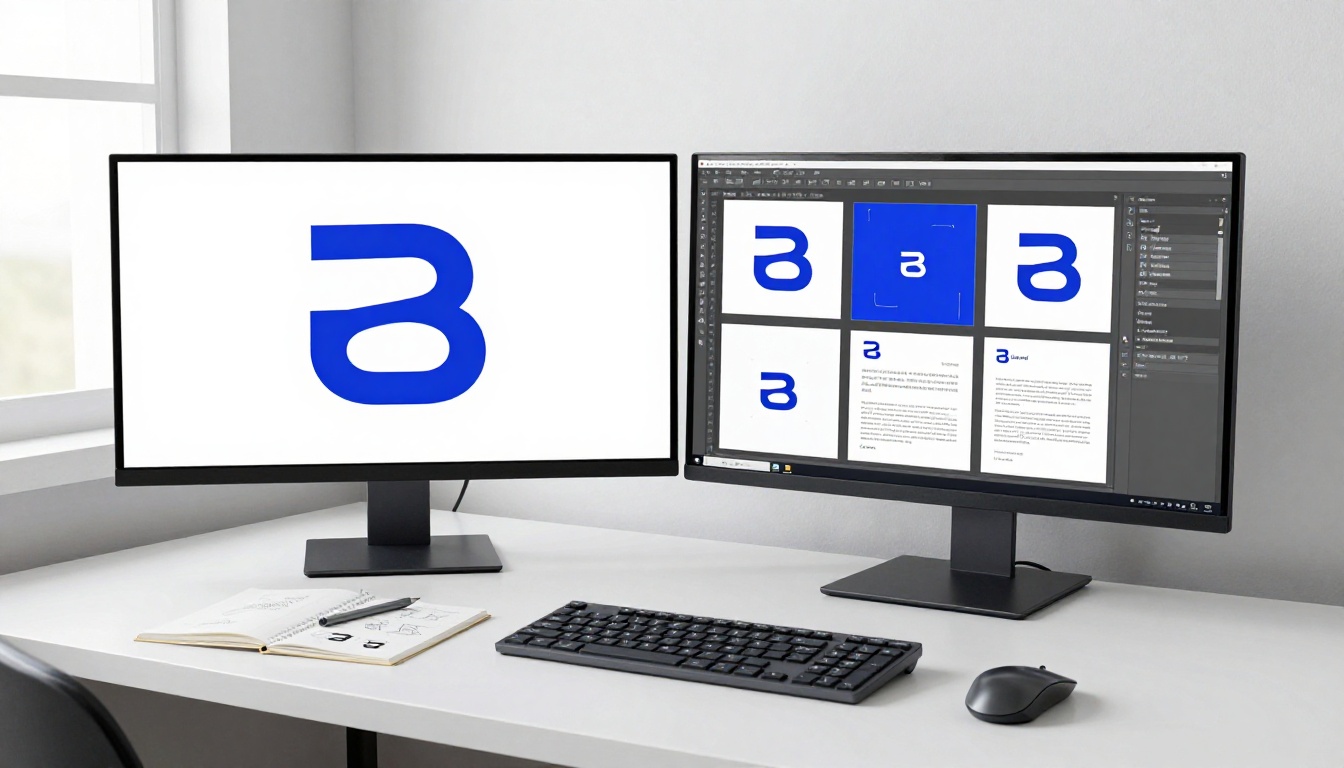
Before Recraft 20B SVG, the only way to get a vector file from an AI-generated image was to run it through an auto-tracer like Illustrator's Image Trace. These traced outputs are messy: hundreds of tiny anchor points, inconsistent path construction, and results that require substantial cleanup before they are usable.
Recraft generates actual structured SVG code, producing cleaner paths that behave predictably when opened in Illustrator or Figma. For simple logo marks, icons, and geometric brand elements, this output is genuinely production-viable with minimal editing.
The Recraft Vectorize model takes this a step further, converting existing raster images into clean SVG files. Upload a PNG sketch or a photograph of a hand-drawn logo and receive a scalable vector equivalent.
Brand and Logo Work
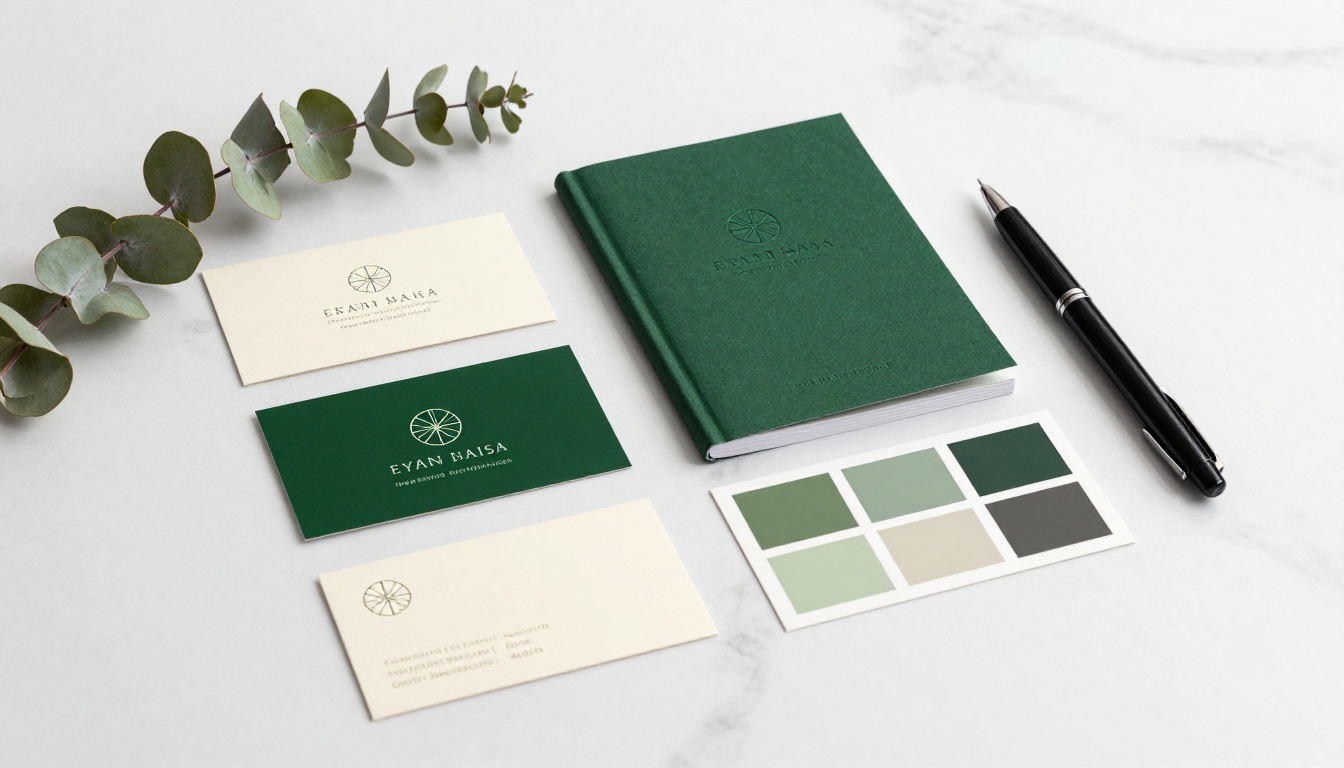
For brand identity work specifically, Recraft's style consistency is as important as its vector capability. Most AI tools treat each generation as a fresh, independent output with no memory of what came before. Recraft's style locking feature lets you define a visual language and apply it across multiple generations, producing a family of assets that share the same visual DNA.
This is the kind of capability that makes brand designers take AI tools seriously. A logo, an icon set, a pattern, and a set of social templates that all look like they came from the same design system: that is valuable deliverable territory, not just a novelty.
Pricing That Makes Sense
All three tools offer free tiers, but the limits and value differ significantly.
Free Tier Breakdown
- Ideogram: Free plan generates 10 images per day at standard quality. Slow generation times on free tier, but enough to evaluate the tool properly.
- Recraft: Generous free tier that includes raster image generation. SVG output requires a paid plan, which is the feature most professionals actually need.
- Midjourney: No free tier as of 2024. A paid subscription is required from day one, starting at $10 per month for 200 images.
Pro Plan Comparison
| Plan | Ideogram Pro | Recraft Pro | Midjourney Basic |
|---|
| Price | $8/month | $12/month | $10/month |
| Images | Unlimited | Unlimited | ~200 fast/month |
| SVG Output | No | Yes | No |
| API Access | Yes | Yes | Limited |
| Commercial Use | Yes | Yes | Yes |
Recraft's Pro plan offers the strongest value-to-cost ratio for professional designers, primarily because SVG output is included and the style consistency features are unlocked. Ideogram Pro at $8 per month is exceptional value for typography-heavy workflows. Midjourney's pricing feels steeper given its lack of a free tier and the more limited API access.
💡 Budget tip: If you are just starting with AI image generation, begin with Ideogram's free tier to develop your prompting skills. The text rendering capability alone will teach you a great deal about how these models interpret written descriptions.
The honest answer is that the best tool depends entirely on what you are making. Here is a direct breakdown.
For Branding and Identity

Recraft first. The SVG output and style consistency make it the most production-ready tool for brand identity work. Use Recraft 20B for raster brand imagery and Recraft 20B SVG for logo marks and icon systems. Supplement with Ideogram when your brand elements need readable typography built into the visual.
For Social Media Content
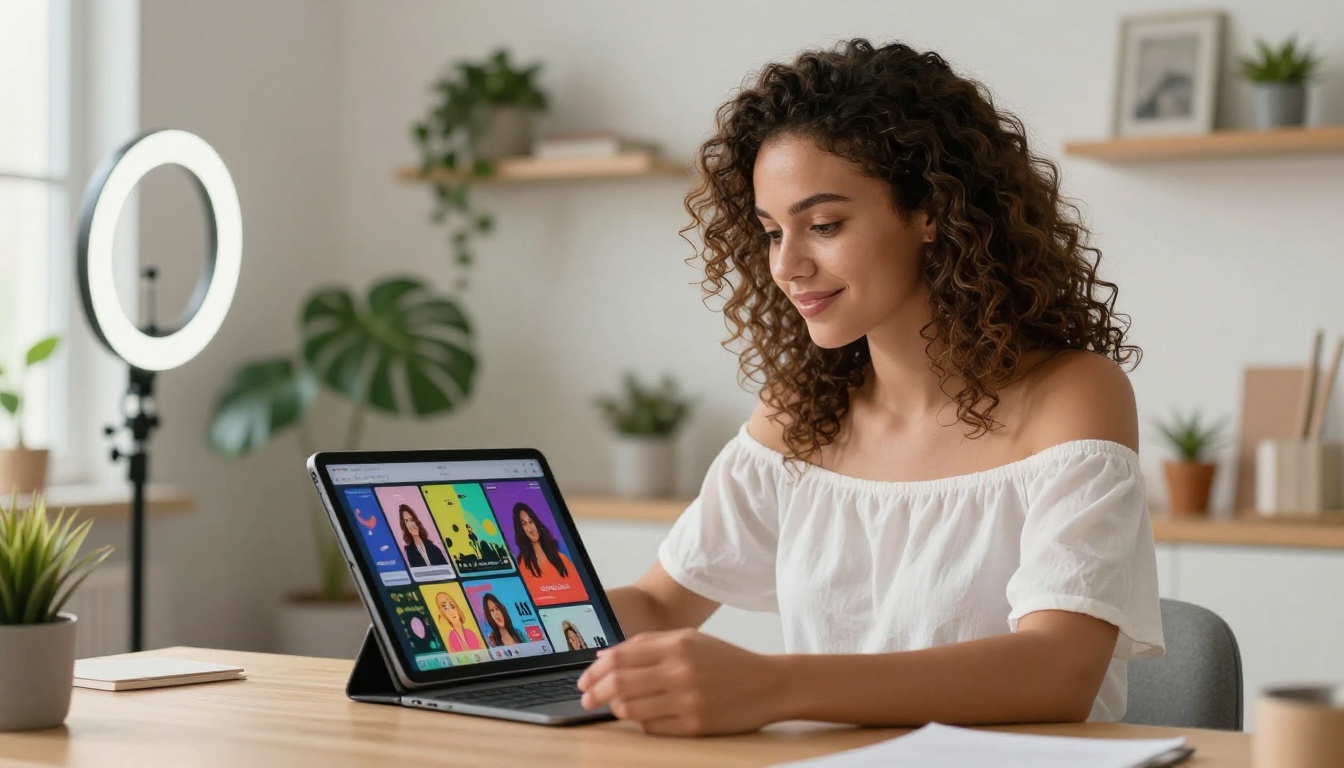
Ideogram for text-based posts, Midjourney for lifestyle imagery. Social media content splits into two very different visual needs. Posts that feature promotional copy, event announcements, or product highlights benefit enormously from Ideogram's typography accuracy. Posts that need beautiful, scroll-stopping lifestyle photography or atmospheric scenes are better served by Midjourney's superior visual quality.
For Editorial and Marketing
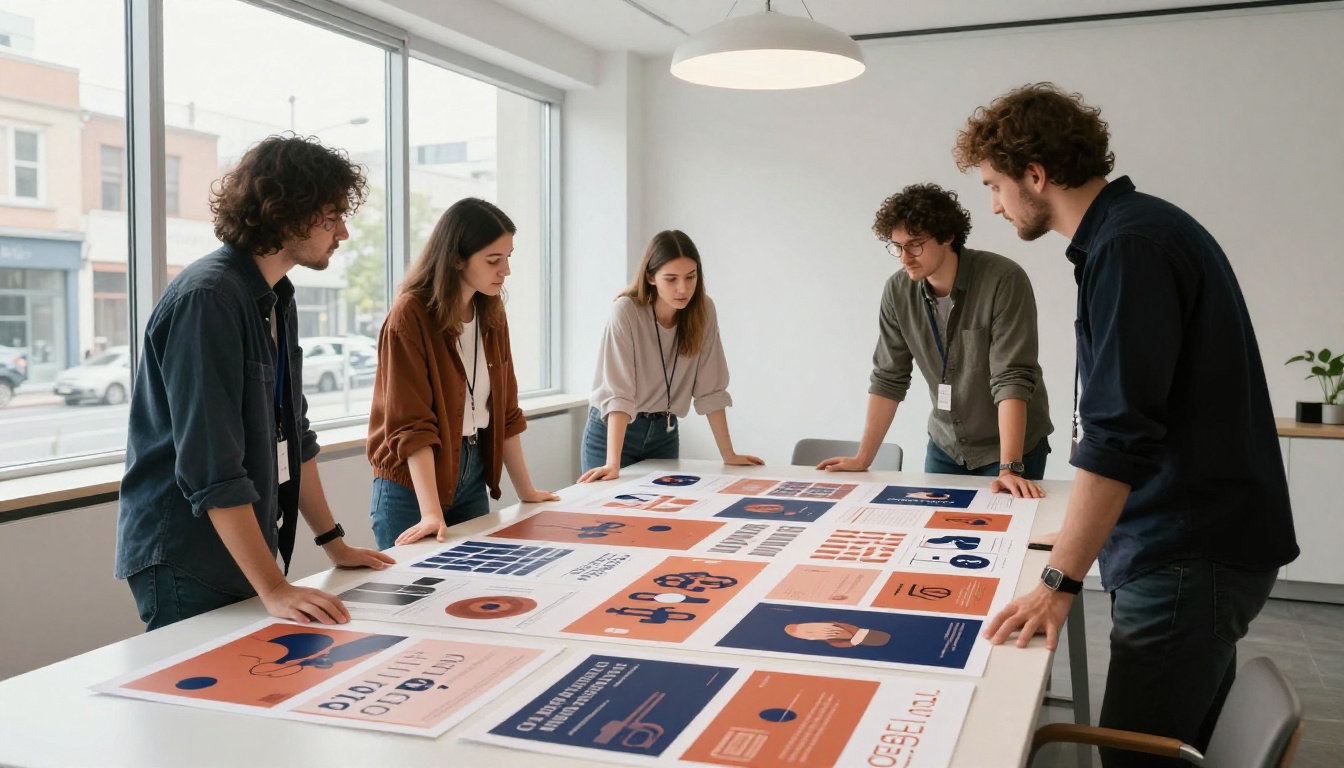
Midjourney for hero imagery, Ideogram for supporting graphics. Editorial campaigns and marketing campaigns both need visually striking hero images that stop people mid-scroll. Midjourney excels here. Supporting graphics, infographic elements, and any visual that includes readable text should route through Ideogram.
For print production specifically, Recraft's vector output becomes critical again. A hero image from Midjourney can be upscaled for large-format printing, but any logo or icon element in the layout needs to be vector-native.
For Technical and Product Illustrations
All three tools struggle with precise technical accuracy, particularly for diagrams, product schematics, or anything that requires dimensional accuracy. For these use cases, AI generation works best as a starting point for ideation rather than a final deliverable. Recraft's structured output tends to be the cleanest starting point for technical subjects.
Try These Models on PicassoIA
PicassoIA gives designers access to many of the best AI image models in one platform, including several that compete directly with or complement Ideogram, Recraft, and Midjourney.
Recraft Models on the Platform
PicassoIA hosts Recraft 20B, Recraft 20B SVG, and Recraft Vectorize directly. This means you can run Recraft's vector generation pipeline without leaving the platform, alongside other models you may already be using.
Flux Models as Strong Alternatives
For designers who want Midjourney-level aesthetic quality but with better API access and more control, the Flux family of models is the strongest current alternative. Flux Fast generates images in seconds with high visual quality, while Flux Kontext Dev allows direct image editing and modification with precise prompt control. Flux Schnell LoRA adds custom style training capability, and Flux Pro Finetuned delivers the highest output quality in the family.
Stable Diffusion 3 rounds out the platform's text-to-image offering with strong prompt adherence and a flexible architecture for experimental work. Dall-E 3 from OpenAI is also available and delivers excellent results for illustrated and photorealistic outputs with natural language prompts.
For designers who need human subjects in their work, the Portrait Series model generates cohesive, photorealistic portraits from a single reference image, making it practical for creating consistent character representations across a brand campaign.
The Real Winner Depends on Your Brief
The gap between these three tools is narrowing every few months. Midjourney has been improving its text rendering. Ideogram's photorealism is getting stronger. Recraft's style features are expanding. But in their current state, the specializations are real and significant.
The designers who get the most from these tools are not the ones who pick one and stick with it. They are the ones who understand what each model was built for and route work accordingly. Typography and text elements go to Ideogram. Brand identity and vector work go to Recraft. Atmospheric photography and mood imagery go to Midjourney or Flux.
That routing discipline is the difference between treating AI as a novelty and treating it as a genuine production tool.
💡 Start right now: The best way to build this routing instinct is hands-on practice. Open one tool, write a specific prompt, study the output, and note where it succeeded and where it failed. Do that 50 times and you will know intuitively which tool to reach for on any given brief.
Create Your First AI Images on PicassoIA
Now that you know how Ideogram, Recraft, and Midjourney compare, the most valuable next step is getting hands-on with these models yourself. PicassoIA brings together the Recraft family, Flux variants, Stable Diffusion 3, Dall-E 3, and dozens of other models in one platform, so you can run side-by-side tests and find the combination that fits your creative process.
Whether you are working on brand identity, social content, editorial imagery, or product design, the right AI tool is already available. Try Recraft 20B for your next logo concept, run Flux Fast for quick lifestyle imagery, or use Recraft 20B SVG to generate your first vector asset from a text prompt. The workflow you build in the next few weeks will be the one that gives you a real competitive edge this year.


