Three tools are fighting for the top spot in AI design right now: Ideogram, Recraft, and Picasso AI. Each one solves a different problem, attracts a different kind of creator, and produces distinctly different results when you put them through the same prompts. If you've been testing all three and still can't figure out which one deserves a permanent spot in your workflow, that confusion makes complete sense. The differences aren't always obvious from marketing pages.
The AI image generation space has dozens of players, but Ideogram, Recraft, and Picasso AI have separated themselves from the noise for very specific reasons. Ideogram built its reputation on text rendering, a notoriously difficult problem for generative models. Recraft carved out a niche in vector art and brand-safe design output. Picasso AI took a platform approach, aggregating the best models in the industry into one accessible hub.
The text rendering problem nobody solved
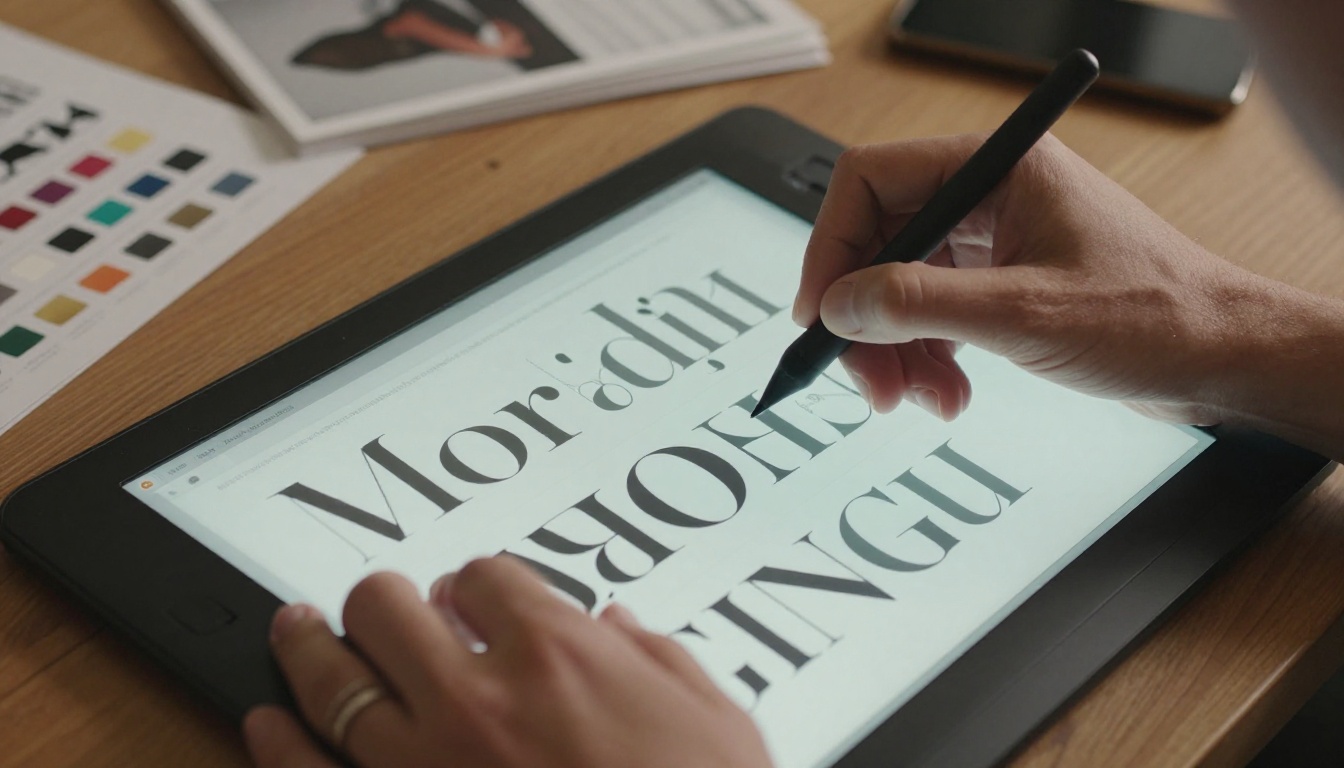
Ask any designer what frustrated them most about early AI image generators, and garbled text will be near the top of the list. Distorted letters, nonsensical words baked into signs, logos that look like they were typed on a broken keyboard. This was the industry's open secret for years.
Ideogram changed that expectation. Their core model architecture treats text as a first-class element in the generation process, not an afterthought. The result is that when you prompt Ideogram to include readable words in an image, it actually works most of the time.
Speed versus quality trade-offs
Every platform offers multiple speed tiers, and the choice between them has real workflow implications. A fast model that produces mediocre output wastes your time if you're doing client work. A slow model that produces perfect output wastes your time if you're doing rapid concept exploration.
💡 The sweet spot for most designers: a balanced model for client deliverables, a fast model for internal ideation. Know which mode you're in before you generate.
Ideogram: Built for Text That Reads
Ideogram's identity is inseparable from its text rendering capability. That's what it became known for, what kept designers coming back, and what competitors have been scrambling to match since v2 launched.

How Ideogram v3 handles typography
The v3 generation represents a significant step forward. Where earlier versions would occasionally fumble longer strings of text or unusual typefaces, Ideogram v3 handles complex typographic prompts with noticeably higher accuracy. It also improved on aesthetic quality overall, making images that feel less like generic AI output and more like deliberately composed photography or editorial illustration.
What Ideogram v3 does well:
- Text rendering in images with high accuracy, including multi-word phrases
- Consistent color palette adherence across variations
- Strong photorealistic mode output for product and lifestyle photography
- Character generation with readable text on clothing, signs, and objects
- Clean composition with intentional use of negative space
On Picasso AI, you can access Ideogram v3 Turbo for fast iterations, Ideogram v3 Balanced for everyday production work, and Ideogram v3 Quality when the deliverable needs to be pixel-perfect for a client presentation.
Ideogram's strengths and weak spots
| Area | Rating |
|---|
| Text rendering accuracy | Excellent |
| Photorealistic output | Very Good |
| Creative illustration | Good |
| Vector / SVG output | Not supported |
| Speed in Turbo mode | Very Fast |
| Prompt adherence | Strong |
| Brand consistency | Moderate |
Where it falls short: Ideogram is not a vector tool. If your workflow depends on scalable assets that can be dropped into Illustrator or exported as SVG for web use, you're working against the platform. It's also not built for fine-grained style control in the way open-source diffusion models allow.
💡 Ideogram shines brightest for social media graphics, poster design, and any project where text legibility inside the image is non-negotiable.
If you prefer an older but still capable version, Ideogram v2 and Ideogram v2 Turbo remain solid options for budget-conscious workflows. Ideogram Character adds specialized character generation capabilities worth testing for mascot or persona-driven projects.
Recraft: The Vector-First Contender
Recraft occupies a very different position in the market. While most text-to-image tools focus on photorealism or artistic illustration, Recraft built its core value proposition around SVG output and brand-consistent design generation.
What Recraft does that others don't
The ability to generate true vector graphics from text prompts is genuinely rare. Most AI image generation tools produce raster images that pixelate when scaled up. Recraft's SVG output mode gives designers something they can actually use in production without hitting a resolution ceiling.
Recraft's distinct features:
- SVG output: Actual scalable vector files, not rasterized approximations
- Brand style control: Lock in a color palette and visual style guide that persists across generations
- Icon and illustration sets: Generate consistent visual asset families rather than one-off images
- Mockup-ready output: Clean backgrounds and predictable formats that slot into design templates
Recraft v4 is the current flagship with significant improvements in text rendering alongside its vector capabilities. Recraft v4 Pro adds fine-tuned controls for professional brand identity work. For projects that don't require the latest features, Recraft v3 and Recraft 20B remain capable options.
Recraft's real limitations
Recraft's photorealistic output quality doesn't compete at the top tier of diffusion models. If you need a hyper-detailed, film-grain photorealistic image of a person or a believable product shot, Recraft is not the right tool for the job. Its strength lives in the design-system layer: consistency, scalability, and repeatability across a brand system.
What Recraft doesn't do:
- Match Ideogram or Flux on photorealistic image quality
- Handle complex scene composition as well as purpose-built photography models
- Offer the model variety that a multi-model platform provides

Picasso AI takes a fundamentally different approach to the problem. Rather than building one model and betting everything on it, Picasso AI aggregates the best models in the industry into a single, accessible platform. That means instead of choosing between Ideogram and Recraft, you can use both, plus dozens of others, without switching tabs or managing separate subscriptions.
Why the model library changes everything
Having access to 91+ text-to-image models isn't just impressive on paper. It changes how you actually work day to day. When a client brief calls for hyper-photorealistic product photography, you reach for Flux 1.1 Pro or Flux Dev. When that same client's social campaign needs text-forward poster graphics, you switch to Ideogram v3 Quality. When the art director wants something with a more classic artistic quality, you pull up Stable Diffusion 3.5 Large.
No subscription-hopping. No export-import friction. One platform with the right tool always within reach.
How PicassoIA beats single-tool platforms
| Feature | Ideogram Standalone | Recraft Standalone | Picasso AI |
|---|
| Text-to-image models | 1 family | 1 family | 91+ models |
| Text rendering | Excellent | Good | Depends on model |
| Vector SVG output | No | Yes | Via Recraft models |
| Video generation | No | No | 87+ models |
| Background removal | No | Limited | Yes |
| Super resolution | No | No | Yes (2x-4x) |
| Lipsync | No | No | Yes |
| Face swap | No | No | Yes |
| Single subscription | Yes | Yes | Yes, covers all |
The math is straightforward. A creative professional who needs images, videos, voice generation, and background removal would need four or five separate subscriptions to replicate what Picasso AI offers in one place. Beyond cost, there's the cognitive overhead of managing multiple platforms, learning different interfaces, and dealing with inconsistent export formats.
💡 Picasso AI works best for freelancers and agencies who need a full creative toolkit, not a single specialized function for one narrow use case.
Use Case Winners
Different tools win in different contexts. Here's where each one has a genuine, practical edge.
Best for social media graphics
Winner: Ideogram via Picasso AI
For text-on-image designs, promotional posts, quote cards, and any creative where words need to be readable inside the visual, Ideogram consistently outperforms the competition. Access Ideogram v3 Turbo on Picasso AI for rapid iteration across multiple post variations in a single session.
Best for brand identity work
Winner: Recraft via Picasso AI
Logo sketches, icon sets, brand-consistent illustration libraries, presentation decks. Recraft v4 Pro gives brand designers the consistency and vector output that photorealistic models simply cannot replicate.
Best for photorealistic images
Winner: Flux models via Picasso AI
When you need a photorealistic model shot, product photograph, or editorial image that holds up under scrutiny, Flux Dev and Flux 1.1 Pro set the standard. No standalone offering from Ideogram or Recraft matches the photorealistic depth these models achieve.
Best for rapid concept work
Winner: Picasso AI platform
The ability to jump between model types without switching platforms is a major workflow advantage during the ideation phase. No other single subscription gives you this kind of creative flexibility across categories.
How to Use Ideogram on Picasso AI
Since Ideogram models are available directly inside Picasso AI, you don't need a separate Ideogram subscription to access the full v3 lineup. Here's how to put it to work on real projects.
Step 1: Choose your variant
Go to the Ideogram v3 Balanced model page on Picasso AI as your starting point. For faster generation during concept exploration, switch to Ideogram v3 Turbo. For final deliverables where quality matters most, use Ideogram v3 Quality.
Step 2: Write prompts for text accuracy
Ideogram responds best when you're explicit about the text you want rendered. Instead of "a poster about coffee," write something like: "a coffee shop poster with the words MORNING BREW in large serif font, warm earth tones, photorealistic photography style, clean white background." Be specific about:
- The exact words you want in the image (use quotes or all caps in the prompt for emphasis)
- Font style: serif, sans-serif, handwritten, bold, elegant, condensed
- Text placement: top of the image, centered, bottom-left corner, overlaid on subject
- Background and color treatment to create contrast with the text
Step 3: Iterate fast, then refine
Use Ideogram v3 Turbo to generate four to six variations quickly. Once you identify the composition direction that works, switch to Ideogram v3 Quality for the final render. This two-step approach balances speed and output quality without spending credits on high-fidelity renders during the exploration phase.
💡 For character-focused work like brand mascots or consistent persona sheets, Ideogram Character is a specialized variant worth testing before committing to a photorealism-focused model.

Here's the practical reality most comparison articles skip: a designer who commits exclusively to one of these tools is leaving creative range on the table. Ideogram doesn't do vector. Recraft doesn't do photorealism at the highest tier. Neither of them handles video, lipsync, super resolution, or AI music generation.
The designers getting the most out of AI tools in 2027 aren't the ones who picked the "best" single tool. They're the ones who picked the platform that gives them access to the right tool for each situation, without friction.
What Picasso AI adds beyond image generation:
- Text to Video: 87+ video generation models for motion content and short-form campaigns
- Super Resolution: Upscale image outputs up to 4x for print-ready files
- Background Removal: Clean, production-ready cutouts in seconds with no manual masking
- Face Swap: Realistic face replacement for persona-based visual campaigns
- Lipsync: Sync generated or recorded audio to video faces with natural results
- AI Music Generation: Create original audio tracks directly from text prompts
Every one of these capabilities is accessible under a single Picasso AI subscription. For a freelancer or small agency, that's the difference between a $200 monthly tool stack and one platform that covers most of it.

Start Creating with AI Now
Reading about these tools only gets you so far. The real test is putting your own brief into the system and seeing what comes back. Start with a project you're already working on and run it through Ideogram v3 Balanced for text-forward creative, Recraft v4 for vector-style brand work, and Flux Dev for photorealistic photography.
All three are accessible through Picasso AI without switching platforms or managing separate subscriptions. That hands-on comparison, on your actual brief with your actual creative direction, will tell you more than any article can.
Pick one project. Run it through all three. The right tool for your workflow will make itself obvious.


