If you've spent more than a week generating anime art with AI, you've hit the same fork in the road: Illustrious XL or Pony Diffusion V6 XL. Both are SDXL-based checkpoints with massive communities behind them, and both produce stunning character design AI output in the right hands. But they're built from fundamentally different training philosophies, and that changes everything about how you prompt, what you get, and which model fits your production setup.
This is a practical breakdown of two models that define what anime AI art generation looks like in 2024 and 2025. We'll cover visual style, prompt behavior, LoRA ecosystems, upscaling, and which one actually belongs in your workflow.
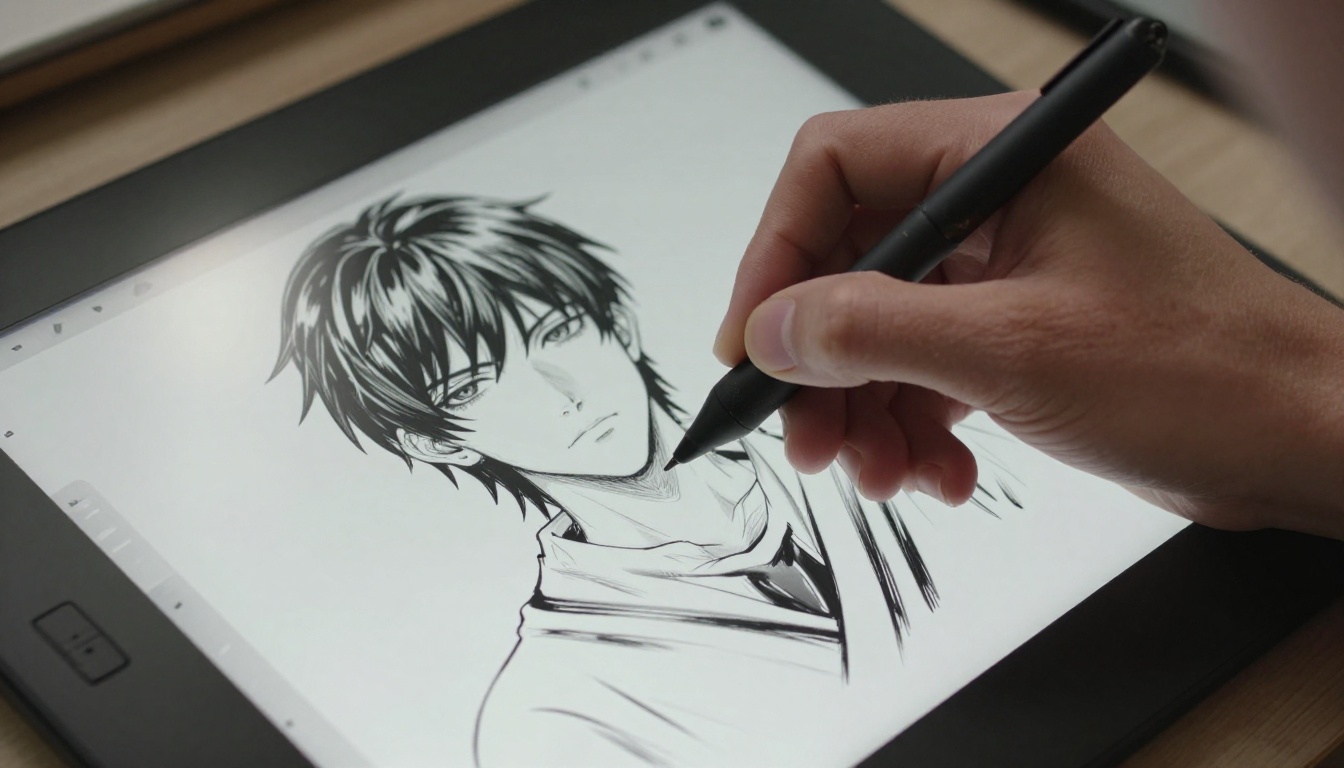
What Makes These Models Different?
The surface answer is training data. The real answer is intent during training. Illustrious and Pony both began from SDXL base weights, but every decision made after that point diverges in a meaningful way.
Illustrious XL at a Glance
Illustrious XL was built by the OnomaAI team with a specific goal: produce output that looks like it came from a professional anime studio. The training dataset was curated for quality over volume, weighted toward high-resolution character illustrations with clean linework, accurate anatomy, and faithful color rendering.
It handles natural language prompts well, meaning you write in plain English rather than relying on Danbooru-style tags. Results tend toward softer gradients, luminous skin tones, and studio-level consistency across generations. Where Illustrious consistently outperforms other anime checkpoints is face quality. Eyes carry catchlight detail, shading around cheekbones is subtle but present, and characters maintain anatomical coherence across different poses.
The model also shows strong anime character consistency when you use the same seed with minor prompt variations, which makes it ideal for generating character reference sheets across multiple expressions and angles.
Pony Diffusion V6 at a Glance
Pony Diffusion V6 XL took a different approach. Created by "purplesmartai" on Civitai, it was trained heavily on Danbooru-tagged data, which means it responds best to structured tag-based prompting rather than natural language. The visual output leans toward higher contrast, bolder linework, and more saturated color palettes.
Pony's real strength is versatility within anime subgenres. Because Danbooru tags cover everything from shounen action to slice-of-life to mature artistic content, Pony can shift styles dramatically with minimal prompt changes. Its community LoRA library is enormous, and most of the best specialized LoRAs are designed specifically to run on the Pony checkpoint.
How They Handle Style
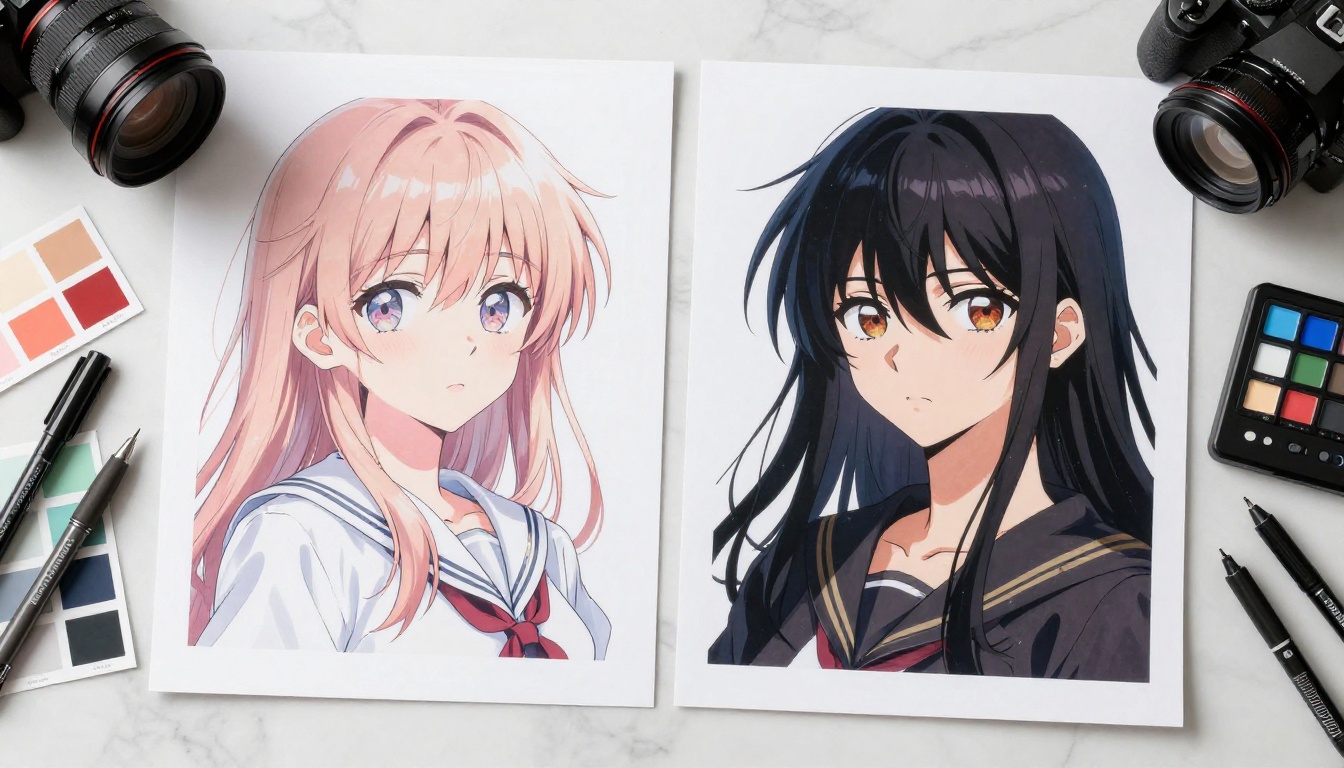
You'll notice the difference within 30 seconds of running side-by-side comparison generations from the same prompt.
Softness vs. Impact
Illustrious produces images that feel polished and restrained. The shading is smooth, color transitions are gentle, and the overall output resembles professional anime promotional artwork or high-quality visual novel assets. This makes it ideal for character portraits, reference sheets, and anything that needs to look publication-ready without heavy post-processing.
Pony goes harder. The linework is crisper, shadows have more defined edges, and colors hit with intensity. This works beautifully for action sequences, fan art in the style of popular franchises, and scenes where immediate visual impact matters more than subtlety. Cell-shade style outputs are naturally achievable with minimal additional prompting.
💡 Neither is "better." Illustrious is more conservative; Pony is more aggressive. The right choice depends entirely on what you're building.
Color Science and Saturation
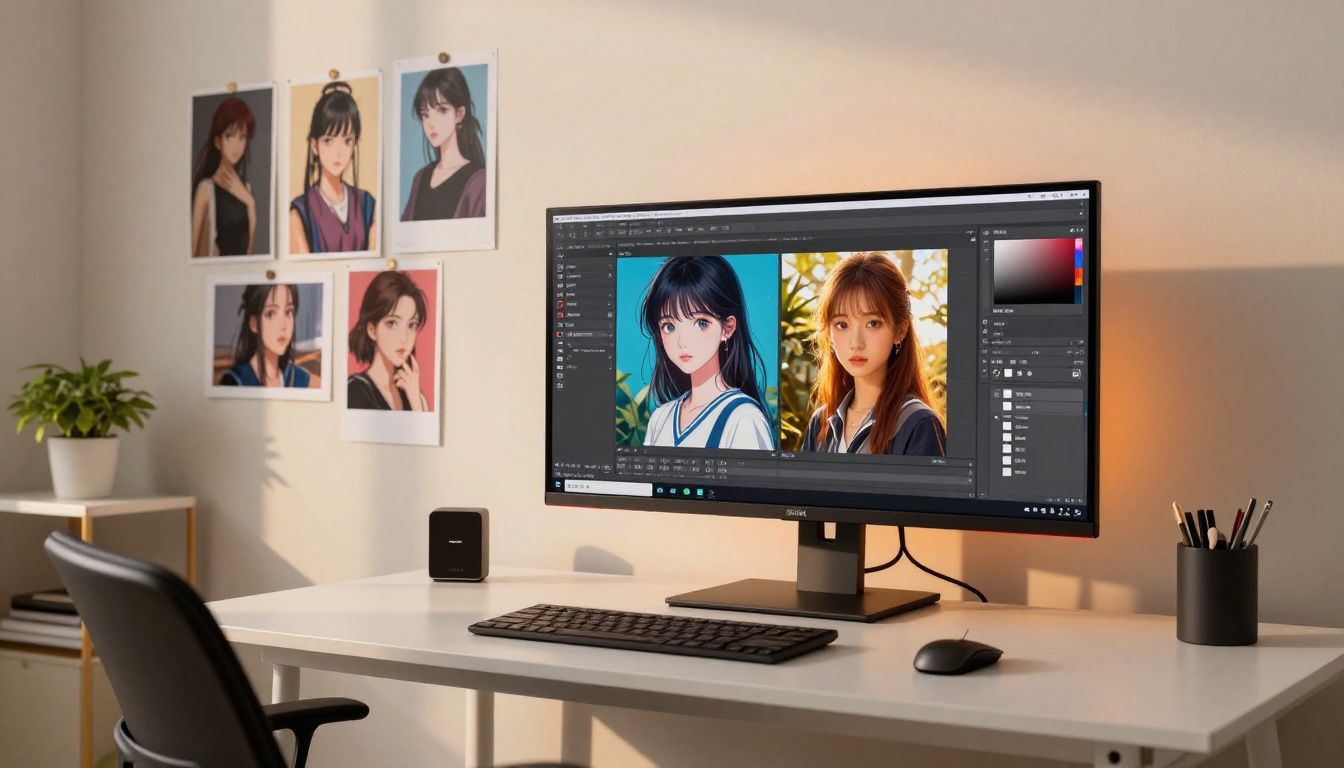
This is where the models diverge most noticeably in practice, particularly around skin tones, hair rendering, and background lighting.
| Attribute | Illustrious XL | Pony Diffusion V6 |
|---|
| Skin Tones | Warm, subtle, naturalistic | Cooler, higher saturation |
| Hair Rendering | Soft gradient depth, strand detail | Vivid flat-to-deep contrast |
| Background Lighting | Atmospheric, moody | Bold, graphic, visual-novel-panel style |
| Eye Detail | Hyper-detailed, luminous catchlights | Stylized, expressive impact |
| Shadow Style | Smooth gradients by default | Hard cell-shade available natively |
| Best For | Visual novels, character sheets | Fan art, action scenes, social content |
If you're building assets for a visual novel or a character reference library, Illustrious gives you more consistent, neutral-friendly results. If you're producing high-contrast illustration for social media or genre-specific fan content, Pony's palette hits harder.
Prompt Behavior Side by Side
This practical section determines your day-to-day workflow more than any visual style comparison.
How Each Model Reads Tags
Illustrious understands natural language prompts. You can write "a girl with silver hair sitting in a sunlit garden, wearing a white dress, gentle afternoon light, soft expression" and get a coherent, well-composed result. The model fills in compositional decisions intelligently without requiring you to specify every detail.
Pony was built on Danbooru tags. It responds best to structured tag inputs like: 1girl, silver hair, sitting, garden, white dress, afternoon lighting, soft expression, detailed eyes. When you write natural language to Pony, it often produces acceptable results, but you lose precision. When you use correctly weighted booru tags, it locks in with surgical accuracy.
Natural Language vs. Booru Tags
For many teams and creators, this factor decides the model before a single image is generated.
If your workflow involves writing descriptive prompts, working with non-technical collaborators, or using AI tools that generate natural language descriptions from references, Illustrious is the more frictionless choice. The prompting style matches how most people communicate.
If you're comfortable with Danbooru's taxonomy, working with image-to-tag pipelines, or targeting specific character archetypes and scenarios that the booru system covers thoroughly, Pony gives you finer per-attribute control. The tag ecosystem is massive and extremely well-documented within the anime AI art generation community.
💡 Practical tip: Many production artists run both. Illustrious handles initial character design, Pony handles high-impact action poses or expressive variants. On PicassoIA Image, you can iterate across multiple models without needing a local GPU setup at all.
LoRA Compatibility
Both models have thriving LoRA ecosystems, but they are not interchangeable. A Pony LoRA will not function correctly on an Illustrious checkpoint and vice versa. Matching LoRAs to the correct base model is non-negotiable.
Training LoRAs on Illustrious
Illustrious LoRAs tend to be character-specific or style-specific, trained to maintain the model's clean aesthetic while specializing it toward a particular character or artistic direction. They're well-behaved at low weights, typically in the 0.5-0.7 range, and don't fight the base model's defaults.
You can train custom LoRAs for Illustrious-style workflows using cloud-based tools. The Qwen Image LoRA Trainer Legacy lets you train on your own reference images to inject a specific character or art style into the generation pipeline without running anything locally. This is particularly useful for creating consistent original characters across long-form projects or series.
Pony and Its LoRA Ecosystem
Pony's LoRA library is one of the largest in the AI anime art space. Because the model handles a wide range of content categories through its training data, many of its most popular LoRAs target character-specific fanart across a very wide range of source material. The ecosystem is more fragmented than Illustrious, but the sheer volume means you can almost always find a specialized LoRA for the character or style you need.
Pony LoRAs typically work well at weights between 0.6 and 1.0. They're more assertive than Illustrious LoRAs, giving you strong style injection, but they require more testing to avoid over-coloring or anatomical distortion at high weights.
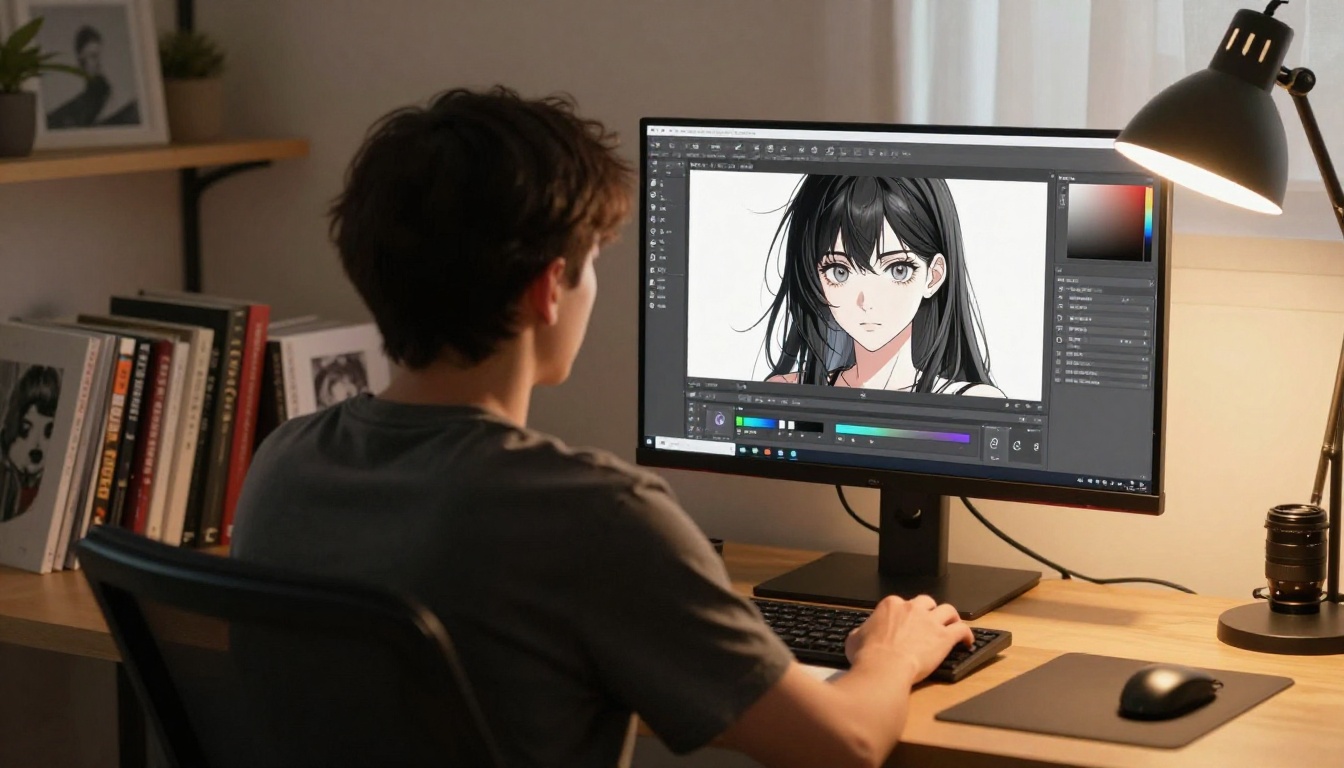
Flux-based LoRA workflows, including those using Flux Schnell LoRA and Flux Kontext Dev LoRA, represent a competitive alternative direction outside the SDXL ecosystem entirely. Flux handles natural language better than both Illustrious and Pony, but its native anime style requires more deliberate prompting effort. It's worth monitoring as the Flux community develops dedicated anime LoRAs at scale.
Upscaling Your Anime Artwork
Both Illustrious and Pony output at SDXL base resolution, which is good but rarely sufficient for print production, large-display use, or detailed cropping. Upscaling is almost always a necessary final step in the production pipeline.
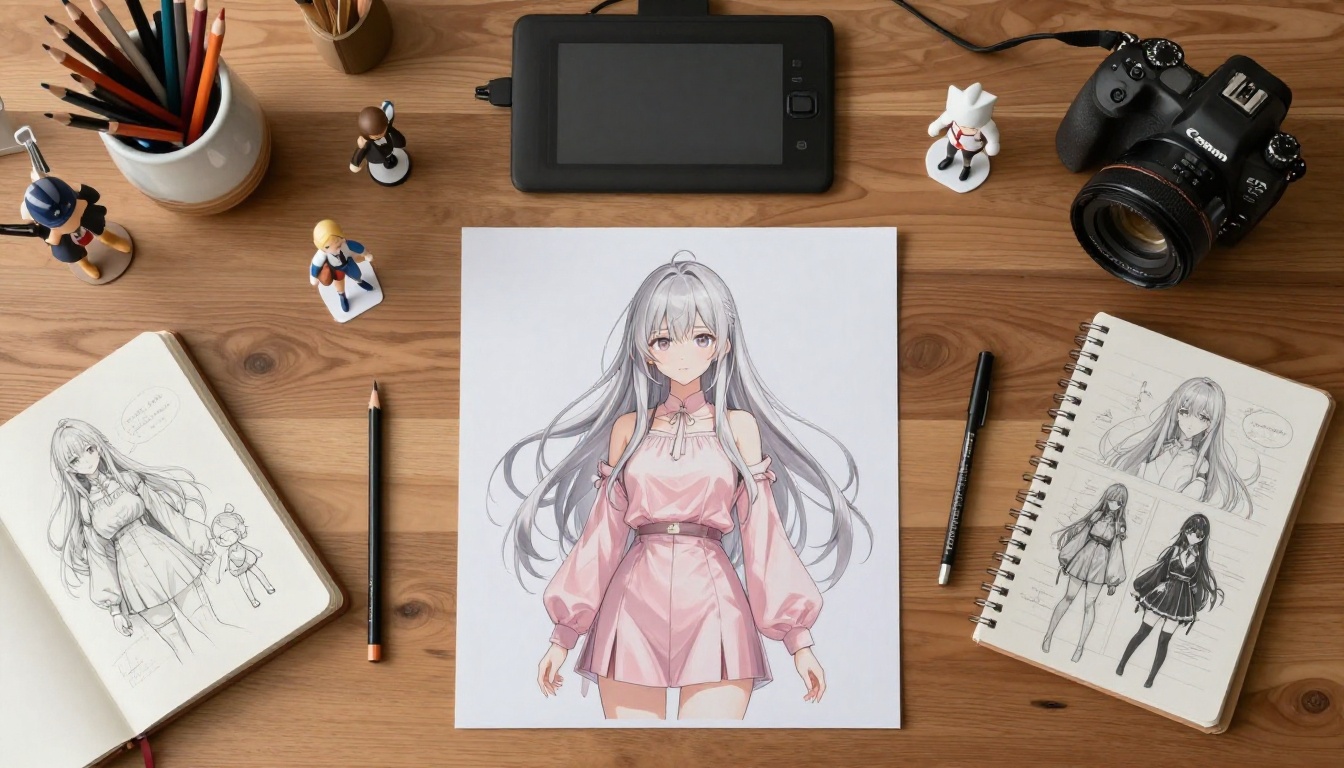
For clean anime linework with smooth gradients, Real ESRGAN is the standard 4x choice. Real ESRGAN handles Illustrious output particularly well because the smooth gradients don't introduce tiling artifacts under 4x scaling. Results are clean and fast.
Pony's bolder shading and harder linework benefit from a more specialized approach. The Crystal Upscaler does excellent work on portrait-heavy anime images, preserving facial detail at 4x scale while maintaining the bold contrast that makes Pony output visually distinctive. The Clarity Pro Upscaler adds texture and perceived sharpness without the plastic look that basic bicubic or simpler neural methods produce.
For maximum resolution requirements, Image Upscale by Topaz Labs reaches 6x scaling with industry-leading detail preservation, handling both Illustrious's soft gradients and Pony's sharp linework with consistent high-quality results across both styles.
💡 Workflow tip: Always run inpainting corrections before upscaling. Fix anatomy, expressions, or background issues at base resolution first. Upscaling then inpainting creates resolution inconsistencies in the corrected areas that are difficult to blend cleanly.
Which Model Fits Your Workflow?
The answer depends less on which model is technically superior and more on what you're actually building and how you work.
For Beginners
Start with Illustrious XL. The natural language prompting means a shorter onboarding process, and the model's strong defaults produce consistently good results without extensive prompt engineering sessions. You'll generate portfolio-quality AI anime art outputs in your first session.
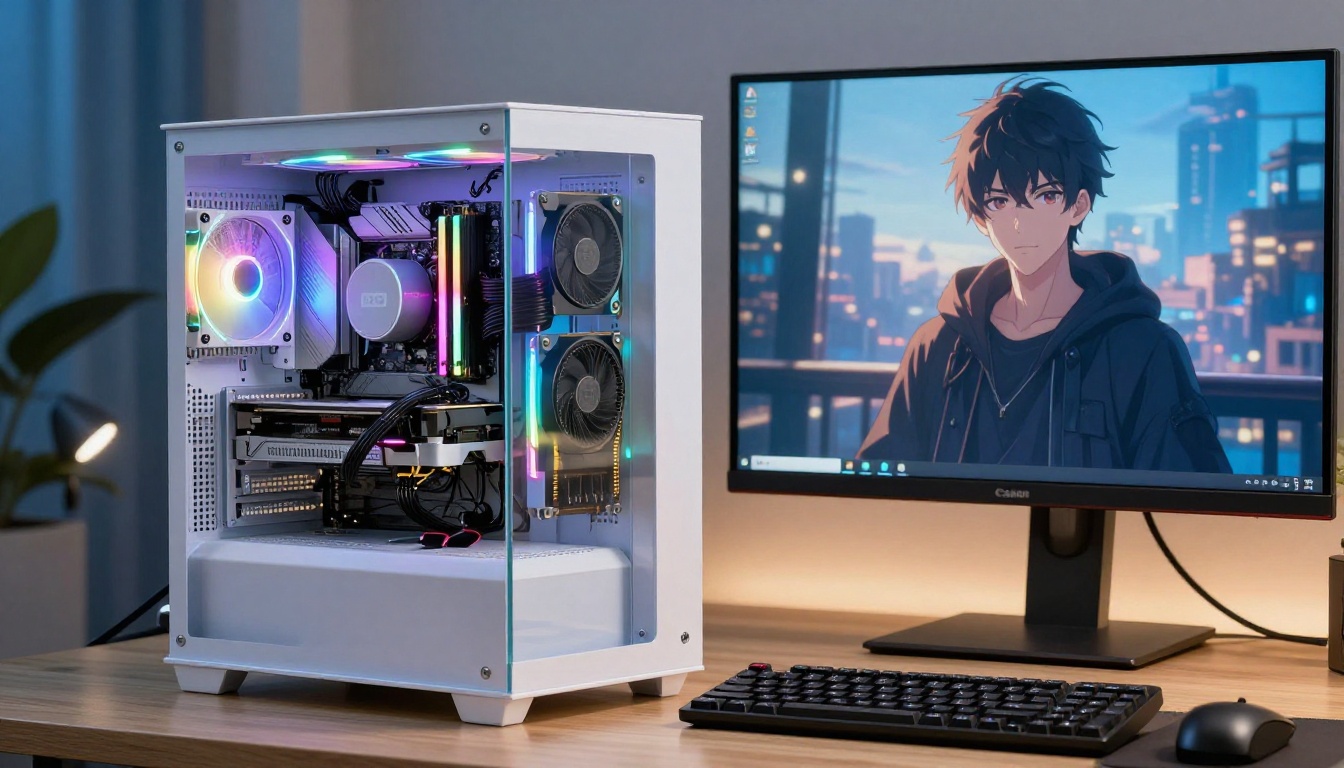
The Krea 2 Medium model on PicassoIA is also worth testing alongside Illustrious, especially for comparing painterly anime aesthetics to more graphic illustration approaches. Its anime and painterly art capabilities let you find your preferred style direction before committing to a specific checkpoint workflow.
For Production Artists
If you're building serious volume, a fan art series, or commercial anime-style assets, you'll want both models in your pipeline. Use Illustrious for consistency and Pony for variation and stylistic impact. The combination works particularly well when structured as a four-stage pipeline:
- Generate a base character design with Illustrious for clean reference materials
- Create action poses or expressive variants with Pony using a matched character LoRA
- Upscale final selects with Real ESRGAN or Clarity Pro Upscaler
- Run targeted inpainting corrections through PicassoIA Image Editor Pro for isolated fixes without regenerating the entire image
This multi-model pipeline gets you the best characteristics from both training philosophies without compromise.
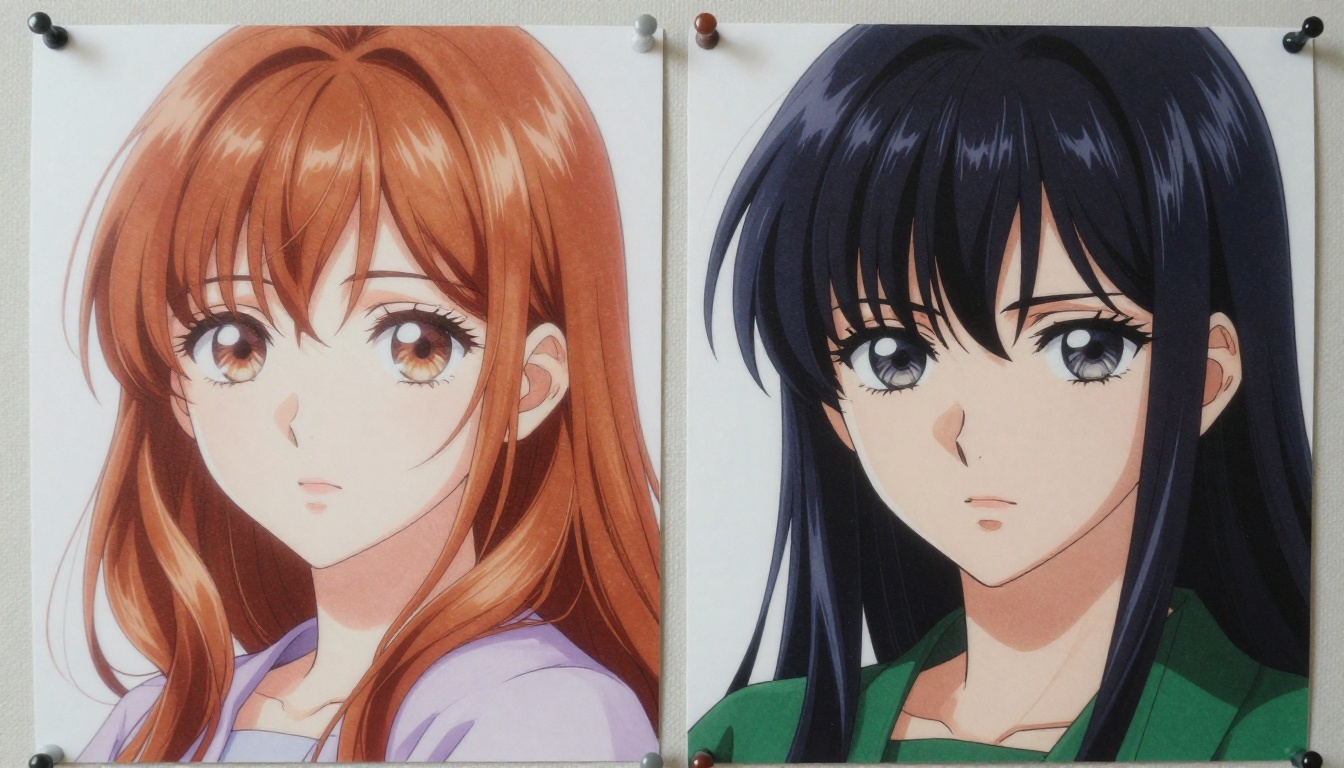
Stable Diffusion 3 represents a newer architecture direction, moving beyond the SDXL base entirely. While SD3 doesn't have dedicated anime checkpoints at the community scale of Illustrious or Pony yet, its prompt adherence and compositional control make it worth testing for complex multi-character scene compositions that both SDXL models sometimes struggle to execute cleanly.
For anime art style transfer on photo references, the Cartoonify tool converts photo inputs to anime-adjacent styles, which works well as a compositional starting point for further generation. Pair it with Seedream 4.5 for initial 4K compositions that you then refine through Illustrious or Pony-based workflows.
Start Creating Anime Art Today
You don't need to choose between Illustrious and Pony on paper or manage local model files to start generating high-quality anime art output.
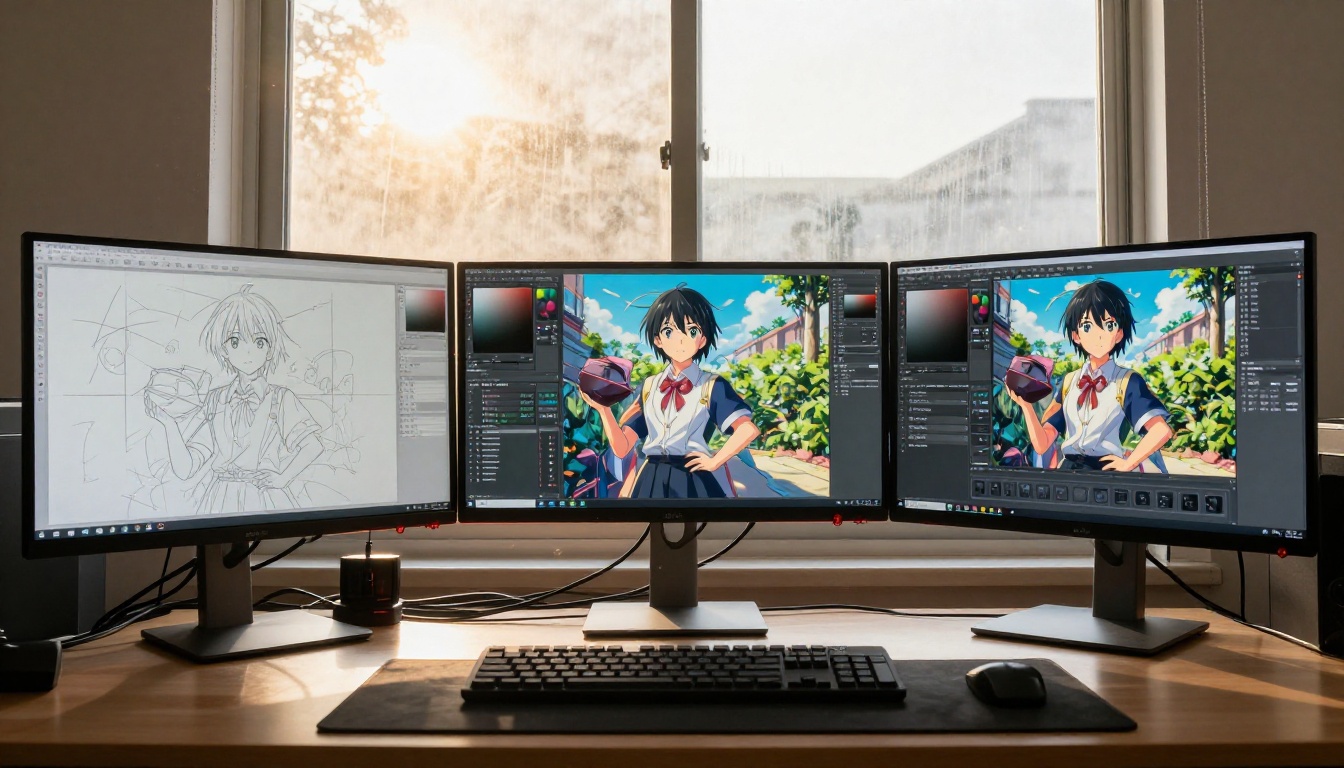
PicassoIA puts these workflows in a browser. You get access to PicassoIA Image for unlimited text-to-image generation, the PicassoIA Image Editor Pro for inpainting and targeted editing corrections, and the full upscaling suite including Real ESRGAN, Clarity Pro Upscaler, and Crystal Upscaler, all without downloading a single model file or configuring a local GPU environment.
Start with a character concept. Write it in natural language and see what Illustrious-style output returns. Then push it into tag-based territory and compare the Pony-style results. That single experiment will tell you more about how these two models think than any written breakdown.
The full library of anime and illustration models is available at picassoia.com/en/all-models.


