The photography industry has reached a turning point with the arrival of Bria Image 3.2, a commercial-ready AI image model that delivers professional-grade results directly from text descriptions. This isn't about replacing photographers – it's about expanding creative possibilities for everyone from marketing teams to individual creators who need high-quality visual content without extensive production budgets.
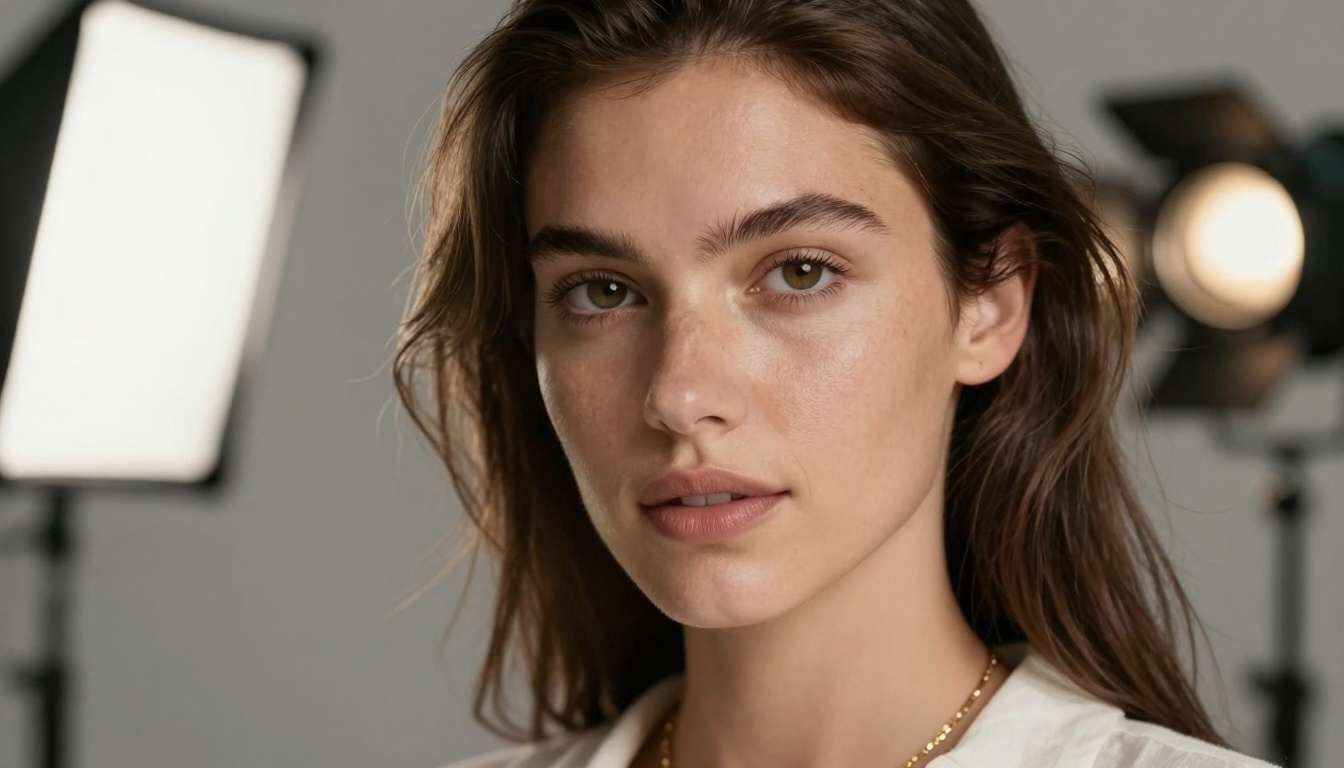
Extreme detail reproduction showing Bria Image 3.2's portrait capabilities
What Makes Image 3.2 Different
Most AI image generators struggle with consistency and commercial viability. Bria Image 3.2 addresses these issues head-on with several key advantages:
- Commercial licensing: Trained exclusively on licensed data, making it safe for business use
- Precise control: Advanced parameters like guidance scale and negative prompting
- Aspect ratio flexibility: From social media formats (9:16) to traditional print ratios (3:2, 4:3)
- Text rendering: Consistent, readable text within generated images
- Reproducible results: Seed support for identical output across sessions
💡 The commercial licensing aspect is crucial for businesses. Many AI models use unlicensed training data, creating potential legal risks for commercial projects. Bria Image 3.2's licensed approach removes this concern.
Technical Specifications That Matter
The Bria Image 3.2 model operates with parameters that give creators fine-grained control:
| Parameter | Type | Default | Description |
|---|
prompt | String | Required | Your text description for image generation |
aspect_ratio | String | 1:1 | 9 options from 1:1 to 16:9 |
guidance_scale | Number | Optional | Controls how closely the image follows your prompt (1-10) |
negative_prompt | String | Optional | Elements to exclude from the generated image |
enhance_image | Boolean | false | Boost detail and clarity automatically |
prompt_enhancement | Boolean | false | Let the AI improve your prompt wording |
seed | Integer | Optional | Set for reproducible, identical results |
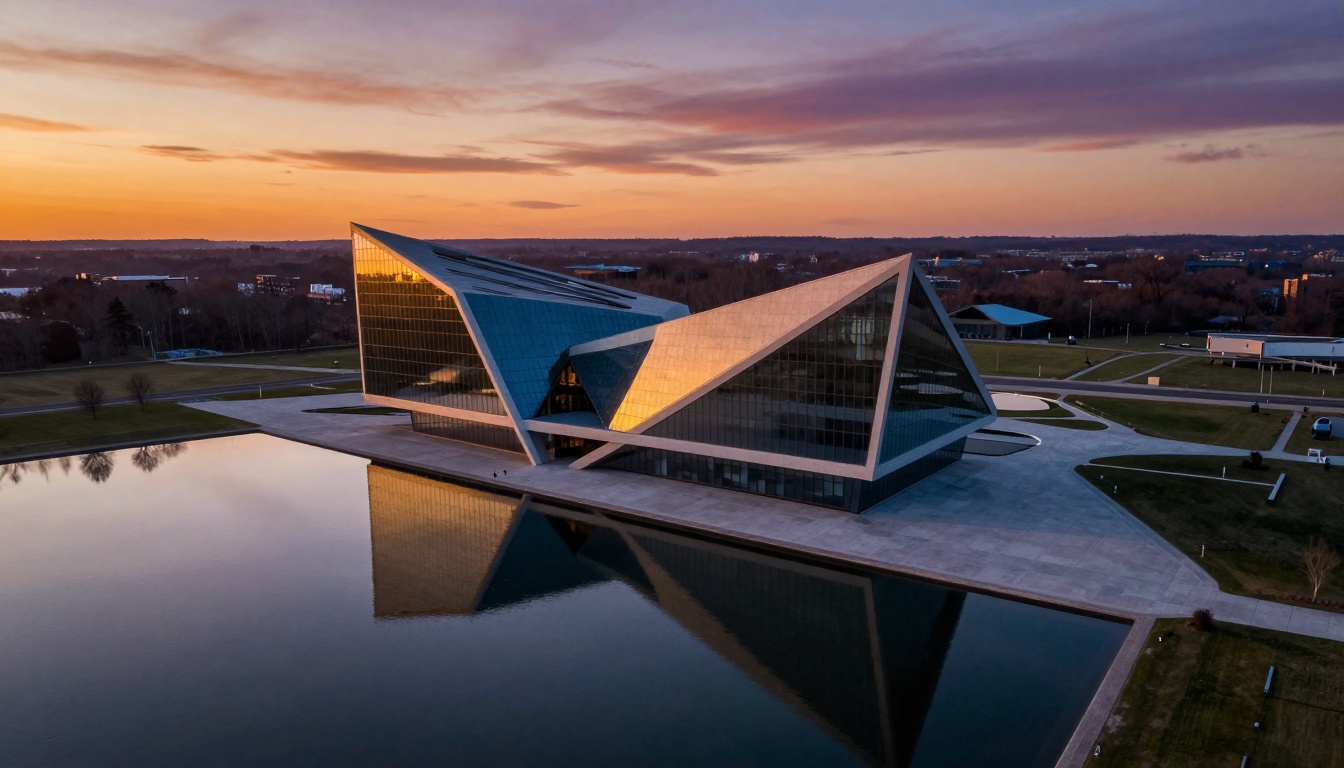
Aerial perspective demonstrating spatial awareness and environmental rendering
Where Image 3.2 Excels
1. Marketing and Advertising
Marketing teams face constant pressure to produce fresh visual content. The Bria Image 3.2 model generates:
- Social media visuals in perfect 9:16 aspect ratio
- Product mockups without physical photography
- Branded content with consistent style
- A/B testing variations in minutes instead of days
2. Design and Prototyping
Design workflows accelerate when you can visualize concepts immediately:
- Wireframe to high-fidelity mockup transitions
- Color scheme exploration without manual rendering
- Multiple design variations for client presentation
- Packaging and label design iterations
3. Content Creation
Individual creators and small teams benefit most:
- Blog post illustrations matching article tone
- YouTube thumbnail generation
- Newsletter header images
- eBook cover design
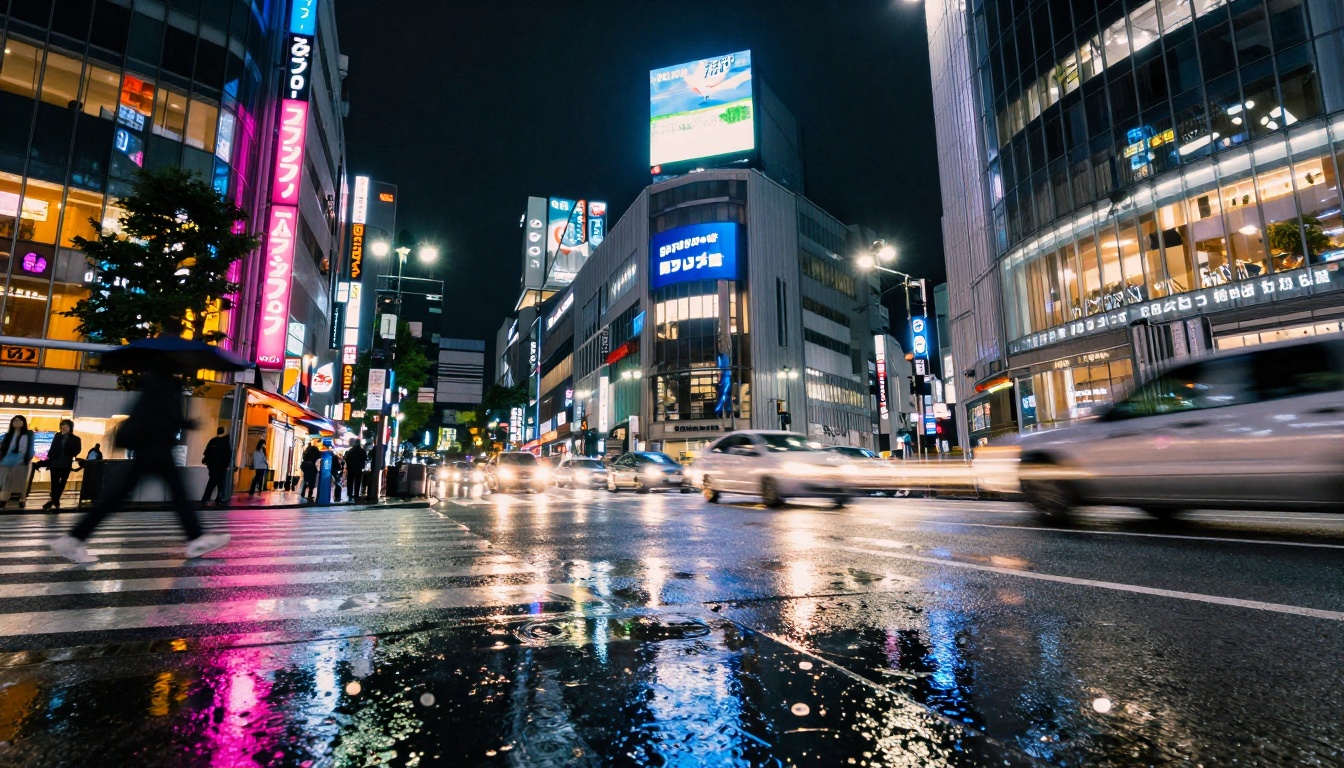
Dynamic range handling in challenging low-light urban environments
Practical Comparison With Other Models
How does Bria Image 3.2 stack up against alternatives like Flux models, Stable Diffusion variants, or Imagen?
Commercial Safety: Bria's licensed training data provides legal certainty that other models can't guarantee. This matters for agencies, publishers, and brands.
Text Rendering: While many models struggle with readable text, Bria Image 3.2 consistently produces legible typography within images – crucial for logos, signage, and branded content.
Parameter Control: The granular guidance scale and negative prompting offer precision that simpler models lack. You're not just getting "an image" – you're getting the specific image you described.
Aspect Ratio Options: With 9 predefined aspect ratios, Bria covers more use cases out-of-the-box than most competitors.
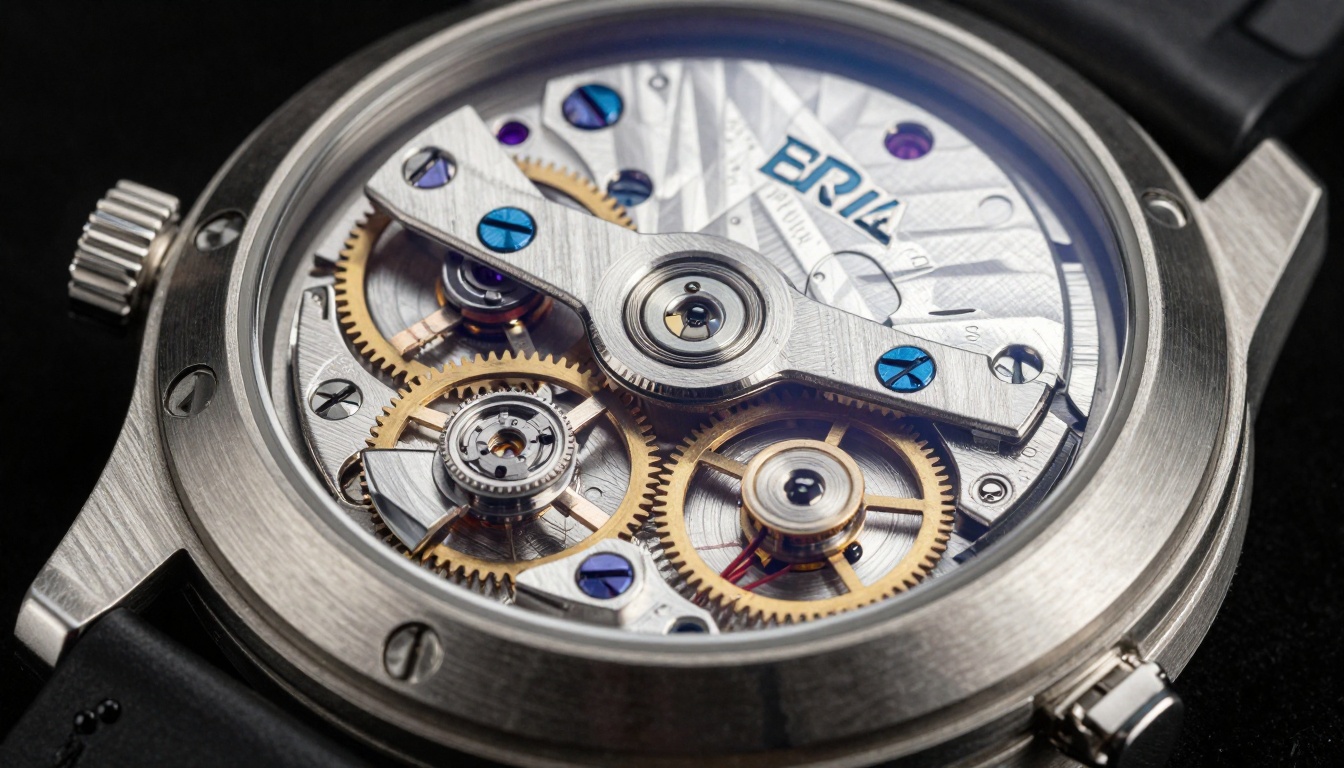
Material rendering precision showing mechanical components with perfect detail
How to Use Bria Image 3.2 on PicassoIA
Accessing the Bria Image 3.2 model through PicassoIA follows a straightforward workflow:
Step 1: Navigate to the Model
Visit the PicassoIA platform and search for "image-3.2" or navigate directly to the model page. The interface presents all available parameters in a clean, organized layout.
Step 2: Craft Your Prompt
Start with clear, descriptive language. Instead of "a dog," try "a golden retriever playing in autumn leaves, afternoon sunlight, shallow depth of field." Include:
- Main subject and action
- Environment or setting
- Lighting conditions
- Desired style or mood
- Specific details (colors, textures, composition)
Step 3: Set Parameters
Consider these starting points:
- Guidance scale: 7-8 for strict prompt adherence, 4-6 for creative interpretation
- Negative prompt: Use for excluding unwanted elements ("blurry, distorted, watermark")
- Aspect ratio: Match your output platform (Instagram: 4:5, YouTube: 16:9, Pinterest: 2:3)
- Enhance image: Enable for product shots or detailed scenes
- Prompt enhancement: Useful when you're unsure about optimal wording
Step 4: Generate and Refine
Generate your first image, then iterate:
- Adjust guidance scale if the image doesn't match your vision
- Add negative prompts to remove unwanted elements
- Try different seeds for variation while maintaining quality
- Use the enhance options for final polish
Step 5: Batch Processing
For consistent branding or product variations:
- Save your successful parameter combination
- Create a spreadsheet of prompts for different products/scenes
- Generate batches with identical settings except for subject changes
- Use the same seed across batches for style consistency
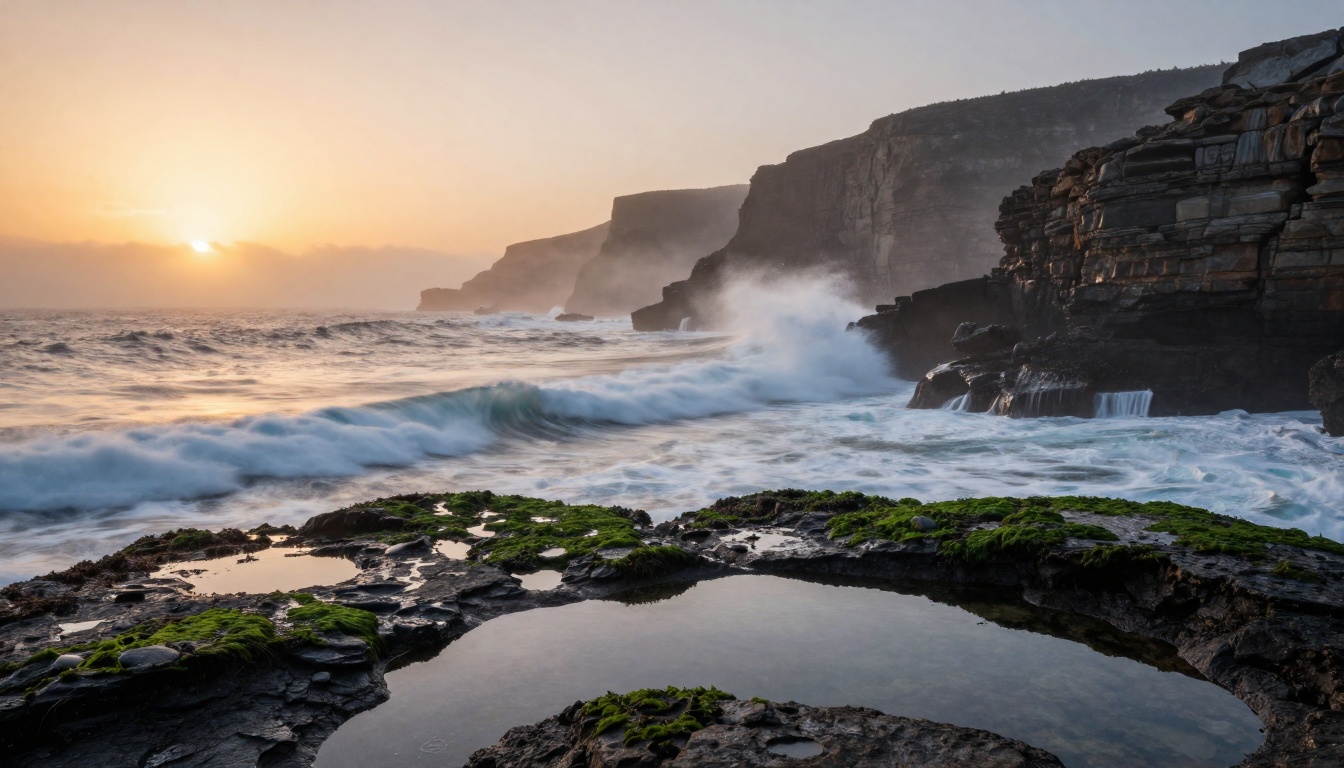
Environmental rendering with natural lighting and atmospheric effects
Real-World Applications
Marketing Agency Workflow
A digital marketing agency uses Bria Image 3.2 for:
- Client presentations: Generate mockups before photography budgets are approved
- Social campaigns: Create 30 days of visual content in 2 hours instead of 2 weeks
- A/B testing: Produce 10 thumbnail variations for YouTube video performance testing
- Brand consistency: Maintain visual style across multiple platforms with parameter presets
E-commerce Implementation
Online retailers implement the model for:
- Product visualization: Show items in different colors/styles without inventory
- Lifestyle imagery: Place products in aspirational settings
- Seasonal updates: Refresh website visuals for holidays/sales
- International adaptation: Modify imagery for different cultural markets
Content Creator Toolkit
Individual creators leverage Bria for:
- Thumbnail generation: Consistent branding across video content
- Article illustrations: Unique images for blog posts and newsletters
- Merchandise design: Create t-shirt graphics, stickers, and digital products
- Channel branding: Develop visual identities for new projects
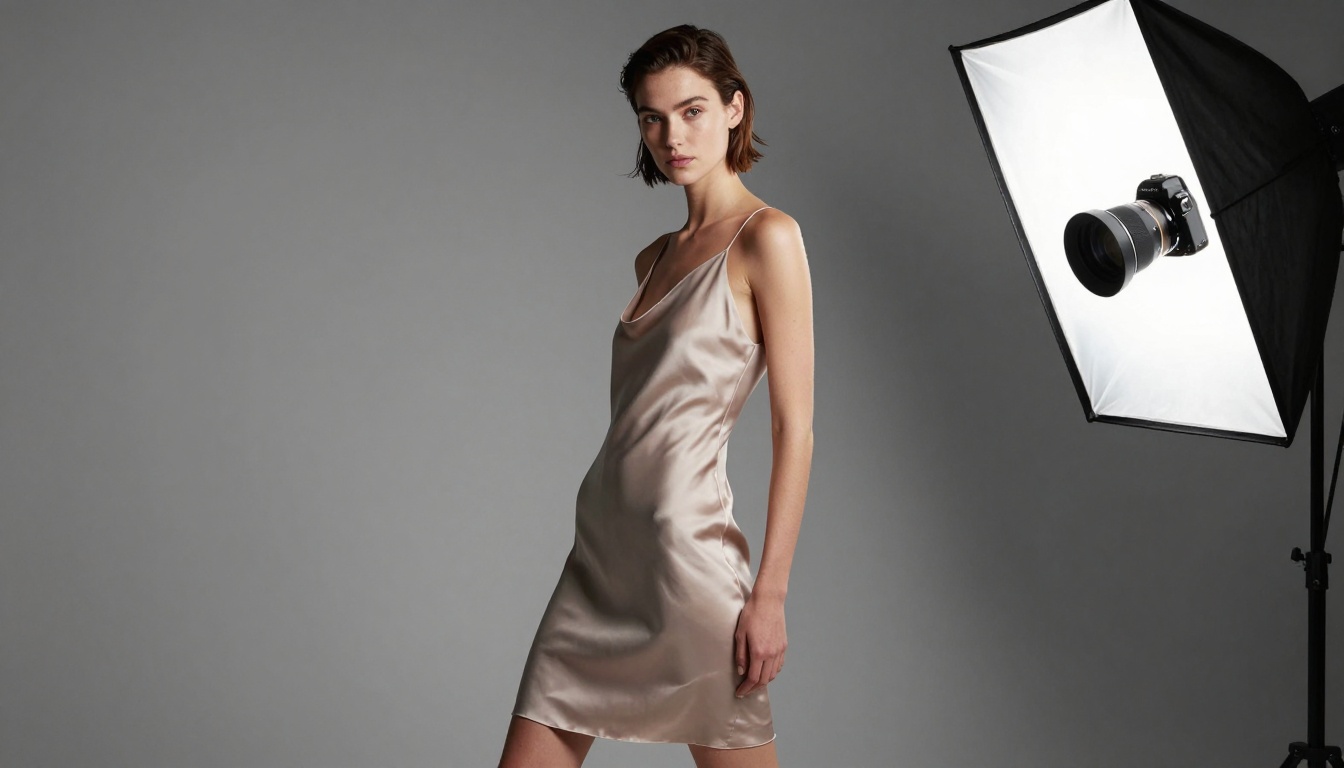
Human figure rendering with accurate proportions and natural posing
Parameter Optimization Guide
Guidance Scale Settings
Understanding this parameter dramatically improves results:
| Value Range | Best For | Example Use |
|---|
| 1-3 | Abstract, artistic interpretation | Mood boards, concept art |
| 4-6 | Balanced creativity and accuracy | Marketing visuals, social content |
| 7-8 | Precise product representation | E-commerce, technical illustrations |
| 9-10 | Exact specification matching | Architectural plans, diagram replacements |
Negative Prompt Effectiveness
Common negative prompts that improve results:
- "blurry, distorted, deformed, bad anatomy"
- "watermark, signature, text overlay"
- "cartoon, anime, illustration, 3d render"
- "ugly, disfigured, poorly drawn"
- "extra limbs, missing limbs, fused fingers"
Aspect Ratio Selection
Match your output medium:
- Social media: 4:5 (Instagram), 9:16 (Stories/Reels), 1:1 (profile/grid)
- Video platforms: 16:9 (YouTube, Vimeo)
- Print materials: 3:2 (standard photos), 4:3 (presentations)
- Mobile optimization: 2:3 (Pinterest, mobile articles)
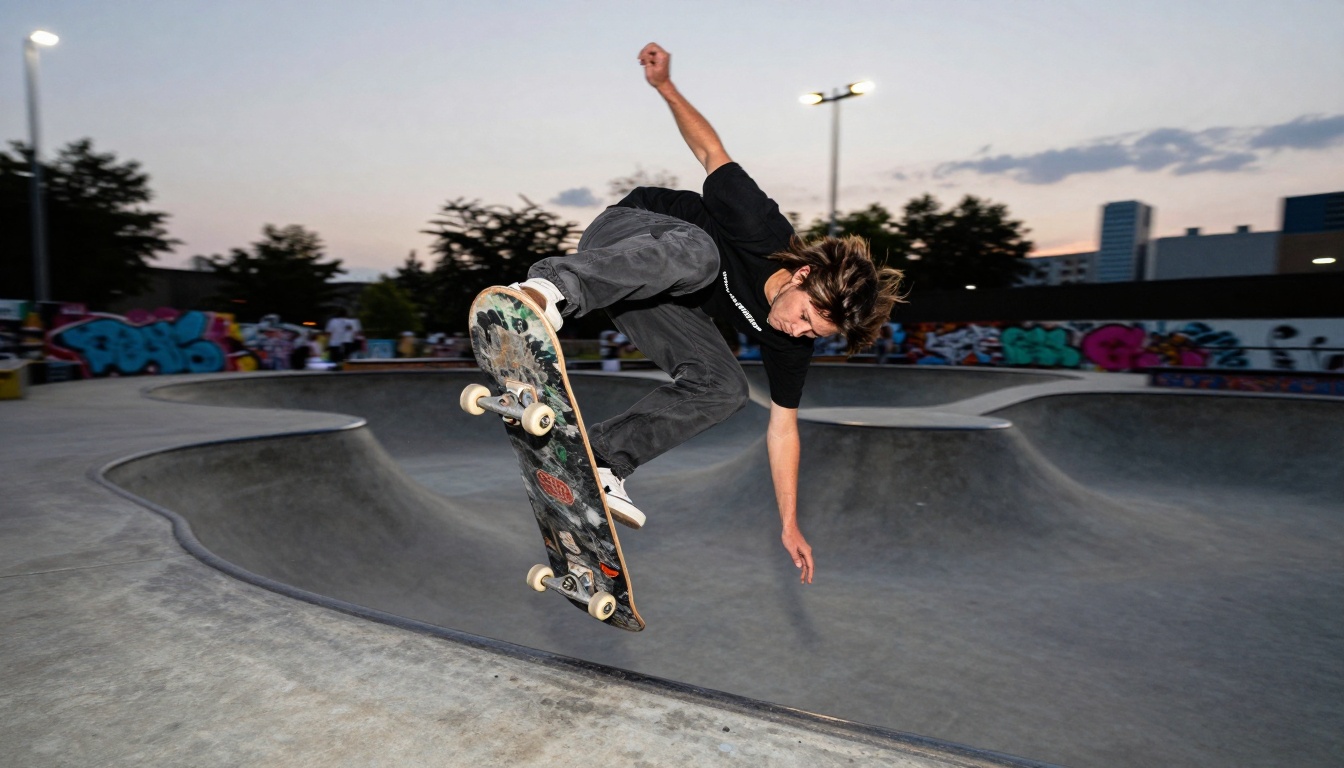
Motion capture with proper panning technique and subject isolation
Common Challenges and Solutions
Challenge: Inconsistent Style Across Batches
Solution: Use identical seed values with parameter presets. Create a style guide document with:
- Preferred guidance scale range
- Standard negative prompts
- Aspect ratio for each content type
- Enhancement settings for different use cases
Challenge: Text Rendering Issues
Solution: Include text description in quotes within your prompt: "A storefront with neon sign that reads 'OPEN 24 HOURS' in blue cursive letters." Bria Image 3.2 handles quoted text exceptionally well compared to other models.
Challenge: Unwanted Artifacts
Solution: Implement a two-step negative prompt strategy:
- First generation with basic negative prompts
- Identify specific artifacts in the output
- Regenerate with added negative prompts targeting those artifacts
- Common additions: "extra fingers, twisted limbs, merged objects"
Challenge: Commercial Licensing Questions
Solution: Bria's licensed training data provides inherent protection, but for sensitive commercial projects:
- Review generated content for brand safety
- Document your prompt and parameter settings
- Maintain records of commercial use approvals
- Consider adding "commercial use allowed" to prompts
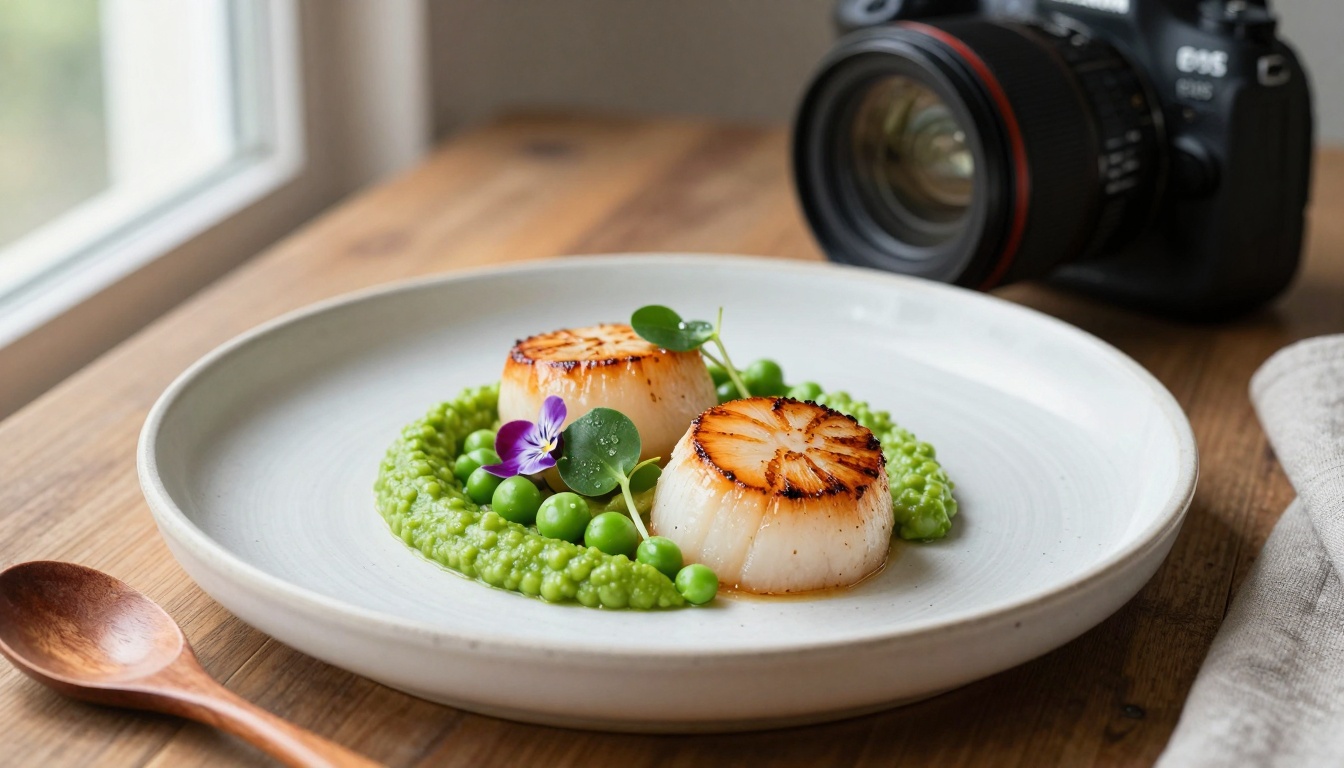
Texture accuracy and color reproduction in culinary subjects
Integration With Existing Workflows
Photoshop and Design Software
Export Bria Image 3.2 outputs to traditional design tools:
- Generate base imagery with the model
- Import into Photoshop for final adjustments
- Combine multiple generations into composites
- Add branding elements, text overlays, and effects
- Maintain editable layers for client revisions
Content Management Systems
Streamline website and blog content creation:
- Generate featured images for articles
- Create social media sharing graphics
- Produce email newsletter headers
- Design promotional banners and call-to-action graphics
- Batch process for scheduled content calendars
Video Production Pipelines
Enhance video projects with generated visuals:
- Create title card backgrounds
- Generate thumbnail options for A/B testing
- Produce lower third graphics and overlays
- Design end screen elements
- Create channel art and branding assets
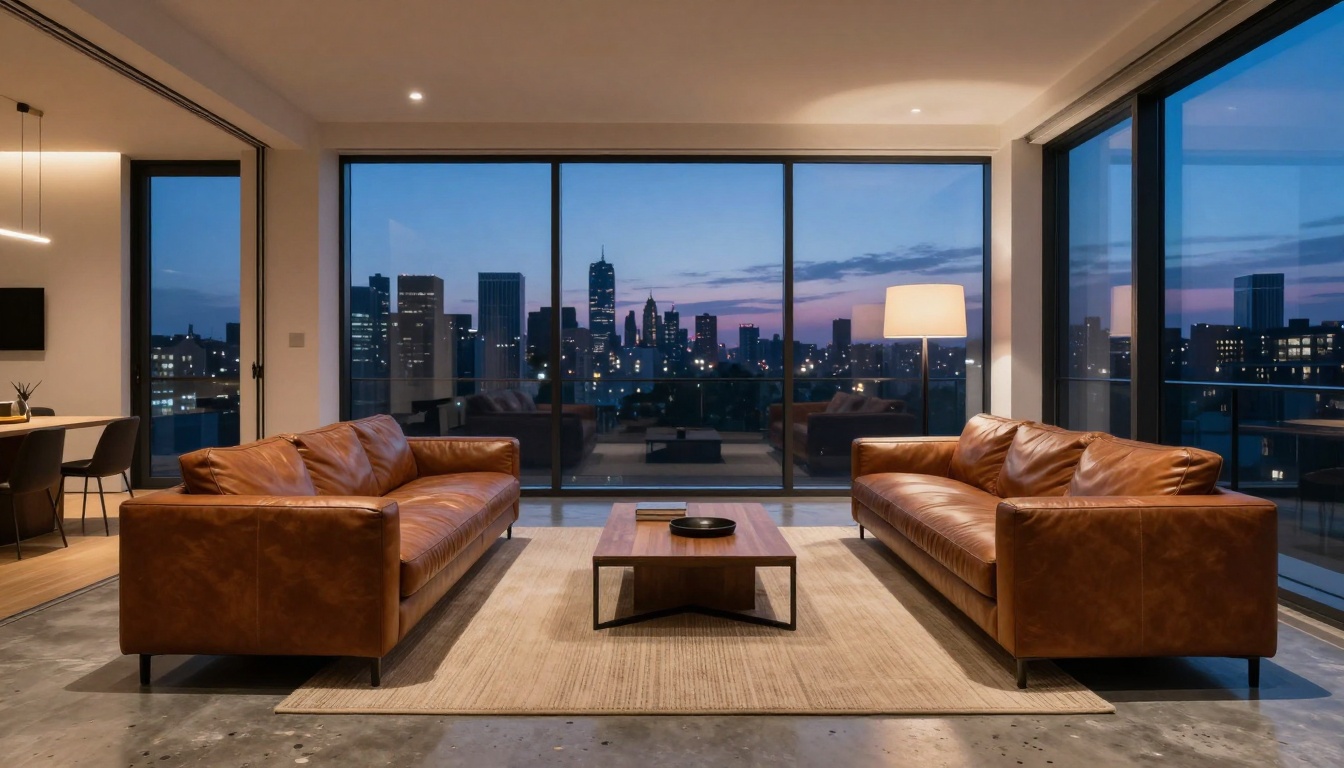
Spatial composition with proper perspective correction and mixed lighting
Cost and Efficiency Analysis
Time Savings Comparison
Traditional photography vs. Bria Image 3.2 generation:
| Task | Traditional Hours | Bria Hours | Time Saved |
|---|
| Product shot (single item) | 4-6 | 0.25 | 94% |
| Lifestyle scene setup | 8-12 | 0.5 | 96% |
| Multiple color variants | 16-24 | 1 | 94% |
| Seasonal campaign visuals | 40-60 | 3 | 95% |
Resource Allocation Shift
Teams can reallocate resources from production to strategy:
- Photographers: Focus on high-value custom shoots rather than routine product shots
- Designers: Spend time on creative direction instead of asset production
- Marketing teams: Test more concepts with the same budget
- Small businesses: Access professional visuals without studio investments
Getting Started Recommendations
For First-Time Users
Begin with these conservative settings:
- Guidance scale: 6
- Aspect ratio: 1:1 (simplest composition)
- Negative prompt: "blurry, distorted, watermark"
- Enhance image: Enabled
- Prompt enhancement: Disabled (learn prompt crafting first)
Generate 5-10 images with simple prompts to understand the model's capabilities before attempting complex scenes.
For Experienced AI Users
If you're familiar with other models like Flux or Stable Diffusion, note these Bria-specific differences:
- Text rendering is significantly better
- Commercial licensing provides peace of mind
- Parameter ranges may differ from other models
- Style transfer happens differently – test before assuming behavior
For Business Implementation
Develop a phased rollout:
- Testing phase: Generate non-critical internal materials
- Pilot project: Use for one campaign or product line
- Department adoption: Expand to marketing, design, or content teams
- Full integration: Incorporate into standard operating procedures
- Optimization: Refine prompts and parameters for your specific needs
The Professional Edge
What separates amateur AI image generation from professional results? It's not just about the model – it's about workflow integration. The Bria Image 3.2 model provides the technical foundation, but professional results come from:
- Systematic prompt engineering: Developing repeatable formulas for different content types
- Parameter presets: Creating saved settings for consistent branding
- Quality control processes: Implementing review steps before publication
- Integration planning: Mapping generated content to existing workflows
- Performance tracking: Measuring which prompts and parameters produce best results
Professional creatives treat Bria Image 3.2 as another tool in their arsenal – one that excels at rapid prototyping, concept visualization, and scalable content production while complementing rather than replacing traditional photography and design skills.
The platform's accessibility through PicassoIA means you can start generating commercial-ready images today. Experiment with different prompts, test various parameter combinations, and discover how this model fits into your creative or business workflow. The results might surprise you with their quality and consistency – try generating a few images to see the difference firsthand.


