The demand for image generator apps that allow NSFW content has never been higher. As AI art tools become more capable, a growing number of creators, artists, and adult content producers are searching for platforms that won't shut them down mid-prompt. The challenge is real: most mainstream AI tools come with heavy content filters that block anything remotely suggestive, leaving users frustrated when their creative visions collide with restrictive safety rails.
This article cuts through the noise. Below, you will find the top apps and models for generating NSFW AI imagery, what separates good platforms from bad ones, and exactly how to get the best results from the tools that are actually worth your time.
The restriction problem
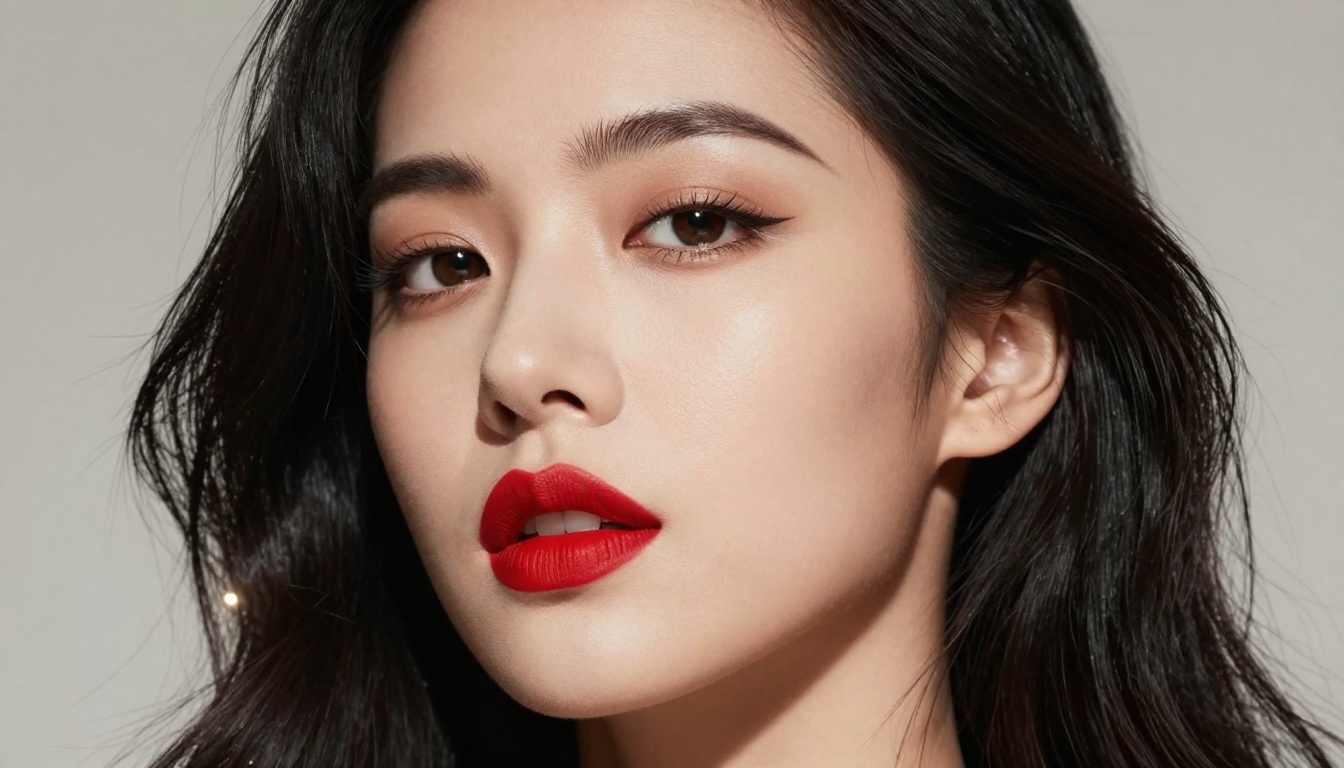
The majority of consumer AI image generators ship with aggressive content filtering by default. This makes sense for general-purpose tools built for classrooms, offices, and social platforms. But it creates a serious gap for adult content creators, erotic fiction illustrators, glamour photographers looking for AI references, and artists working in fine art traditions that include nudity.
Tools like Midjourney, Adobe Firefly, and Canva AI have strict policies that flag even partial nudity, swimwear imagery in certain contexts, and artistic forms that would hang in any major museum. The filters are often opaque, inconsistent, and frustrating to work around.
💡 Tip: Many blocked results are not actually explicit. They are just ambiguous enough to trigger keyword-matching filters that cannot tell artistic nudity from explicit content.
What different platforms actually allow
The real divide is between closed commercial platforms and open-weight model platforms. Closed systems like DALL-E and Firefly make final decisions about content policies. Open-weight platforms, or platforms that let you choose from a large library of models including community fine-tunes, tend to offer far more flexibility.
The models you pick matter enormously. A photorealistic model tuned for human anatomy will behave differently from a general-purpose model, even on the same platform.
What "NSFW" Means in AI Art
The content spectrum
NSFW in AI art is not binary. There is a wide spectrum ranging from:
- Suggestive: Swimwear, lingerie, implied nudity, sensual poses
- Artistic Nudity: Classical-style nude figures, fine art references, tasteful portraiture
- Mature/Glamour: Fashion-adjacent content with skin, editorial photography style
- Explicit: Graphic sexual content (requires dedicated adult platforms with age verification)
Most of the platforms and models covered here operate comfortably in the first three categories. Fully explicit content requires platforms with explicit adult content licenses and proper verification systems.
Artistic nudity vs. explicit content
The art world has always included the human form in all its detail. Photography, sculpture, painting, and now AI art are no different. Artistic nudity focuses on form, light, composition, and beauty rather than explicit acts. The best NSFW-capable AI tools respect this distinction and let creators work at a mature level without forcing them into either total restriction or total permissiveness.
Top Image Generator Apps That Allow NSFW Content
Flux Dev: the open-source leader
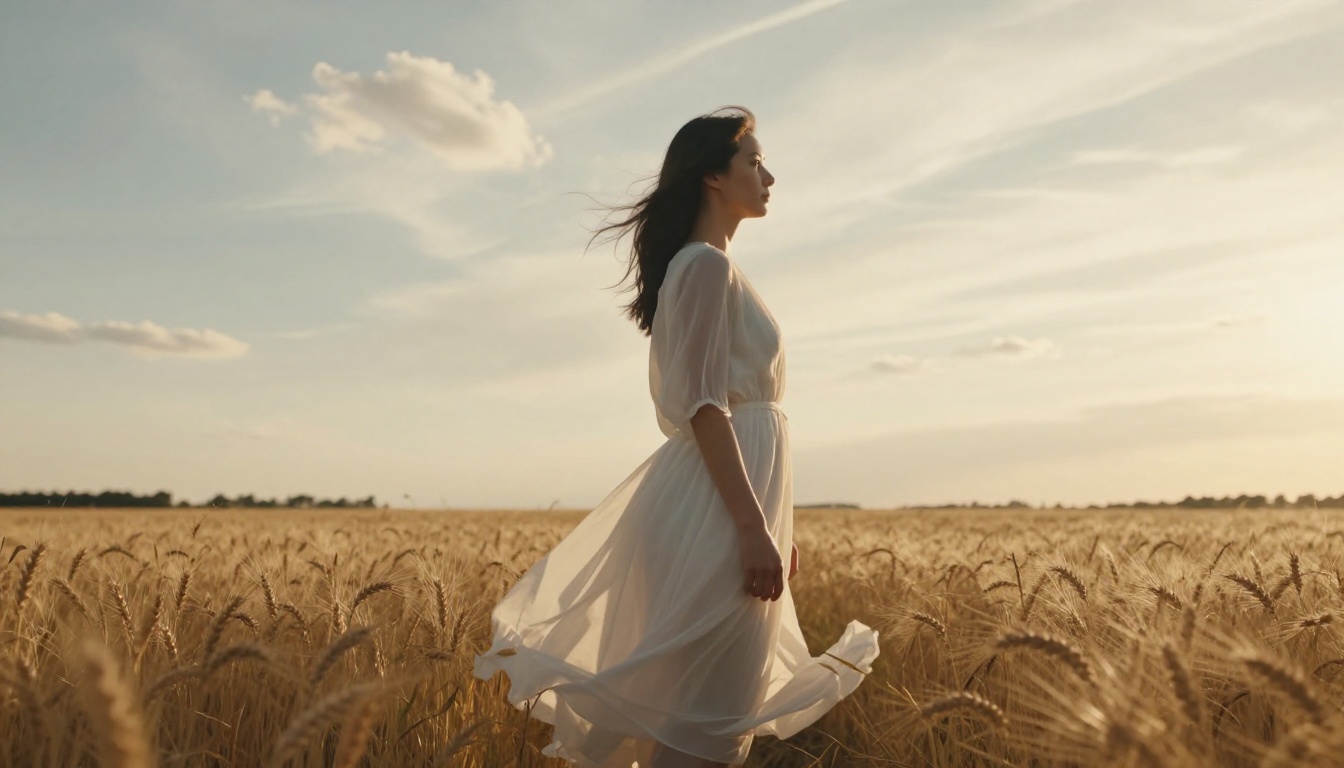
Flux Dev from Black Forest Labs is one of the most capable open-weight models available right now. Its architecture handles human anatomy with impressive accuracy, making it a go-to for glamour and artistic nudity work. Since it is open-weight, community fine-tunes and LoRA adapters have expanded its capabilities significantly.
Flux Dev produces high-detail skin textures, accurate proportions, and responds well to detailed photographic prompts. It is not permissive by default on all platforms, but on platforms that enable its full capabilities, it is a top performer.
The newer Flux 2 Pro and Flux 2 Max push quality even further with improved coherence and prompt adherence, making them excellent for complex scene compositions involving human subjects.
Stable Diffusion: the original open platform
Stable Diffusion by Stability AI built its reputation partly on being open-weight and model-agnostic. The base model is accessible and capable, and the ecosystem of community fine-tunes is enormous. Stable Diffusion 3.5 Large represents a significant leap in quality, coherence, and anatomical accuracy over earlier versions.
SDXL was particularly popular for NSFW work due to its high output resolution and the massive number of fine-tunes built on top of it. The SDXL ecosystem has thousands of community checkpoints tuned specifically for realistic human figure generation.
💡 Tip: When using SD-based models, negative prompts matter a lot. Add deformed, distorted, disfigured, bad anatomy to your negative prompt to avoid the common artifacts that plague amateur SD outputs.
DreamShaper XL: the versatile performer
DreamShaper XL Turbo sits in an interesting middle ground between artistic and photorealistic. It handles both illustrative and photographic styles with flexibility, making it popular for creators who want to work across different aesthetics. DreamShaper's tuning gives it naturally pleasing outputs on human subjects with a warm, editorial quality.
Realistic Vision v5.1: photorealism at scale
Realistic Vision v5.1 is built specifically for photorealistic human generation. The model has been carefully trained to handle skin tones, hair, facial features, and body proportions in a way that stands up to close scrutiny. For creators who want results that look like actual photography rather than AI art, this model is a strong choice.
How PicassoIA Handles This
Model access without gatekeeping
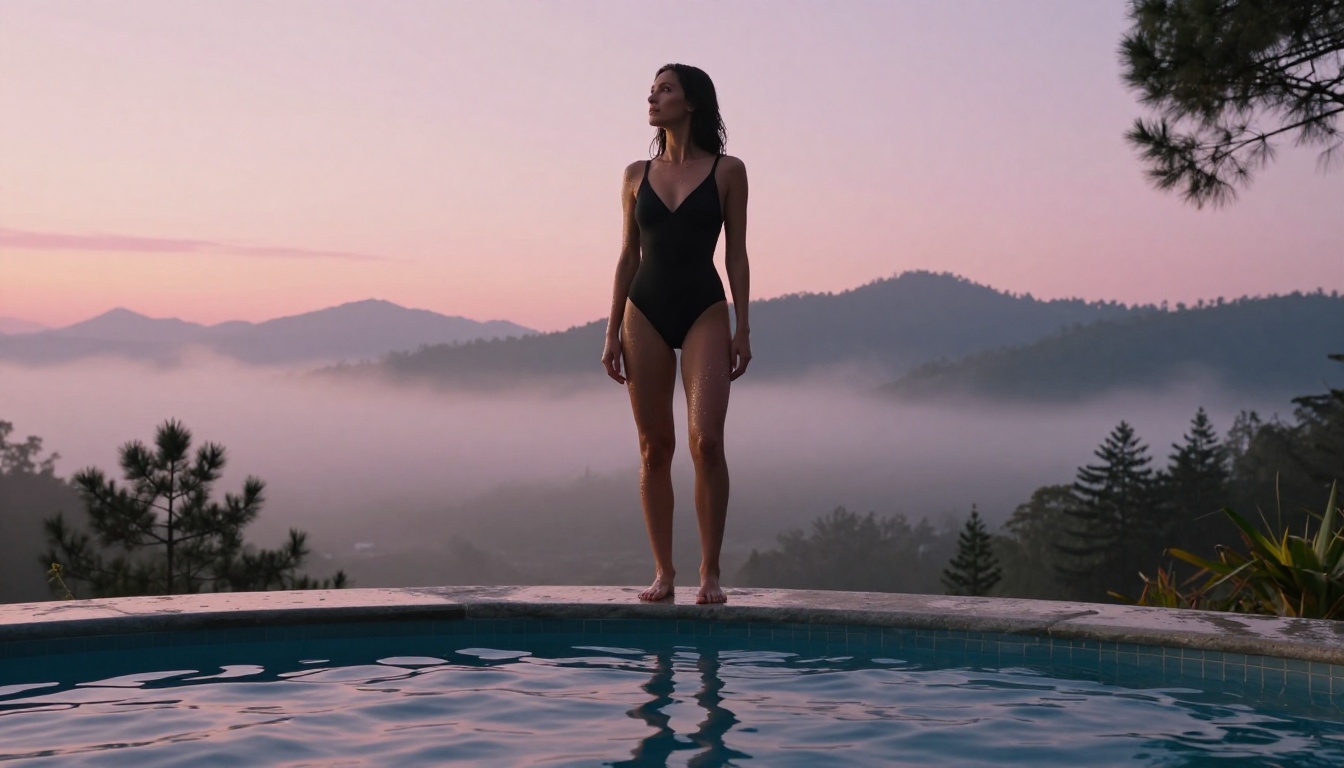
PicassoIA aggregates over 91 text-to-image models in a single platform, giving creators access to both cutting-edge models and specialized fine-tunes. The platform's model library includes Flux Dev, Flux 1.1 Pro Ultra, Stable Diffusion 3.5 Large, Realistic Vision v5.1, and many more, all accessible from a single interface.
This breadth matters for NSFW creators. Rather than hunting down the right model, setting up local environments, or managing GPU resources, everything is available immediately.
Fine-tuned models for human subjects
Beyond the flagship models, PicassoIA offers tools like Flux Dev LoRA and SDXL Multi ControlNet LoRA for creators who want precise control over pose, composition, and subject appearance. ControlNet integration lets you guide the AI using reference poses, sketches, or depth maps, which dramatically improves consistency across a series of images.
💡 Tip: Flux Schnell is the fastest Flux model. Use it for quick iteration and prompt testing before committing to a full-quality render with Flux Dev or Flux Pro.
Features That Actually Matter
Model variety and community fine-tunes
A single base model, no matter how good, is limiting. The best platforms give you access to fine-tuned variants that specialize in specific aesthetics, lighting styles, or subject types. This is especially important for NSFW content, where the difference between a mediocre and excellent result often comes down to model choice.
| Feature | Why It Matters |
|---|
| Multiple models | Different models excel at different styles |
| LoRA support | Fine-tunes add specialized aesthetics |
| ControlNet | Precise pose and composition control |
| Negative prompts | Remove unwanted artifacts |
| Seed control | Reproduce successful results |
| High resolution | Detail and quality in final output |
Prompt control and negative prompts
Prompt engineering for NSFW content is a craft. The best tools give you full access to:
- Positive prompts: Detailed descriptions of what you want
- Negative prompts: Explicit exclusions to avoid common problems
- Guidance scale (CFG): How closely the AI follows your prompt
- Steps: More steps generally mean more refined output
- Samplers: Different sampling algorithms produce different aesthetics
Output ownership and privacy
For adult content creators, output ownership matters legally and commercially. Look for platforms that:
- Give you full rights to generated images
- Do not train models on your outputs without consent
- Offer private generation modes
- Provide clear terms of service around adult content
NSFW Prompting That Actually Works
Describing subjects effectively
Vague prompts produce vague results. For human subjects, include:
- Physical descriptors: Height, build, skin tone, hair color and texture, facial features
- Expression and mood: Confident, relaxed, playful, serious
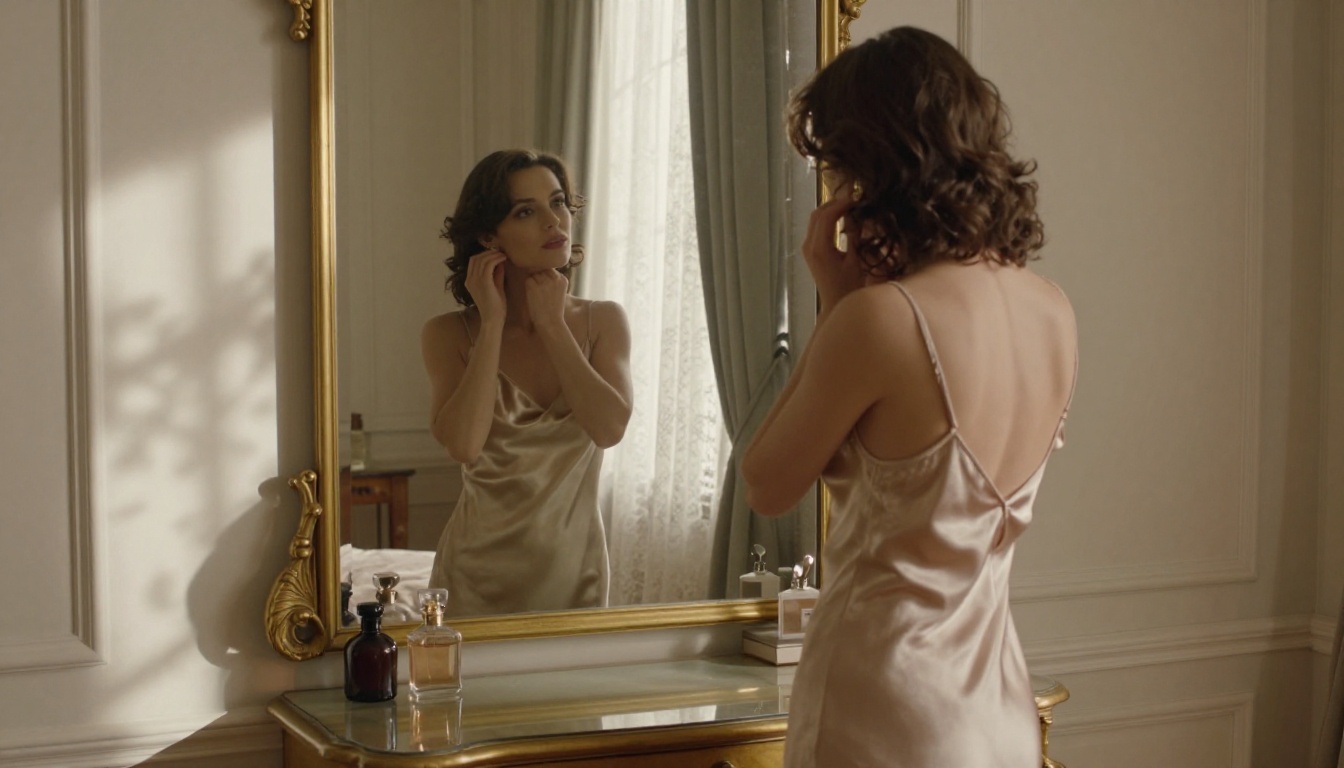
- Clothing or state of dress: Be specific. "White lace lingerie" produces different results than "underwear"
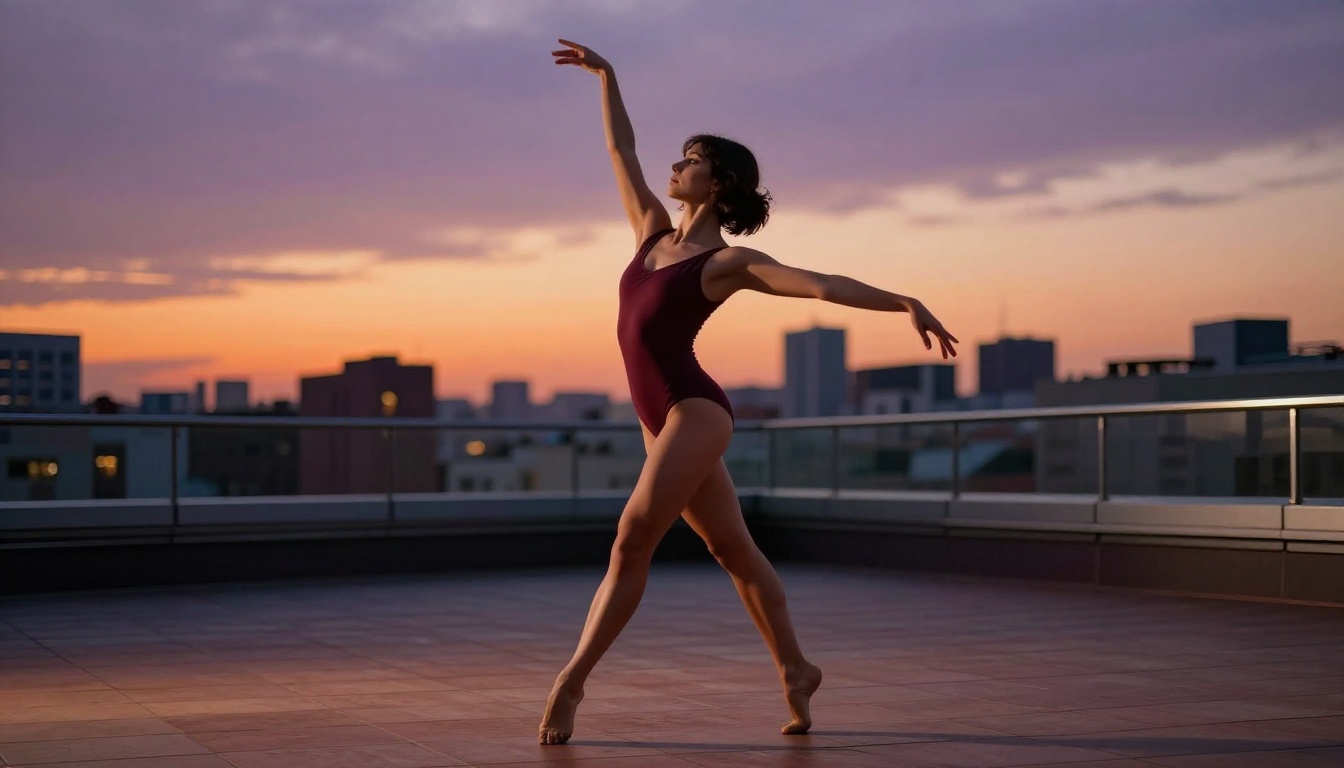
- Pose and position: Standing, reclining, seated, mid-movement
The more precisely you describe what you want, the less the model has to guess.
Lighting and composition for glamour shots
Lighting makes or breaks a photorealistic image. Describe it explicitly:
- Direction: "Soft natural light from the upper left", "Direct ring light from front"
- Quality: "Diffused window light", "Hard sidelight", "Volumetric afternoon light"
- Color temperature: "Warm amber sunset", "Cool blue overcast", "Neutral studio"
- Effects: "Rim lighting on shoulders", "Catchlight in eyes", "Shadow on cheekbones"
For composition, reference photography terms: "85mm portrait lens", "shallow depth of field f/1.8", "medium close-up", "three-quarter view".
Mistakes beginners make
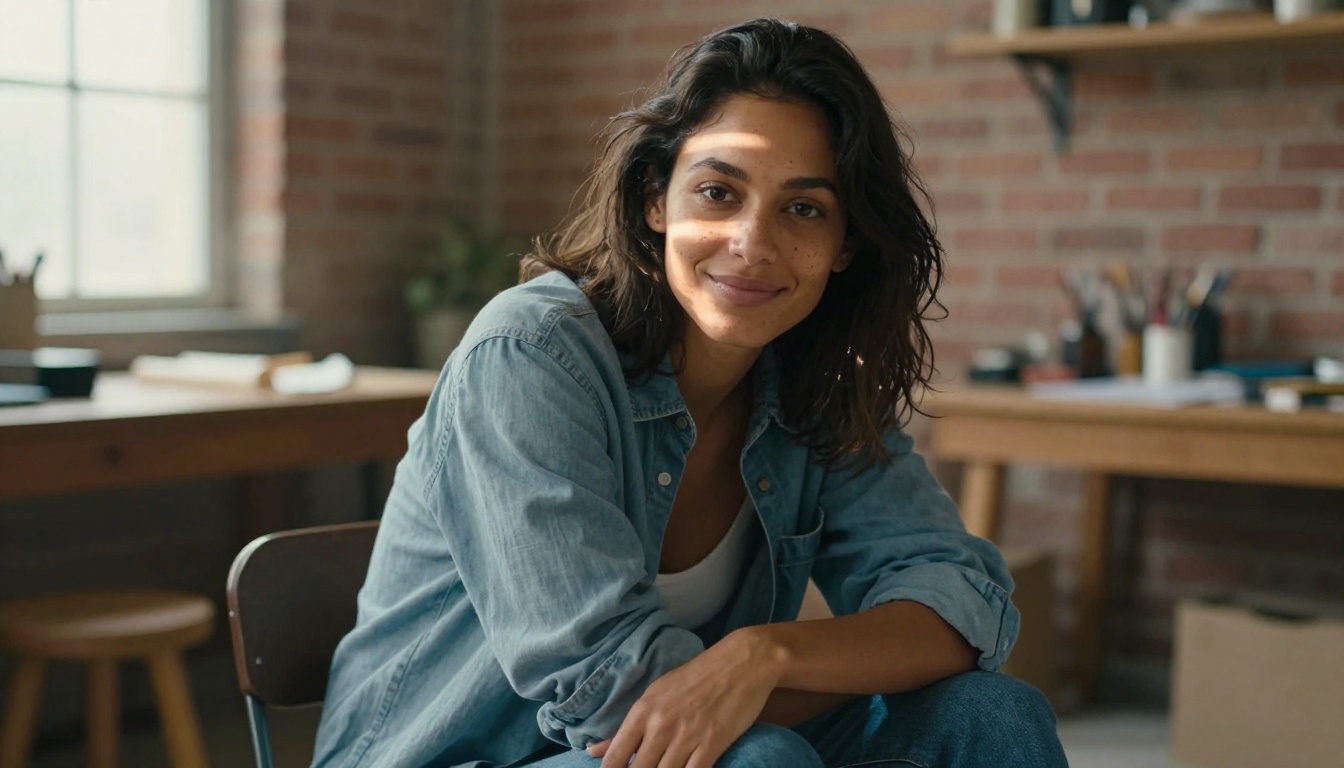
Mistake 1: Short, vague prompts. "Beautiful woman" generates something generic. "Beautiful woman with olive skin, dark curly hair, wearing a white silk blouse, soft window light from left, 85mm portrait lens, film grain" generates something specific and interesting.
Mistake 2: Ignoring negative prompts. Without negative prompts, models often produce anatomical errors, extra limbs, unnatural expressions, and low-quality backgrounds. Always include basics like deformed anatomy, extra limbs, low quality, blur.
Mistake 3: Using the wrong model. Not all models handle human subjects equally well. Realistic Vision v5.1 and Flux Dev are specialized for this. A general-purpose model will give you average results.
Mistake 4: Not testing at low steps first. Run quick tests at 20 steps before committing to 50-step renders. You will save significant time identifying composition and framing issues early.
Top Models Side by Side
Choosing the Right App for Your Needs
For occasional creators
If you are creating NSFW content occasionally for personal projects or small-scale commercial work, a platform like PicassoIA gives you immediate access to 91+ models without setup costs, GPU management, or complicated local installations. Pick Flux Dev or Realistic Vision v5.1 and start with detailed prompts.
For professional content producers
Professional adult content producers need consistency, volume, and variety. Look for platforms with:
- ControlNet support for pose consistency across a series
- Batch generation for volume workflows
- LoRA fine-tuning to create consistent character appearances
- API access for automation
Flux Dev LoRA and SDXL Multi ControlNet LoRA both offer the kind of fine-grained control that professional workflows require.
For artists and illustrators
Artists working in mature themes within a fine art context often prefer models with a softer, more painterly quality. DreamShaper XL Turbo handles this well, as does Playground V2.5, which has a strong aesthetic sense built into its training data.
The gap between frustrating and productive NSFW AI image generation often comes down to three things:
- Model choice: The right model for your subject matter makes everything easier
- Prompt depth: Detailed, specific prompts consistently outperform short vague ones
- Platform flexibility: You need a platform that does not second-guess every request
Platforms that give you access to open-weight models without heavy-handed filtering, combined with tools like ControlNet and LoRA, represent the current best-in-class for this type of work.
💡 Tip: When evaluating a platform, test it with a specific mature prompt right away. If it refuses something that falls within reasonable artistic bounds, you will know immediately how restrictive it is.
Start Creating on PicassoIA
The only way to know which model works best for your specific style and subject matter is to experiment. PicassoIA's library gives you direct access to Flux Dev, Flux 2 Pro, Realistic Vision v5.1, DreamShaper XL Turbo, SDXL, and 86 other models in one place.
Start with one of the recommended models above, use a detailed prompt with lighting and composition specifics, and iterate quickly with Flux Schnell before moving to a full-quality render. The difference between a generic result and something genuinely impressive usually comes down to a few extra lines of prompt detail and picking the right model for the job.
Pick your model, write a detailed prompt, and see what is possible.


