Wan 2.7 is one of the most capable AI image models available today, and it handles suggestive content differently from most mainstream generators. If you have spent time getting generic, filtered outputs from other tools, the difference here is immediate. But the model still has a content philosophy, and knowing exactly where the lines are determines whether your prompts produce stunning results or wasted generations.
This breakdown covers what Image-Pro on Wan 2.7 actually allows, how to write prompts that get results without triggering refusals, and which platforms give you the most creative freedom for adult AI art.
What Wan 2.7 Actually Allows
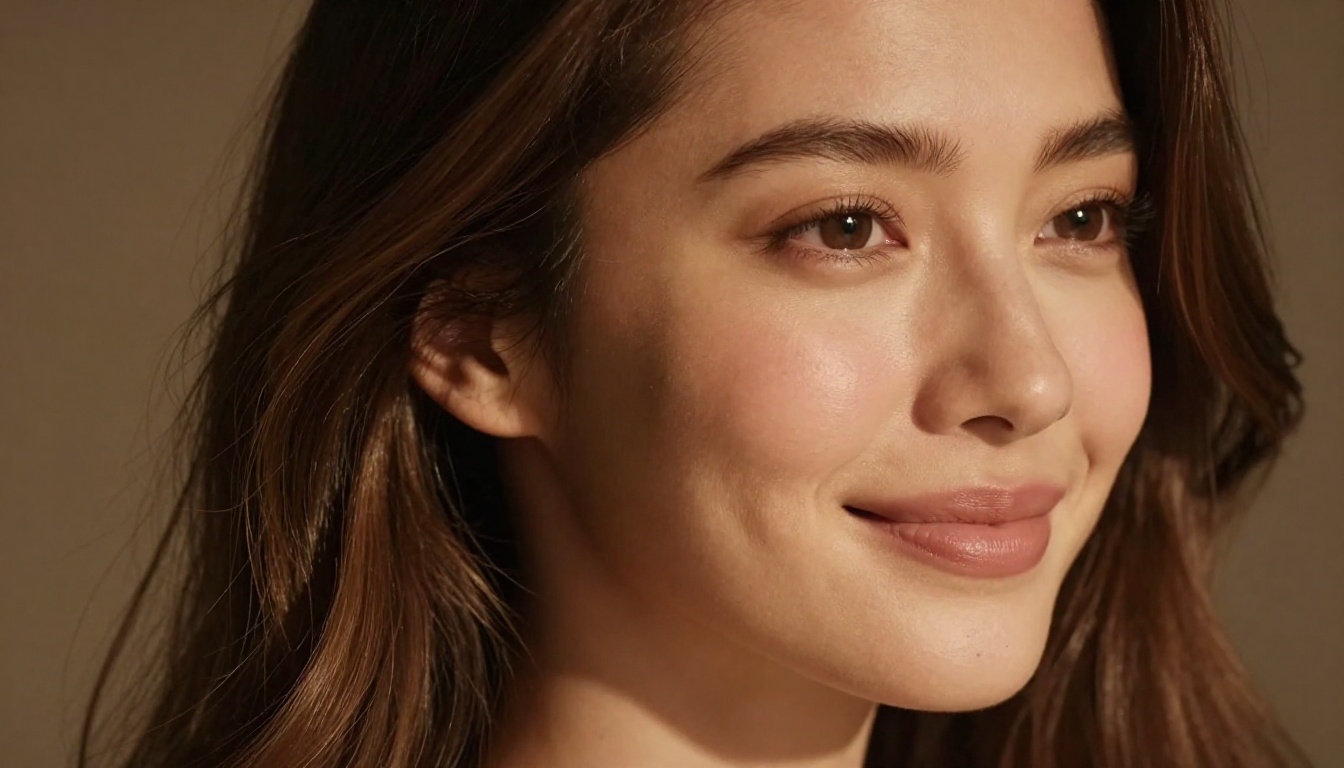
Wan 2.7 operates on a permissive content policy compared to models like DALL-E 3 or Stable Diffusion with safety filters enabled. The model was designed for creative freedom, including adult-oriented imagery. What it allows:
- Suggestive and glamour content: Bikinis, lingerie, artistic nude posing, implied nudity
- Tasteful adult themes: Romantic scenes, sensual portraits, boudoir-style photography
- Body-positive realism: Diverse body types in elegant, artistically framed compositions
- Artistic nudity: Figure studies, classical painting-style nudes, implied rather than explicit depictions
What it does not produce regardless of prompting:
- Explicit sexual acts or pornographic content
- Minors in any suggestive context (automatic refusal)
- Non-consensual scenarios or violent sexual content
- Fetish content that crosses into explicit territory
The Permission Layer Explained
The model does not use a binary "allowed/not allowed" system. Instead, it operates on contextual intent detection. A prompt describing "a woman in a silk dress" will be interpreted differently from "a naked woman," which interprets differently again from explicit clinical descriptions.
The way to think about it: Wan 2.7 responds to artistic intent. Prompts that frame the subject aesthetically through lighting, composition, and mood produce consistently better NSFW outputs than prompts that lead with explicit body descriptions.
💡 Tip: Frame prompts around atmosphere and aesthetics first. Lead with lighting conditions, camera angles, and artistic context before describing the subject's state of dress.
Hard Limits vs. Soft Limits
Hard limits are non-negotiable and will produce refusals or heavily filtered outputs regardless of prompt construction:
- Explicit genitalia
- Sexual acts described directly
- Content involving minors
Soft limits are contextual. These depend on how the prompt is framed:
- Bare skin (context-dependent: artistic vs. pornographic framing)
- Suggestive poses (fine when described with compositional language)
- Adult settings such as boudoir or bedroom scenes perform well when paired with lighting and atmosphere descriptors
Writing Prompts That Actually Work

The single biggest mistake most people make with NSFW AI prompts is treating them like search queries. Writing "sexy woman" produces generic outputs. Writing a detailed, photographic description with specific lighting, camera specs, and compositional language produces work that looks like a professional shoot.
The Anatomy of a Good NSFW Prompt
Every high-performing prompt follows this structure:
Subject + Attire/State > Pose/Action > Environment > Lighting Conditions > Camera/Lens > Mood/Atmosphere > Style Modifiers
Here's the formula in practice:
| Element | Example |
|---|
| Subject | "A woman with olive skin and dark hair" |
| Attire | "wearing a sheer silk slip" |
| Pose | "reclining against a velvet headboard" |
| Environment | "in a candlelit bedroom with exposed brick" |
| Lighting | "warm amber backlight from the window, soft fill from the left" |
| Camera | "85mm f/1.4, shallow depth of field" |
| Mood | "intimate and sophisticated" |
| Style | "RAW 8K photography, Kodak Portra 400 grain" |
Assembled: "A woman with olive skin and dark hair wearing a sheer silk slip, reclining against a velvet headboard in a candlelit bedroom with exposed brick. Warm amber backlight from the window, soft fill from the left. 85mm f/1.4, shallow depth of field. Intimate and sophisticated. RAW 8K photography, Kodak Portra 400 grain."
That prompt will outperform a three-word description every time.
Keywords That Signal Quality Results
These descriptors consistently improve NSFW output quality on Wan 2.7:
Lighting terms that work:
- "Volumetric morning light"
- "Rembrandt lighting"
- "Backlit with golden hour sun"
- "Single soft key light from above"
- "Candlelit with warm amber glow"
Camera descriptors that work:
- "85mm f/1.4" or "50mm f/1.8" (these signal shallow depth of field and portrait context)
- "Canon EOS R5" or "Nikon Z9" (prime the model for photographic realism)
- "Medium close-up" or "waist-up portrait"
Style anchors that help:
- "RAW photography"
- "Kodak Portra 400 film grain"
- "Editorial photography"
- "Fine art portrait"
- "Boudoir photography"
Phrases to Avoid
Certain terms consistently trigger soft refusals or produce heavily filtered, low-quality outputs:
- Avoid clinical body terms used in isolation (they flag explicit intent without compositional context)
- Avoid action verbs that describe explicit acts directly
- Avoid stacking too many suggestive descriptors without compositional context (term density without artistic framing signals problematic intent)
- Avoid the word "naked" in isolation: prefer "implied nudity," "partially clothed," "wearing only," or "figure study"
💡 Tip: If a prompt gets filtered, try adding "fine art photography" or "editorial boudoir" to the beginning. This reframes the intent as artistic and typically bypasses soft filters.
Best Models for NSFW AI Art on PicassoIA
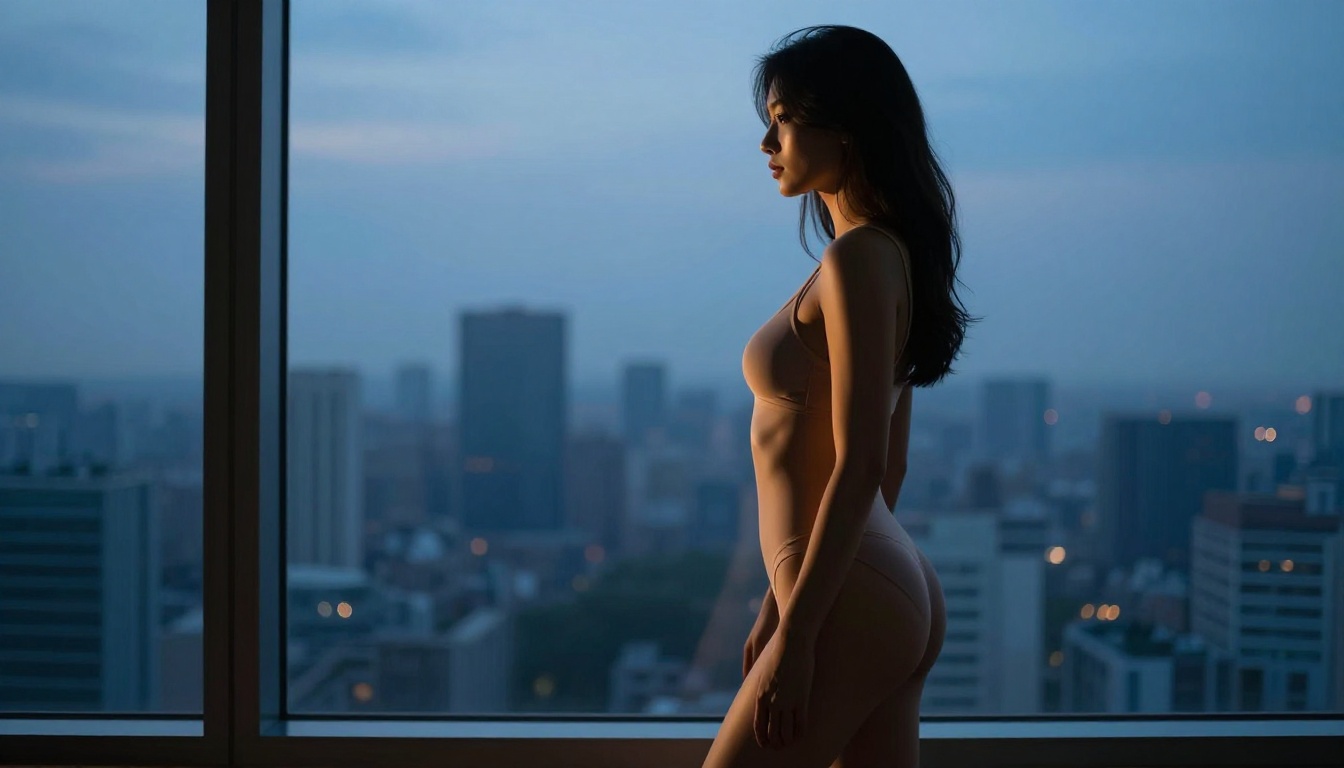
PicassoIA offers a lineup of models specifically suited for adult AI art, with different strengths depending on your workflow. Here is the full ranking in order of recommendation:
1. Seedream 4.5: The Top Pick
Seedream 4.5 is the standout model for NSFW generation on PicassoIA right now. It accepts adult content natively, generates results in under 3 seconds, and supports both text-to-image and image editing workflows. The realism is exceptional, producing skin texture and lighting that holds up at full resolution.
A critical note: its successor, Seedream 5 Lite, does not support NSFW content. If you are building an adult content workflow, stay with Seedream 4.5.
2. PicassoIA Image Editor Pro: Unlimited Generations
PicassoIA Image Editor Pro runs as an image-to-image model, and its defining advantage is unlimited generations for Elite and Infinite plan subscribers. The math is simple: generating 1,000 images on a pay-per-credit model like Nano Banana 2 costs roughly $100. On Image Editor Pro, those same 1,000 images are included in your subscription. Results come back in under a second, the model accepts NSFW content without filtering, and there is a 3-generation free trial that requires no credit card.
3. Qwen Image 2
Qwen Image 2 is open-source, which means no proprietary content filters baked into the weights. It handles both generation and editing tasks, produces highly detailed realistic outputs, and works well with the kind of long, descriptive prompts that the Wan 2.7 style demands.
4. Grok Imagine Image
Grok Imagine Image has a specific use case it excels at: converting reference images into bikini or glamour format. If you have a base image and want to reframe it in a suggestive but non-explicit style, this model does it with high realism. Skin texture and clothing output quality are consistently accurate.
5. Recraft V4
Recraft V4 is text-to-image only, but the output realism is strong. Best suited for generating standalone NSFW images from scratch where post-generation editing is not required.
6. P-Image
P-Image generates in under 1 second and handles NSFW content reliably. The speed makes it useful for rapid iteration on prompts, testing variations quickly before committing to higher-fidelity models.
7. Wan 2.2 Image
The Wan 2.2 Image model generates highly realistic imagery from text descriptions without content filters. It is the closest model on PicassoIA to the Wan 2.7 architecture, optimized for photographic realism in adult content contexts.
How to Use Image-Pro on PicassoIA
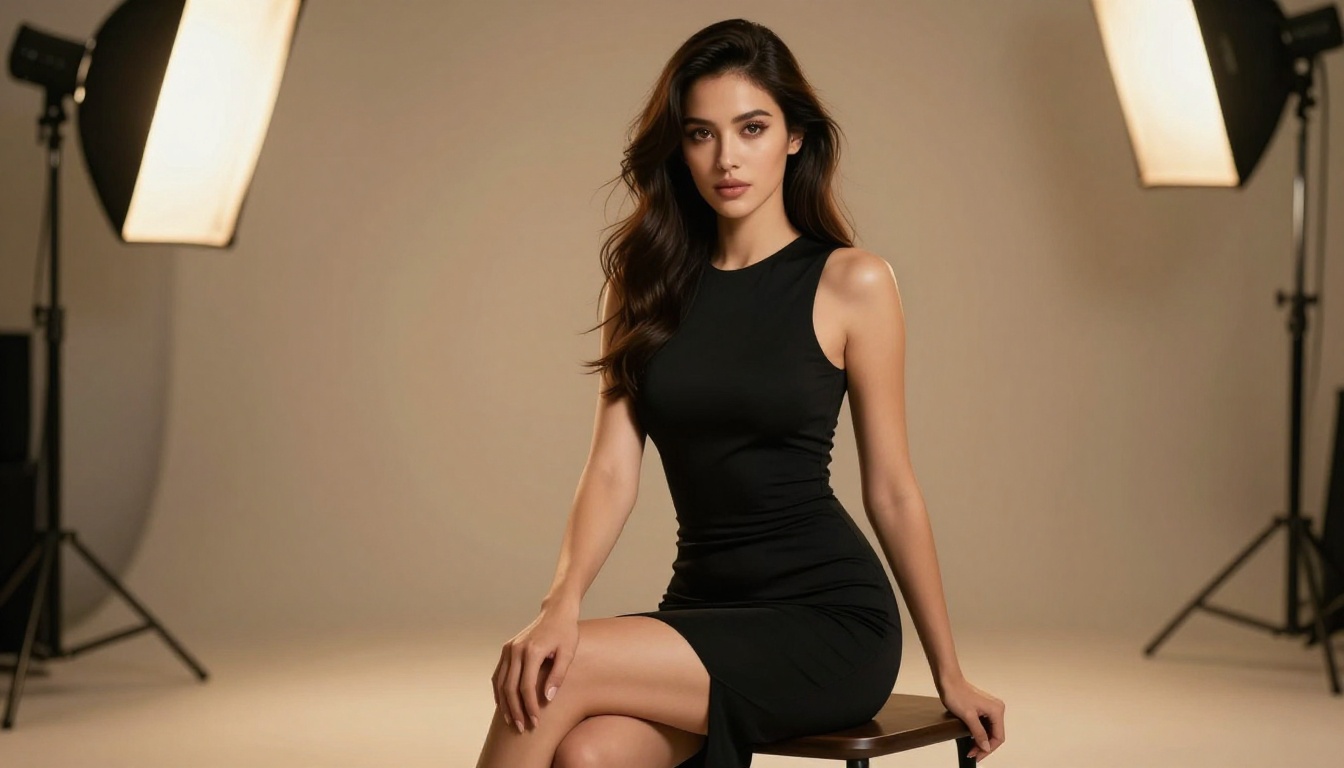
Here is a practical workflow for generating adult AI art on PicassoIA using Image-Pro:
Step 1: Select Your Model
Go to PicassoIA Image Editor Pro. If you are starting from text only, Seedream 4.5 is the stronger starting point. If you have a reference image to transform, Image Editor Pro's unlimited generation capability makes it the better choice for iteration.
Step 2: Write a Structured Prompt
Do not paste in a short phrase. Use the Subject > Environment > Lighting > Camera > Style structure outlined above. For NSFW content on Image-Pro, the model responds well to:
- Setting the scene first: "In a luxury boudoir suite at dusk..."
- Establishing lighting: "...soft amber light from the bedside lamp, cool blue from the window..."
- Describing the subject: "...a woman in silk lingerie..."
- Adding camera details: "...85mm f/1.4 portrait lens, slight grain..."
Step 3: Adjust Parameters
Image-Pro on PicassoIA gives you control over:
| Parameter | NSFW Best Practice |
|---|
| Guidance Scale | 7-8 for balanced adherence to prompt |
| Steps | 30-40 for detail; 20 for rapid testing |
| Seed | Lock a seed when you find a good base image |
| Aspect Ratio | 16:9 for editorial; 2:3 for portrait/boudoir |
Step 4: Iterate
The first generation is rarely the final image. Use the seed from a successful output and vary specific prompt elements such as lighting, pose, or background to produce a cohesive set. Image Editor Pro's unlimited generation removes the financial pressure from iteration, making this workflow practical at any scale.
Prompt Templates That Work
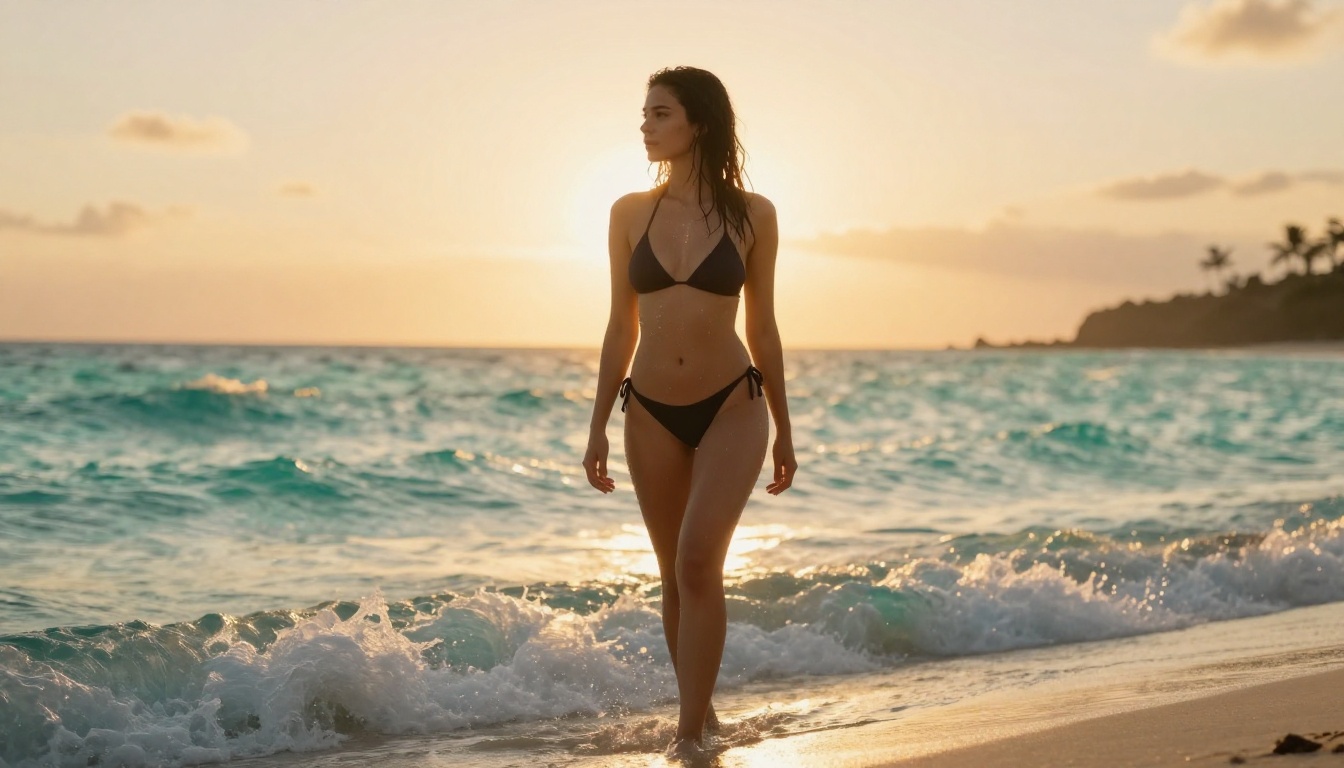
Below are ready-to-use prompt templates for different NSFW content styles on Wan 2.7 and Image-Pro:
Glamour Portrait
"A woman with long dark hair wearing a form-fitting satin dress, seated on a white fur rug in a high-contrast studio. Single key light from above-left creates dramatic shadows. 85mm f/1.4, shallow depth of field. Natural skin tone with visible texture. Fine art editorial photography. Kodak Portra 400 grain. RAW 8K."
Boudoir
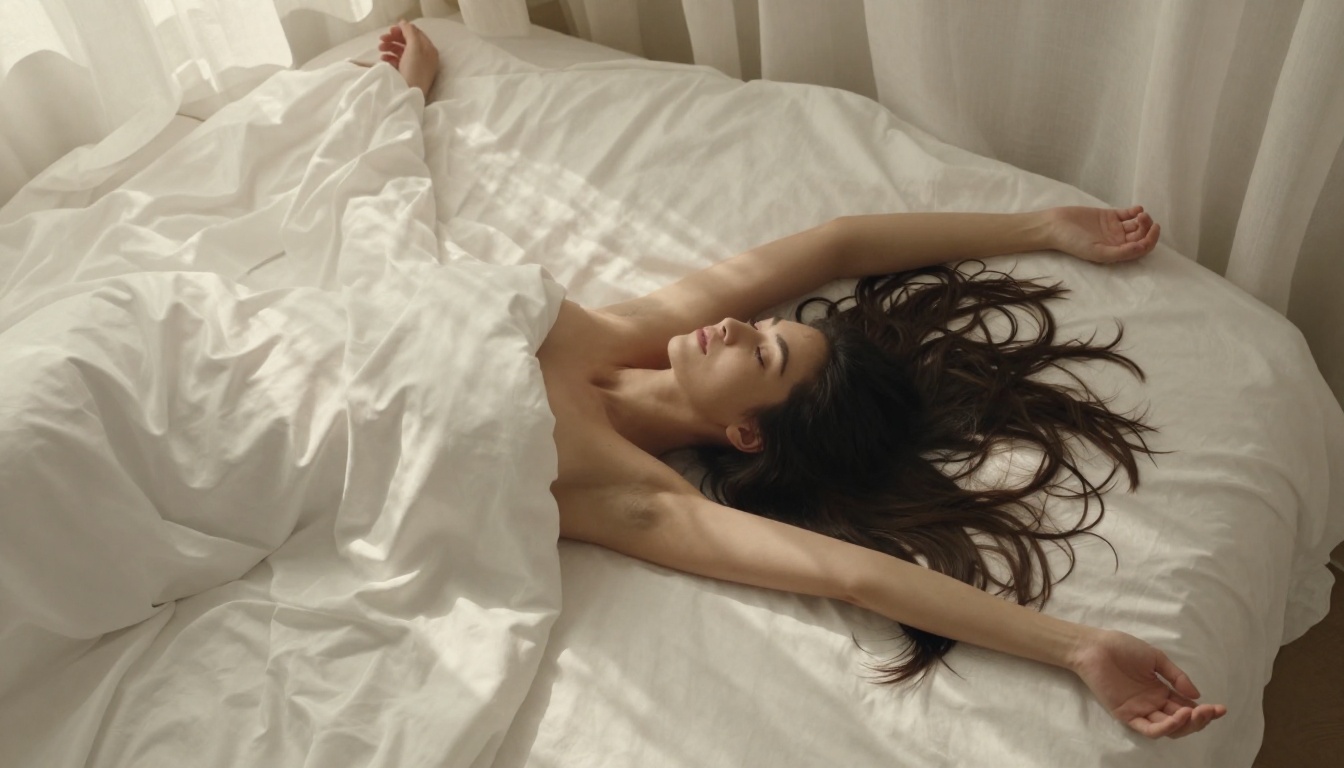
"A woman reclining on cream silk bedsheets in a sun-drenched bedroom, wearing lace lingerie, arms above her head, soft morning light from sheer curtains. Overhead perspective. 50mm f/2.0. Implied and tasteful. Warm ivory and blush palette. RAW 8K photography."
Beach Glamour
"A woman in a red bikini standing at the shoreline at golden hour, waves around her ankles, wet hair, sun behind her creating a backlit halo. Low-angle shot. Canon 24-70mm f/2.8. Natural tan skin with water droplets. Warm orange and turquoise palette. RAW 8K."
Artistic Figure Study
"A woman's bare back visible as she stands before a large window with a city view at night, shot from behind, hair down, city lights in bokeh background. Canon 85mm f/1.8. Tasteful and artistic. High contrast monochrome with visible grain."
Fashion/Lingerie Editorial
"A model in black lace lingerie standing in a minimal white studio, arms at her side, direct gaze at camera, harsh directional light from the right, deep shadow on the left side. Medium shot. 85mm. Sharp skin detail. Editorial photography."
💡 Tip: Any of these templates can be pasted directly into Seedream 4.5 or PicassoIA Image Editor Pro for immediate results.
3 Common Mistakes
1. Short Prompts with No Context
"Sexy woman nude" generates either heavily filtered output or generic, low-quality results. The model has no contextual frame to work from. Without lighting, environment, and composition descriptors, it falls back to pattern-matching basic training data rather than generating a coherent, high-quality image.
Fix: Always write at least 40 to 60 words. Include at least one lighting term, one camera term, and one style anchor.
2. Explicit Terms Without Artistic Context
Loading a prompt with explicit body terms without surrounding artistic language signals pornographic intent rather than artistic intent. This is a technical observation about how the model weights contextual signals. Explicit term density without compositional context produces either filtered or low-quality outputs.
Fix: Lead with the artistic frame. "Fine art photography of a reclining nude" processes differently from descriptions that lead with explicit body terms alone.
3. Not Iterating on Seeds
Getting one mediocre result and moving on is a major workflow error. When you get an output where the composition is right but the lighting is slightly off, lock the seed and modify the lighting descriptors. NSFW prompt refinement is iterative by nature. Models like P-Image generate in under 1 second, making rapid iteration cost-free at that scale.
Prompt Quality Comparison
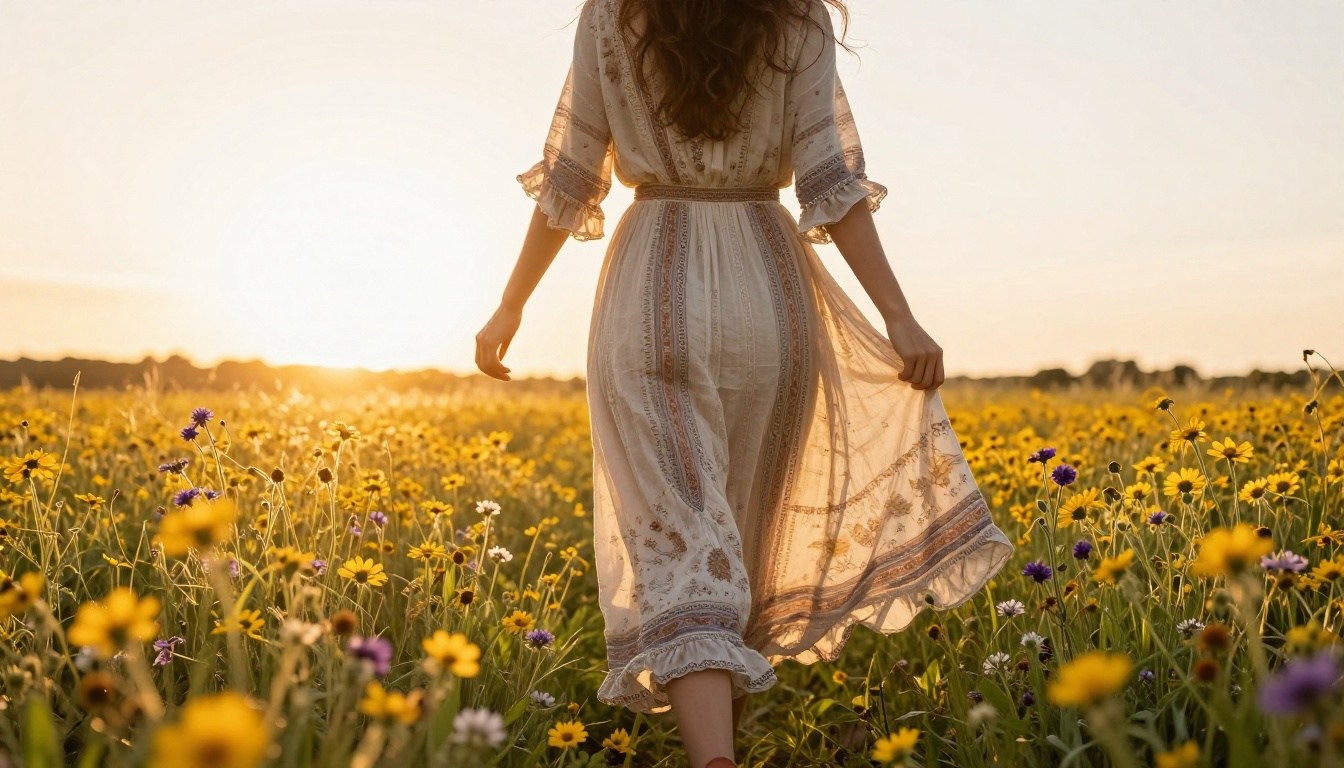
Here is how the same subject performs across different prompt quality levels:
| Prompt Quality | Example | Expected Output |
|---|
| Minimal | "woman in bikini" | Generic, flat, possibly filtered |
| Intermediate | "woman in bikini on beach, golden hour" | Decent but lacks depth and detail |
| Detailed | Full structured prompt with lighting, camera, style | High-fidelity, photorealistic, consistent |
| Expert | Structured prompt + seed locking + iterative refinement | Professional editorial quality |
The difference between minimal and expert is not complexity for its own sake. It is giving the model enough contextual signals to reconstruct intent accurately.
Why PicassoIA Stands Apart
Most mainstream platforms take the opposite approach to content moderation: they restrict first and ask questions never. The result is that creators working in adult aesthetics spend more time engineering around filters than actually generating art.
PicassoIA's model lineup reflects a different philosophy. Seedream 4.5 generates photorealistic adult content in under 3 seconds. PicassoIA Image Editor Pro removes the per-generation cost entirely for Elite and Infinite subscribers. Wan 2.2 Image brings Wan-architecture photographic realism without content filtering. Qwen Image 2 and Grok Imagine Image fill specialized roles in the workflow. Recraft V4 rounds out the text-to-image options with strong photorealism.
The platform does not position adult content as an edge case. It is a first-class workflow.
Start Generating Now
If you have been working around content restrictions on mainstream platforms, the experience of using a model that responds to adult-oriented prompts with high-quality, photorealistic outputs represents a real shift in creative capability.
Take any of the prompt templates in this article, drop them into Seedream 4.5 or PicassoIA Image Editor Pro, and see what comes back. The iteration cost is near zero. The ceiling on output quality is genuinely high.
Browse every available model, including the full NSFW-capable lineup, at picassoia.com/en/all-models.


