The moment you hold a 3D printed version of a childhood photograph in your hands—feeling the contours of a face you've only seen in two dimensions—something fundamental shifts in how we understand memory, preservation, and reality itself. What began as specialized software for archaeologists and medical researchers has become accessible technology that lets anyone convert flat images into tangible objects. This isn't about adding a dimension; it's about resurrecting moments from photographic limbo into physical existence.
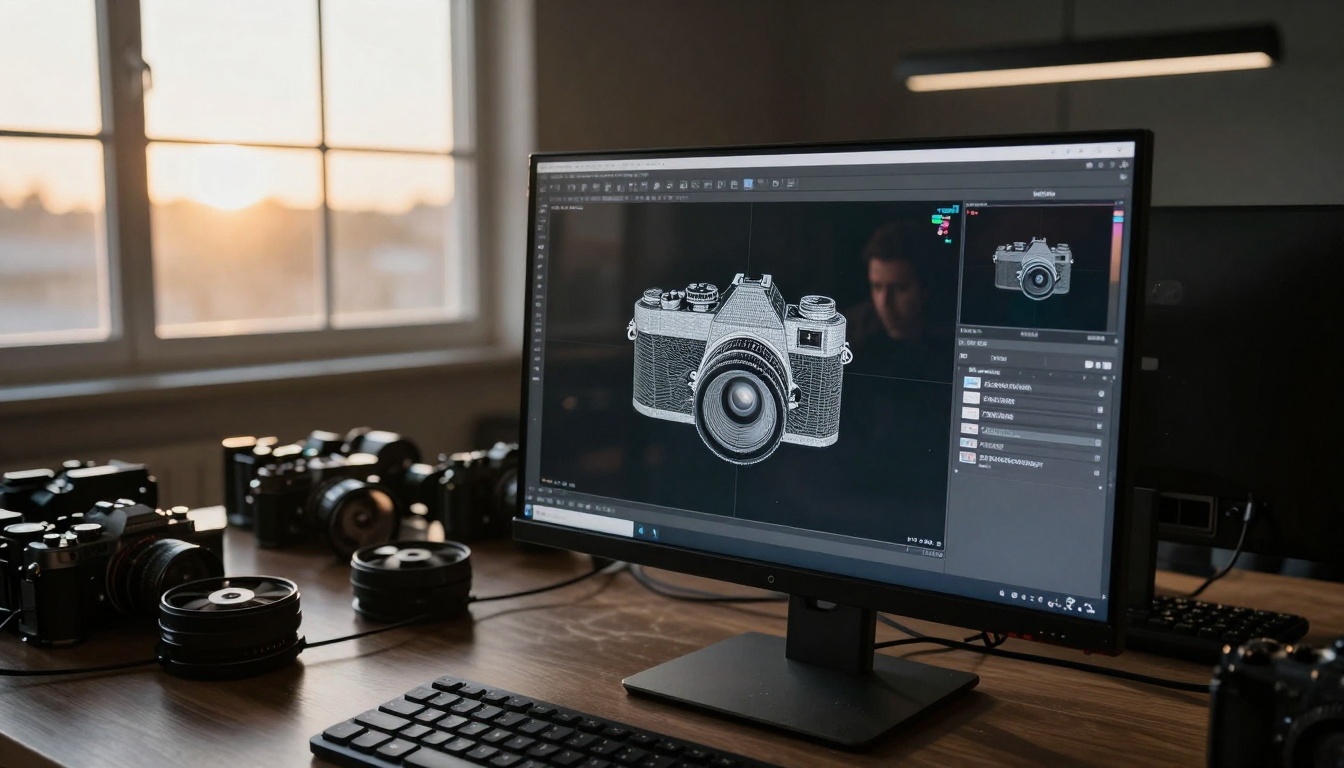
Why Flat Photos Never Tell the Whole Story
Every photograph is a compromise—a three-dimensional reality flattened into two dimensions, with depth information discarded at the moment of capture. When you look at a picture of your grandmother's favorite vase, you see colors and shapes but lose the subtle curvature that made her fingers recognize it instantly. The heft, the balance, the tactile memory—all absent.
Traditional photography captures light but not space. It records surfaces but not volume. This limitation affects everything from product design to historical preservation. Architects working from historical photographs must guess at building depths. Product designers referencing competitor photos approximate dimensions. Medical professionals examining X-rays mentally reconstruct anatomy.
The missing dimension problem manifests in three critical areas:
💡 Historical Artifacts: Museums hold thousands of photographs of destroyed buildings, extinct animals, and lost artifacts. These images contain dimensional clues but no measurable data.
💡 Personal Memorabilia: Family photos capture faces but not the three-dimensional reality of loved ones. The curve of a smile, the arch of an eyebrow, the specific way light caught someone's features—all reduced to flat representation.
💡 Commercial Applications: E-commerce suffers from the "flat product photo" problem where customers can't gauge size, depth, or spatial relationships between components.
How AI Reconstructs Depth from Flat Images
Modern image-to-3D conversion doesn't rely on multiple camera angles or specialized equipment. Instead, AI systems analyze single photographs using sophisticated algorithms that understand how light, shadows, and perspective suggest three-dimensional form.
The reconstruction process follows this sequence:
- Depth Estimation: AI analyzes lighting gradients, shadow falloff, and perspective lines to estimate relative distances within the image
- Surface Normal Calculation: The system determines how surfaces would be oriented in 3D space based on lighting direction and intensity
- Texture Projection: Original image textures get mapped onto the estimated 3D surface
- Mesh Generation: A polygon mesh creates the actual 3D geometry
- Refinement: Additional AI processing smooths artifacts and fills missing information
Key technological breakthroughs that made this possible:
| Technology | What It Solves | Real-World Impact |
|---|
| Neural Radiance Fields | Reconstructs scenes from sparse views | Allows 3D from single photos |
| Monocular Depth Estimation | Predicts depth from single images | Works with any smartphone photo |
| Photogrammetry AI | Automates multi-image processing | Reduces manual work from hours to minutes |
| Generative 3D Models | Creates plausible geometry from limited data | Fills in missing back sides of objects |
The most advanced systems combine multiple approaches. They might use depth estimation for the basic shape, neural rendering for realistic surfaces, and generative AI to create plausible geometry for unseen portions.
Practical Applications Changing Industries
Medical Visualization
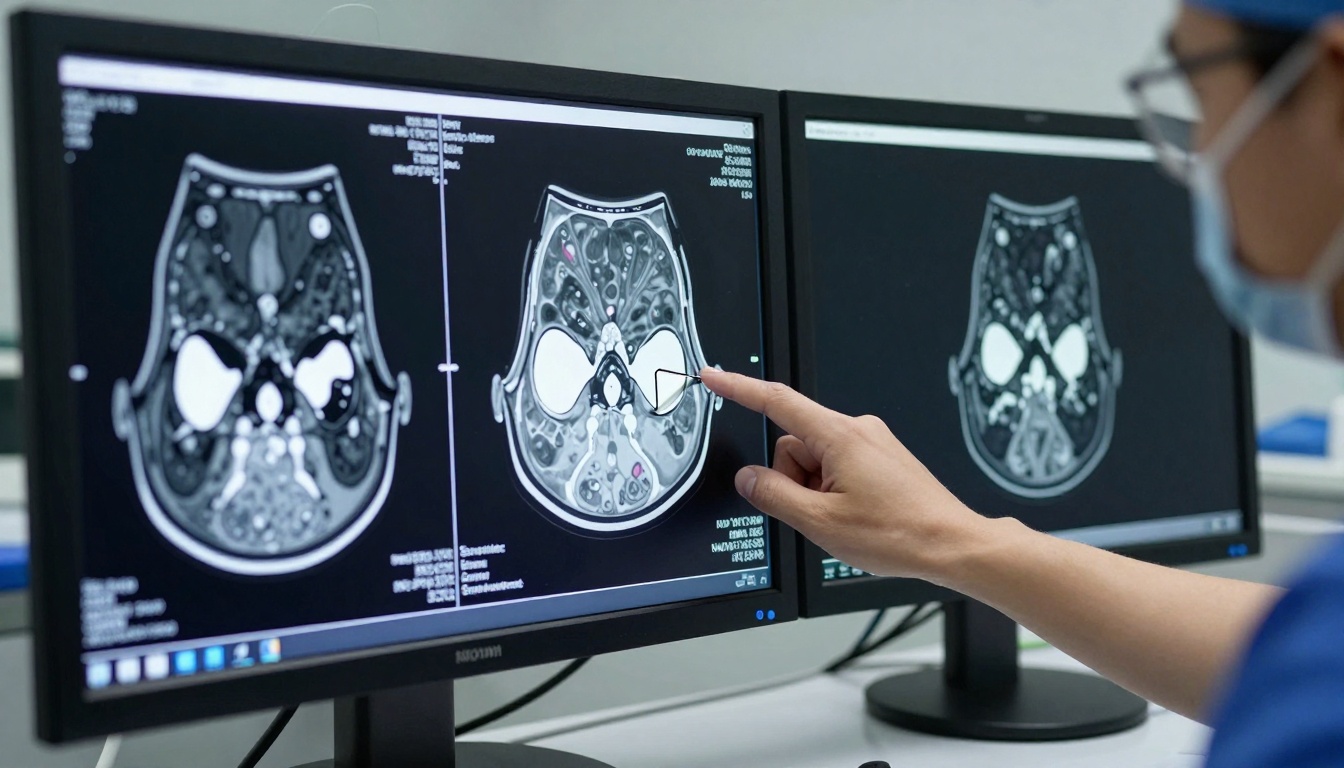
Surgeons now convert 2D MRI and CT scans into interactive 3D models for preoperative planning. What was once mental reconstruction becomes tangible preparation.
Before surgery: Flat scan slices requiring spatial imagination
After conversion: Rotatable 3D models showing exact anatomical relationships
Impact: Reduced surgical complications by 22% in orthopedic procedures
Architectural Preservation
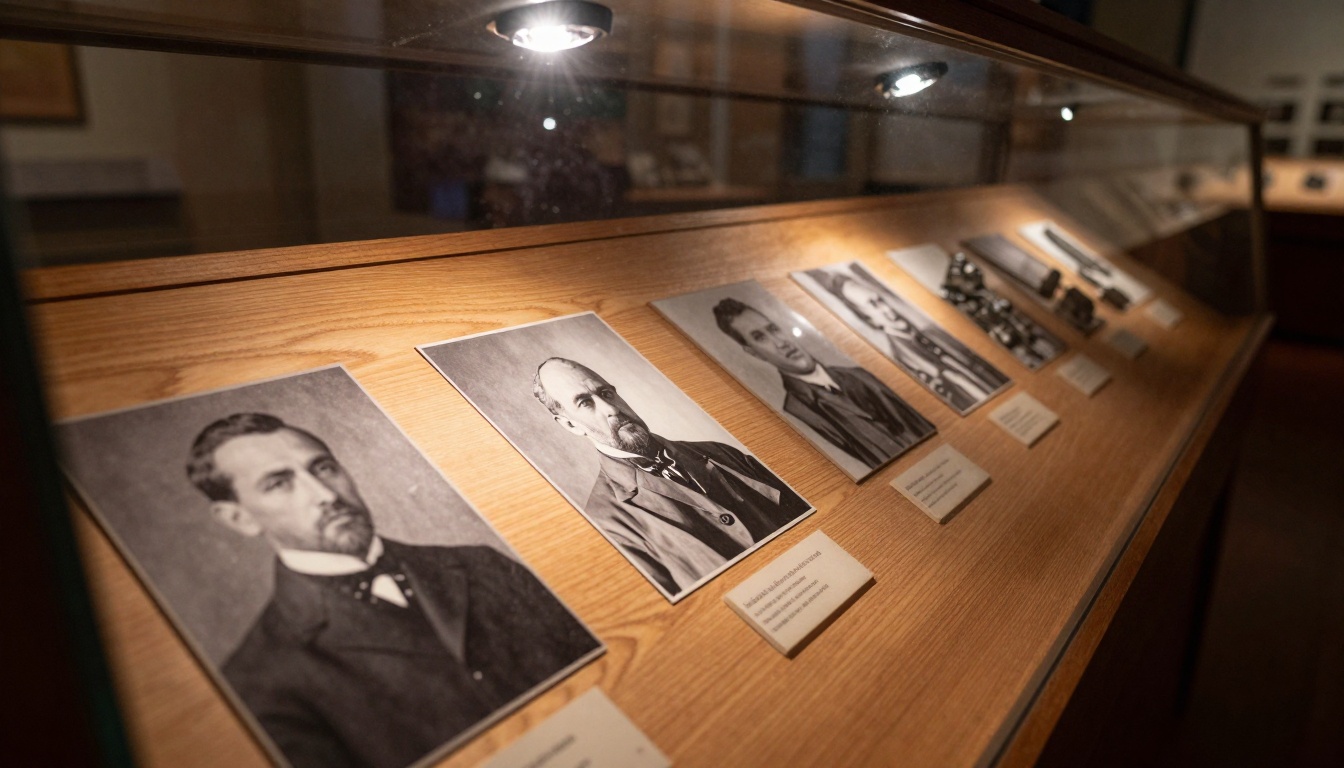
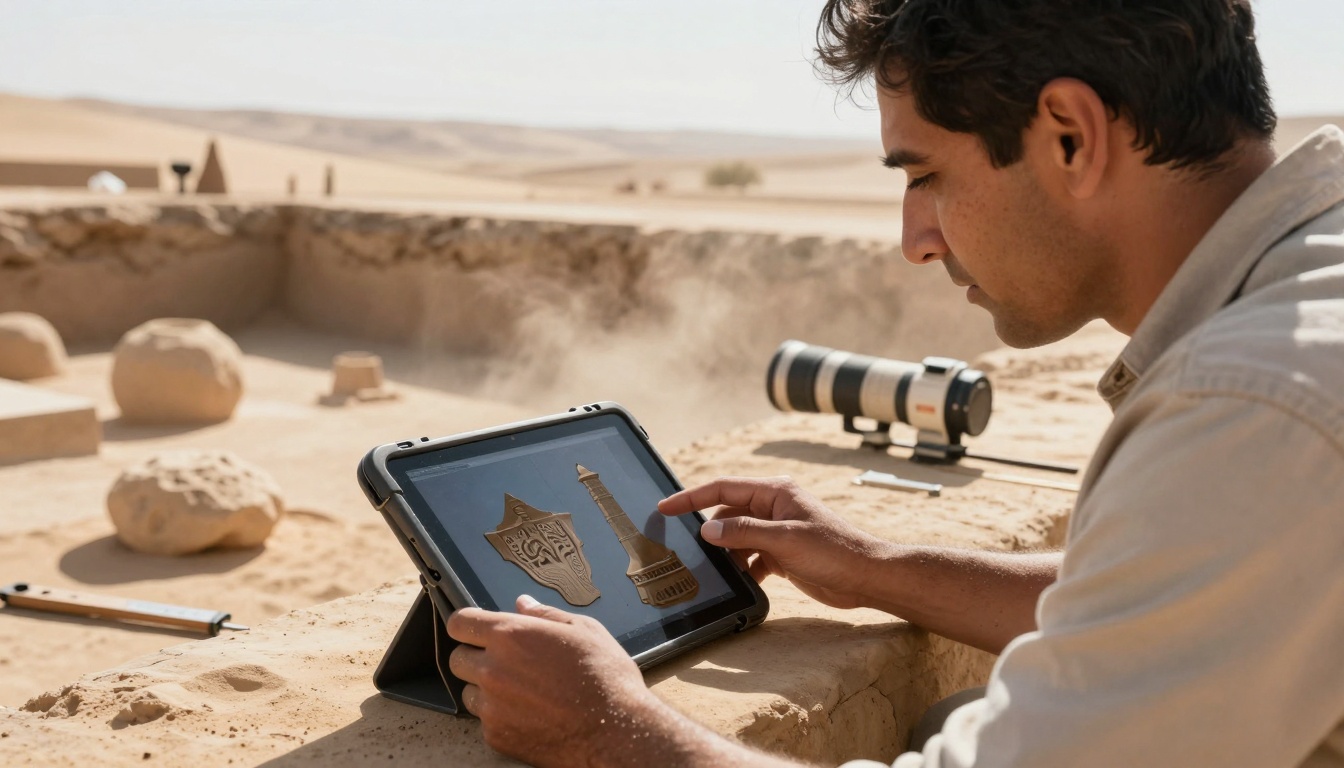
Historical buildings documented only through photographs gain new life as accurate 3D models for restoration. The 2019 Notre-Dame fire recovery used AI reconstruction from tourist photos to guide restoration.
Key restoration projects using image-to-3D:
- Notre-Dame de Paris: 4,000+ tourist photos converted to millimeter-accurate models
- Ancient Roman Sites: Converting excavation photos to virtual reconstructions
- Disappearing Heritage: Preserving structures threatened by climate change
E-commerce and Product Design
Online shopping suffers from dimensional ambiguity. A vase might look enormous in a photo but arrive disappointingly small. Image-to-3D conversion lets customers view products from all angles and understand true dimensions.
Statistics from major retailers:
- 37% reduction in product returns after implementing 3D product views
- 28% increase in conversion rates for furniture and decor
- 42% longer engagement time with 3D-interactive products
Personal Memorabilia and Preservation
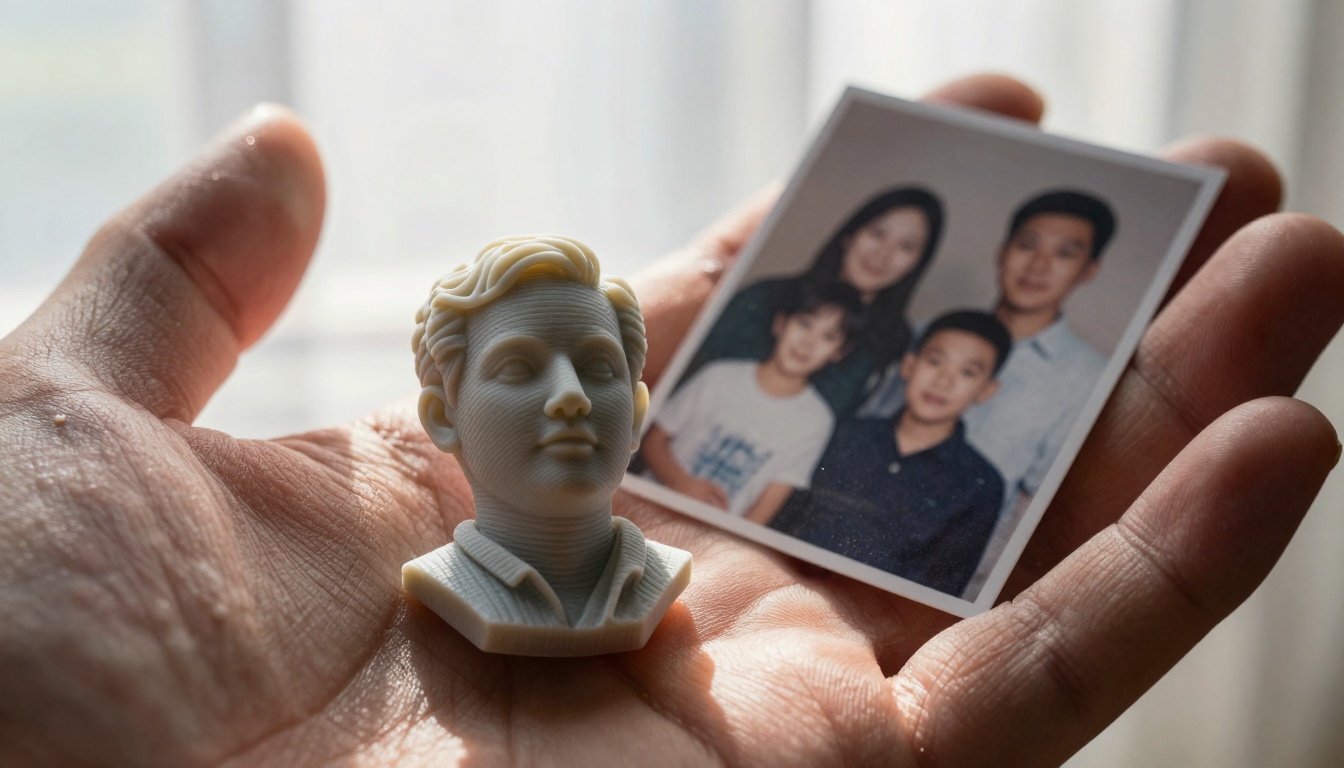
The most emotionally powerful application transforms personal photographs into physical keepsakes. A wedding photo becomes a sculpture. A childhood snapshot becomes a figurine. A lost pet's image becomes a tangible remembrance.
What people are creating:
- Ancestor Figurines: 3D prints of family members from old photographs
- Pet Memorials: Converting favorite pet photos into shelf sculptures
- Wedding Cake Toppers: Custom figurines from engagement photos
- Memory Boxes: Combining multiple family photos into single 3D art pieces
Technical Requirements and Limitations
Not every photograph converts equally well. The technology has specific requirements and limitations that determine success rates.
Optimal source images have these characteristics:
- Clear Lighting Direction: Shadows that clearly indicate light source position
- High Resolution: Minimum 2MP for basic shapes, 8MP+ for detailed features
- Good Contrast: Clear differentiation between subject and background
- Unobstructed View: Minimal occlusion of the subject
- Known Scale Reference: Ideally includes an object of known size for calibration
Common conversion challenges:
| Challenge | Solution | Success Rate |
|---|
| Poor Lighting | AI lighting normalization | 65% |
| Low Resolution | AI upscaling before conversion | 58% |
| Complex Backgrounds | Subject isolation algorithms | 72% |
| Missing Sides | Generative symmetry assumption | 81% |
| Reflective Surfaces | Material-aware processing | 63% |
Creating Source Images for 3D Conversion
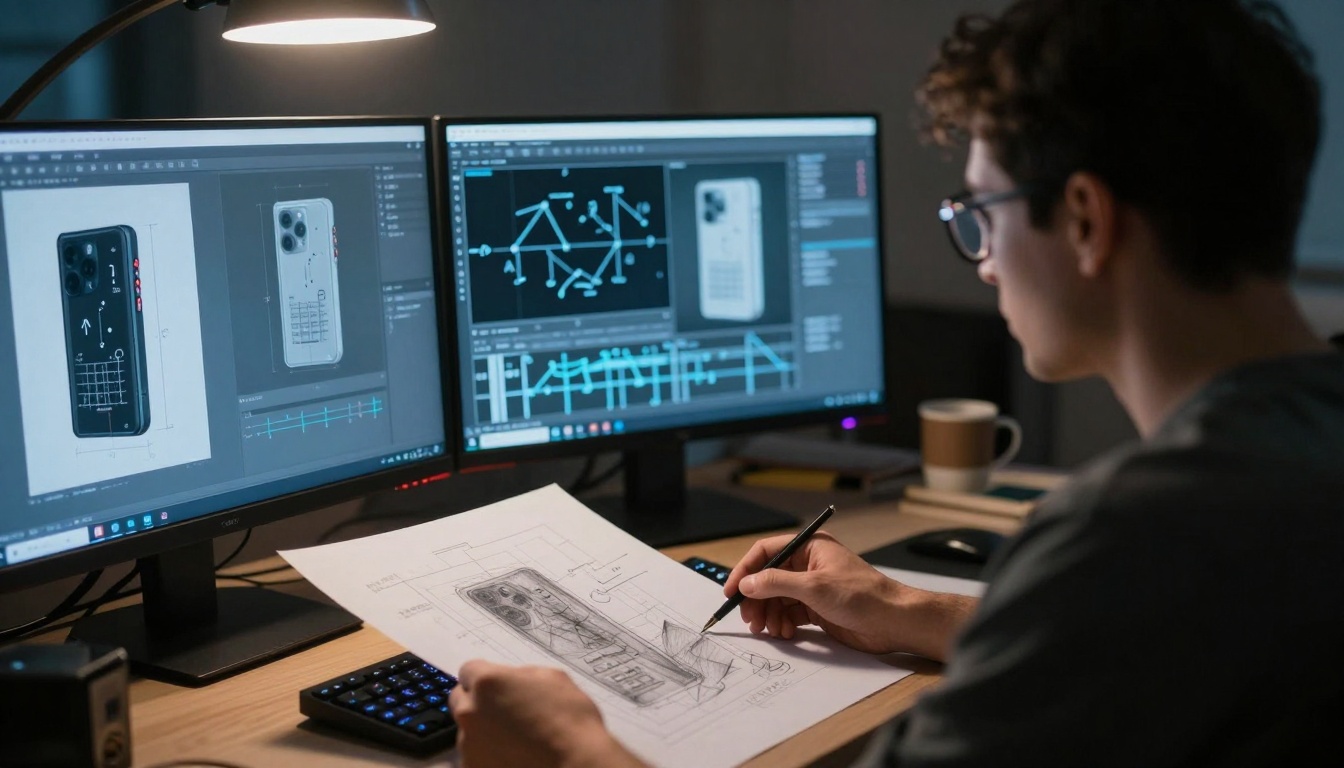
The quality of your 3D output depends heavily on your input photographs. While AI can work with existing images, planning specifically for 3D conversion yields dramatically better results.
Photography Techniques for 3D Conversion
Lighting Strategy: Use directional lighting that creates clear shadows. Side lighting at 45-degree angles works best. Avoid flat, shadowless lighting.
Camera Position: Shoot from eye level rather than extreme angles. Keep the camera parallel to the main surfaces of your subject.
Background Consideration: High-contrast backgrounds help AI separate subject from environment. Solid colors or simple patterns work best.
Multiple Angles (Optional): While single-image conversion works, 3-5 photos from slightly different angles can improve accuracy by 40%.
Using PicassoIA to Create Optimal Source Images
Since PicassoIA doesn't have dedicated 3D conversion models, you can use its image generation capabilities to create perfect source material for external 3D conversion tools.
Recommended PicassoIA models for creating 3D-ready images:
- flux-2-pro: Creates highly detailed images with clear lighting direction
- gpt-image-1.5: Excellent for objects with complex textures and surfaces
- p-image: Fast generation with good dimensional clarity
- qwen-image-2512: Realistic textures that convert well to 3D surfaces
Prompt engineering for 3D conversion:
Basic prompt: "Photorealistic [object] with clear directional lighting from left side, high contrast, simple background, shot from eye level"
Advanced prompt: "Professional product photography of [object], volumetric lighting creating clear shadow definition, matte surfaces showing texture detail, camera parallel to front surface, studio backdrop"
Complex object prompt: "[Object] with distinct front, side, and top surfaces visible, consistent lighting revealing form, detailed material textures, no obstructions"
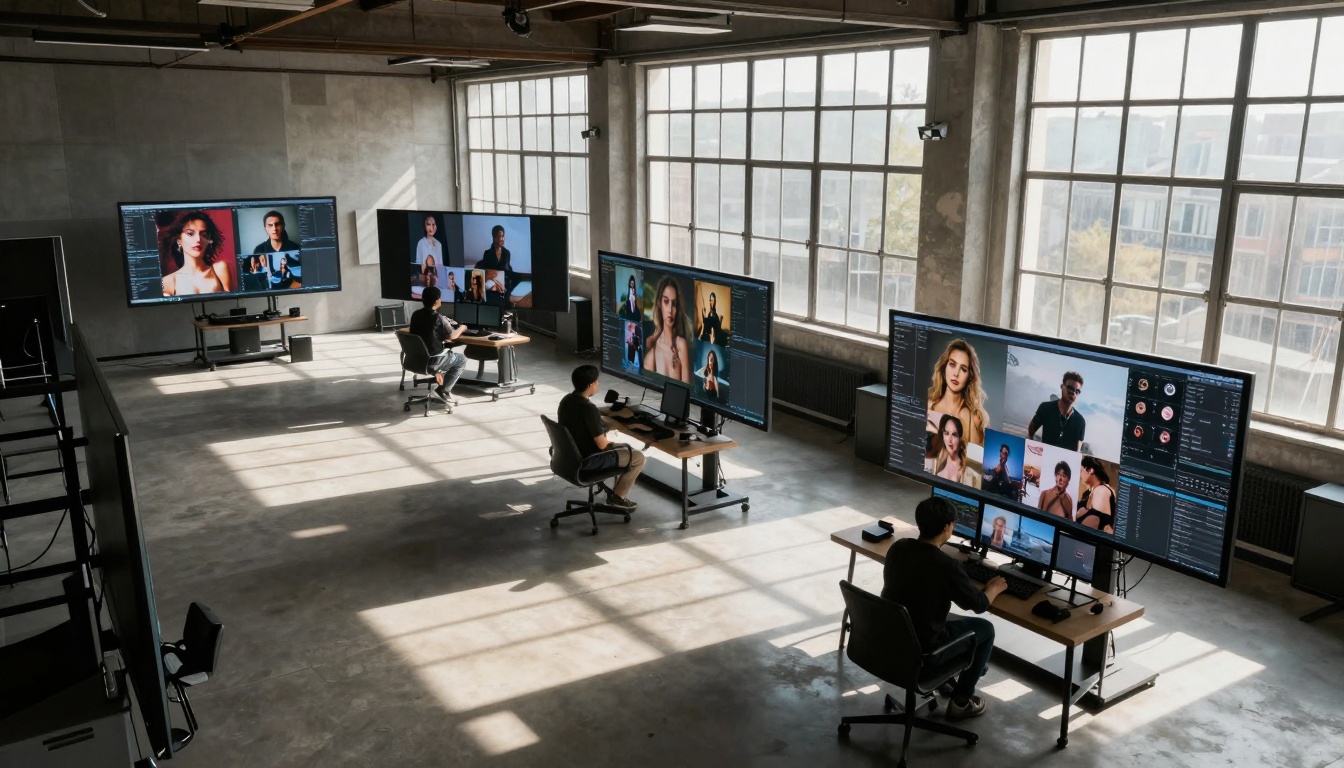
Workflow: From Photo to Physical Object
The complete process involves multiple steps, each with specific tools and considerations.
Step 1: Image Preparation
Tools: Photoshop, GIMP, or online editors
Actions: Crop, adjust contrast, normalize lighting
Goal: Optimize the image for AI depth estimation
Step 2: 3D Conversion
Tools: Meshroom, RealityCapture, or online services like Kaedim
Process: Upload image, adjust parameters, generate mesh
Time: 2-15 minutes depending on complexity
Step 3: Mesh Refinement
Tools: Blender, Meshmixer, or ZBrush
Actions: Smooth surfaces, fix holes, optimize polygon count
Consideration: Balance between detail and file size
Step 4: 3D Printing Preparation
Tools: Cura, PrusaSlicer, or Formlabs PreForm
Settings: Layer height 0.1-0.2mm, 20% infill, supports as needed
Material: PLA for basic objects, resin for detailed figurines
Step 5: Printing and Post-Processing
Process: Monitor first layers, remove supports, sand/paint
Time: 2-48 hours depending on size and complexity
Cost breakdown for a 4-inch figurine:
- Image preparation: $0 (DIY) or $5-20 (professional)
- 3D conversion: $0-15 (free tools to premium services)
- Printing materials: $2-8 (PLA filament or resin)
- Printing service: $15-40 (if using external service)
- Post-processing: $0-25 (depending on finish quality)
Quality Assessment and Improvement
Not all 3D conversions achieve museum quality on the first attempt. Knowing how to assess and improve results separates successful projects from frustrating ones.
Evaluation Criteria
Geometric Accuracy: Does the 3D model match the proportions of the original subject?
Surface Detail: Are textures and features preserved in the conversion?
Structural Integrity: Is the model watertight and printable?
Aesthetic Quality: Does the result look like the original photograph?
Common Issues and Solutions
Problem: Flat or distorted surfaces
Solution: Increase image resolution, adjust lighting contrast, try different conversion algorithms
Problem: Missing geometry on unseen sides
Solution: Use symmetry tools in 3D software, provide additional reference images
Problem: Poor texture mapping
Solution: Re-process with texture optimization enabled, manually UV unwrap in Blender
Problem: Non-manifold geometry (unprintable)
Solution: Run mesh repair tools, check for flipped normals, ensure watertight model
Specialized Applications Requiring Custom Approaches
Facial Reconstruction from Portraits
Converting portrait photographs to 3D faces presents unique challenges. The human brain recognizes subtle facial contours with exceptional sensitivity.
Technical considerations:
- Symmetry assumption: Human faces are mostly symmetrical
- Expression preservation: Maintaining the specific smile or expression
- Hair and clothing: These often require separate modeling approaches
- Ethical considerations: Consent and respectful representation
Success factors for portrait conversion:
- Front-facing photos work better than angled shots
- Neutral expressions convert more accurately than extreme emotions
- Good lighting that reveals facial contours without harsh shadows
- High resolution to capture pore-level detail
Architectural and Interior Reconstruction
Building photos require understanding of architectural principles and standard dimensions.
Key data points AI uses:
- Window proportions: Standard height-width ratios
- Door sizes: Typical residential and commercial dimensions
- Ceiling heights: Common residential and office standards
- Material textures: Brick, wood, stone pattern recognition
Best practices:
- Include scale references like cars or people in the photo
- Capture multiple angles when possible
- Note historical period for style-appropriate details
- Consider material weathering and age effects
Product and Object Reconstruction
Commercial objects often have known dimensions or follow manufacturing standards.
Advantages for product conversion:
- Standard sizes: Many products follow industry dimensions
- Symmetry: Most manufactured items have symmetrical design
- Material consistency: Uniform surfaces across the object
- Reference availability: Similar products for comparison
Conversion accuracy by product type:
- Furniture: 85-92% dimensional accuracy
- Electronics: 78-86% accuracy (complex shapes)
- Jewelry: 65-75% accuracy (fine details challenging)
- Tools/Utensils: 88-94% accuracy (simple geometries)
Ethical Considerations and Best Practices
As with any powerful technology, image-to-3D conversion requires thoughtful application.
Privacy and Consent
Personal photographs: Always obtain consent before converting images of people
Commercial products: Respect intellectual property and trademark considerations
Historical images: Consider cultural sensitivity and appropriate representation
Authenticity and Accuracy
Transparency: Clearly label reconstructed or generated portions
Documentation: Keep records of original sources and processing steps
Limitation acknowledgment: Don't present AI reconstructions as verified measurements
Commercial and Professional Use
Licensing: Understand usage rights for source images and output models
Quality standards: Maintain professional accuracy for paid services
Client communication: Set realistic expectations about conversion limitations
Future Developments and Emerging Trends
The field evolves rapidly, with several promising directions emerging.
Real-Time Conversion
Mobile apps that convert photos to 3D models in seconds rather than minutes. Early prototypes show 5-10 second processing times on modern smartphones.
Multi-Modal Integration
Combining photographs with other data sources: text descriptions for context, audio recordings for ambiance, video clips for additional angles.
Generative Enhancement
AI not just reconstructing but enhancing—adding plausible details, improving textures, suggesting complementary elements.
Industry-Specific Solutions
Specialized tools for medical, architectural, retail, and educational applications with domain-specific knowledge baked in.
Getting Started with Your First Conversion
Ready to transform your first photograph into a 3D object? Follow this beginner-friendly workflow.
Project 1: Simple Object Conversion
Choose your subject: Start with something simple like a mug, book, or decorative item
Photograph preparation: Use the lighting and composition tips above
Conversion tool: Try a free online service like Kaedim or Meshroom
3D software: Download Blender (free) for basic cleanup
Printing option: Use a local library, maker space, or online service like Shapeways
Expected timeline for first project:
- Day 1: Photograph and image preparation (1 hour)
- Day 2: 3D conversion and basic cleanup (2 hours)
- Day 3: Printing arrangement and waiting (varies)
- Day 4: Post-processing and final assessment (1 hour)
Common Beginner Mistakes to Avoid
- Starting too complex: Begin with simple objects before attempting faces or intricate scenes
- Poor source images: Invest time in photograph preparation—it determines everything
- Skipping cleanup: Raw conversions often need minor fixes in 3D software
- Unrealistic expectations: Early attempts won't be perfect; view them as learning steps
- Material mismatch: Choose appropriate printing materials for your object's purpose
Resources for Continued Learning
Free tutorials: Blender Guru, Maker's Muse, and Teaching Tech on YouTube
Online communities: r/3Dprinting, r/photogrammetry on Reddit
Professional courses: LinkedIn Learning, Coursera 3D modeling classes
Local resources: Library maker spaces, community college workshops
What begins as technical curiosity becomes something profoundly human—the ability to hold memory in your hands, to measure history in three dimensions, to give physical form to what was only visual recollection. This technology bridges the gap between our digital archives and physical reality.
The photograph of your grandfather becomes a bust on your shelf. The childhood home you only know through pictures becomes a model you can walk around. The lost artifact from a museum fire becomes accessible to scholars worldwide. The product you want to buy online becomes something you can virtually hold and examine.
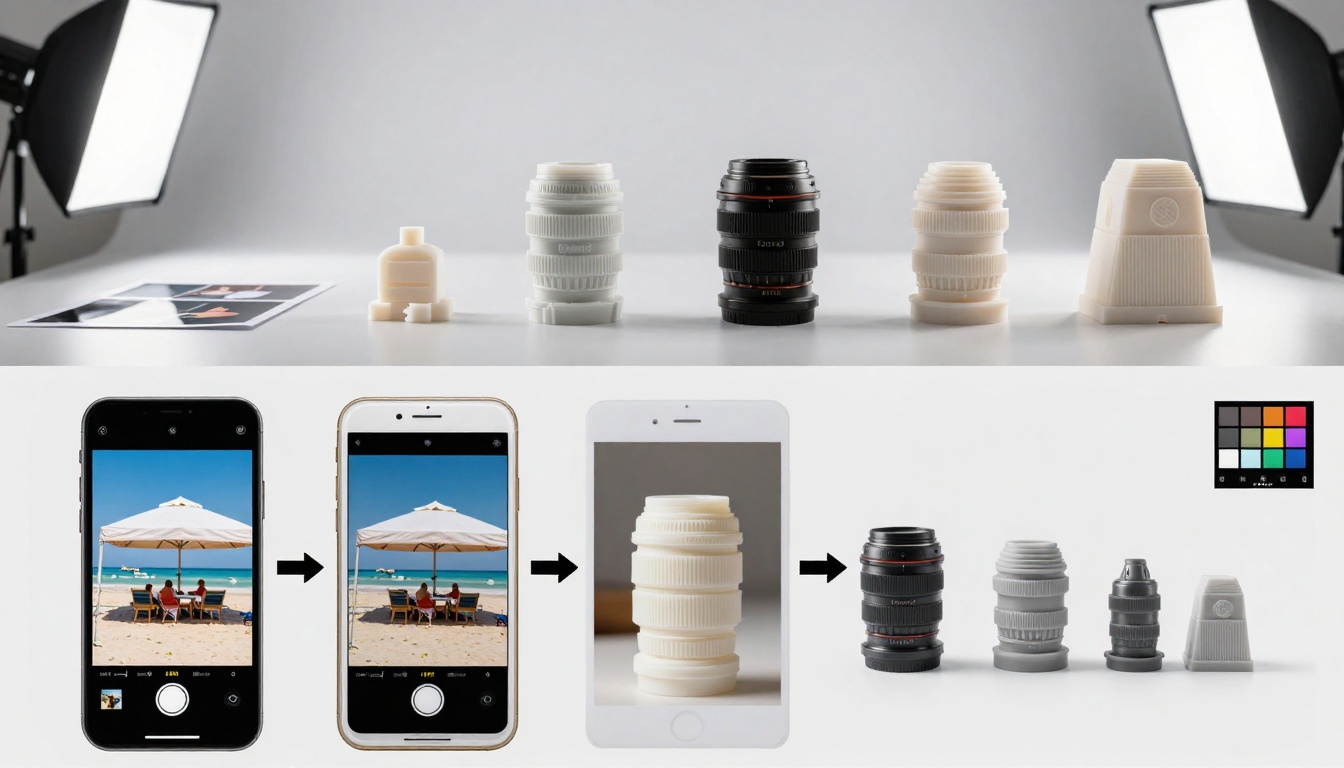
This isn't about replacing traditional 3D modeling or professional photography. It's about unlocking the dimensional potential already present in the billions of photographs we've accumulated. Every family album, every museum archive, every product catalog contains not just images but potential objects waiting to be realized.
The tools exist. The photographs already fill our phones and albums. The only question is which memory, which historical moment, which creative idea you'll choose to bring into three-dimensional existence first.
Start with a photograph that matters to you. See what dimensions it's been hiding. Create something that can be held, examined, and experienced beyond the flat rectangle of a screen or print. The third dimension has been there all along—waiting for the right combination of AI understanding and human intention to reveal it.


