The moment a photograph transforms from stillness to motion represents one of the most compelling technological breakthroughs in visual media. What began as chemical reactions on silver halide crystals has evolved into complex neural networks that understand temporal relationships, motion physics, and emotional expression—all from a single static frame.
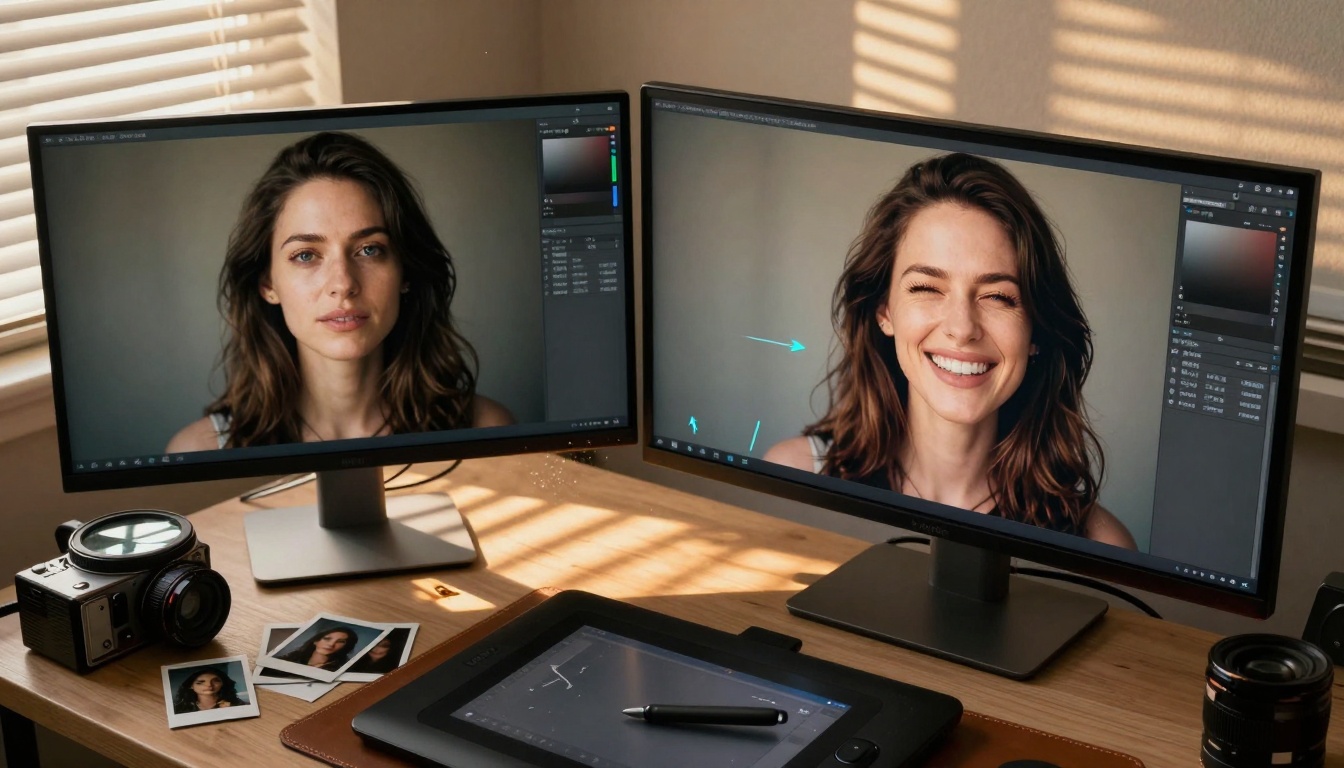
Image-to-animation AI doesn't just add movement—it reconstructs the missing temporal dimension that photographs inherently lack. Every static image contains implied motion: the wind that wasn't captured blowing through hair, the smile that was about to form, the clouds that would have drifted across the sky. Modern AI systems analyze these latent possibilities and generate plausible continuations.
💡 Technical Insight: The most advanced systems don't simply interpolate between frames. They build comprehensive 3D scene understanding from 2D inputs, then simulate physics-based motion consistent with real-world dynamics.
How Image-to-Animation Actually Works
The process begins with scene decomposition. AI models analyze the photograph and separate elements into distinct layers: foreground subjects, mid-ground environments, background scenery, and atmospheric effects. Each layer receives different motion characteristics based on its position and material properties.
Temporal prediction models then estimate how each element would naturally move over time. This isn't random animation—it's physics-informed motion generation that considers:
- Material properties (fabrics drape differently than metals)
- Environmental forces (wind affects leaves more than buildings)
- Biological motion (human expressions follow muscle dynamics)
- Optical effects (light changes with movement and time)
The Three Core Technologies
-
Diffusion-based temporal models – These systems start with your image and progressively add motion through controlled noise addition and denoising processes, similar to how stable diffusion generates images but applied across time.
-
Neural radiance fields (NeRF) – By reconstructing 3D scenes from 2D inputs, these models can simulate camera movements and object rotations that appear completely natural, as if the scene was actually captured from different angles.
-
Motion transfer networks – These specialized systems analyze motion patterns from reference videos and apply similar movement characteristics to static images, preserving the original content's appearance while adding appropriate dynamics.
Practical Applications That Actually Matter
For photographers, this technology transforms archival work. Historical portraits gain subtle breathing motions, landscape shots develop cloud movement and water flow, product photography shows materials with natural drape and texture dynamics.
For content creators, static social media images become engaging video content without reshoots. A single product photo can become a 10-second demonstration video showing the item from multiple angles with natural lighting changes.
For memorial preservation, family photographs take on new life. Ancestral portraits show slight head movements and breathing patterns, bringing historical figures into more immediate connection with modern viewers.
Technical Parameters That Control Quality
| Parameter | Effect on Output | Recommended Settings |
|---|
| Motion Consistency | Maintains logical movement patterns | 85-95% for natural motion |
| Temporal Stability | Reduces flickering between frames | 90%+ for smooth animation |
| Interpolation Quality | Determines frame generation detail | High for cinematic results |
| Motion Blur Intensity | Simulates camera exposure during movement | Medium for realistic motion |
| Scene Depth Preservation | Maintains proper foreground/background relationships | Maximum for 3D-like results |
Critical consideration: Higher settings increase processing time but produce significantly more professional results. For social media content, balanced settings work well. For professional cinema or advertising, maximum quality settings are essential.
PicassoIA's Image-to-Animation Solutions
The platform offers specialized tools designed specifically for transforming photographs into animations. The WAN-2.2-I2V-FAST model represents the current state of the art in rapid image-to-video conversion, optimized for both speed and quality.
Key advantages of PicassoIA's implementation:
- Batch processing – Transform multiple images simultaneously with consistent style
- Style preservation – Maintains the original photograph's color grading and aesthetic
- Control granularity – Adjust motion intensity, direction, and timing independently
- Output flexibility – Generate everything from subtle cinemagraphs to full animation sequences
How to Use WAN-2.2-I2V-FAST Effectively
-
Start with quality source material – Higher resolution photographs with good lighting produce better animations. Images should be at least 2K resolution for optimal results.
-
Define motion intent – Specify what should move and what should remain static. The system allows selective animation of specific elements while keeping backgrounds stable.
-
Set duration appropriately – Social media content typically works best at 3-10 seconds. Cinematic sequences can extend to 30 seconds or more.
-
Iterate with feedback – Generate initial results, analyze motion quality, then adjust parameters based on specific areas needing improvement.
Common Challenges and How to Solve Them
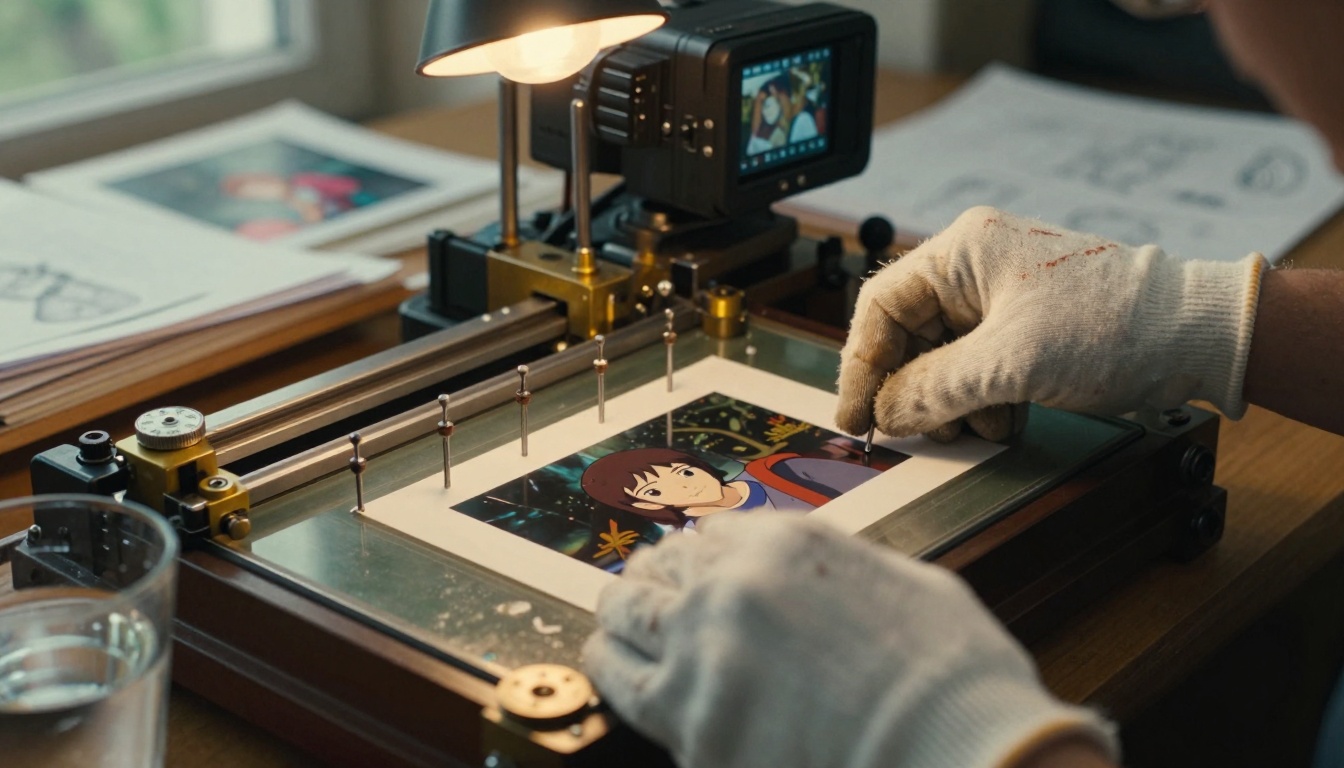
Problem: Unnatural motion patterns – When AI generates movement that doesn't follow physical laws.
Solution: Use reference videos with similar content to guide motion generation. The system can analyze how similar elements move in real footage and apply those patterns to your image.
Problem: Temporal inconsistencies – Flickering or unstable animation between frames.
Solution: Increase the temporal stability parameter and enable motion smoothing. This adds computational overhead but eliminates visual artifacts.
Problem: Style drift – The animated version loses the original photograph's aesthetic qualities.
Solution: Enable style preservation features and use the original image as a constant reference throughout the generation process.
Production Workflow for Professional Results
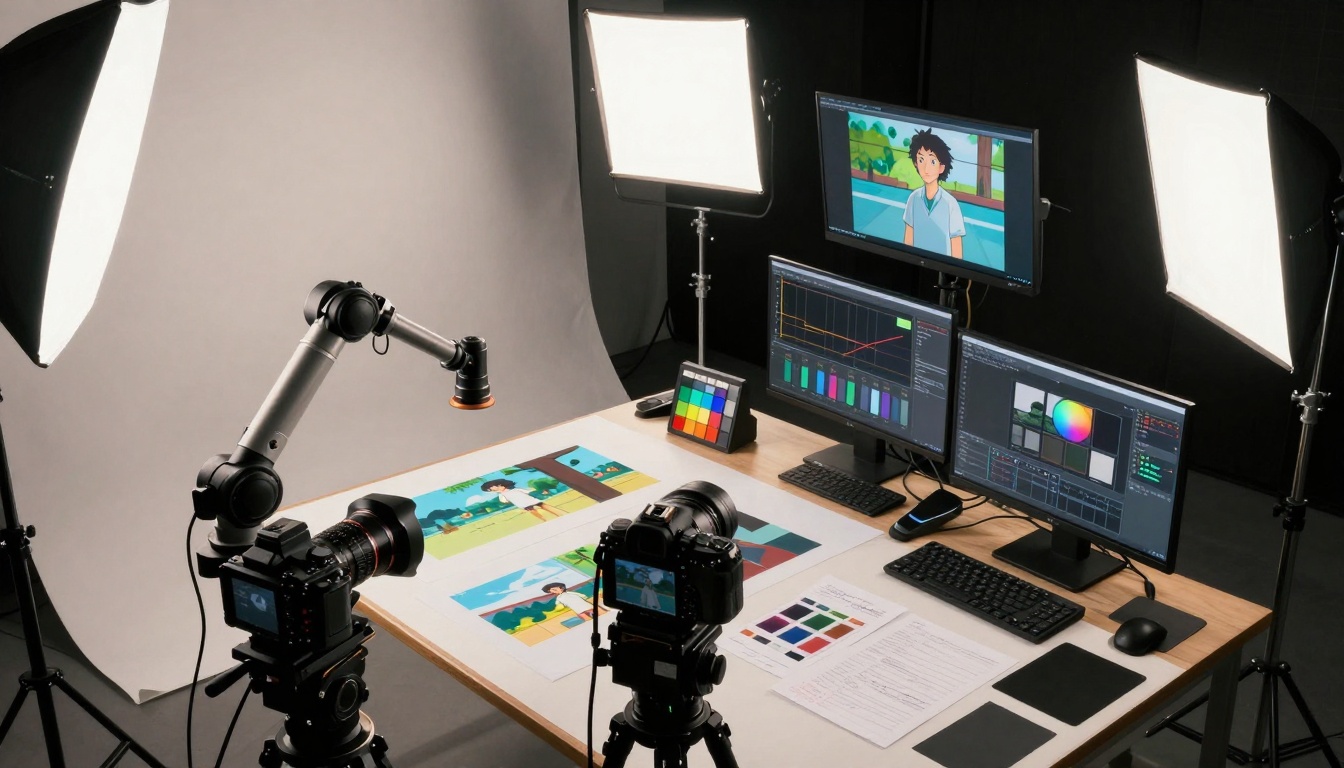
Phase 1: Pre-production analysis
- Evaluate source image quality and composition
- Identify natural motion opportunities
- Determine optimal animation duration
- Select reference motion patterns if available
Phase 2: Initial generation
- Generate baseline animation with conservative settings
- Review motion quality and naturalness
- Identify areas requiring adjustment
Phase 3: Refinement
- Adjust specific element motion characteristics
- Fine-tune timing and pacing
- Optimize for target platform (social media, cinema, etc.)
Phase 4: Final output
- Apply platform-specific encoding
- Add sound design if appropriate
- Quality assurance review
The Technical Architecture Behind the Magic
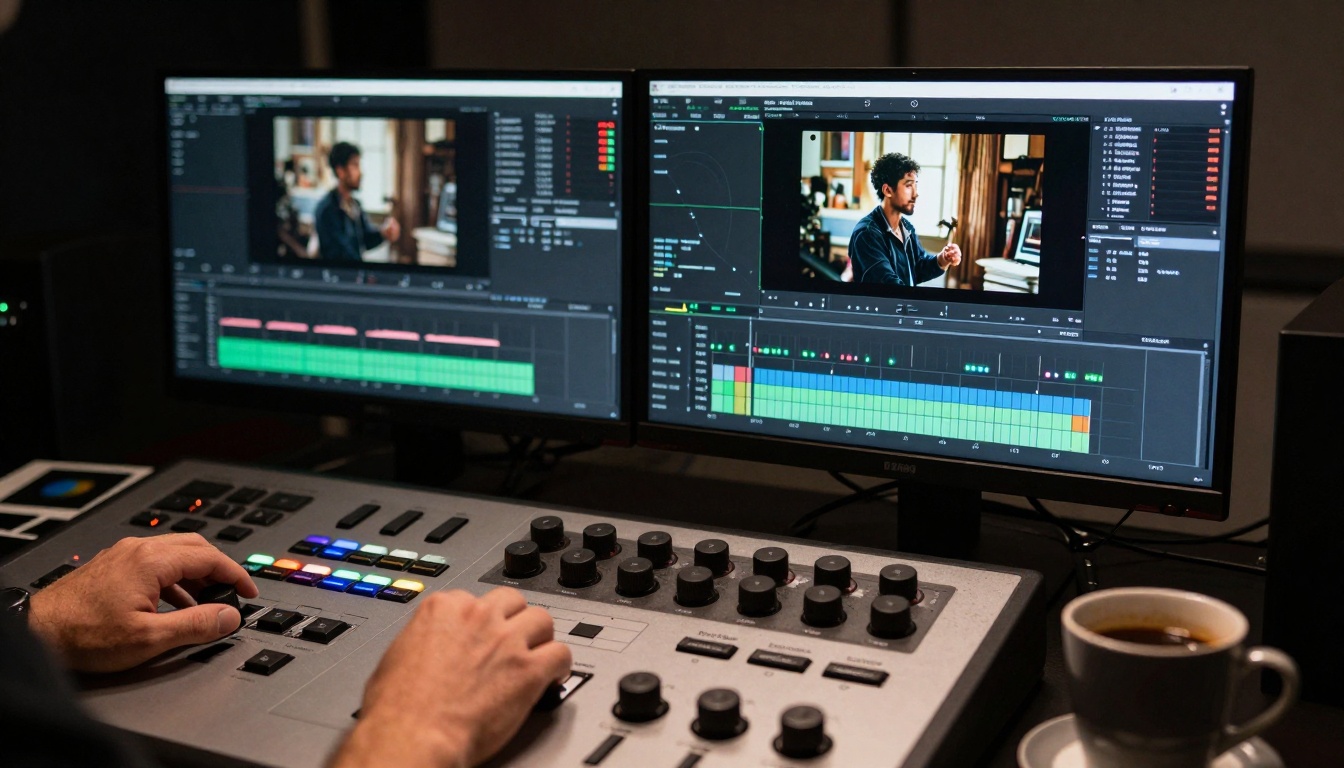
Modern image-to-animation systems employ multi-stage neural architectures:
- Scene understanding module – Analyzes composition, identifies subjects, estimates depth
- Motion prediction network – Generates plausible movement for each identified element
- Temporal coherence system – Ensures consistent motion across all frames
- Style preservation layer – Maintains original aesthetic throughout animation
- Output refinement – Applies final polish and optimizes for delivery
Computational Requirements
| Task | GPU Memory | Processing Time | Quality Impact |
|---|
| Scene analysis | 4-8GB | 10-30 seconds | Critical foundation |
| Motion generation | 8-16GB | 30-90 seconds | Direct quality determinant |
| Temporal refinement | 4-8GB | 20-60 seconds | Smoothness and stability |
| Style preservation | 2-4GB | 10-30 seconds | Aesthetic consistency |
Important: These requirements assume 2K source images. Higher resolutions increase all resource requirements proportionally.
Creative Applications Beyond Basic Animation
Historical recreation – Static historical photographs can be animated to show natural movements, bringing archival material to life for educational and memorial purposes.
Product visualization – Single product shots transform into demonstration videos showing features, materials, and functionality without physical product movement.
Art restoration – Damaged or incomplete historical artwork can be reconstructed and animated, showing how the original might have appeared in motion.
Memorial tributes – Family photographs gain subtle life, creating more immediate connections with remembered individuals.
Quality Assessment Framework
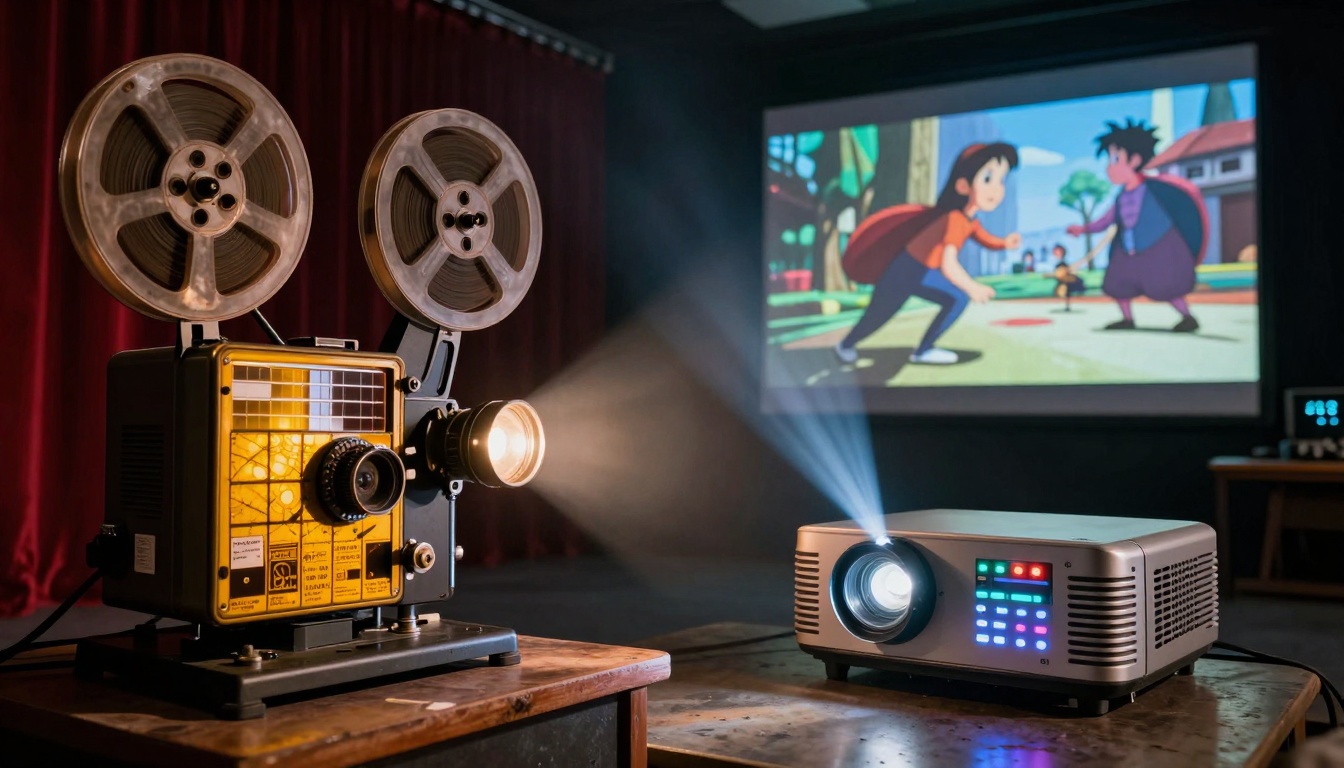
When evaluating image-to-animation results, consider these five critical dimensions:
- Motion naturalness – Does movement follow physical laws and biological patterns?
- Temporal consistency – Is the animation smooth without flickering or instability?
- Style preservation – Does the output maintain the original photograph's aesthetic?
- Composition integrity – Does the animation respect the original framing and focus?
- Emotional resonance – Does the moving image convey appropriate feeling and mood?
Professional workflows include formal scoring across these dimensions, with specific remediation steps for any area scoring below threshold levels.
Future Developments on the Horizon
Real-time animation – Systems currently in development will generate animations in seconds rather than minutes, enabling interactive applications and live content creation.
Multi-modal integration – Future systems will combine image-to-animation with audio generation, creating complete audiovisual experiences from single photographs.
Personalized motion styles – Users will be able to train systems on their specific motion preferences, creating signature animation styles unique to individual creators.
Cross-medium transformation – Systems will animate not just photographs but paintings, drawings, and other static visual media with appropriate stylistic motion.
Getting Started with Your Own Projects
The most effective approach begins with simple test cases:
- Select a high-quality portrait with good lighting and clear facial features
- Generate subtle animation focusing only on breathing and slight expression changes
- Evaluate the results against the quality dimensions listed above
- Iterate with adjustments based on specific areas needing improvement
- Progress to more complex scenes once you understand the system's capabilities
Pro tip: Start with shorter durations (3-5 seconds) to minimize processing time during the learning phase. Once you achieve satisfactory results, expand to longer sequences.
The transformation from static image to living animation represents more than technological novelty—it's a fundamental expansion of photography's expressive potential. What was once permanently frozen in time can now unfold across seconds, minutes, or entire sequences, creating new narrative possibilities from existing visual material.
The tools exist, the technology works, and the creative applications continue expanding. The next photograph you take could be the beginning of an animated sequence rather than its final form. The boundary between still and moving images has become permeable, and the creative opportunities match the technological capabilities.


