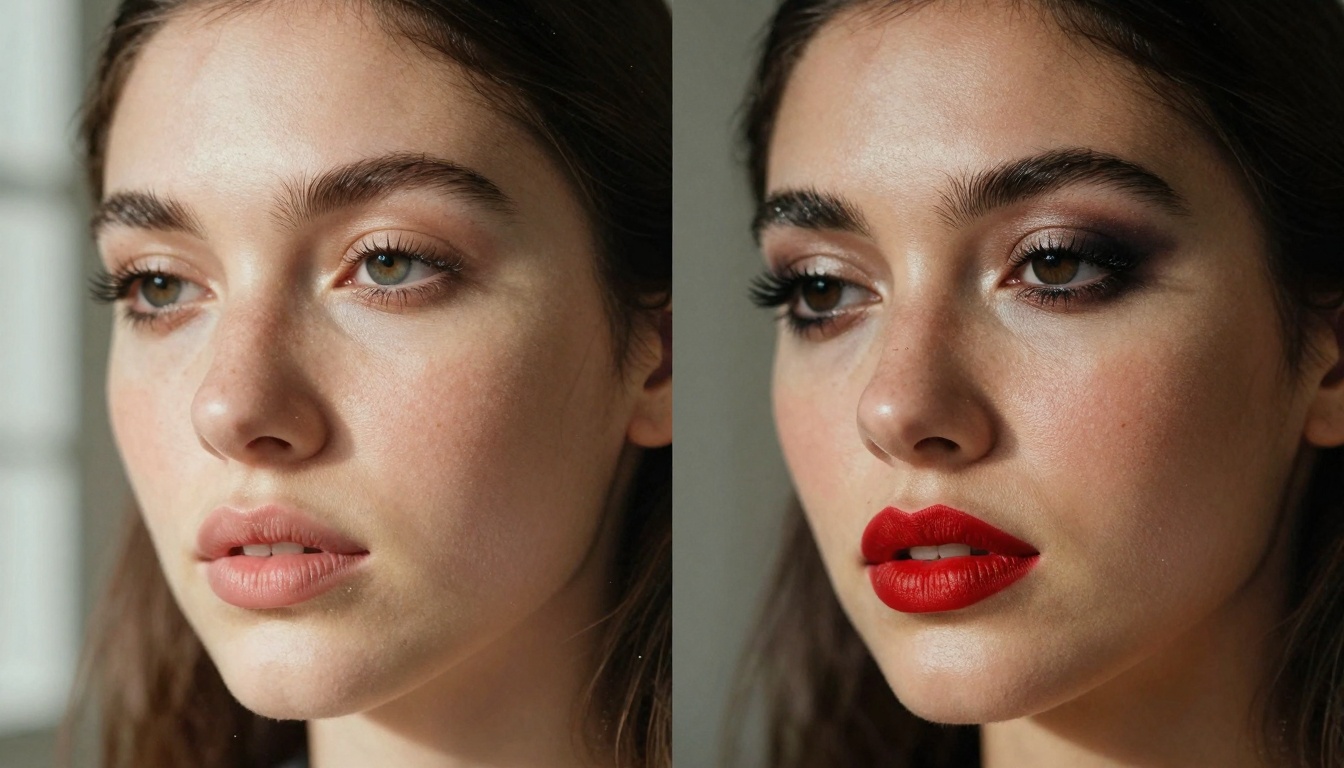
The moment you realize your portrait could look completely different with just a few words. That's the reality of image-to-image AI for style changes. No more expensive photoshoots, no complicated editing software, no weeks of waiting for design revisions. The technology works by analyzing your existing image and applying new visual styles based on your description.
Why this matters: Every image has untapped potential. That family portrait could become a fashion editorial. That product shot could transform into vintage packaging. That architectural rendering could shift from Gothic to modernist. The limitations are only in your imagination, not in the technology.
💡 Style Transfer vs. Image-to-Image: Traditional style transfer applies artistic filters. Modern image-to-image AI understands context - it knows what "modern Scandinavian interior" means for your living room photo versus what it means for a kitchen photo.
How Image-to-Image Style Changes Actually Work
The process breaks down into three core components:
- Image Analysis: AI examines your existing image, identifying subjects, lighting, composition, and current style elements
- Style Interpretation: The system understands your descriptive prompts, translating "bohemian fashion" or "minimalist branding" into specific visual adjustments
- Selective Transformation: Only the elements you want changed get modified while preserving the original composition and subject identity
Technical Foundations
At the architectural level, these systems use diffusion models trained on millions of image pairs showing before/after transformations. The training includes:
- Style classification datasets with labeled fashion, interior design, architectural, and branding categories
- Cross-domain adaptation learning how makeup styles translate to different lighting conditions
- Context preservation algorithms that maintain facial features while changing hair color or makeup
Real-world applications show the precision possible:
| Application | Before Style | After Style | Key Changes |
|---|
| Portrait Photography | Natural daylight | Studio editorial | Lighting setup, makeup intensity, color grading |
| Product Photography | Basic white background | Lifestyle context | Environment addition, props, lighting mood |
| Architectural Visualization | Traditional rendering | Modern aesthetic | Materials, lighting, landscaping, textures |
| Fashion E-commerce | Catalog flat lay | Editorial spread | Background, lighting, model posing, styling |
Practical Applications Across Industries
1. Fashion and Beauty Industry
Makeup testing without physical products becomes possible. Upload a selfie, describe "smoky eye with bold red lipstick" or "natural daytime look with freckles," and see the result instantly. Retailers use this for virtual try-ons, but creators use it for exploring personal style evolution.
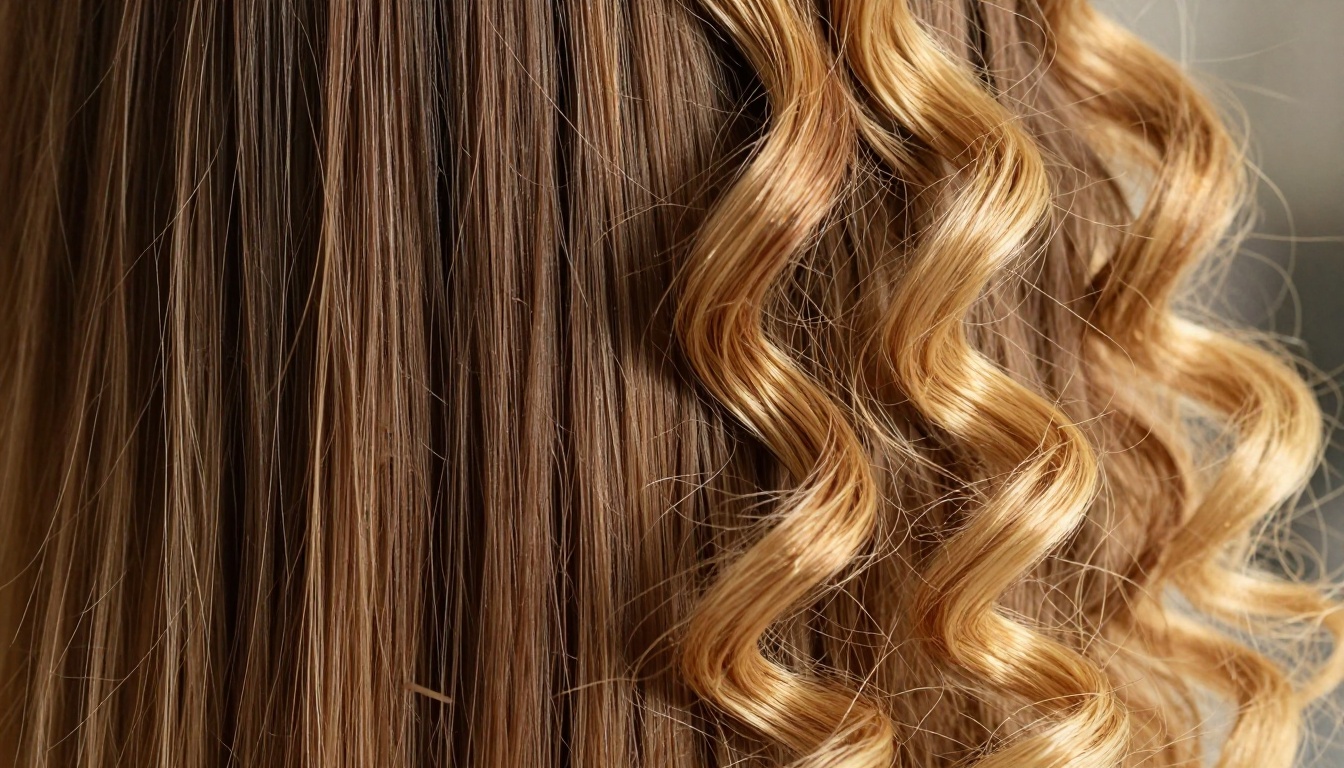
Hair transformations show particular strength. The p-image-edit model handles complex texture changes from straight to curly, brunette to blonde, while maintaining realistic strand-level details.
💡 Pro Tip: Start with high-quality reference images. The AI needs clear details to work with - blurry or low-resolution inputs produce less convincing transformations.
2. Interior Design and Architecture
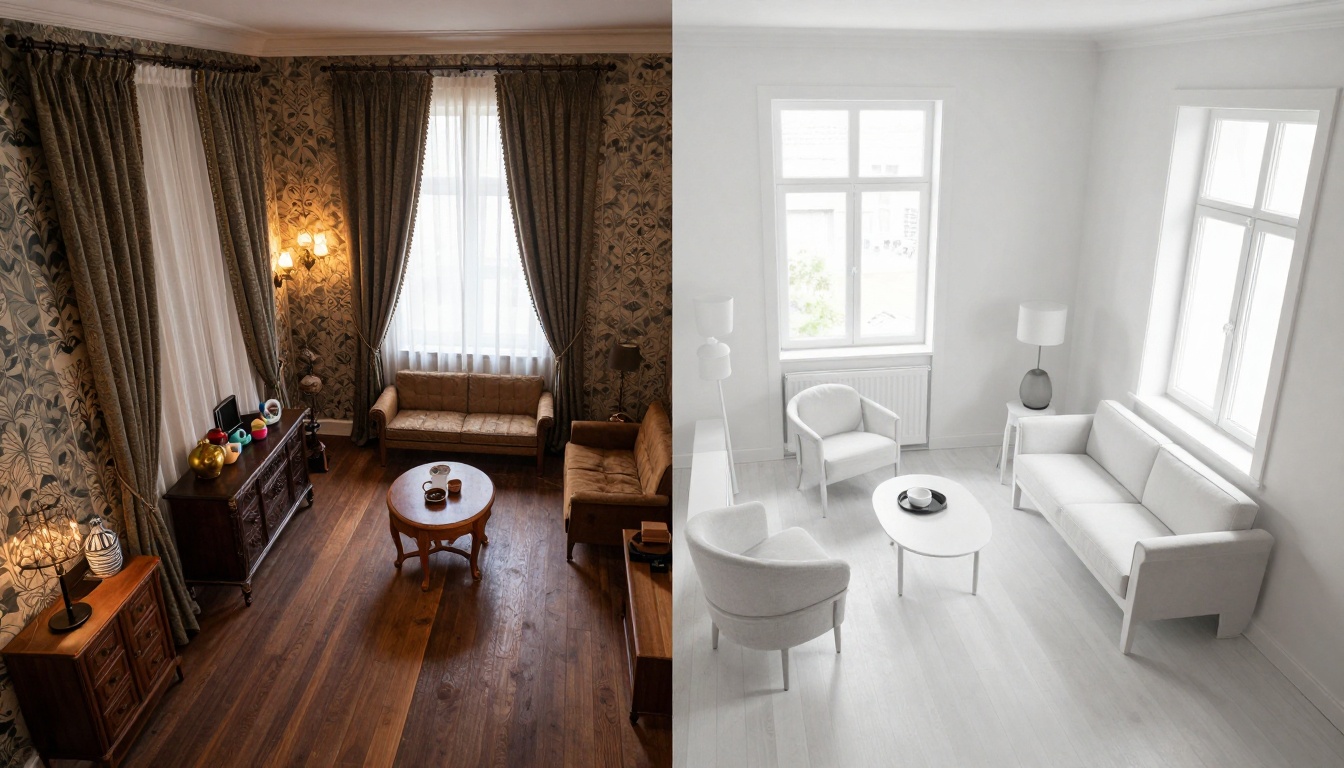
Room redesign without renovation costs. Photograph your current space, describe "Scandinavian minimalist with light wood tones" or "industrial loft with exposed brick," and visualize the transformation. The AI understands spatial relationships - it won't put furniture where windows exist.
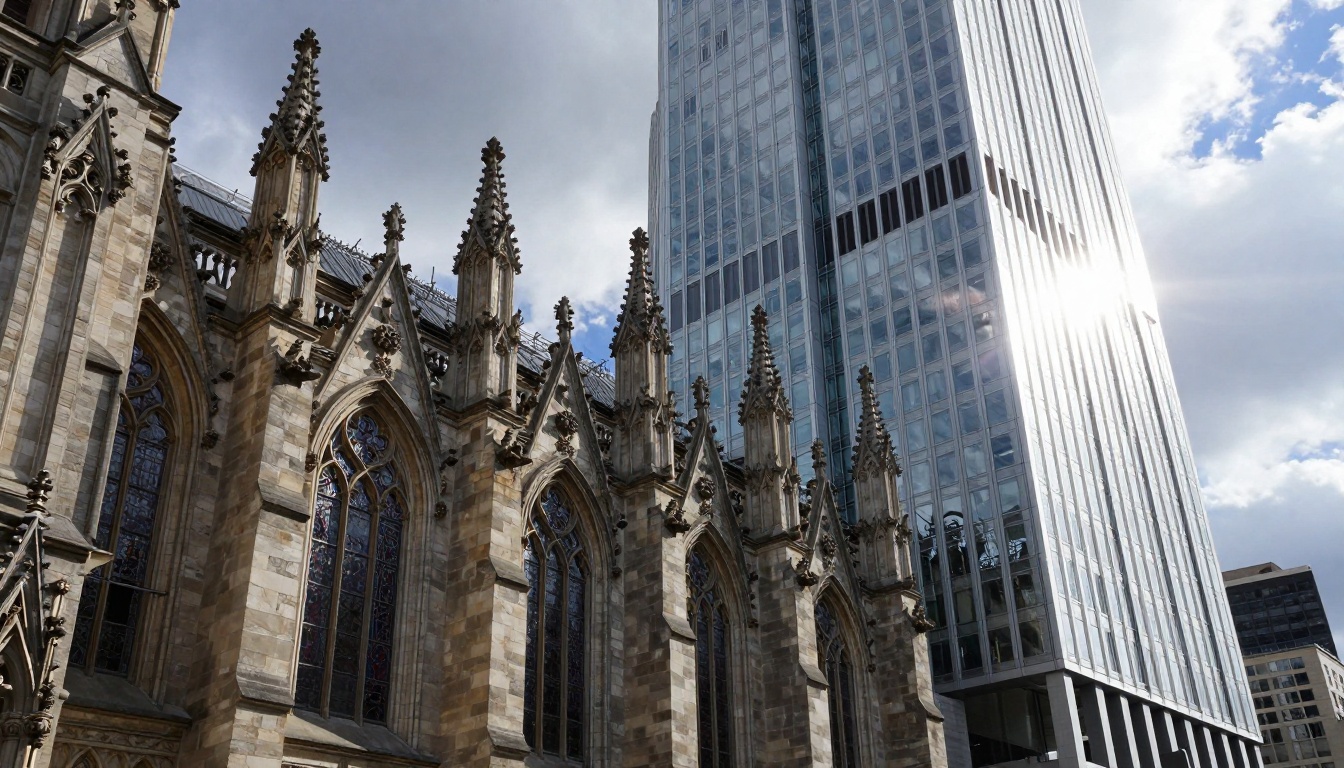
Architectural style adaptation works for both existing buildings and renderings. Gothic to modern, traditional to contemporary, residential to commercial - the structural footprint remains while aesthetic elements transform.
3. Branding and Product Design
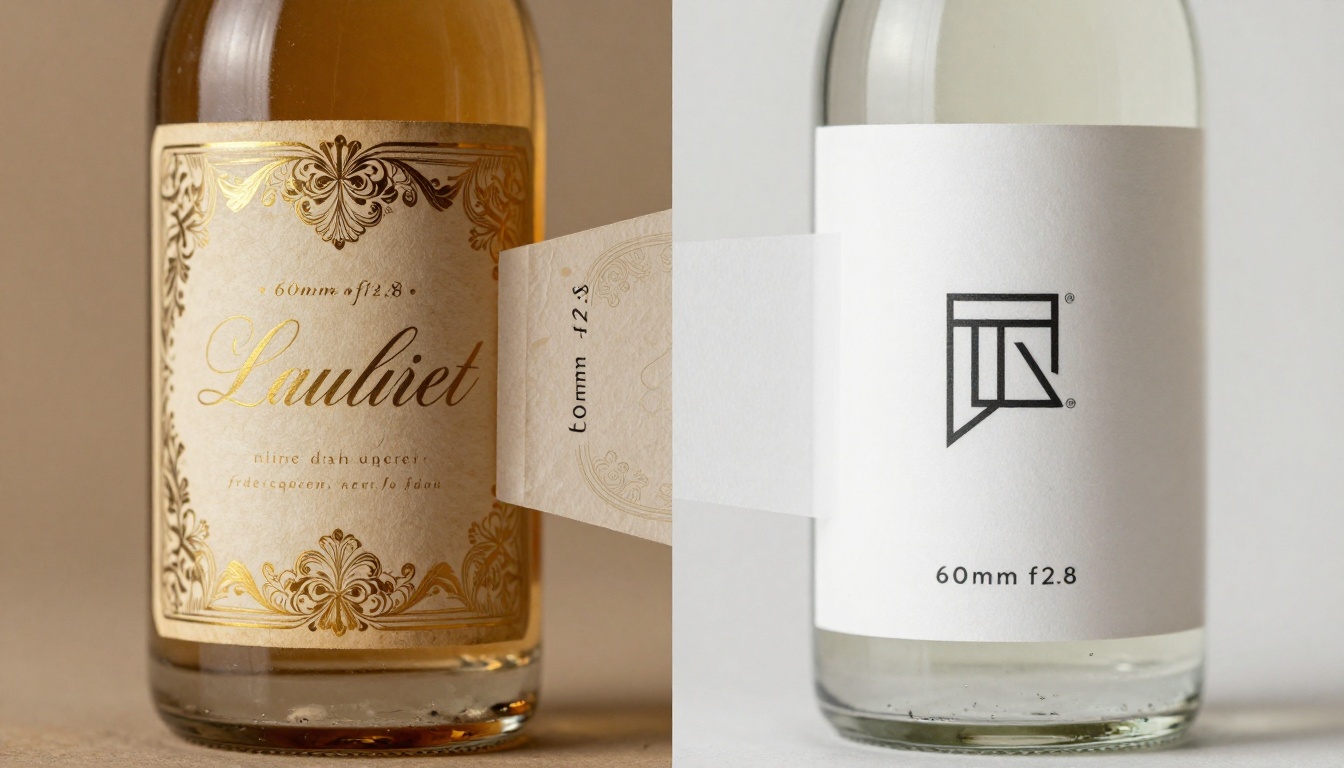
Packaging evolution shows dramatic results. Vintage labels transform to minimalist designs, color schemes shift to match market trends, and typography updates while preserving brand recognition. The flux-2-pro model excels at maintaining product shape while changing surface design.
Logo modernization follows similar principles. Ornate illustrations become clean geometric forms, complex color palettes simplify, and overall aesthetic aligns with contemporary design trends.
Specialized Models for Style Changes
While general image generators like flux-2-klein-4b and gpt-image-1.5 work for creation, style transformation requires different capabilities:
p-image-edit specifically designed for multi-image editing tasks. It handles:
- Style preservation while changing aesthetics
- Selective modification of specific image areas
- Context-aware transformations that understand what should and shouldn't change
Comparison: General vs. Specialized Models
| Model Type | Best For | Style Change Precision | Preservation Accuracy |
|---|
| General Image Generators | Creating from scratch | Moderate | Variable |
| Specialized Editors | Modifying existing images | High | Excellent |
| Hybrid Models | Mixed creation/editing | Good | Good |
The workflow difference matters:
- General models: "Create a modern interior" - starts from blank canvas
- Specialized editors: "Make this traditional room look modern" - starts from your existing photo
Preparation Phase
Image quality checklist:
- ✓ High resolution (minimum 1000px on longest side)
- ✓ Good lighting (avoid heavy shadows or blown highlights)
- ✓ Clear subject (background clutter makes transformation less precise)
- ✓ Appropriate file format (JPG or PNG preferred)
Prompt crafting guidelines:
Bad prompt: "Make it look better"
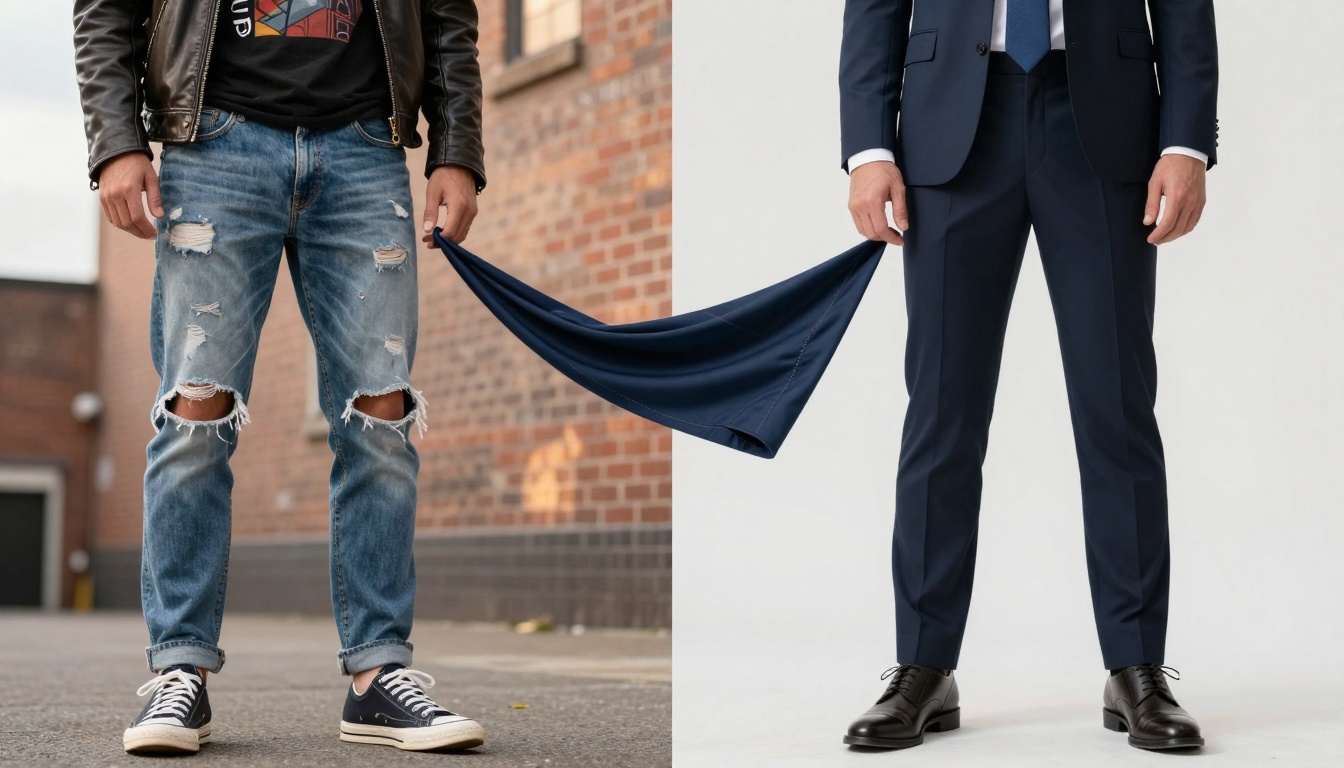
Good prompt: "Transform the fashion style from casual streetwear to formal business attire, keeping the subject's pose and facial expression identical while changing clothing, lighting to studio three-point setup, and background to clean professional environment"
Execution Steps
- Upload your original image to the PicassoIA platform
- Select p-image-edit model from the text-to-image category
- Write detailed style description including:
- Current style elements
- Desired style characteristics
- Specific areas to modify
- Elements to preserve exactly
- Set technical parameters:
- Aspect ratio: match_input_image (maintains original proportions)
- Seed: leave blank for varied results
- Turbo: true for faster processing
- Generate and evaluate results
💡 Parameter Optimization: For complex transformations (architecture, detailed interiors), set turbo: false for higher quality results despite longer processing time.
Common Challenges and Solutions
| Challenge | Symptom | Solution |
|---|
| Style bleeding | Elements changing that shouldn't | More specific prompts, reference images |
| Incomplete transformation | Partial style application | Multiple generation passes |
| Artifact generation | Strange visual glitches | Adjust seed, different model variant |
| Context loss | Important details disappearing | Reference image with masking |
Real Results: Before and After Comparisons
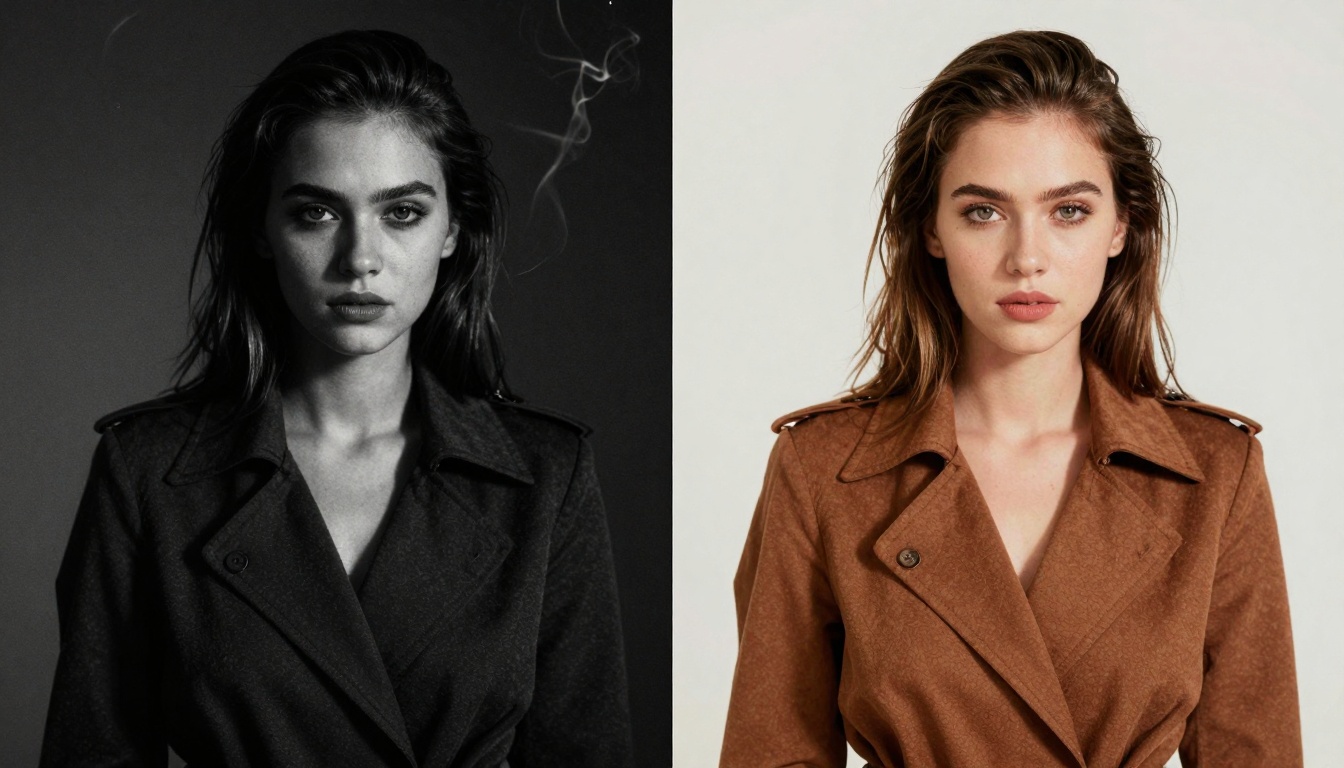
Case Study 1: Fashion Editorial Transformation
Original: Casual outdoor portrait with natural lighting
Prompt: "Transform into high-fashion editorial with dramatic studio lighting, intense makeup, avant-garde styling, and magazine-cover composition"
Result: Complete aesthetic shift while maintaining model identity
Key observations:
- Lighting changed from flat ambient to directional studio
- Makeup intensity increased without altering facial structure
- Background simplified to focus on fashion elements
- Color grading shifted to editorial palette
Case Study 2: Product Packaging Update
Original: Vintage-style label with ornate details
Prompt: "Modernize to contemporary minimalist design while preserving brand colors and product shape, remove decorative elements, simplify typography"
Result: Recognizable product with updated aesthetic
Technical achievements:
- Complex illustrations converted to geometric logo
- Color palette maintained but applied differently
- Typography hierarchy preserved with modern fonts
- Material textures updated (glossy to matte)
Cost and Time Implications
Traditional methods comparison:
| Method | Time Required | Cost Range | Revision Flexibility |
|---|
| Professional Photoshoot | Days to weeks | $500-$5000+ | Limited, expensive |
| Digital Artist Commission | 1-2 weeks | $200-$2000 | Good but slow |
| AI Image-to-Image | 1-5 minutes | $0.10-$2.00 | Instant, unlimited |
The economics shift dramatically. What required professional teams and significant budgets now happens with descriptive language and cloud processing.
Scalability advantage: One successful prompt template works across hundreds of images. Product catalogs, real estate listings, fashion collections - batch processing becomes economically viable.
Quality Control and Validation
Verification Checklist
After generation, check:
- Identity preservation - Subjects remain recognizable
- Context accuracy - Style matches description
- Technical quality - No artifacts or glitches
- Composition integrity - Key elements remain positioned correctly
- Lighting consistency - Shadows and highlights make physical sense
Common quality issues and fixes:
- Unnatural lighting: Add "physically accurate lighting" to prompt
- Style inconsistency: Use more specific style references ("mid-century modern" not just "modern")
- Detail loss: Increase image resolution before processing
- Color shifts: Specify color preservation in prompt
Emerging Capabilities
Multi-style blending allows hybrid aesthetics. "70% Scandinavian minimalist, 30% industrial loft" creates unique fusion styles that blend characteristics proportionally.
Temporal style evolution shows how designs change over decades. "Take this 1990s website design and evolve it through 2000s, 2010s, to current trends" demonstrates historical style progression.
Cross-medium adaptation translates styles between formats. "Apply this painting's color palette to this photograph" or "make this digital design look like oil painting" bridges artistic mediums.
Integration Trends
Real-time applications emerging in virtual fitting rooms, interior design apps, and social media filters. The technology moves from batch processing to interactive experiences.
Industry-specific models training on fashion, architecture, or product design datasets for higher precision in specialized domains.
Collaborative workflows where AI suggests style options, designers select preferences, and the system refines based on feedback loops.
The barrier to entry disappeared. You don't need technical expertise, just descriptive language and willingness to experiment.
Beginner approach:
- Choose an image with clear existing style
- Describe what you want changed in simple terms
- Use p-image-edit for first attempts
- Refine based on results
Intermediate progression:
- Master prompt specificity
- Learn parameter adjustments
- Develop style reference libraries
- Create transformation templates
Advanced techniques:
- Combine multiple style references
- Use masking for selective modifications
- Chain transformations (style A → style B → style C)
- Develop industry-specific workflows
The visual world became malleable. Images transform based on language, styles adapt to trends, and creative possibilities expand beyond traditional constraints. The technology exists, the platforms provide access, and the results speak for themselves.
Your existing images contain multiple potential versions. That product shot could become vintage or modern. That portrait could shift from casual to editorial. That architectural rendering could transform between historical periods. The transformation happens through description, not through manual labor.
Take your first image, describe the style change you imagine, and watch the transformation happen. The process works, the results convince, and the applications multiply across industries. Style adaptation became instantaneous, affordable, and accessible.


