AI image generation has transformed creative workflows, but many platforms impose strict content restrictions that limit artistic expression. Imagen 4 Pro stands out as a powerful alternative for adult content creators who need unrestricted image generation capabilities.
This model excels at producing high-quality, photorealistic images without the heavy-handed censorship found on mainstream platforms. Whether you're a professional photographer, digital artist, or content creator in the adult industry, Imagen 4 Pro offers the tools you need to bring your creative vision to life.
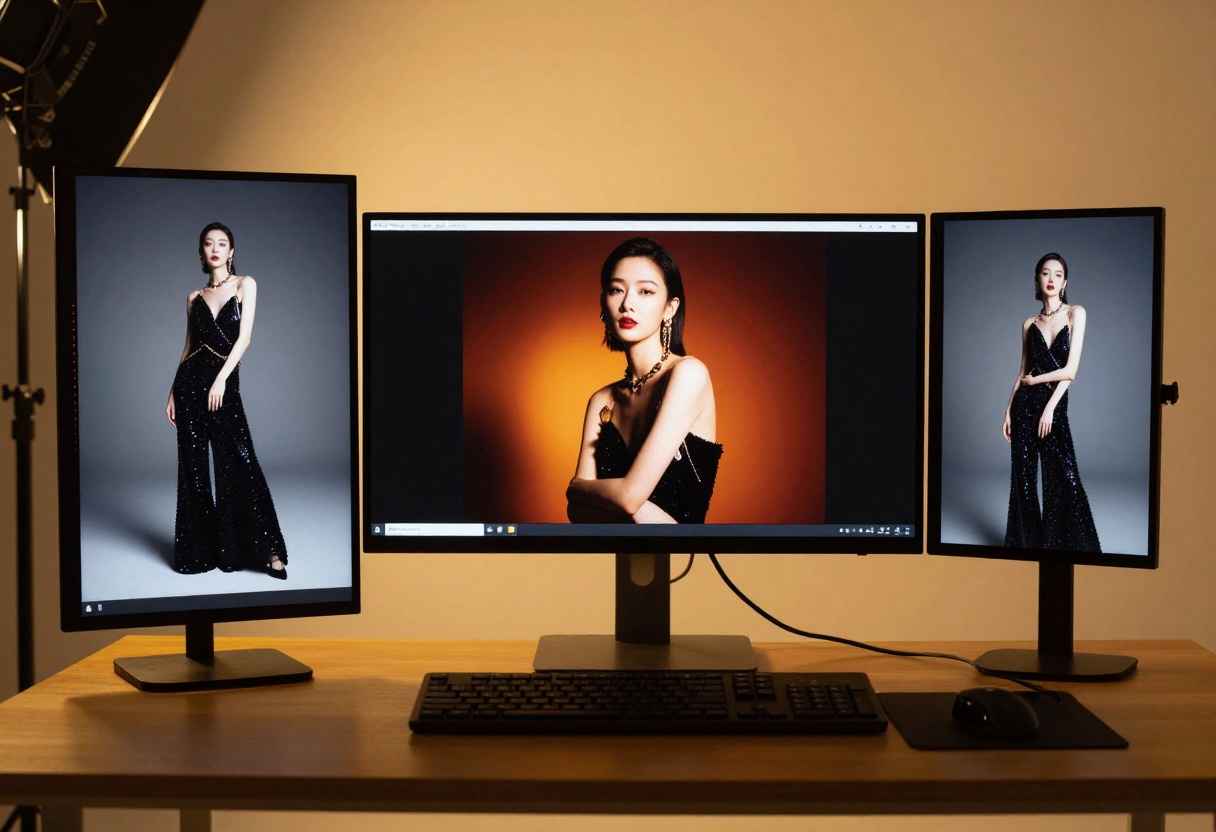
Why Adult Content Creators Choose Imagen 4 Pro
The adult content industry has unique requirements that many AI platforms fail to address. Mainstream image generators often block prompts related to nudity, sensuality, or mature themes—even when the content is legal and created for legitimate purposes.
Imagen 4 Pro takes a different approach. While it includes safety filters, these can be adjusted to your needs, giving you more control over what gets generated. This flexibility makes it ideal for:
- Boudoir photographers creating elegant, sensual portraits
- Adult content platforms needing custom visuals
- Digital artists exploring figure studies and artistic nudes
- Fashion photographers working with provocative styling
- Independent creators producing content for mature audiences
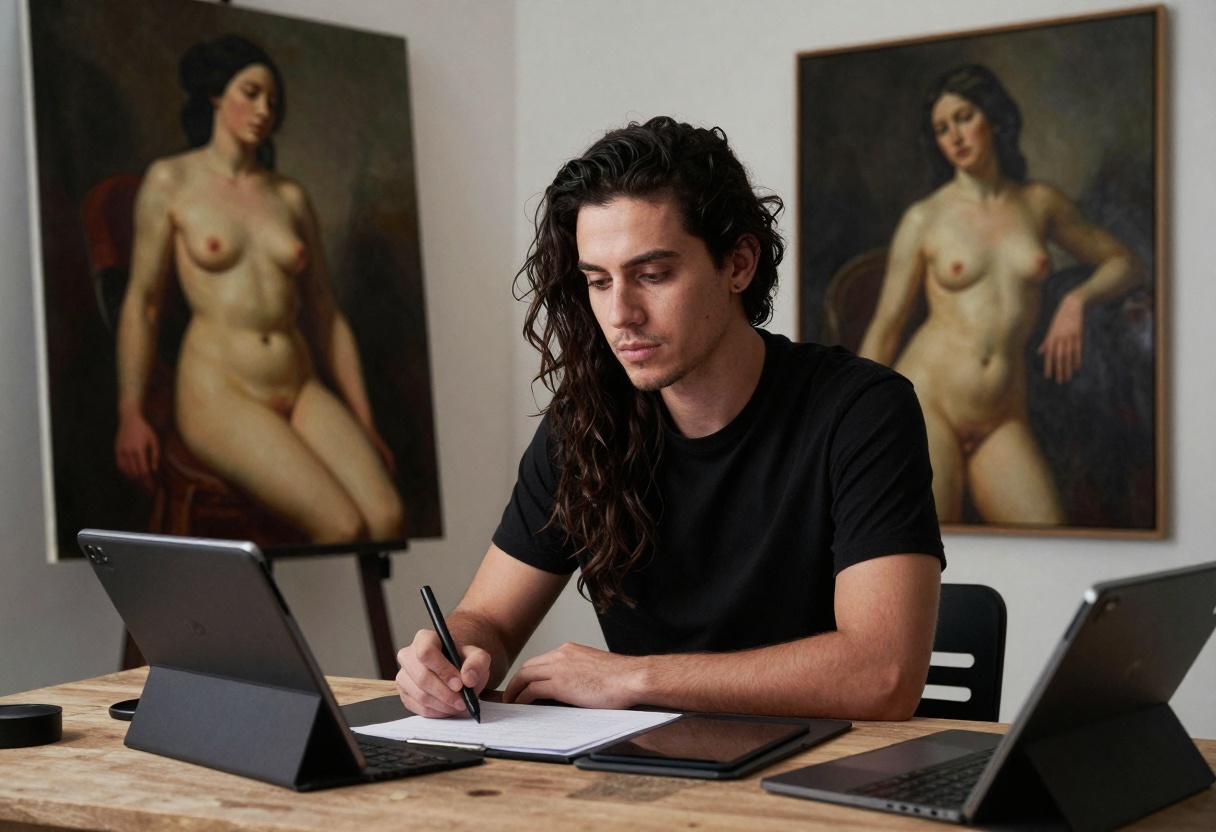
Understanding Safety Filters
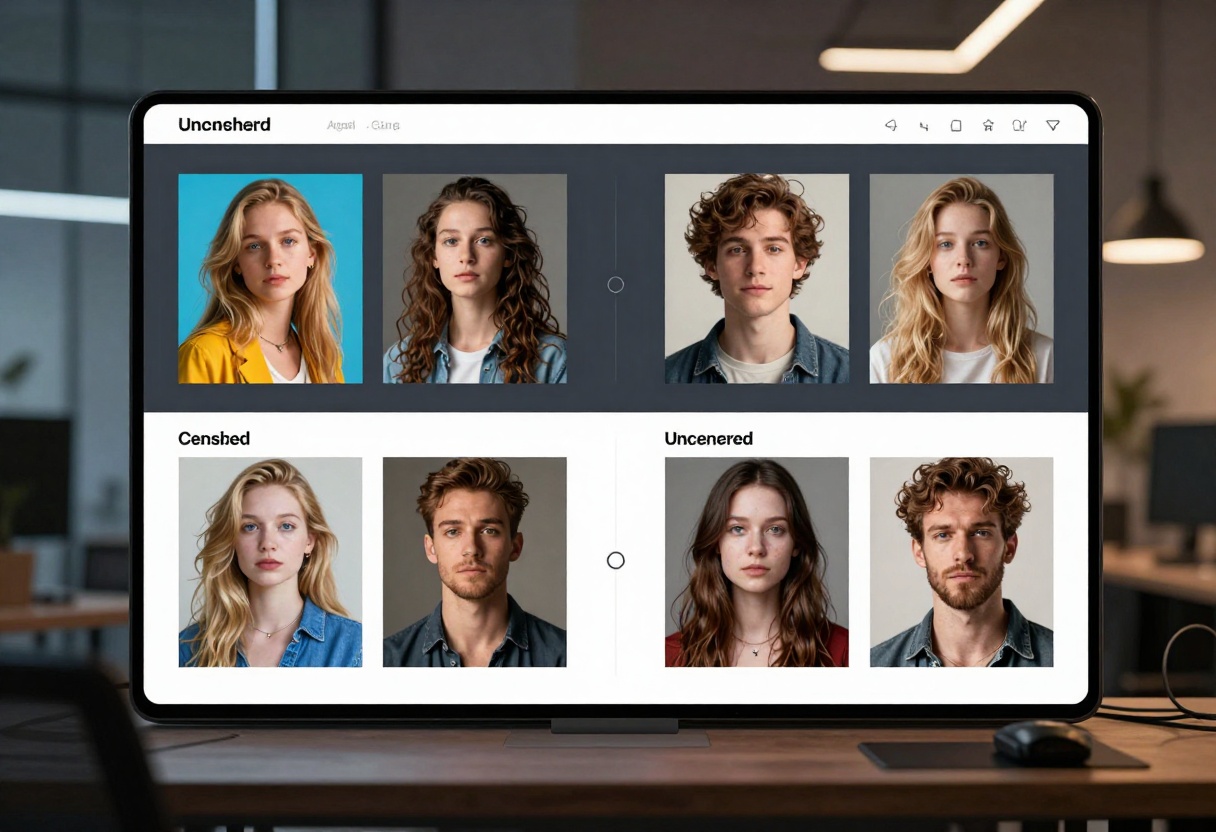
One of the most important features for adult content creators is control over safety filters. Imagen 4 Pro offers three levels:
- block_low_and_above - Strictest filtering, blocks most mature content
- block_medium_and_above - Moderate filtering, allows some artistic content
- block_only_high - Most permissive, suitable for adult content creation
By selecting the appropriate filter level, you can generate content that matches your creative needs without unnecessary restrictions. Keep in mind that even with the most permissive setting, some extreme content may still be blocked.
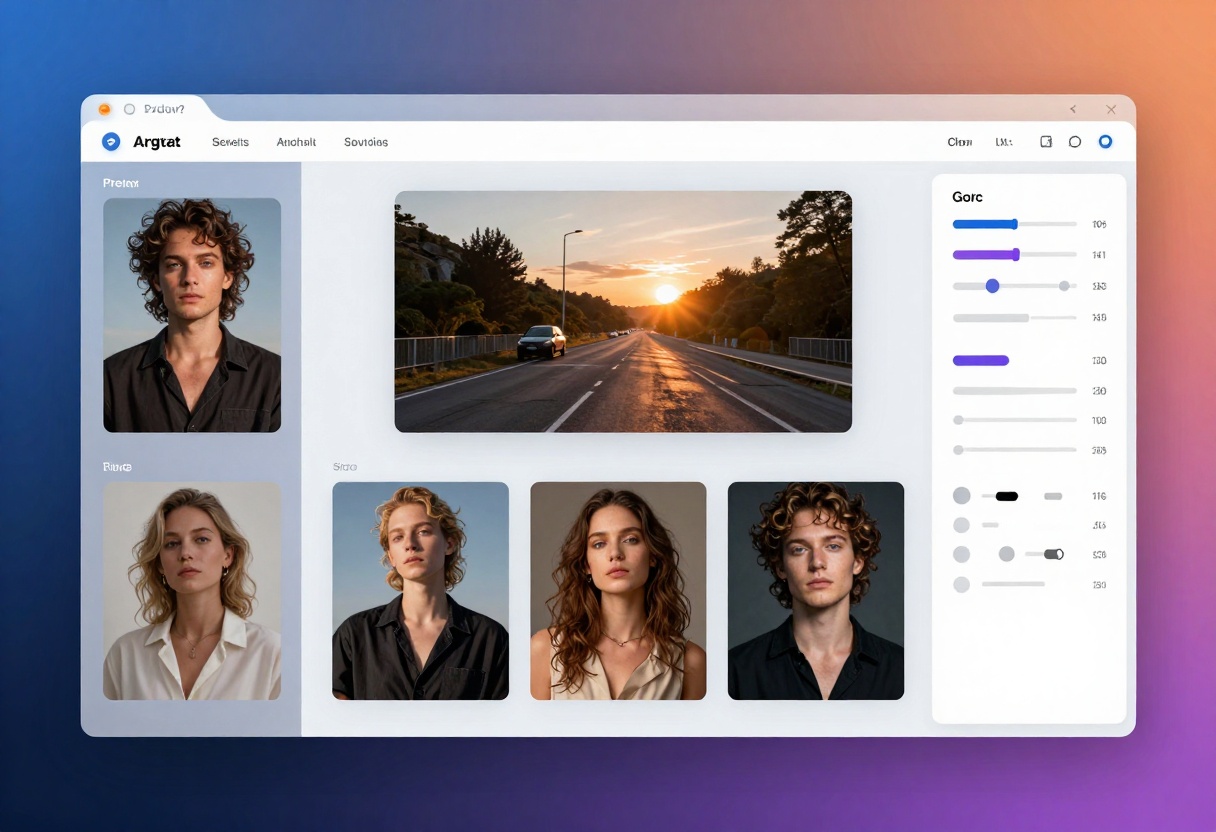
Writing Effective Prompts for Mature Content
Creating high-quality adult content with AI requires specific prompting techniques. Generic descriptions produce generic results. Instead, focus on:
Detailed Visual Descriptions
Rather than writing "sexy woman," describe the scene in detail:
- Lighting: Soft golden hour light, dramatic shadows, neon accents
- Composition: Close-up portrait, full body shot, artistic angle
- Style: Fashion photography, fine art, cinematic
- Mood: Elegant, provocative, intimate, confident
- Setting: Luxury bedroom, professional studio, outdoor location
Quality Modifiers
Always include technical terms that improve output quality:
- Photorealistic
- 8k resolution
- High detail
- Cinematic lighting
- Professional photography
- Shallow depth of field
Example Prompt Structure
"Elegant woman in luxurious silk lingerie, professional boudoir photography, soft golden lighting filtering through sheer curtains, intimate bedroom setting with rich fabrics, cinematic composition, photorealistic, 8k detail, shallow depth of field, sophisticated aesthetic"
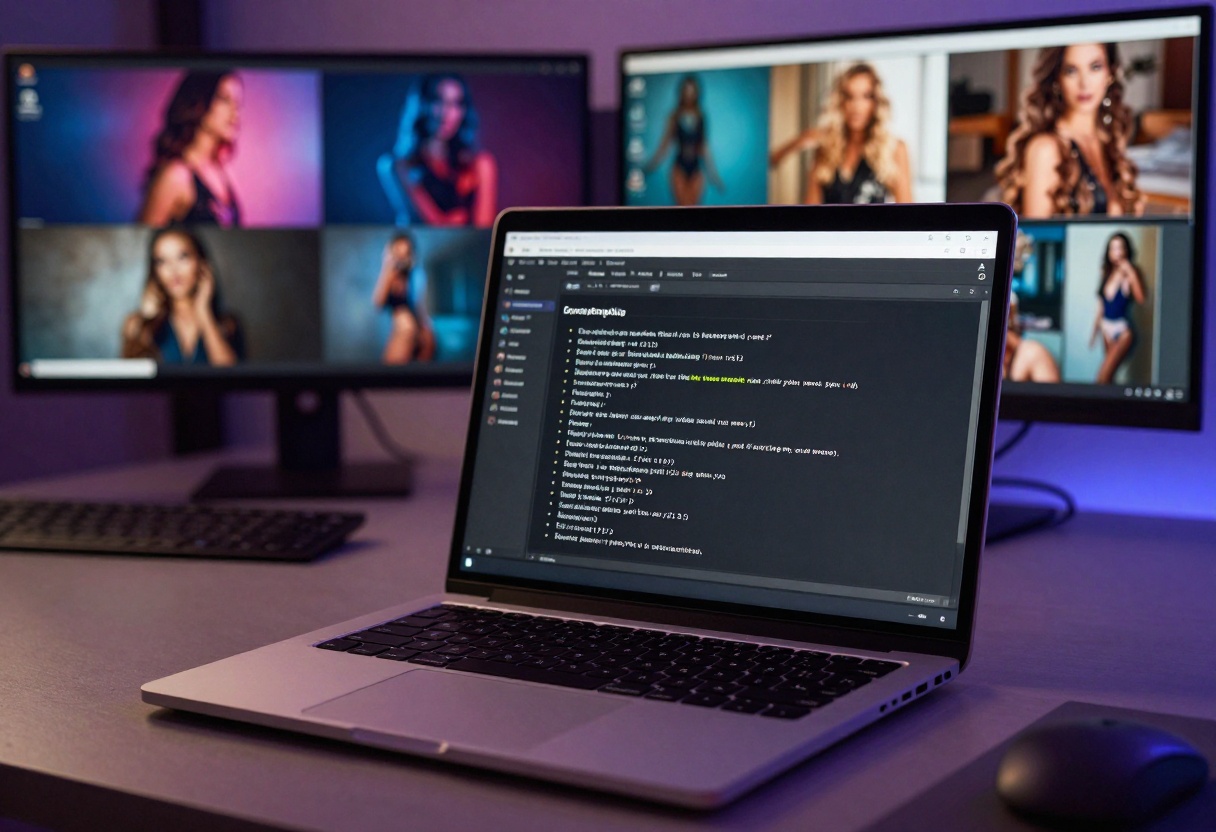
Choosing the Right Aspect Ratio
Aspect ratio dramatically affects the final composition. Imagen 4 Pro supports multiple ratios, each suited for different purposes:
| Aspect Ratio | Best For | Use Cases |
|---|
| 1:1 | Social media posts | Instagram, profile pictures |
| 16:9 | Widescreen content | YouTube thumbnails, desktop wallpapers |
| 9:16 | Vertical content | TikTok, Instagram Stories, mobile viewing |
| 4:3 | Classic photography | Traditional portraits, prints |
| 3:4 | Portrait orientation | Full-body shots, magazine-style layouts |
For adult content platforms, 9:16 vertical is often the most effective choice as it maximizes screen space on mobile devices where most consumption happens.
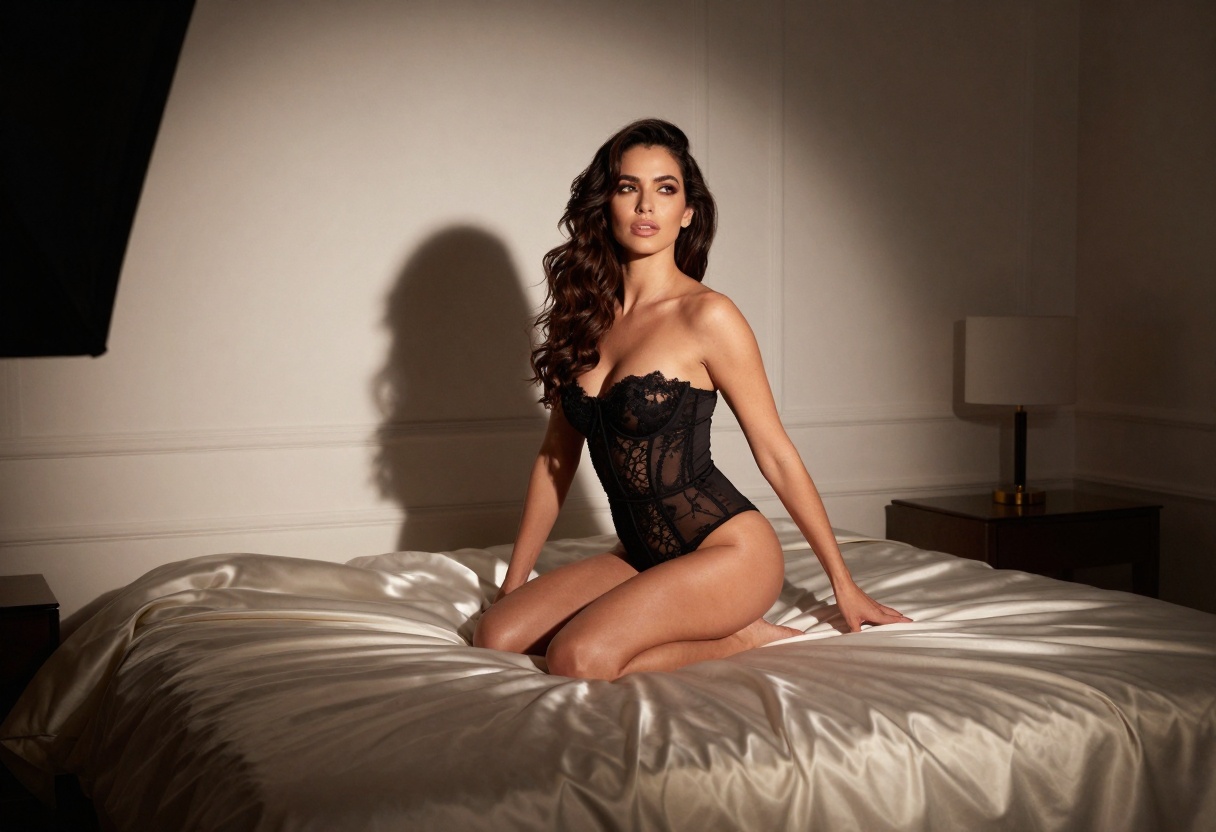
Imagen 4 Pro offers two output formats:
JPG - Smaller file sizes, faster uploads, ideal for web content and social media where storage and bandwidth matter. The compression is optimized to maintain visual quality while reducing file size.
PNG - Higher quality, lossless compression, better for printing or when you need to preserve fine details. Use PNG when creating premium content or when the images will be edited further.
For most adult content creators, JPG offers the best balance of quality and practicality. Files load faster, consume less storage, and most viewers won't notice the difference on typical displays.
Alternative Models for Adult Content on PicassoIA
While Imagen 4 Pro is powerful, PicassoIA offers several open-source alternatives that provide even more freedom for mature content creation:
p-image-edit
This model excels at transforming and editing images with advanced AI capabilities. Perfect for refining generated content or creating variations of existing images.
Try p-image-edit on PicassoIA
wan-2.2-image
For creators who need highly realistic images without restrictive filters, this model delivers stunning photorealistic results. It's particularly effective for fashion and figure photography.
Try wan-2.2-image on PicassoIA
Wan 2.2 I2v Fast
Turn your static images into dynamic video content. This image-to-video model creates smooth animations, perfect for adding motion to your adult content.
Try Wan 2.2 I2v Fast on PicassoIA
Creating Professional-Quality Adult Content
Quality matters in the adult content industry. Viewers expect high-resolution, well-composed images that look professional rather than amateur. Here's how to achieve that with Imagen 4 Pro:
Lighting is Everything
Natural lighting produces the most appealing results. Mention specific lighting conditions in your prompts:
- Golden hour sunlight
- Soft window light
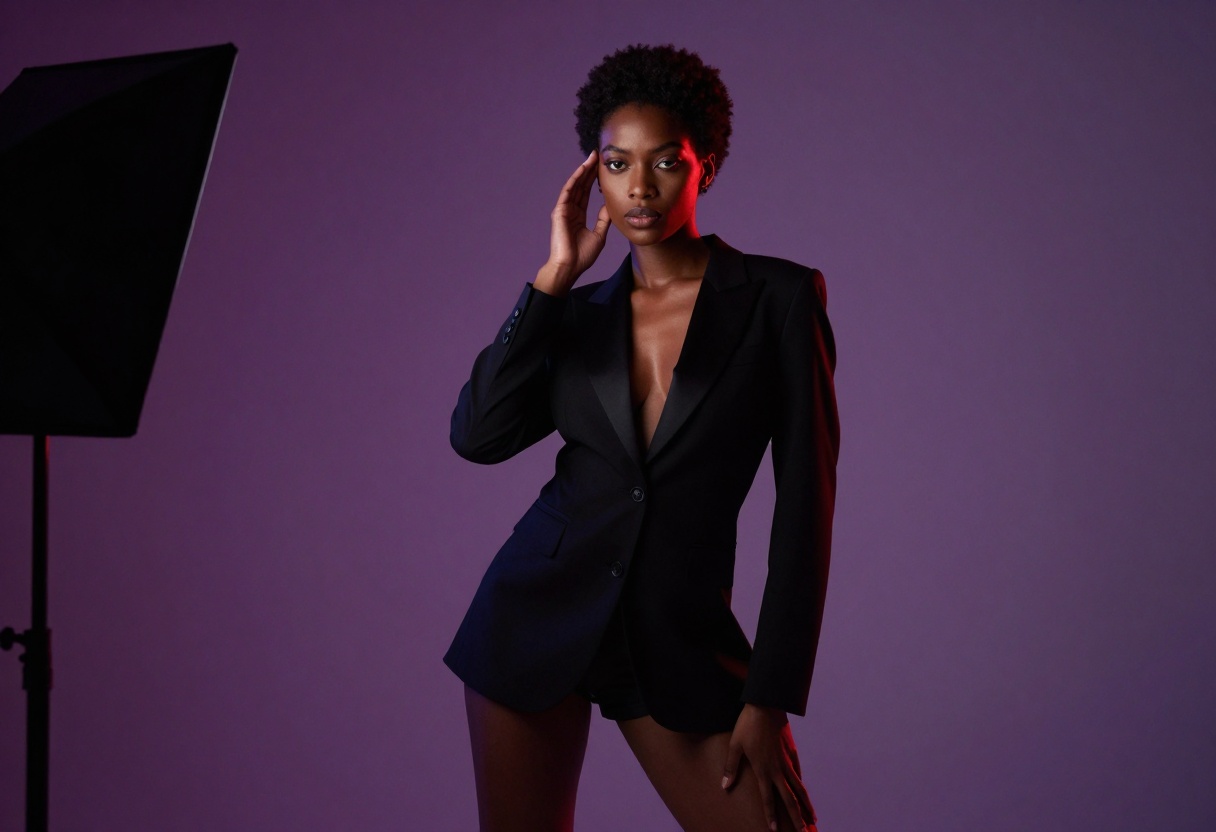
- Studio lighting with softboxes
- Dramatic side lighting
- Warm ambient glow
Composition Principles
Apply traditional photography rules:
- Rule of thirds: Position the subject off-center for more dynamic composition
- Leading lines: Use architectural elements or fabrics to draw the eye
- Depth: Include foreground and background elements for dimension
- Negative space: Don't overcrowd the frame
Style Consistency
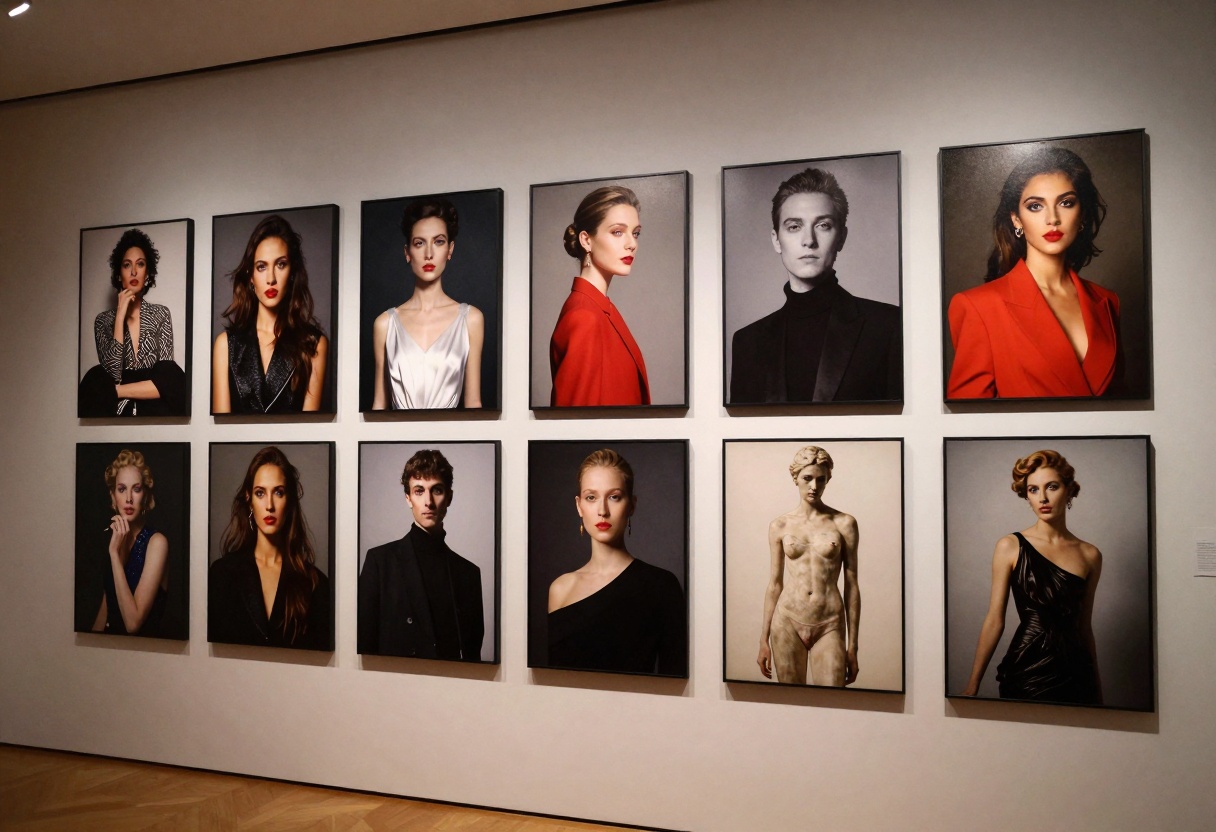
If you're creating content for a brand or platform, maintain visual consistency by using similar prompts across generations. Save your best-performing prompts and modify them slightly for variations.
Common Mistakes to Avoid
Even with a powerful model like Imagen 4 Pro, certain mistakes can compromise your results:
Vague Prompts
"Hot girl" tells the AI almost nothing. Be specific about pose, expression, clothing, lighting, and setting.
Ignoring Technical Terms
Without quality modifiers like "photorealistic" and "8k detail," you'll get average results. These terms trigger better rendering.
Wrong Aspect Ratio
Using 16:9 for portrait content or 9:16 for landscape scenes creates awkward compositions. Match the ratio to your subject.
Overcomplicating
Don't stuff 20 different elements into one prompt. Focus on the key aspects that matter most for that particular image.
Skipping Iterations
Your first generation won't be perfect. Generate multiple variations, then refine your prompt based on what works.
Legal and Ethical Considerations
Creating adult content with AI comes with responsibilities. While Imagen 4 Pro and PicassoIA provide the tools, you need to:
- Follow platform guidelines where you publish content
- Respect copyright and don't attempt to recreate real people without permission
- Disclose AI generation where required by law or platform policy
- Consider your audience and create appropriate disclaimers
- Maintain quality standards that reflect well on your brand
AI-generated content is legal in most jurisdictions, but regulations vary. Stay informed about rules in your location and where your audience is located.
Monetizing AI-Generated Adult Content
The adult content industry offers numerous monetization opportunities for creators using AI:
Subscription Platforms
Platforms like OnlyFans, Patreon, and Fansly allow creators to monetize AI-generated content through subscriptions and tips. Build a following by posting consistently and engaging with your audience.
Custom Content Requests
Many creators charge premium rates for personalized AI-generated images based on subscriber requests. This can be highly profitable with minimal time investment.
Stock Photography
Adult-oriented stock photo sites accept AI-generated content. While individual sales may be modest, building a large portfolio can generate passive income.
NFTs and Digital Collectibles
The adult NFT market is growing. Create limited-edition AI art collections and sell them on specialized marketplaces.
How to Use Imagen 4 Pro on PicassoIA
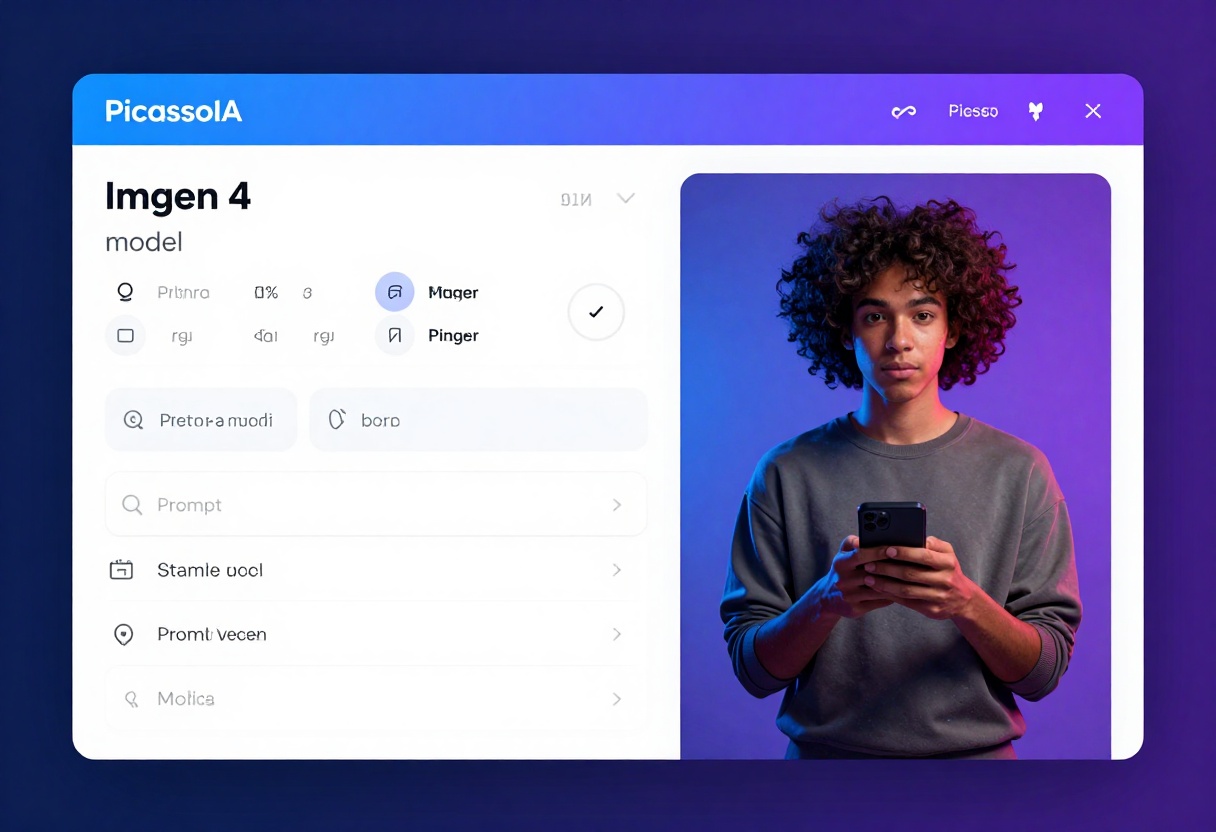
Ready to start creating? Here's a step-by-step tutorial for using Imagen 4 Pro on PicassoIA.
Step 1: Access the Model Page
Navigate to the Imagen 4 Pro model page on PicassoIA. You'll see the model interface with all available parameters.
Step 2: Write Your Prompt
In the Prompt field (required), enter a detailed description of what you want to generate. Remember to include:
- Subject description
- Pose and expression
- Lighting conditions
- Setting and environment
- Style keywords
- Quality modifiers
Example: "Elegant woman in black silk lingerie, professional boudoir photography, soft golden hour lighting through sheer curtains, luxury bedroom with rich fabrics, intimate pose, cinematic composition, photorealistic, 8k detail, shallow depth of field"
Step 3: Configure Aspect Ratio
Select your preferred aspect_ratio from the dropdown:
- 1:1 - Square format for social media
- 16:9 - Widescreen for desktop viewing
- 9:16 - Vertical for mobile content
- 3:4 - Portrait orientation
- 4:3 - Classic photography ratio
For adult content on mobile platforms, 9:16 is usually the best choice.
Step 4: Choose Output Format
Select either JPG or PNG for your output_format:
- Choose JPG for web use and smaller file sizes
- Choose PNG for maximum quality and editing flexibility
Step 5: Set Safety Filter Level
This is the most important setting for adult content. Select block_only_high for the most permissive filtering that still complies with basic content policies.
Step 6: Generate Your Image
Click the Generate button and wait for processing. Generation typically takes 10-30 seconds depending on server load.
Step 7: Review and Download
Once complete, your image will appear in the results panel. Review it carefully. If needed, adjust your prompt and generate again. When satisfied, download the image using the provided link.
Step 8: Iterate and Improve
Your first attempt may not be perfect. Based on the results, refine your prompt:
- Add more lighting details
- Specify camera angles
- Include style references
- Adjust quality modifiers
- Try different aspect ratios
Generate multiple variations until you achieve the exact look you want.
Tips for Consistent Results
Consistency is valuable when building a brand or content series. To maintain a recognizable style:
- Save successful prompts in a document for future reference
- Use similar lighting descriptions across generations
- Stick with one aspect ratio for a cohesive look
- Include your brand's style keywords in every prompt
- Generate in batches for series content
Conclusion
Imagen 4 Pro represents a powerful option for adult content creators who need professional-quality AI image generation without excessive restrictions. By taking advantage of adjustable safety filters, multiple aspect ratios, and both JPG and PNG output options, you can create stunning visual content that meets your creative vision.
For even more freedom, consider exploring PicassoIA's open-source alternatives like p-image-edit, wan-2.2-image, and Wan 2.2 I2v Fast. These models offer unrestricted generation capabilities perfect for the adult content industry.
The key to success is specificity in prompting, understanding technical parameters, and iterating until you achieve professional results. With practice, you'll develop prompts that consistently deliver exactly what you need.
Ready to start creating? Try Imagen 4 Pro on PicassoIA now and experience the power of unrestricted AI image generation for adult content.


