Why Adult Content Generation Matters for Creatives
The creative industry has always pushed boundaries, and adult content creation is no exception. From fashion photography to artistic nudes, from editorial shoots to commercial campaigns, there's a legitimate professional need for tools that don't impose arbitrary restrictions. Many mainstream AI platforms enforce blanket policies that limit what creators can produce, often conflating artistic expression with inappropriate content.
This creates real problems for professionals:
- Fashion photographers who need to generate concept art for shoots
- Digital artists creating mature-themed illustrations for galleries
- Content creators producing work for adult entertainment platforms
- Marketing teams developing campaigns for age-appropriate audiences
The solution? Open-source models that respect creative freedom while maintaining professional quality standards.
Open-Source Models on PicassoIA
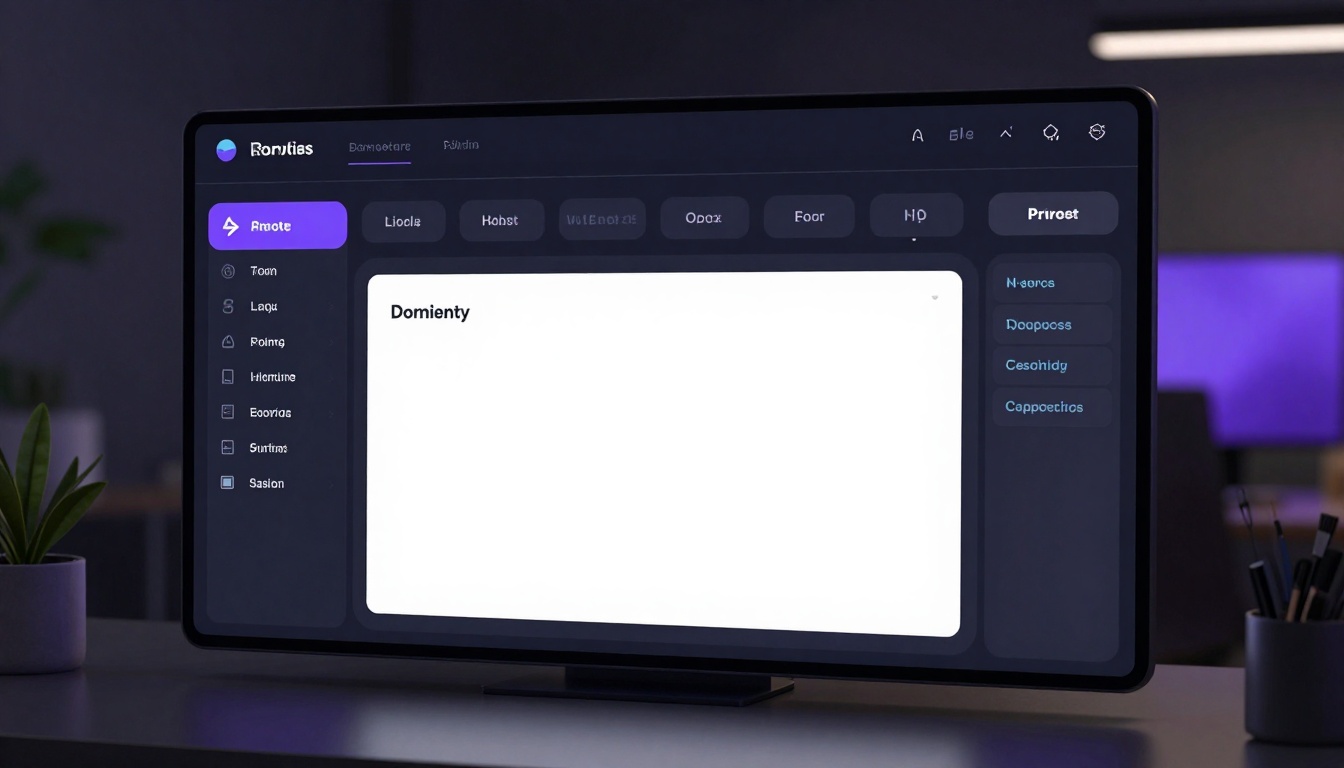
PicassoIA stands apart from restrictive platforms by offering access to open-source models that don't impose censorship on creative work. When generating adult content, you have three primary options:
p-image-edit: Fast Multi-Image Editing
The p-image-edit model excels at transforming and editing images with advanced AI capabilities. What makes it particularly valuable for adult content creators is its flexibility and speed. You can edit and transform images in under a second, with support for multiple reference images and precise control over the output.
This model allows you to disable the safety checker, giving you complete creative control. It supports various aspect ratios (1:1, 16:9, 9:16, 4:3, 3:4, 3:2, 2:3) and lets you work with reproducible results using custom seeds.
wan-2.2-image: Cinematic Realistic Generation
For creators who need photorealistic, cinematic quality, the wan-2.2-image model delivers stunning 2-megapixel images in just 3-4 seconds. It's optimized for visually striking results with cinematic lighting and composition.
The model offers flexible aspect ratios including ultra-wide 21:9 for dramatic scenes, and you can customize output quality from 0-100. The juiced mode provides even faster inference when you're working on tight deadlines.
Wan 2.2 I2v Fast: Image-to-Video Conversion
Once you've created the perfect static image, Wan 2.2 I2v Fast transforms it into dynamic video content. This is particularly valuable for adult content creators who need animated previews or motion-based content for various platforms.
Writing Effective Prompts for Adult Content
Creating high-quality adult imagery requires more than just typing explicit descriptions. The art is in crafting prompts that guide the AI toward sophisticated, artistic results rather than crude outputs.
Start with Composition and Mood
Begin your prompt by establishing the overall scene and emotional tone. Think about lighting, atmosphere, and artistic style:
Example structure:
"Professional studio photography, dramatic side lighting, elegant composition, high-fashion aesthetic, moody atmosphere"
This foundation tells the AI you're aiming for quality and artistry, not just explicit content.
Add Subject Details Thoughtfully
When describing your subject, focus on artistic elements—pose, expression, styling—rather than explicit anatomical descriptions. The AI will interpret these cues within the context you've already established.
- Pose: "confident stance," "relaxed recline," "artistic curve"
- Expression: "sultry gaze," "contemplative expression," "confident energy"
- Styling: "elegant attire," "minimalist wardrobe," "haute couture inspired"
Include Technical Photography Terms
Professional photography language elevates your results. These terms signal that you want commercial-grade output:
- Shallow depth of field
- Bokeh effect
- Golden hour lighting
- Rim lighting
- High-key or low-key lighting
- Editorial style
- Fashion photography aesthetic
Specify Quality Modifiers
Always end with quality indicators to ensure the AI prioritizes technical excellence:
- "photorealistic 8k detail"
- "professional photography quality"
- "magazine editorial standard"
- "cinematic rendering"
- "high-end commercial photography"
Complete example prompt:
"Professional fashion photography studio, elegant model in sophisticated pose, dramatic three-point lighting setup, haute couture styling, confident expression, shallow depth of field, bokeh background, warm color grading, photorealistic 8k detail, editorial magazine quality, cinematic atmosphere"
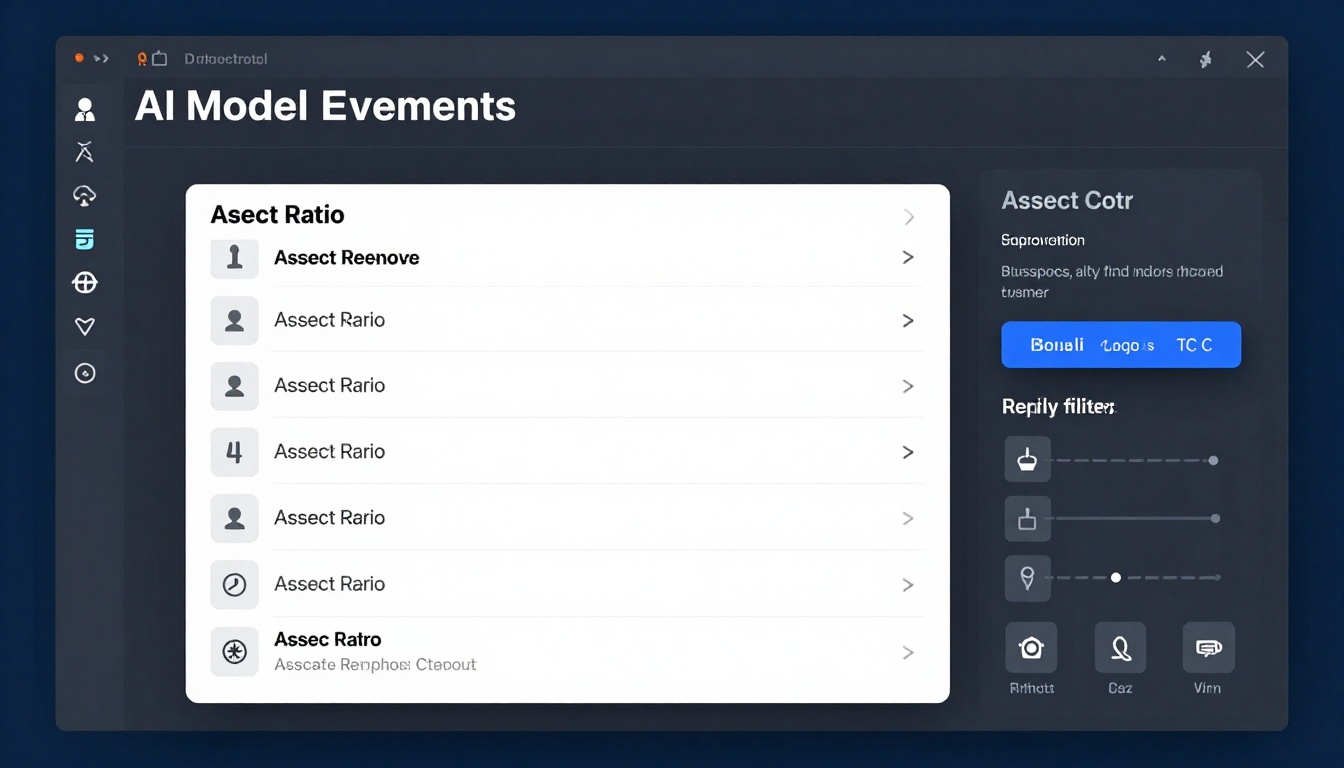
Choosing the right aspect ratio significantly impacts how your content performs across different platforms and use cases.
Portrait Orientation (2:3, 9:16)
Ideal for:
- Social media stories and reels
- Mobile-first content
- Full-body fashion photography
- Dating platforms and personal profiles
Portrait orientations create an intimate, personal feeling. They're perfect when the subject's full figure matters to the composition.
Landscape Orientation (16:9, 3:2)
Best for:
- Website banners and hero images
- YouTube thumbnails
- Desktop wallpapers
- Cinematic storytelling
Landscape formats give you room for environmental context and storytelling. They work well for scenes with multiple subjects or when setting matters.
Square Format (1:1)
Perfect for:
- Instagram posts
- Profile pictures
- Uniform gallery presentations
- Quick social media shares
Squares offer versatility. They display well on both mobile and desktop without awkward cropping, and they create clean, organized gallery layouts.
Ultra-Wide (21:9)
Specialized uses:
- Cinematic scenes
- Dramatic panoramic shots
- Desktop ultra-wide monitor wallpapers
- Artistic compositions emphasizing horizontal flow
Ultra-wide creates drama and scope. It's less common but can be striking when used intentionally.
Safety Filters and Creative Control
PicassoIA's open-source models give you control over safety filtering, but this power comes with responsibility.
Understanding Safety Filter Levels
Most models offer multiple safety filter settings:
Block Low and Above (Strictest)
- Blocks the widest range of content
- Suitable for public-facing work
- May restrict legitimate artistic expression
Block Medium and Above (Moderate)
- Balances creativity with safety
- Allows more artistic freedom
- Good for commercial work with clear audiences
Block Only High (Most Permissive)
- Maximum creative freedom
- Still blocks extreme content
- Ideal for professional adult content creation
When to Disable Safety Checkers
Some models, like p-image-edit, allow you to completely disable safety checking. Use this option when:
- Creating content for verified adult platforms
- Working on professional commissions with clear guidelines
- Producing artistic work for mature audiences
- Editing existing approved content
Important consideration: Even with safety checkers disabled, responsible creation matters. Consider your audience, platform requirements, and legal obligations.
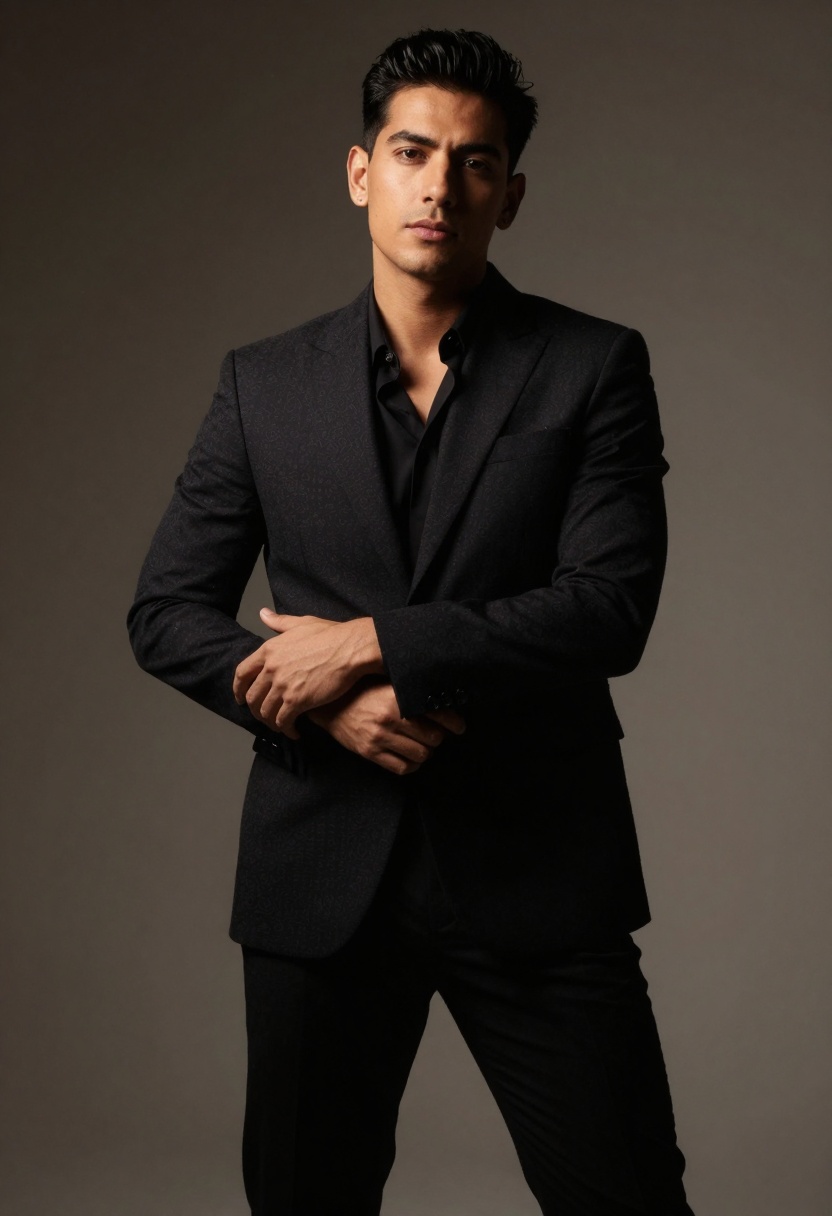
Choosing between JPG, PNG, and WEBP affects both quality and file size.
JPG for Most Uses
When to choose JPG:
- General content distribution
- When file size matters
- Social media uploads
- Email attachments
JPG offers the best balance of quality and file size. For adult content, set quality to 85-95 for optimal results. Going below 80 can introduce visible artifacts in skin tones and subtle gradients.
PNG for Quality-Critical Work
When to choose PNG:
- Print-ready content
- Archival purposes
- When you need transparency (rare in photo content)
- Commercial licensing where quality is paramount
PNG files are larger but maintain perfect quality. If you're creating content that will be resized, cropped, or edited further, PNG preserves more detail for subsequent work.
WEBP for Web Performance
When to choose WEBP:
- Website optimization
- Fast-loading galleries
- Mobile-first experiences
- High-volume content delivery
WEBP provides JPG-like compression with better quality retention. It's increasingly supported across platforms and browsers, making it an excellent choice for web-based adult content platforms.
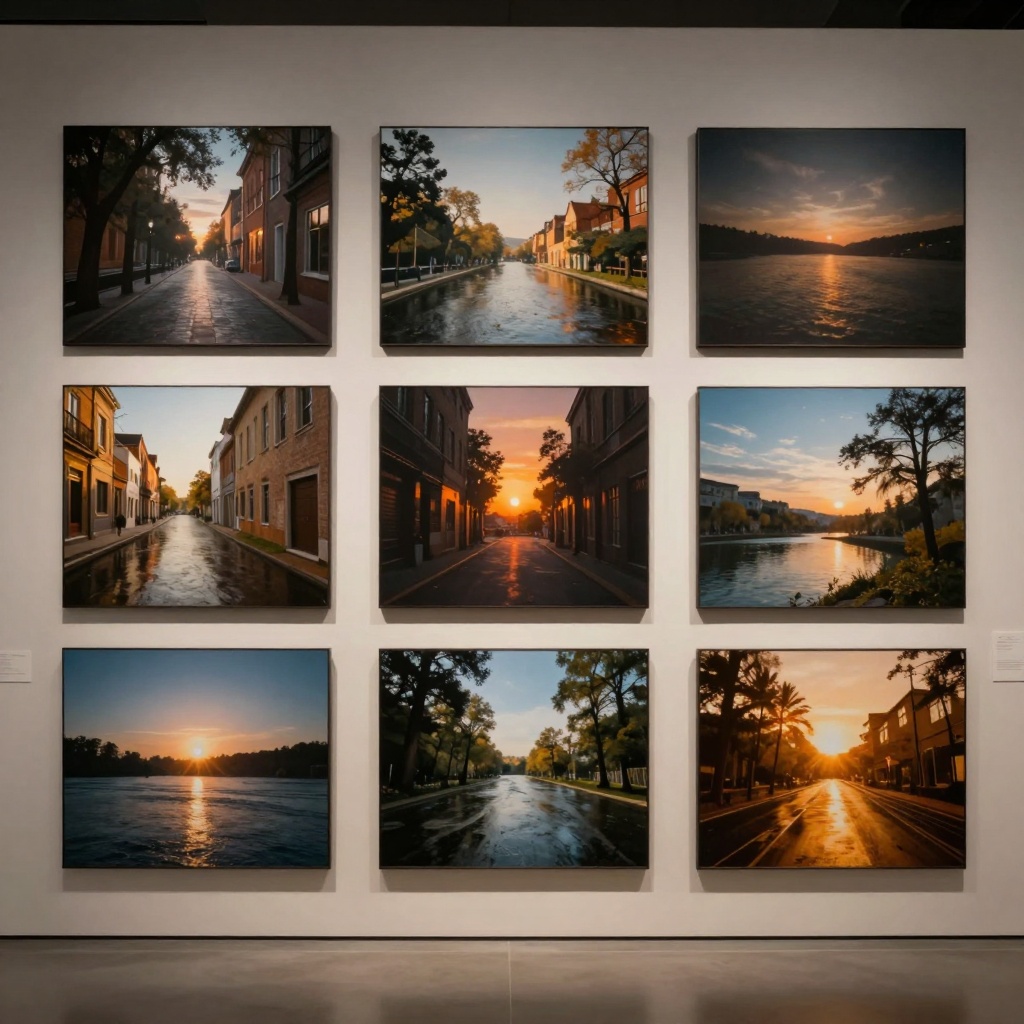
Working with Seeds for Consistency
Seeds control randomness in AI generation. When you find a look you like, using the same seed with modified prompts creates variations that maintain visual consistency.
Finding Your Signature Style
Generate several images without specifying a seed. When you get results that match your artistic vision, note the seed number. You can then:
- Keep that seed and vary only the prompt
- Maintain consistent lighting and composition
- Create a series with unified aesthetic
- Build a recognizable visual brand
Creating Series and Variations
For content creators who need multiple related images:
- Generate your hero image
- Record the seed number
- Modify prompts while keeping the seed
- Produce variations with consistent style
This technique is invaluable for creating content series, character consistency across images, or maintaining brand identity across multiple pieces.
Iterative Refinement Process
Professional adult content rarely comes from a single prompt. The best creators use an iterative approach:
First Generation: Establishing Direction
Your first attempt should focus on getting the basic composition and mood right. Don't expect perfection—you're exploring possibilities.
Run 3-5 quick generations with slight prompt variations. Look for images that come close to your vision.
Second Pass: Refinement
Take your best result and analyze what works and what doesn't:
- Is the lighting achieving the mood you want?
- Does the composition lead the eye correctly?
- Are the quality indicators showing in the output?
Adjust your prompt based on these observations. Add specific technical terms for areas that need improvement.
Final Polish: Parameter Tweaking
Once your prompt is solid, fine-tune the technical parameters:
- Adjust quality settings
- Try different aspect ratios
- Experiment with output formats
- Test with and without turbo/juiced modes
Legal and Ethical Considerations
Creating adult content with AI requires awareness of legal and platform-specific requirements.
Age Verification and Compliance
Any platform hosting or distributing adult AI content must implement proper age verification. This isn't just good practice—it's legally required in most jurisdictions.
Model Rights and Licensing
AI-generated content exists in a complex legal space. While the images are algorithmically created, different platforms have different licensing terms:
- Check PicassoIA's terms for commercial use
- Understand which models allow commercial licensing
- Keep records of generation parameters for compliance
Platform-Specific Guidelines
Each adult content platform has specific requirements:
- Required metadata and tags
- Content category restrictions
- Quality and format standards
- Geographic availability limitations
Research the platforms where you'll distribute your content and ensure your generations meet their technical and legal requirements.
Using Imagen 4 on PicassoIA
Now let's walk through creating adult content using Google's Imagen 4 model on PicassoIA. While Imagen 4 has safety filters, understanding its capabilities helps you work within its parameters.
Accessing Imagen 4
Visit the Imagen 4 model page on PicassoIA. The interface is straightforward, with clear parameter controls.
Required Parameters
The only required parameter is your prompt. This is where all your prompt engineering work pays off. Enter your carefully crafted description focusing on artistic and technical qualities.
Optional Parameters for Adult Content
Aspect Ratio Selection:
Choose from 1:1, 16:9, 9:16, 3:4, or 4:3 based on your distribution platform and composition needs. For intimate portraits, 9:16 or 3:4 work well. For cinematic scenes, try 16:9.
Output Format:
Select JPG for general use or PNG if you need maximum quality for further editing or print work.
Safety Filter Level:
Start with "block_only_high" for maximum creative freedom while maintaining basic safety guardrails. This setting allows sophisticated adult content while filtering extreme prompts.
Generation Process
- Enter your optimized prompt in the text field
- Select your aspect ratio based on intended use
- Choose output format (JPG recommended for most cases)
- Set safety filter to "block_only_high"
- Click generate and wait for processing
The generation typically completes in 5-15 seconds depending on complexity. Review your result and iterate if needed.
When Imagen 4 Blocks Your Prompt
If your prompt gets blocked, the issue is usually too explicit language rather than the concept itself. Try:
- Using more artistic terminology
- Emphasizing photography and composition terms
- Removing anatomical descriptors
- Adding quality modifiers to shift context
Instead of explicit descriptions, try:
"High-fashion editorial photography, sophisticated intimate composition, dramatic studio lighting, elegant styling, professional photography quality, cinematic mood, photorealistic rendering"
Alternative Models for Maximum Freedom
When you need complete creative control without any safety restrictions, consider these alternatives:
p-image-edit: The Unrestricted Option
p-image-edit on PicassoIA lets you disable safety checking entirely. This gives you maximum freedom for professional adult content creation.
Key advantages:
- Sub-second generation speed
- Multiple reference images support
- Reproducible results with seeds
- All aspect ratios available
wan-2.2-image: Cinematic Quality
wan-2.2-image specializes in photorealistic, cinematic imagery. It's optimized for visually striking results and generates 2-megapixel images in 3-4 seconds.
Best for:
- Ultra-realistic photography style
- Cinematic compositions
- High-quality commercial work
- Fast iteration cycles
Converting to Video Content
Static images are just the beginning. The adult content market increasingly demands video, and PicassoIA's image-to-video capabilities make this accessible.
Wan 2.2 I2v Fast Model
This model transforms your static images into smooth, cinematic video clips. It's particularly valuable for:
- Creating teaser content
- Producing animated previews
- Adding motion to portfolio pieces
- Generating social media video content
The process is straightforward: take your best static generation and feed it to the I2v model with a descriptive prompt about the desired motion. The model handles interpolation and creates fluid animation from your source image.
Building Your Adult Content Workflow
Professional creators develop efficient workflows that maximize quality while minimizing iteration time.
Morning: Concept and Planning
Start your day by planning your content:
- Review platform requirements and audience preferences
- Sketch composition ideas or collect reference images
- Write several prompt variations to test
- Identify which models best fit each concept
Midday: Generation Sessions
Dedicate focused time to generation:
- Run multiple variations quickly
- Don't judge results immediately—generate a batch first
- Keep notes on which prompts produce desired results
- Save successful seeds for future reference
Afternoon: Review and Refinement
With fresh eyes, review your generations:
- Select the strongest candidates
- Identify specific improvements needed
- Run refined versions with adjusted parameters
- Prepare finals in required formats
Evening: Metadata and Distribution
Finalize your content:
- Add appropriate tags and descriptions
- Verify format and resolution requirements
- Upload to platforms with proper categorization
- Track performance for future optimization
Common Mistakes to Avoid
Even experienced creators make these errors when starting with AI-generated adult content:
Over-specifying anatomy instead of focusing on artistic elements. The AI interprets artistic direction better than explicit anatomical instructions.
Ignoring lighting and mood in prompts. Professional-looking adult content depends heavily on sophisticated lighting. Always include lighting descriptions.
Using one-shot prompts without iteration. The first generation is rarely the best. Budget time for refinement.
Neglecting aspect ratio strategy. The wrong dimensions can ruin an otherwise perfect image. Choose aspect ratio based on intended platform and composition.
Forgetting to record successful seeds. When you get great results, save that seed for future similar work.
Not testing different safety filter levels. Each model and use case may benefit from different filter settings. Experiment to find what works.
Choosing the wrong output format. JPG, PNG, and WEBP each have optimal use cases. Match format to distribution needs.
The Business of AI Adult Content
The adult content industry is worth billions, and AI generation is rapidly becoming a significant segment. Here's what you need to know about commercializing your work.
Platform Economics
Different platforms offer different monetization models:
Subscription platforms provide steady recurring revenue but require consistent content production. AI generation helps you maintain high output without proportional time investment.
Pay-per-content platforms reward quality over quantity. Use AI to perfect each piece rather than mass-producing.
Custom content services command premium prices. AI helps you fulfill custom requests faster while maintaining quality.
Pricing Your AI-Generated Content
The market is still establishing pricing norms for AI adult content. Currently:
- High-quality individual images: $5-25
- Custom generation services: $50-200 per project
- Subscription access to regular content: $10-50/month
- Exclusive custom content: Premium pricing based on complexity
Your pricing should reflect quality, exclusivity, and time investment, not just the fact that AI was involved.
Building an Audience
Success in AI adult content requires more than generation ability:
- Develop a consistent visual style that becomes recognizable
- Understand your specific audience's preferences
- Engage with your community on appropriate platforms
- Showcase your process to build trust and interest
Future of AI Adult Content Generation
The technology is evolving rapidly, and several trends are emerging:
Increasing Realism
Each model generation brings more photorealistic results. The gap between AI-generated and photographed content continues to narrow. This opens possibilities for creators who lack access to traditional photography resources.
Personalization and Customization
Future models will likely offer more fine-grained control over specific features, allowing for highly customized content that caters to niche preferences.
Real-Time Generation
As models become more efficient, we're moving toward real-time or near-real-time generation. This will enable interactive experiences and live customization.
Integration with Other AI Tools
Expect better integration between image generation, editing, enhancement, and video creation tools. Workflow automation will become increasingly sophisticated.
Legal and Ethical Framework Development
As the industry matures, clearer legal frameworks will emerge around licensing, rights, and distribution of AI adult content. Stay informed about regulatory developments in your jurisdiction.
Conclusion
Imagen 4 Pro and PicassoIA's open-source models represent a significant shift in adult content creation. They democratize access to professional-grade tools while respecting creative freedom. The key to success lies not in the technology itself, but in understanding prompt engineering, artistic principles, and the specific requirements of your audience and distribution platforms.
Whether you're a professional photographer exploring AI workflows, a digital artist expanding into adult content, or an entrepreneur building a content business, these tools offer unprecedented creative control and efficiency. The platforms that respect creative freedom while maintaining quality standards—like PicassoIA—will continue to lead this space.
Start creating today by exploring the models mentioned in this guide, developing your prompt engineering skills, and building a workflow that balances speed with quality.


