Imagen 4 Ultra: The Most Photorealistic AI Tool Available Right Now
Google's Imagen 4 Ultra is not just another AI image generator. It represents a fundamental shift in how realistically artificial intelligence can render human faces, natural textures, lighting conditions, and environmental details. This article breaks down everything that makes it the highest-fidelity AI model in production today, compares it to top competitors, and shows exactly how to use it right now on PicassoIA.
There is a moment when you look at an AI-generated image and your brain simply cannot find the seam. The skin looks real. The light behaves correctly. The fabric drapes with physics-accurate weight. That moment used to be a goal. With Imagen 4 Ultra, it is now the baseline.
Google's most powerful image generation model did not just inch forward in quality. It crossed a threshold that most researchers expected to take another two or three years. The photorealism is not a filter or a post-processing trick. It emerges from the model itself, from the way it learned to reconstruct light, texture, depth, and physical material behavior from an unprecedented volume of visual data.
This is what you need to know about it.
What Sets Imagen 4 Ultra Apart
The Realism Gap Is Real
Most AI image generators produce work that is immediately recognizable if you know what to look for. The tells are consistent: ears with incorrect anatomy, hands with misaligned finger joints, fabric that floats rather than drapes, lighting that comes from nowhere in particular. These are not bugs. They are the natural consequence of how diffusion models learn spatial relationships.
Imagen 4 Ultra addresses these failures at the architecture level. The model was trained with an explicit understanding of physical plausibility: light sources cast shadows in physically consistent directions, reflective surfaces show coherent reflections, human anatomy holds correct proportions across the entire frame, not just in the center.
The results speak clearly. Generate a portrait and the skin shows pore texture, natural melanin variation, the slight oiliness of a T-zone versus matte cheek skin. Generate an outdoor scene and the ambient occlusion fills corners, under-surfaces, and recessed areas correctly without any post-processing instruction.
💡 The baseline has changed. Images that would have been considered photorealistic six months ago now look AI-generated next to Imagen 4 Ultra output.
Training Data and Architecture Differences
Google has not published the full architecture details of Imagen 4 Ultra, but several characteristics are clear from its outputs. The model appears to use a significantly larger training corpus than its predecessors, with particular depth in professional photography, scientific imaging, and high-resolution stock photography. This breadth gives it a more accurate prior for how real-world scenes actually look.
The shift from Imagen 3 to Imagen 4 Ultra is not incremental. The earlier model excelled at creative image generation with good coherence. Imagen 4 Ultra trades some of that generative freedom for strict physical plausibility, making it the right tool whenever the output needs to pass as real rather than as impressive AI art.
What changed between Imagen 3 and Imagen 4 Ultra:
Skin and surface texture rendering is now physically driven, not stylistically inferred
Lighting consistency across the full frame improved dramatically
Material properties (roughness, specularity, translucency) behave as they do in reality
Human anatomy, including hands and ears, holds accuracy at higher rates
Atmospheric effects (haze, diffusion, caustics) now follow optical physics
Visual Capabilities in Practice
Human Portraits and Skin Detail
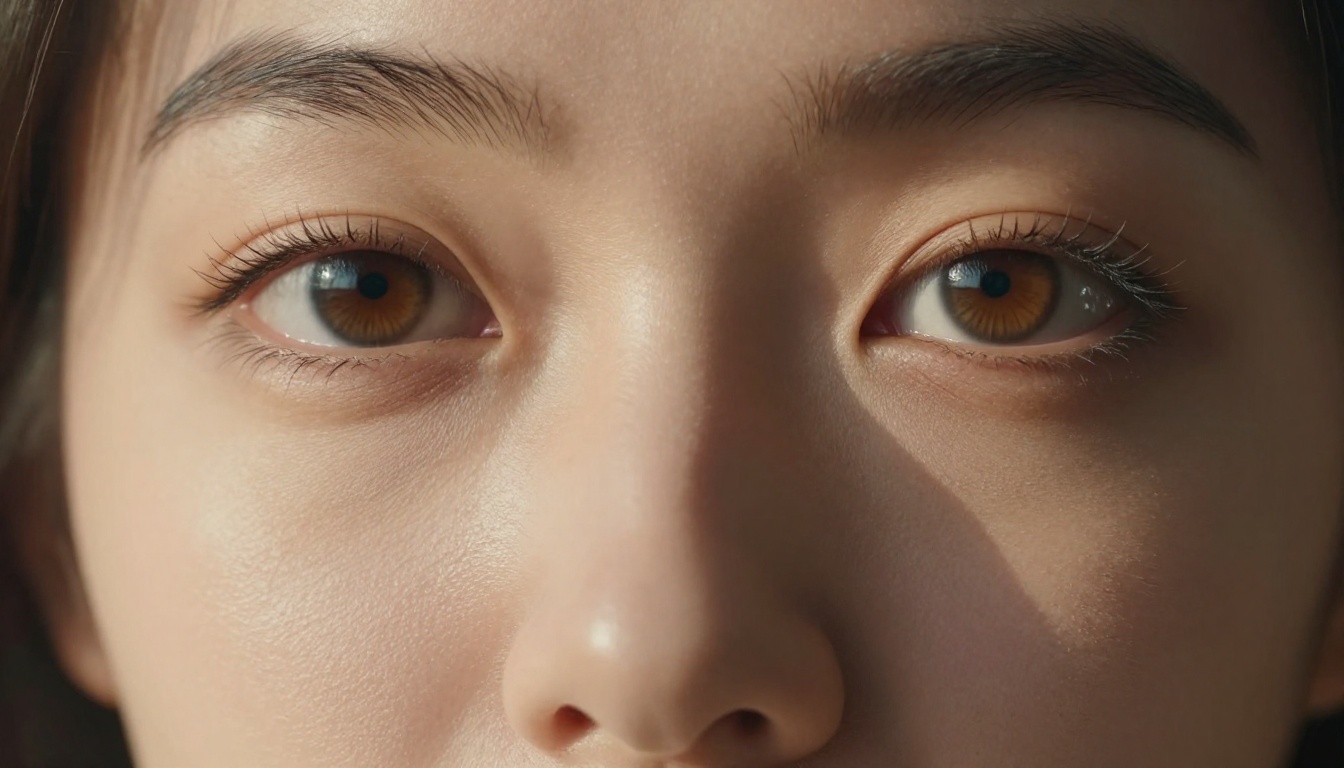
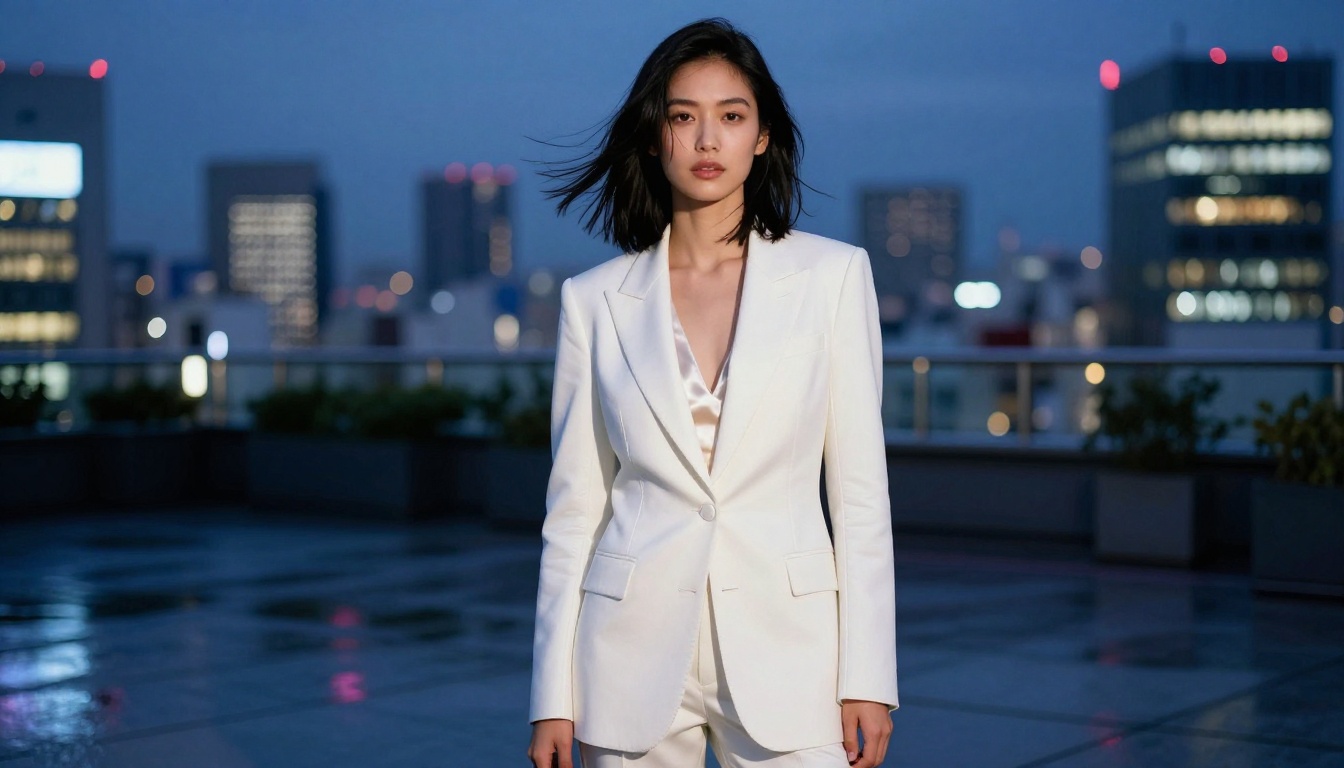
Portrait generation is where Imagen 4 Ultra makes its strongest statement. The model renders human faces with a level of specificity that previous AI tools rarely achieved. Individual pores, the way eyelashes sit at slightly different angles from one another, the microscopic creasing of lip skin, the translucency of ear cartilage when backlit. These details do not appear because you asked for them. They appear because the model understands that they should be there.
Skin tone accuracy is notably strong. The model does not default to a single tone correction applied uniformly. It shows the natural variation within a single face: warmer redness at the cheeks and nose, cooler shadows under the jaw, the slight asymmetry that makes real faces feel lived-in rather than designed.
For fashion and beauty content, this level of fidelity is genuinely useful. Campaigns that previously required expensive photography retouching to look natural now start from a natural baseline.
Scenes, Architecture, and Natural Environments
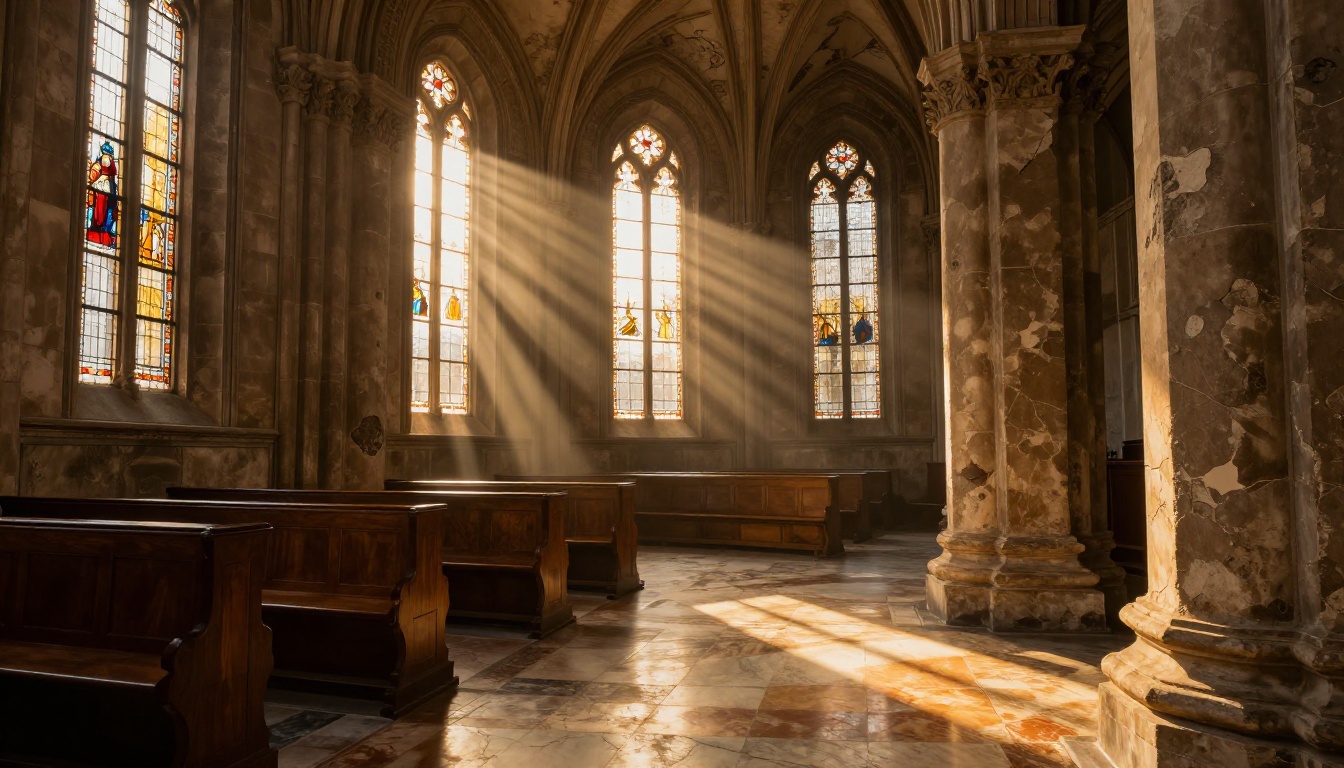
The model's fidelity extends well beyond portraits. Architectural scenes show materials that behave like materials: concrete has aggregate texture, stone shows geological stratification, aged wood has grain direction, paint flakes at edges where it should. The model has a clear sense of material aging and weathering, which is one of the hardest things for AI to get right.
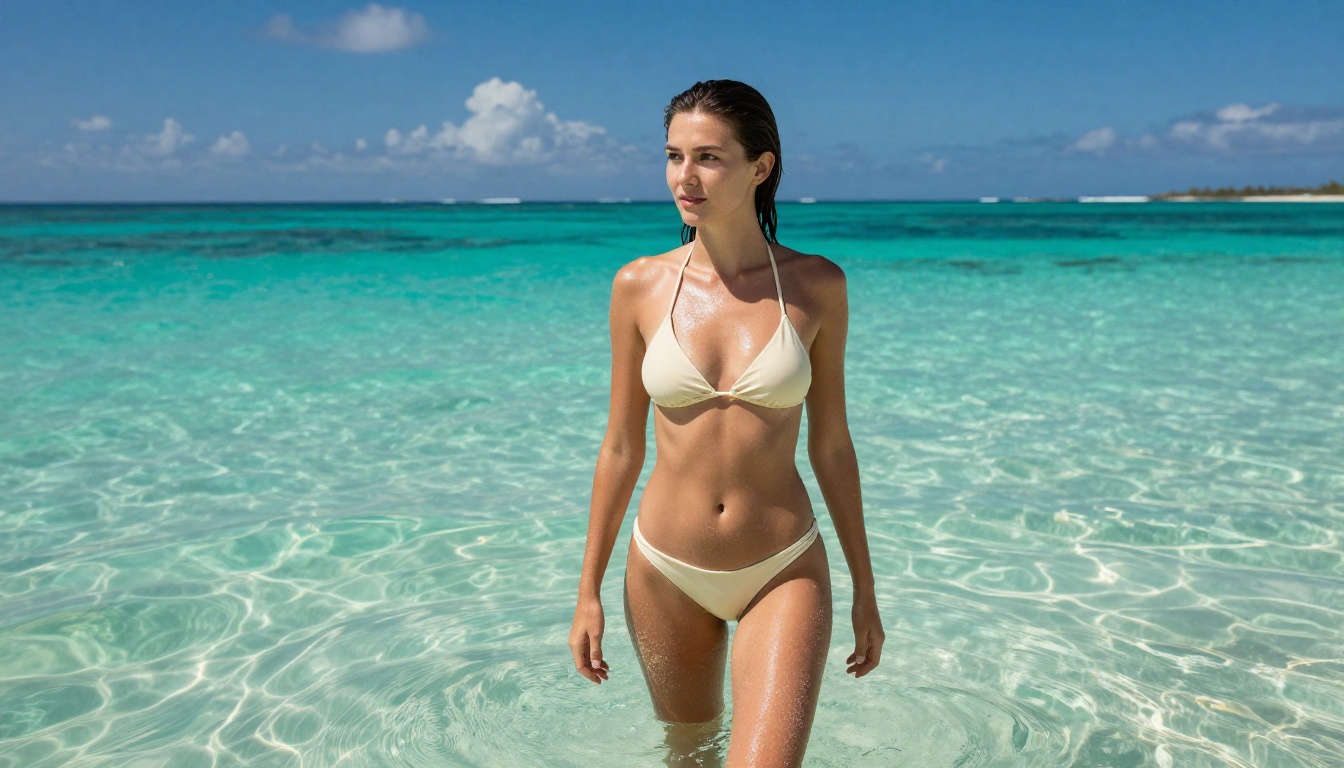
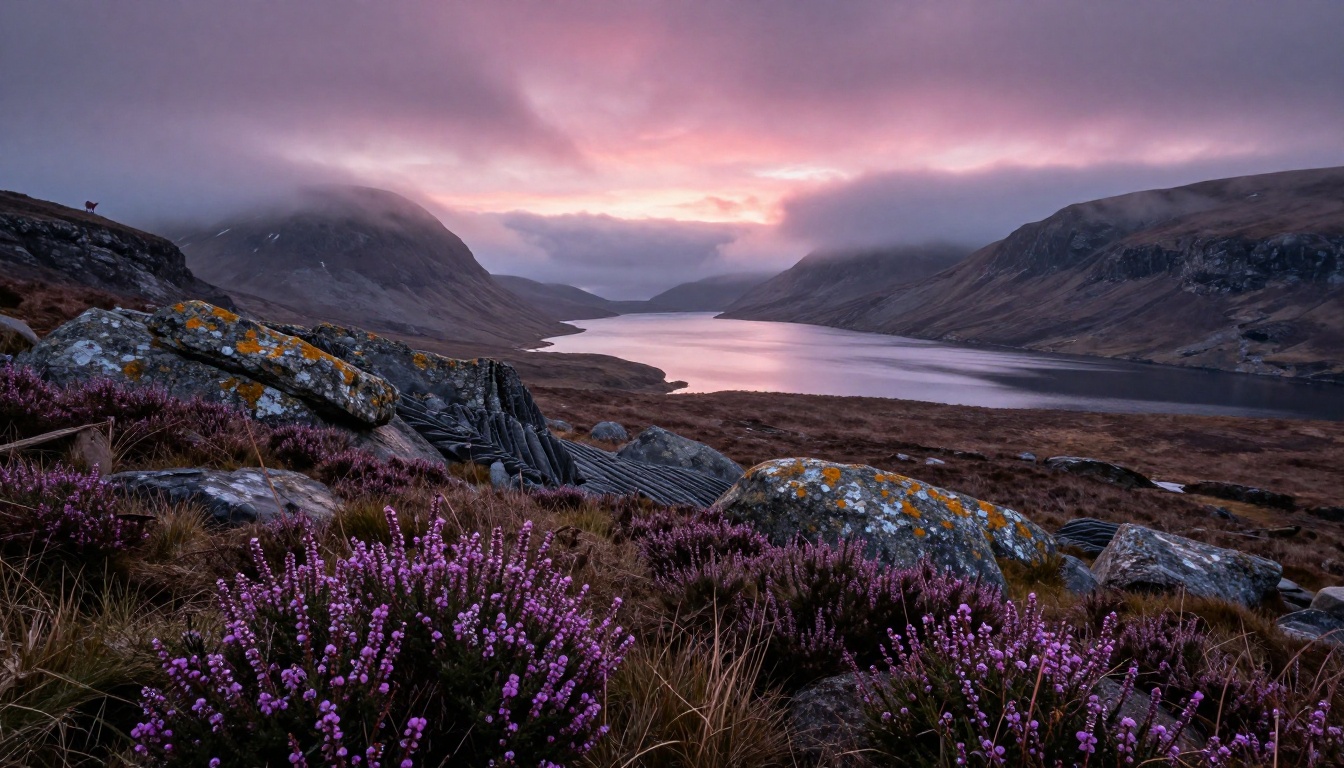
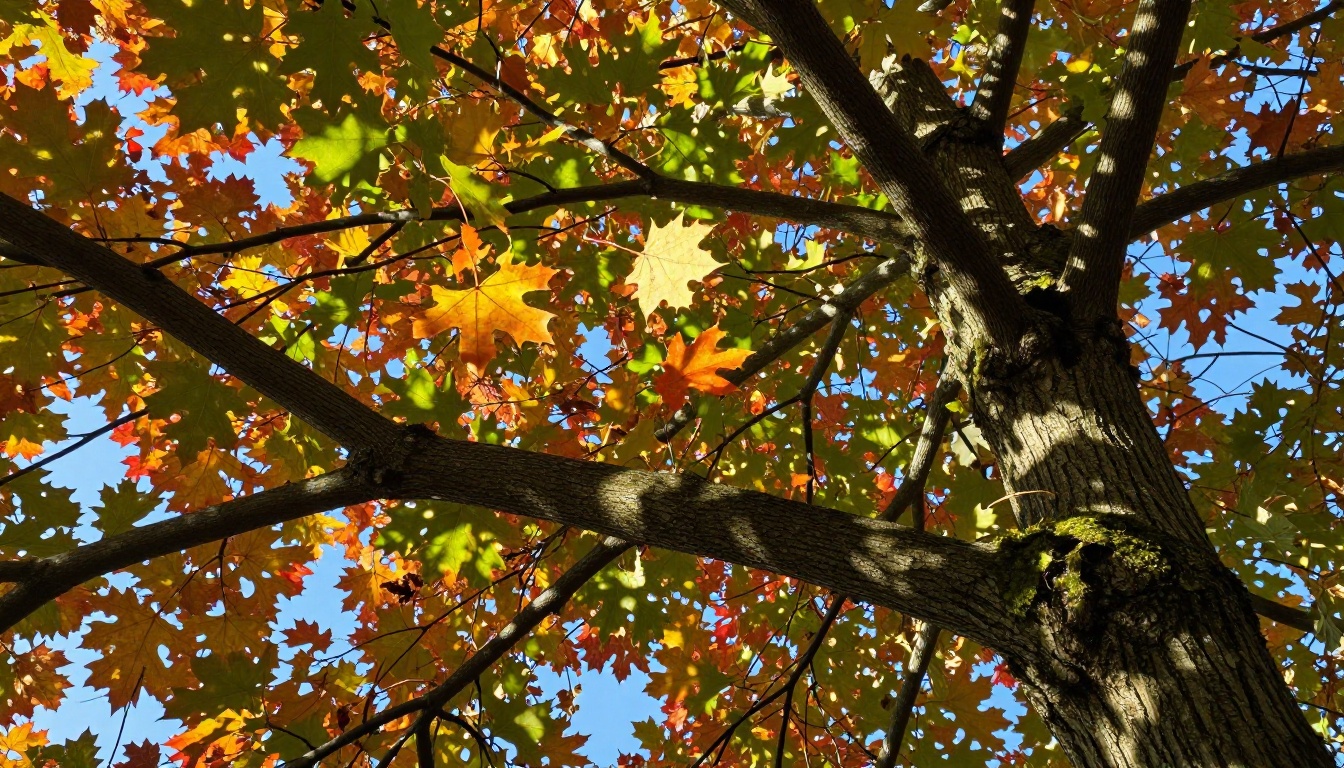
Natural environments benefit from the same physical plausibility engine. Foliage shows correct light transmission through leaves. Water surfaces reflect with accurate angle-of-incidence physics. Atmospheric haze thins with distance in the right way, creating the sense of actual air between the camera and the subject.
Low-Light and Night Photography
Night scenes and low-light environments are the traditional weak spot for AI image generation. The training data for these conditions is sparser, the signal-to-noise relationship is complex, and light behavior at low luminance levels requires specific physical understanding. Most models produce night scenes that look like brighter scenes with a dark filter applied.
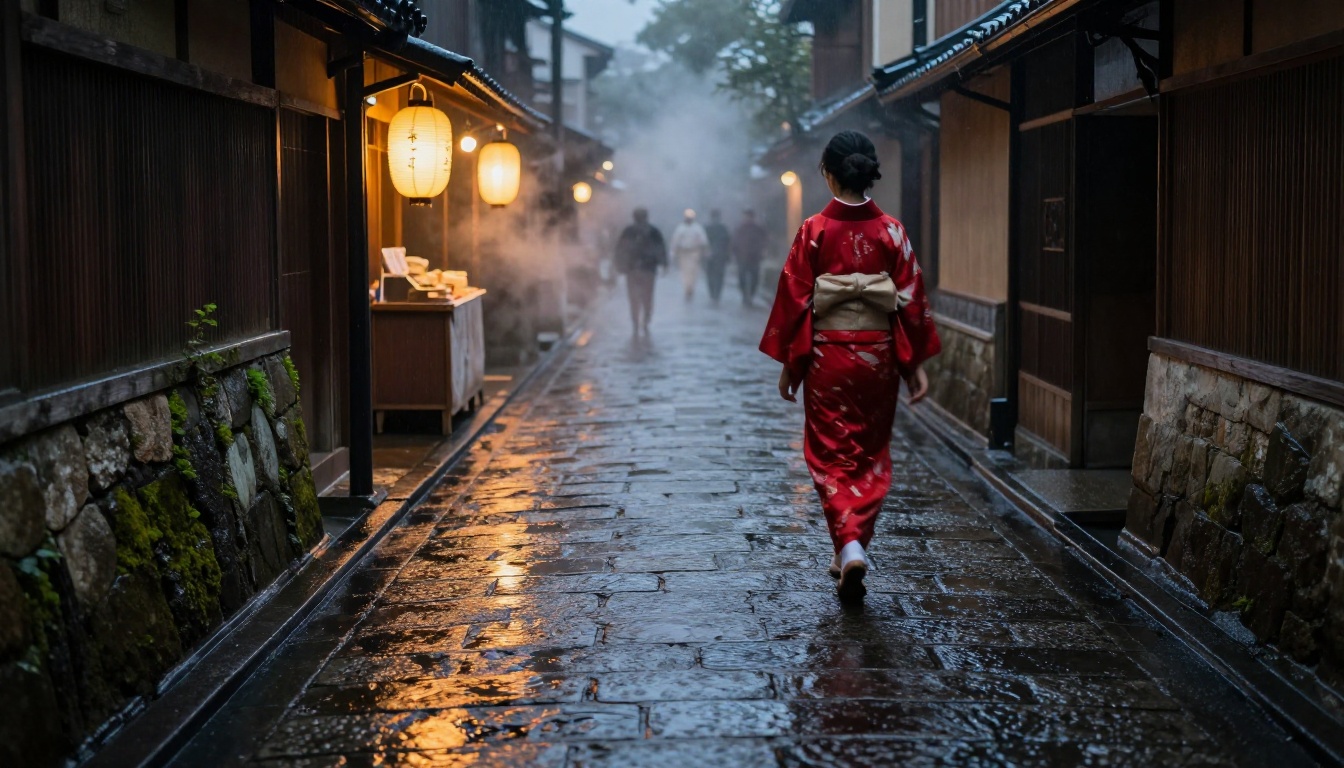
Imagen 4 Ultra handles low-light with notable competence. Sodium vapor street lights produce the correct warm orange tone. LED signage bleeds into surrounding surfaces the way real LED bleeds. Film grain appears not as a uniform overlay but with the irregular distribution of actual photographic noise at high ISO values.
💡 Night photography is where Imagen 4 Ultra most visibly separates itself from every competitor. The atmospheric rendering alone is worth the model choice.
Imagen 4 Ultra vs the Competition
Side by Side With the Best Models
The current top tier of AI image generation includes several strong contenders. Here is how Imagen 4 Ultra positions itself against the models you are most likely comparing it to.
The table shows a clear pattern. Imagen 4 Ultra leads on photorealism by a meaningful margin. The tradeoff is in creative flexibility: Flux Pro offers more stylistic range precisely because it is less committed to physical plausibility. Neither is superior in absolute terms. The right choice depends entirely on whether you need the output to look real or to look impressive.
💡 For maximum fidelity in photographic subjects, Imagen 4 Ultra is the clear choice. For stylized creative work, Flux Pro or SDXL give you more room.
How to Use Imagen 4 Ultra on PicassoIA
Imagen 4 Ultra is available directly on PicassoIA without any account setup or API configuration beyond a standard login. You access the full model quality through the platform's standard generation interface.
Your First Prompt
The model responds best to prompts written as if you are describing a real photograph to a professional photographer. Instead of writing "a beautiful woman in a forest", write as you would brief a shoot: subject, environment, light source, camera position, lens choice, and the emotional quality you are after.
Prompt structure that produces strong results:
[Subject with specific physical details] in [specific location with environmental context],
[precise lighting description with direction and quality],
[camera angle and lens specification],
[texture and atmosphere details],
photorealistic RAW photography, 8K
A concrete example:
Young woman with sun-freckled shoulders sitting on a stone wall in coastal Brittany France,
late afternoon overcast light creating flat even illumination across the scene,
30cm below eye level on 50mm f/2, damp granite wall texture visible behind her,
sea fog softening the horizon, photorealistic RAW photography, 8K
Parameters Worth Adjusting
Aspect ratio: 16:9 works best for editorial and environmental scenes. Use 3:2 for portraits to match standard photography proportions.
Prompt length: Longer prompts consistently produce more accurate results with this model. Describe the light source, not just the mood.
Specificity over adjectives: "Kodak Portra 400 color science" outperforms "warm tones." "85mm f/1.4 portrait lens" outperforms "blurred background."
Tips for Maximum Realism
Name a real camera and lens. The model has strong associations with specific photographic equipment. Naming the Phase One IQ4, Hasselblad X2D, or Leica M11 with appropriate lens specifications pulls the output toward medium format and rangefinder color science.
Specify the light source direction. "Morning light from the left at 15 degrees" produces more physically coherent shadows than "good lighting."
Include surface texture details. Mentioning what the ground, walls, or surfaces look like (wet cobblestones, aged oak, worn marble) activates the model's material rendering capabilities.
Use film stock names as color grading shorthand. Kodak Portra 400, Fuji Velvia 50, and Kodak Ektar 100 each produce distinct but reliably realistic color characteristics.
Add ISO and shutter values for scene plausibility. Stating "ISO 6400, 1/15s" for a night shot gives the model permission to add correct high-ISO noise and motion blur, both of which add photographic authenticity.
💡 The model performs best when you give it physical information, not aesthetic instructions. Tell it where the light comes from. Tell it what the surfaces feel like. The rest follows.
Who Benefits Most From Imagen 4 Ultra
Content Creators and Photographers
For creators who produce large volumes of visual content, Imagen 4 Ultra changes the economics of production. Campaign images that would previously require a location shoot, a professional photographer, model fees, and post-production time can now be generated as high-fidelity assets in minutes. This does not replace photography for every use case. It does substantially change which projects require full production budgets.
Stock imagery for blogs, social media, and web design is the most immediate practical application. The quality ceiling is high enough that the output competes directly with mid-tier commercial photography.
Brands and Marketing Teams
Brand photography has specific requirements: consistent lighting, correct product color rendering, controlled environments. Imagen 4 Ultra handles environmental consistency well within a single generation session. For lifestyle imagery and aspirational visuals that do not feature a specific product, it delivers campaign-quality output at a fraction of the production cost.
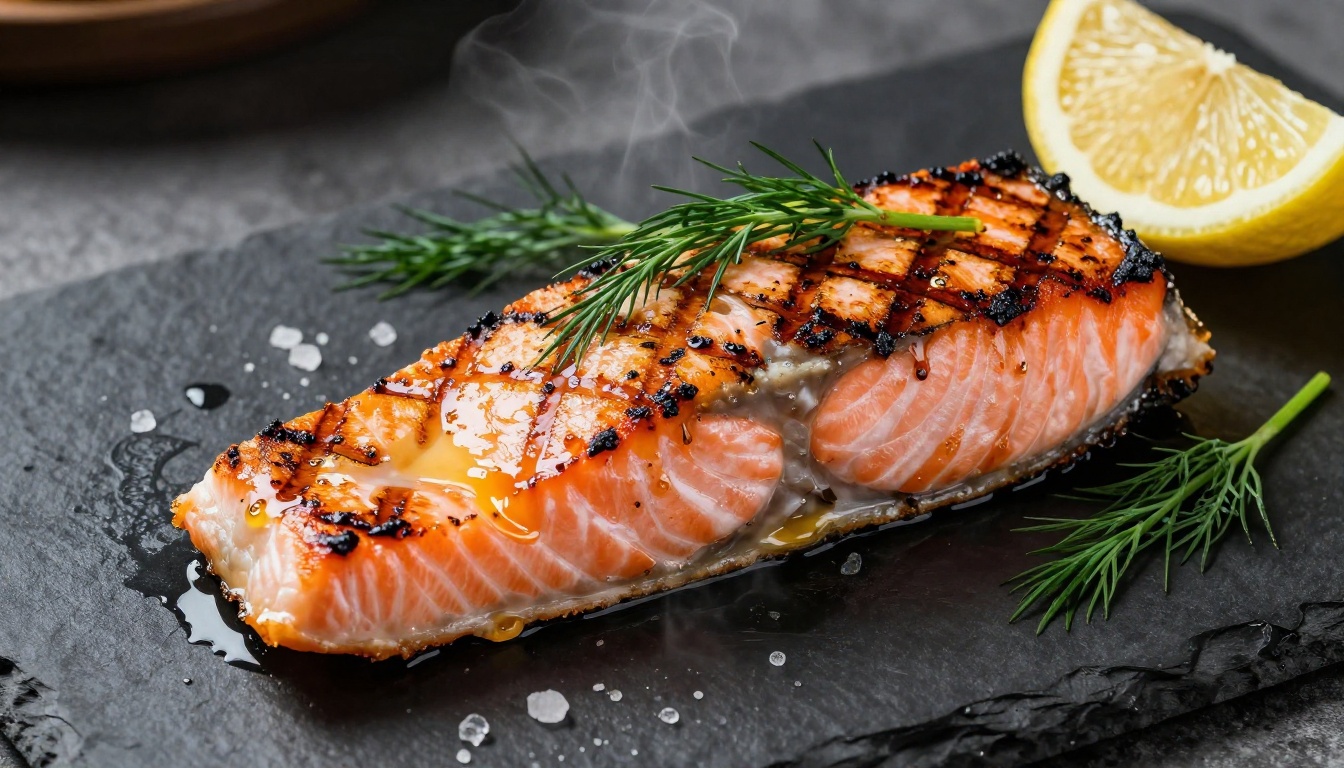
The model's handling of texture and material is particularly valuable for product-adjacent categories. Clothing brands get fabric rendering that shows weave and drape. Food and hospitality brands get the kind of appetite-triggering detail that previously required a food stylist and a commercial photographer on the same morning.
Developers Building Visual Products
Applications that need photorealistic image generation can access Imagen 4 Ultra via PicassoIA's API interface. The model performs well enough that user-facing products can offer photography-grade output without building generation infrastructure independently.
E-commerce mockups, personalized visual content, travel and hospitality imagery, and user-generated scene creation are all natural integration points. For applications where realism is a core feature, this model is the current production benchmark.
Use cases where the model delivers clear ROI:
Real estate listings: Exterior and interior photography with correct architectural rendering
Fashion e-commerce: Garment visualization on realistic human figures
Travel content: Location photography with accurate atmospheric conditions
Editorial illustration: Story visuals that read as photography rather than illustration
Where It Still Falls Short
Text Accuracy in Images
Text rendering in AI images remains a persistent challenge across all current models, and Imagen 4 Ultra is not exempt. Short, single-word text placements work reasonably well. Multi-word phrases in complex environments show character errors and spacing inconsistencies at a rate that makes them unreliable for production use without review. If your workflow requires legible text in the image, plan for a verification step or use the output as a layout comp.
Consistent Characters Across Prompts
Imagen 4 Ultra does not yet support native character consistency across multiple generations. Each prompt produces a new visual interpretation of any person described. For editorial work requiring a recognizable individual across a series of images, this means careful prompt engineering and curation rather than simple regeneration. Workflows that need this consistency can pair Imagen 4 Ultra with ControlNet-style tools available on PicassoIA to maintain pose and structural consistency across shots.
Very Complex Multi-Subject Scenes
While single-subject scenes with clear spatial relationships render with high fidelity, very complex compositions with five or more distinct subjects in precise spatial arrangements can show inconsistencies in relative proportions and depth staging. The model handles these better than its predecessors, but this remains an area where careful iterative prompting is necessary rather than single-shot generation.
Start Creating With Imagen 4 Ultra
The images throughout this article were generated with prompts built around physical description rather than aesthetic instruction. The technique works because Imagen 4 Ultra responds to information about the world, not requests for a particular feeling.
PicassoIA gives you direct access to Imagen 4 Ultra alongside Imagen 4 and Imagen 4 Fast for when generation speed matters more than maximum fidelity. To see how it compares directly in your own workflow, Flux Pro and SDXL are available on the same platform for side-by-side testing.
The prompts that produce the most impressive results are not complicated. Describe the scene as a real photographer would brief it. Name a light source. Name a lens. Tell it what the surfaces look and feel like. The model takes care of the rest.
💡 Start with a portrait prompt. Describe a real location, a specific time of day, and a camera from the list above. The first result will show you exactly what Imagen 4 Ultra is capable of producing.