What Is Imagen 4 Ultra?
Imagen 4 Ultra represents Google's latest advancement in text-to-image AI technology. Built on the foundation of the Imagen series, this model delivers exceptional image quality with photorealistic details and precise prompt interpretation. The "Ultra" designation indicates enhanced capabilities in resolution, detail rendering, and overall image fidelity compared to earlier Imagen versions.
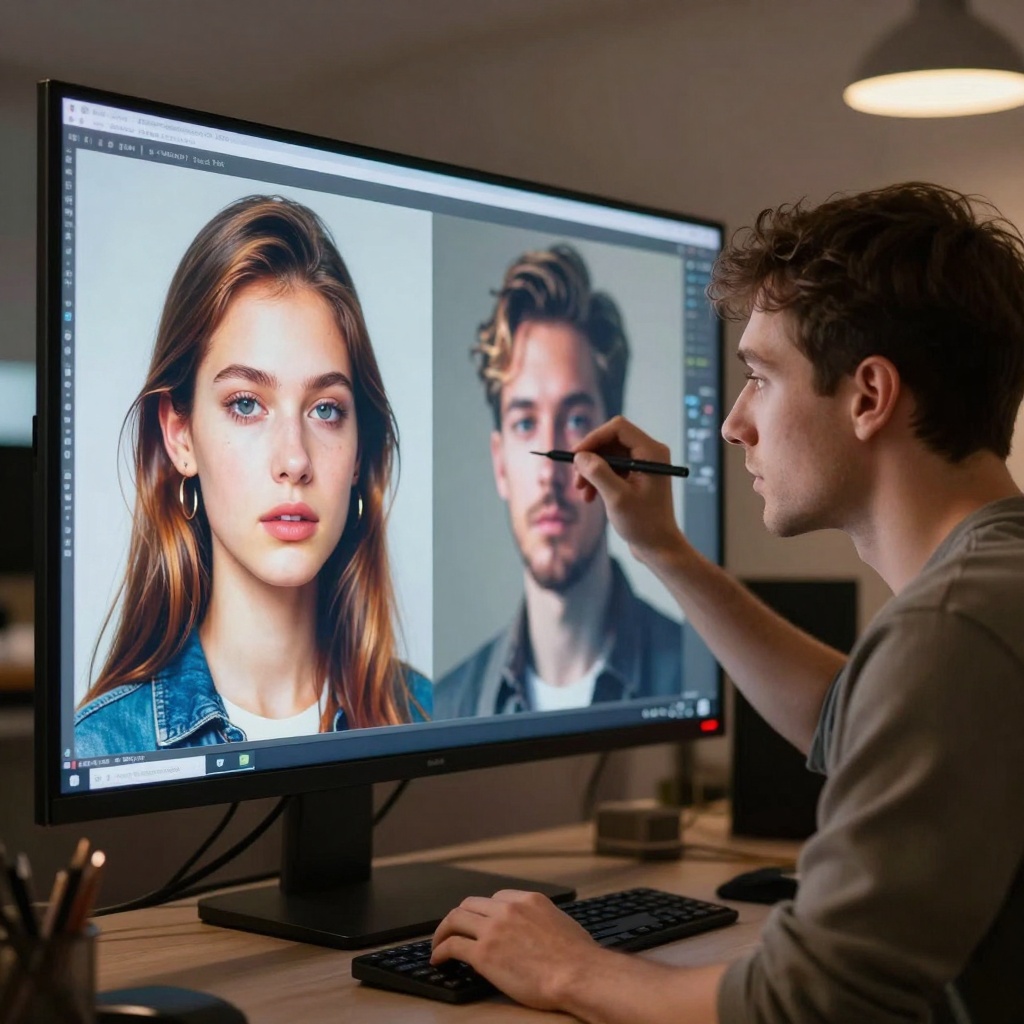
The model excels at producing high-resolution images with natural lighting, accurate anatomy, and realistic textures. Users can generate images in multiple aspect ratios, choose between JPG and PNG formats, and adjust quality settings to match their specific needs. For professional workflows, Imagen 4 Ultra offers consistent results that rival traditional photography in certain contexts.
The NSFW Question
When it comes to NSFW content, Imagen 4 Ultra takes a restrictive approach. Google has implemented multiple safety filter levels that block adult content generation:
- block_low_and_above - The strictest setting that filters most suggestive content
- block_medium_and_above - Moderate filtering that allows some artistic content
- block_only_high - The most permissive option, but still blocks explicit material
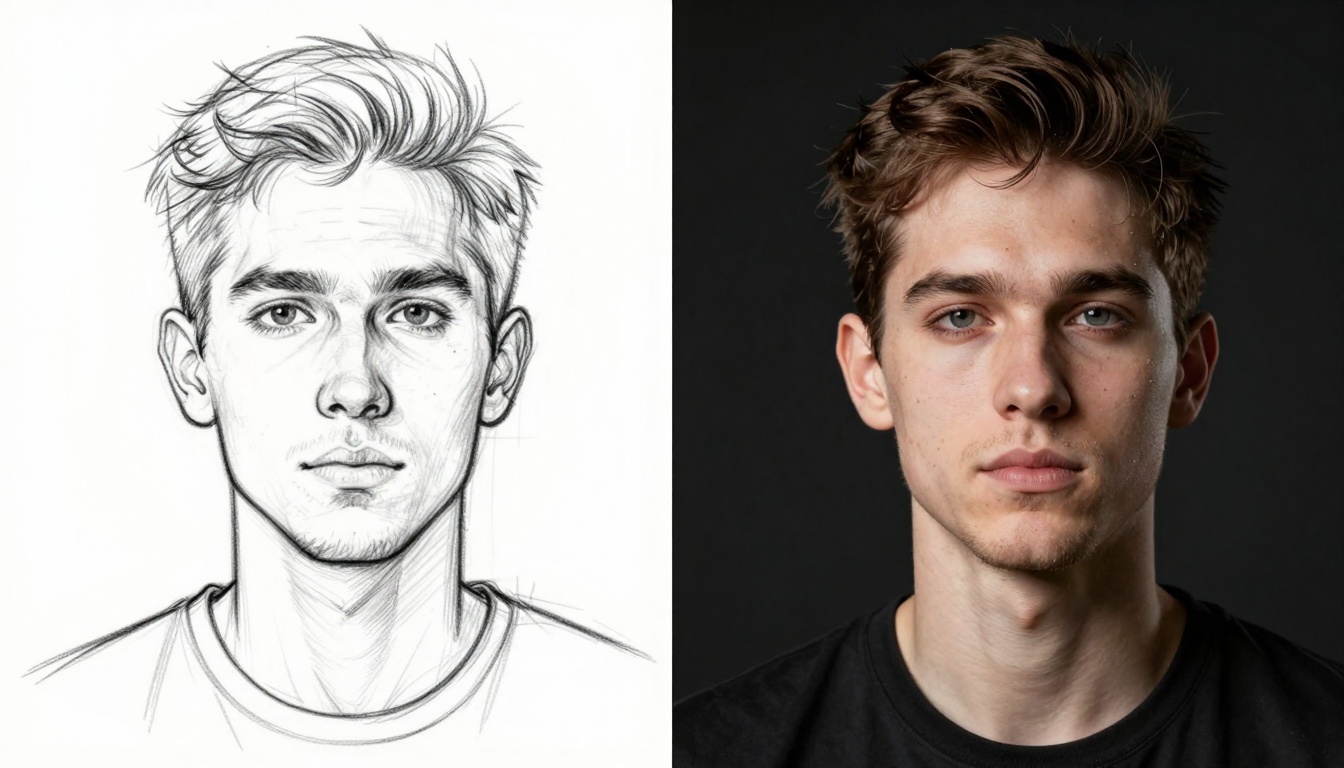
Even at the lowest safety setting, Imagen 4 Ultra refuses to generate overtly sexual or nude content. The model's safety systems analyze prompts before processing and reject requests that trigger content policy violations. This makes Imagen 4 Ultra unsuitable for creators working on adult content, artistic nudity, or mature themes.
Why Content Restrictions Exist
Google's decision to restrict NSFW content stems from several business and ethical considerations. Large tech companies face regulatory scrutiny, brand reputation concerns, and liability issues when allowing unrestricted AI content generation. While these restrictions make sense from Google's perspective, they create genuine challenges for legitimate use cases.
Professional artists working on human anatomy studies, fashion designers creating lingerie concepts, or medical professionals developing educational materials may find themselves blocked by overly broad safety filters. The adult entertainment industry, which represents a significant market, has no access to these corporate-backed tools. Even historical art reproductions or classical nude studies can trigger false positives in automated content filtering systems.
This creates a clear need for open-source alternatives that respect creator autonomy while still encouraging responsible use.
Open-Source Alternatives for NSFW Content
For creators who need unrestricted AI image generation, PicassoIA offers several powerful open-source models without the limiting safety filters found in corporate tools. These models provide the freedom to create adult content while maintaining high quality and professional results.
Best Models for NSFW Content on PicassoIA
| Model | Type | Speed | Best For |
|---|
| p-image-edit | Image Editing | Sub-second | Quick edits and transformations |
| wan-2.2-image | Text-to-Image | 3-4 seconds | Cinematic realistic imagery |
| Wan 2.2 I2v Fast | Image-to-Video | Fast | Animated content from stills |
p-image-edit
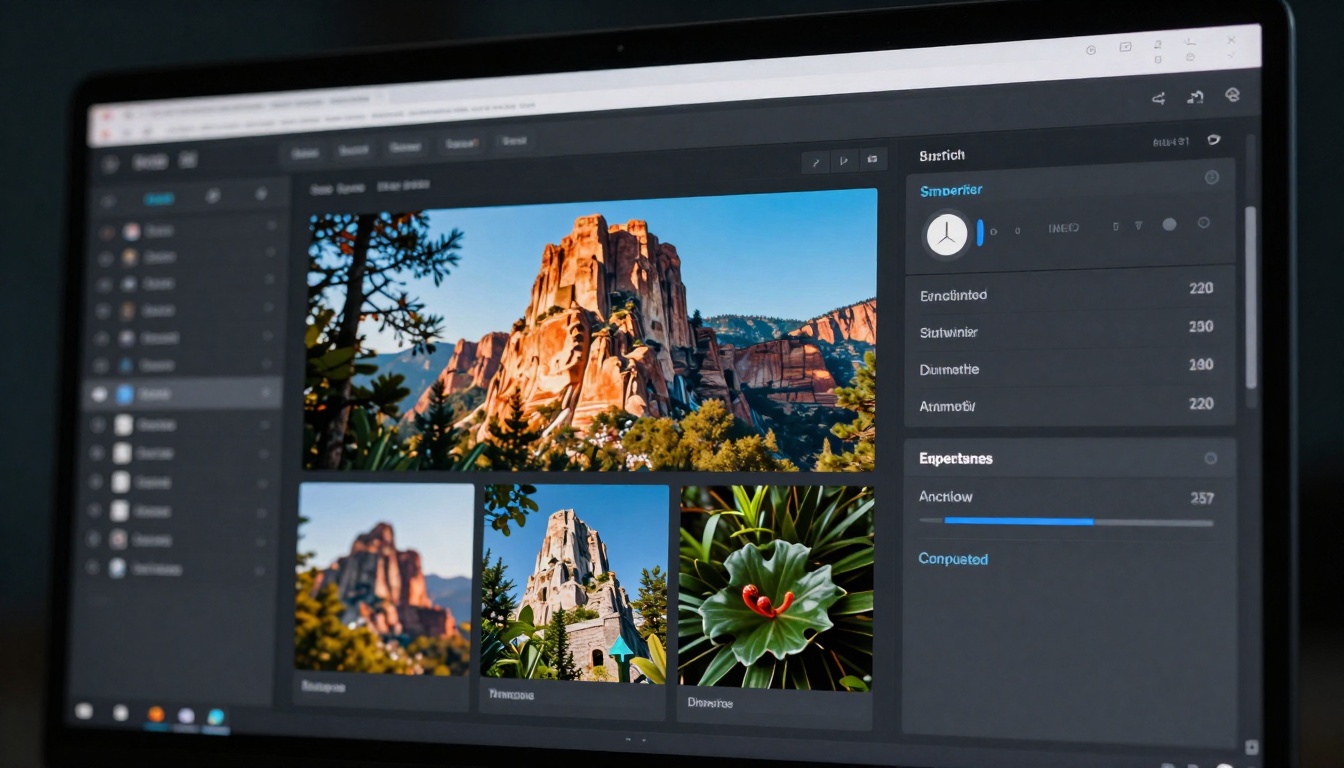
This model stands out for its incredible speed and flexibility. Processing images in under one second, p-image-edit accepts multiple reference images and uses text prompts to perform precise edits. The model supports various aspect ratios and includes an optional safety checker that can be disabled for unrestricted output.
Strengths:
- Lightning-fast processing under 1 second
- Multi-image reference support
- Flexible aspect ratio options (1:1, 16:9, 9:16, 4:3, 3:4, 3:2, 2:3)
- Reproducible results with custom seeds
- Optional safety checker disable
Perfect for: Rapid content creation, batch editing, quick prototyping, and production workflows requiring consistent quality at scale.
wan-2.2-image
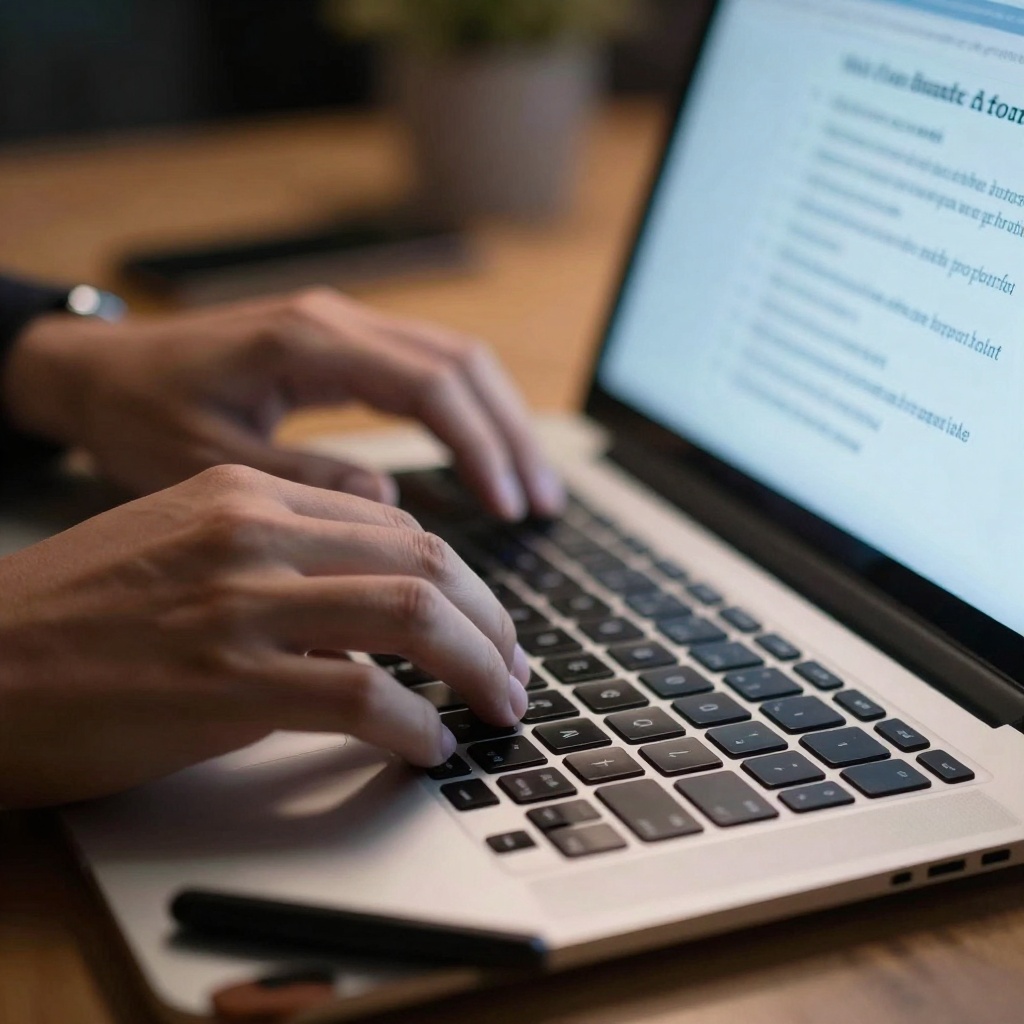
Delivering stunning cinematic quality, wan-2.2-image generates 2-megapixel images in just seconds. The model excels at creating visually striking realistic content with dramatic lighting and professional composition. With support for multiple aspect ratios including ultrawide 21:9, this model adapts to any creative vision.
Strengths:
- Fast 3-4 second generation time
- Cinematic, photorealistic output
- Multiple format support (JPG, PNG, WEBP)
- Wide aspect ratio selection
- Customizable output quality
Perfect for: Professional content creation, artistic photography, concept art, and high-quality realistic imagery with dramatic presentation.
Writing Effective Prompts
Success with any AI image generator depends heavily on prompt quality. For NSFW content, specific descriptive language produces better results than vague requests. Here's how to write prompts that generate high-quality adult content:
Be specific about composition - Instead of "attractive person," describe the exact pose, angle, lighting, and framing you want. Detail like "three-quarter profile view, soft key light from camera left, shallow depth of field" gives the model clear direction.
Include style references - Mention photography styles, artistic movements, or specific aesthetics. Terms like "editorial fashion photography," "Renaissance painting style," or "modern cinematic lighting" help the model understand the intended look.
Specify technical details - Resolution, aspect ratio, and quality descriptors matter. Adding phrases like "8k resolution," "photorealistic," or "high detail" pushes the model toward higher fidelity output.

Use negative prompts wisely - Most models allow you to specify what NOT to include. This helps avoid common AI artifacts like "deformed hands," "distorted anatomy," or "oversaturated colors."
💡 Pro Tip: Start with simpler prompts to establish the basic composition, then add detail in subsequent generations. This iterative approach often produces better results than trying to specify everything at once.
Ethical Considerations
Creating NSFW content with AI tools carries responsibilities. While these open-source models don't restrict adult content, users should follow ethical guidelines:
Consent matters - Never create deepfakes or non-consensual imagery of real people. Even public figures deserve privacy protection. Stick to fictional characters or original artistic concepts.
Age verification - Only generate content depicting adults. Models can sometimes struggle with age representation, so add explicit age descriptors in prompts to ensure mature subjects.
Distribution awareness - Different platforms have different content policies. What's acceptable on adult-oriented sites may violate terms of service elsewhere. Know your distribution channels before creating content.
Copyright considerations - AI-generated content exists in a legal gray area regarding copyright in many jurisdictions. Research local laws if you plan to monetize your creations.
The freedom to create adult content comes with the responsibility to use these tools ethically and legally. Open-source models empower creators but shouldn't enable harmful applications.
Technical Quality Comparison
How do open-source NSFW models compare to restricted tools like Imagen 4 Ultra? While Imagen 4 Ultra can't be directly tested for adult content, we can evaluate general image quality metrics:
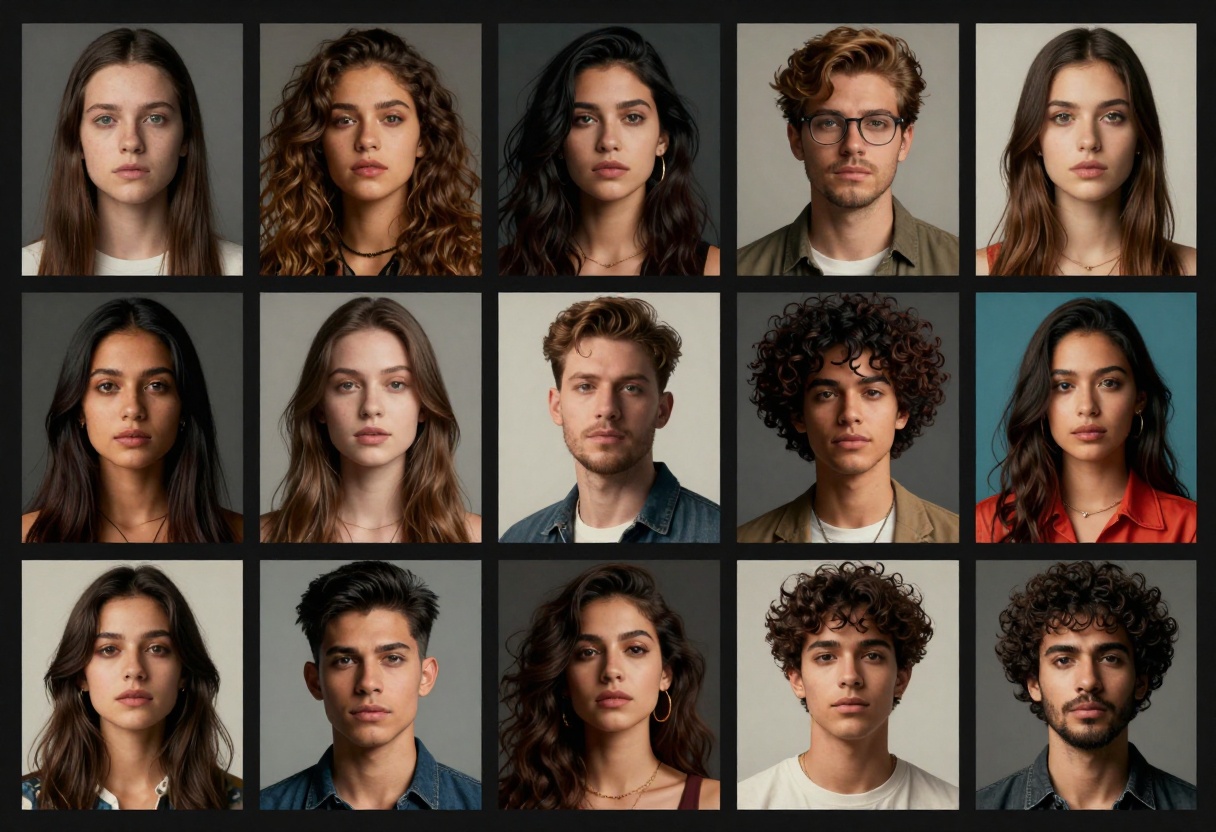
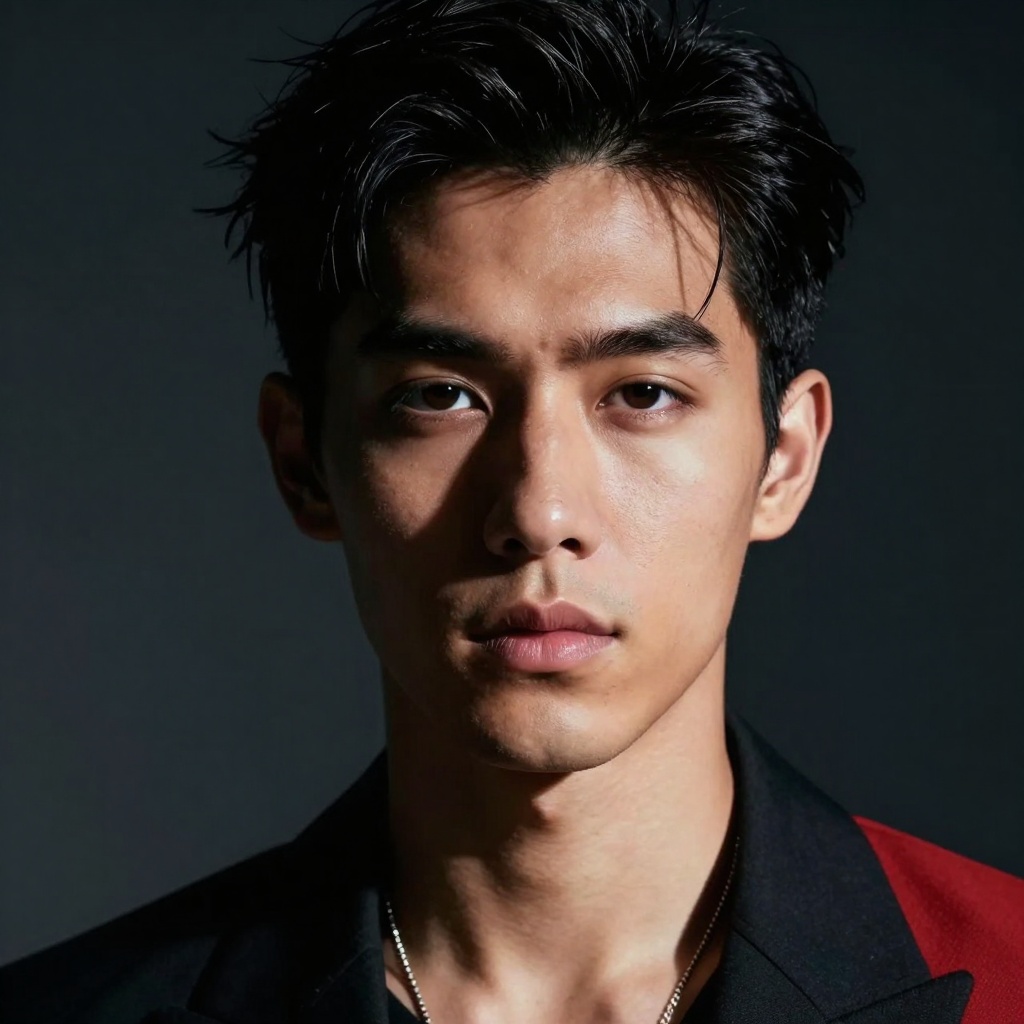
Resolution and detail - Models like wan-2.2-image produce 2-megapixel outputs with excellent sharpness and detail. While not as high as Imagen 4 Ultra's maximum resolution, the quality meets professional standards for most applications.
Prompt adherence - Open-source models sometimes struggle with complex multi-element prompts. Breaking requests into steps or using reference images helps maintain consistency.
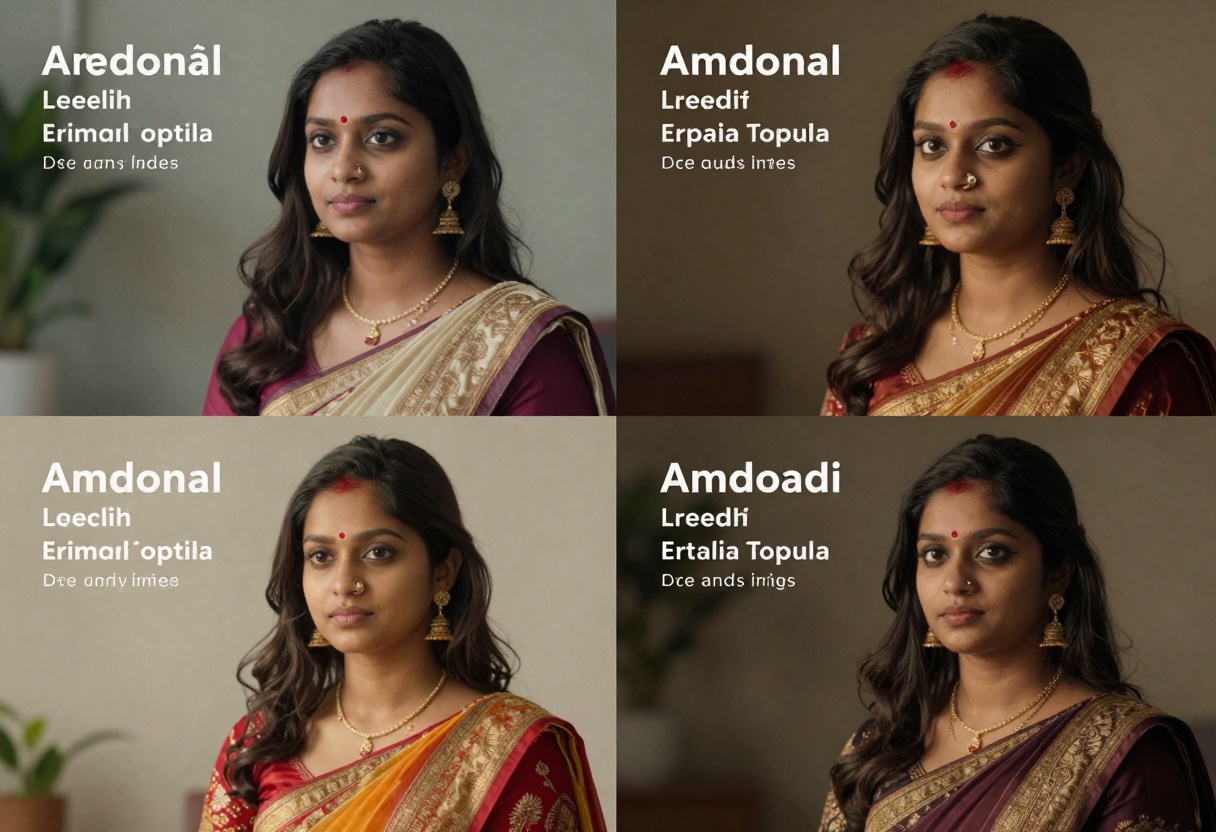
Anatomical accuracy - This remains challenging for many AI models. NSFW-focused training helps models like p-image-edit render anatomy more accurately, but occasional artifacts still occur.
Generation speed - Open-source models often match or exceed corporate alternatives. The p-image-edit model's sub-second processing dramatically outperforms many restricted platforms.
How to Use imagen-4 on PicassoIA
While imagen-4 includes safety restrictions that block NSFW content, understanding its capabilities helps you appreciate what's possible with AI image generation. Here's how to use the model on PicassoIA for permitted content types.
Step 1: Access the Model Page
Navigate to the imagen-4 model page on PicassoIA. The interface provides clear access to all model parameters and settings.
Step 2: Configure Your Prompt
Enter your text description in the prompt field. This is the only required parameter. Be specific and descriptive about the image you want to create. For example:
"Professional portrait of a business executive in modern office, natural window lighting, confident expression, sharp focus on face, blurred background, corporate photography style"
Step 3: Adjust Aspect Ratio
Choose your desired aspect ratio from these options:
- 1:1 - Square format, ideal for social media posts
- 16:9 - Widescreen, perfect for presentations and banners
- 9:16 - Vertical format for mobile content and stories
- 3:4 - Portrait orientation for traditional prints
- 4:3 - Classic photo format
Step 4: Select Output Format
Pick between JPG and PNG based on your needs:
- JPG - Smaller file size, good for web use
- PNG - Lossless quality, better for print or editing
Step 5: Set Safety Filter Level
Imagen-4 offers three safety settings:
- block_low_and_above - Strictest filtering
- block_medium_and_above - Moderate restrictions
- block_only_high (default) - Most permissive within policy
Remember that even the most permissive setting still blocks adult content. For unrestricted generation, consider the open-source alternatives mentioned earlier.
Step 6: Generate and Download
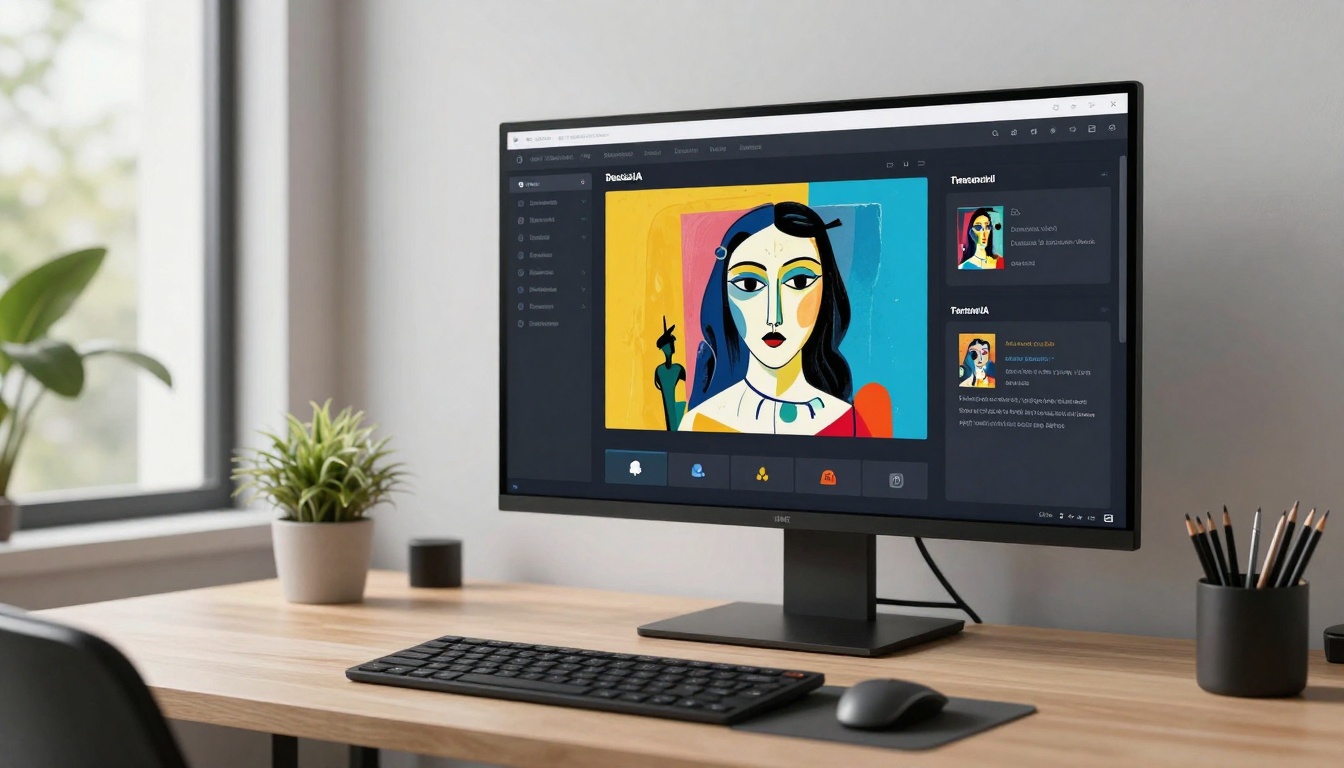
Click the generate button to start processing. Once complete, you can download your image directly from the interface. The model typically processes requests quickly, delivering high-quality results in seconds.
Making the Right Choice
Choosing between Imagen 4 Ultra and open-source alternatives depends on your specific needs:
Choose Imagen 4 Ultra when:
- Working on commercial projects requiring maximum quality
- Creating family-friendly content for broad audiences
- Needing consistent results for professional workflows
- Priority is brand-safe content without concerns about filters
Choose open-source models when:
- Creating adult or mature artistic content
- Requiring complete creative freedom without restrictions
- Working on projects where speed matters more than maximum resolution
- Seeking cost-effective solutions with acceptable quality trade-offs
Both approaches have valid use cases. PicassoIA gives you access to both restricted corporate models and unrestricted open-source alternatives, letting you choose the right tool for each project.
When working with NSFW AI content, privacy becomes paramount. PicassoIA processes generation requests without storing your prompts or outputs on corporate servers beyond what's technically necessary. This differs from major platform providers that may analyze and retain data for model improvement or content moderation.
Local processing benefits - Some open-source models can run entirely on your hardware, eliminating privacy concerns. While PicassoIA provides cloud-based access for convenience, the underlying models support local deployment for sensitive projects.
Account privacy - Consider using separate accounts or profiles for different content types. This organizational approach helps maintain clear boundaries between professional and adult content creation.
The Future of Unrestricted AI Art
The tension between corporate content policies and creator freedom will likely intensify as AI image generation becomes more powerful. Open-source models provide an essential alternative to the increasingly restricted corporate ecosystem.
Expect continued advancement in open-source model quality. As community-driven projects gain resources and expertise, the gap between restricted and unrestricted models will narrow. Models specifically optimized for adult content may eventually surpass general-purpose alternatives in relevant quality metrics.
Regulatory changes may also reshape the landscape. Some jurisdictions are considering AI-specific legislation that could affect both corporate policies and open-source development. Staying informed about legal developments helps creators make strategic technology choices.
Getting Started Today
Ready to explore AI image generation beyond corporate restrictions? PicassoIA offers immediate access to powerful open-source models without complex setup or technical expertise. Create an account, select your preferred model, and start generating within minutes.
The platform's straightforward interface removes technical barriers while maintaining the flexibility professionals need. Whether you're creating artistic content, adult entertainment, or anything in between, you'll find tools that respect your creative vision without arbitrary restrictions.
Next steps:
- Create a free PicassoIA account
- Explore the models mentioned in this article
- Start with simple prompts to understand each model's strengths
- Experiment with different aspect ratios and settings
- Refine your prompt-writing skills through iteration
The future of AI art belongs to creators willing to explore beyond mainstream platforms. With open-source models and platforms like PicassoIA, that future is already here.


