Why Imagen 4 Ultra Stands Out for NSFW Content
Google's Imagen 4 Ultra has emerged as a powerful tool for creators working with adult content. Unlike many AI image generators that heavily restrict or filter NSFW prompts, Imagen 4 Ultra offers customizable safety filter levels that give artists genuine creative freedom. The model's block_only_high setting is particularly valuable for professional content creators who need to generate tasteful, artistic imagery without unnecessary censorship.
What sets this model apart is its ability to produce photorealistic results with exceptional attention to lighting, composition, and anatomical accuracy. For boudoir photographers, fine art photographers, and digital artists working in the adult entertainment space, this means being able to create professional-grade imagery that rivals traditional photography.
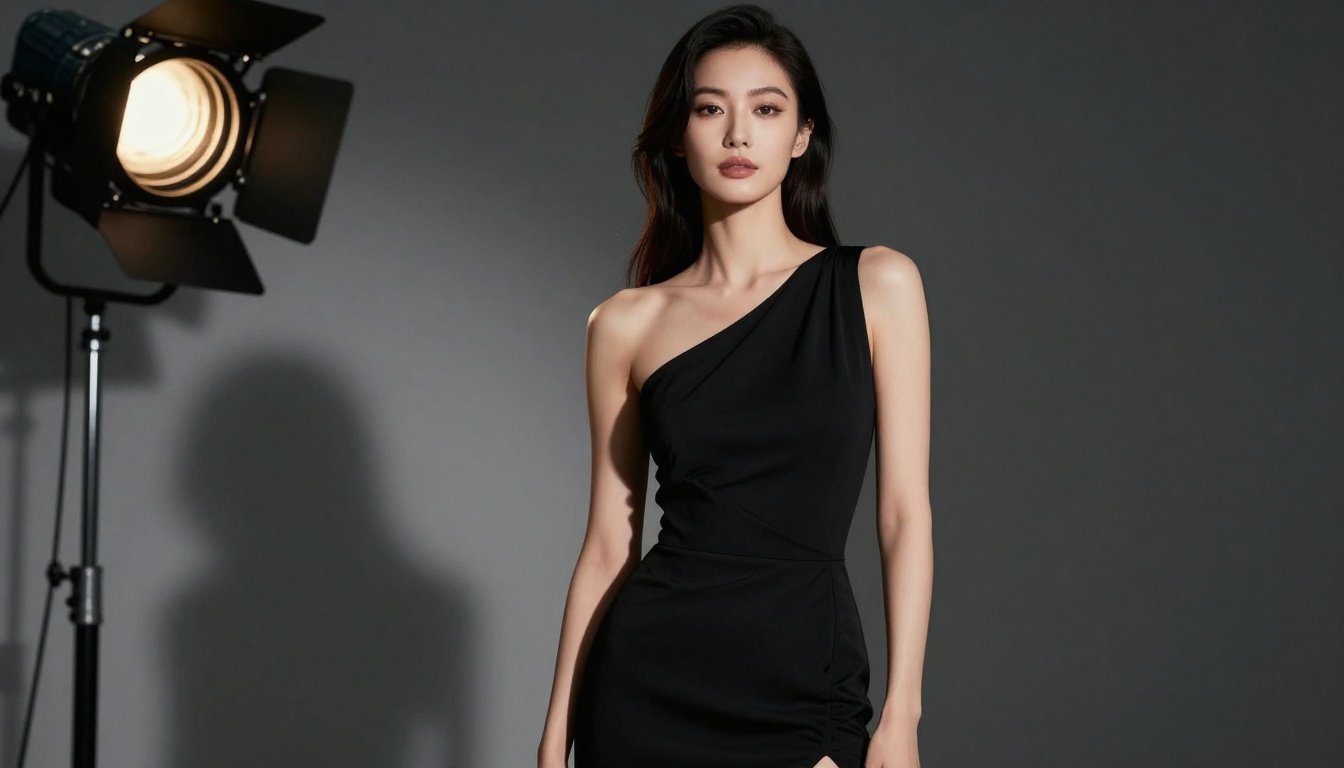
The model supports multiple aspect ratios including 1:1, 16:9, 9:16, 3:4, and 4:3, making it versatile for different platforms and use cases. Whether you're creating content for OnlyFans, Patreon, personal portfolios, or editorial publications, you can generate images in the exact format you need.
Understanding Safety Filter Levels
One of Imagen 4 Ultra's most important features is its three-tier safety filter system:
block_low_and_above - This is the strictest setting, filtering out most prompts that contain even mildly suggestive content. This setting is best for completely safe-for-work commercial applications.
block_medium_and_above - A balanced approach that blocks overtly sexual content but allows artistic nudity and sensual imagery when described tastefully.
block_only_high - The most permissive option, this setting gives creators maximum freedom while still preventing illegal or extreme content. This is the preferred setting for professional NSFW content creation.
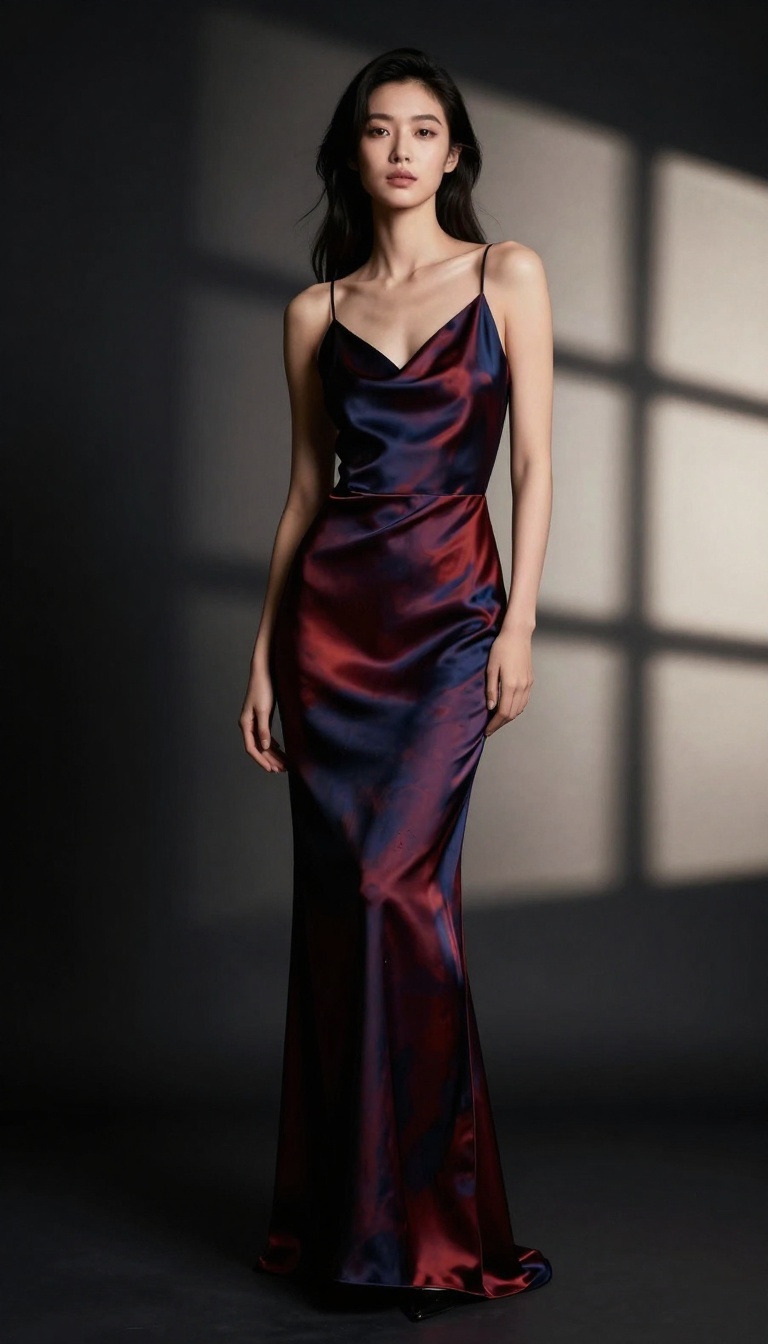
For artists working with adult content, understanding these filter levels is critical. The block_only_high setting strikes the right balance between creative freedom and responsible content generation, allowing you to create sophisticated, artistic NSFW imagery without constant rejections.
Writing Effective Prompts for NSFW Art
Creating high-quality NSFW imagery with Imagen 4 Ultra requires thoughtful prompt engineering. Rather than using crude or explicit language, focus on professional photography terminology and artistic descriptors.
Instead of explicit terms, describe what you want using words like:
- "Boudoir photography" instead of explicit descriptions
- "Artistic figure study" for tasteful content
- "Fashion editorial with implied sensuality"
- "Fine art photography aesthetic"
- "Intimate lifestyle photography"
Your prompts should emphasize lighting, composition, and mood rather than explicit content. For example:
"Professional boudoir photography, soft window light, elegant pose, sophisticated composition, high fashion aesthetic, cinematic depth of field, photorealistic 8k quality, warm color palette"
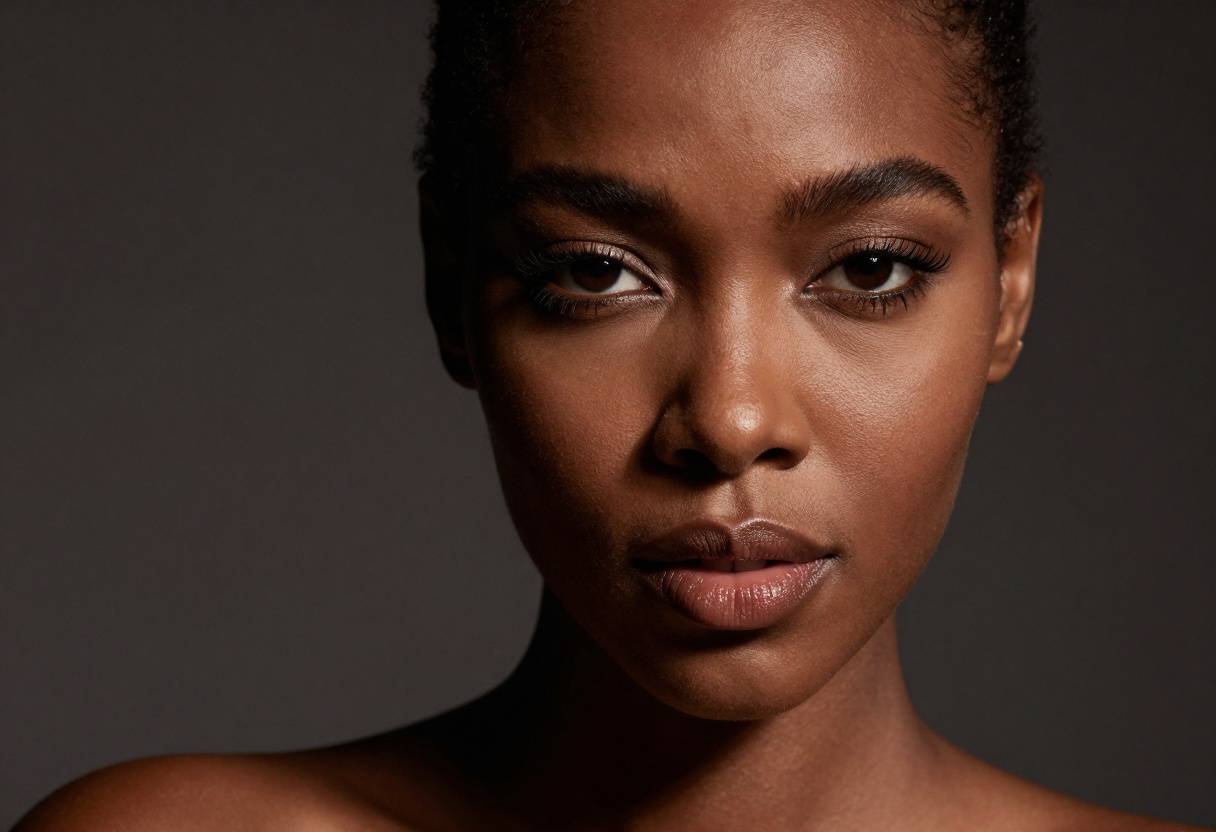
This approach produces better results because the model understands photography terminology and can replicate professional lighting setups, composition techniques, and artistic styles. Think like a professional photographer giving directions during a photoshoot.
Technical Specifications for Quality Output
When generating NSFW content with Imagen 4 Ultra, several technical considerations will improve your results:
Aspect Ratio Selection: Choose your aspect ratio based on your intended use case. The 3:4 portrait ratio works beautifully for social media posts, while 16:9 is ideal for website banners or YouTube thumbnails. The 1:1 square format remains popular for Instagram and profile pictures.
Output Format: The model offers both JPG and PNG formats. For most NSFW content, JPG provides an excellent balance between quality and file size. PNG is preferable when you need transparency or plan to do additional editing, but the files will be significantly larger.
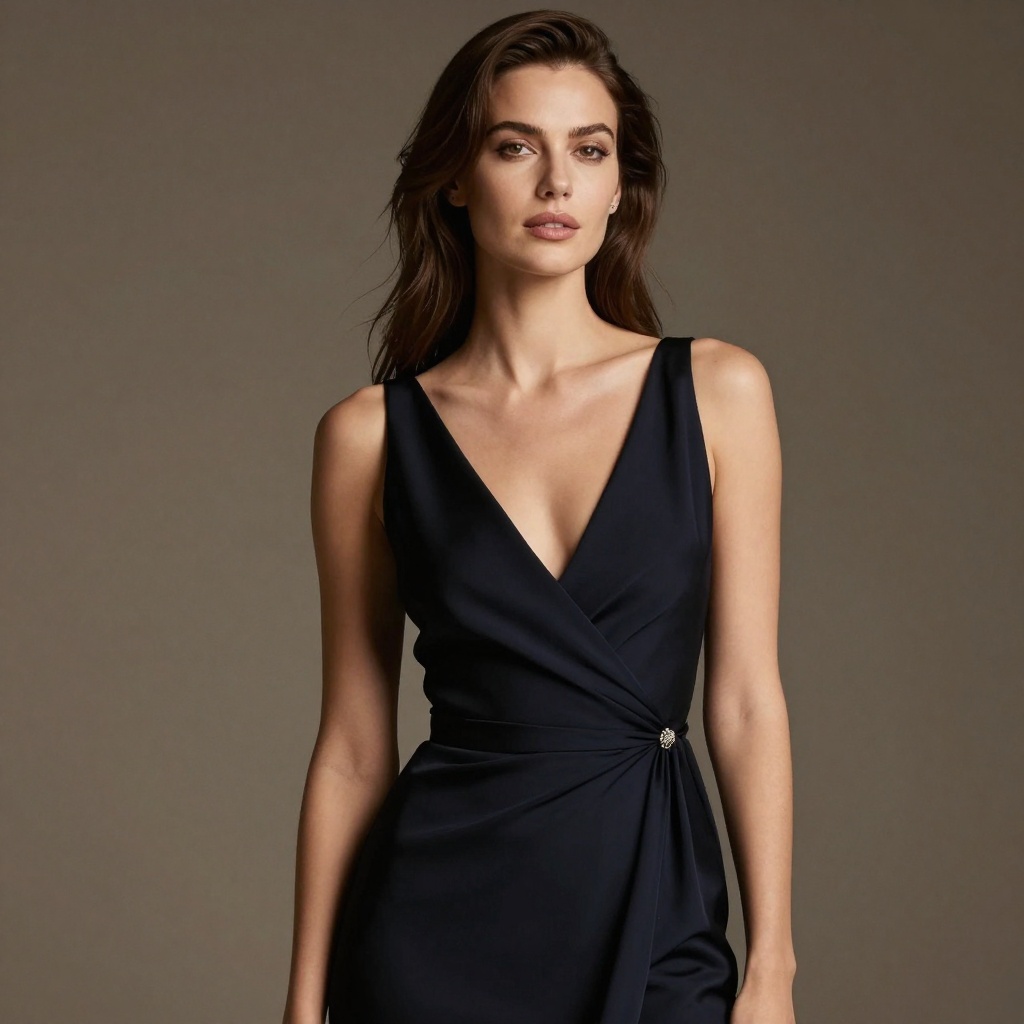
The model generates images quickly, typically producing results in just a few seconds. This makes it practical for rapid iteration and experimentation until you achieve the exact look you want.
Comparing Open-Source Alternatives on PicassoIA
While Imagen 4 Ultra is powerful, PicassoIA offers several open-source alternatives that excel at NSFW content generation without restrictions:
| Model | Best For | Speed | NSFW Freedom |
|-------|----------|-------|--------------||
| p-image-edit | Editing and transforming existing images | Sub-second | Unrestricted |
| wan-2.2-image | Cinematic realistic generations | 3-4 seconds | Unrestricted |
| Imagen 4 Ultra | Maximum quality with control | Fast | Customizable filters |
The p-image-edit model is particularly valuable for NSFW content creators because it allows you to take existing photos or AI-generated images and refine them with text prompts. This is useful for correcting small imperfections, adjusting poses, or changing lighting after the initial generation.
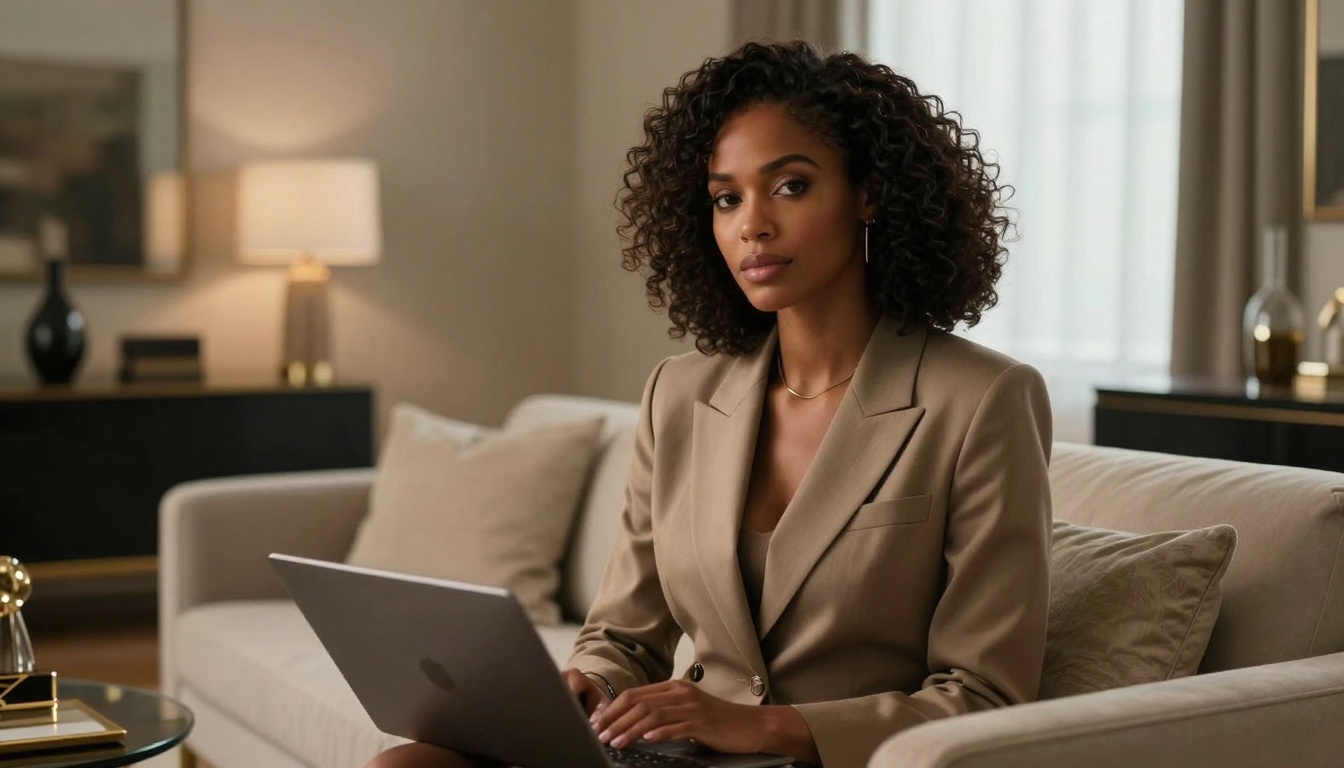
wan-2.2-image creates beautiful 2-megapixel images with a cinematic quality that works exceptionally well for artistic NSFW content. The model generates images in just seconds and offers complete creative freedom without any safety filters blocking your prompts.
Practical Applications for Content Creators
Professional content creators are using Imagen 4 Ultra and similar models for various commercial applications:
OnlyFans and Patreon Creators: Generate promotional images, tier preview content, and supplementary material to accompany real photos. Many creators use AI to produce artistic variations or themed content that complements their actual photography.
Boudoir Photographers: Create mood boards, portfolio pieces, and concept visualizations before actual photoshoots. This saves time and helps communicate vision to clients.
Adult Entertainment Studios: Develop marketing materials, preview images, and promotional content without the expense of full photoshoots. AI-generated content can test concepts before investing in production.
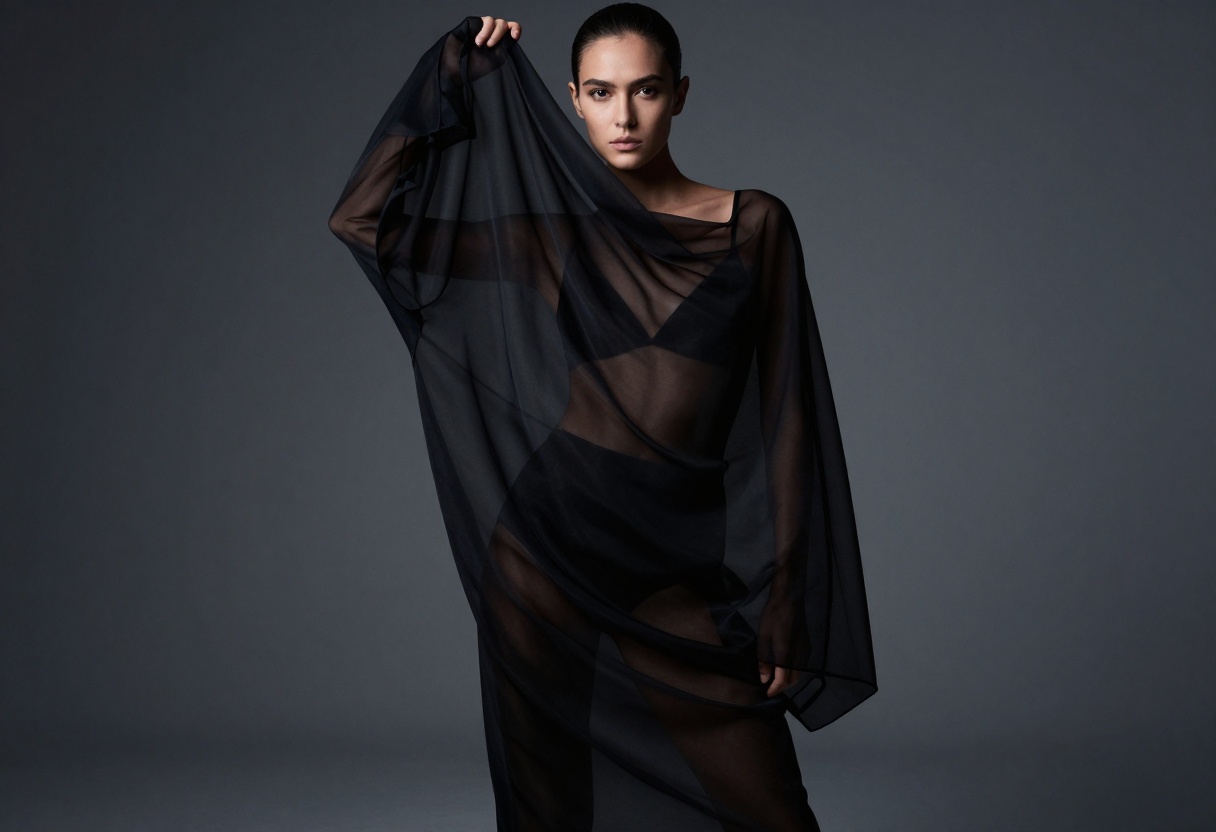
Fine Art Photographers: Explore creative concepts, test composition ideas, and create digital artwork that blends with traditional photography techniques.
The key advantage is speed and cost-effectiveness. What might require hours of planning, location scouting, model booking, and post-production can now be accomplished in minutes through AI generation.
Ethical Considerations and Best Practices
When working with NSFW AI generation, maintaining ethical standards is important:
Always disclose AI-generated content when selling or distributing it. Transparency builds trust with your audience and avoids potential legal issues.
Respect consent and privacy by never using the technology to create deepfakes of real individuals without explicit permission. This is both ethically wrong and increasingly illegal in many jurisdictions.
Understand platform guidelines before posting AI-generated NSFW content. Each platform has different rules about AI content and adult material. OnlyFans allows AI content with disclosure, while Instagram and TikTok have stricter policies.
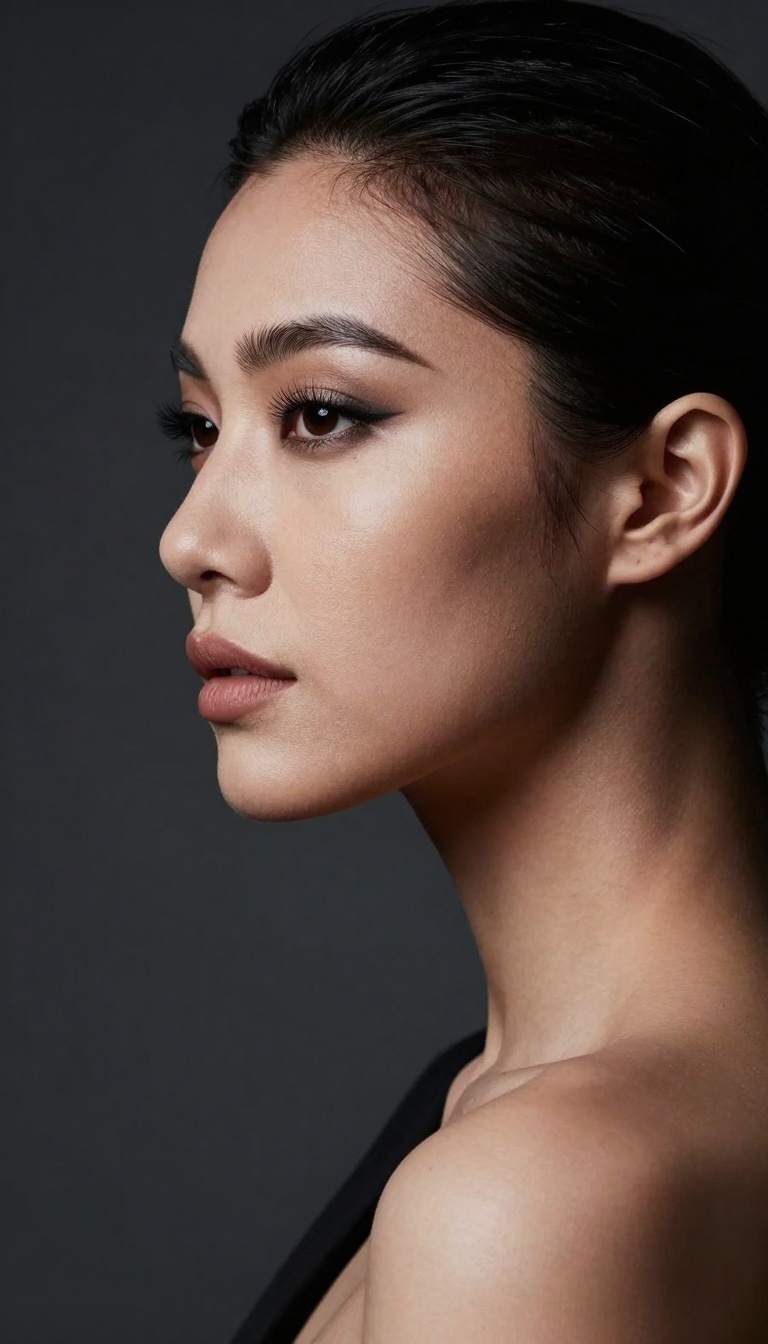
Consider watermarking your AI-generated images to prevent unauthorized redistribution. While AI content isn't subject to traditional copyright in the same way, establishing provenance and protecting your brand remains important.
The technology should enhance your creative work, not replace authentic human connection or exploit vulnerable individuals. Used responsibly, AI image generation becomes a powerful tool that expands what's possible for independent creators.
Advanced Techniques for Professional Results
Once you're comfortable with basic prompts, several advanced techniques will elevate your NSFW content:
Lighting Description: Be specific about lighting setups. Terms like "Rembrandt lighting," "butterfly lighting," or "split lighting" produce dramatically different results. Describing the quality of light matters too: "soft diffused window light" creates a different mood than "hard directional studio strobes."
Color Grading: Include color grading terms in your prompts. "Warm golden hour tones" produces different results than "cool blue twilight atmosphere" or "desaturated muted tones." These details significantly impact the emotional feel of your images.
Compositional Elements: Reference specific framing and composition rules. Terms like "rule of thirds," "leading lines," "negative space," or "shallow depth of field" help the model understand exactly how you want the image composed.
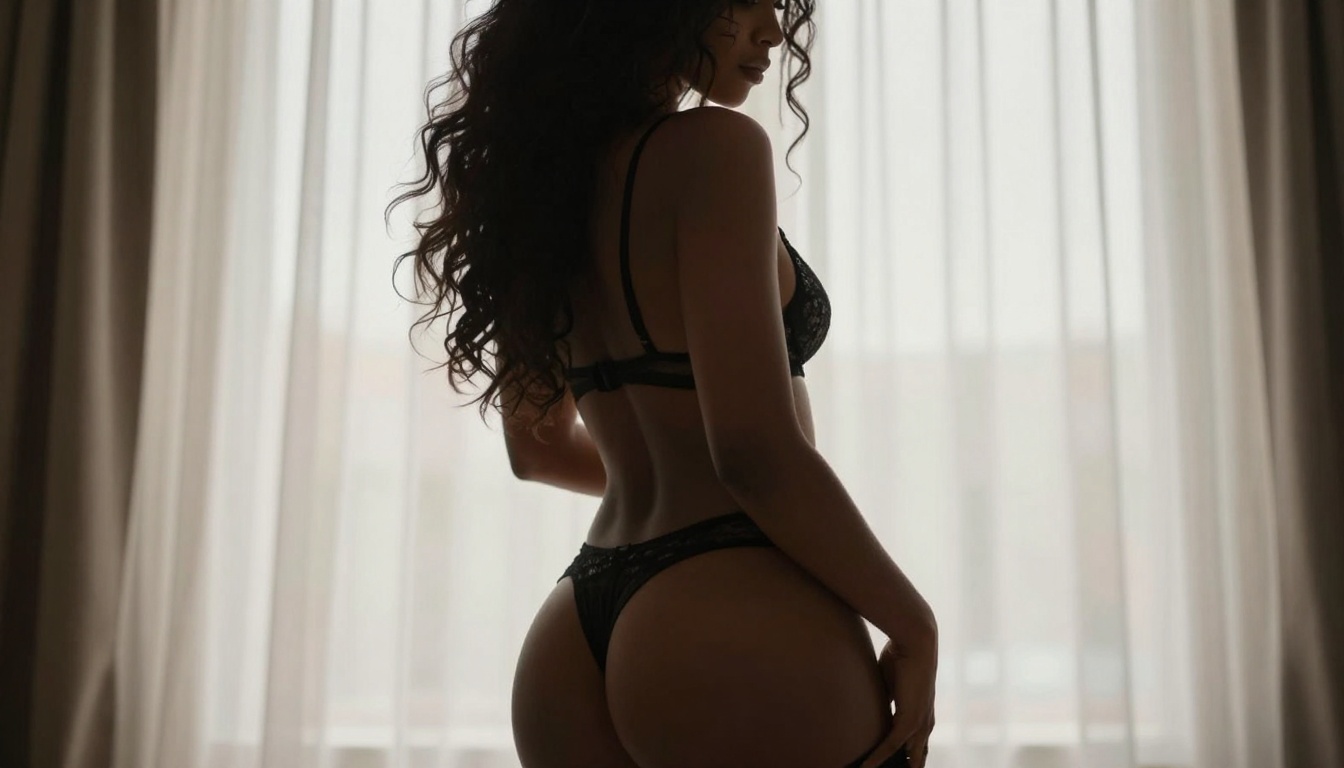
Style References: Mentioning specific photography styles works well. "Fashion editorial," "fine art photography," "lifestyle photography," or "editorial beauty photography" each have distinct visual characteristics the model can replicate.
The more specific and professional your terminology, the better your results will be. Study professional photography to build your vocabulary of descriptive terms.
Using Imagen 4 Ultra on PicassoIA
Ready to start creating? Here's exactly how to use Imagen 4 Ultra on PicassoIA:
Getting Started with the Model
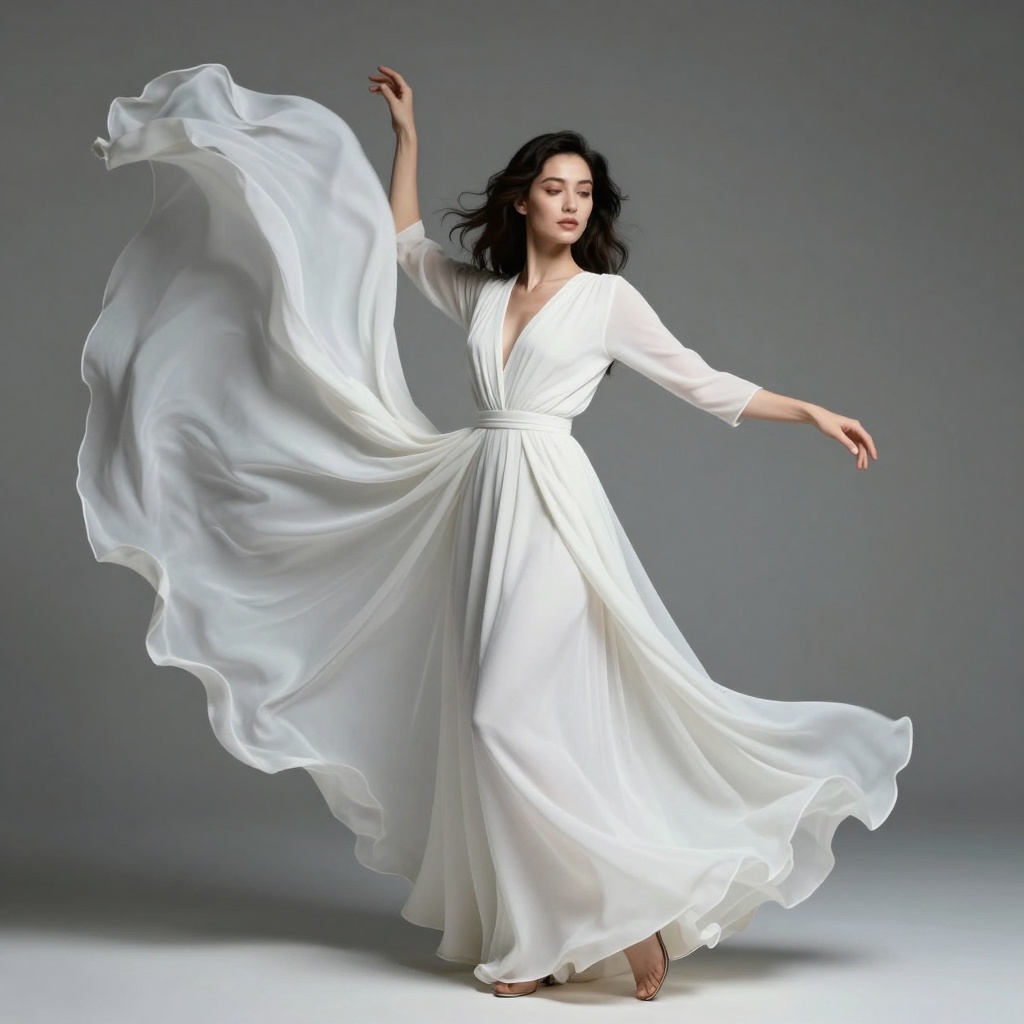
Visit the Imagen 4 Ultra model page on PicassoIA. The interface is straightforward and designed for both beginners and professionals.
Required Parameters
Prompt: This is the only required field. Enter your detailed description of the image you want to create. Remember to use professional photography terminology and focus on artistic elements rather than explicit language.
Optional Parameters
aspect_ratio: Select from 1:1, 16:9, 9:16, 3:4, or 4:3. Default is 1:1 square format. Choose based on your intended platform or use case.
output_format: Pick between JPG or PNG. JPG is default and works well for most purposes with smaller file sizes. PNG offers lossless quality and transparency support.
safety_filter_level: This is critical for NSFW content. Options are:
block_low_and_above (strictest)block_medium_and_above (moderate)block_only_high (most permissive, recommended for NSFW)
For adult content creation, set this to block_only_high to avoid unnecessary filtering while still maintaining responsible content generation.
Generation Process
Click the generate button after configuring your parameters. The model typically produces results in seconds. If your prompt is rejected despite using the block_only_high setting, try rephrasing with more artistic terminology and less explicit language.
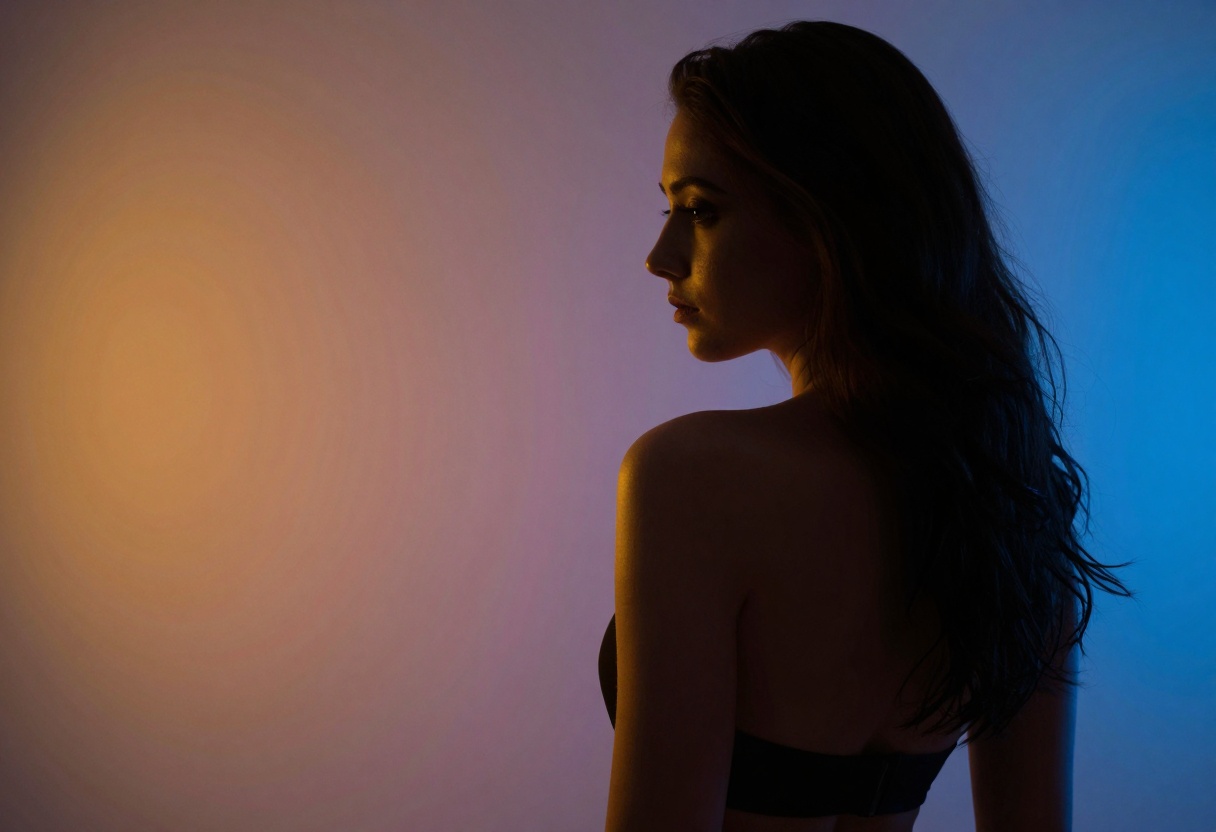
Once generated, you can download the image directly. If the result isn't exactly what you wanted, refine your prompt and generate again. Iteration is key to achieving professional results.
The Future of NSFW AI Content Creation
AI image generation is rapidly evolving, and models specifically designed for unrestricted creative expression are becoming more sophisticated. The adult content industry is seeing a fundamental shift as creators gain access to tools that were previously only available to major studios with large budgets.
PicassoIA's advantage lies in offering multiple open-source models that don't impose artificial restrictions on creative expression. While commercial platforms increasingly limit NSFW content, PicassoIA provides models like p-image-edit and wan-2.2-image that give creators complete freedom to produce the content they need for their business.
The technology isn't replacing human creators but rather empowering them with new capabilities. Independent content creators can now compete with larger studios, producing professional-quality imagery at a fraction of the cost. This democratization of content creation is opening opportunities for artists who previously lacked access to professional photography resources.
As these models continue improving, we'll see even more realistic results, better anatomical accuracy, and more precise control over every aspect of the generated images. For creators working in the NSFW space, staying current with these technological advances means maintaining a competitive edge in an increasingly AI-augmented industry.
The key is learning to work with these tools effectively, understanding their strengths and limitations, and using them responsibly to enhance rather than replace genuine creative expression.


