The race for the best AI image generator has reached a fever pitch in 2027, and two names keep showing up in every serious creative's toolkit: Imagen 4 and Nano Banana Pro. Both promise photorealistic outputs, both claim superior prompt understanding, and both have vocal communities swearing by their results. But when you put them side by side in a real creative workflow, the differences are stark, surprising, and in some cases, completely decisive. This article cuts through the noise with real-world test results, technical breakdowns, and honest takes on where each model wins, loses, and outright disappoints.
What These Two Models Actually Are
Before jumping into comparisons, it helps to know what you are dealing with.
Imagen 4: Google's Photorealism Flagship
Imagen 4 is Google DeepMind's fourth-generation text-to-image model, released in 2025 as part of the company's aggressive push into generative AI. Building on the architecture improvements from Imagen 3, this version brings noticeably sharper textures, better handling of human anatomy, and a significant leap in rendering fine text within images, a longstanding weakness of AI generators. Google trained it on a carefully curated dataset with explicit attention to natural lighting simulation and photographic accuracy.
Key technical specs at a glance:
| Feature | Imagen 4 |
|---|
| Architecture | Diffusion-based transformer |
| Max Resolution | Up to 2048x2048 |
| Text Rendering | Excellent (multi-word support) |
| Photorealism Score | 9.2/10 (internal benchmark) |
| API Access | Google Cloud / Vertex AI |
| Speed | 8 to 12 seconds per image |
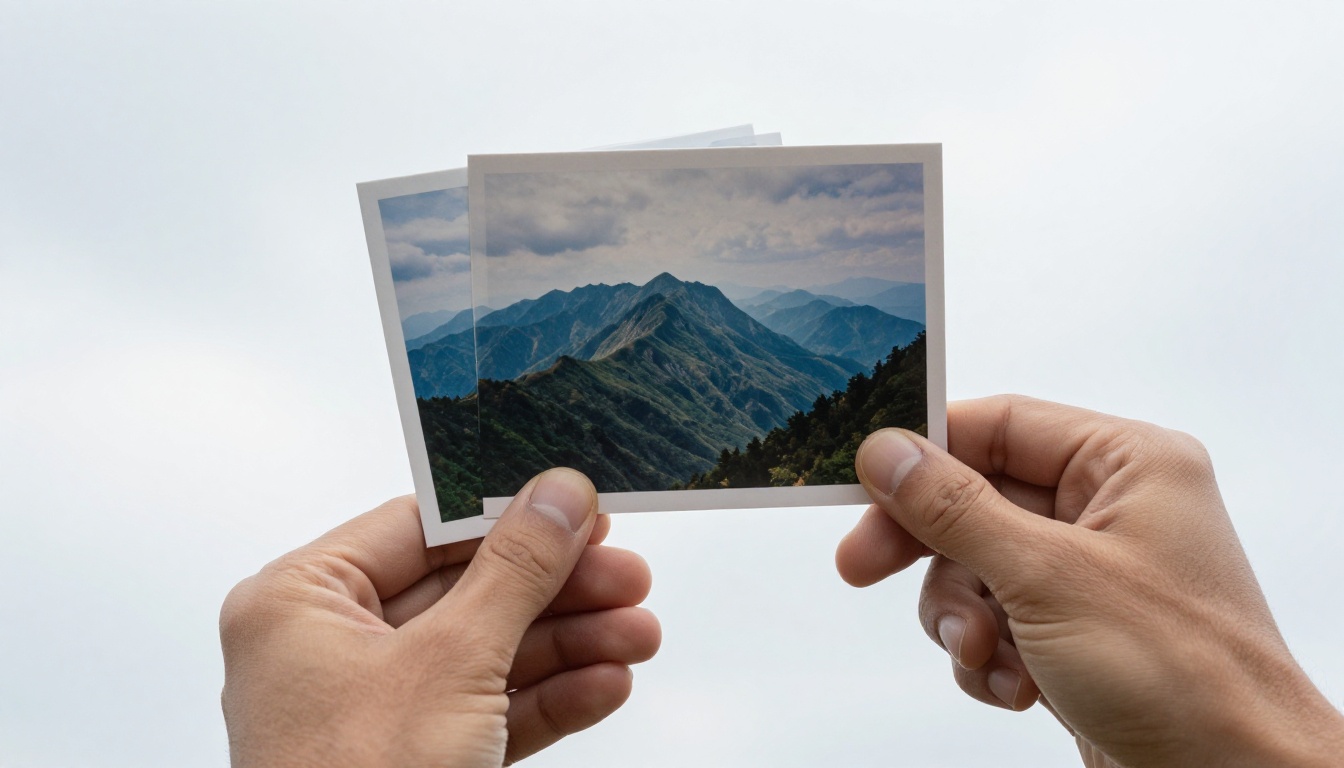
Nano Banana Pro: The Speed-Optimized Challenger
Nano Banana Pro takes a different philosophical approach. Rather than chasing maximum fidelity at any cost, it prioritizes generation speed without sacrificing the kind of visual quality that matters to most users. Think of it as the sports car to Imagen 4's luxury sedan: faster off the line, not necessarily smoother on a long highway.
Built on an optimized latent diffusion pipeline, Nano Banana Pro has earned its reputation particularly among content creators who need high volumes of images quickly without a quality cliff. Its prompt adherence for complex multi-subject scenes is notably strong, though it occasionally struggles with lighting consistency across long prompts.
💡 Worth knowing: Nano Banana Pro's biggest edge is throughput. In benchmark tests, it can produce 3 to 4 times more images per minute than Imagen 4 at comparable resolutions.
Head-to-Head: Image Quality
This is where things get genuinely interesting.
Photorealism and Fine Detail
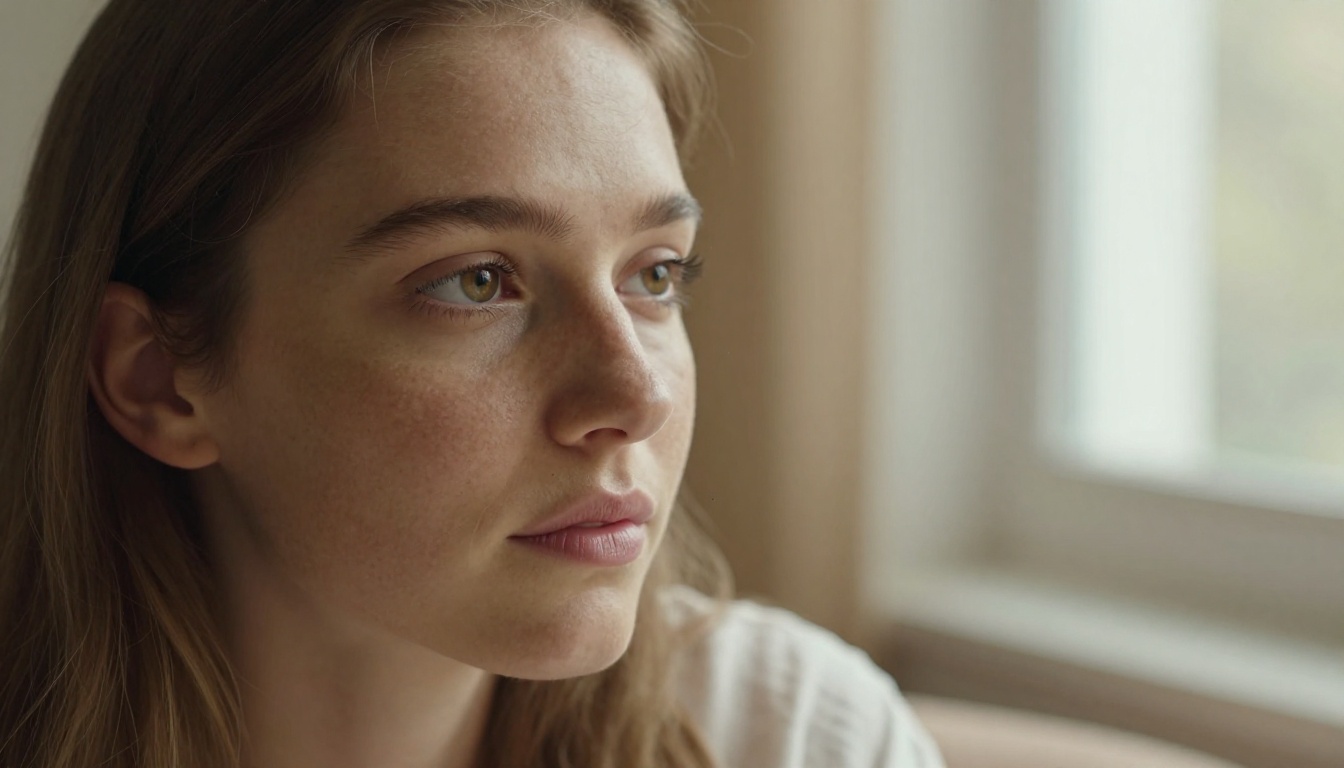
Imagen 4 wins this category without much debate. Its handling of skin texture, fabric weave, and natural materials (wood grain, stone, water) is among the best in any commercial AI model. When you write a prompt asking for a close-up portrait in afternoon window light, Imagen 4 tends to produce results that pass a quick glance from non-experts as real photographs.
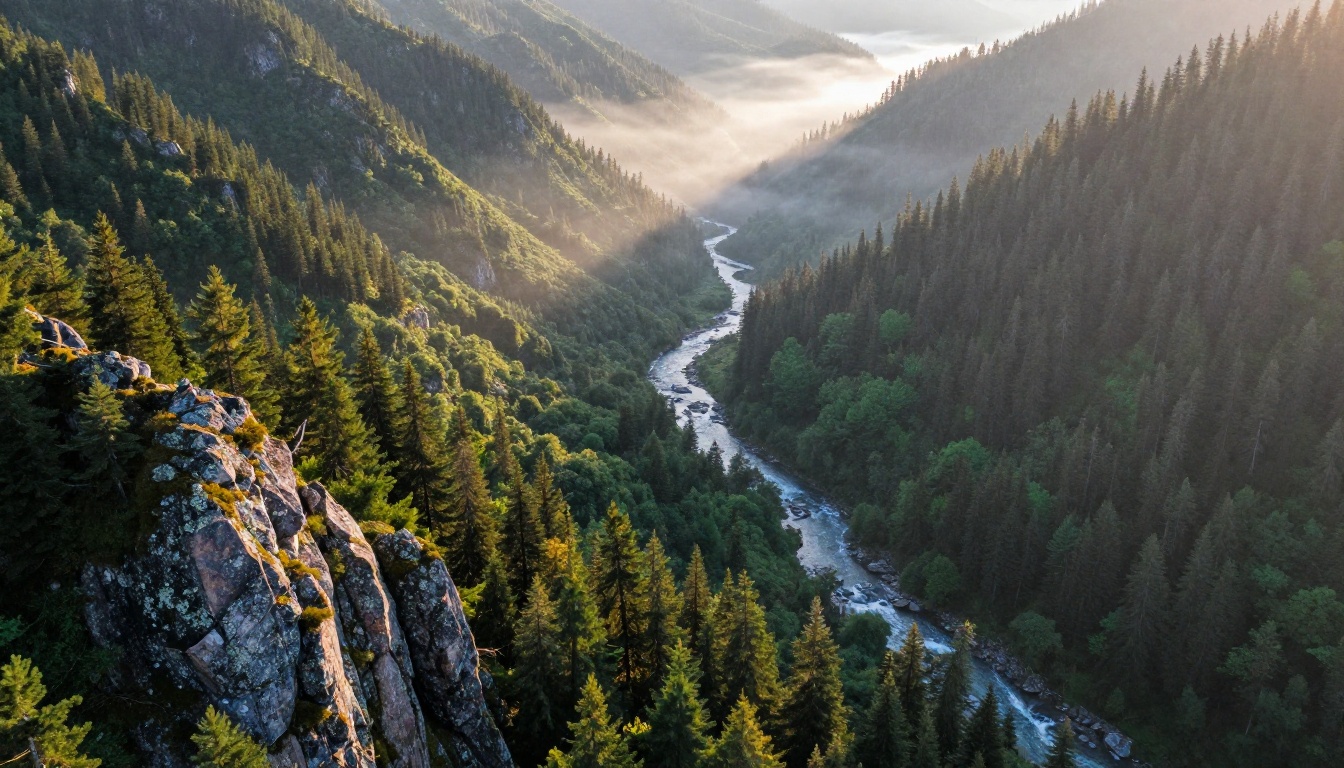
Nano Banana Pro is competitive in mid-range realism. Landscapes, product shots, and architectural imagery frequently match Imagen 4's quality, sometimes surpassing it in color saturation and scene composition. The gap is most visible in macro photography scenarios and close-up human faces.
Portrait Generation
Portraits reveal a model's true character.
Imagen 4 produces faces with consistent anatomy, accurate eye symmetry, and realistic skin that holds up even at 100% zoom. It handles diverse skin tones with notably better accuracy than previous versions, a meaningful improvement for global creative teams.
Nano Banana Pro portraits lean slightly more stylized. There is a tendency to smooth skin in ways that feel semi-processed rather than raw photographic, which can work beautifully for commercial headshots but feel artificial in documentary-style prompts.
💡 Tip: For portrait work, use GPT Image 2 as a complement to either model when you need instruction-following edits after initial generation.
Head-to-Head: Prompt Understanding
Simple vs. Complex Prompts
Both models handle simple prompts with ease. "A red apple on a wooden table, morning light" produces impressive results from either one. The divergence appears with complex, layered prompts.
Complex prompt test: Three people in a train station, one reading a book, one looking at their phone, one staring out the window at passing autumn trees, warm incandescent overhead lights, 1970s photographic style
| Criteria | Imagen 4 | Nano Banana Pro |
|---|
| Correct subject count | Yes (3 people) | Yes (3 people) |
| Individual activities correct | 2/3 | 3/3 |
| Era and style accuracy | Strong | Moderate |
| Lighting match | Excellent | Good |
| Overall fidelity | 8.5/10 | 7.8/10 |
Nano Banana Pro actually scored better on individual activity assignment in this test, which was surprising. Its parsing of multi-action prompts appears to be a genuine strength.
Text-in-Image Rendering
Imagen 4 is the clear winner here. Rendering readable text within generated images has historically been a weak point for diffusion models, and Imagen 4's approach marks a serious step forward. Short phrases and single words appear with correct spelling and consistent letterforms in most tests.
Nano Banana Pro handles single words adequately but struggles with phrases beyond 4 to 5 words. For designs requiring integrated text, Imagen 4 is the more reliable choice by a meaningful margin.
Head-to-Head: Speed and Efficiency
Generation Time
This is Nano Banana Pro's home turf.
| Scenario | Imagen 4 | Nano Banana Pro |
|---|
| Single 1024x1024 image | 10 to 14 seconds | 3 to 5 seconds |
| Batch of 10 images | ~2 minutes | ~35 seconds |
| 2048px resolution | 20 to 30 seconds | 10 to 15 seconds |
| API latency (cold start) | High | Low |
For any workflow that requires volume, such as generating multiple variations for A/B testing, creating large image sets for social media, or iterating on concepts, Nano Banana Pro's speed advantage translates into real hours saved per week.
💡 Speed hack: Pair Nano Banana Pro-style generation with Flux Redux Dev for rapid concept variations, then refine your best picks with a higher-quality pipeline for final output.
Cost per Image
API pricing shifts constantly, but the pattern holds: Imagen 4 costs more per image. For high-volume workflows, this difference compounds quickly. Studios generating 500 to 1000 images per day feel this in their monthly budgets.
Nano Banana Pro's efficiency-first design means lower compute requirements, which translates to accessible pricing for independent creators and smaller teams working without enterprise-level budgets.
Style Versatility
What Each Model Handles Best
Both models cover standard photography categories, but each has clear sweet spots.
Imagen 4 excels at:
- Macro and close-up photography (extreme texture detail)
- Human portrait photography (skin, hair, eyes)
- Medical and scientific visualization
- High-stakes commercial images where realism is non-negotiable
- Accurate text rendering within the image frame
Nano Banana Pro excels at:
- Landscape and environmental photography
- Product mockups and e-commerce imagery
- High-volume content generation workflows
- Social media asset production at scale
- Concept visualization that prioritizes speed over ceiling quality
Handling Specialized Scenes
Wildlife, architecture, food, and night photography each stress AI models differently. Here is how they compare:
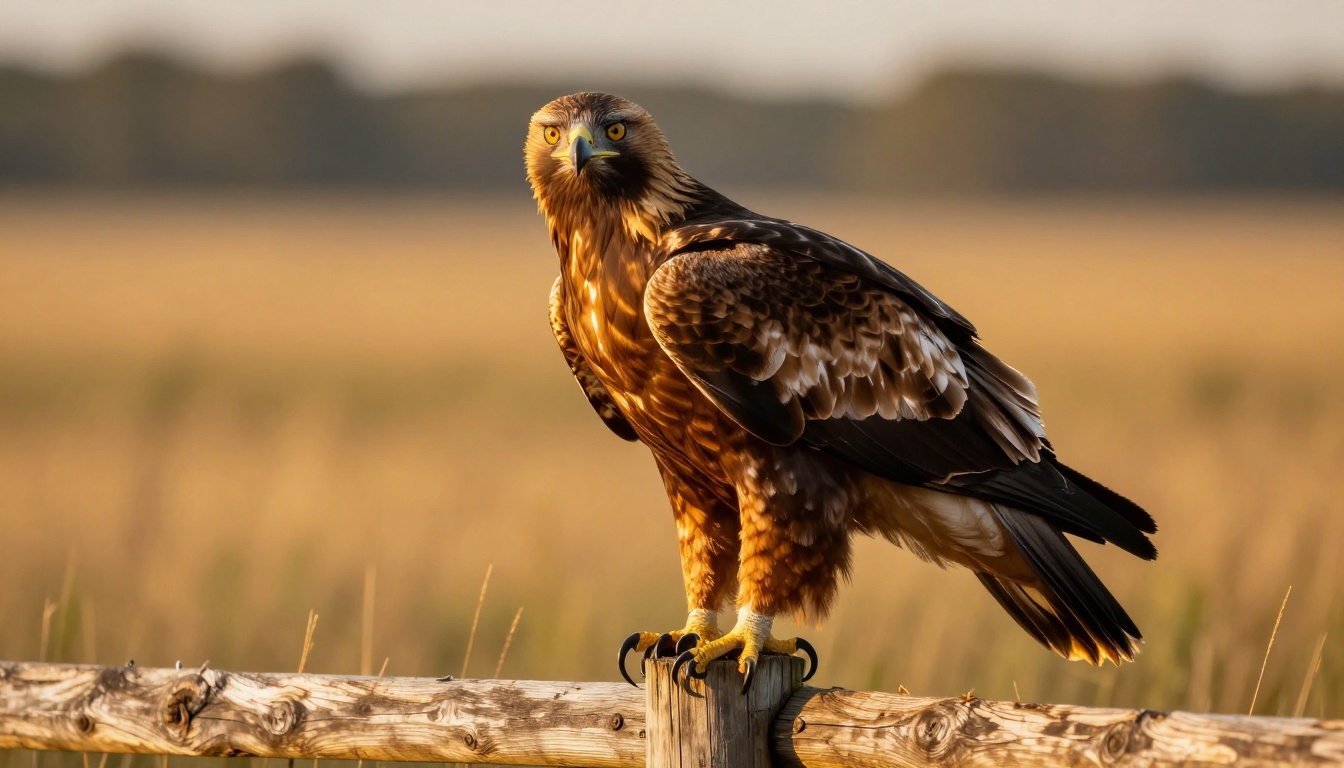
Wildlife: Imagen 4 wins on feather and fur micro-texture. Nano Banana Pro often produces backgrounds that are equally or more convincing in depth and color.
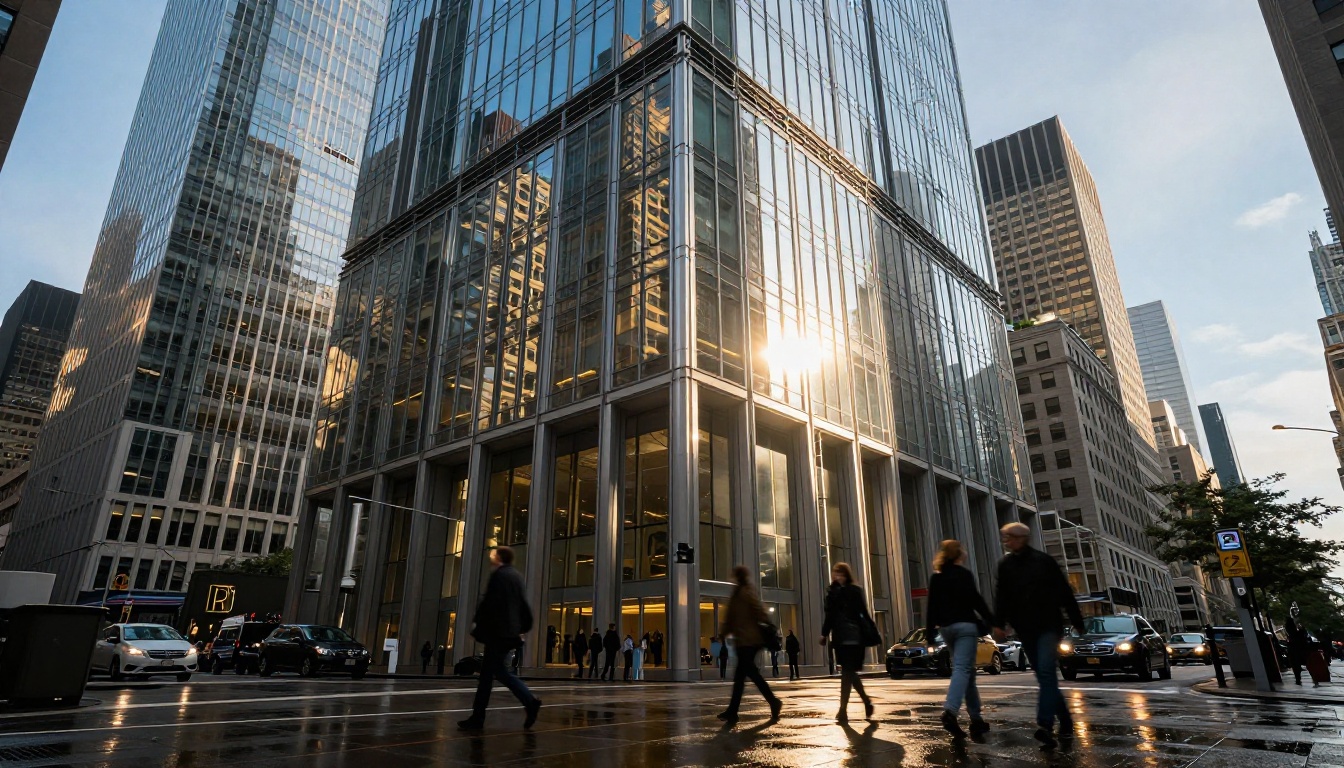
Architecture: Near-parity, with Nano Banana Pro occasionally generating more dramatic, cinematic compositions.
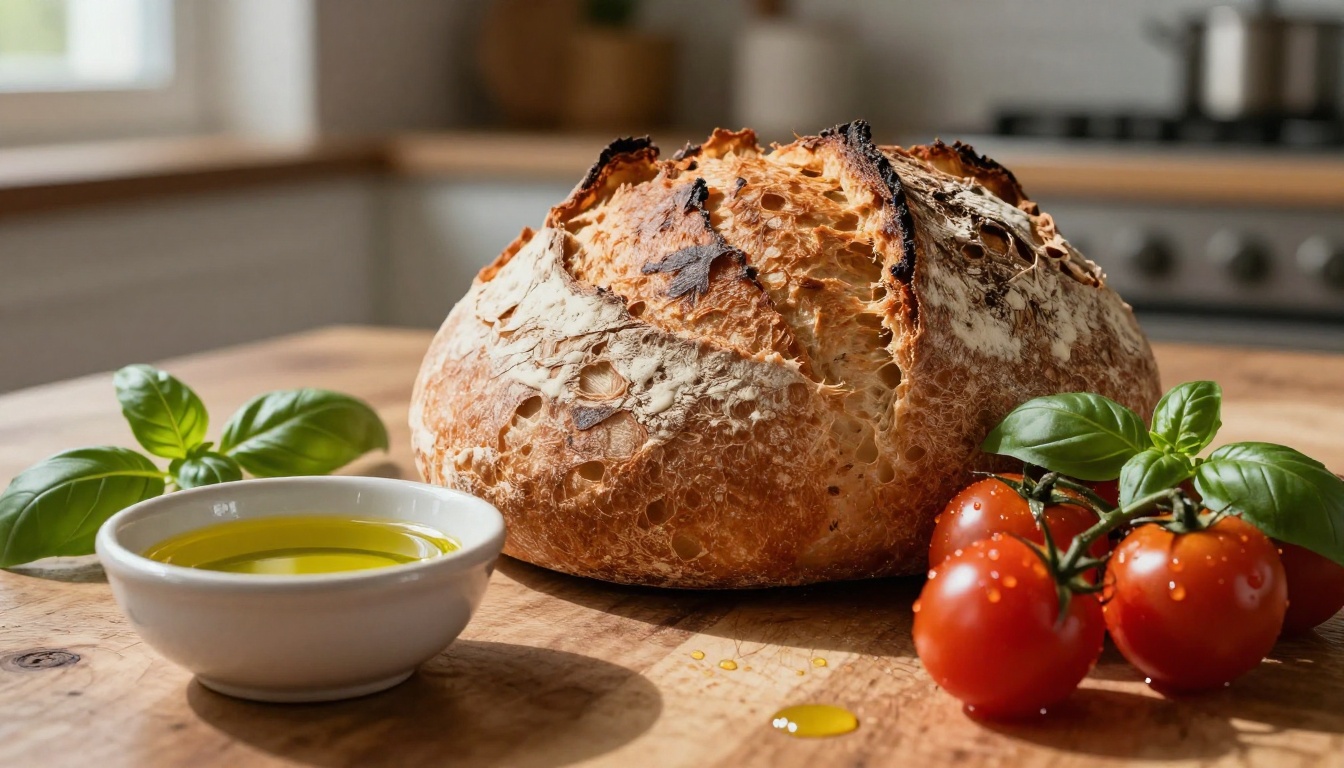
Food: Imagen 4's macro capability gives it an edge in close-up detail shots. Nano Banana Pro's saturation bias works well for hero food imagery.
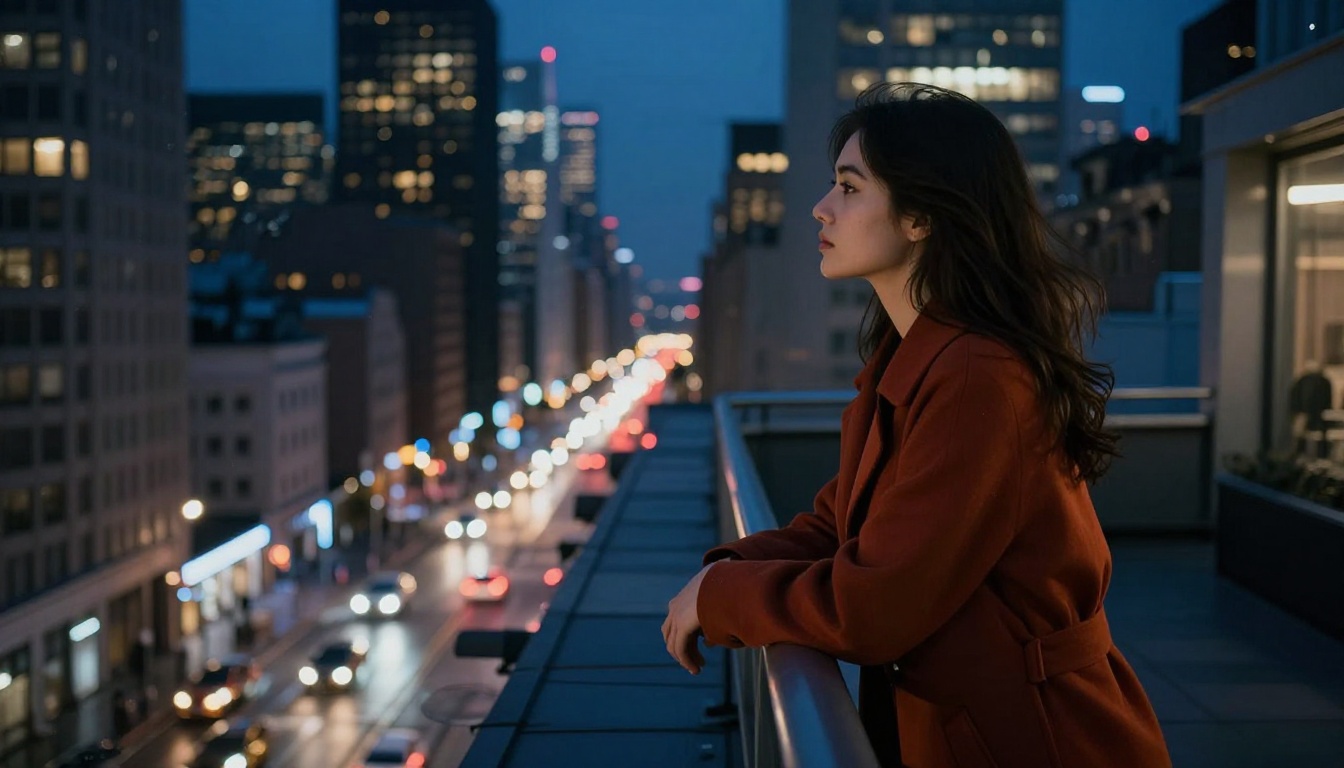
Night and low-light: Imagen 4 handles complex multi-source lighting scenarios with greater accuracy. Nano Banana Pro can over-brighten shadows in night scenes.
For upscaling and enhancing any output from either model, Wan 2.7 Image Pro and Hunyuan Image 2.1 on PicassoIA are worth adding to your post-processing workflow.
Workflow Integration
API and Tool Ecosystem
Imagen 4 lives primarily in the Google Cloud ecosystem. Integration into existing Google Workspace workflows is seamless if you are already on that stack. For teams not on Google infrastructure, setup requires more configuration than alternatives.
Nano Banana Pro provides more flexible API access with broader SDK support, making it easier to embed into custom applications. Documentation is developer-friendly, and community integrations with popular creative tools are actively maintained.
Editing and Post-Processing Options
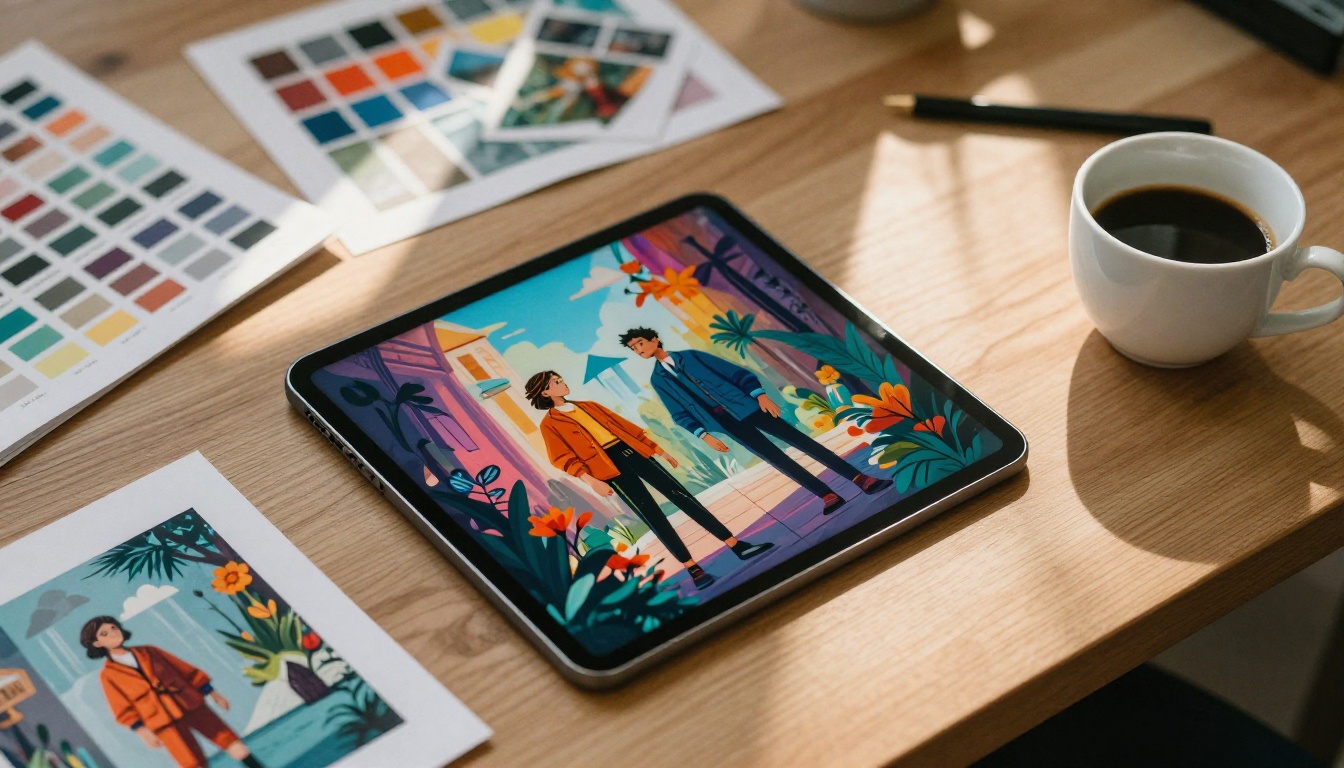
Neither model is the end of a creative workflow. After initial generation, most professionals run images through additional processing steps. On PicassoIA, Qwen Image Edit Plus handles instruction-based refinements effectively, letting you modify specific elements of a generated image without regenerating from scratch. For LoRA-based style control, P-Image Edit LoRA provides precise stylistic adjustments that preserve overall composition.
Building Your Hybrid Workflow
The most effective approach most professionals land on is not picking one model and ignoring the other. It is using both strategically based on project phase and deliverable requirements.
A Practical Workflow in 4 Steps
Step 1. Rapid ideation: Use Nano Banana Pro-speed generation to iterate on concepts. Generate 20 to 30 variations in the time it would take a high-quality model to produce 5 to 7.
Step 2. Selection: Pick the 3 to 5 strongest concepts from your rapid iteration batch based on composition, mood, and overall direction.
Step 3. Quality refinement: Run selected concepts through Imagen 4 or a high-fidelity pipeline for final output quality. Rewrite prompts with detailed lighting and texture specs.
Step 4. Resolution enhancement: Apply super-resolution processing with Seedream 4.5 to bring final images to 4K output quality.
This hybrid approach combines the speed of fast generation with the quality ceiling of premium models, which is the best of both worlds for any production environment.
Prompt Engineering That Actually Matters
The same prompt does not perform identically on both models. These adjustments make a real difference:
For maximum quality outputs:
- Be specific about lighting direction ("soft morning light from the left at 30 degrees")
- Include camera and lens specs ("85mm f/1.8, shallow depth of field")
- Describe texture materials explicitly ("rough linen shirt, weathered oak wood grain")
- Put the most important subject first in the prompt
For maximum speed and iteration:
- Keep prompts under 80 words for fastest processing
- Specify composition type early ("wide-angle landscape..." rather than burying context at the end)
- Use contrast and color descriptors close to the beginning of the prompt
- Avoid nested or highly conditional descriptions
Who Should Use Which Model
The Right Choice for Your Workflow
There is no universally correct answer, but there are right answers for specific contexts.
Choose Imagen 4 when:
- Your images will be printed large or viewed at full zoom
- You need accurate human anatomy in portraits
- Text must appear correctly within the image itself
- You are producing hero images for major campaigns
- Realism is non-negotiable and time is not a constraint
Choose Nano Banana Pro when:
- You are iterating through many concept variations quickly
- Budget per image matters at volume scale
- You are producing social media content in large batches
- Landscapes and environments are your primary subject matter
- You need to ship fast and refine later
Use both when:
- You run a content studio with mixed deliverable types
- You want fast generation for concepting and quality generation for finals
- Your team handles both budget-conscious and quality-critical projects in the same week
💡 Platform advantage: PicassoIA lets you access multiple top-tier models without juggling separate accounts or API keys. You can switch between generation styles in the same session and apply post-processing tools immediately after generation.
The Real Verdict
Imagen 4 produces the most photorealistic outputs available from any commercially accessible model in 2027, particularly for portraits, close-up detail work, and any scenario requiring accurate text rendering. If you are evaluating purely on ceiling quality, it is the current benchmark.
Nano Banana Pro is not trying to beat Imagen 4 at its own game. It occupies a different position: faster, cheaper, and surprisingly capable in its strongest categories. For volume-heavy workflows and content operations that need to move quickly, it competes seriously and wins outright on throughput.
The smarter framing is not which one wins overall, but which one wins for this specific project. For professionals who can access both through a unified platform, the answer is almost always context-dependent, and both deserve a place in the toolkit.
Create Your Own Images Now
The best way to settle any model comparison is hands-on experimentation with your actual prompts and your actual creative needs. PicassoIA gives you access to multiple top-tier generation styles alongside tools like Flux Redux Dev and GPT Image 2, all in one place without managing infrastructure or juggling API credentials.
Start with a prompt you care about. Run it through both models. See which one nails the result you had in mind. That single test will tell you more than any benchmark chart.
Jump into PicassoIA today and see which AI image model speaks your visual language.


