ImagineArt 1.5 Pro is not a minor version bump. It represents a genuine architectural shift in how the ImagineArt platform approaches text-to-image synthesis, and if you have been watching the AI image space, you already know how rare that is. Most "pro" releases are incremental tweaks wrapped in marketing language. This one is different. The 1.5 Pro model ships with measurably improved photorealism, substantially better prompt adherence, and a notable reduction in the anatomical errors that plagued earlier versions, particularly around hands and faces. Below is everything you need to evaluate whether this model deserves a place in your workflow.
What ImagineArt 1.5 Pro Actually Is
ImagineArt started as a consumer-facing AI image platform, positioning itself somewhere between Midjourney's artistic defaults and Stable Diffusion's technical flexibility. The original 1.0 model produced respectable results but struggled with two things that matter most in professional use: consistency and photorealism. Version 1.5 Pro is the company's direct answer to those criticisms.
From 1.0 to 1.5 Pro
The jump from 1.0 to 1.5 Pro is not just about output quality metrics. It reflects a training philosophy shift. ImagineArt's team moved away from a broad, noisy dataset toward a curated, high-quality corpus of photographic reference material, weighted toward real-world photography, editorial images, and professional-grade stock rather than the mixed web-scrape datasets that push models toward a generic AI aesthetic.
The result is a model that defaults toward naturalistic, camera-lens rendering behavior rather than the painterly or digitally-processed look that characterized version 1.0. When you type a portrait prompt without style qualifiers, 1.5 Pro will produce something that reads as a photograph rather than a rendering. That is a significant shift in the model's baseline behavior.
💡 What this means in practice: Prompts that previously required modifiers like "photorealistic" or "RAW photography" to avoid an illustrative look now tend to land in a naturalistic space by default. Style modifiers still work, but they are no longer required to avoid the AI aesthetic.
The Model Architecture Behind It
ImagineArt 1.5 Pro operates on a latent diffusion backbone, similar in concept to what drives SDXL and Stable Diffusion 3.5 Large, but with notable changes to the attention mechanism and the final denoising pipeline. The most consequential modification is in the U-Net decoder, which now runs at a higher effective resolution during the final steps. This is what gives 1.5 Pro its sharper output on skin texture, fabric weave, hair strands, and architectural surfaces, without increasing generation time proportionally.

ImagineArt has not released a formal technical paper alongside the 1.5 Pro launch, so the architectural details above are inferred from output behavior analysis and the partial documentation the team has shared through developer channels. The functional differences are substantial enough to evaluate clearly from the outputs themselves.
Image Quality That Hits Different
Image quality is the headline feature of 1.5 Pro, and it delivers across specific, measurable dimensions. This is not about raw resolution, since most competitive models produce 1024x1024 or equivalent outputs by default. It is about the perceptual quality of what gets rendered within that resolution.
Photorealism at Its Core
The most significant improvement in 1.5 Pro is photorealism. Where version 1.0 tended to produce slightly over-sharpened edges with a subtle HDR-processing artifact, 1.5 Pro captures something much closer to natural optical rendering. Highlights roll off gradually, shadows retain detail without crushing to black, and the overall tonal behavior reads like an image captured through glass rather than computed by an algorithm.
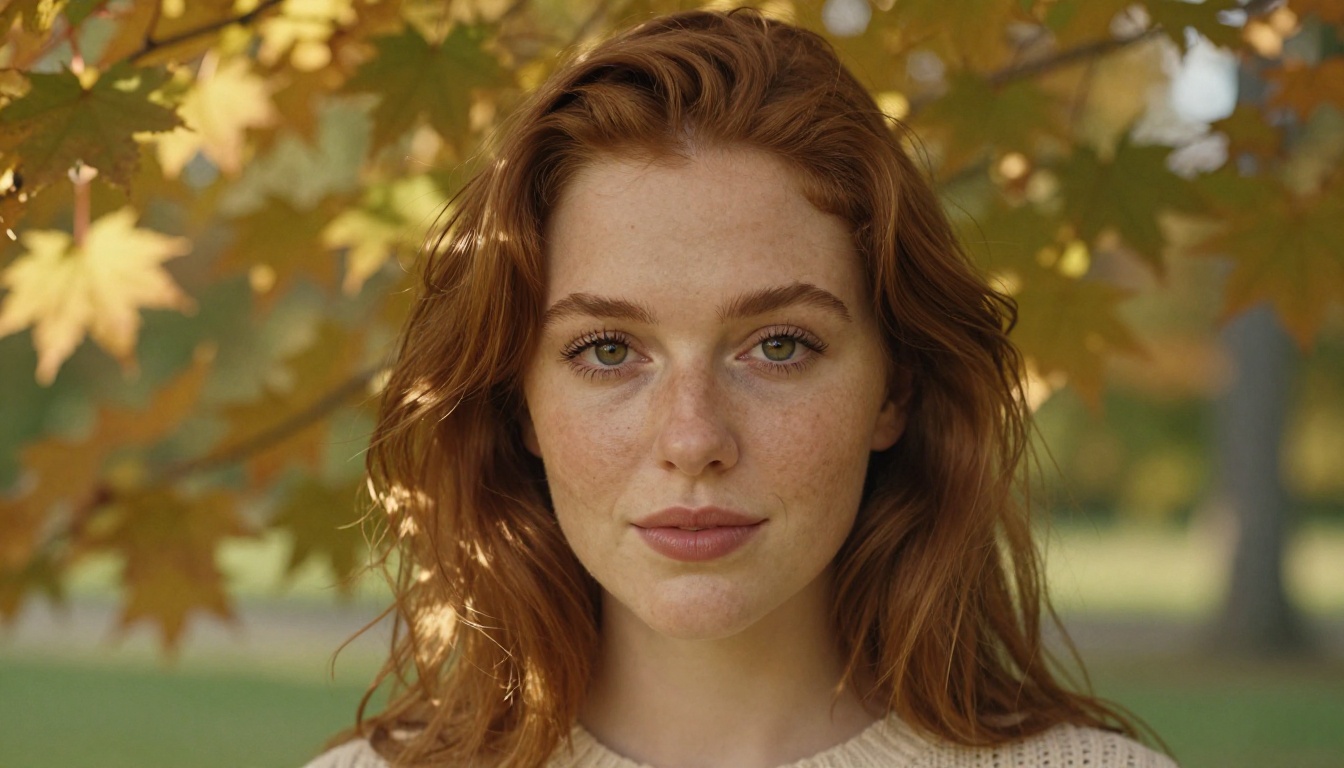
Portrait work shows this most clearly. Skin tones in 1.5 Pro carry a subsurface scattering quality that earlier versions could not reproduce. Fine details like individual pores, the slight translucency of skin near the ears and temples, and the natural variation in lip and cheek color all render with a convincingness that previously required post-processing or specialized portrait fine-tunes.
💡 Tip: For maximum photorealism, reference a specific film stock in your prompt, such as "Kodak Portra 400 grain, 85mm f/1.4," to push the model toward photographic rendering rather than digital defaults.
How Prompt Adherence Improved
Prompt adherence is where 1.5 Pro makes the most practical difference for iterative creative workflows. Earlier ImagineArt versions had a tendency to interpret prompts loosely, substituting elements the model preferred over what you actually specified. A request for "a woman in a red dress standing on a cobblestone street at dusk" might return a woman in a coral-toned outfit on a generic sidewalk.
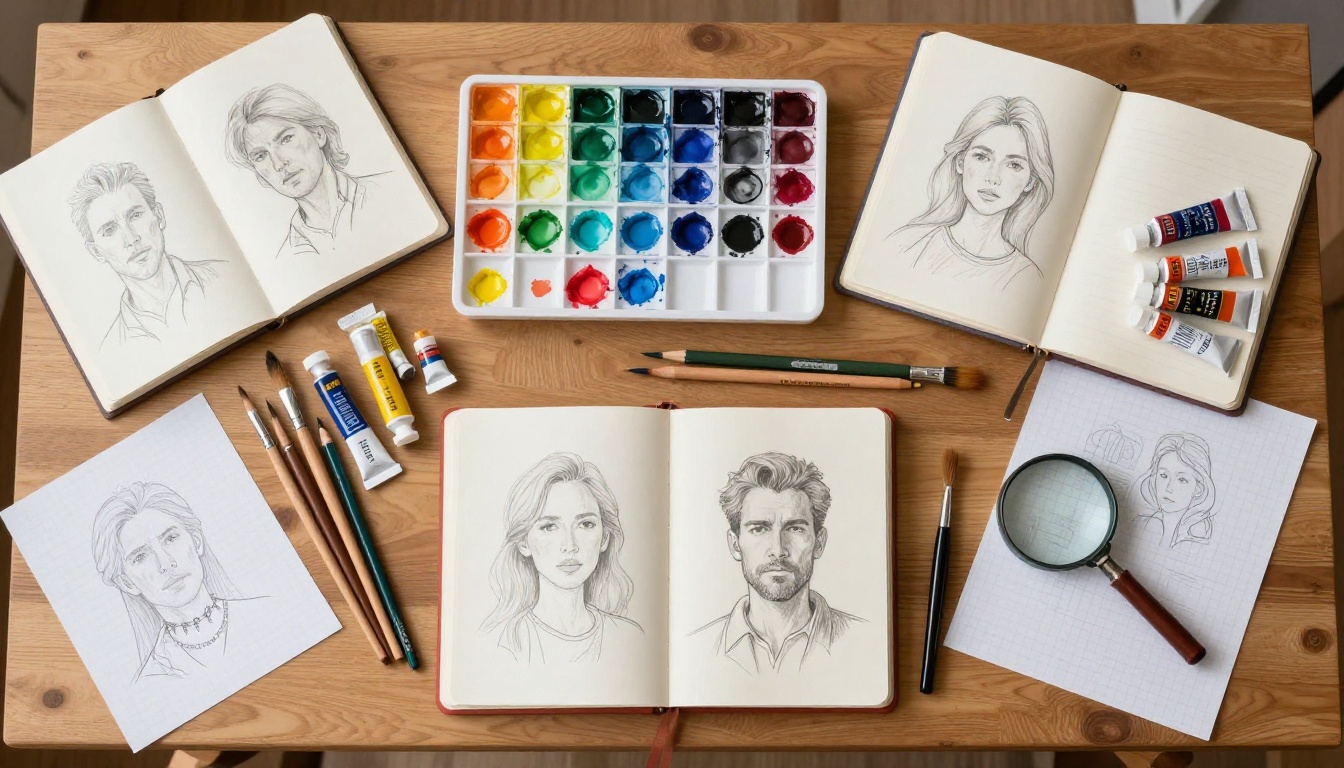
Version 1.5 Pro closes that gap substantially. Color accuracy, object placement, and material description adherence all score higher in comparative testing. This matters for professional workflows where you need to produce consistent visual assets across a campaign without constant correction.
The improvements in prompt adherence also extend to negative prompts, which now suppress unwanted elements more precisely without bleeding into the overall image quality or introducing new artifacts.
ImagineArt 1.5 Pro vs. The Competition
The AI image generation market in 2027 is more competitive than at any prior point. ImagineArt 1.5 Pro enters a field with established technical leaders, so its actual ranking depends on what you are optimizing for.
| Model | Photorealism | Prompt Adherence | Speed | Best Use Case |
|---|
| ImagineArt 1.5 Pro | Very High | High | Moderate | Portraits, lifestyle, product |
| Flux 1.1 Pro | Very High | Very High | Fast | General creative |
| FLUX 2 Pro | Exceptional | Very High | Fast | High-fidelity outputs |
| SDXL | High | Moderate | Very Fast | Fine-tuned custom workflows |
| SD 3.5 Large | High | High | Moderate | Artistic, concept visualization |
| HiDream L1 Full | High | High | Moderate | Mixed artistic and photo |
How It Stacks Up Against Flux
FLUX 1.1 Pro from Black Forest Labs has been the dominant force in high-fidelity text-to-image generation throughout 2024 and into 2025. Flux operates on a flow matching architecture that gives it exceptional prompt following and a clean, naturalistic output style. ImagineArt 1.5 Pro does not dethrone Flux in outright technical benchmarks, but it offers a warmer, more intimate default aesthetic that works particularly well for lifestyle and portrait photography without extensive prompt engineering.
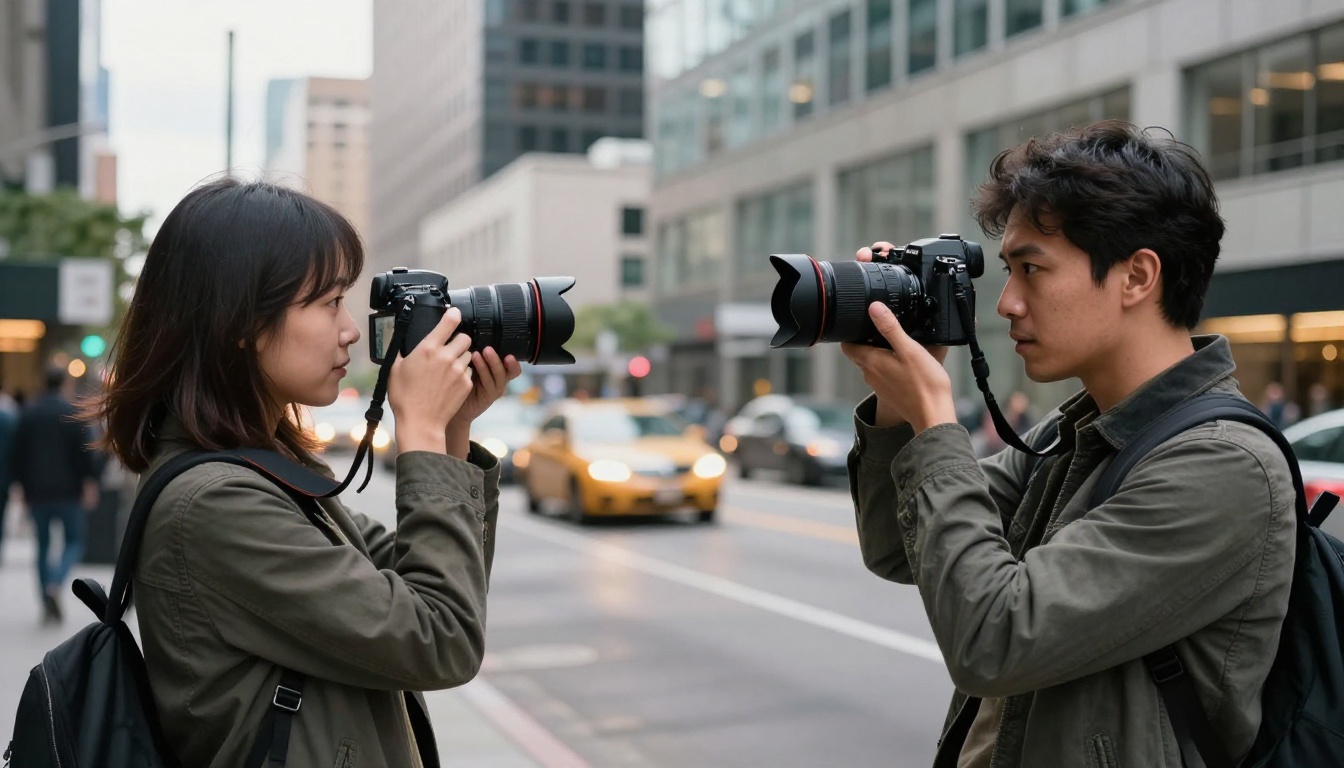
Where FLUX Kontext Pro is purpose-built for context-aware image editing, and FLUX 1.1 Pro Ultra is optimized for ultra-high-resolution outputs, ImagineArt 1.5 Pro sits in a different lane. It is a strong out-of-the-box photorealistic model with a characteristic look that many creators will prefer without modification or additional fine-tuning.
Compared to SDXL and SD3.5
SDXL built its reputation on fine-tuning flexibility. The base model is capable, but its real value comes through the massive ecosystem of LoRAs, ControlNets, and specialized fine-tunes built on top of it over three years. ImagineArt 1.5 Pro, as a proprietary closed model, does not have that ecosystem depth. However, it does not need it for the use cases it targets. The base output quality of 1.5 Pro exceeds base SDXL by a meaningful margin in photorealism and prompt adherence.
Stable Diffusion 3.5 Large is a stronger comparison point. Both models compete in similar quality tiers. SD3.5 Large handles concept art and abstract compositions with more stylistic range, while ImagineArt 1.5 Pro edges ahead in straight photographic realism and portrait accuracy.
Where 1.5 Pro Shines Most
No model is the right tool for every job. ImagineArt 1.5 Pro has specific categories where it genuinely leads and others where competing models are the more practical choice.
Portrait and People Photography
Portrait and lifestyle work is this model's strongest category by a clear margin. The photorealistic skin rendering, attention to facial lighting, and consistent anatomical accuracy across different subject types are all above average. Professional photographers using AI for client mockups, editorial concept visualization, or stock photography will find 1.5 Pro returns usable results with fewer generation attempts than either the prior version or most mid-tier competitors.

The model also handles diversity in subject matter notably better than earlier versions. ImagineArt 1.0 showed observable bias toward certain skin tones and facial structures when prompts were not highly specific. Version 1.5 Pro returns a more balanced representation across ethnicities, age groups, and body types when prompts are left deliberately open.
Landscapes and Architecture
ImagineArt 1.5 Pro renders natural environments with a depth of field simulation that competes favorably with Luma Photon in landscape categories. Rock texture, water surface behavior, atmospheric haze at distance, and light through foliage all benefit from the model's improved detail rendering pipeline. Landscape imagery returns results that do not require heavy post-processing to feel complete.

Architectural photography is another strong category. Interior shots with complex multi-source lighting environments, building facades with intricate surface materials, and dense urban scenes all render with a physical plausibility that translates to professional-grade outputs.
Product and Commercial Imagery
Product shots require precise control over how surfaces behave under light. Glass, metal, polished plastic, and fabric all have distinct optical properties that are difficult to simulate accurately. ImagineArt 1.5 Pro handles these material categories with a physical accuracy that version 1.0 did not reliably achieve. For commercial mockups and product visualization, this is one of the most practically significant improvements in the 1.5 Pro release.
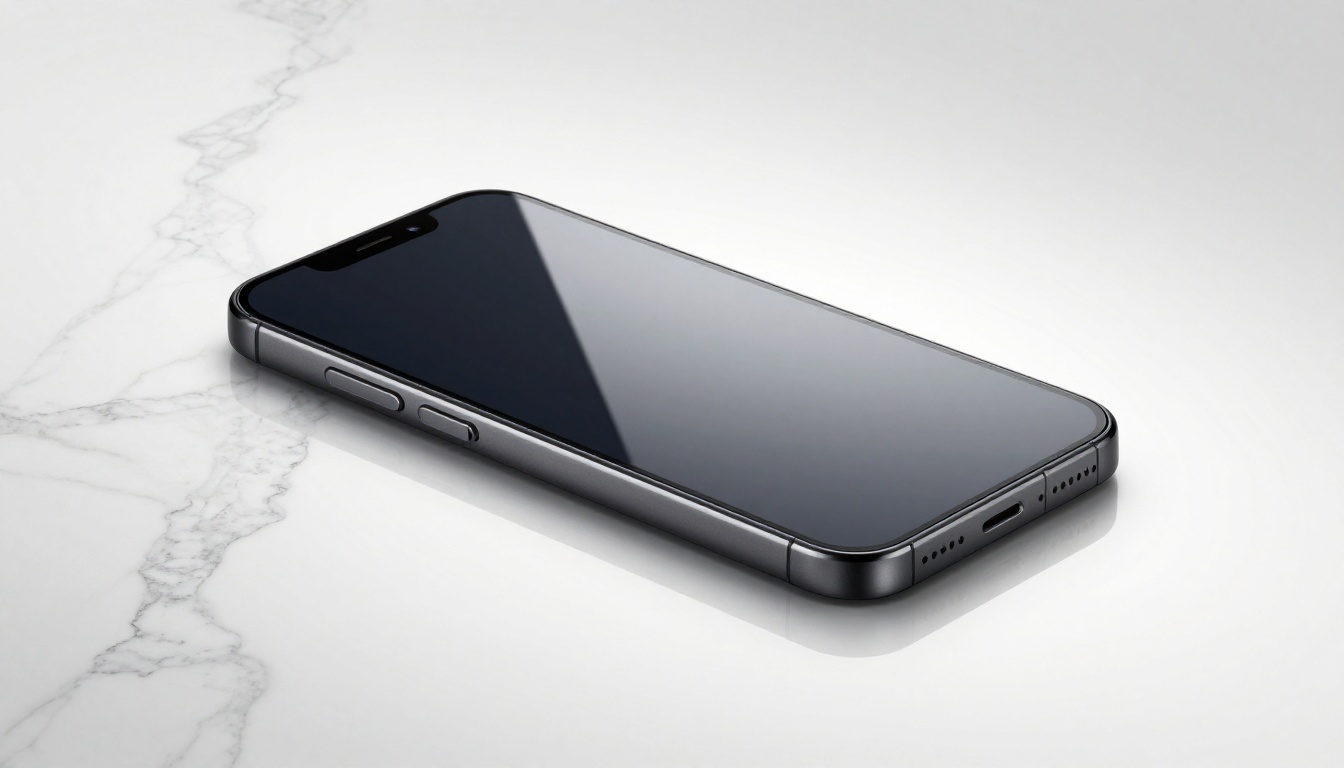
💡 For product shots: Specify material type with precision in your prompt. "Brushed anodized aluminum," "hand-blown borosilicate glass," or "matte ABS plastic with soft-touch coating" all return substantially more accurate results than generic material descriptions.
What Still Needs Work
ImagineArt 1.5 Pro is genuinely impressive in its target use cases, but it has real limitations worth knowing before you build workflows around it.

Hands remain inconsistent. Despite the overall improvement in anatomical accuracy, complex hand poses, including interlaced fingers, hands in motion, and multi-subject hand interactions, still produce errors at a higher rate than face and body rendering. This is a persistent challenge across most diffusion architectures and ImagineArt 1.5 Pro does not fully resolve it.
Text rendering is unreliable. Any prompt requiring legible text in the image will produce inconsistent results at best. This is a known limitation across the majority of current-generation AI image models and is not unique to ImagineArt, but it remains a real constraint for commercial workflows involving signage, labels, or typographic elements.
Complex multi-subject scenes with more than three distinct figures or objects requiring precise spatial relationships tend to drift from the prompt more than single-subject compositions. The model handles this better than version 1.0, but not with the reliability of FLUX 1.1 Pro or HiDream L1 Full.
Generation speed is moderate. ImagineArt 1.5 Pro is not built for rapid iteration at the pace that Dreamshaper XL Turbo or FLUX Dev enable. For workflows requiring dozens of variations per session, generation time becomes meaningful friction.
Understanding where a model fits requires being clear about both its strengths and the alternatives it sits alongside. ImagineArt 1.5 Pro earns a place in a professional toolkit, but it is not a universal solution for every creative workflow.
When to Use ImagineArt 1.5 Pro
- Portrait and lifestyle photography where a warm, naturalistic aesthetic is the target output
- Product visualization where accurate material rendering matters more than stylistic range
- Editorial and advertising mockups with single or double-subject compositions
- Landscape and architectural imagery where atmospheric depth and surface detail are priorities
- Any workflow where the model's default aesthetic matches the desired result without heavy prompt engineering overhead
When Other Models Win
- High-volume iteration: FLUX Dev and Dreamshaper XL Turbo iterate significantly faster
- Custom fine-tuning: SDXL's ecosystem depth makes it the better base for custom LoRA and ControlNet workflows
- Extreme resolution outputs: FLUX 1.1 Pro Ultra handles ultra-high-resolution with greater reliability
- Context-aware editing: FLUX Kontext Pro is purpose-built for that task
- Artistic or conceptual range: SD 3.5 Large and HiDream L1 Full handle stylistic variation more naturally
Try Photorealistic AI on PicassoIA
Every model benchmarked in this article is available on PicassoIA, where you can run prompts directly through a web interface without local installation, API configuration, or GPU hardware. The platform supports prompt control, aspect ratio selection, and direct image export, making it a practical environment for evaluating models side by side before committing to one for a production workflow.
Models Worth Testing Right Now
If the quality data in this article has you curious about what photorealistic AI generation looks like in practice, the following are the strongest starting points:
- FLUX 1.1 Pro: The current benchmark standard for prompt adherence and photorealism across general creative use cases
- FLUX 2 Pro: The latest Flux generation, with higher output fidelity and stronger detail rendering than prior versions
- FLUX 1.1 Pro Ultra: For outputs that need to hold up at large print sizes or extended display formats
- Realistic Vision V5.1: A fine-tuned model built specifically for photorealistic portrait and lifestyle outputs
- HiDream L1 Full: Strong across both photorealistic and artistic styles, with reliable prompt adherence
- Luma Photon: Exceptional for cinematic-quality outputs with strong compositional instinct
The most effective way to evaluate these models against ImagineArt 1.5 Pro, or against each other, is to run the same prompt across multiple options in a single session. Photorealistic quality is prompt-dependent, and which model wins on portrait work may lose on landscape or product imagery. Run a portrait prompt, a product shot, and a wide landscape to build an honest picture of how each model performs in your specific creative context.
PicassoIA's collection spans over 90 text-to-image models alongside tools for super-resolution upscaling, background removal, AI video generation, and face swap workflows. Whether you are producing social media content, editorial imagery, advertising mockups, or personal creative projects, the range available in one place removes the need to manage multiple accounts or platforms.
Start with a prompt you care about, run it across three models, and let the actual output quality make the decision for you.


