Platforms that claim to support NSFW AI image generation usually fail in one of two ways: they block you mid-generation with a vague policy error, or they produce results so tame they barely qualify as suggestive. PicassoIA Image Editor Pro is built around a different premise. The platform gives serious creators direct access to models that don't flinch at adult prompts, editing tools that let you refine every frame without regenerating from scratch, and, critically, an unlimited-generation plan that makes working at scale genuinely feasible.
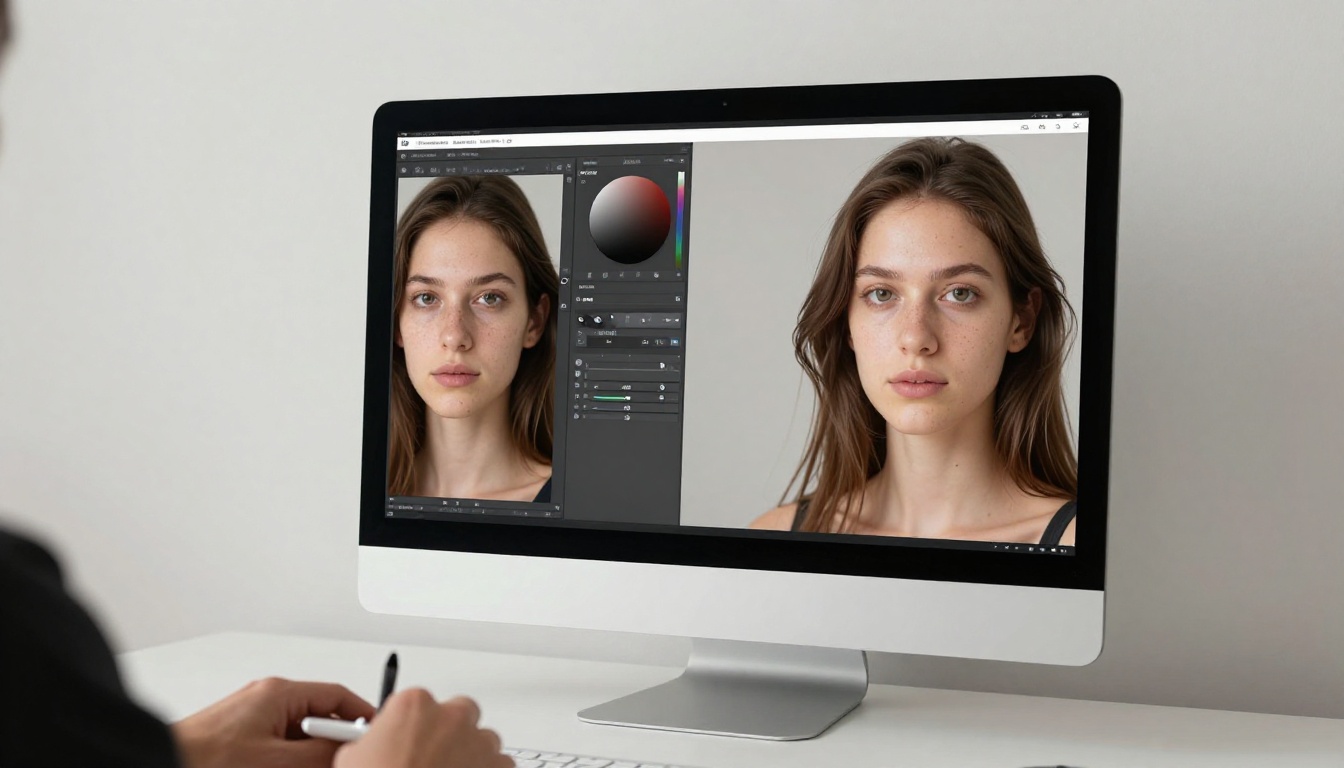
This article walks through the actual mechanics of the NSFW editing tools inside PicassoIA, from how img2img conversion works to which specific models deliver the best results for suggestive and mature content. Whether you're a solo creator building a content library or a professional who needs a reliable, uncensored AI pipeline, this breakdown shows you exactly what's possible and how to get there.
What Makes This Editor Different
Not Just Another AI Tool
Most mainstream AI image platforms treat adult content as a liability. Their safety filters are tuned so conservatively that even a swimwear prompt can trigger a rejection. The result is a frustrating cycle of prompt engineering just to get the generator to cooperate, followed by outputs that look nothing like what you asked for.
PicassoIA takes a different position. The platform hosts models specifically selected for their ability to handle mature content without the constant rejection loop. The editor interface is built for iteration, meaning you can tweak, refine, and reinterpret an image without starting over from zero every time. That distinction matters more than it might seem when you're working through a large creative project.
The Filter Problem on Other Platforms
The question creators most often ask is simple: will it actually generate what I describe? The honest answer depends on which model you pick. Not every model on PicassoIA supports adult content. Seedream 5 Lite, for example, applies content restrictions and will block explicit prompts. This article focuses on the models that don't.
💡 Rule of thumb: If a model description doesn't mention NSFW support, test it with a mild prompt first. The NSFW-capable models listed below are verified to accept adult content.
How PicassoIA Image Editor Pro Actually Works
The Img2img Process
PicassoIA Image Editor Pro is an img2img model. That means it takes an existing image as its starting point and rewrites it according to your prompt. The practical benefit for NSFW work is significant: instead of generating an entirely new scene from text every time, you can take a base image, a portrait, a body shot, a landscape, and recast it with a new prompt while preserving the underlying composition and structure.
The workflow looks like this:
- Upload or generate a base image
- Write a conversion prompt describing what you want changed
- Adjust the strength parameter (how much the model deviates from the original)
- Generate and review
At lower strength values, the model keeps the original composition almost intact and only modifies surface-level details, useful for applying a specific aesthetic or changing clothing styles. At higher strength values, the output diverges more dramatically from the source, allowing deep reinterpretations of the original scene.
Speed That Changes Everything
Speed is one of PicassoIA Image Editor Pro's defining characteristics. Results come back in under one second for most prompts. When you're running multiple iterations to find the right result, the difference between a 1-second and a 10-second generation is enormous. A session that would take 30 minutes on a slower model takes 3 minutes here.
Combined with unlimited generation on Elite and Infinite plans, this speed means you can run fifty variations of the same shot in the time it takes a competitor platform to finish five.
The Best NSFW Models on PicassoIA
Seedream 4.5: The Top Pick
Seedream 4.5 ⭐ is the strongest all-around model for NSFW content on the platform. It accepts adult prompts, supports image editing alongside pure text-to-image generation, and produces results in under 3 seconds. The realism level is notably high: skin texture, lighting interaction, and anatomical proportions are handled with the kind of fidelity that makes outputs usable without extensive post-processing.
One important note: Seedream's newer sibling, Seedream 5 Lite, does not support NSFW content. Stick with Seedream 4.5 for unrestricted work.
PicassoIA Image Editor Pro: Unlimited Generations
This is where the economics shift. PicassoIA Image Editor Pro is included in Elite and Infinite subscriptions with no per-generation cost. There's no credit counter ticking down, no surprise charges when you run a large batch. You can generate 1,000 images and the cost is exactly the same as generating 10.
To put that in concrete terms: generating 1,000 images on models like Nano Banana 2 would cost around $100. On PicassoIA Image Editor Pro with an Elite plan, those 1,000 images cost nothing extra. For creators building content libraries or running high-volume projects, this isn't a minor perk. It fundamentally changes what's viable to attempt.
The model also offers a free trial of 3 generations with no credit card required, so you can verify output quality before committing to a plan.
The Rest of the Lineup
Beyond the top two, PicassoIA hosts several other NSFW-capable models worth knowing:
Qwen Image 2 is an open-source model that allows editing or generating any image in seconds with very detailed realism. Its open architecture means fewer hard-coded content restrictions.
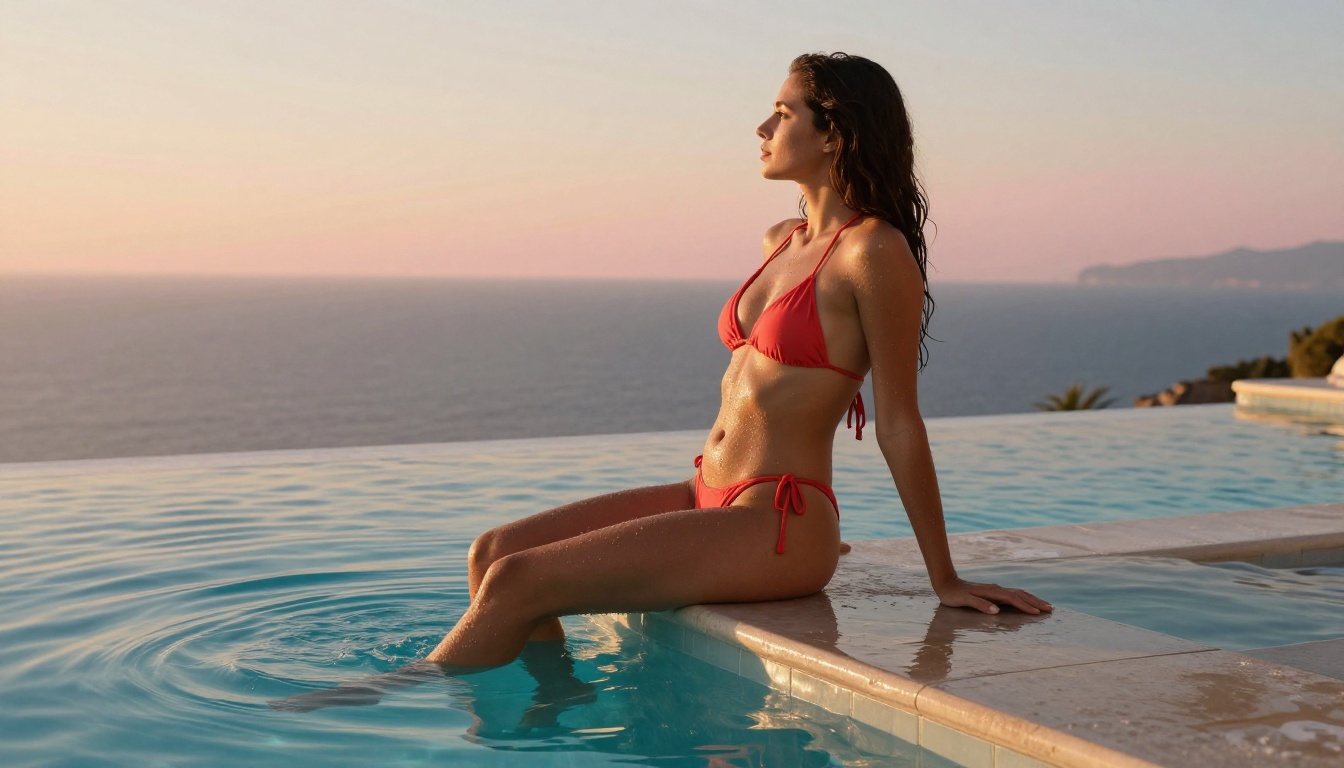
Grok Imagine Image specializes in converting any reference image into a realistic bikini or swimwear variation. The img2img pipeline is tuned for this use case, and results are photorealistic.
Recraft V4 handles text-to-image only, but delivers very realistic outputs for adult content prompts.
P-Image handles NSFW text-to-image and returns results in under 1 second, making it useful for rapid prototyping.
Speed vs. Realism Breakdown
Different projects demand different tradeoffs. Here's how the main NSFW models stack up:
Inpainting and Outpainting for Mature Content
Fixing Without Regenerating
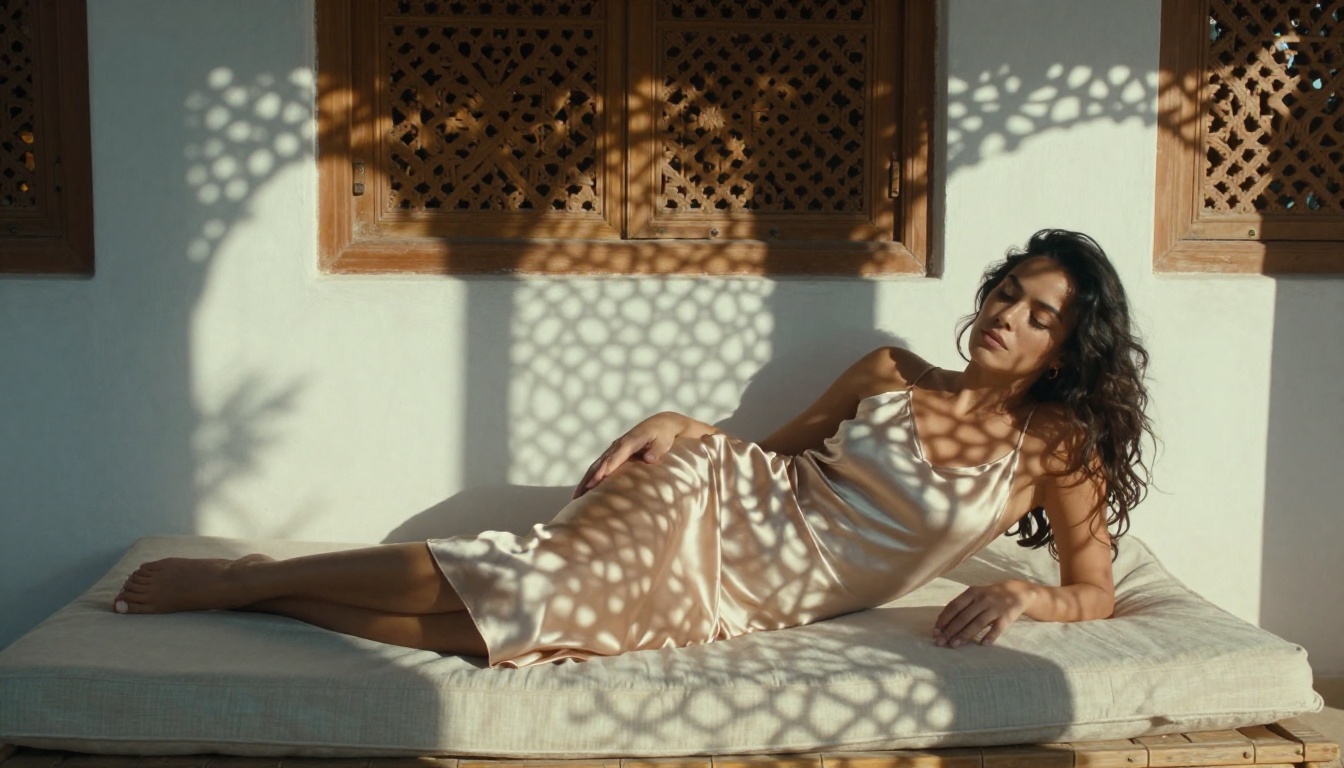
Inpainting is one of the most powerful tools in a NSFW image workflow, and one that many creators underuse. Instead of regenerating an entire image when one part isn't right, you mask the problem area and regenerate only that region. The rest of the image stays intact.
In practice, this means you can correct anatomical issues, change specific clothing elements, adjust skin tone in a targeted region, or swap out a background detail, all without losing the parts of the image that already work. For NSFW work specifically, this level of surgical precision saves enormous amounts of time and generation credits.
Expanding Beyond the Frame
Outpainting works in the opposite direction: it extends an image beyond its original borders. If you have a tight portrait crop and want to reveal more of the scene, adding a bedroom setting, a balcony view, or a continuation of the body, outpainting fills in the extended area based on your prompt and the visual context of the existing image.
The quality of outpainting depends heavily on how well the model reads context. PicassoIA's top models handle this with enough consistency that extended areas blend naturally with the original rather than looking artificially inserted.
The Real Economics of Unlimited Generation
Cost Breakdown
The standard way to think about AI image generation costs is per-image: you pay credits, credits run out, you buy more. This model creates constant friction for anyone doing high-volume work. Every creative decision becomes a cost calculation. Do I run another 20 variations, or save credits for the next project?
The unlimited model eliminates that friction. With PicassoIA's Elite or Infinite plan and PicassoIA Image Editor Pro, the answer is always "run it." Want 50 variations of this shot? Run 50. Want to test every strength setting between 0.3 and 0.9? Test all of them. The mental overhead of rationing disappears, and creative work accelerates.

Who Benefits Most
This setup is most valuable for three types of creators:
- Content library builders: creators assembling large volumes of NSFW images for subscription platforms, requiring hundreds or thousands of images per month
- Professional retouchers: photographers and editors using AI to extend or reinterpret real photo shoots
- Iterative artists: creators who work through many variations before settling on a final result and can't afford to throttle that process with credit anxiety
If you fall into any of these categories, the economics of unlimited generation aren't just convenient. They're the difference between a viable workflow and an unsustainable one.
How to Use PicassoIA Image Editor Pro
Step by Step
The model is straightforward to use. Here's the actual process:
Step 1: Access the model
Navigate to PicassoIA Image Editor Pro. If you're on an Elite or Infinite plan, generation is unlimited and immediate.
Step 2: Choose your input
Upload a reference image or use one from a previous generation. The model performs best with clear, well-lit source images. Low-quality or heavily compressed inputs produce lower-quality outputs.
Step 3: Write your prompt
Be specific. Instead of "change the outfit," write "wearing a red string bikini with thin ties at the hips, standing on a beach at golden hour, natural skin, photorealistic." Specificity in the prompt directly translates to precision in the output.
Step 4: Set the strength parameter
Start at 0.6 for a moderate revision that preserves the composition. Go higher (0.8-0.9) if you want a more dramatic change. Go lower (0.3-0.4) for subtle stylistic adjustments.
Step 5: Iterate freely
This is where the unlimited model earns its value. Generate, review, adjust the prompt, generate again. Run as many iterations as you need. There's no reason to stop before the result is exactly what you want.

💡 Pro tip: Use Seedream 4.5 for the initial generation to get a high-quality base image, then use PicassoIA Image Editor Pro to iterate on that base at speed. You get the realism of Seedream with the iteration economics of unlimited generation.
What Real Outputs Look Like
The proof of any AI image editor is in the results, not the feature list. PicassoIA's top NSFW models produce outputs distinguishable from real photography primarily by perfect lighting consistency and skin uniformity, characteristics that many creators actively want in their work.
Skin rendering: Seedream 4.5 and PicassoIA Image Editor Pro both handle skin with notable fidelity. Pore texture, subsurface scattering, and natural skin tone variation are rendered realistically, not as smooth plastic.
Lighting interaction: the models respect directional light sources. If your prompt specifies "volumetric morning light from the left," you'll see that in the output as directional shadows and highlights, not a flat wash of uniform brightness.
Anatomical proportions: this is an area where NSFW models vary significantly. The better models maintain realistic body proportions. The weaker ones introduce distortions that require inpainting to correct.
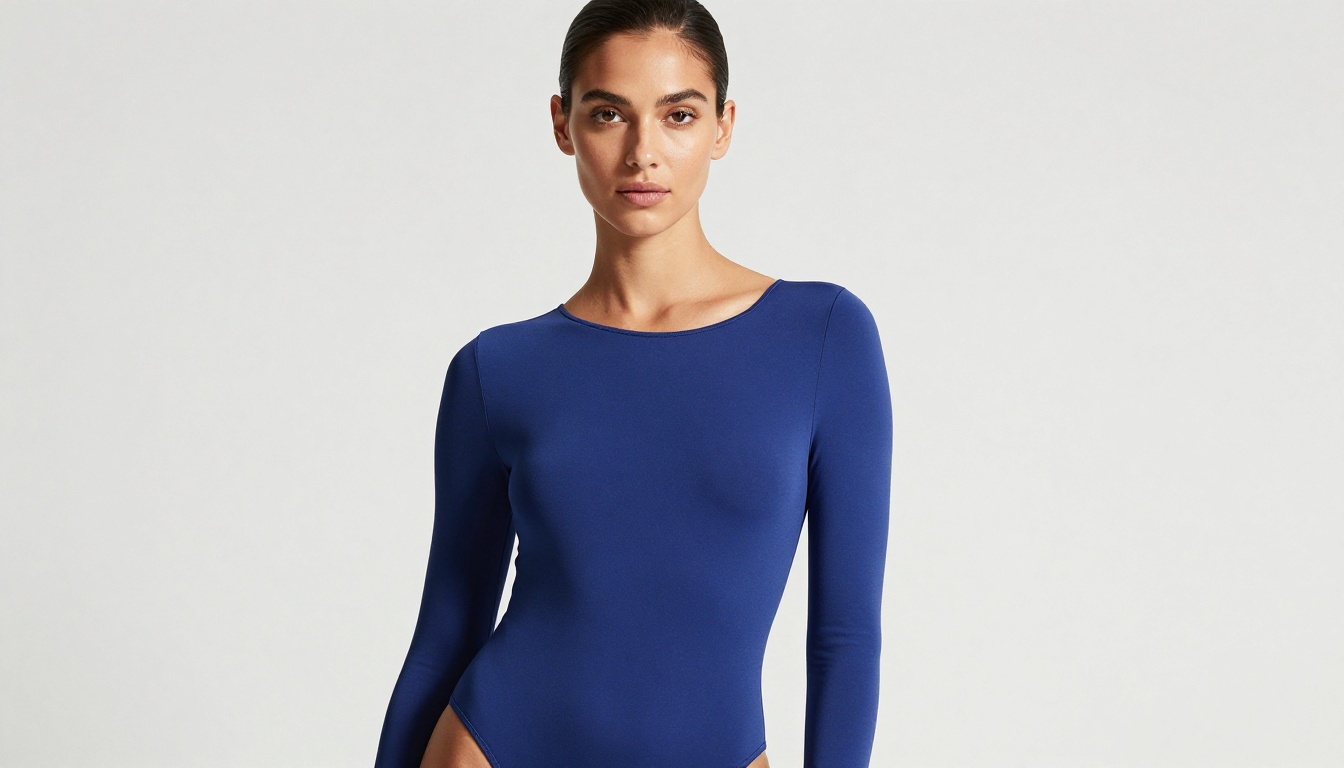
PicassoIA's model selection prioritizes results that don't need constant correction. The platform's goal is to reduce the time between your creative intent and a usable output.
For video generation using your NSFW images, P-Video brings the same uncensored approach to video, with the safety filter disabled by default and generation times measured in seconds. For the highest fidelity, LTX 2.3 Pro delivers up to 4K/50fps for client-ready work. And Grok Imagine Video handles clips up to 15 seconds from a text prompt or image reference with no watermarks.

👉 See the full lineup of NSFW-capable AI models at picassoia.com/en/all-models.
Start Creating Without Limits
The editing tools inside PicassoIA Image Editor Pro aren't complicated. The value they deliver comes from three things working together: models that actually accept adult prompts without constant rejection, editing precision through inpainting and img2img revision, and unlimited generation economics that let you iterate without rationing.
If you've been working around content restrictions on other platforms, spending credits on failed generations, or stopping yourself from running another variation because you're low on credits, this is what a different approach looks like.
Start your free trial with 3 generations and no credit card required. If the results match what you need, the unlimited plan removes every remaining friction point. Your next 1,000 images cost the same as your first 10.
The full model lineup is at picassoia.com/en/all-models. Every NSFW-capable model in this article is available there, alongside the full video generation catalog.


