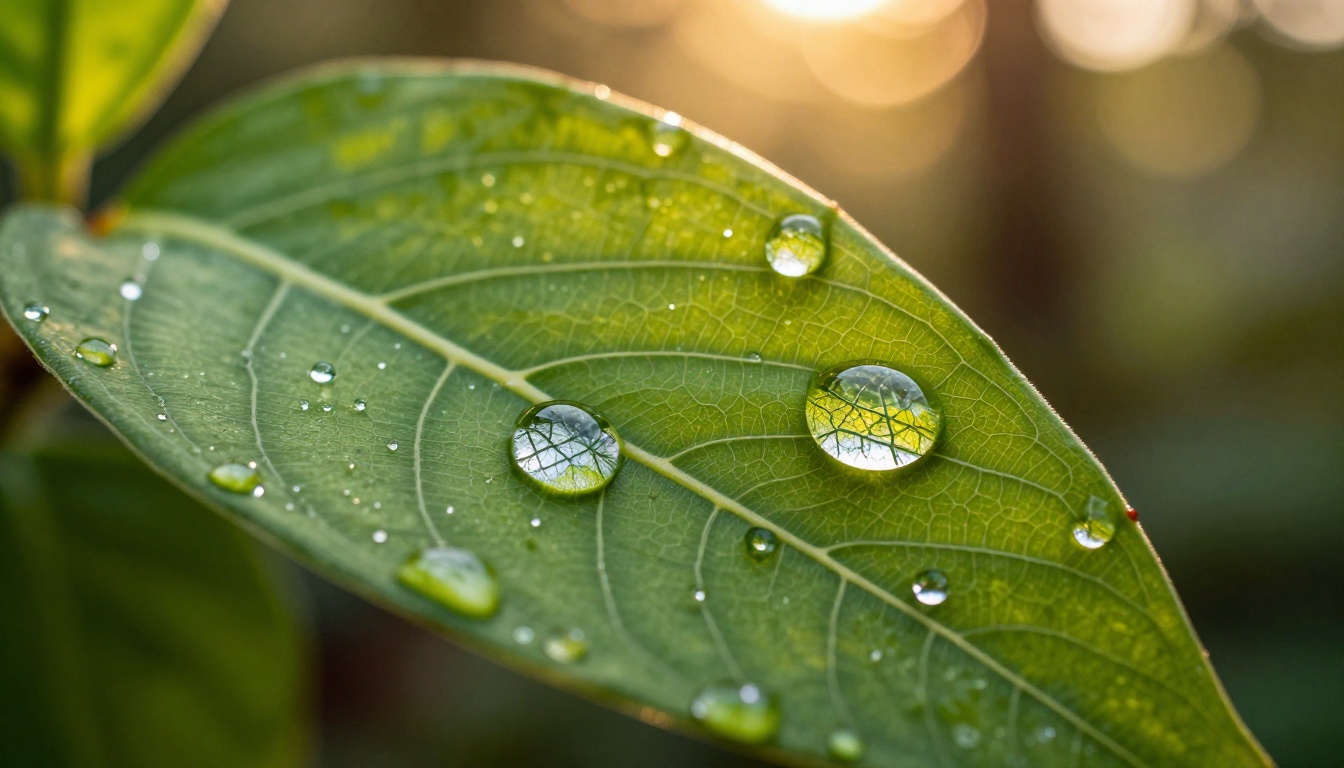
Two AI image models are creating genuine debates across creator communities right now. Grok Imagine Image Quality, built by xAI, has earned a reputation for sharp 2K photorealistic output and strong prompt fidelity. Nano Banana 2 Lite, Google's lightweight text-to-image model, plays a completely different game: raw speed and broad accessibility for creators who generate images at volume. The real question is whether the quality difference between them is large enough to matter for your specific workflow, or whether speed wins in most practical situations.
We ran both models through identical prompts across portraits, landscapes, product photography, architecture, and complex editorial compositions. The results are more nuanced than the online debates suggest.
What Grok Imagine Actually Does
xAI built Grok Imagine with a clear priority: high-fidelity output that holds up when scrutinized at full resolution. The model was designed to compete directly at the top tier of text-to-image generation, which means it optimizes for detail rendering, coherent lighting, and spatial accuracy before speed.
How the Model Approaches Prompts
Grok Imagine Image Quality reads long, complex prompts well. You can specify lighting direction, lens characteristics, material textures, and compositional details, and the model attempts to honor all of them simultaneously. This makes it particularly valuable for creators who work with specific art direction or commercial briefs that require precise control.
The model also handles negative prompt weight intelligently. When you tell it to avoid specific artifacts or stylistic choices, it generally listens rather than overriding your instructions in favor of something it finds easier to generate.
Grok's Strongest Territory
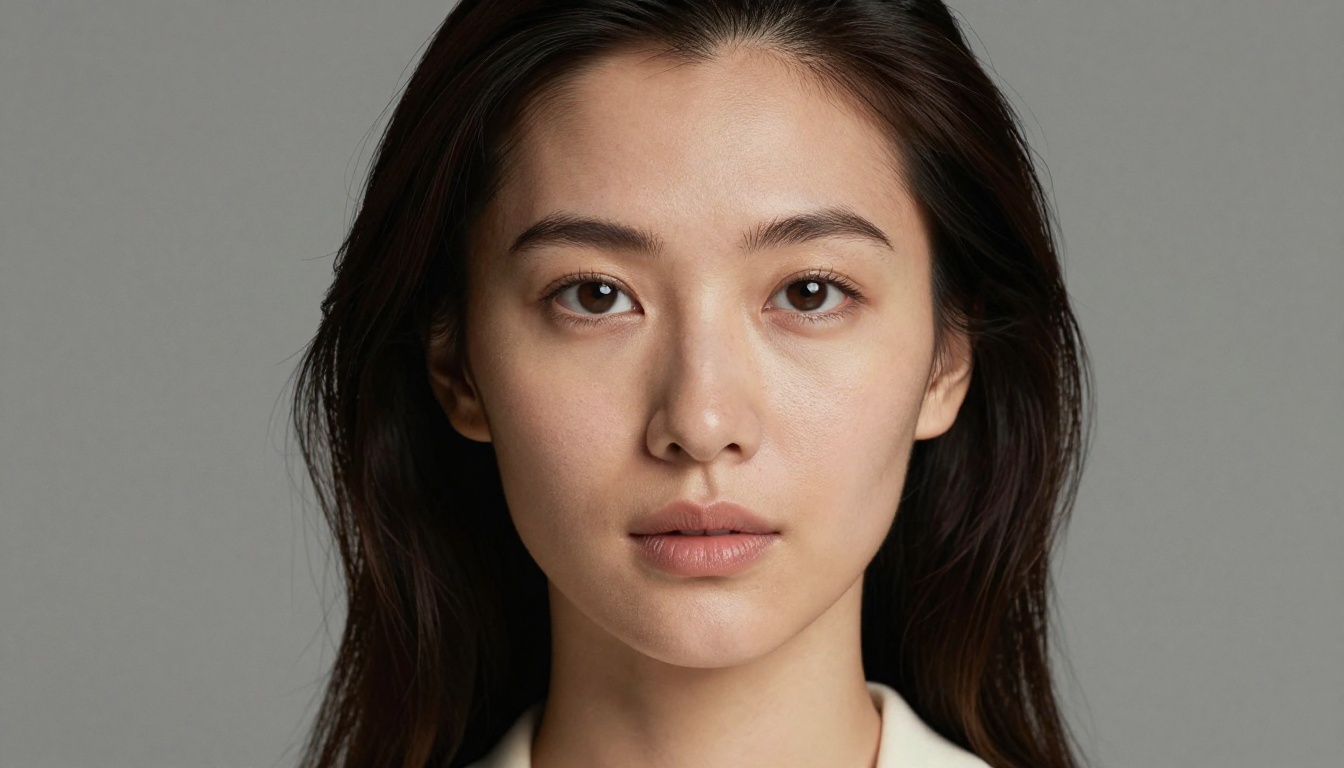
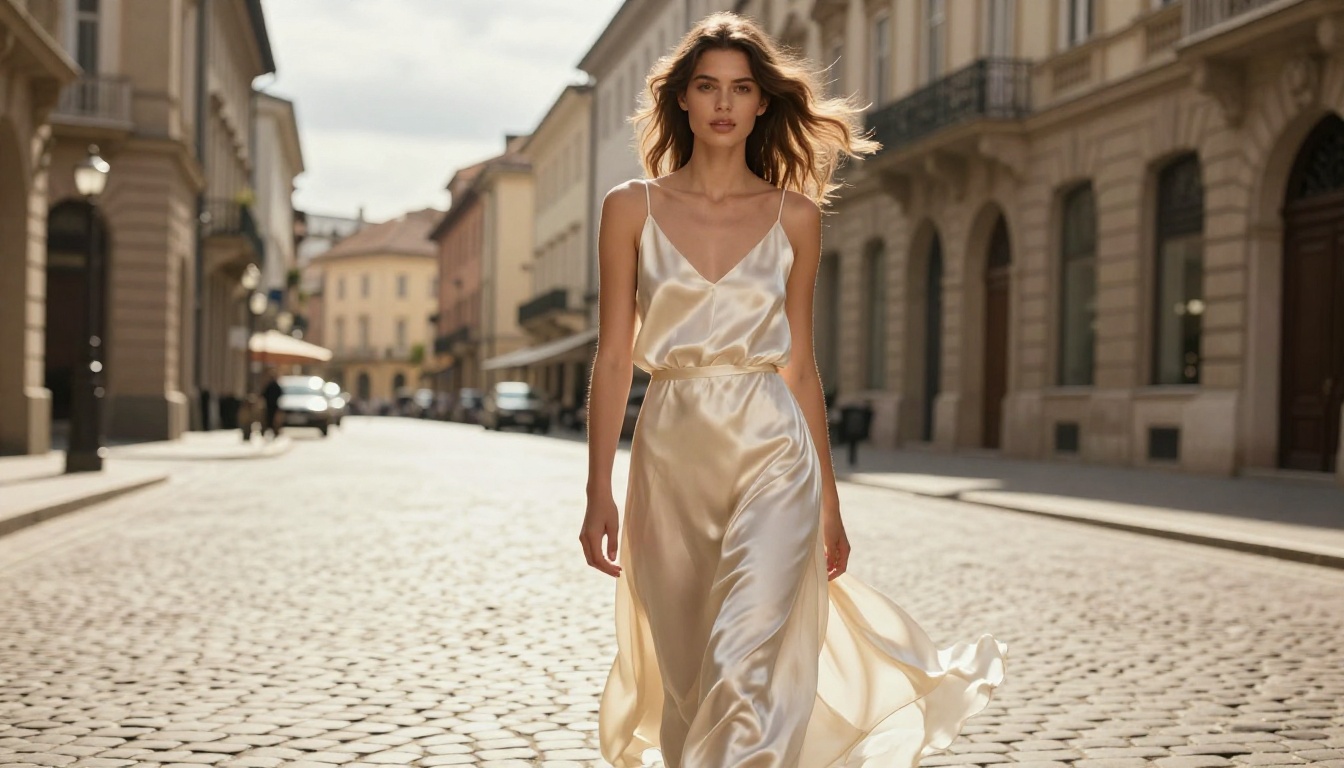
Where Grok Imagine consistently wins is human subjects. Portrait output shows realistic skin pore detail, accurate hair strand rendering, and natural subsurface scattering in skin tones. This is one of the hardest challenges in AI image generation, and Grok handles it better than many well-established models.
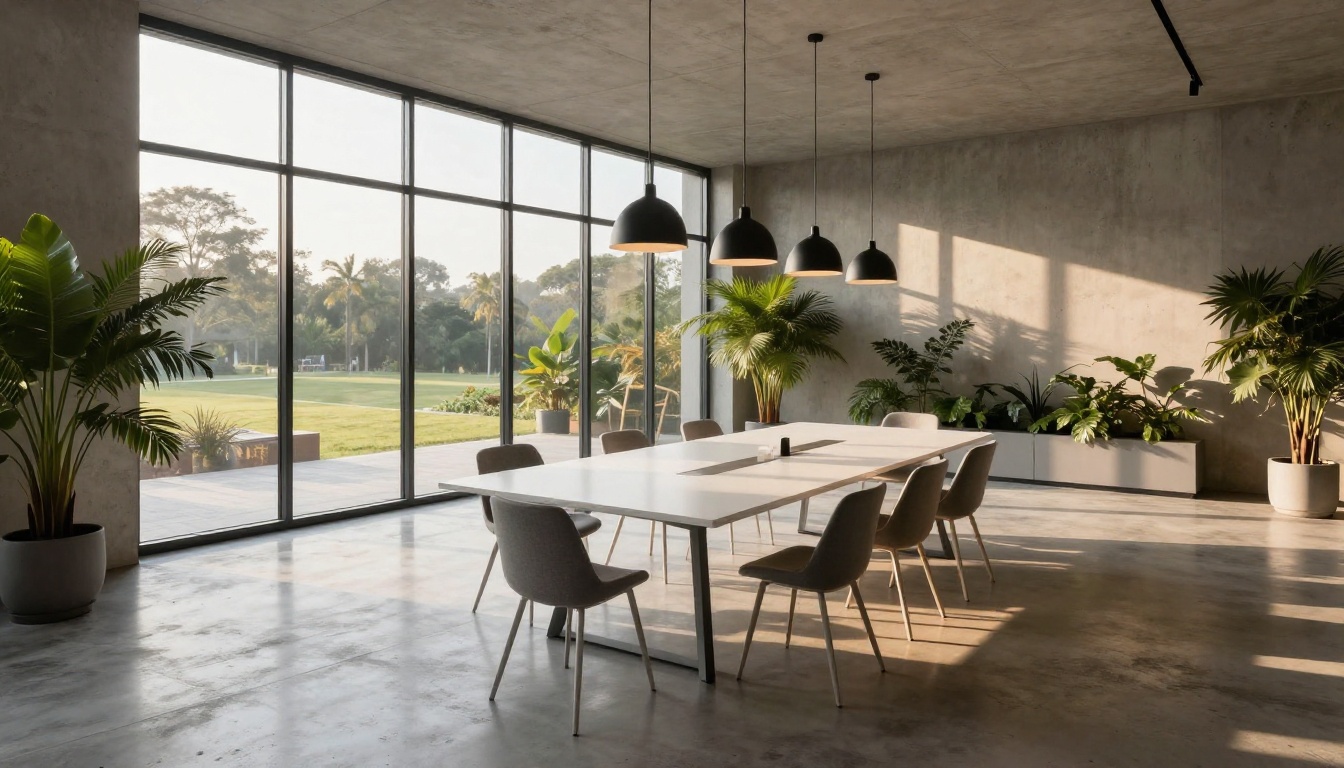
Architectural and product photography also benefit from Grok's strength in geometric accuracy. Straight lines stay straight, proportions remain accurate, and material textures (glass, metal, fabric) carry convincing physical properties.
Nano Banana 2: Speed as a Feature
Google built Nano Banana 2 to be fast. Not as a compromise, but as a deliberate product decision. The model prioritizes generation speed and broad stylistic range over the obsessive photorealism that Grok chases. This makes it genuinely better than Grok for several use cases that matter to working creators.
Google's Lightweight Architecture
The "nano" naming is intentional. This model is designed to run efficiently, which means lower latency and the ability to generate more images per session without hitting resource limits. For creators who need to iterate rapidly through concepts or produce many variations of a single idea, this architecture advantage is significant.
The trade-off appears in fine-detail rendering. Nano Banana 2 Lite produces images that read well at standard viewing sizes but can show softness or inconsistency under high-magnification inspection, particularly in complex textures like hair, fabric weave, and skin at close range.
What Nano Banana 2 Delivers
Despite the speed-first architecture, Nano Banana 2 Lite produces genuinely impressive output for most standard use cases. Landscapes, abstract compositions, and images that rely on overall mood rather than micro-detail often look as good as or better than Grok's output. Google's training data seems particularly strong for nature photography and atmospheric scenes.
Color science is another area where Nano Banana 2 surprises people. The model produces vibrant, harmonious color palettes that often feel more naturally pleasing than technically accurate. For social media content and editorial work where mood matters more than clinical precision, this is a real advantage.
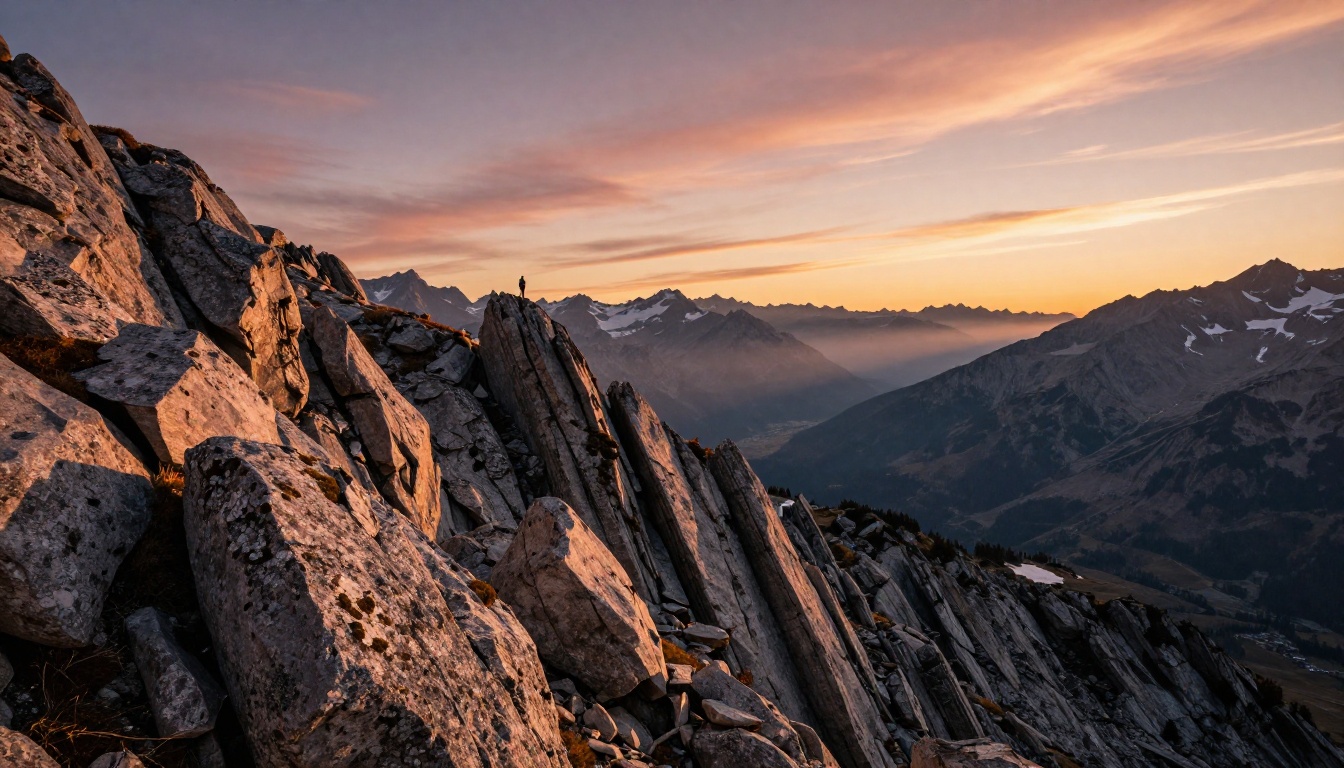
Image Quality Head to Head
Running both models on identical prompts reveals where the actual differences live, and they are not evenly distributed across subject types.
Photorealism and Detail Rendering
On portrait prompts with specific texture requirements (visible pores, individual hair strands, realistic eye moisture), Grok Imagine wins clearly. The output at full resolution shows detail that Nano Banana 2 approximates but does not match. This gap closes significantly at web display sizes, which is worth noting for creators who primarily produce digital rather than print content.
For landscapes and nature subjects, the gap narrows considerably. Nano Banana 2 produces atmospheric perspective and sky rendering that competes directly with Grok. The difference in rock and vegetation texture detail is noticeable at full zoom but not at normal viewing distances.
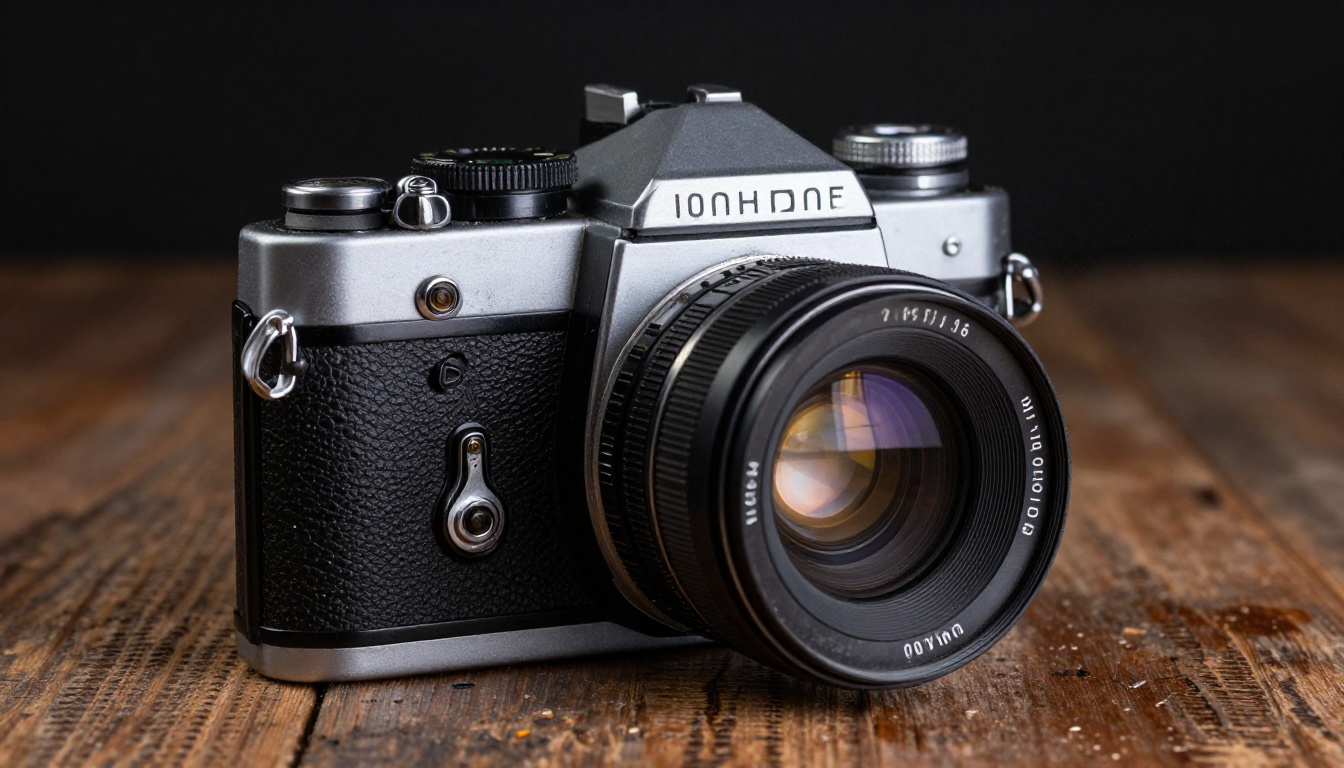
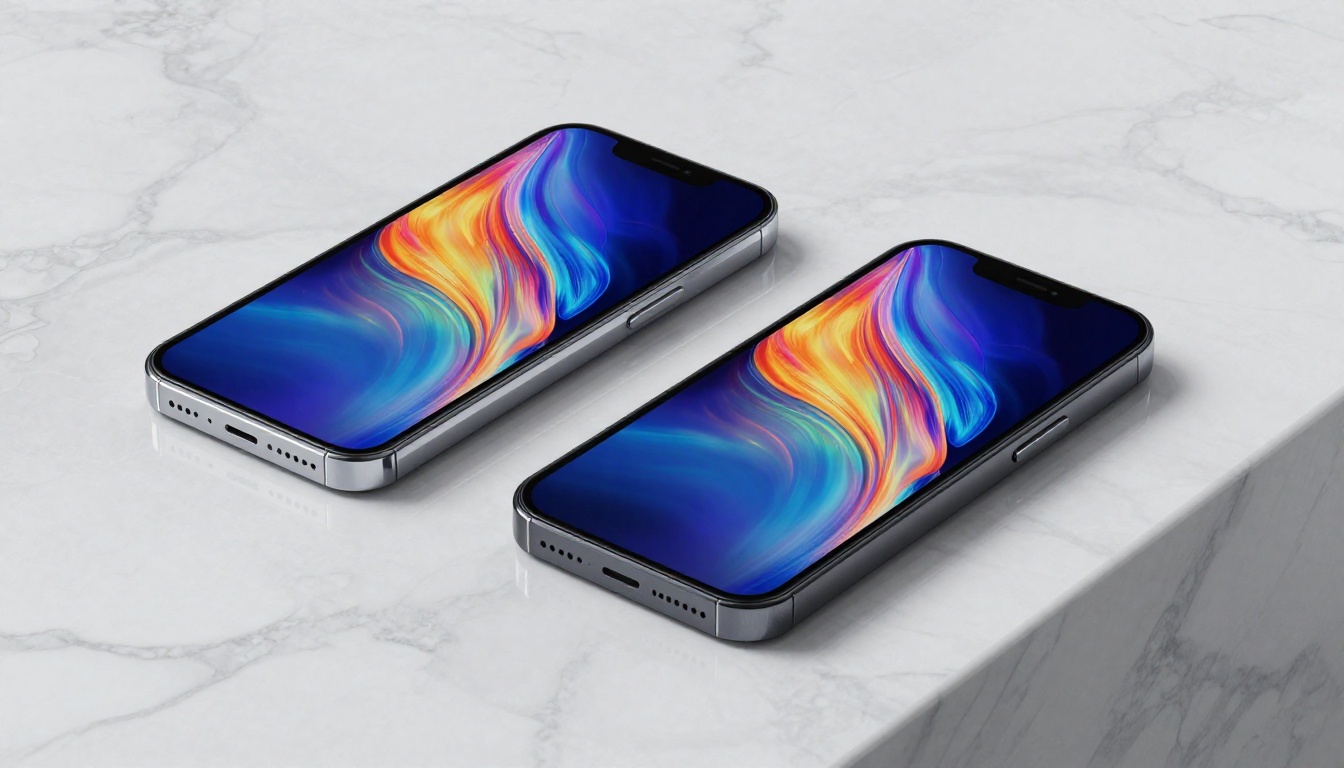
Product photography is where the distinction becomes most commercially significant. Grok handles reflective surfaces, precise geometry, and material authenticity better. For brands that need technically accurate product images, this matters.
Prompt Following Accuracy
This is where Grok Imagine has a clear, consistent advantage. Complex prompts with multiple specific requirements get honored more fully. When you specify "volumetric morning light from the left, 85mm f/1.4, shallow depth of field, cream-colored background," Grok attempts to address all four constraints. Nano Banana 2 tends to honor two or three of them while interpreting the others loosely.
For simple to medium-complexity prompts, this difference is minimal. But for precise creative direction, Grok's better prompt adherence reduces iteration time and wasted credits.
Style Flexibility
Here Nano Banana 2 holds its own. The model handles style shifts across realism, impressionistic, commercial, and atmospheric treatments without degrading quality. Grok tends to drift toward photorealism even when prompted for other styles, which can work against you in editorial or artistic use cases.
💡 Practical tip: For photorealistic output with tight art direction, use Grok Imagine Image Quality. For mood-driven, atmospheric, or fast-iteration work, Nano Banana 2 Lite competes at the same level with less wait time.
Speed and Availability
Generation time is a real workflow factor for creators who produce content at volume. Both models are available through PicassoIA's platform, which normalizes the access differences between them.
How Fast Do They Actually Run
Grok Imagine generates images in roughly 8 to 15 seconds depending on server load and prompt complexity. Nano Banana 2 Lite typically completes in 3 to 7 seconds. For a single image, this difference is inconsequential. For a session where you are generating 50 variations, it adds up to meaningful time savings.
The speed gap also affects creative flow. Faster generation means tighter feedback loops, which means you can iterate through more conceptual directions in the same session. This is why Nano Banana 2 often produces better final results in rapid concepting workflows, even if its technical ceiling is lower than Grok's.
Access and Credit Economics
Both models are available on PicassoIA where you can compare them directly without account friction. The platform also gives you access to other leading models like Seedream 5 Pro and Ideogram v4 Quality in the same interface, which is useful when neither Grok nor Nano Banana 2 is quite right for a specific prompt.
Credit efficiency varies between the two. Nano Banana 2's faster generation often costs fewer resources per image, making it more economical for high-volume workflows. Grok Imagine's higher credit cost is justified when you need that final 15% of quality that separates good from publishable.
3 Cases Where Grok Wins
1. Commercial product photography: When clients need images where reflective surfaces, material accuracy, and geometric precision matter, Grok Imagine Image Quality's detail fidelity is worth the extra generation time. The difference in output quality is visible to professional buyers and reviewers who inspect at full resolution.
2. Human subject portraiture: For any image where a person's face is a prominent element, Grok's handling of skin texture, eye rendering, and natural lighting on human features produces results that are harder to identify as AI-generated. This matters for editorial portraits, avatar creation, and anything requiring realistic human likeness.
3. Technically specific briefs: When you are working from a detailed art direction document with specific camera, lighting, and composition requirements, Grok's stronger prompt following makes it more efficient. Fewer iterations to reach the target means lower total cost even at higher per-image credit rates.
3 Cases Where Nano Banana 2 Wins
1. Rapid concepting sessions: When you need to generate 20 to 30 variations to find the right direction for a project, Nano Banana 2 Lite's speed advantage compounds into significant time savings. The slightly lower ceiling on fine detail does not matter when you are choosing between concepts rather than delivering finals.
2. Atmospheric and nature subjects: Landscapes, weather conditions, abstract environmental compositions, and scenes where overall mood dominates tend to come out equally strong or stronger from Nano Banana 2. Google's training data strength in natural subjects is visible in the output quality for these categories.
3. High-volume content production: For social media, blog content, or any workflow where you need many images that are strong for web use rather than technically perfect, Nano Banana 2's speed and reliability make it the more practical tool. The quality is there for the context.
💡 Worth knowing: Many professional creators use both models in the same project. Nano Banana 2 for initial concepting, Grok Imagine for final execution of the winning direction. This hybrid workflow captures the speed benefits of one and the quality ceiling of the other.

Both Models on PicassoIA
Both Grok Imagine Image Quality and Nano Banana 2 Lite are available directly on PicassoIA. Running them from the same platform makes direct comparison straightforward and keeps your workflow in one place.
How to Use Grok Imagine on PicassoIA
- Navigate to Grok Imagine Image Quality on PicassoIA.
- Write a detailed prompt. Include: subject description, environment, lighting direction, camera lens specification, and atmosphere. The more specific you are, the more Grok's prompt-following strength pays off.
- Set your aspect ratio. 16:9 works well for editorial and web content. 1:1 for social media square format.
- For portrait subjects, add texture descriptors like "visible skin pores, individual hair strands, natural subsurface scattering" to activate the model's strength in human subjects.
- Review the output at full resolution before accepting. Grok's detail rendering shows most clearly when you are not viewing it compressed.
Tips for better results:
- Start with a strong subject descriptor before adding technical details
- Specify lighting direction explicitly ("morning light from the left") rather than vague requests for "good lighting"
- Name the camera lens for sharper, more specific rendering ("85mm f/1.8 prime")
- Use negative prompts to avoid common artifacts like over-smoothed skin or overexposed highlights
Nano Banana 2 Lite on PicassoIA
- Navigate to Nano Banana 2 Lite on PicassoIA.
- Write your prompt with a focus on mood and subject rather than technical camera parameters. The model responds well to simpler, more direct prompting.
- Take advantage of the speed by generating multiple variations with slightly different prompts and comparing them side by side before committing to a direction.
- For landscape and atmospheric subjects, keep prompts concise. Over-specification does not help Nano Banana 2 the way it helps Grok and can actually reduce output coherence.
- Use the output as-is for web contexts, or run it through Qwen Image Edit Plus LoRA Upscale if you need sharper fine detail for larger format or print applications.
Tips for better results:
- Lead with mood descriptors ("soft golden hour glow", "dramatic overcast atmosphere")
- Use short, clear subject descriptions without excessive technical qualifiers
- Generate at least 3 variations and pick the strongest before moving to refinement

Other Strong Models Worth Testing
Neither Grok Imagine nor Nano Banana 2 is the only option worth knowing about. PicassoIA gives you access to over 200 text-to-image models, and several of them compete directly in the same quality tier.
Seedream 5 Pro from ByteDance is particularly worth testing for portrait and editorial work. Its 2K output consistently competes with Grok Imagine's quality ceiling while maintaining a slightly faster generation cycle, making it a strong third option when you need both quality and reasonable speed.
Ideogram v4 Quality stands out when prompt accuracy is the primary concern. Its text rendering within images is stronger than both Grok and Nano Banana 2, which matters for any composition that needs typography integrated into the scene with accuracy.
Krea 2 Large is another compelling option in the photorealism category, combining fast generation speed with strong image quality that rivals the top-tier models at a lower latency cost.
For anyone who wants image variation and remixing capabilities on top of generation, Reve 2.1 offers both editing and fresh generation from a single interface, which reduces the number of tools you need to manage in a session. Seedream 4.5 is also worth bookmarking for 4K output from text prompts with strong color rendering.
The Practical Verdict
The direct answer to whether Grok Imagine is better than Nano Banana 2 is: it depends on what "better" means for your workflow.
Grok Imagine wins on: Technical image quality at full resolution, photorealistic human subjects, complex prompt adherence, and commercial accuracy for product and architectural work. If you are producing images that will be scrutinized at large sizes or by professional buyers, Grok is the right call.
Nano Banana 2 wins on: Speed, iteration efficiency, natural scene aesthetics, stylistic flexibility, and economics at scale. If you are working at volume or prioritizing rapid concepting, Nano Banana 2 is the smarter primary tool.
The interesting finding from our testing is how small the quality gap is for most everyday content use cases. At web display sizes, for social media, blog imagery, and general editorial work, Nano Banana 2 Lite produces results that are functionally indistinguishable from Grok Imagine Image Quality across the majority of prompts. The gap becomes material only when you are producing content that will be viewed at large sizes, scrutinized by professional buyers, or subject to technical accuracy requirements.
- Professional commercial work: Default to Grok Imagine Image Quality for final production, use Nano Banana 2 Lite for concepting.
- High-volume content creation: Nano Banana 2 is probably your primary tool, with Grok reserved for hero images that need to stand up to close scrutiny.
- Mixed workflows: Run concepts on Nano Banana 2, pick winners, then regenerate the final 2 to 3 images on Grok Imagine for maximum quality where it counts.
💡 The smart workflow: Run concepts on Nano Banana 2 Lite, pick the direction that works, then regenerate the final image on Grok Imagine Image Quality. You get the speed benefits of Nano Banana 2 across the concepting phase and the quality ceiling of Grok where it actually counts. That is the workflow that makes both models worth having.
Try Both Right Now
The comparison only fully makes sense when you test it against your own prompts and subject matter. Both Grok Imagine Image Quality and Nano Banana 2 Lite are live on PicassoIA and accessible without complicated setup.
Open both model pages in separate tabs, run the same prompt through each, and compare the output at full resolution. The difference will be immediately clear for your specific subject matter. Some prompts will make Grok the obvious winner. Others will produce nearly identical results where Nano Banana 2's speed advantage makes it the smarter choice in practice.
Beyond these two, PicassoIA's full catalog at picassoia.com/en/all-models gives you access to over 200 text-to-image models in a single interface. Models like Seedream 5 Pro, Seedream 4.5, and Ideogram v4 Quality round out the top tier and are worth testing for the use cases where neither Grok nor Nano Banana 2 is the right fit.
The strongest AI image workflow is rarely built around a single model. It is built around knowing which tool wins for which subject matter, and having fast access to all of them in one place. Start with the two models at the center of this debate, then build outward from there.