Everybody asks the same question before committing to a video model: does it actually let me make the content I want? Hailuo 2.3 is one of the most talked-about video generators right now, and the NSFW conversation around it is loud, messy, and full of half-truths. This article cuts through that noise with a direct look at what the model permits, where it blocks you, and what to use instead when it falls short.
What Hailuo 2.3 Actually Is
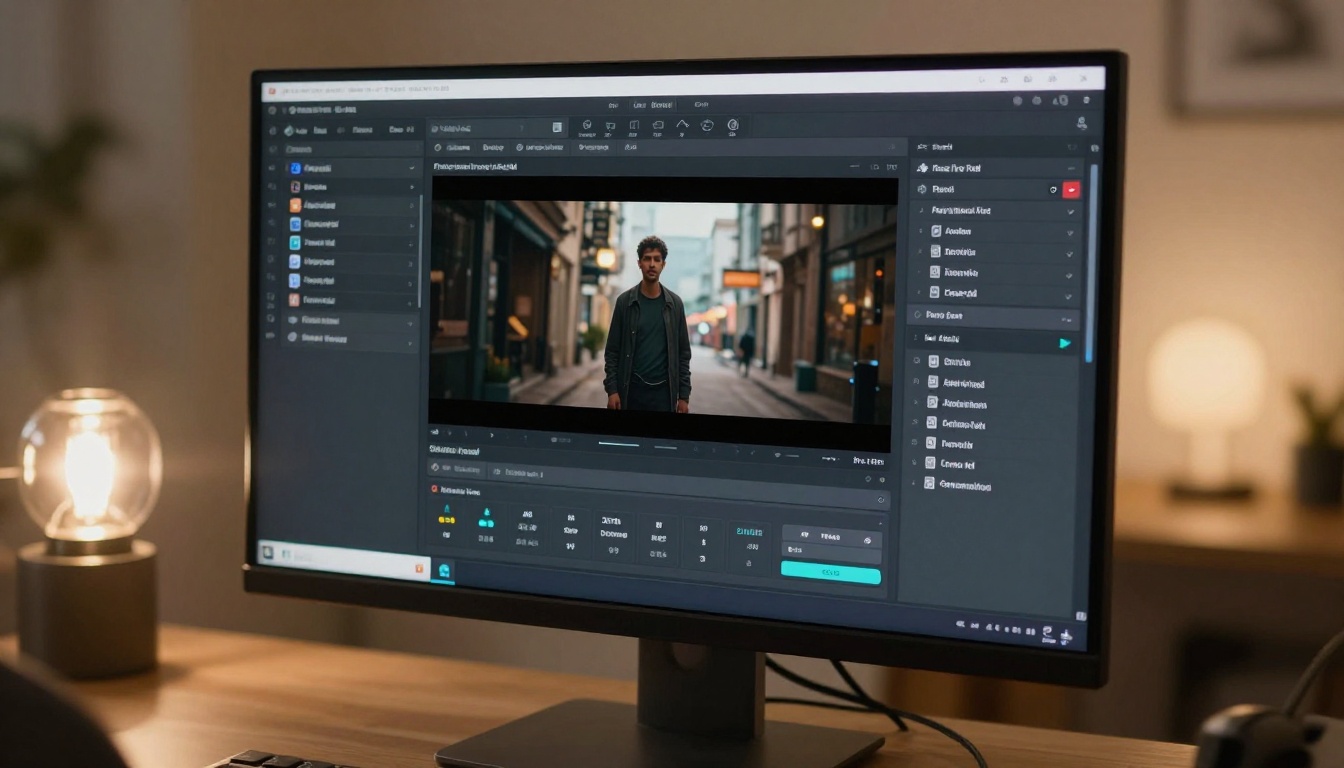
Hailuo 2.3 is Minimax's flagship text-to-video model, built for cinematic output at scale. On PicassoIA, it runs alongside its faster sibling, Hailuo 2.3 Fast, which trades some quality for dramatically reduced wait times. The model's main appeal is motion coherence: where many AI video generators produce characters who drift or flicker mid-clip, Hailuo 2.3 holds subjects stable across all five seconds. Lips move naturally, fabric folds with realistic weight, and camera movements feel deliberate rather than mechanical.
Both versions accept image-to-video inputs, meaning you can upload a still image and animate it with a motion prompt. This is especially relevant for NSFW use cases, where the quality of your source image determines the ceiling of your final video output.
Speed vs. Quality
Hailuo 2.3 Full generates higher fidelity output, typically in the 720p to 1080p range, at a moderate generation speed. Hailuo 2.3 Fast cuts generation time significantly while preserving roughly 80% of the visual quality. For content where motion matters more than pixel-perfect texture, the Fast version is usually the better practical choice.
How PicassoIA Runs It
On PicassoIA, Hailuo 2.3 runs without complex credit systems. You pay per generation, the queue is generally fast, and the interface accepts prompt, source image, and resolution parameters without requiring advanced setup. Generation typically completes in 40 to 90 seconds depending on queue load.
Where Hailuo 2.3 Falls Short for NSFW

The honest answer to whether Hailuo 2.3 is NSFW-friendly is: mostly no. Minimax has hardcoded content filters into the model at the inference level. These filters are not prompt-engineering problems. They are model-level policies that do not bend regardless of how you phrase your input, which generation platform you use, or how clean your source image looks.
What It Blocks and Why
Hailuo 2.3 consistently blocks:
- Explicit nudity of any kind, including partial
- Sexually suggestive poses with visible skin in intimate body areas
- Implied sexual acts, even when non-explicit and non-anatomical
- Prompts with adult action descriptions, even when the source image is clean
What it allows is broader than many people expect:
- Bikinis and swimwear, including revealing or high-cut styles
- Lingerie in fashion editorial and lifestyle contexts
- Suggestive but fully-clothed scenes with romantic framing
- Intimate settings (bedroom, private pool) without explicit content
Minimax built Hailuo 2.3 for a broad commercial audience. The model is available through multiple platforms and APIs, and the content policy is designed to keep it accessible across markets with different regulatory environments. That policy sits at the model inference layer, not at the platform wrapper, so no API trick or system prompt changes it.
The Workaround People Use
💡 What actually works: If you use Hailuo 2.3 with a clean source image that contains no explicit content, then write a motion prompt focused on camera movement (slow pan, gentle dolly, slight tilt) rather than character action, the filters rarely trigger. You get high-quality cinematic motion without content rejection. Focus the prompt on how the scene moves, not what the subject does.
This approach works reliably for glamour and fashion content. It does not work for anything approaching explicit material. If your content goal sits in that territory, a different model is the right tool.
Better NSFW Video Models on PicassoIA

PicassoIA hosts several video models that handle adult content with significantly less friction than Hailuo 2.3. Each occupies a different point on the quality-versus-permissiveness spectrum.
Wan 2.7 I2V: The Go-To for Adult Content
Wan 2.7 I2V is the most consistently permissive video model on PicassoIA for adult content. It animates still images with realistic motion, handles skin texture well, and does not apply the same hardcoded rejection logic that Hailuo 2.3 uses.
Key advantages:
- Accepts suggestive source images without modification or rejection
- Handles intimate motion prompts with better fidelity than alternatives
- Produces consistent 720p output with natural, smooth movement
- Fast queue time on PicassoIA with reliable results
The motion quality is slightly less cinematic than Hailuo 2.3 at its best, but for NSFW use cases where the content itself matters more than camera choreography, Wan 2.7 I2V is the more reliable and practical choice.
Pixverse v5.6: Suggestive Without the Friction
Pixverse v5.6 sits in an interesting middle ground. It is more permissive than Hailuo 2.3 for suggestive content while maintaining some restrictions around fully explicit material. For content that is suggestive but not explicit, Pixverse v5.6 often produces better-looking results than more permissive alternatives because the model architecture prioritizes visual quality.
It excels at:
- Fashion and glamour video animation from still images
- High-quality skin rendering with natural lighting response
- Scenes with revealing attire in natural settings (beach, pool, indoor lifestyle)
- Smooth, artifact-free motion without body distortion
Kling v3: Cinematic Quality with Fewer Limits
Kling v3 Video delivers cinematic output quality comparable to Hailuo 2.3 but with more relaxed content handling for suggestive and adult-adjacent material. If you need high-end cinematic motion in adult content, Kling v3 is worth testing.
The model particularly excels at:
- Slow, deliberate camera movements that feel expensive and intentional
- Skin and hair rendering under dramatic or directional lighting
- Long-form motion coherence, keeping the subject visually consistent across all five seconds
- Complex environments (rooftop, water, nighttime scenes) without visual breakdown
Seedance 2.5: The Fast Option
Seedance 2.5 is a strong option when speed matters and you need consistent lifestyle and glamour video output. It is faster than Kling v3, more permissive than Hailuo 2.3, and produces clean 1080p results with good subject stability. For social content or rapid iteration across multiple looks, Seedance 2.5 cuts time without cutting too much quality.
💡 Best workflow: Generate your source image first with Seedream 4.5 (see next section), then animate with Kling v3 or Wan 2.7 I2V. This two-step process from still to motion delivers results that far exceed direct text-to-video prompting.
For Images First: Seedream 4.5 Is the Answer
Before you can animate anything, you need a source image. For NSFW content on PicassoIA, Seedream 4.5 is the standard starting point. It is fast, produces high-fidelity photorealistic results, and handles adult content prompts with minimal friction.
The model's strengths for NSFW image generation:
- Photorealistic skin rendering: Natural texture, pore detail, and lighting response that other models flatten or over-smooth
- Pose accuracy: Handles complex poses without the anatomical drift common in competing generators
- Fast generation: Average output in under 30 seconds on PicassoIA
- Strong prompt adherence: Follows detailed appearance, environment, and lighting prompts closely, reducing iteration time
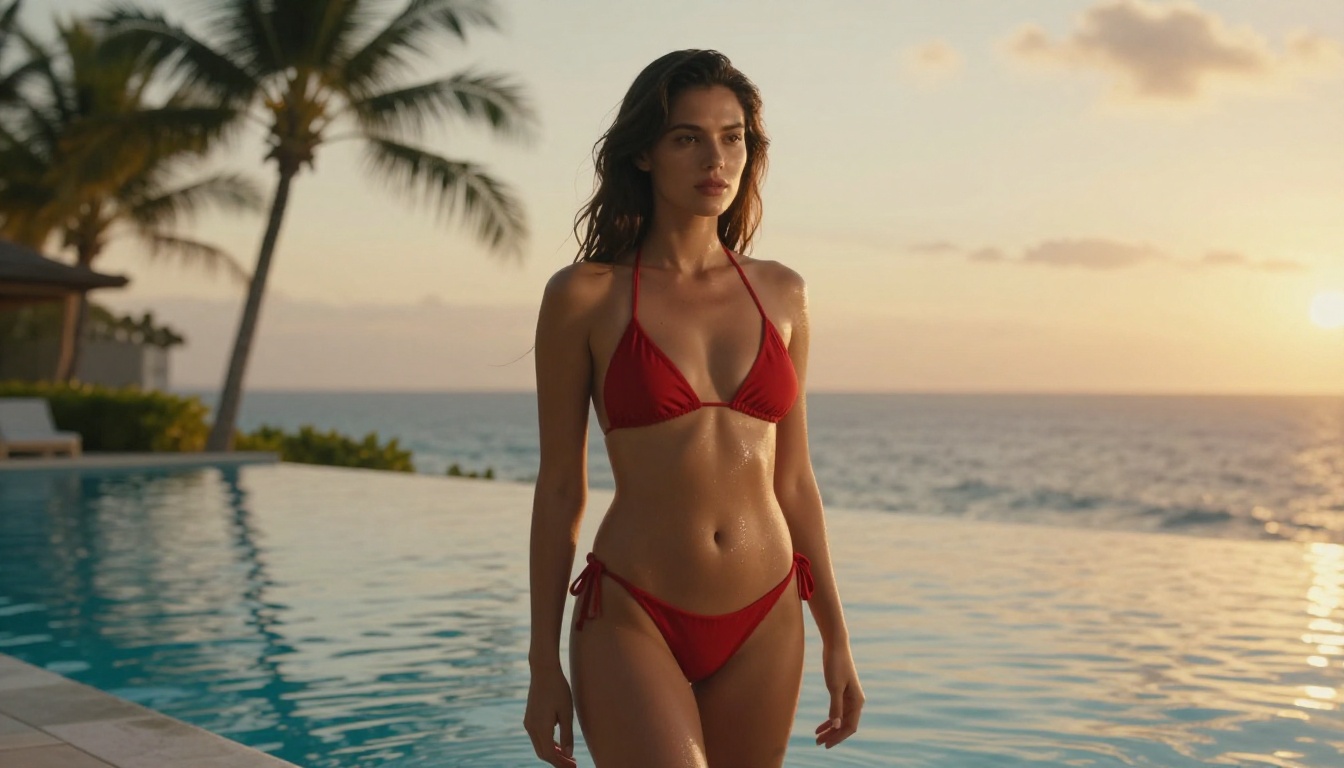
Seedream 5 Pro offers higher overall image quality but applies stricter content filters for explicit material. It works well for high-end fashion and editorial content where you are not pushing content boundaries. Do not use Seedream 5 Lite for NSFW work. It blocks adult content at the model level and will distort or reject your prompts without warning.
PicassoIA Image Editor Pro: No Daily Cap
Once you have a good base image from Seedream 4.5, PicassoIA's Image Editor Pro lets you refine it with unlimited generations. You can inpaint specific areas to adjust detail, outpaint to extend the composition, or modify lighting and background elements before passing the final image to your video model. This refinement step significantly improves the quality of animated output because the video model has a cleaner, more intentional frame to work from.
How to Use Hailuo 2.3 Fast on PicassoIA
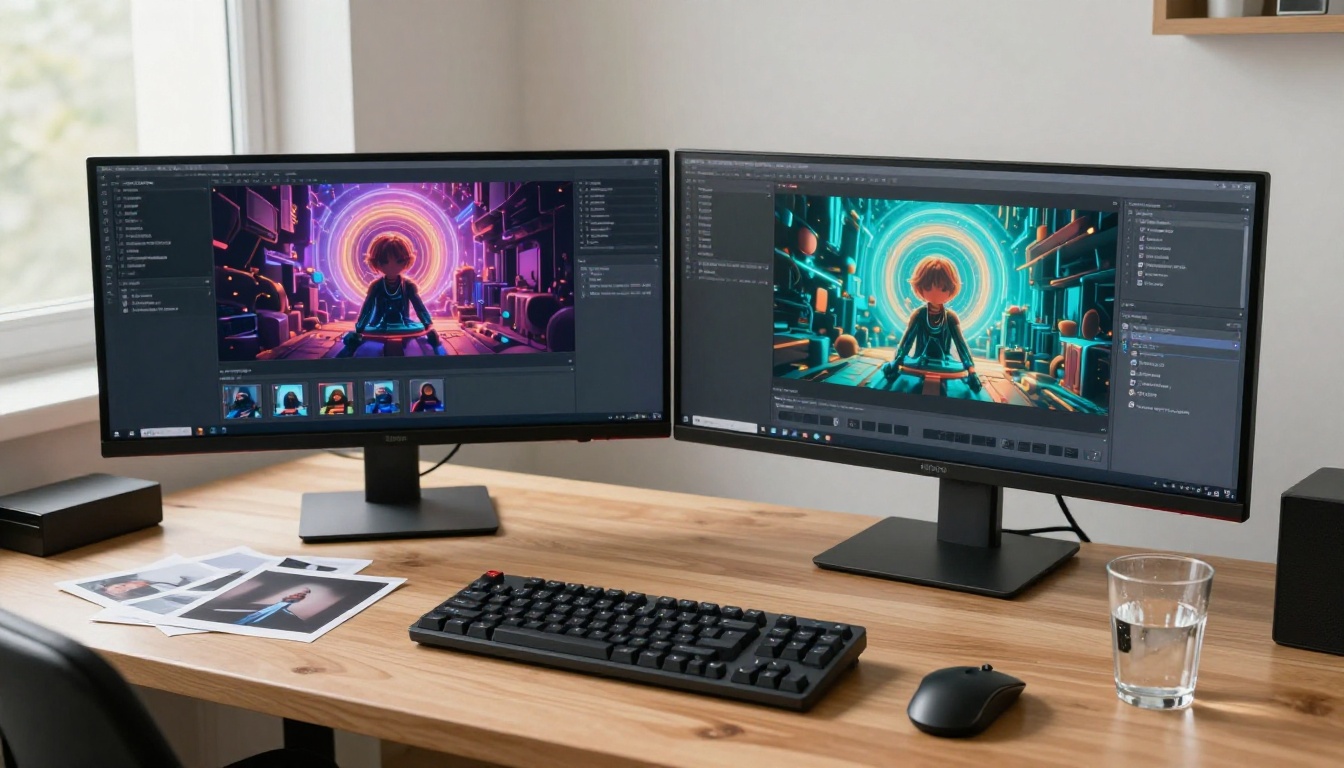
Even with its content limitations, Hailuo 2.3 Fast is worth knowing how to use correctly. For content that falls within its policy, specifically glamour, fashion, bikini, and tastefully suggestive scenes, it produces some of the best motion quality available on PicassoIA.
Step 1: Start with a Clean Source Image
Your source image determines everything. Use Seedream 4.5 to generate an image that shows your subject in a defined pose and environment, avoids any explicit skin exposure in sensitive areas, and has good lighting that the video model can use as motion cues. Photorealistic images with natural lighting (golden hour, soft studio box, window light) work better than heavily stylized or dramatically filtered inputs. Hailuo 2.3 reads lighting direction and uses it to inform how shadows and highlights evolve across frames.
Step 2: Write a Motion Prompt That Works
The prompt structure for Hailuo 2.3 that consistently delivers results follows this pattern:
Subject + starting state, motion over time, camera movement, lighting and atmosphere
Examples that work well:
- "Woman in red bikini standing at pool edge, gentle breeze moves her hair, slow dolly forward, warm golden hour light"
- "Model in lingerie against white wall, subtle weight shift from one hip to the other, soft studio lighting, static camera"
- "Woman at beach, fabric of dress moves in ocean wind, camera slow pan right, late afternoon warm sun"
Prompts that trigger filters on Hailuo 2.3:
- Any description mentioning explicit body parts by name
- Descriptions of clothing removal or fabric displacement
- Prompts describing inherently sexual actions or interactions
Keep your motion prompt focused on environmental motion (wind, water, light changes) and subtle physical movement (breath, hair, fabric) rather than character-driven action. This framing reliably produces clean outputs without triggering content rejection.
Step 3: Animate and Download
Submit your image and prompt via the Hailuo 2.3 Fast page. Generation typically takes 40 to 90 seconds. Download the MP4 directly from the results page. If the output comes back distorted or incomplete, do not re-run the same prompt. Adjust the motion description to be less directive about body movement and more focused on environmental elements. This resolves filter-adjacent issues in most cases.
NSFW AI Video Model Comparison
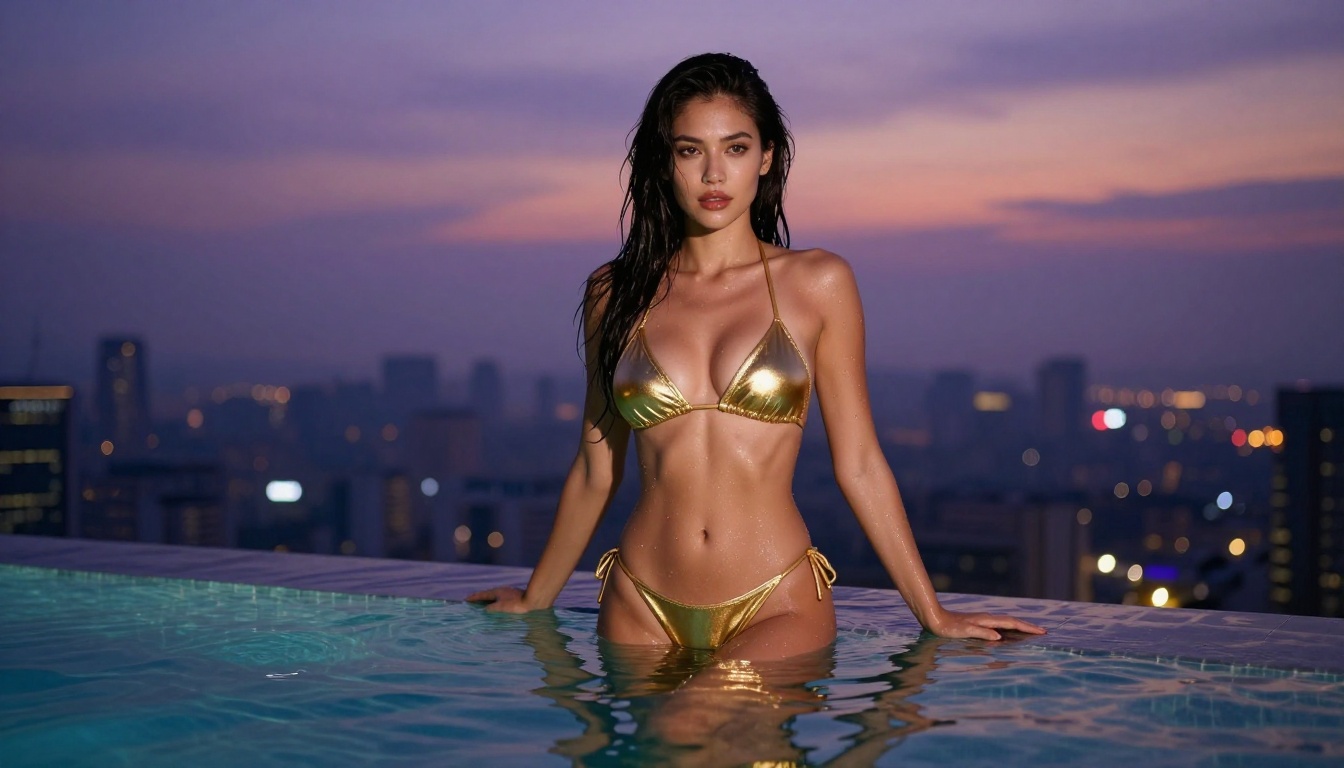
For still image generation:
| Model | NSFW Permissiveness | Quality | Speed |
|---|
| Seedream 4.5 | High | Very High | Fast |
| Seedream 5 Pro | Medium | Highest | Medium |
| Seedream 5 Lite | Very Low | High | Fastest |
3 Mistakes People Make With NSFW AI Video

1. Skipping the image step
Most people go straight to the video model with a text prompt and wonder why results are inconsistent. For NSFW work, this almost always underperforms. The right workflow starts with a high-quality still image. Generate it with Seedream 4.5, refine it in PicassoIA's Image Editor Pro, and then animate. The video model has significantly more to work with, and content filters are easier to navigate when the visual context is already established in the source frame.
2. Using the wrong model for the content type
Hailuo 2.3 is a great model used for the wrong purpose when it comes to adult content. People choose it because it is popular, not because it fits their actual needs. Match the model to your requirements. If you need uncensored animation of adult content, use Wan 2.7 I2V. If you need high-quality suggestive content without explicit elements, use Pixverse v5.6. If you need premium cinematic quality with moderate adult content, use Kling v3 Video. Defaulting to the most famous model regardless of fit is the single biggest reason people get disappointing results.
3. Writing explicit action in the motion prompt
Even on permissive models, action-focused prompts that explicitly describe what the subject is doing rather than how they are moving consistently produce worse results. This is because video models are optimized for physical motion, camera behavior, and environmental change, not for narrative action interpretation. Focus your motion prompts on observable movement (hair, fabric, light shifts, camera trajectory, breathing) and let the source image carry the content information. This approach produces better outputs across every model tested, from Hailuo 2.3 to Wan 2.7.
💡 Quick tip: Write your motion prompt as if you are directing a cinematographer, not writing a scene description. "Camera slow dolly in while subject's hair moves in wind, warm amber light from left" outperforms "woman walks forward seductively" in both quality and filter tolerance.
Start Creating on PicassoIA
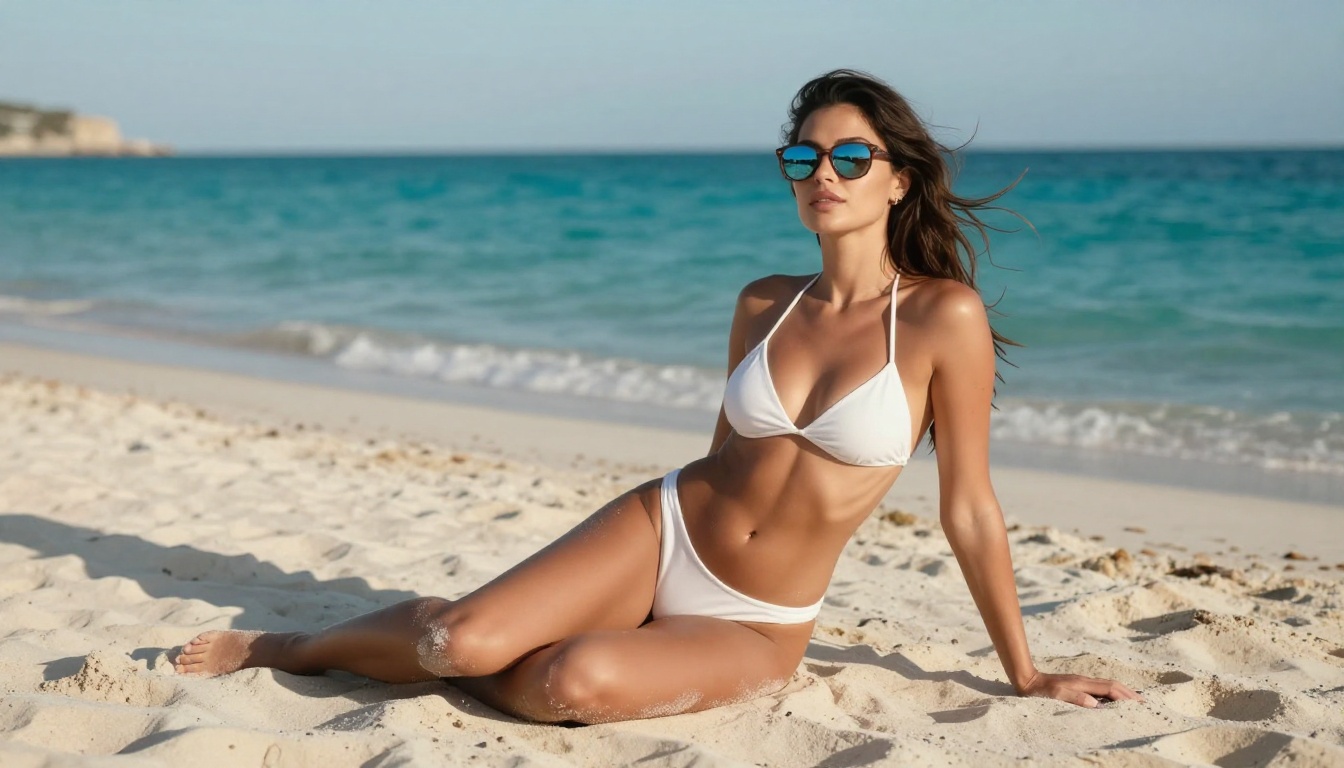
The real answer to whether Hailuo 2.3 is NSFW-friendly depends entirely on your definition of the term. For glamour, fashion, and tastefully suggestive work, it handles the job with excellent quality and consistent results. For adult content with any explicit dimension, it falls short of what other models on PicassoIA provide.
The good news is you have real, tested options. Wan 2.7 I2V covers the permissive end of the spectrum. Pixverse v5.6 and Kling v3 Video cover the quality-focused middle. And Seedream 4.5 gives you the image foundation to make all of them perform at their best.
The workflow is simple: generate your image with Seedream 4.5, animate with Wan 2.7 I2V or Kling v3 Video, and compare against a direct Hailuo 2.3 attempt. The difference in content freedom and output quality will be immediately obvious.
Browse the full library of 500+ models at picassoia.com/en/all-models and find the exact combination that fits your creative goals.


