Uploading your face to an AI app feels instant and harmless. You snap a selfie, wait a few seconds, and out comes a stylized portrait, a digital avatar, or a glamour photo that looks like it was shot in a professional studio. But behind that polished interface, something much more significant is happening with your biometric data, and most people never stop to ask what.
This article breaks down exactly what AI platforms do with facial images, which risks are real versus overhyped, how privacy laws protect you, and how to create stunning AI portraits without giving away more than you should.
What AI Apps Actually Do With Your Face
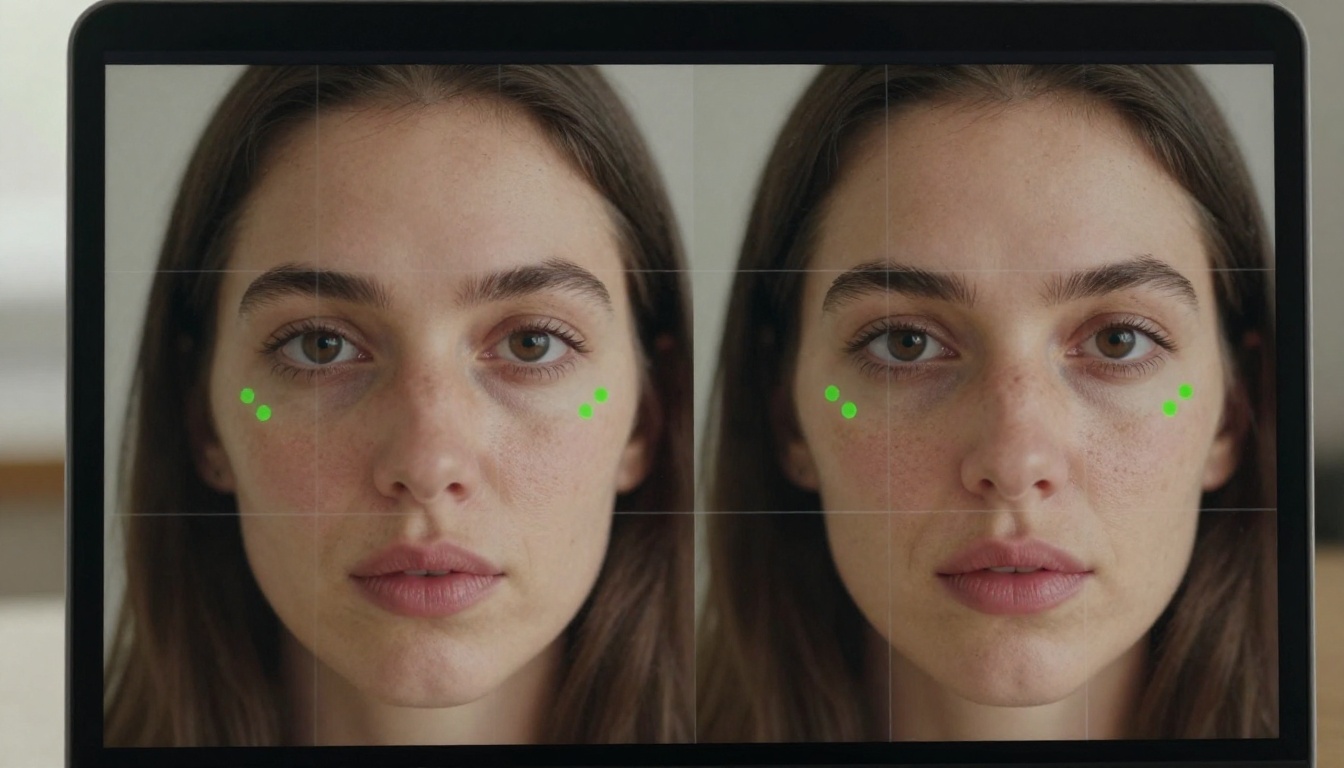
Most apps that accept face uploads fall into one of three categories: they delete your image immediately after processing, store it temporarily for a session, or retain it indefinitely. The problem is that users rarely can tell which type they are dealing with from the interface alone.
Your Photo Becomes Training Data
When you accept an app's terms of service, you typically grant a broad license over any content you upload. For many AI companies, that includes the right to use your images to improve their models. Your face, the precise geometry of your features, how light falls across your skin in different conditions, and thousands of other micro-attributes can all become reference data for ongoing algorithm improvement.
This is not inherently malicious. It is how machine learning improves. But it does mean your face can exist, in abstracted form, inside a model generating millions of images for other users.
How Long Your Data Stays
Some apps are explicit about retention policies. Others are deliberately vague. Watch for language like "we may retain de-identified data for research purposes." That phrase is doing a lot of work. De-identified data can sometimes be re-identified, and biometric information as distinctive as a human face is particularly vulnerable to that process.
The safest assumption: if an app does not explicitly state it deletes your image within hours of processing, it probably keeps it.
Who Else Sees Your Face
Beyond the app company itself, your facial data may pass through multiple parties:
- Cloud infrastructure providers (AWS, Google Cloud, or Azure hosting the app's backend)
- Analytics and performance monitoring platforms integrated into the product
- Third-party research partners and affiliated companies
- Future acquirers if the startup is bought or its assets sold in an acquisition
💡 Before uploading, search "[App Name] privacy policy facial data" to find specific language about biometric retention and third-party sharing.
The Real Risks Worth Taking Seriously

Fear-mongering around AI and faces is widespread. The actual risks are more specific, and separating them clearly makes it easier to make informed decisions.
Deepfake Creation
The most publicly visible concern is someone using your face to produce realistic fake video or imagery. Deepfake technology has improved significantly over the past few years, and even a single high-resolution photo provides enough facial geometry to animate convincingly in contexts you never approved.
The risk is higher for public figures, but private individuals have been targeted, particularly in cases involving non-consensual intimate imagery. Countries including the UK, Australia, and several US states now treat this as a criminal offense, but enforcement remains inconsistent globally.
Biometric Data Breaches
Passwords can be changed after a breach. Your face cannot. If a company stores biometric data and suffers a security incident, that data is compromised permanently. Several notable facial data breaches have already occurred at consumer AI apps and facial recognition databases, affecting millions of people with no way to undo the exposure.
Cross-Platform Facial Recognition
Some platforms feed uploaded photos into broader facial recognition pipelines. A selfie submitted for a creative portrait app could, in some cases, be matched against public databases, social media profiles, or commercial recognition tools, depending on the company's data partnerships and internal product roadmap.
| Risk Type | Real-World Likelihood | Impact If It Happens |
|---|
| Training data retention | Very High | Low to Medium |
| Third-party data sharing | High | Medium |
| Data breach exposure | Moderate | High |
| Deepfake creation | Low to Moderate | High |
| Cross-database facial recognition | Low | Very High |
What the Law Says About Your Face
GDPR Treats Facial Data as Special
In the European Union, facial images processed to uniquely identify a person fall under special category data in the GDPR. Requirements for companies include:
- Explicit informed consent, not just acceptance of buried terms buried in a long document
- The user's right to access, correct, and delete stored data on request
- Fines of up to 4% of global annual revenue for violations
If you are in the EU and an AI app is using your face for training without clear, separate consent, that may constitute a GDPR violation you can report to your national data protection authority.
US Laws Are Fragmented
The United States has no comprehensive federal biometric privacy law. Several states have passed meaningful protections worth knowing:
- Illinois BIPA (Biometric Information Privacy Act): Among the strongest in the world. Requires written consent before collecting biometric data, with statutory damages of $1,000 to $5,000 per violation.
- Texas: Requires notice and consent for biometric data collection, with $25,000 penalties per intentional violation.
- California CCPA/CPRA: Treats biometric data as sensitive personal information requiring opt-in consent for certain uses.
- Washington: Has a specific facial recognition law governing commercial use.
If you are in Illinois and a company collected your facial data without proper consent, you have concrete legal options available to you.
What "Consent" Really Means in App Terms
Most app terms include language like: "by uploading content, you grant us a non-exclusive, royalty-free, worldwide, irrevocable license." The word "irrevocable" is the one to watch. It means even after you delete your account, the company may argue it retains rights to content you already uploaded.
True consent under GDPR requires that you were clearly informed before uploading, could refuse without losing core functionality, and can withdraw consent at any time with full data deletion. Most consumer AI apps operating outside the EU do not come close to meeting that standard.

Reading Privacy Policies That Actually Matter
A platform worth trusting will answer four questions in plain language within its privacy policy:
- How long are uploaded images retained after processing?
- Are images used for model training, and can you opt out?
- Who has access to your data beyond the core product team?
- How do you request full data deletion?
If you cannot find clear answers to all four in under five minutes of reading, treat that as meaningful signal about how the company prioritizes your privacy.
Red Flags Worth Knowing
- No privacy policy link visible in the app or on the landing page
- Language granting "perpetual" or "irrevocable" licenses to your uploaded content
- No mechanism anywhere to request account and data deletion
- "We may share data with partners" without naming who those partners are
- Apps hosted by companies in jurisdictions with weak privacy enforcement and no EU data processing agreements
💡 A quick test: email the support address asking "How do I delete all data associated with my uploaded images?" A trustworthy platform responds clearly within 48 hours. Silence or vague replies tell you what you need to know.
When Uploading Your Face Is Actually Worth It
The risks above are real, but they are not universal. Uploading a selfie to a transparent, purpose-built AI portrait platform is a fundamentally different situation from feeding your face into a social app's backend for ad targeting and behavioral profiling.
AI Portrait Generation With Real Creative Value
For legitimate creative use cases, AI portrait tools deliver results that would have required a professional photographer and significant budget just three years ago:
- Professional headshots for LinkedIn profiles, resumes, or press kits
- Artistic portrait styles ranging from natural studio photography to cinematic editorial
- Consistent visual identity across social content on multiple platforms
- Personal and family portraits in styles that match your aesthetic preferences
The important variable is choosing platforms built for generation rather than data collection.
How Picasso IA Approaches Image Processing
Picasso IA runs generation through models like Flux Pro and Flux Kontext Fast via Replicate's API. The architecture is generation-first: images pass through the model to produce an output, and that output belongs to you. The platform is not designed to build facial recognition databases or sell your visual data to advertising networks.
How to Create AI Portraits on Picasso IA

The smartest way to create AI portrait imagery is through well-crafted text prompts, without uploading your face at all. This gives you photorealistic results with zero biometric data exposure.
Step-by-Step With Flux Pro
Flux Pro is one of the most capable text-to-image models available today, producing portrait results that rival professional photography sessions at a fraction of the cost.
Step 1: Open Flux Pro on Picasso IA
Navigate to Flux Pro in Picasso IA's text-to-image collection. No credit card required to try.
Step 2: Write a detailed portrait prompt
The more specific your description, the better the output. Include:
- Subject description: age range, hair color and length, expression, clothing style
- Lighting: "soft morning window light from the left, volumetric glow, gentle shadows"
- Background: "blurred urban street, shallow depth of field, bokeh"
- Camera style: "shot with 85mm f/1.4 lens, Kodak Portra 400 film grain, photorealistic RAW photography"
Example prompt: "Portrait of a woman in her early 30s, dark curly hair, calm confident expression, white linen shirt, soft morning window light from left, blurred garden background, 85mm f/1.4 lens, Kodak Portra 400 film grain, photorealistic RAW photography"
Step 3: Choose your aspect ratio
For portrait orientation, use 3:4 or 1:1. For cinematic headshots or editorial compositions, 16:9 works well.
Step 4: Generate and refine
Run the generation. Adjust prompts to refine skin tone, lighting mood, or expression detail. Phrases like "natural skin texture," "warm color grading," and "authentic candid expression" consistently improve realism.
Step 5: Upscale for high-resolution output
Take the result into Google Upscaler for a 4x resolution boost, or use Real ESRGAN for aggressive detail recovery. For portrait work specifically, Crystal Upscaler is optimized for preserving facial detail at high magnification.
Faster Results With Flux Kontext Fast
When you need volume, speed, or rapid iteration, Flux Kontext Fast generates multiple portrait variations quickly and efficiently. It is the ideal tool for testing prompt variations before committing to a high-resolution run with Flux Pro.
For the highest-fidelity photorealism, Imagen 4 Ultra by Google delivers exceptional skin texture accuracy and natural lighting behavior, particularly strong for outdoor daylight and studio portrait scenarios.
5 Rules Before Uploading Your Face Anywhere
Apply these before submitting your face to any platform:
- Find the data retention section of the privacy policy, not just the promotional summary at the top
- Look for a training opt-out toggle in account settings or privacy preferences before uploading anything
- Use a lower-resolution image for tools that do not require high-res input, limiting the available facial geometry data you share
- Test with a non-identifying photo first to evaluate output quality before deciding the platform is worth your face
- Delete your account when done and submit a formal data deletion request if the mechanism exists
💡 If a platform does not allow full account deletion with associated data removal, do not upload biometric information to it.
Checking Your Current Data Exposure
If you are already concerned about your face's digital footprint, these tools can help:
- Google Reverse Image Search: Basic scan for where a specific photo of you appears online
- PimEyes: A facial recognition search engine that finds where your face appears across indexed websites and public pages
- Have I Been Pwned: Account breach checker for email and credential exposure related to platforms you use
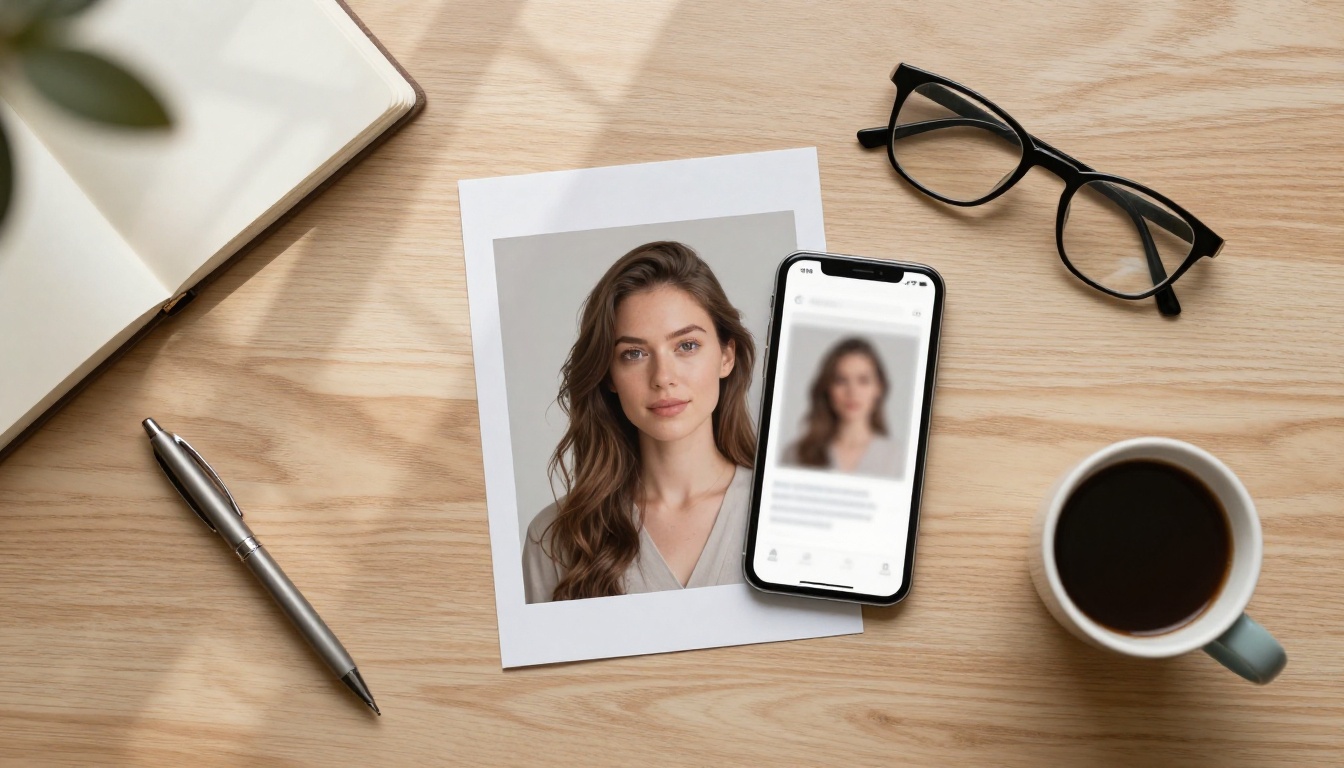
Whether it is safe to upload your face to AI comes down to one thing: which specific platform, and what its business model actually is.
A well-built AI portrait generator with transparent data policies and a generation-first architecture carries a very different risk profile from a social app monetizing your facial attributes for targeting. The underlying AI technology is not the variable. The company's incentives are.
The most privacy-conscious path for AI portrait creation is to skip face uploads entirely and use detailed text prompts with tools like Flux Pro, Imagen 4 Ultra, or Flux Kontext Fast on Picasso IA. The results are photorealistic, the creative range is enormous, and your biometric data stays exactly where it belongs: with you.
Start with a single portrait prompt on Picasso IA. Describe the person, the light, the mood you want to create. Watch the image appear. No selfie required.


