The moment Kling v3 Omni Video dropped, content creators had one burning question: does it support NSFW content? Not the vague kind of question people avoid asking. The real one. Creators building adult content pipelines, digital artists pushing creative boundaries, and curious experimenters all want the same answer: what does Kling v3 Omni actually allow, and what does it shut down flat?
The answer involves content moderation layers, platform-level decisions, and an important distinction between "restricted" and "blocked." If you've been wrestling with failed generations or wondering whether you're wasting time on the wrong tool, this breakdown will settle it.
What Kling v3 Omni Video Is
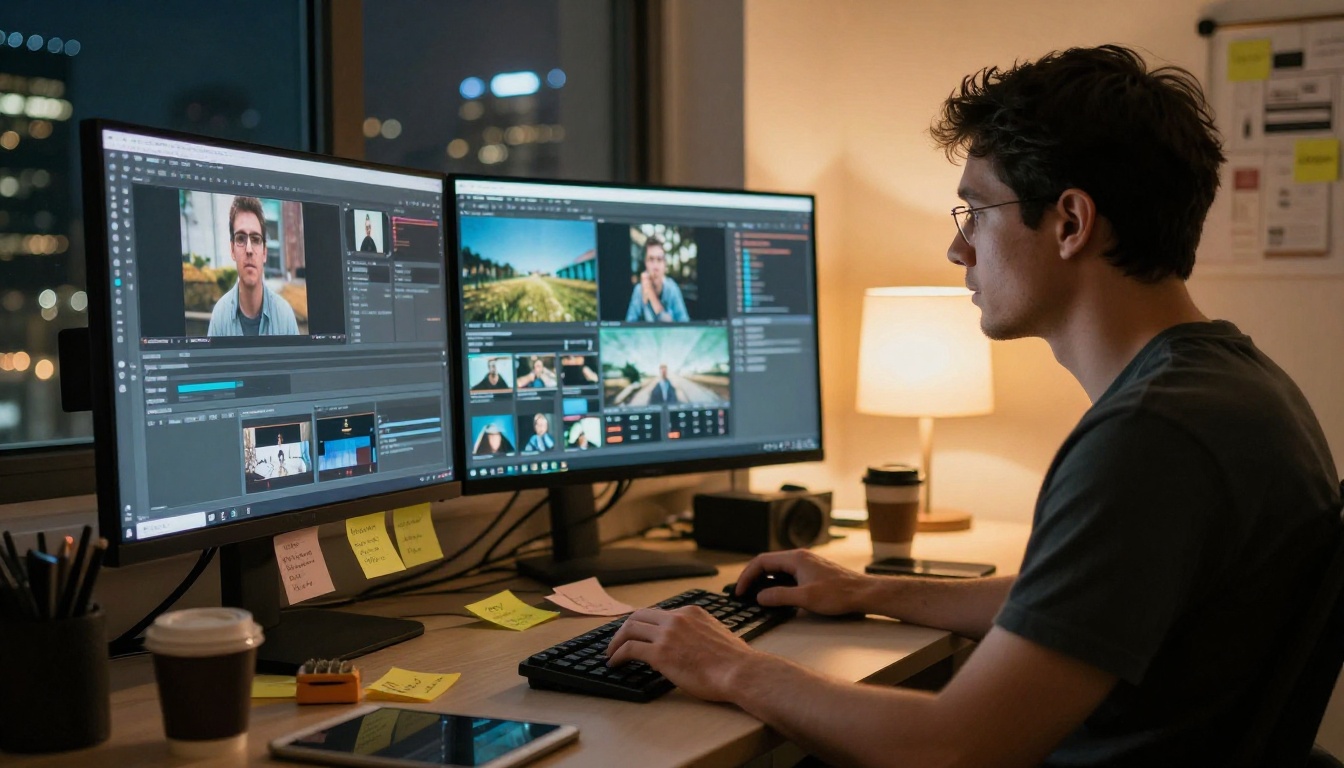
Kling v3 Omni Video is KwaiVGI's most capable text-to-video model to date. The "Omni" designation isn't just branding. It signals that this model accepts both text prompts and image inputs, making it a genuinely multimodal system that previous Kling versions weren't.
You can start with a written description, an existing reference image, or both simultaneously. That flexibility is a significant upgrade for creators who need consistent visual output across multiple clips.
The Technical Specs That Matter
Before the NSFW question, it helps to know exactly what the model delivers:
- Resolution: Up to 1080p output
- Input modes: Text-only, image-only, or text plus image combined
- Motion quality: Substantially improved temporal consistency versus v2.x
- Clip duration: Standard 5-second clips with cinematic motion physics
- Audio: Native synchronized ambient audio
- Camera control: Responds well to explicit camera movement instructions
How v3 Omni Differs from Standard Kling v3
The standard Kling v3 Video model is text-first. You write a prompt and it generates footage. The Omni variant adds the image conditioning layer on top, which gives it two advantages: better character consistency across sessions and the ability to use real photographs as visual anchors for style and composition.
For cinematic work, this matters enormously. Being able to feed the model a reference image alongside a motion prompt means you can maintain a specific aesthetic across a series of clips rather than getting a different visual interpretation every time.
The NSFW Question: What Kling v3 Omni Actually Allows
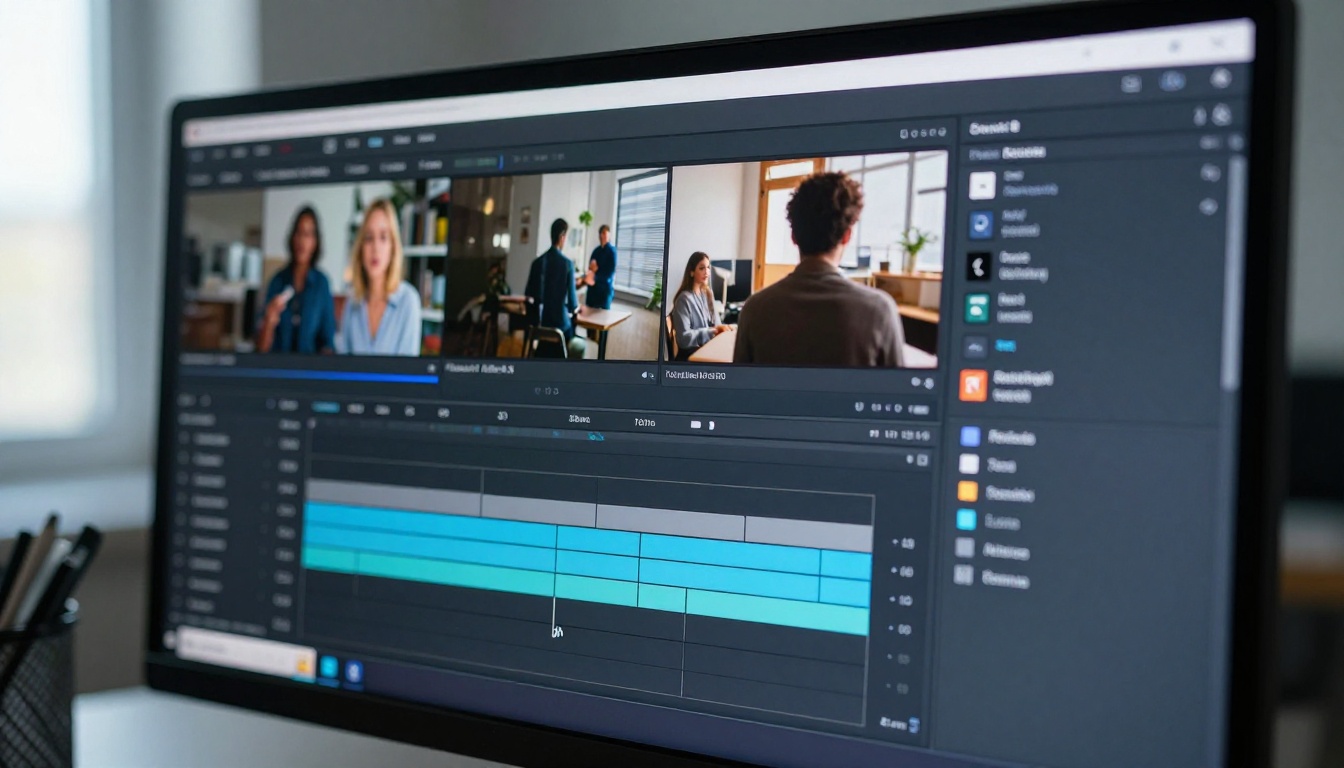
Kling v3 Omni Video does apply content moderation. This is not a platform setting you can toggle off. The filtering system is baked into the model's deployment by KwaiVGI, and it operates at both the prompt level (before generation) and the output level (reviewing what the model produced).
Content that gets blocked:
- Explicitly sexual or pornographic material of any kind
- Graphic violence, gore, or disturbing imagery
- Content involving minors in inappropriate scenarios
- Prompts using language clearly designed to bypass filters
- Simulated sexual acts between real or fictional characters
Content that generally passes through:
- Romantic scenes between adults with tasteful framing
- Swimwear, bikini, and beach content
- Lingerie in fashion or lifestyle contexts
- Suggestive poses that stop short of explicit nudity
- Artistic body shots framed as photography or cinema
- Fashion editorial and glamour imagery
The Gray Area Is Real
The more nuanced reality is that Kling v3 Omni doesn't use a simple allow/block binary. Its contextual moderation means the same subject matter can pass with one prompt structure and fail with another. Two creators submitting nearly identical concepts with different wording can get completely different results.
💡 What actually matters: Prompts that describe artistic intent, cinematic style, or professional photography contexts tend to clear moderation that would otherwise flag the same visual content described in more direct terms.
This inconsistency is deliberate from an AI safety standpoint, but genuinely frustrating for creative workflows. The system is calibrated to allow artistic gray areas while blocking anything that clearly targets explicit output.
Where the Line Actually Sits
The practical content boundary for Kling v3 Omni sits roughly at what you'd see in mainstream commercial advertising and editorial fashion photography. Lingerie campaigns, swimwear editorials, suggestive beauty content, and romantic visual storytelling all typically clear the filter. The moment the subject matter becomes explicitly sexual, the model refuses.
This is the standard applied consistently across the entire Kling family on PicassoIA:
No Kling model supports explicit adult content. This is a firm policy across the entire KwaiVGI lineup.
Why Creators Get Confused About This
Much of the confusion around Kling v3 Omni and NSFW content comes from conflating two different things: what the underlying model is technically capable of in principle, and what the deployed platform version actually permits.
Model Capability vs. Platform Policy
The raw Kling model has been trained on enormous amounts of visual data, including content that includes mature visual references. That training exposure is part of why the deployed model can handle suggestive content without falling apart aesthetically. But the public version wraps a moderation layer around the raw model that intercepts prompts and screens outputs before they reach users.
When you use Kling v3 Omni on PicassoIA, you're working within two stacked content policies: PicassoIA's own standards and KwaiVGI's built-in moderation. Both have to be satisfied for a generation to succeed.
Why Some Reports Claim It Works for NSFW
Occasionally you'll see forum posts claiming that Kling generates explicit content with the right prompt structure. What's actually happening in those cases is one of two things: either the content falls into the gray area that contextual moderation permits (suggestive rather than explicit), or the person is using an unofficial API wrapper with modified safety parameters, which carries its own risks and isn't supported on legitimate platforms.
💡 Important distinction: Purpose-built NSFW AI models designed from the ground up for adult content creation are a completely different category from mainstream models with stripped safety filters. The first is a legitimate product choice; the second creates service and compliance risks.

How to Use Kling v3 Omni Video on PicassoIA
Since Kling v3 Omni Video is available directly on PicassoIA, here's how to get the best possible output within its capabilities.
Step-by-Step Video Generation
Step 1: Open the model page
Navigate to Kling v3 Omni Video on PicassoIA. No installation, no API keys for standard access. The interface is browser-based and runs directly in your session.
Step 2: Select your input mode
Choose between text-only, image input, or the combined mode. For character consistency across multiple clips, always use a reference image alongside your text prompt. This is the Omni advantage and skipping it wastes the model's main strength.
Step 3: Write a motion-first prompt
Kling v3 Omni interprets motion instructions very literally. Describe what moves, how it moves, and where the camera goes. "A woman in a white dress walks slowly toward the camera along a sun-drenched coastal path, camera holds steady" tells the model exactly what to produce. "Beautiful beach scene" tells it nothing useful.
Step 4: Set resolution
Select 1080p for final deliverable outputs. Use 480p for fast iteration and drafts. The quality difference is significant, so don't finalize at lower resolution.
Step 5: Generate and refine
The first output is your baseline. Review it for motion quality, subject consistency, and any moderation issues. Refine the prompt based on what you see rather than regenerating the same prompt repeatedly.
Tips for Consistently Better Results
- Slow cinematic motion is a strength: Kling v3 Omni produces particularly high quality on slow, deliberate camera movements. Dolly shots, gentle pans, and pull-back reveals consistently outperform fast-action sequences in quality
- Specify lighting explicitly: "volumetric morning light from the left" produces dramatically better results than "nice lighting"
- Reference image composition matters: The cleaner and better-lit your source image, the more the model can maintain visual consistency across the clip
- Avoid generic beauty language: Words like "beautiful," "stunning," and "gorgeous" don't give the model actionable information. Describe the specific visual you want instead
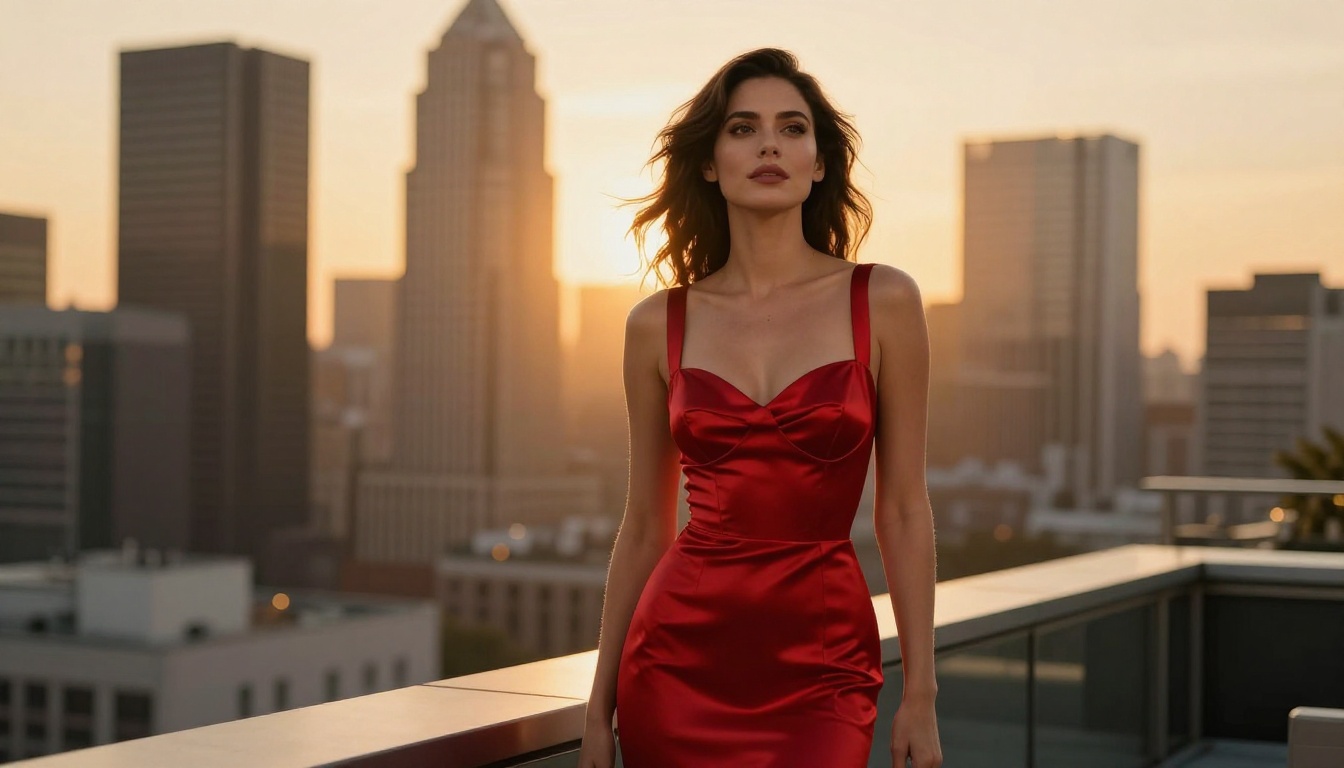
What Kling Won't Do: The Firm Limits
Here's the direct list of what Kling v3 Omni Video refuses to generate, because knowing the limit saves iteration time:
- Nudity with sexual context: Even implied nudity in clearly sexual scenarios gets consistently blocked
- Explicit sexual acts: No exceptions in any framing or prompt structure
- NSFW content involving simulated real individuals: This category is flagged aggressively
- Escalating bypass attempts: Repeated near-miss attempts make the moderation system more aggressive, not less
If your content workflow requires material in the explicit category, Kling v3 Omni is the wrong tool. Not because its visual quality is lacking (it's among the best available at 1080p), but because the pipeline will break repeatedly on the specific content you need. Using the right tool for the job is more efficient than trying to work around filters on a model not designed for that purpose.
Best NSFW AI Models on PicassoIA
For creators who need genuine unrestricted generation, PicassoIA provides purpose-built models that don't apply the same content restrictions as mainstream models like Kling. These are designed specifically for adult creative work.
Top Image Models for Adult Content
1. Seedream 4.5 ⭐
The top NSFW image model currently available on the platform. Seedream 4.5 accepts adult content without filtering, supports image editing workflows on top of text-to-image generation, and delivers results in under 3 seconds. The speed and quality combination is what puts it at the top of this list. Important note: the newer Seedream 5 Lite does not support NSFW. Stay on 4.5 for adult content work.
2. PicassoIA Image Editor Pro
This is an img2img model with one overwhelming economic advantage: unlimited generations on Elite and Infinite plans. Need 1,000 images? That's the same cost as 10. Models like Nano Banana 2 would charge approximately $100 for that volume. Here, it's included. The model accepts NSFW content, returns results in under a second, and offers a free 3-generation trial requiring no credit card.
3. Qwen Image 2
Open-source at its core, which means no artificial content restrictions were built in for commercial reasons. Edits or creates any image in seconds with detailed realism and accepts adult prompts.
4. Grok Imagine Image
Specializes in realistically converting any photograph to swimwear or bikini format. The results are notably realistic and the workflow is straightforward.
5. Recraft V4
Text-to-image only, but produces very realistic NSFW output without content filtering. Works well for precise textual descriptions of adult imagery.
6. P-Image
Generates NSFW text-to-image content in under 1 second. When generation speed is the priority, this is the go-to option.
Top Video Models for Adult Content
7. PicassoIA Video
Unlimited video generation from text prompts at up to 720p and 5 seconds per clip. No generation limits on Elite and Infinite plans, which makes it the most cost-effective option for high-volume adult video content.
8. P-Video
Text, image, or audio-to-video at up to 1080p with the safety filter disabled by default. Duration adjustable from 1 to 10 seconds across seven aspect ratios. Draft mode delivers a fast low-resolution preview before committing to a full render.
9. Grok Imagine Video
Generates clips up to 15 seconds from text, image, or an existing video clip. 720p or 480p output with no watermarks. One of the most flexible unrestricted video generators on the platform.
10. LTX 2.3 Pro
The highest fidelity option: up to 4K at 50fps with retake and extend editing modes for precise creative control. When output quality is the priority above all else, LTX 2.3 Pro is the answer.

Kling v3 Omni vs. Unrestricted Video Alternatives
Here's a direct side-by-side comparison to make the tool selection straightforward:
| Feature | Kling v3 Omni | P-Video | Grok Imagine Video | LTX 2.3 Pro |
|---|
| Max Resolution | 1080p | 1080p | 720p | 4K |
| NSFW Support | Suggestive only | Full (filter off by default) | Full | Full |
| Clip Length | 5s | 1-10s | Up to 15s | Adjustable |
| Input Types | Text and Image | Text, Image, Audio | Text and Image | Text, Image, Audio |
| Watermarks | No | No | No | No |
| Draft Mode | No | Yes | No | No |
For non-explicit cinematic video at 1080p, Kling v3 Omni Video remains one of the best tools available. For workflows requiring adult content without restrictions, P-Video and Grok Imagine Video are purpose-built for exactly that.
The Rest of the Kling Family on PicassoIA
The Kling lineup extends well beyond the Omni variant. Depending on your production needs, one of these alternatives might actually be a better fit for your specific use case:
- Kling v3 Motion Control: When you need precise control over character movement and body animation. Same generation quality as v3 Omni, with additional granularity in motion input. Ideal for animating specific poses or choreographed sequences.
- Kling v2.6: Reliable cinematic output for standard production workflows. Solid and predictable when you don't need the multimodal input of Omni.
- Kling v2.5 Turbo Pro: Speed-optimized version for faster iteration cycles. When you're doing rapid concept testing, the Turbo Pro variant cuts wait times significantly.
- Kling v1.6 Pro: Legacy model, still capable at 1080p. Useful for workflows that value stability and predictability over access to the latest generation techniques.
All of these models apply the same moderation standards as v3 Omni. The content policy is uniform across the entire Kling family: suggestive content is allowed, explicit content is blocked.
💡 When to use Motion Control instead of Omni: Kling v3 Motion Control is the better choice when you need a character to follow a precise movement path or perform a specific choreographed action. Kling v3 Omni handles natural, prompt-directed motion better, while Motion Control gives you more structured control over the result.
The Practical Takeaway
The NSFW question about Kling v3 Omni Video now has a clear answer: it supports suggestive content, not explicit content. That places it firmly in the category of mainstream commercial AI video models that prioritize broad accessibility over adult content creation.
For creators who work in the suggestive-but-tasteful space, fashion editorial, romantic narratives, glamour content, beauty campaigns, and cinematic visual storytelling, Kling v3 Omni delivers excellent results at 1080p. The multimodal input, motion quality, and consistency make it genuinely one of the best tools in that category.
For creators whose workflows require fully explicit adult content, the path forward is the purpose-built models on PicassoIA that are specifically designed for that type of generation. Repeatedly fighting filters on a model that wasn't built for your use case wastes time and produces inconsistent results.
The most efficient approach: use Kling v3 Omni for what it does at a high level, and reach for Seedream 4.5, P-Video, or PicassoIA Image Editor Pro when you need the full range of creative freedom without restrictions.
Start Generating on PicassoIA
PicassoIA puts the complete range of AI generation tools in one dashboard: from Kling v3 Omni Video for high-quality cinematic output to purpose-built models for unrestricted adult content creation, everything runs in the browser with no software to install.
The economics also work differently here. PicassoIA Image Editor Pro on an Elite or Infinite plan gives you unlimited generations: 1,000 images costs the same as 1. That's a fundamentally different cost structure from per-generation pricing that adds up quickly at volume.
Whether you're building a cinematic video series with Kling v3 Omni, creating adult content with Seedream 4.5, or generating video clips with P-Video, the platform supports both workflows without compromise.
Browse the full catalog including every Kling model variant and all NSFW-capable tools at picassoia.com/en/all-models.