One of the most-searched questions in AI video communities right now: does LTX 2.3 Pro allow NSFW content? Lightricks built it as a professional-grade 4K video model, not as an adult content tool, and that design choice has real implications for what you can and cannot generate with it.
The short version: LTX 2.3 Pro has a content filter that blocks explicit material. But the full picture is more nuanced. There is a meaningful range of suggestive, glamorous, and artistic content that the model does handle, and knowing where the line sits will save you a lot of prompt iteration. This article breaks down exactly what the model allows, what consistently gets blocked, how its safety layer operates, and which alternatives on PicassoIA you should reach for when you need fewer restrictions.

What Is LTX 2.3 Pro?
Released by Lightricks, LTX 2.3 Pro represents the most capable model in the LTX family. It generates videos at 4K resolution with strong prompt adherence, smooth temporal consistency between frames, and fast generation times compared to competing models in the same quality tier.
Built by Lightricks
Lightricks has moved aggressively through model generations. The lineage goes from the original LTX Video, through LTX 2 Pro and LTX 2 Distilled, up to the current LTX 2.3 Pro and its sibling LTX 2.3 Fast. Each generation improved motion quality, resolution handling, and prompt-to-video fidelity.
LTX 2.3 Pro uses a transformer-based architecture with a dedicated VAE that maintains consistency across all 5 seconds of the clip. The result is that fast-moving subjects stay sharp, camera movements feel intentional rather than drifting, and color grading stays consistent from first frame to last.

What Makes It Worth Using
Before addressing NSFW restrictions, here is what the model does exceptionally well:
- 4K output resolution: Sharper than the majority of accessible video models
- Image-to-video: Start from a specific image and animate it with precise fidelity to the source
- Temporal stability: No flickering, no frame-to-frame inconsistency
- Prompt coherence: The model stays close to your description across the full clip duration
- Speed: Faster inference than most comparable 4K-capable models
These strengths position it as a first choice for marketing, fashion, lifestyle, and cinematic content where resolution and quality matter.
Is LTX 2.3 Pro NSFW or Not?
Here is the answer without hedging: LTX 2.3 Pro has active content filtering that blocks sexually explicit and pornographic content.
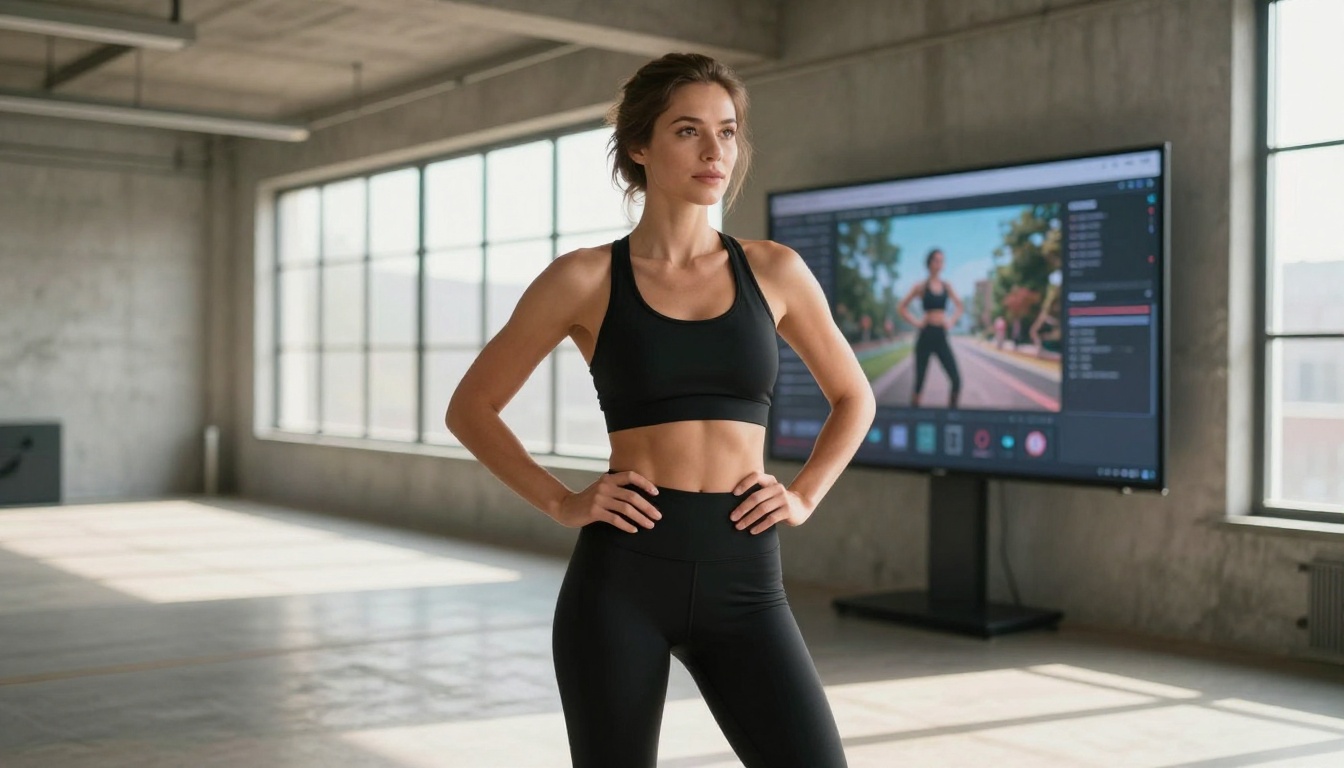
The Direct Answer
LTX 2.3 Pro will not produce pornographic video. That classification is hard-blocked at the infrastructure level. The model will reject the prompt, return an error, or deliver a sanitized output depending on how the content was requested.
What it does allow, with the right framing, covers a meaningful part of the content spectrum:
- Swimwear and bikini scenes
- Glamour photography and fashion editorial style video
- Boudoir-adjacent content where no explicit anatomy is shown
- Sensual couple scenes that stop well short of sexual acts
- Artistic implied nudity where body form is suggested but not explicitly depicted
- Dance, fitness, and athletic content with form-fitting clothing
The boundary sits between explicitly sexual and suggestive. If your content lives in the glamour and artistic space, LTX 2.3 Pro can be part of your workflow. If you need pornographic output, you need a model without those restrictions.
What Gets Blocked
The classifier scores both individual terms and contextual meaning. These patterns reliably trigger rejection:
| Prompt Category | Result on LTX 2.3 Pro |
|---|
| Explicit nudity (anatomically detailed) | Blocked |
| Sexual acts or positions | Blocked |
| Pornographic genre references | Blocked |
| Graphic violence | Blocked |
| Swimwear, bikini, lingerie scenes | Usually allowed |
| Artistic boudoir (non-explicit) | Conditionally allowed |
| Sensual posing, glamour photography | Usually allowed |
| Fitness, athletic, form-fitting clothing | Allowed |
| Implied nudity (artistic framing) | Conditionally allowed |
💡 Framing matters: The classifier reads context, not just individual words. "A woman in a sheer dress by the ocean at sunset" produces very different results than a prompt describing the same scene in explicitly sexual terms.
How Content Moderation Works
LTX 2.3 Pro applies its safety system at inference time, before any video frames are rendered.
Safety Classifiers in Action
When you submit a prompt, the safety classifier scores it against a set of categories including sexual content, graphic violence, and harmful material. If the score on any category exceeds a set threshold, the request is rejected before generation begins. This is why you sometimes get instant rejections rather than a generated-but-blurred output.
This same approach is used by Veo 3, Kling v3, and Seedance 2.5. The specific thresholds differ across models, but the architecture is similar: score before generating, block if above threshold.
Prompts That Reliably Pass
Through real-world testing, these prompt types consistently pass the LTX 2.3 Pro filter:
- Fashion editorial: "A model in a fitted swimsuit walking along a beach at golden hour, slow dolly-in"
- Fitness content: "An athletic woman in sports clothing doing dynamic movement in a bright studio, static wide shot"
- Glamour photography: "A woman in elegant lingerie sitting on a velvet chair in soft diffused studio light"
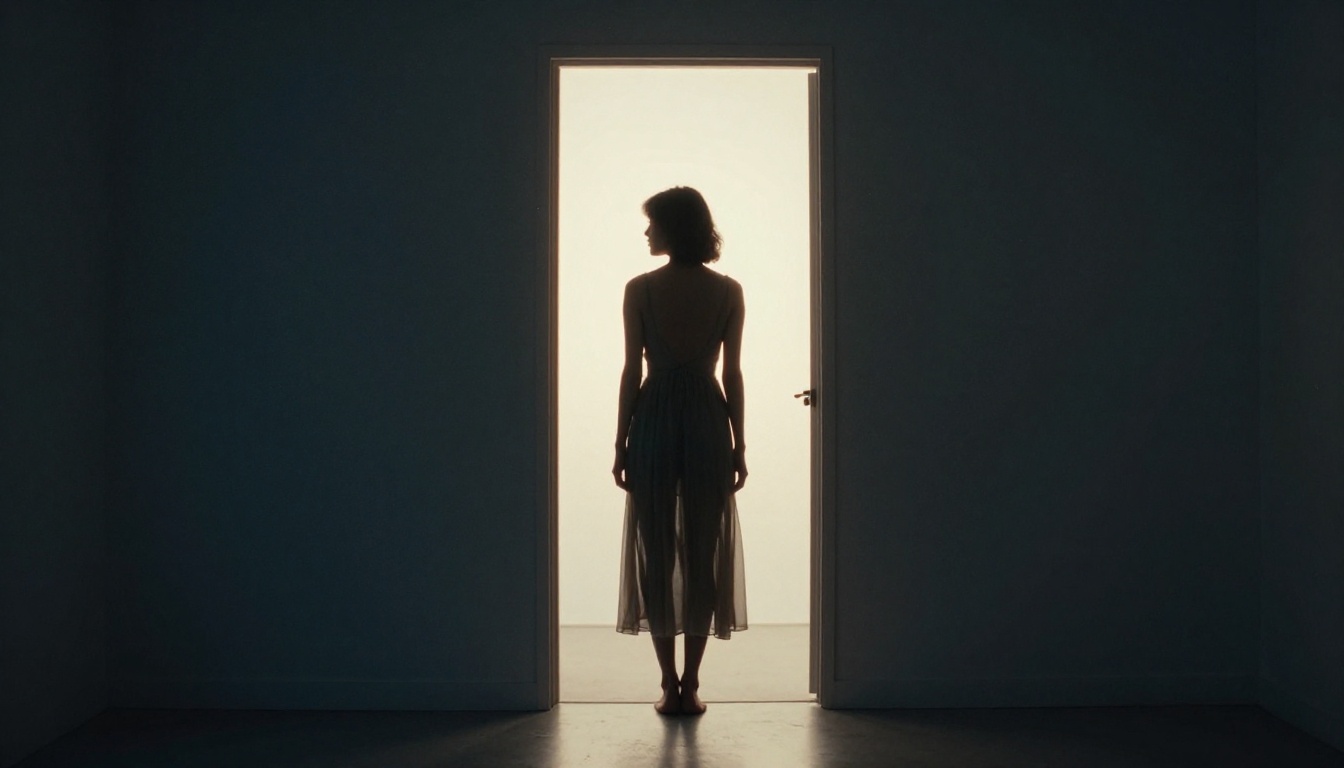
- Artistic implied: "A female silhouette against a frosted window at dawn, backlight creating a soft halo around the figure"
- Dance and movement: "A dancer in a fitted bodysuit performing contemporary choreography on a stage, side angle, dramatic lighting"
The pattern: describe the visual scene photographically. Include lighting, environment, clothing, and mood without describing sexual acts or explicit body parts in a sexualized context.
💡 Practical tip: Reframe any suggestive content as artistic, editorial, or fashion photography. The classifier scores context heavily, not just individual terms.
Best Uncensored Alternatives
When LTX 2.3 Pro won't produce what you need, these models on PicassoIA offer less restrictive options.

Seedream 4.5 for NSFW Images
For adult-oriented image generation, Seedream 4.5 is the model you want. It produces photorealistic images with high artistic fidelity and significantly fewer content restrictions than most comparable image generators.
Seedream 4.5 handles:
- Artistic nude photography style output
- Adult-oriented glamour and boudoir scenarios
- Suggestive and mature content that other models reject
- Complex compositional scenes at high visual quality
The generation speed is fast, output quality is consistently high, and the model does not require elaborate prompt workarounds to produce mature content within artistic parameters.
💡 Critical warning: Do not use Seedream 5 Lite for NSFW content. That model applies stricter content filtering and consistently blocks adult prompts. Seedream 4.5 is the right version for this use case.
NSFW Video: The Image-to-Video Workflow
For adult video content, the most reliable pipeline is:
- Generate your source image with Seedream 4.5
- Animate that image using a video model that accepts image-to-video input
This approach sidesteps prompt-level content classifiers on video models by controlling the first frame directly through a less-restricted image model. The video model animates what it receives rather than generating from a text description alone.
Wan 2.7 I2V is the strongest current option for this pipeline. Its 1080p image-to-video output is high quality, motion rendering is smooth, and it has a reputation for accepting a wider range of input content than competing models.
Hailuo 2.3 is another solid choice, particularly for fashion and glamour scenarios in the mature-but-not-explicit range.
Wan 2.6 I2V rounds out the top three options for animating photorealistic images with minimal artifacts.
The full library of available models is at picassoia.com/en/all-models.
Using LTX 2.3 Pro on PicassoIA
LTX 2.3 Pro is available directly on PicassoIA. Here is how to set it up for the best results within its content parameters.

Step 1: Open the Model
Go to the LTX 2.3 Pro page on PicassoIA and sign in to your account. The interface shows fields for your text prompt and, for image-to-video, an upload area for your source frame.
Step 2: Choose Text-to-Video or Image-to-Video
For maximum creative control, use image-to-video. Generate or upload your first frame, then describe the motion and environment in your prompt. This gives you precise control over the visual starting point and produces more predictable results.
For quick generation or when you don't have a source image, text-to-video works well if your prompt is specific and detailed enough to guide the model clearly.
Step 3: Write a Strong Prompt
Describe the scene with each of these elements:
- Subject: Who or what is in the frame, what they look like, what they are doing
- Environment: Setting, background, spatial context, time of day
- Camera: Angle, lens type, movement direction and speed
- Lighting: Source, direction, quality (hard, soft, diffused, directional)
- Motion: What changes over the 5-second duration, described chronologically from start to end
Step 4: Generate and Refine
Initial generations are starting points. If the motion doesn't match your intent, add more specific camera movement language. If the lighting is off, specify the direction and quality more precisely. Iterating on a base prompt is faster than rewriting from scratch each time.
Parameter Tips
- Resolution: Always select the maximum available setting on LTX 2.3 Pro for the full 4K advantage
- Duration: Standard 5 seconds at 24fps
- Prompt length: 100 to 200 words tends to produce the most coherent and faithful output
- Negations: Avoid "no blur" or "no noise" phrasing. Instead describe what you do want: "sharp, in-focus, high detail"
LTX 2.3 Pro vs. the Competition
Here is how LTX 2.3 Pro stacks up against the models you are most likely to evaluate alongside it.
| Model | Max Resolution | NSFW Policy | Speed | Strength |
|---|
| LTX 2.3 Pro | 4K | Suggestive allowed | Fast | Cinematic 4K quality |
| LTX 2.3 Fast | 4K | Suggestive allowed | Very Fast | Speed at 4K resolution |
| Wan 2.7 I2V | 1080p | More permissive | Moderate | Adult I2V workflows |
| Kling v3 | 1080p | Suggestive allowed | Moderate | Cinematic motion control |
| Hailuo 2.3 | 1080p | More permissive | Fast | Mature content video |
| Seedance 2.5 | 1080p | Suggestive allowed | Fast | Audio-synced video |
| Veo 3 | 1080p | Restricted | Slower | High-fidelity text-to-video |
Where LTX 2.3 Pro wins: Resolution and cinematic quality within content guidelines. For commercial, lifestyle, or fashion content, nothing in this comparison comes close at 4K.
Where to look elsewhere: If you need explicit or adult content beyond suggestive framing, Wan 2.7 I2V and Hailuo 2.3 are the practical alternatives.
Visual Capabilities Beyond Content Policy
LTX 2.3 Pro's technical strengths are worth noting separately from the content discussion, because they apply to every generation regardless of subject matter.

Motion Quality
The model renders physically accurate motion with high consistency. Fabric drapes and moves naturally, hair responds to implied wind and movement, water surfaces ripple with realistic physics, and camera movements feel directed rather than procedural. For content involving human subjects in naturalistic settings, this realism gives you footage that holds up at 4K.
Skin and Material Rendering
LTX 2.3 Pro handles skin tones and natural material textures with more accuracy than most video models at any resolution. Skin looks like skin: natural variation, pore-level texture, realistic highlight response to directional light. Wood grain, fabric weave, and reflective surfaces all benefit from the same attention to material rendering that the architecture applies.
This is particularly relevant for lifestyle, beauty, and fashion content where the quality of human rendering is central to the output's commercial value.
Lighting Transitions
A common failure in AI video models is the color grade shifting mid-clip. LTX 2.3 Pro maintains consistent lighting from the first frame to the last. A scene that starts in warm afternoon light doesn't drift toward blue-toned midway through. This temporal stability in color and lighting is one of the model's most practically useful properties for professional workflows.
Prompt Fidelity Over Time
Where many video models drift from your prompt description mid-clip, LTX 2.3 Pro maintains coherence throughout the full 5-second window. The subject stays consistent, the environment doesn't shift to something unrelated, and the motion follows the described action rather than inventing its own trajectory. For scenes with specific action or camera movement requirements, this reliability saves significant iteration time.
Start Generating Today
LTX 2.3 Pro on PicassoIA is one of the strongest tools available for cinematic AI video right now. Its content restrictions are real but don't affect the majority of professional and creative use cases. Fashion, lifestyle, fitness, beauty, marketing, storytelling, and artistic content all fall well within what the model handles, and the 4K output quality at this speed is genuinely difficult to match.

For those who do need adult-oriented content, the workflow is straightforward: generate source images with Seedream 4.5, then animate them with Wan 2.7 I2V or Hailuo 2.3. That gives you a working pipeline that operates outside LTX's safety layer entirely.
Head to the LTX 2.3 Pro model page and run a test generation. Try a fashion or lifestyle prompt first to see the 4K quality in action, then push into the suggestive and artistic space to find where the model operates comfortably versus where you'll need a different tool.
The full model catalog, including every option discussed in this article, is at picassoia.com/en/all-models. Whether you are building a professional content workflow, running a creative studio, or just testing what these tools can produce, the variety there means you'll find the right model for your specific situation and content requirements.


