Every creator who lands on Nano Banana Pro eventually reaches the same moment: they want to know exactly where the line is. Does this model actually support adult content, or does it block everything the moment you add anything remotely suggestive to your prompt? The real answer lives in a single parameter called safety_filter_level, and understanding it properly changes everything about how you use this model.
Nano Banana Pro offers three filter tiers, a default configuration on PicassoIA that leans more permissive than most platforms choose, and genuine creative space for glamour, boudoir, implied nudity, and suggestive fashion content. It also has clear ceilings you need to know about before you commit to it as your primary tool for adult AI art.
What Nano Banana Pro Is
Nano Banana Pro is a text-to-image model on PicassoIA that converts written descriptions into images at resolutions up to 4K. It accepts up to 14 reference images alongside a text prompt, supports 11 aspect ratios including 16:9, 9:16, and 1:1, and delivers clean JPG or PNG output without watermarks.
Compared to its lighter counterpart, Nano Banana 2 Lite, the Pro version trades a little generation speed for substantially better detail rendering. Skin texture, fabric micro-folds, directional lighting, and compositional accuracy all improve noticeably. For non-explicit NSFW work where visual quality matters, these differences are significant.
💡 Quick reference: Nano Banana Pro generates up to 4K resolution. It accepts up to 14 reference images. It has three adjustable content filter settings. PicassoIA defaults to the most permissive tier.
The Three Filter Tiers
The entire NSFW question for this model comes down to the safety_filter_level parameter. Here is exactly what each setting does:
| Filter Level | Strictness | What It Allows | What It Blocks |
|---|
block_low_and_above | Strictest | Conservative fashion, fully covered subjects | Swimwear, lingerie, any suggestive content |
block_medium_and_above | Moderate | Swimwear, tasteful lingerie, fashion photography | Implied nudity, explicit content |
block_only_high | Most permissive | Glamour, boudoir, implied nudity, suggestive art | Explicit sexual content, pornographic material |
PicassoIA runs Nano Banana Pro on block_only_high as the platform default. Most competing AI image generators lock users into settings comparable to block_medium_and_above or stricter, with no option to adjust. The fact that PicassoIA defaults to the most permissive tier is a meaningful operational advantage for adult AI art creators.
What "block_only_high" Means in Practice
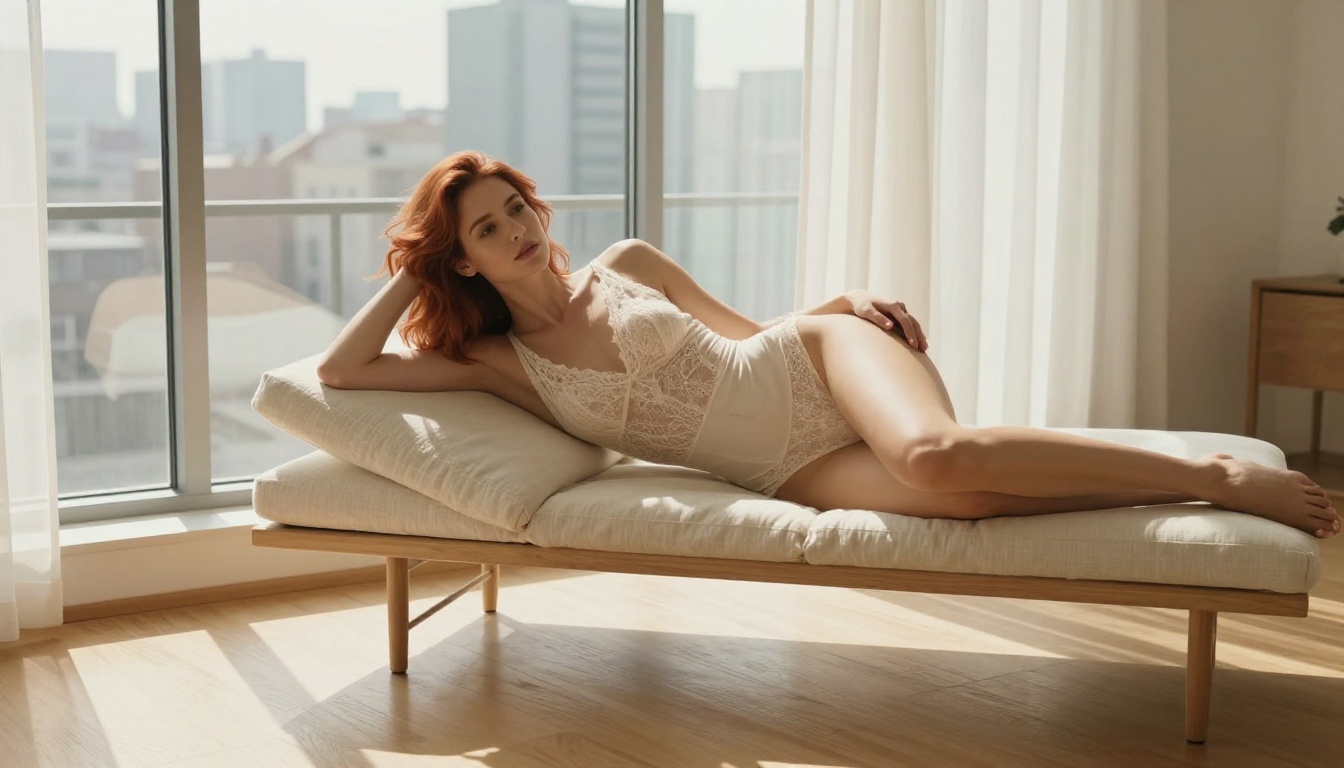
The label block_only_high means the model only refuses content it classifies as explicitly sexual. Within the remaining space, which is substantial, you have real creative room. Content that generates reliably under this setting includes:
- Glamour photography: Swimwear, bikinis, editorial fashion, lingerie in tasteful compositions
- Boudoir styling: Implied nudity, draped fabric, artistic body framing without explicit anatomy
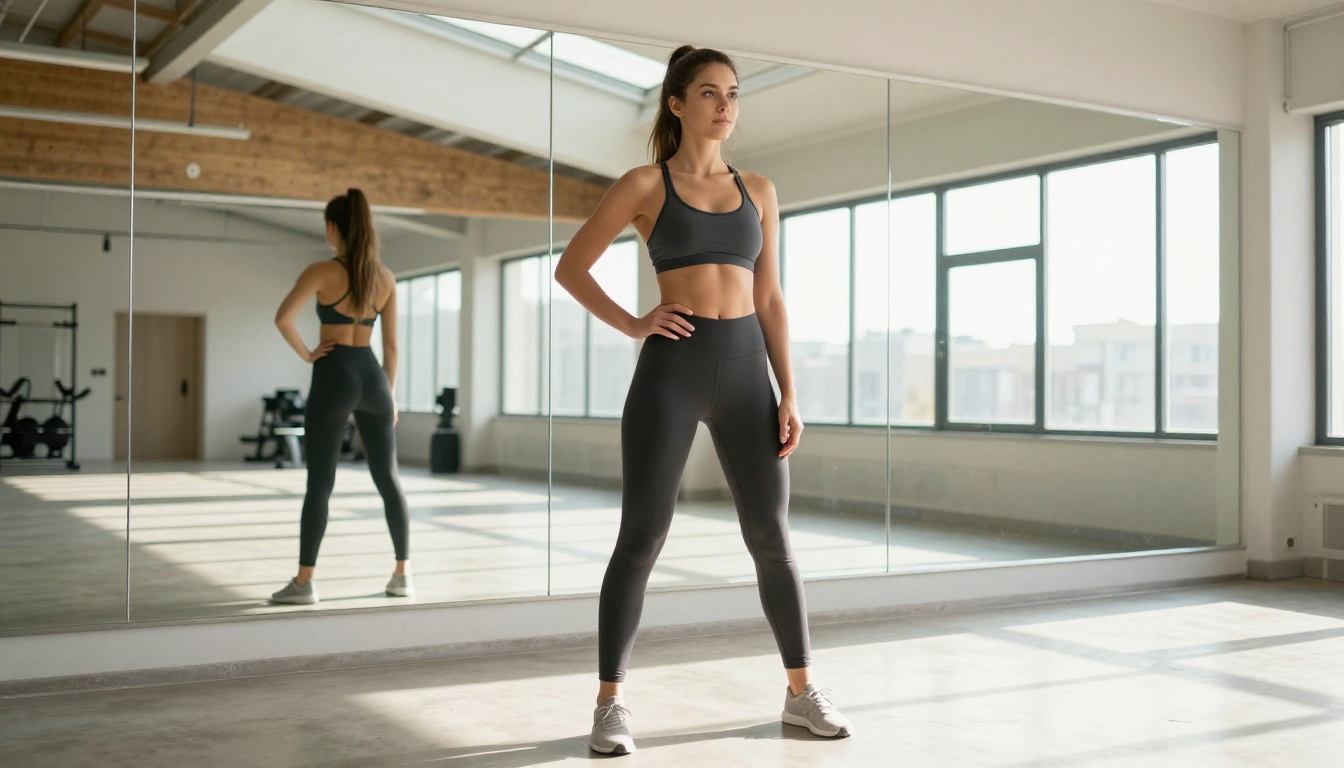
- Fitness and athletic content: Sports bras, athletic shorts, active wear in studio or outdoor settings
- Suggestive fashion: Sheer fabrics, low-cut garments, revealing silhouettes in editorial frames
- Artistic portraiture: Close-up beauty work, body detail shots, high-end photography style output
Content that remains blocked regardless of filter setting:
- Graphic or explicit sexual activity
- Explicit depictions of genitalia
- Content involving minors in any suggestive context
- Certain prompt language combinations that the model's training flags directly
Understanding this boundary saves time. If your content goals fall into glamour, tasteful NSFW, or suggestive art, Nano Banana Pro works well. If you need explicit or pornographic output specifically, this is not the right tool regardless of filter setting.
So Is It Actually NSFW?
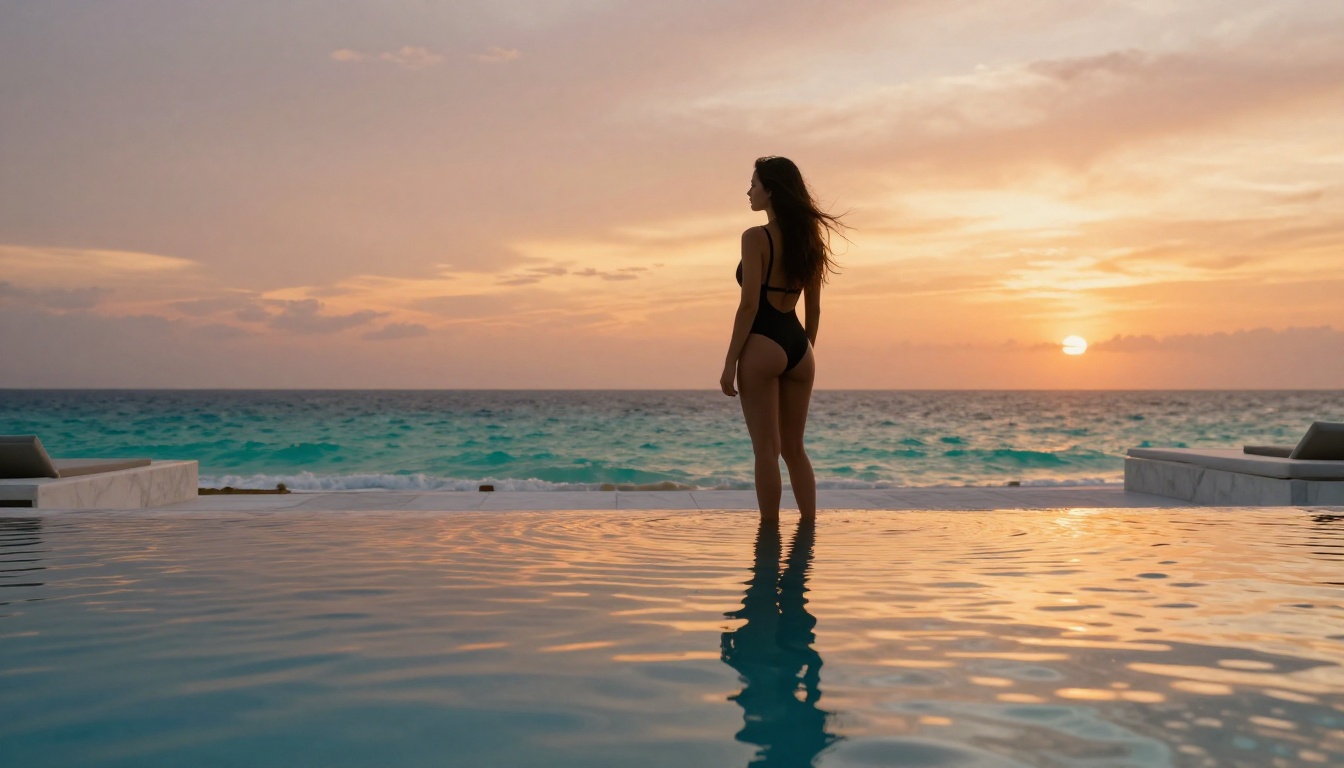
Yes, within the non-explicit tier. Nano Banana Pro supports what the AI content community calls "soft NSFW" or "non-explicit adult content." This covers a wide range of real use cases: adult content creators building aesthetically driven platforms, photographers generating mood references for boudoir shoots, brands visualizing lingerie campaigns, and artists working with the human form in tasteful but suggestive framings.
What it does not support is the explicit tier that some creators specifically need. If your work requires pornographic or graphically sexual imagery, Nano Banana Pro's ceiling will frustrate you. For the majority of adult AI art creators who work in glamour, fashion, and tasteful NSFW territory, however, the model's capabilities align well with real production needs.
Where the Model Performs Best
Nano Banana Pro's technical strengths align well with non-explicit NSFW content requirements:
Skin and texture rendering: The model reproduces photorealistic skin tone variation, natural pore detail, lighting on body contours, and fabric texture at a level that significantly outperforms lighter models. For glamour photography output where the visual quality of skin and clothing matters, this is its clearest advantage.
Prompt specificity response: Nano Banana Pro follows detailed prompts accurately. If you specify Rembrandt lighting from the upper left, an 85mm portrait lens, a specific garment in a specific color, and a particular pose, the model responds to those details. Vague prompts produce generic output. Specific prompts produce targeted, high-quality results.
Reference image integration: Up to 14 reference images can anchor a generation toward a specific look. For adult content creators who need character consistency across multiple images, or who want to maintain a distinctive aesthetic across a content series, this capability is directly useful.
4K resolution output: At 4K, you have room to crop, reframe, and zoom in on details without losing quality. For creators selling or licensing imagery, the resolution ceiling matters.
Where It Falls Short
For creators who specifically need explicit sexual content, Nano Banana Pro will not deliver regardless of how the filter is configured. The block_only_high setting is the ceiling of what the model permits, and it maintains a hard stop on explicit anatomy and sexual activity.
Generation speed is also worth noting. Producing 4K detailed renders takes longer than lightweight models. If you are running rapid concept iterations where resolution is secondary, Nano Banana 2 Lite will give you faster cycles at lower resolution and lower cost.
Nano Banana Pro vs Other PicassoIA Models

PicassoIA hosts over 90 text-to-image models. Understanding how Nano Banana Pro sits within that catalog helps you choose the right tool for your specific content goals.
Seedream 4 for NSFW Work
Seedream 4 is one of the strongest alternatives on the platform for adult AI art. It produces images at up to 4K, supports sequential generation of up to 15 related images in a single session, and accepts reference images for style and character consistency. Its single-sentence editing feature lets you modify an existing generated image by describing the change you want, without starting over from scratch.
For creators building multi-image scenes, character series, or content batches where narrative continuity matters, Seedream 4's sequential generation workflow is a significant advantage over Nano Banana Pro.
Both models handle non-explicit NSFW content comparably at permissive settings. The choice between them usually comes down to workflow: Nano Banana Pro for individual high-resolution images where reference anchoring is important, Seedream 4 when you need volume and sequential output.
Why Seedream 5 Pro Is Not the NSFW Pick
Seedream 5 Pro generates sharp 2K images and excels at technical rendering quality. Its content filtering is stricter by default, making it less practical for non-explicit NSFW work. For safe-for-work commercial imagery where sharpness and detail accuracy are the priority, Seedream 5 Pro is excellent. For adult AI art specifically, start with Nano Banana Pro or Seedream 4.
Side-by-Side Comparison
| Model | Resolution | NSFW Level | Reference Images | Sequential | Best Use |
|---|
| Nano Banana Pro | Up to 4K | Non-explicit | Up to 14 | No | High-res glamour, boudoir |
| Nano Banana 2 Lite | Standard | Limited | Up to 14 | No | Fast concept iteration |
| Seedream 4 | Up to 4K | Non-explicit | Up to 10 | Yes, up to 15 images | Scenes, character series |
| Seedream 5 Pro | Up to 2K | Limited | Not specified | No | SFW commercial imagery |
How to Use Nano Banana Pro on PicassoIA
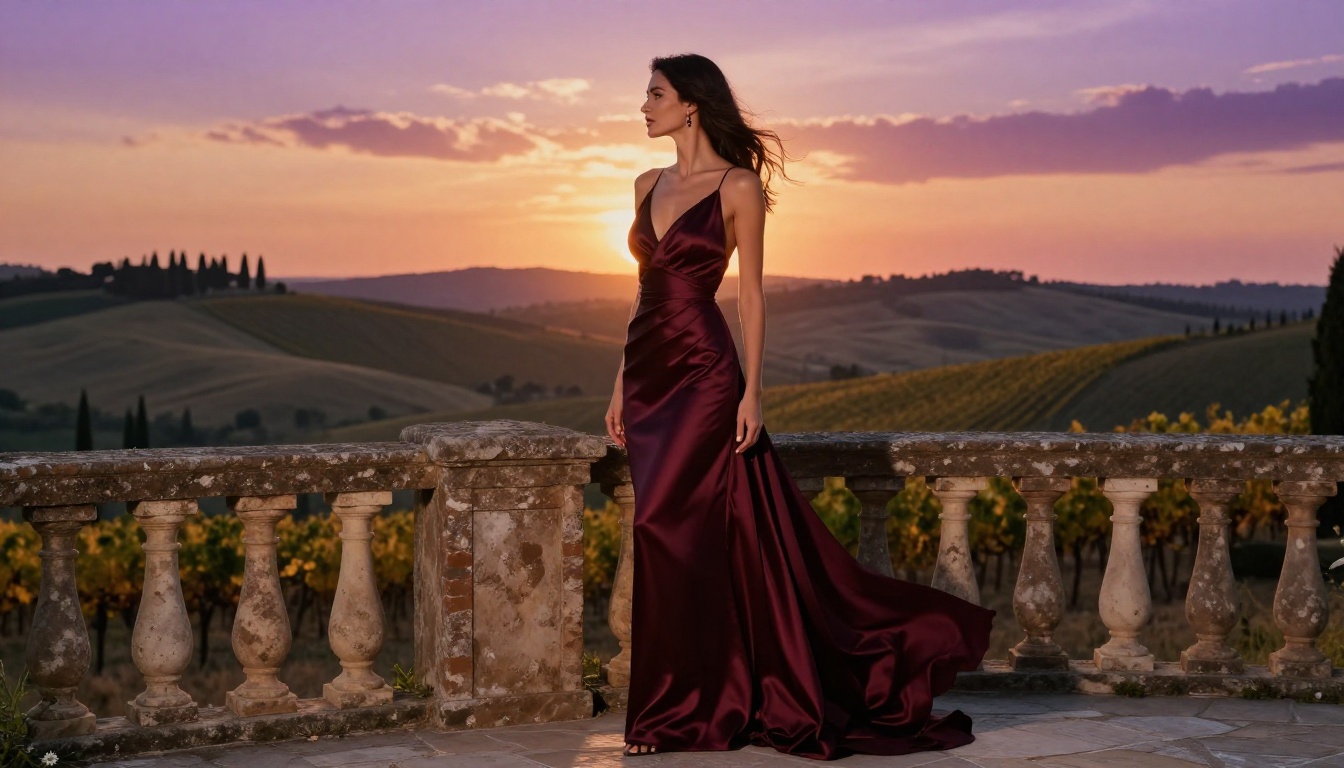
Using Nano Banana Pro for non-explicit NSFW content on PicassoIA does not require any special account configuration. The model is available directly through the platform with block_only_high as the default.
Step 1: Open the Model Page
Navigate to Nano Banana Pro on PicassoIA. The interface loads immediately. You do not need to manually adjust the content filter because PicassoIA already sets it to the most permissive available tier.
Step 2: Build a Detailed Prompt
This is where results diverge most sharply between users. Nano Banana Pro responds to specific, layered prompt construction. A strong prompt for glamour or NSFW-adjacent content covers these elements in order:
- Subject description: Physical appearance, specific features, hair color, skin tone
- Clothing or styling: Exact garment, fabric type, color, fit
- Pose and framing: What the subject is doing, body orientation, camera angle
- Environment: Room type, outdoor setting, background elements
- Lighting conditions: Source direction, quality, color temperature
- Technical camera details: Focal length, aperture, camera body if relevant
- Film or style notes: Grain, color palette, photographic style
Weak prompt: beautiful woman in lingerie bedroom
Strong prompt: auburn-haired woman in ivory satin bodysuit seated on cream linen chaise lounge, facing camera, relaxed and confident, morning light flooding from right window through sheer curtains, Sony A7R5 with 50mm f/1.2 lens, subject sharp against creamy bokeh background, Kodak Portra 400 film grain, warm color palette
The quality gap between these two approaches in the generated output is substantial.
Step 3: Select Resolution and Aspect Ratio
Choose 4K for portfolio, print, or licensing work. Choose 2K for social media content where faster generation and standard display sizes are sufficient. The 16:9 aspect ratio works for landscape framing and banner compositions. The 9:16 ratio fits vertical social media formats and portrait compositions.
Step 4: Upload Reference Images
If visual consistency matters across multiple generations, prepare your reference images before you start. Upload photos that capture the look you want to anchor: a specific lighting style, a subject's appearance, or an environmental aesthetic. The model reads up to 14 inputs and steers output accordingly.
This capability is particularly valuable for:
- Character consistency across a content series: Same face and body type across multiple generations
- Aesthetic continuity: Maintaining a specific photography style, color grade, or mood
- Environment matching: Consistent room or location appearance across images
Step 5: Iterate and Refine
Generate three to five variations per concept before deciding a direction is not working. Change one prompt element at a time to isolate which variable is responsible for unwanted results. Nano Banana Pro's 4K output contains enough detail that even imperfect generations often yield usable crops or details.
💡 Tip: If you are consistently hitting the filter ceiling, examine your prompt for explicit anatomical language and rephrase using indirect descriptors. Terms like "sheer fabric with natural drape" or "artistic body framing" tend to generate more cleanly than direct explicit terminology.
Prompting for Better NSFW Results

Nano Banana Pro's output quality for non-explicit NSFW content rises substantially with better prompt construction. These specific techniques produce consistent improvements:
Lighting descriptors that improve realism:
- "Rembrandt lighting from upper-left, shadow triangle under eye"
- "Volumetric morning light through sheer curtains, warm 3200K"
- "Golden hour backlight creating rim light along silhouette"
- "Single studio softbox, hard shadow line on background wall"
- "Overcast window light, flat even illumination, cooler tones"
Camera and lens terms that add photographic precision:
- "85mm f/1.4, subject sharp, background in creamy bokeh"
- "35mm f/2.8 editorial framing, full body in frame"
- "Shot on Canon EOS R5" or "Leica M11" for analog film character
- "50mm f/1.2, intimate framing, subject fills 60% of frame"
Fabric and texture language:
- "Satin micro-folds catching directional studio light"
- "Linen texture visible in fine weave detail"
- "Silk with natural drape, subtle sheen on high points"
- "Cotton jersey stretch, second-skin fit, natural texture"
Composition terms:
- "Slight low angle, confident subject presence"
- "Overhead aerial view, subject centered, symmetrical framing"
- "Side profile, three-quarter turn, negative space on right"
- "Tight mid-shot from chest up, intimate framing"
What to avoid in prompts for cleaner generation through the filter:
- Explicit anatomical terminology, which triggers harder blocks even at
block_only_high
- Vague quality words like "beautiful," "sexy," or "hot" without specifics (the model largely ignores them)
- Contradictory lighting instructions
- Stacked adjectives without clear hierarchy, where too many modifiers compete with each other
What Creators Are Actually Producing
The model's capabilities align with a specific set of use cases that represent its main audience for non-explicit NSFW work:
Adult content creators producing aesthetically consistent content for platforms that permit suggestive but non-explicit imagery. The combination of 4K output, reference image anchoring, and the block_only_high filter default makes Nano Banana Pro a practical production tool for this segment. Creators maintaining visual consistency across content series benefit most from the reference image support.
Fashion and lingerie brands generating concept reference imagery for mood boards, campaign visualization, and product context before committing to full production shoots. AI-generated references cost a fraction of production photography and allow rapid visual iteration across different creative directions.
Photographers and directors using generated images as reference material to communicate composition, lighting, and styling intent to a team or client before a live shoot.
Social media managers producing visually strong content for platforms that allow artistic and suggestive imagery, without the logistics cost of studio photography or stock licensing fees.
All of these use cases operate within the non-explicit NSFW range that Nano Banana Pro supports. None require capabilities beyond what block_only_high delivers.
Start Creating with Nano Banana Pro
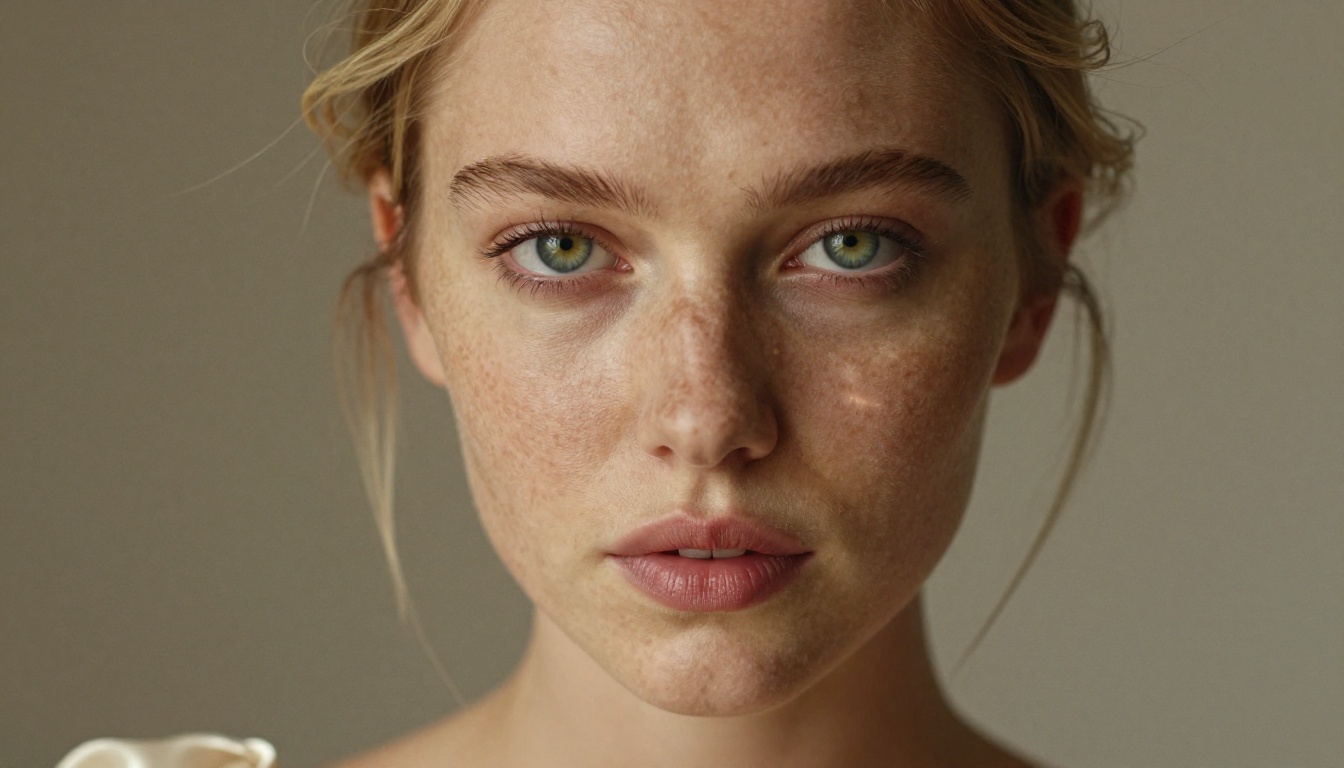
Nano Banana Pro is a capable, practically configured model for non-explicit NSFW and glamour AI art. Its adjustable safety_filter_level, the block_only_high default on PicassoIA, 4K resolution output, and support for up to 14 reference images make it one of the more versatile tools in this space for creators who work in tasteful adult content.
If your goals go beyond what this model's filter ceiling allows, Seedream 4 offers comparable permissiveness with the added advantage of sequential multi-image generation for scene building.
The fastest way to understand what any model actually does is to use it directly. Open Nano Banana Pro on PicassoIA, write a detailed prompt using the structure above, and generate your first image. The platform defaults handle the filter configuration for you, the resolution and reference inputs are straightforward, and the model responds well to specificity.
PicassoIA hosts over 90 text-to-image models with varying content configurations. To see the full catalog and find the model that fits your specific workflow, browse picassoia.com/en/all-models.


