If you've been bouncing between AI image tools trying to figure out which one actually deserves your time and money, you're not alone. Midjourney built a massive reputation. Leonardo AI grew fast with a generous free tier. But Picasso AI has been quietly stacking 91+ text-to-image models into one platform, and the comparison looks very different in 2027 than it did two years ago.
This breakdown is direct. No vague feature lists. Just real differences across quality, pricing, model access, and creative freedom.
All three tools generate images from text prompts. That's where the similarity ends.
Picasso AI: 91 Models, One Platform
Picasso AI is a multi-model aggregator. You're not locked into one AI engine. Instead, you get access to GPT Image 1.5, GPT Image 2, Flux 2 Max, Seedream 4.5, Recraft v4 Pro, and dozens more, all within a single subscription. You pick the model based on what your prompt actually needs.
The platform also extends well beyond images. Text-to-video (87 models), background removal, super resolution, lipsync, face swap, and AI music generation are all available from the same dashboard. For a creator who works across media formats, that breadth matters enormously.
Midjourney: The Style-First Approach
Midjourney built its reputation on aesthetic consistency. The outputs have a signature look: rich, slightly painterly, cinematic. That's great for concept art, fantasy, and stylized visuals. It's less ideal when you need raw photorealism without the obvious "AI look" baked into every output.
Midjourney runs through Discord, which creates friction for non-technical users. There's no dedicated web app with a proper image management dashboard, API access is extremely limited, and you're always working with one engine tuned one way. The platform has added features over time, but the core architecture hasn't fundamentally changed.
Leonardo AI: The Middle Ground
Leonardo AI sits between the two. It offers multiple models, a web-based interface, a genuinely usable free tier, and a growing suite of tools including Canvas, Motion (video), and 3D texturing. The free plan gives you 150 tokens per day, which sounds reasonable until you realize quality generations cost 15-25 tokens each, leaving you with around 6-10 usable images daily.
Leonardo has made serious strides in photorealism with their Phoenix and Alchemy models, and the platform's community fine-tunes add variety. But their catalog depth still doesn't come close to Picasso AI's 91-model library, and the editing tools lag behind.

Image Quality: Who Wins on Realism
This is where things get specific. "Quality" means different things depending on your use case, so let's break it down honestly.
Photorealism: The Real Test
Midjourney v6.1 produces stunning images, but they skew heavily toward illustration and artistic interpretation. Ask for a photograph of a woman at a beach and you'll likely get something beautiful but clearly AI-generated. The skin tones, lighting, and backgrounds carry a particular trained quality that experienced eyes spot immediately. Midjourney's raw mode reduces this somewhat, but the underlying tendency toward drama and stylization remains.
Leonardo's Phoenix model is genuinely impressive for photorealism, especially faces. It handles natural skin tones well and produces fewer anatomical errors than older models. But it still struggles with complex multi-subject scenes, hands in active positions, and consistent lighting across large compositions.
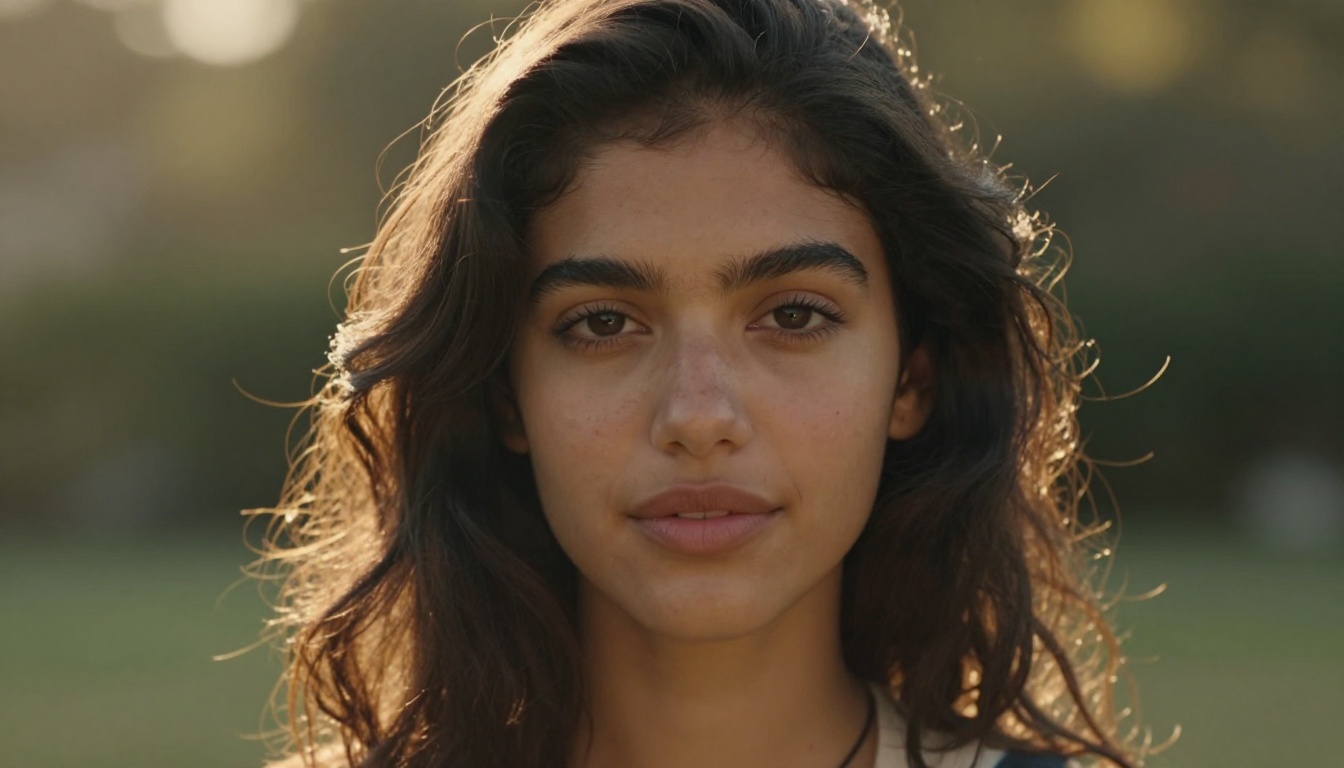
On Picasso AI, running Flux 2 Max or GPT Image 2 puts you in a genuinely different category. Flux 2 Max handles prompt adherence with near-perfect accuracy, especially for complex compositions involving specific lighting conditions, camera angles, and multi-element scenes. The outputs read as photographs rather than AI generations.
Prompt Adherence and Control
A key frustration with Midjourney is drift. Long, specific prompts often get simplified or reinterpreted. You ask for a "35mm street photography shot of a woman in red at dusk" and you get something adjacent to that request, but missing the specifics that made the prompt useful in the first place. The model prioritizes aesthetic coherence over literal instruction.
Flux 2 Flex and Flux Redux Dev on Picasso AI execute complex instructions with a level of precision that Midjourney consistently glosses over. Describe your camera angle, lens, lighting direction, background, subject pose, and clothing, and the output reflects all of it.
Tip: For maximum photorealism on Picasso AI, try Flux 2 Max with detailed lighting descriptions including direction, source type, and color temperature. Adding "85mm f/1.8, Kodak Portra 400, volumetric morning light from the left" to your prompt produces dramatically sharper, more authentic results.
Pricing: Breaking It Down
Here's where the conversation becomes practical.
| Platform | Starting Price | Free Tier | Model Access | API |
|---|
| Picasso AI | ~$12/mo | Yes | 91+ models (full catalog) | Yes |
| Midjourney | $10/mo | None | 1 model (v6.1) | Very limited |
| Leonardo AI | $10/mo | 150 tokens/day | ~10-15 models | Yes |
Midjourney's $10 plan sounds affordable until you realize there's no free trial at all. You either pay or you don't create. Leonardo's free tier is real but thin: 150 tokens that run out after 6-8 quality images per day, and many of the better models require paid plans to access fully.
Picasso AI's credit system gives access to the full model library. You can spend credits on GPT Image 2 for maximum quality, or switch to faster, cheaper options like Z Image Turbo when you need volume over perfection. That flexibility simply doesn't exist on the other two platforms. You're either paying premium for every image or stuck with a single quality tier.
Model Variety and Access
Picasso AI's 91-Model Catalog
This is Picasso AI's defining structural advantage. Having 91 text-to-image models available isn't just a marketing number. It means you can match the right model to each specific job rather than forcing all your creative needs through one engine:
- Recraft v4 Pro for brand-consistent illustration and vector-quality design work
- Recraft v4 for clean graphic design with typography and layout control
- Hunyuan Image 2.1 for scenes requiring specific cultural and regional visual contexts
- Seedream 5 Lite for fast concept iteration where speed beats perfection
- Qwen Image 2 for detailed scene generation with strong compositional control
- Grok Imagine for high-variance creative outputs when you want unexpected interpretations
Each model has different training data, different strengths, and different failure modes. Working with 91 models means you're rarely stuck.
What Midjourney and Leonardo Offer
Midjourney gives you one engine with style modifiers. The v6.1 raw mode gets you closer to photorealism, and the --style parameter offers aesthetic variation, but you're always operating inside the same underlying model. There's no equivalent of switching from Flux 2 Max to Recraft v4 Pro based on the job.
Leonardo's offering is broader than Midjourney's but still limited. Their Phoenix, Kino XL, and community fine-tuned models add up to roughly 10-15 viable options. The gap to Picasso AI's 91 remains significant, especially once you account for the editing models like P Image Edit for prompt-guided image modification.
NSFW and Creative Freedom
This is one of the most searched-for differences between these platforms, and the answer is straightforward.
Where Midjourney Draws the Line
Midjourney has some of the strictest content policies among major AI image platforms. Anything remotely suggestive gets flagged, even in clearly professional photography contexts. Swimwear, implied nudity, and mature glamour themes are consistently blocked or refused. For professional photographers, fashion brands, lingerie campaigns, or adult content creators, Midjourney is effectively unusable.
Leonardo AI's Content Filters
Leonardo introduced an NSFW toggle in 2024, but it's inconsistent in practice. Enabling it unlocks some suggestive content, but explicit or detailed adult imagery still gets filtered. The toggle requires account verification and behaves differently across their various models. Reliable, professional-quality mature content remains unpredictable.
Picasso AI's Approach
Picasso AI takes a more open stance with appropriate boundaries. The platform supports non-explicit NSFW content including swimwear, glamour photography, implied nudity, and artistic mature themes. This is accessible without complex account verification loops or inconsistent filters.
For photographers, adult content creators, and brands working in fashion and beauty, this matters enormously. You can generate professional swimwear photography without fighting the platform at every prompt.
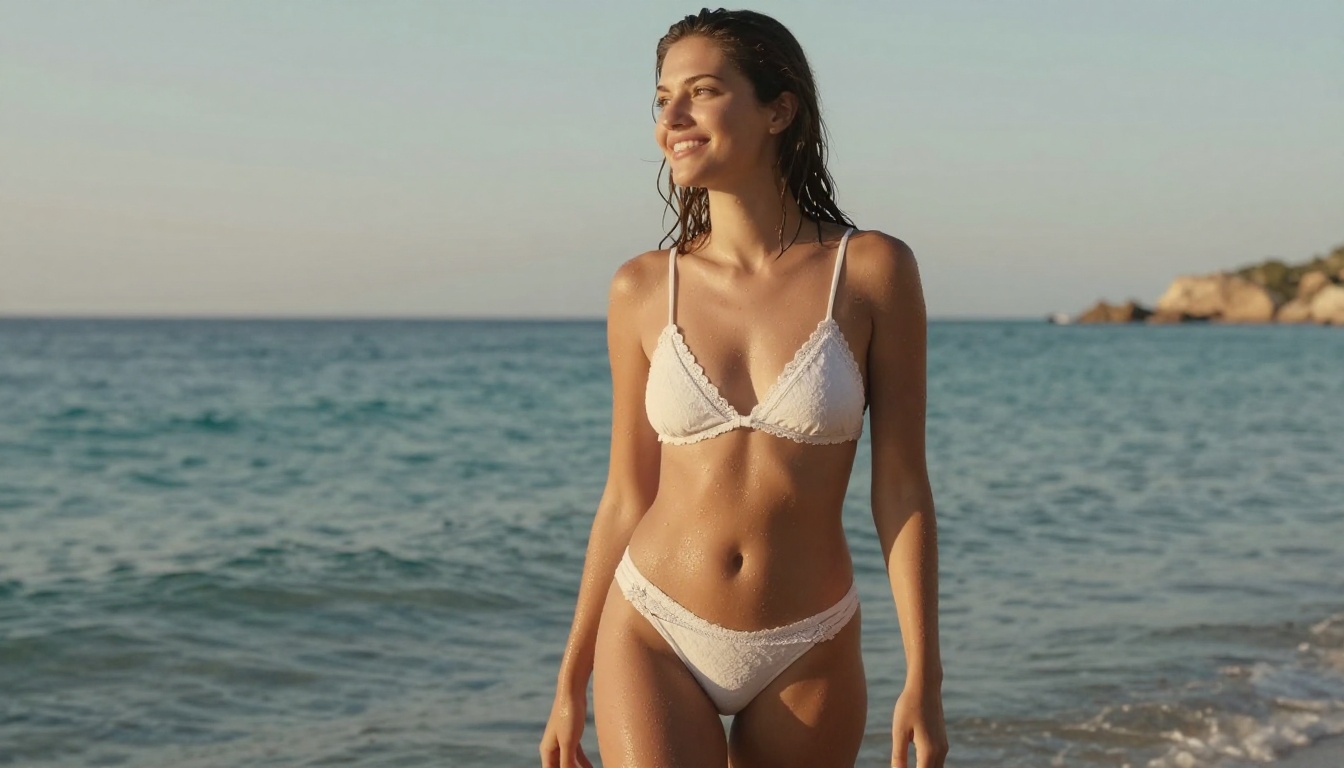
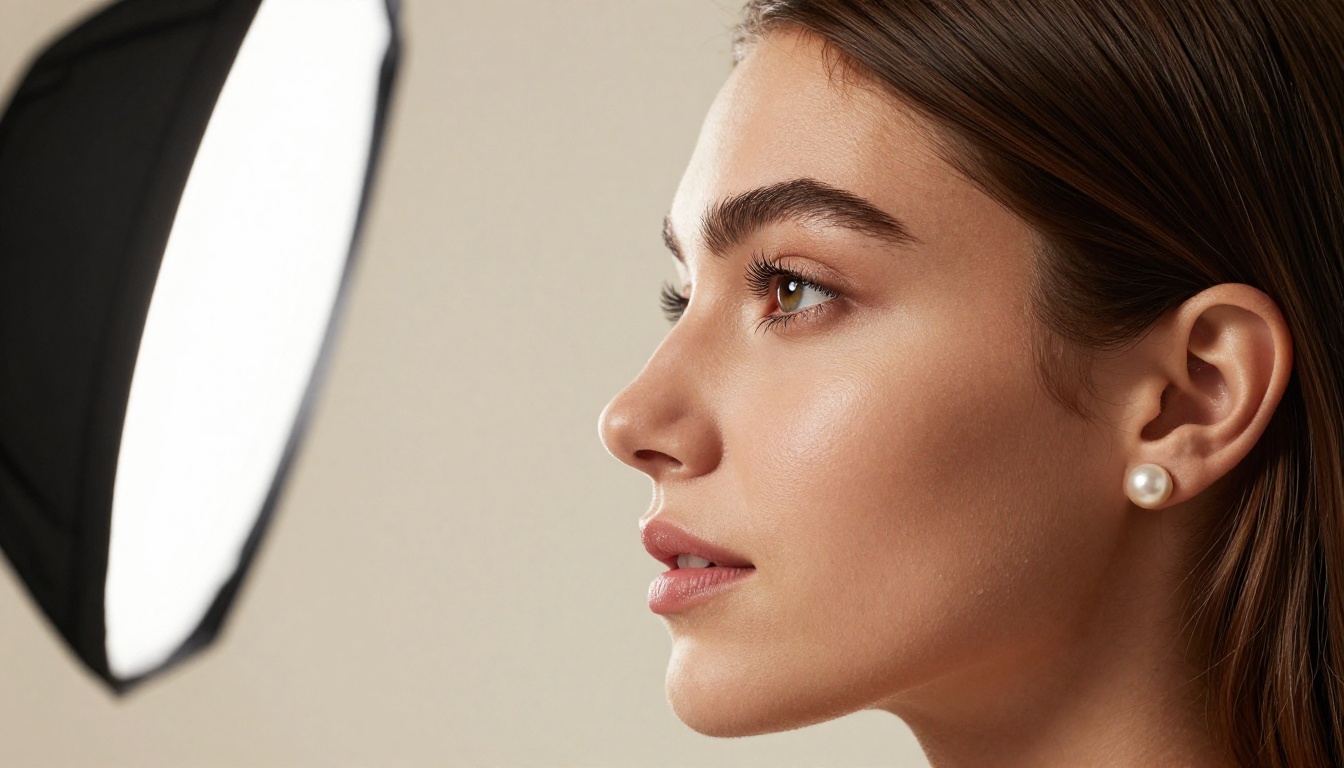
The P Image model on Picasso AI is particularly strong for photorealistic human subjects, handling skin tones, natural lighting, and authentic expressions with a level of detail that makes the outputs genuinely usable for professional creative work.
How to Use Flux 2 Max on Picasso AI
Since Flux 2 Max is the model most directly competitive with Midjourney and Leonardo's premium offerings, here's how to get the best results from it on Picasso AI.
Building Your Prompt Correctly
Flux 2 Max responds exceptionally well to layered, structured prompts. Rather than writing a single sentence, build your description in layers:
- Subject and action first: "A woman with dark hair sitting at a marble cafe table"
- Environment and background: "outdoor Paris street corner, ivy-covered stone walls, morning"
- Lighting specifics: "soft diffused morning light from the left, warm 5600K color temperature"
- Camera and lens: "shot on 85mm f/1.8 at eye level, shallow depth of field"
- Film and texture modifiers: "Kodak Portra 400 film grain, natural skin texture, photorealistic"
This structure consistently outperforms single-sentence prompts by a significant margin.
Parameter Tips for Best Results
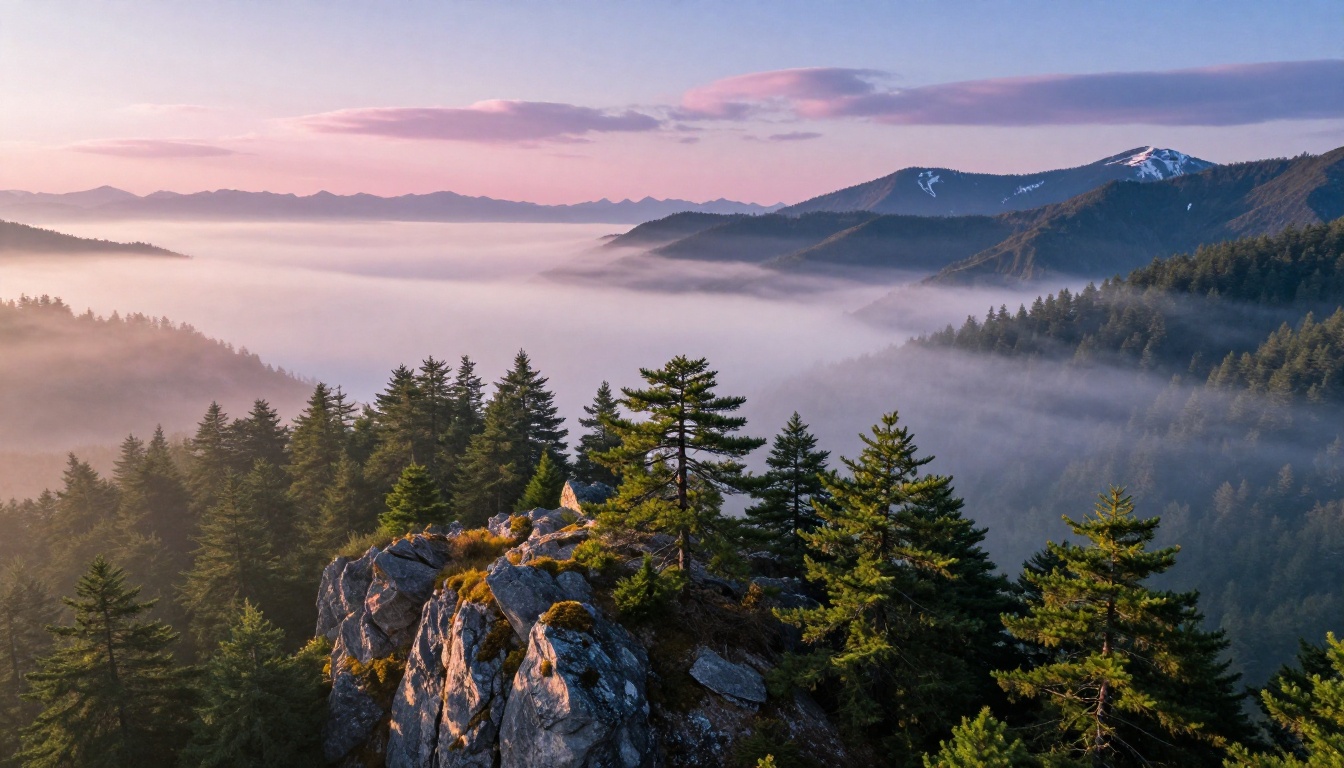
- Add "--ar 16:9 --style raw" at the end of every prompt for photorealistic work
- Specify lighting direction explicitly: "volumetric morning light from the upper left" produces far more controlled results than "natural light"
- Include lens focal length: shorter lenses (24-35mm) produce environmental portraits, longer lenses (85-135mm) give tight portrait compression and background separation
- Use film stock names as texture references: Kodak Portra 400, Fujifilm Provia, Kodak Ektar 100 all produce distinct color science results
Speed and Workflow Integration
Generation Speed
| Platform | Typical Time | API Access | Batch Processing |
|---|
| Picasso AI | 5-20 seconds | Yes | Yes |
| Midjourney | 30-60 seconds | Very limited | No |
| Leonardo AI | 10-30 seconds | Yes | Limited |
Speed varies significantly by model on Picasso AI. Seedream 4.5 generates in under 10 seconds for most prompts. Flux 2 Max takes 15-25 seconds at high resolution. Midjourney's queue-based system means peak hours can stretch to a minute or more per image. For any professional production workflow, that compounds into hours of lost time weekly.
The Full Editing Layer
Picasso AI includes post-generation tools that the others charge extra for or simply don't offer:
- Inpainting and outpainting for editing specific sections without regenerating the whole image
- P Image Edit for prompt-guided image modification on existing photos
- Background removal for instant product and portrait cutouts
- Face swap AI for realistic composite work across subjects
- Super resolution for upscaling generated images 2x-4x for print-quality output
- ControlNet for pose and structure control, maintaining subject positioning across generations
Leonardo has Canvas with inpainting. Midjourney has a very limited editing toolset. Neither matches the depth of Picasso AI's post-generation workflow.
The Honest Verdict
Midjourney is still the best single-model aesthetic tool for artistic and stylized work. If you want one consistent look and you're comfortable with Discord as your interface, it delivers on that narrow promise.
Leonardo AI is the best starting point for budget-conscious creators who want a web interface, a real free tier, and decent quality without full financial commitment. It's a stepping stone, not a final destination.
Picasso AI wins on model variety, photorealism, creative freedom, NSFW support, workflow tools, and pricing flexibility. For professionals who need a platform that doesn't restrict their creative output, the 91-model library, open content policy, and integrated editing suite make it the strongest overall choice in 2026.
| Criteria | Picasso AI | Midjourney | Leonardo AI |
|---|
| Photorealism | Excellent | Good | Good |
| Model Variety | 91+ Models | 1 Model | ~10-15 Models |
| NSFW Support | Yes (Non-Explicit) | No | Inconsistent |
| Free Tier | Yes | None | 150 tokens/day |
| Web Interface | Yes | Discord Only | Yes |
| API Access | Yes | Very Limited | Yes |
| Video Generation | Yes (87 Models) | No | Yes (Motion) |
| Full Editing Suite | Yes | Limited | Partial |
| Prompt Adherence | Excellent | Moderate | Good |
Bottom line: If your work demands photorealism, model flexibility, or creative freedom beyond what Midjourney allows, Picasso AI is the clear answer. Midjourney is a specialty aesthetic tool. Leonardo is where many people start.
See It for Yourself
Reading about AI image quality only gets you so far. The real difference appears the moment you type a prompt and compare what comes back across different platforms.
Picasso AI's full 91-model catalog is available to try directly. Start with Flux 2 Max for maximum photorealism, or Recraft v4 Pro if your work skews toward illustration and design. Test Seedream 4.5 for fast concept iteration, and GPT Image 2 when you need the highest-possible output fidelity.
The platform doesn't lock you into one style, one model, or one workflow. Switch between Flux 2 Klein 4B for fast drafts and Flux 2 Max for finals. Use Z Image Turbo for volume runs. Apply P Image Edit to refine results without starting over.
That's the actual difference between a multi-model platform and a single-engine tool. Not just more options, but the right option for each specific job.


