The question comes up constantly in AI creator communities: is Qwen Image 2 Pro NSFW or not? Artists, content producers, and digital creators want a straight answer before investing time into a model that might block their work mid-prompt. This article breaks down exactly what Qwen Image 2 Pro can and cannot do, where the restrictions actually live, which platforms give you the most creative freedom, and which models to reach for when image quality, speed, or unlimited volume are your priority. If you have been searching for an honest answer about Qwen's NSFW capabilities, this is it.
What Qwen Image 2 Pro Actually Is
Qwen Image 2 is an open-source multimodal AI model developed by Alibaba's Qwen research team. It handles both image understanding and image generation from the same architecture, placing it in a rare category of models that can read and create visual content simultaneously. The "Pro" variant refers to the higher-parameter commercial release with improved photorealism, faster inference, and better instruction-following over the base model.
What makes it different from other models
Where most image generation models are text-to-image only, Qwen Image 2 operates as a full image editing and creation system. You can feed it a photograph alongside a text instruction — "make her wearing a red dress," "remove the background," "add a sunset sky" — and it processes both the visual input and text command together. This is fundamentally different from Stable Diffusion or FLUX-based models that work purely from text prompts.
Its transformer backbone was trained on a massive multimodal dataset, giving it strong spatial reasoning, fine detail preservation, and above-average prompt adherence. In practical terms, it follows complex, multi-clause instructions more reliably than most open-source competitors at the same parameter count.
Pro vs. standard: what actually changes
The standard Qwen Image 2 and the Pro variant share the same underlying architecture but differ in measurable ways:
- Resolution output: Pro generates at higher resolutions without the quality degradation that affects base releases
- Prompt complexity: Pro handles longer, more layered instructions with better coherence across all elements
- Editing precision: Pro maintains background consistency more reliably during inpainting and object replacement operations
- Inference speed: Pro is optimized for faster output on equivalent hardware configurations
When using it through a hosted platform like PicassoIA, you access the full Pro performance without managing GPU resources, model weights, or environment dependencies yourself.
Does Qwen Image 2 Pro Allow NSFW Content?
Yes. Qwen Image 2 Pro supports NSFW content generation. As an open-source model, it does not have hard-coded content blocking at the model weights level the way closed commercial APIs like DALL-E, Adobe Firefly, or Midjourney do. The model itself will process adult image prompts and produce realistic, detailed results when accessed through a platform that permits it.
💡 Critical distinction: Whether NSFW works for you depends less on Qwen Image 2 itself and more on where you run it. Platforms that host the model can add their own content filters on top. The model supports NSFW natively at the weights level. Specific platforms may or may not pass those prompts through to the model unchanged.
How it handles adult prompts
Qwen Image 2 Pro, when accessed through platforms that allow adult content, handles NSFW generation with solid photorealism:
- Skin texture: Renders natural skin tones, freckles, pores, and surface texture at a level that competes with specialized NSFW fine-tunes
- Anatomical accuracy: Handles realistic human figure generation without the distortion that plagued early diffusion models
- Prompt adherence: Follows specific, detailed instructions for body positioning, clothing (or lack of it), and scene composition simultaneously
- Image-to-image editing: This is where Qwen distinctly shines — start from a real photo and edit it with precise text instructions, maintaining the original likeness while modifying specific elements with surgical accuracy
The model does not add watermarks, does not degrade quality on adult prompts, and does not require special tokens or trigger phrases to unlock capability. You describe what you want in plain language and it generates it.
NSFW content categories Qwen Image 2 handles well
Beyond basic generation, Qwen Image 2 Pro demonstrates strong performance across several specific NSFW use cases:
Glamour and swimwear generation: Realistic bikini, lingerie, and swimwear scenes with accurate fabric physics, skin interaction, and natural lighting. Skin-fabric contact, fabric tension, and wet fabric effects are rendered without the artificial plastic look that cheaper models produce.
Photo editing for adult content: Upload an existing photo and instruct the model to modify clothing, poses, or backgrounds. This is the use case where Qwen Image 2 Pro genuinely separates itself from text-only models.
Artistic boudoir photography styles: When prompted with photography-specific language (camera specs, film stocks, lighting setups), the model shifts into a photojournalistic realism mode that produces images indistinguishable from professional photography.
Scene and environment integration: Placing subjects in specific environments (beach, villa, rooftop pool) with accurate lighting, shadow casting, and environmental reflections on skin and clothing.
Where the Restrictions Actually Come From
Understanding where restrictions originate helps you choose the right platform from the start, saving hours of frustration and wasted credits on platforms that silently filter your prompts.
Platform-level vs. model-level filters
| Type | Where it lives | Bypassed by choosing a different platform? |
|---|
| Model weights (RLHF safety tuning) | Baked into model at training time | No, without retraining the model |
| Platform API filter | Pre/post-processing layer on top of the model | Yes, by switching to a permissive host |
| Web interface filter | UI-level safety layer | Yes, by using a host without UI restrictions |
Qwen Image 2 Pro's restrictions, when they appear, are platform-level rather than model-level. The base open-source release from Alibaba does not include the aggressive RLHF safety fine-tuning that makes DALL-E or Imagen refuse adult requests at the fundamental model level.
Why open-source models work differently
Open-source models like Qwen Image 2, Wan 2.2, and similar architectures give the hosting platform complete control over content policy. This is a structurally different situation from closed commercial APIs:
- Closed APIs (DALL-E, Adobe Firefly, Midjourney): Apply mandatory content filtering that users cannot adjust regardless of their intended use case
- Open-source hosted models (Qwen Image 2, Wan 2.2, FLUX dev): The host sets the content policy. Pick a host that permits adult content and the model performs without artificial restrictions.
This structural difference is why PicassoIA has become a primary destination for creators who need NSFW capability: it hosts powerful open-source models including Qwen Image 2 through a clean interface without adding the restrictive content layers that mainstream AI platforms impose by default.
Running Qwen Image 2 locally requires a high-VRAM GPU (24GB minimum for the full Pro weights), proper CUDA environment setup, and ongoing maintenance as the model updates. For most creators, using it through a platform is the practical and cost-effective choice.
PicassoIA stands out as the strongest option for several specific reasons:
- No hard content blocks on adult prompts for the models listed as NSFW-capable
- Hosts Qwen Image 2 as a fully-supported first-class model, not an experimental or hidden beta
- Supports both text-to-image creation and image-to-image editing from uploaded reference photos
- No watermarks applied to generated images
- No prompt engineering tricks needed to avoid hidden trigger words or filter patterns
- Web-based with no local installation requirement
The platform gives you the actual full capability of the model, not a filtered version of it designed for family-safe audiences.
Top NSFW AI Models on PicassoIA (Ranked)

While Qwen Image 2 is a strong NSFW-capable model, PicassoIA hosts a full lineup of models that support adult content. Here is the complete ranked list, in order of overall recommendation:
1. Seedream 4.5 (Top Pick Overall)
Seedream 4.5 is the best all-around NSFW model on PicassoIA. It accepts adult prompts, supports image editing from reference photos, and generates ultra-realistic results in under 3 seconds. If raw NSFW image quality is the priority, start here before anything else.
💡 Note: The newer Seedream 5 Lite does not support NSFW content. Stick to Seedream 4.5 for adult generation tasks.
2. PicassoIA Image Editor Pro (Best for Volume)
PicassoIA Image Editor Pro is the model to know if you need high-volume output. Its defining advantage is unlimited generations included in Elite and Infinite plans. Need 1,000 images? That is 1,000 images at no additional cost per image. The same volume on pay-per-credit models like Nano Banana 2 would run approximately $100. It accepts NSFW content, returns results in under 1 second, and includes a 3-generation free trial with no credit card required.
3. Qwen Image 2 (Best for Editing Real Photos)
Qwen Image 2 earns its spot at #3 specifically for image editing precision. Being open source, it creates or edits any image in seconds with high detail realism. Its image-in plus text-in workflow is the strongest available for creators who want to modify existing photographs with surgical accuracy while maintaining original composition and likeness.
4. Grok Imagine Image (Best for Format Conversions)
Grok Imagine Image specializes in realistic format conversions. It is particularly strong at converting existing images to bikini or swimwear formats in a photorealistic, natural-looking way. Fast and consistent for this specific use case.
5. Recraft V4
Recraft V4 delivers consistently realistic results for text-to-image generation with full NSFW support. Text-to-image only (no image editing from reference photos), but the output quality is high and consistent across varied prompts.
6. P-Image by PrunaAI (Fastest Output)
P-Image is built for speed: NSFW text-to-image generation in under 1 second. When you need rapid prototyping, high-volume draft generation, or quick iteration across many prompt variations, nothing on the platform matches its output speed.
Full model comparison
| Model | NSFW | Generation Type | Speed | Best For |
|---|
| Seedream 4.5 | Yes | Text + Image-to-Image | ~3s | Peak image quality |
| Image Editor Pro | Yes | Image-to-Image | ~1s | Unlimited volume |
| Qwen Image 2 | Yes | Text + Image-to-Image | ~5-8s | Precise photo editing |
| Grok Imagine | Yes | Image-to-Image | Fast | Format conversions |
| Recraft V4 | Yes | Text-to-Image | Medium | Reliable text-to-image |
| P-Image | Yes | Text-to-Image | Under 1s | Speed, draft generation |
How to Use Qwen Image 2 on PicassoIA
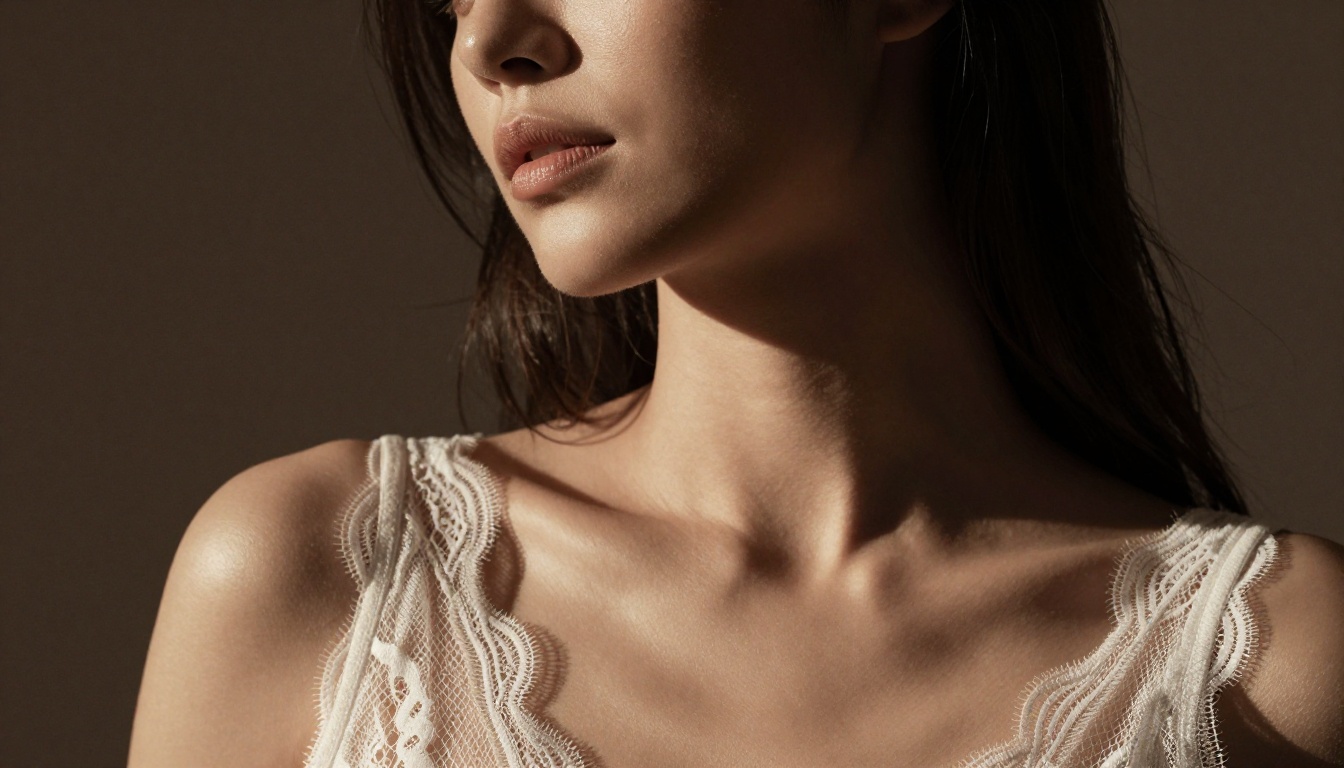
Using Qwen Image 2 through PicassoIA requires no technical setup, no GPU, and no local installation. Here is the exact workflow for both creation modes:
Text-to-image creation
- Go to the Qwen Image 2 model page on PicassoIA
- Type your prompt in the text field. Specificity matters: describe the subject, setting, lighting direction, and mood
- Select your desired output resolution
- Click generate and wait approximately 5-8 seconds for the result
- Download your image or continue iterating on the prompt
Image-to-image editing workflow
- Open the Qwen Image 2 model page
- Upload your reference photo using the image input option
- Write a text instruction describing the change ("woman in a white bikini," "remove the jacket," "replace background with a beach at sunset")
- Generate — the model edits the photo while preserving composition and overall likeness
- Adjust your prompt and regenerate if the first result needs refinement
Prompt tips for better results
💡 Tip: Specific prompts consistently produce better results than vague ones. Include subject description, pose, environment, lighting direction, and the clothing or styling you want. Do not leave elements to chance.
- Name the lighting: "warm afternoon light from the left" gives the model directional information that shapes the entire image
- Describe fabrics and textures: "sheer white lace against sun-kissed skin" produces more realistic fabric rendering than "wearing lace"
- Specify camera perspective: "low-angle shot from below" or "aerial overhead view" helps define the composition before generation starts
- Reference film stocks: "shot on Kodak Portra 400, 85mm lens, f/1.8" steers the model toward photorealistic, warm-toned output
- Avoid stacking too many adjectives: Five focused descriptors work better than fifteen scattered ones competing for attention in the same prompt
Qwen Image 2 vs. Other NSFW Models: What the Data Shows
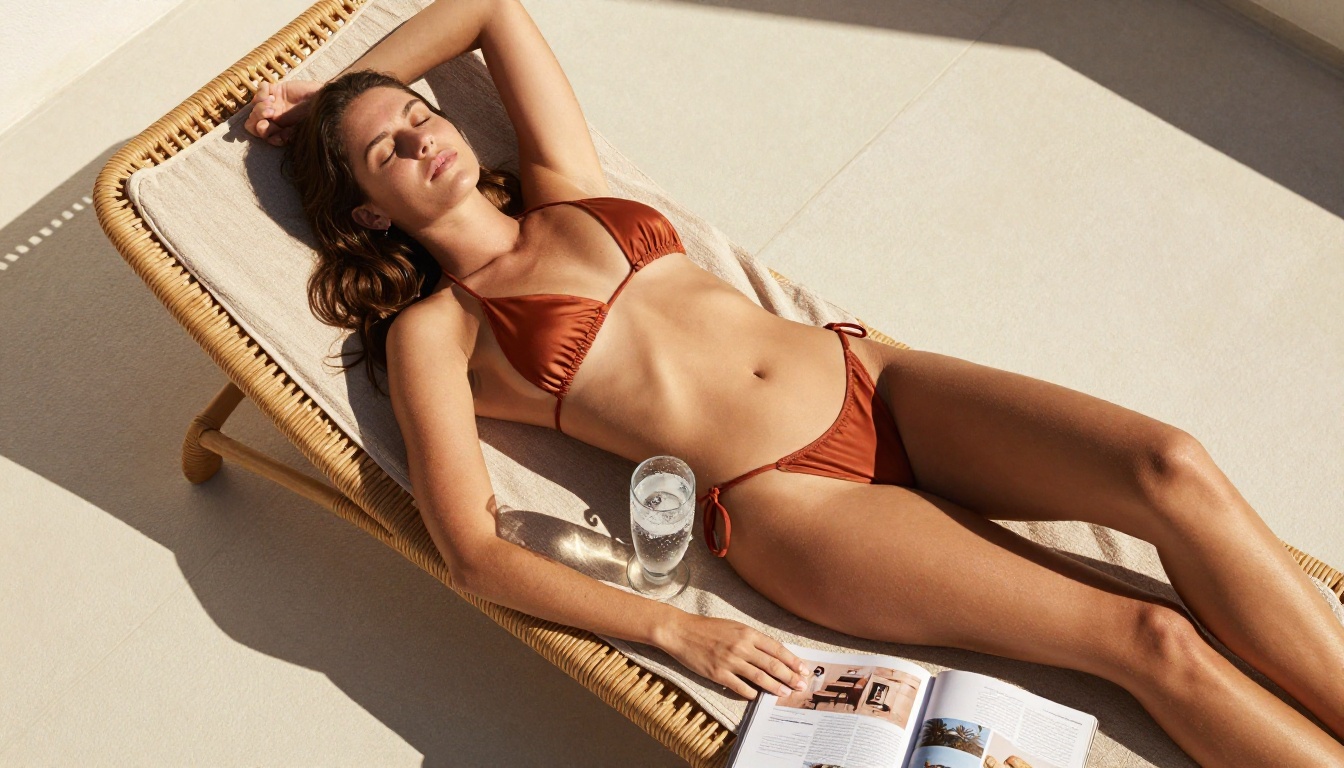
How does Qwen Image 2 Pro compare to the competition in real-world NSFW generation? Here is an honest, practical breakdown:
Qwen Image 2 vs. Seedream 4.5
Seedream 4.5 wins on raw visual quality for standalone text-to-image creation. At under 3 seconds per image it is also faster, and its photorealism is superior when generating from text prompts alone. However, Qwen Image 2 wins decisively on image editing precision — when you are modifying an existing photo and need the edit to blend seamlessly with the original, Qwen's multimodal training gives it a clear structural advantage.
Use Seedream 4.5 for: Original creation from text, highest visual quality per generation
Use Qwen Image 2 for: Editing real photos, precise multi-element instruction following on complex edits
Qwen Image 2 vs. P-Image
P-Image is a speed model — under 1 second per image. For rapid prototyping and high-volume draft creation, nothing on PicassoIA matches its throughput. But output quality on complex NSFW prompts is where Qwen Image 2 holds the advantage. P-Image is a sprint tool; Qwen is the right choice when the final image quality matters.
Qwen Image 2 vs. Grok Imagine Image
Grok Imagine Image handles the specific use case of format conversion (real photo to swimwear or bikini output) better than Qwen in most test scenarios. For that narrow use case, Grok is the sharper tool. For general NSFW creation and broader photo editing tasks, Qwen Image 2 is more versatile.
Where Qwen Image 2 Pro genuinely excels
- Editing uploaded photographs: Its combined image-in plus text-in workflow is the strongest available for precision modification of real photos
- Multi-clause prompt following: "Woman in a white bikini, reclining on a terrace, morning light from the left, wet hair, visible tan lines, photorealistic skin texture" — Qwen handles every element simultaneously without losing any clause
- Cross-iteration consistency: Run multiple variations on the same base image and Qwen maintains consistency better than most competing models at this generation tier
- Reliability without policy risk: As an open-source model, it does not disappear behind an unexpected API change, sudden policy reversal, or platform shutdown from a closed commercial provider
Start Creating Without Restrictions on PicassoIA

The answer to "is Qwen Image 2 Pro NSFW?" is clear: yes, the model supports adult content generation at the model level. The practical question is which platform lets you actually use that capability without fighting content filters, hidden restrictions, or silent prompt modifications.
PicassoIA gives you access to Qwen Image 2, Seedream 4.5, PicassoIA Image Editor Pro, Grok Imagine Image, Recraft V4, P-Image, and a broader roster of video and audio models — all from one platform, without hoops to jump through to access the capability you actually need.
For video creation alongside your NSFW images, PicassoIA Video offers unlimited video generation at up to 720p from text prompts, and P-Video takes it further with text, image, or audio to video at up to 1080p with its safety filter disabled by default. Grok Imagine Video generates clips up to 15 seconds with no watermarks, and LTX 2.3 Pro delivers up to 4K at 50fps for the highest-fidelity output on the platform.
If you are new to PicassoIA, begin with the free trial on PicassoIA Image Editor Pro — 3 full generations, no credit card, complete NSFW capability from the first prompt. Then move to Seedream 4.5 for high-quality text-to-image creation and Qwen Image 2 when you need to edit existing photos with precision. All uncensored, all high-performance, all available now.
Browse the full lineup of NSFW-capable AI models at picassoia.com/en/all-models. Pick your model, write your prompt, and create without limits.


